

Description
Motherboard with AM5 socket, DDR5 memory and Wi-Fi 6E
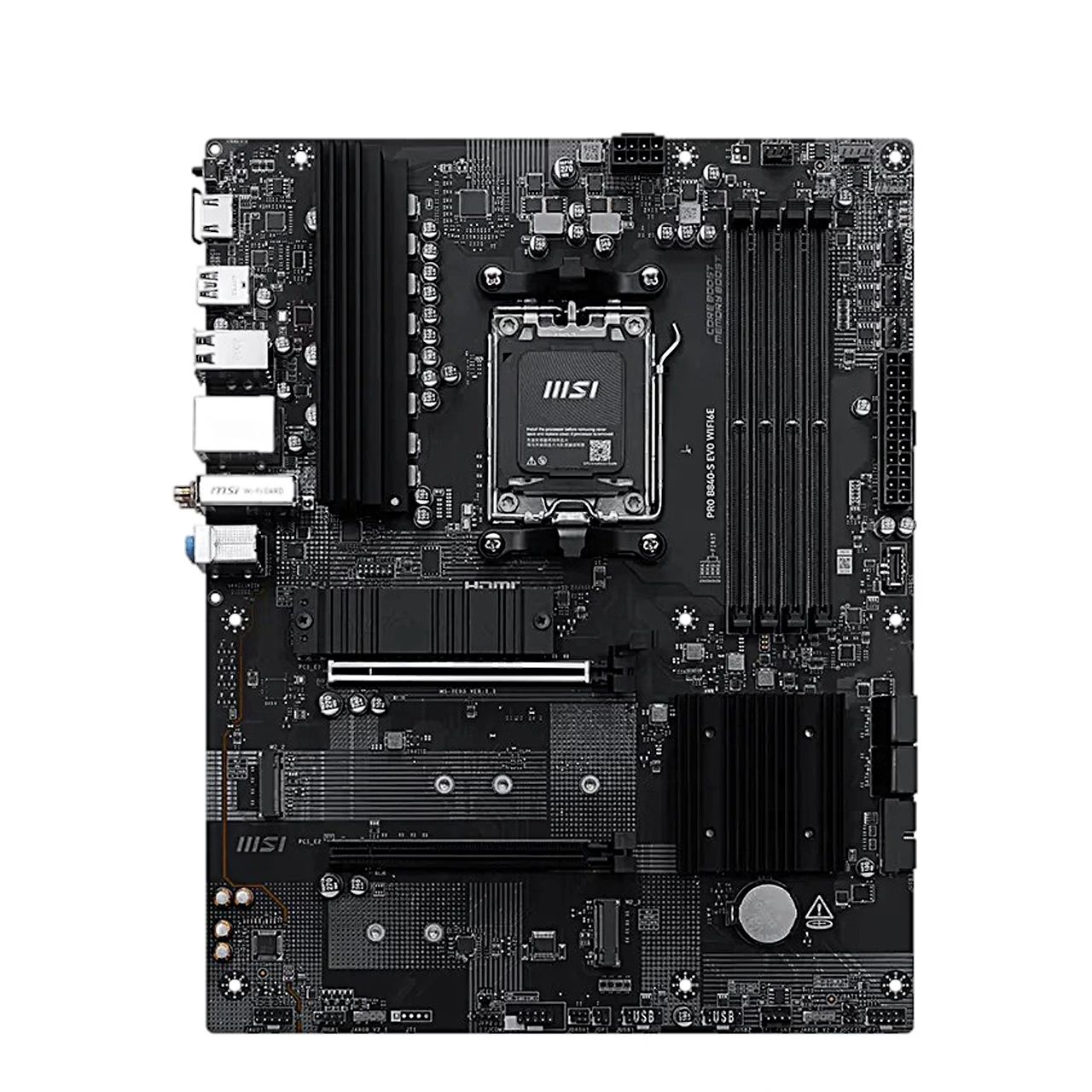
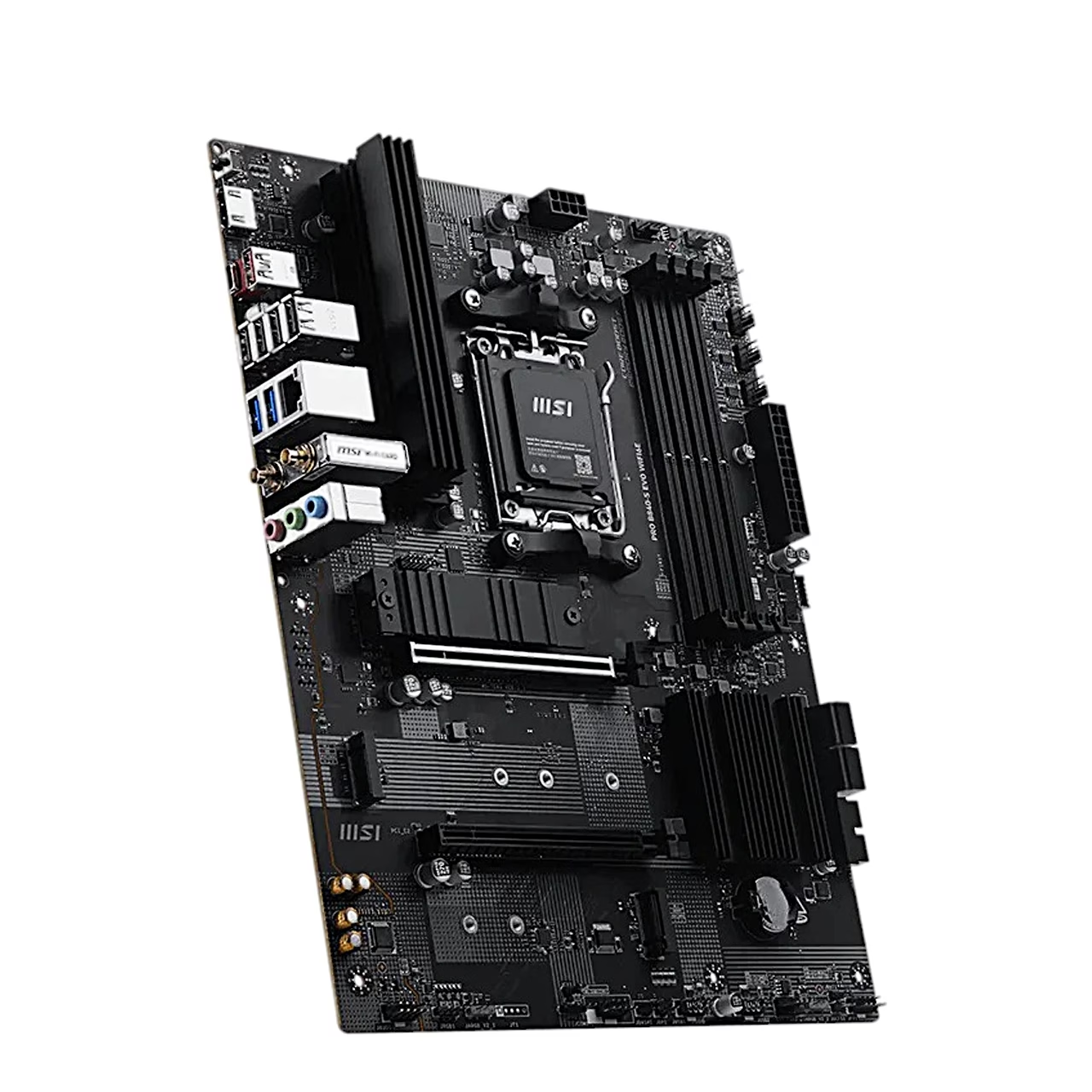
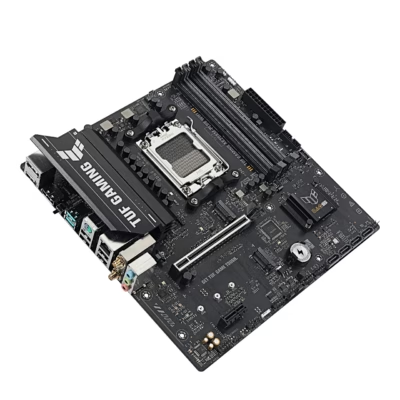
The MSI PRO B840-S EVO WIFI6E motherboard is an ATX board with the AM5 socket and the AMD B840 chipset and uses DDR5 memory. It takes AMD Ryzen 9000, 8000 and 7000 Series desktop processors. The four memory slots run in dual-channel mode and hold up to 256 GB in total, at up to 8000+ MT/s when overclocked.
Three M.2 slots and RAID support for storage
Slot M2_1 runs at PCIe 4.0 x4, M2_2 also at PCIe 4.0 x4 with a Ryzen 9000 or 7000 processor, and M2_3 at PCIe 3.0 x4. All three slots take 2260 and 2280 SSDs, and M2_2 also takes 22110 SSDs. The SSD in M2_1 is cooled by the M.2 Shield Frozr heatsink. The four SATA ports (6 Gb/s) support RAID 0, 1 and 10, and M.2 NVMe SSDs can be combined in RAID 0 or 1.
Wi-Fi 6E, Bluetooth 5.3 and 2.5 Gbit/s LAN
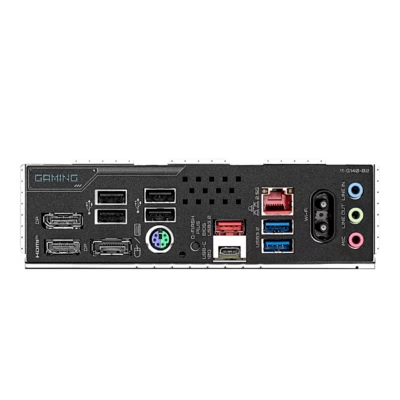
The wireless module comes pre-installed and supports the Wi-Fi 6E standard in the 2.4, 5 and 6 GHz bands at up to 2.4 Gbit/s; the 6 GHz band requires Windows 11. The Bluetooth version is 5.3. Wired networking uses a Realtek 8125D LAN controller at 2.5 Gbit/s. The rear HDMI output (HDMI 2.1) gives up to 4K 60 Hz with a processor that has integrated graphics. The Realtek ALC897 audio chip supports 7.1-channel sound.
Expansion slots, fans and lighting
The graphics card goes into the PCIe 4.0 x16 slot, and the EZ PCIe Clip II lock lets you release it with one finger. With a Ryzen 8500 or 8300 processor this slot runs in PCIe 4.0 x4 mode. The second expansion slot is PCIe 3.0 x4. Six 4-pin fan headers serve the CPU fan, a water pump and case fans, and the BIOS Smart Fan mode adjusts fan speed to the CPU or system temperature. For lighting there are three ARGB Gen2 headers and one 12 V RGB header.
Installing in the case
Fit the I/O shield in the case first, then place the board on the standoffs and tighten the screws to 0.3 N·m. Install a single memory module in DIMMA2, and two modules in DIMMA2 and DIMMB2. Connect the 24-pin ATX connector and the 8-pin CPU power connector. Screw the Wi-Fi antenna cables onto the rear antenna connectors and place the antenna as high as possible. The rear Clear CMOS button restores the BIOS defaults when you hold it for 5–10 seconds with the computer switched off.
In the box
- Motherboard MSI PRO B840-S EVO WIFI6E, 1 pc
- SATA cable, 1 pc
- EZ Wi-Fi antenna, 1 pc
- EZ M.2 Clip II, 3 pcs
- EZ M.2 Clip II Remover, 1 pc
- I/O shield, 1 pc
- Quick installation guide, 1 pc








































Reviews
There are no reviews yet.