

Description
Motherboard for the LGA 1700 socket and DDR5 memory in an ATX case
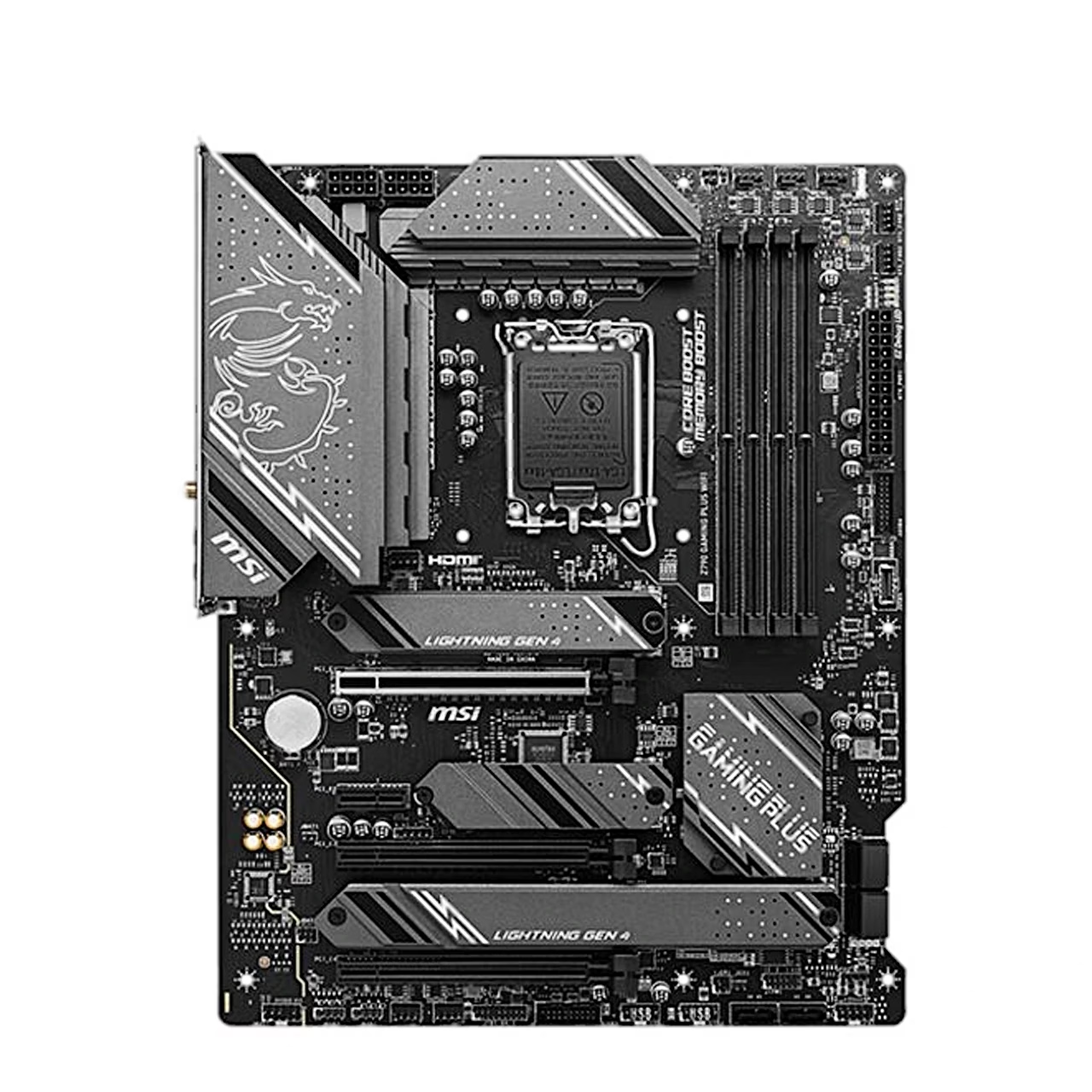
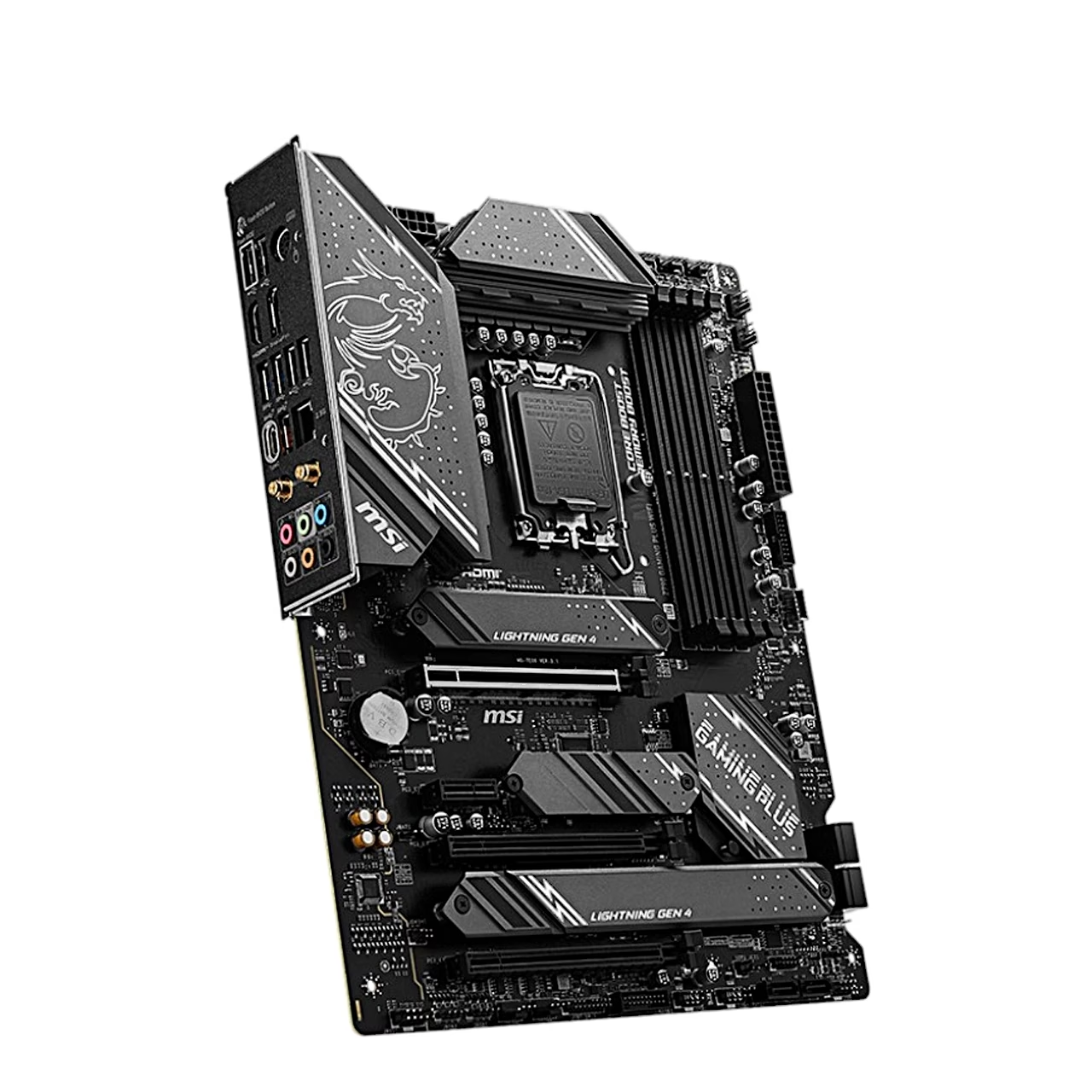
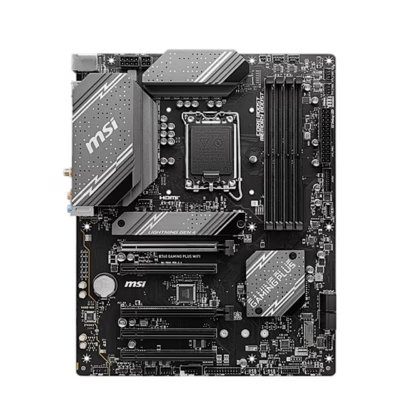
The MSI Z790 GAMING PLUS WIFI motherboard is an ATX board with the Intel Z790 chipset, an LGA 1700 socket and DDR5 memory. The socket takes 12th, 13th and 14th generation Intel Core, Intel Pentium Gold and Intel Celeron processors. The board measures 24.4 × 30.5 cm.
Memory and four M.2 slots
The four DIMM slots run in dual-channel mode and up to 7200+ MHz when overclocked, with Intel XMP 3.0 profile support. For SSDs there are four M.2 slots with PCIe 4.0 links, all with M.2 Shield Frozr heatsinks. Slot M2_1 takes 2242 to 22110 SSDs, the others 2242 to 2280 SSDs, and slots M2_3 and M2_4 also take SATA SSDs. There are also six SATA 6 Gbit/s ports and RAID 0, 1, 5 and 10 for both SATA and NVMe drives.
Wi-Fi 6E, 2.5 Gigabit LAN and expansion slots
The pre-installed Intel Wi-Fi 6E module works in the 2.4, 5 and 6 GHz bands at up to 2.4 Gbit/s and supports Bluetooth 5.3. An Intel 2.5 Gbit/s LAN controller handles wired networking. The graphics card goes into an x16 slot with a PCIe 5.0 link, and there is also one full-length slot with a PCIe 4.0 link and two PCIe 3.0 slots.
Rear panel, video outputs and audio
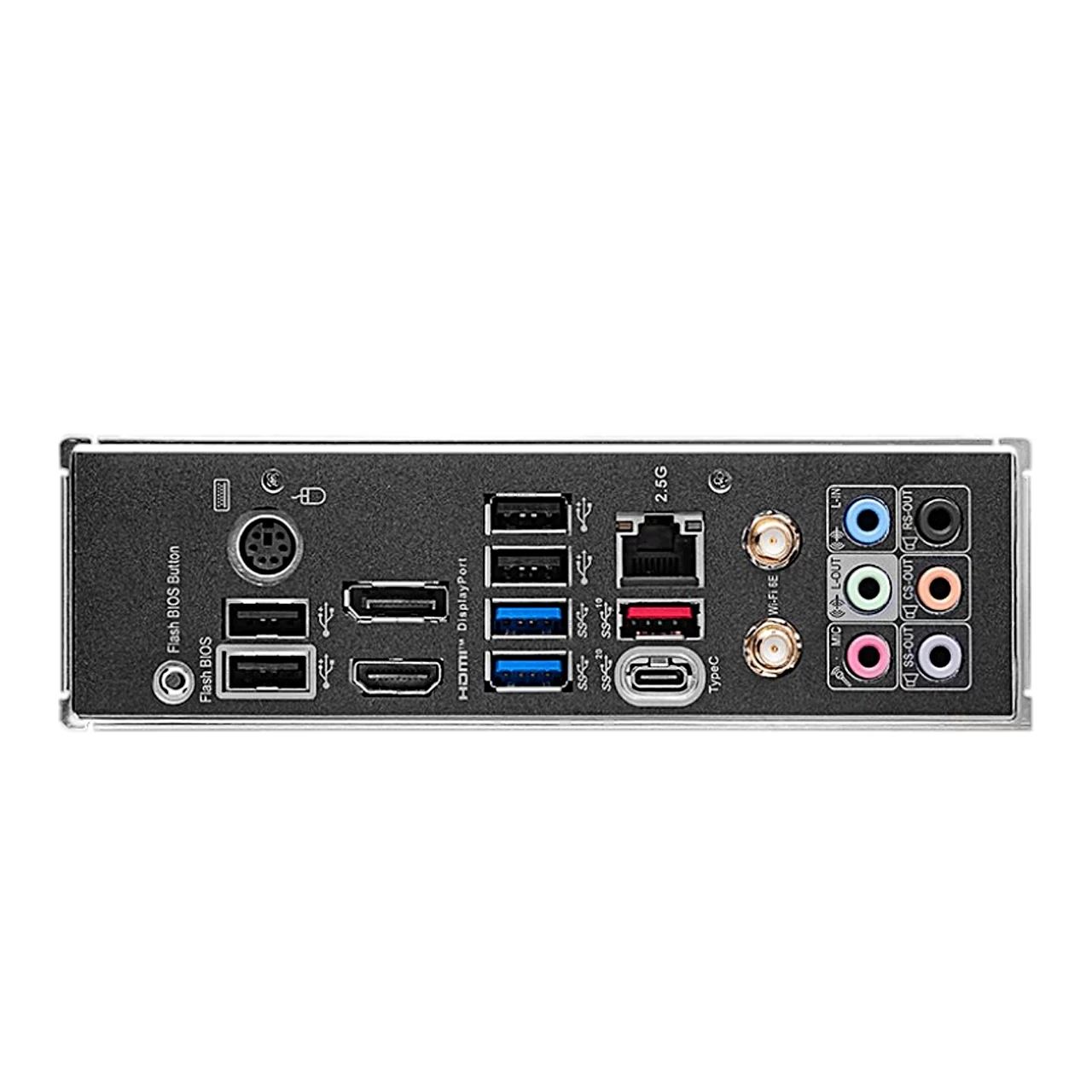
The rear panel has a 20 Gbit/s USB-C port (USB 3.2 Gen 2×2), a 10 Gbit/s USB 3.2 Gen 2 Type-A port, two 5 Gbit/s USB 3.2 Gen 1 ports, four USB 2.0 ports and a PS/2 port. With a processor that has integrated graphics, the HDMI 2.1 and DisplayPort 1.4 outputs show up to 4K at 60 Hz. Audio runs on a Realtek ALC897 codec with 7.1-channel output and six audio jacks. A 10 Gbit/s USB 3.2 Gen 2 header serves a front-panel USB-C port.
Fans, lighting and debug LEDs
The board has one CPU fan header, one liquid cooling pump header and six case fan headers, with fan speed controlled in the BIOS. Lighting connects to two 12 V RGB headers and two 5 V A-RAINBOW V2 ARGB headers. Four EZ Debug LEDs show whether a fault lies with the processor, memory, graphics or boot device.
Installation
Fit a single memory module in slot DIMMA2, and two modules in DIMMA2 and DIMMB2. For an M.2 SSD, remove the slot heatsink, insert the SSD at a 30-degree angle and secure it with the EZ M.2 clip. Screw the Wi-Fi antenna cables onto the antenna connectors and place the antenna as high as possible.
In the box
- Motherboard MSI Z790 GAMING PLUS WIFI, 1 pc
- Wi-Fi antenna set, 1 pc
- SATA 6 Gbit/s cable, 2 pcs
- EZ M.2 clip pack, 2 pcs
- M.2 screw and standoff pack, 1 pc
- Quick installation guide, 1 pc
- EU regulatory notices, 1 pc





































Reviews
There are no reviews yet.