

Description
With the interactive board you write and draw with your finger or a pen
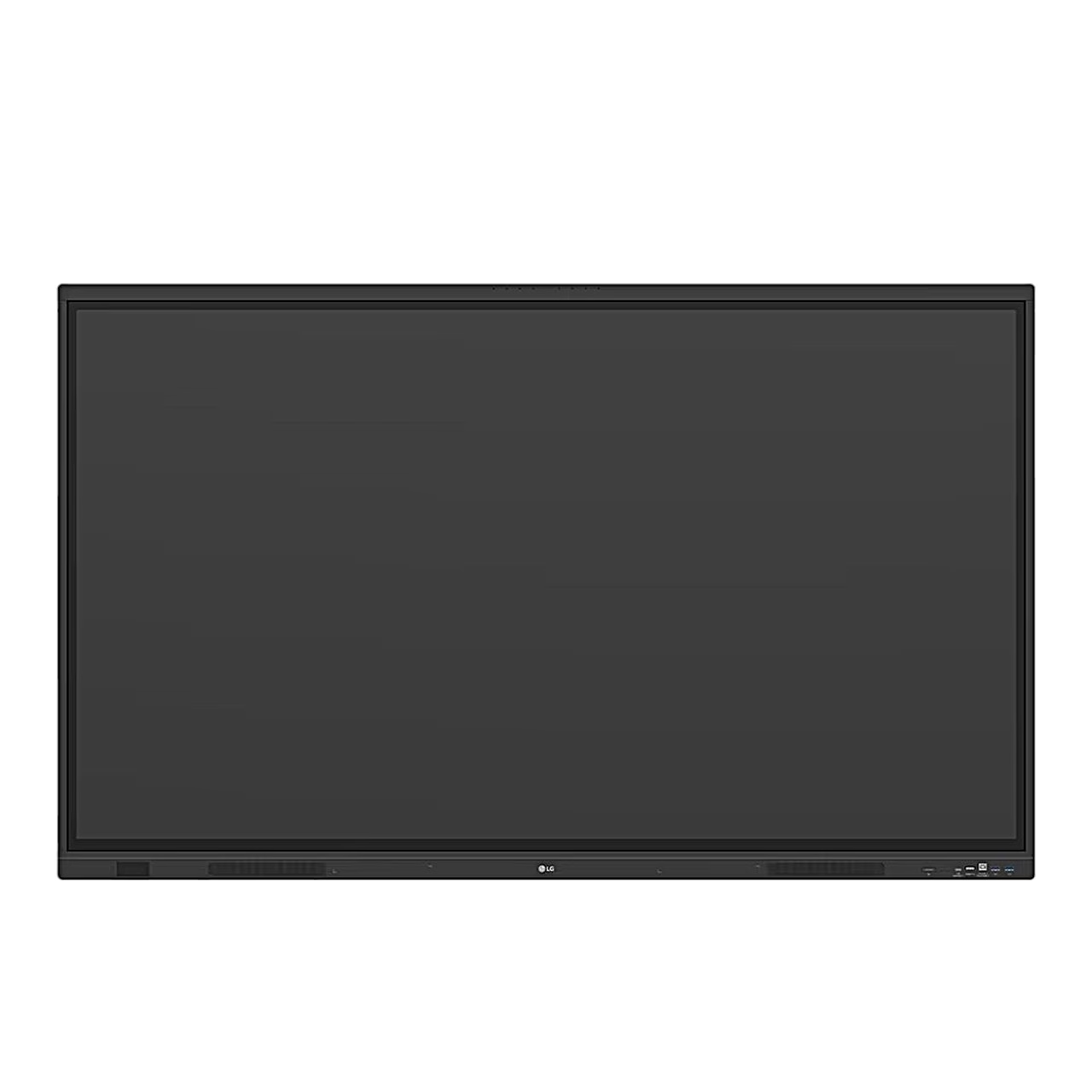
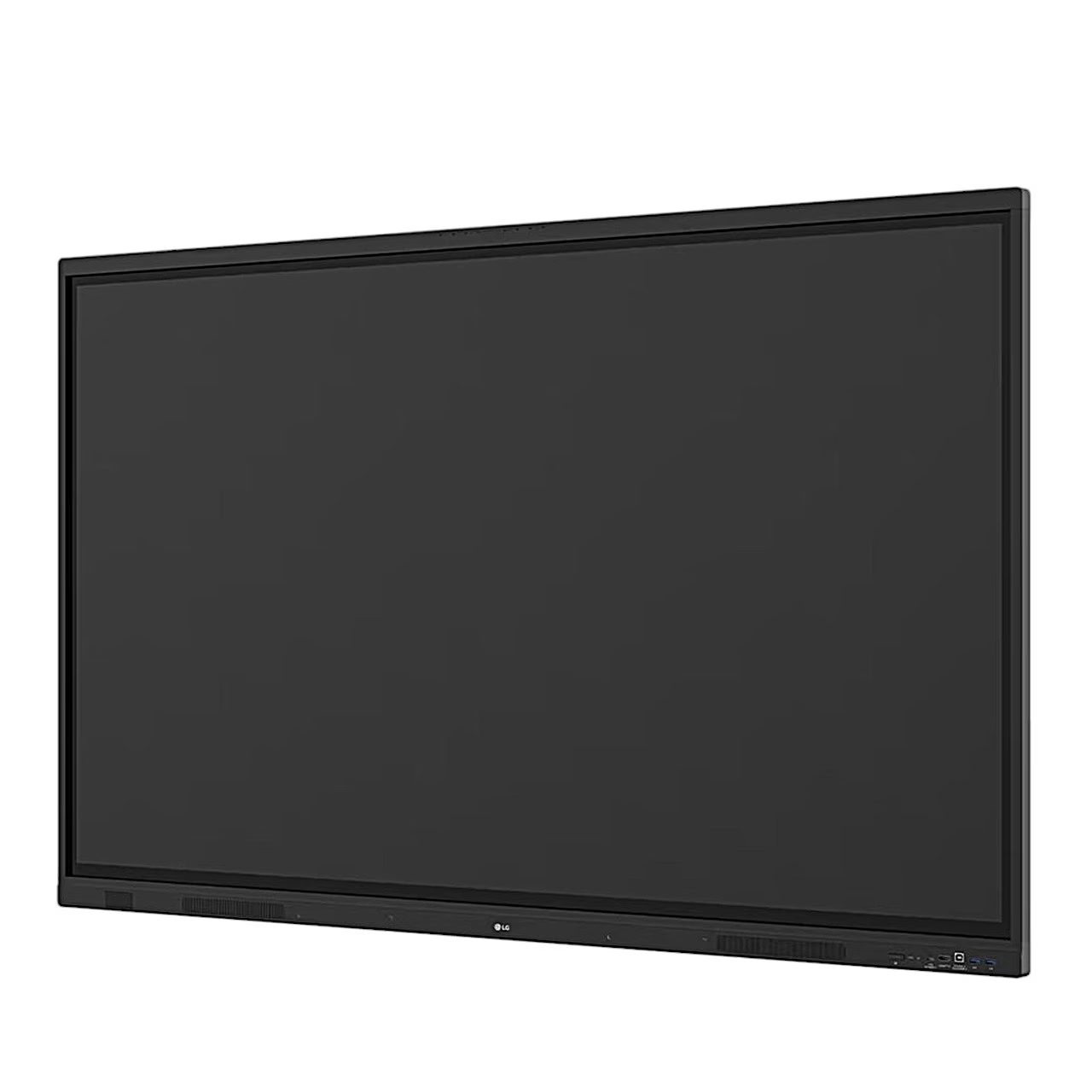
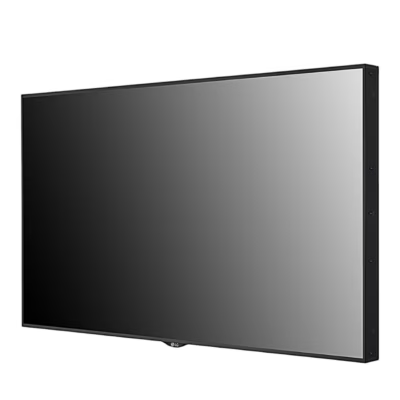
The LG 65TR3DQ-B interactive board belongs to the LG CreateBoard series, and you can write, draw, zoom and rotate with your fingers on it. The screen recognises up to 50 touch points at once and responds to touch within 5 ms. The front glass is 3.2 mm thick, toughened and anti-reflective.
Two pens and CreateBoard tools
With the two included pens, two people can write at the same time, each in their own colour. The pen has a 3 mm tip for fine lines and a 7 mm tip for large letters, and the pen is stored in a magnetic holder. CreateBoard includes teaching templates and tools for a ruler, a table, a calculator, a clock and sticky notes. You can save finished material to Google Drive or OneDrive, send it by e-mail, or load it to your phone with a QR code.
Android 14 and OPS slot
The board runs on Android 14 with Google Play Store, with an octa-core A311D2 processor, 8 GB of RAM and 64 GB of storage. It connects to the network via Gigabit LAN or Wi-Fi 6E, and also has Bluetooth 5.3 and an NFC sensor. A built-in computer can be installed in the OPS slot and receives its power from the board. LG provides security updates for the board until 31 December 2030.
Connections and sound
Picture inputs are three HDMI sockets, one of them at the front, plus DisplayPort and VGA, and there is an HDMI output, five USB 3.0 sockets, one USB 2.0 socket and two USB-C sockets. The front USB-C socket transmits the picture and provides power up to 65 W. The speakers have an RMS output of 2 × 18 W, the subwoofer 18 W, and the screen has 8 microphones.
Mounting and Wi-Fi module
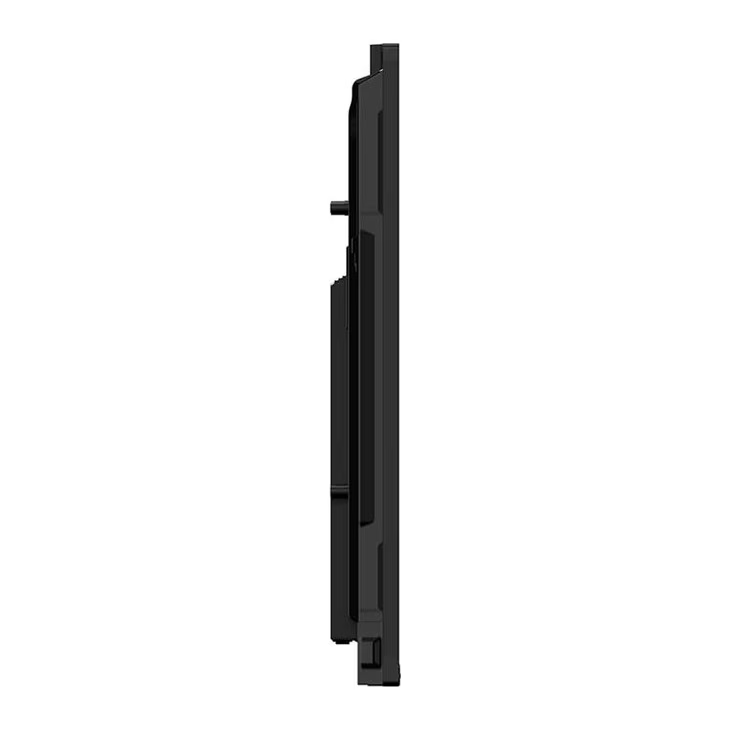
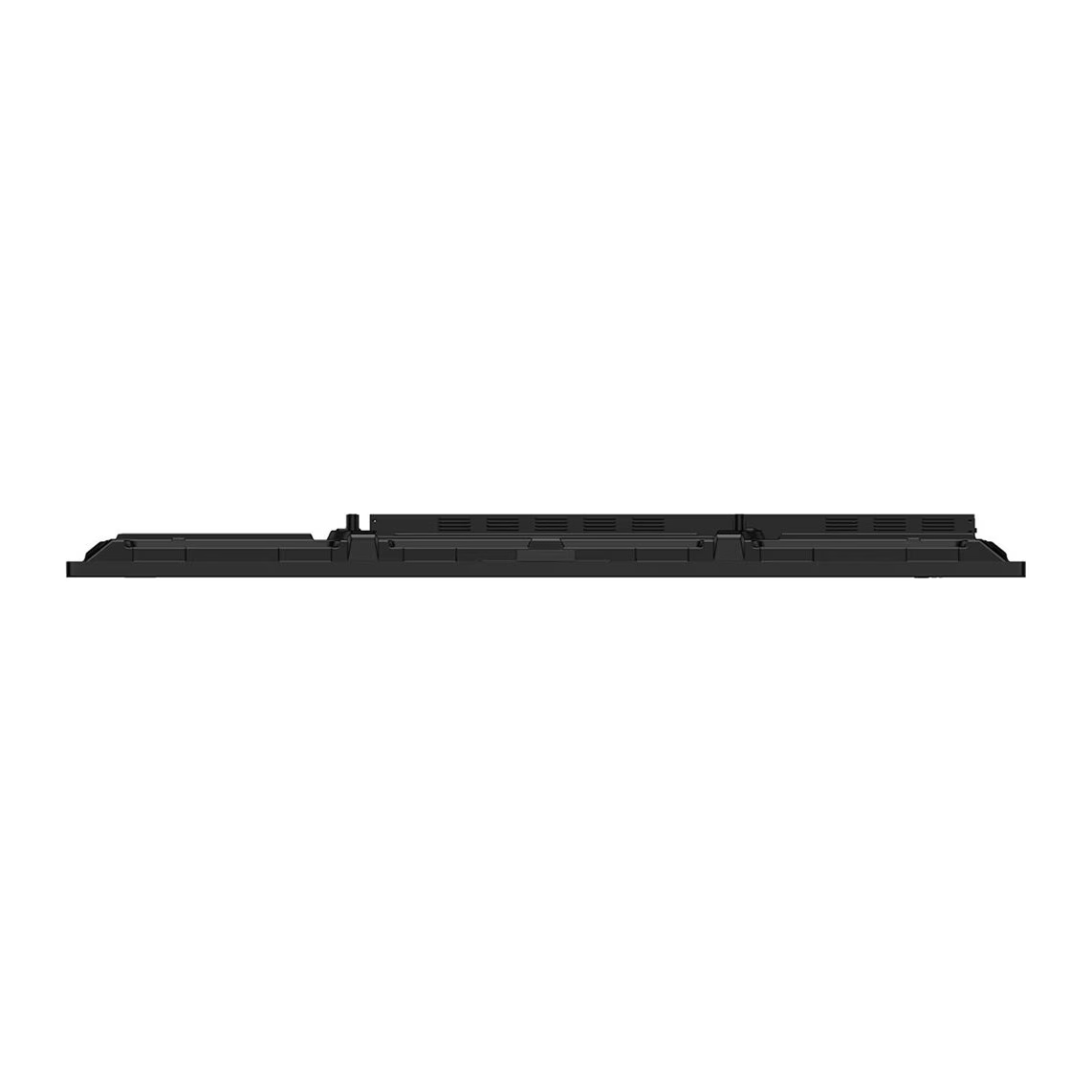
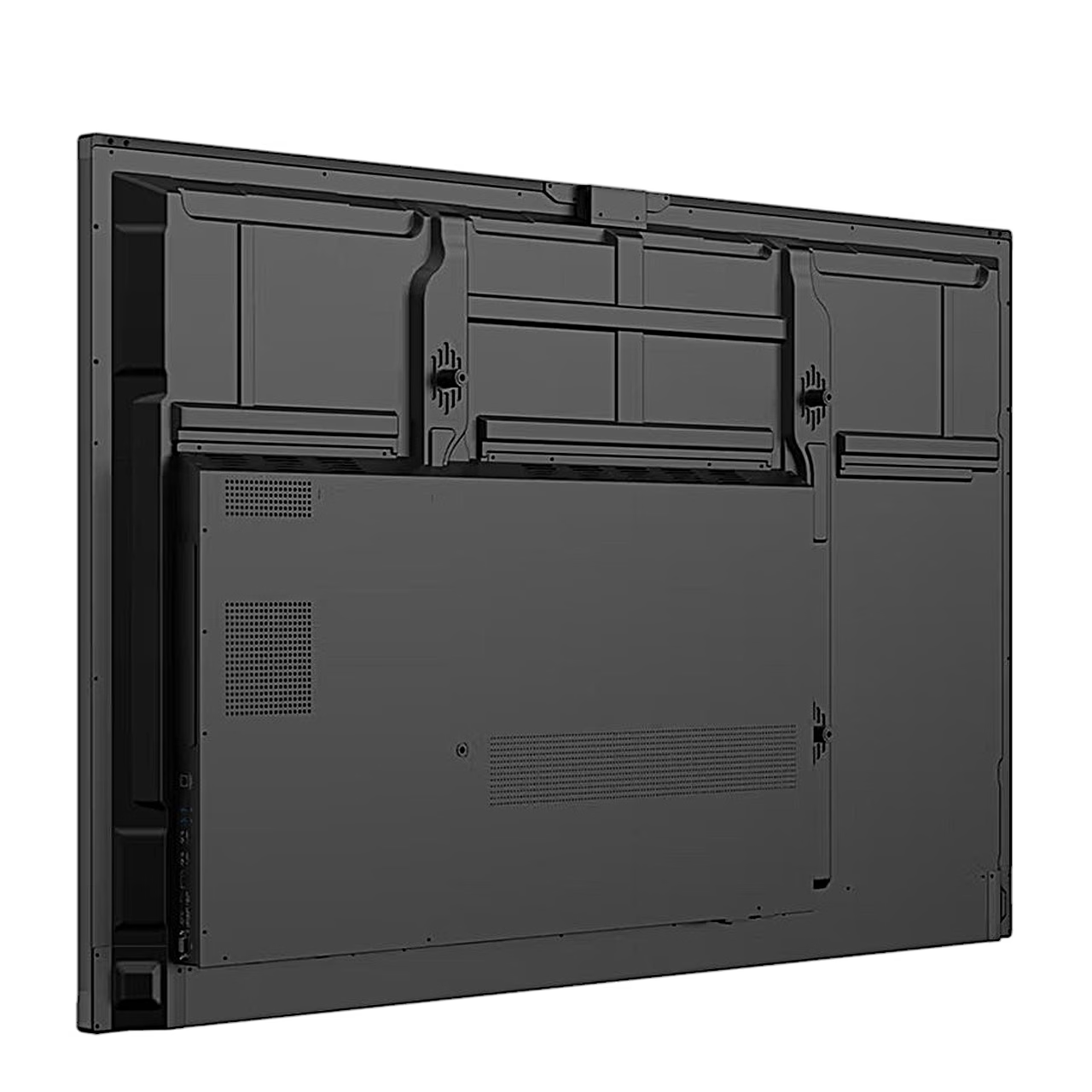
For wall mounting, the back of the board has a VESA 600 × 400 mounting interface for four M8 screws up to 25 mm long. Leave at least 10 cm of free space all round the board for ventilation. To add the Wi-Fi module, remove the power cable, unscrew the module cover under the board and slide the module into the socket in the direction of the arrow; the module starts working the next time the board is switched on.
Cleaning and maintenance
To clean, disconnect the power cable and gently wipe the screen with a soft cloth. To clean the front frame, spray water onto the cloth 2–4 times and wipe in one direction. You replace a worn pen tip yourself: pull the old tip out with tweezers and push a new tip into the pen.
Included
- LG 65TR3DQ-B interactive board, 1 pc
- 2 touch pens and spare tips
- Remote control and 2 AAA batteries
- Wi-Fi module
- Power cable, 3 m
- HDMI cable, 3 m
- USB touch cable (A–B), 5 m
- USB-C cable, 1.8 m
- User manual and quick guide







































Reviews
There are no reviews yet.