

Description
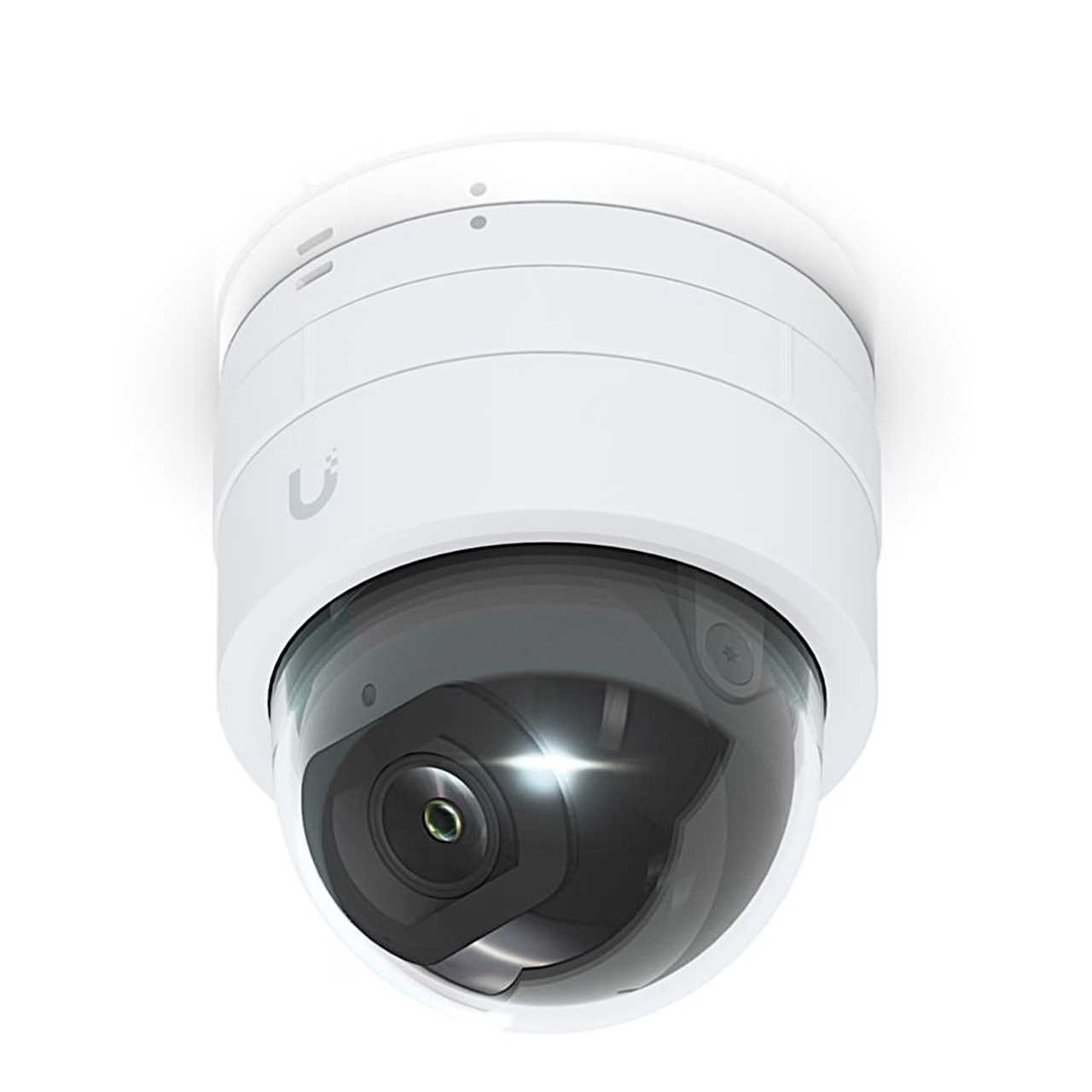
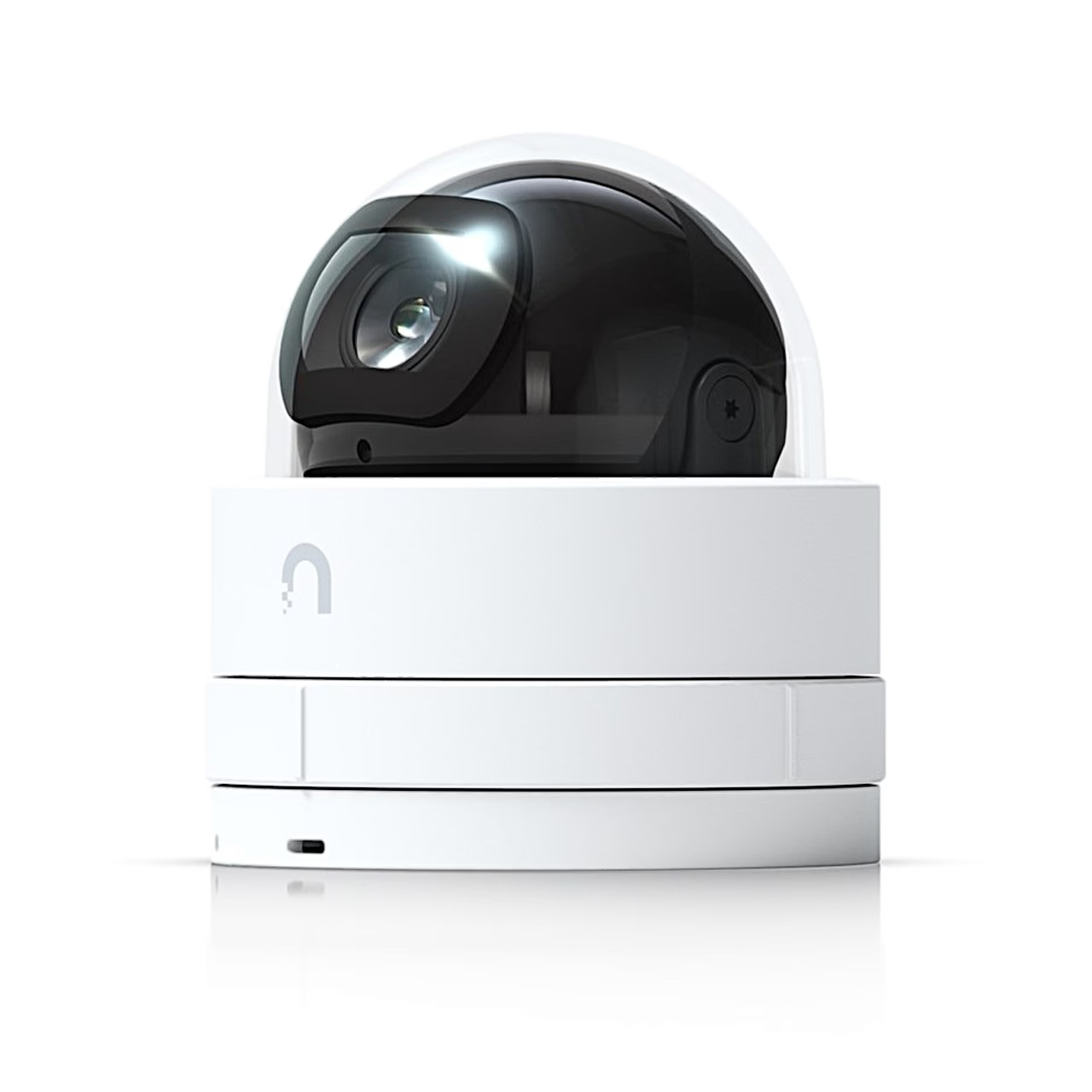
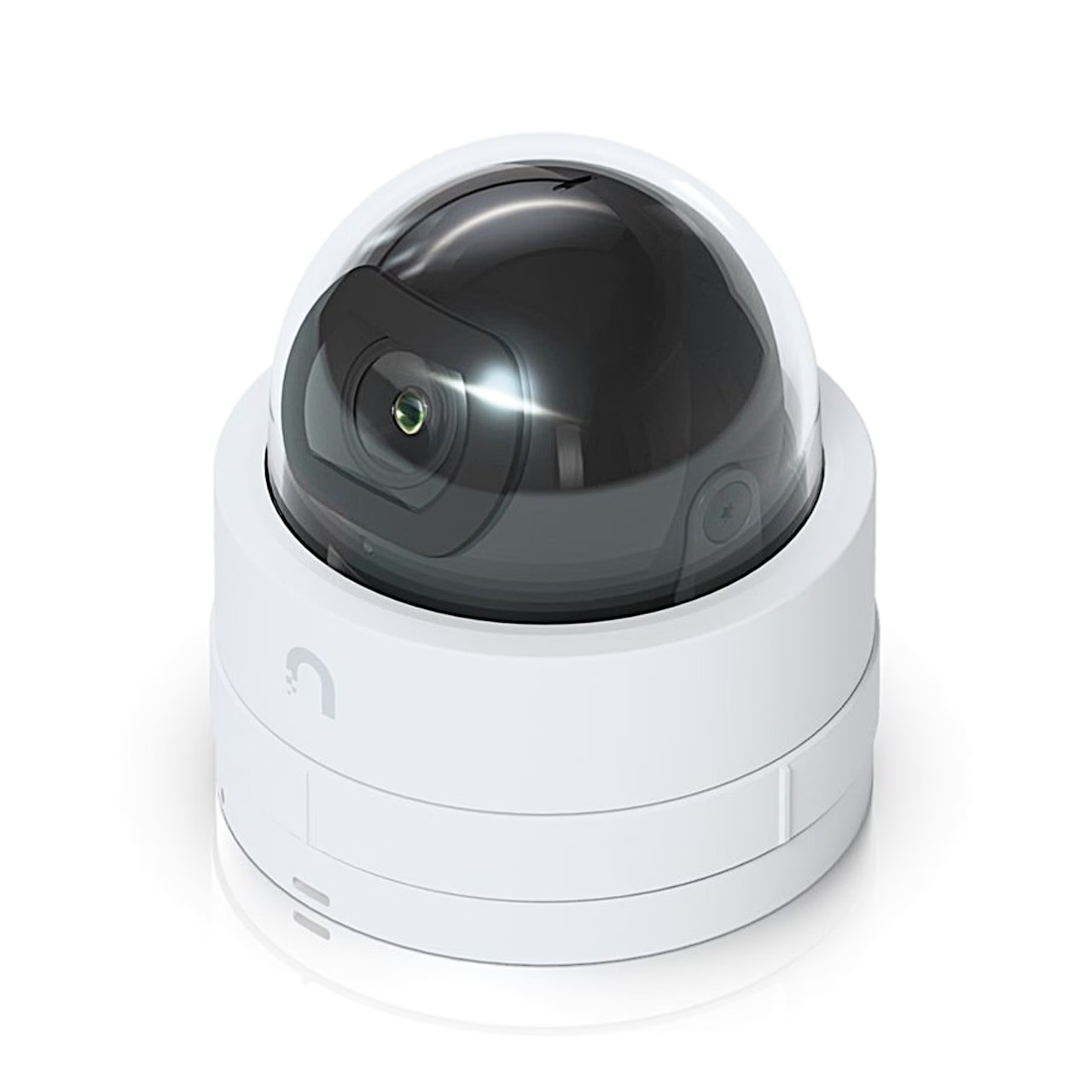
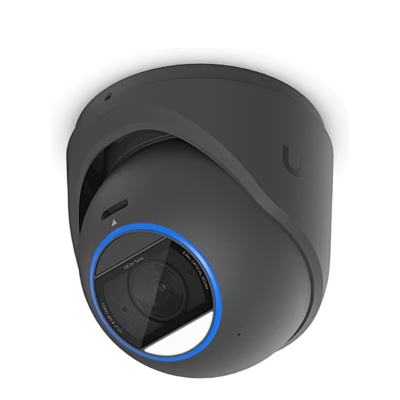
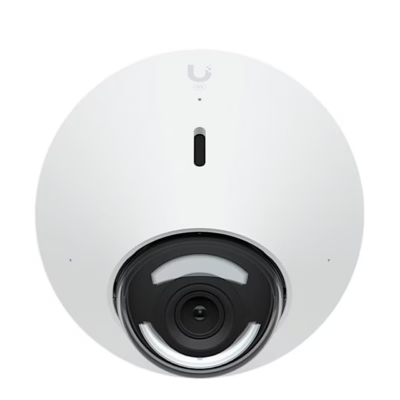
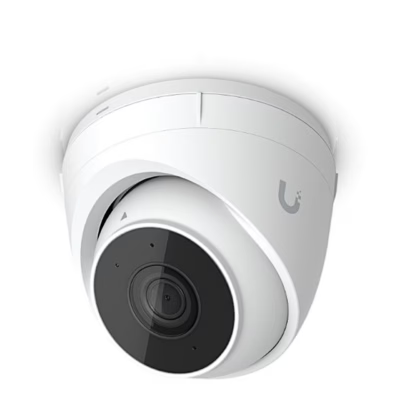
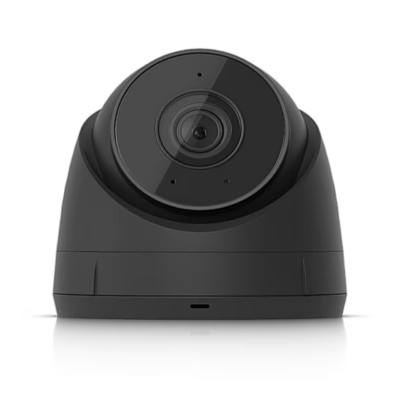
IP security camera with dome housing and night vision
This PoE IP security camera uses a 1/2.4″ CMOS image sensor and records H.264 video at 30 frames per second. The lens covers 102.4° horizontally, 54.9° vertically and 120.6° diagonally. In the dark, infrared LEDs light the field of view and an IR cut filter switches between day and night mode.
Housing and operating conditions
The housing is made of aluminium, polycarbonate and stainless steel, with a clear dome over the camera. The camera operates from -20 to 40 °C at 10–90% relative humidity. Outdoors, mount it under a roof or eave where rain does not fall on it directly.
Managing the camera in UniFi Protect
The camera is set up and viewed in the UniFi Protect app, available from the App Store and Google Play. Contrast, colour depth, brightness and sharpness can be adjusted, with 2D or 3D noise reduction. Privacy masks and a text overlay can be added to the image.
Installation
The camera mounts on a ceiling or wall.
- Mark the screw holes and the cable hole with the template.
- Drill the holes and the cable hole.
- Feed the network cable through the mounting bracket and the back ring, and fix the bracket with two screws and nuts.
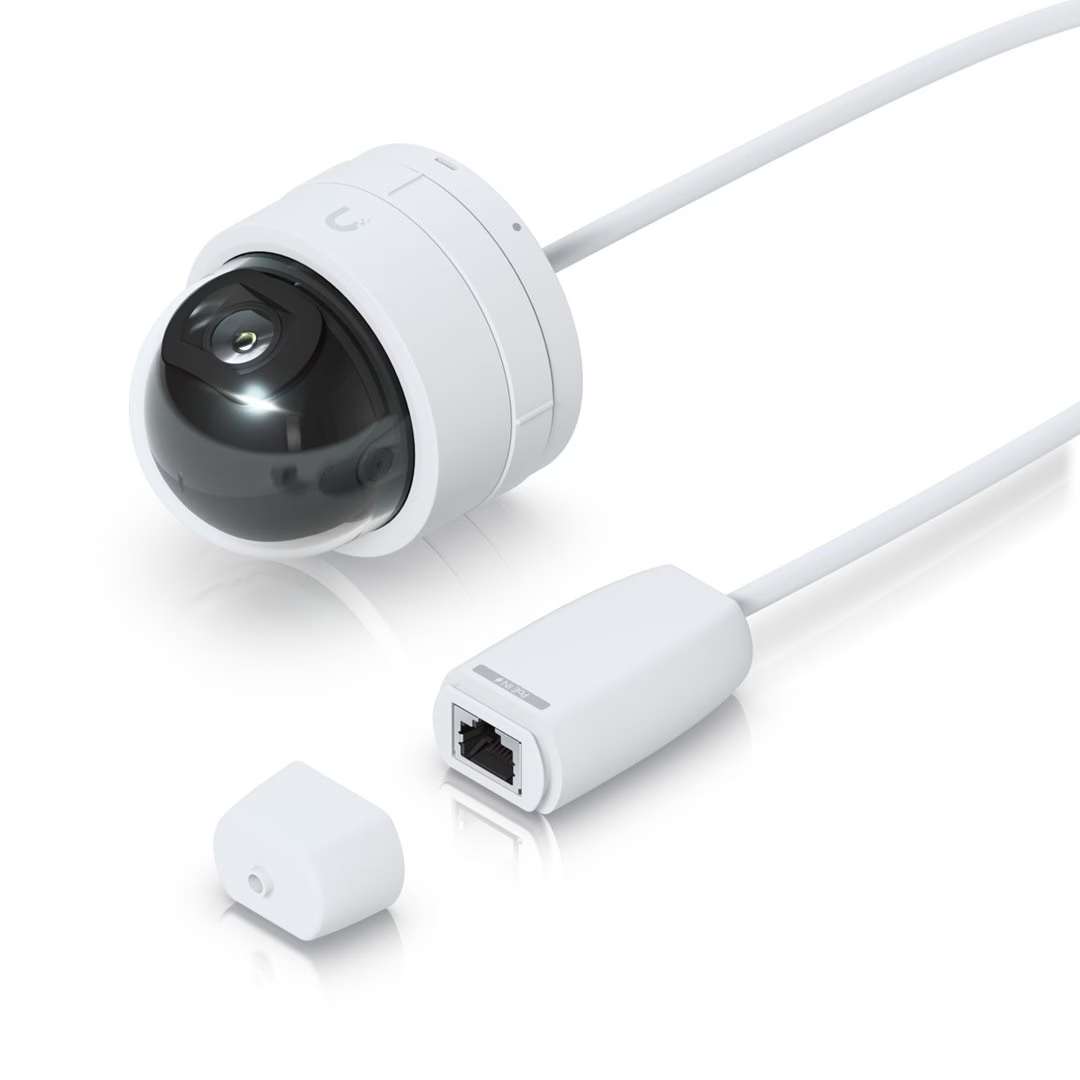
- Plug the network cable’s RJ45 connector into the coupler on the camera cable and close the coupler cover.
- Place the camera on the bracket and twist it until it locks.
- Aim the camera, lock its position with the hex key and fit the dome with the logos aligned.
In the box
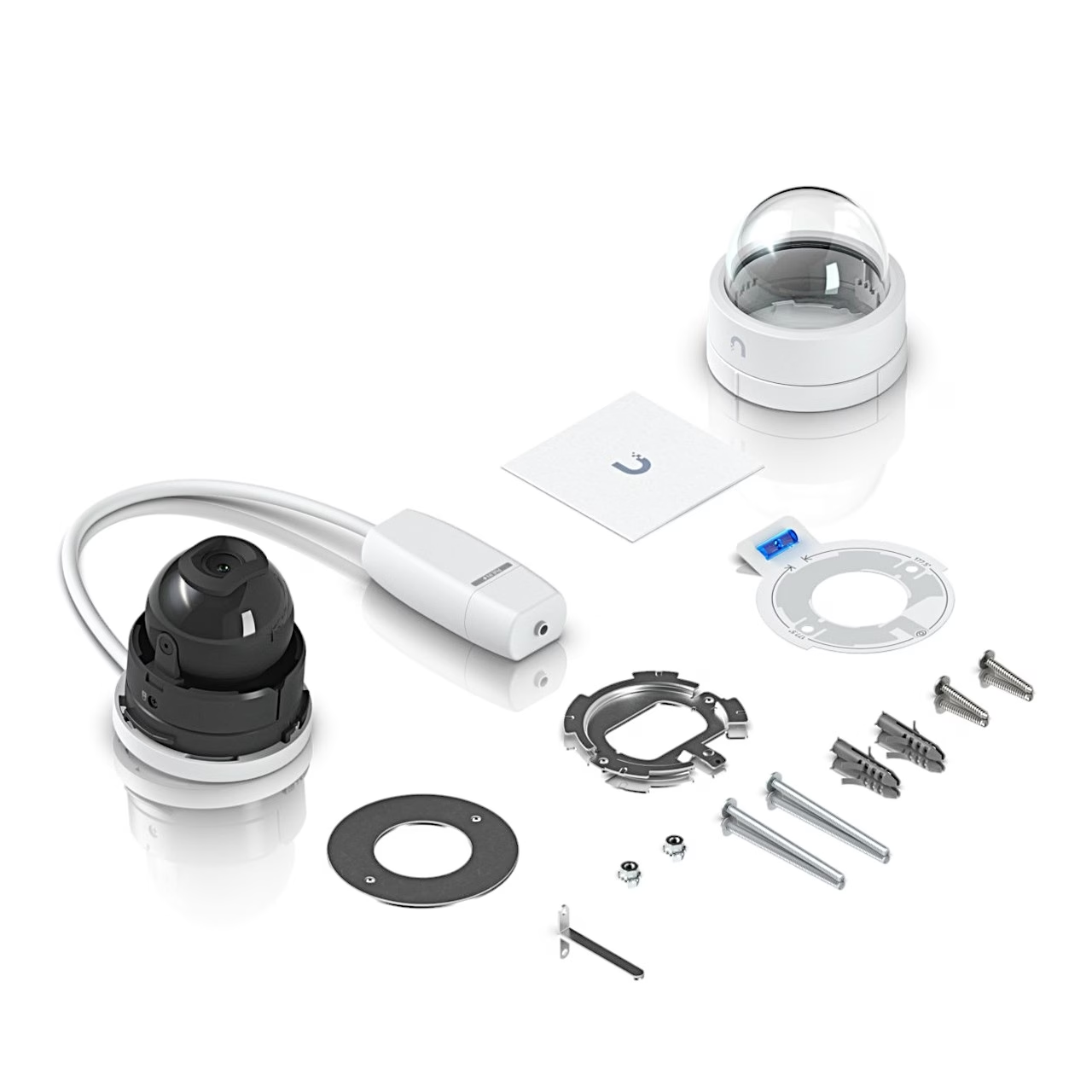
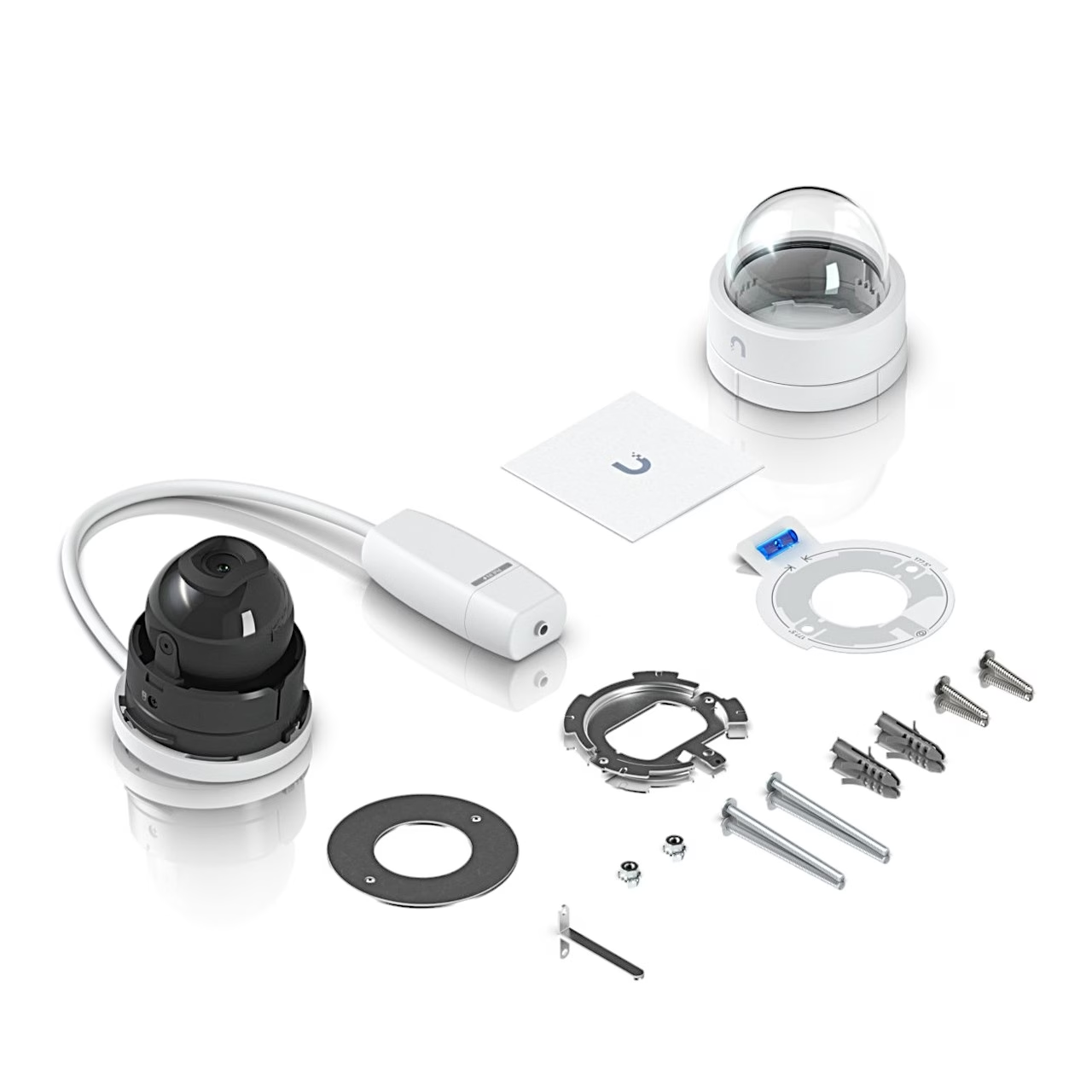
- Security camera with cable and RJ45 coupler
- Dome cover
- Mounting template
- Mounting bracket and back ring
- 2 screws and 2 nuts
- Hex key






































Reviews
There are no reviews yet.