

Description
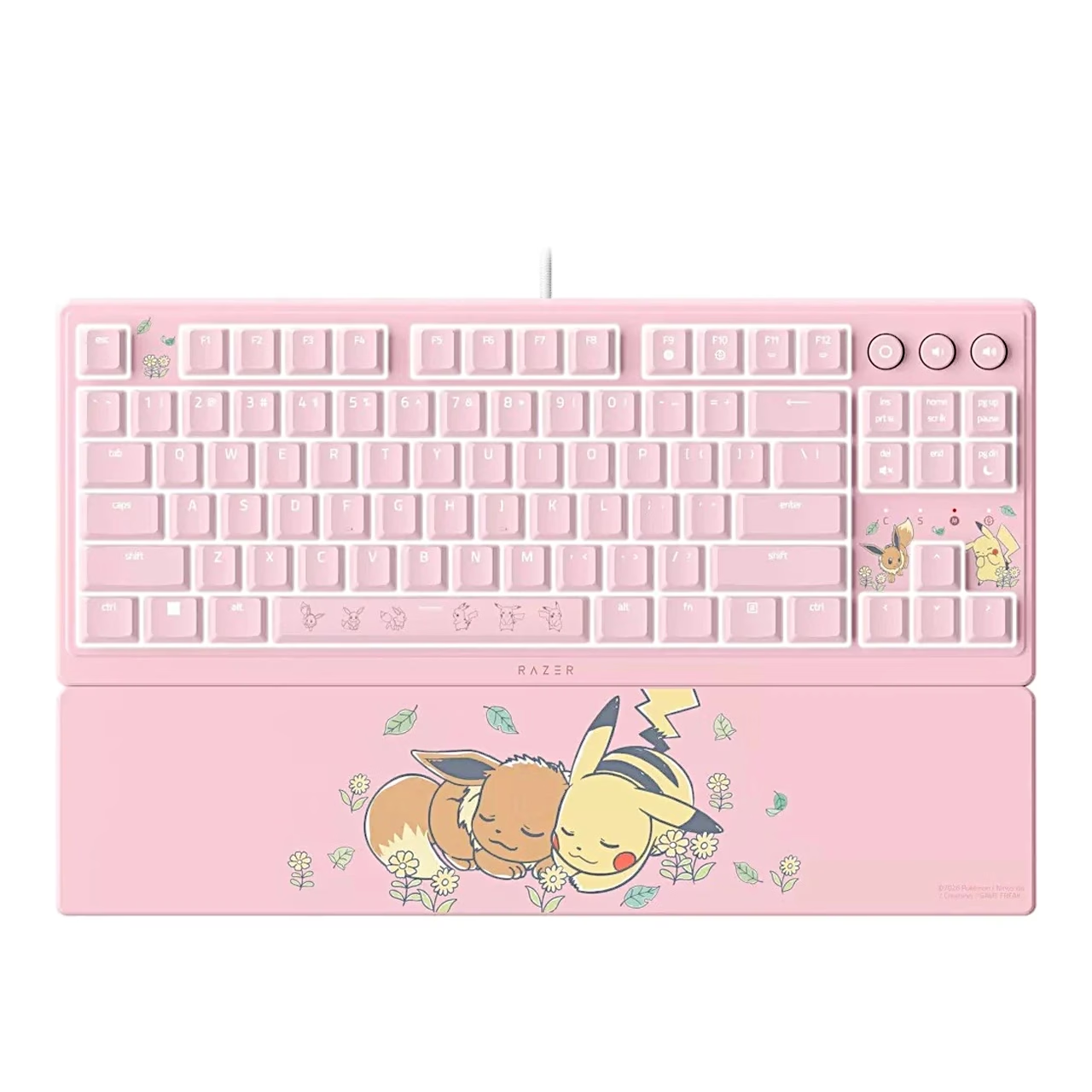
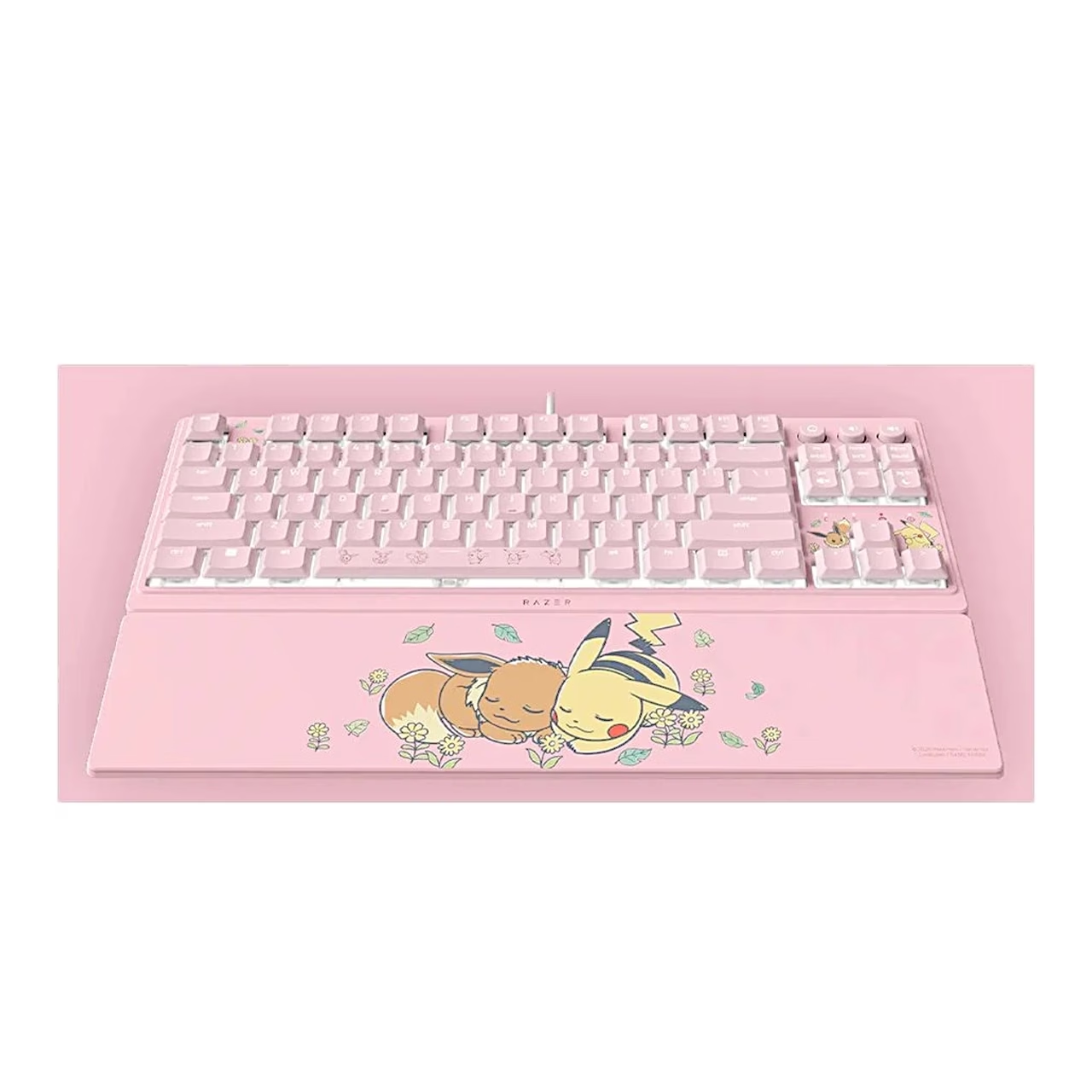
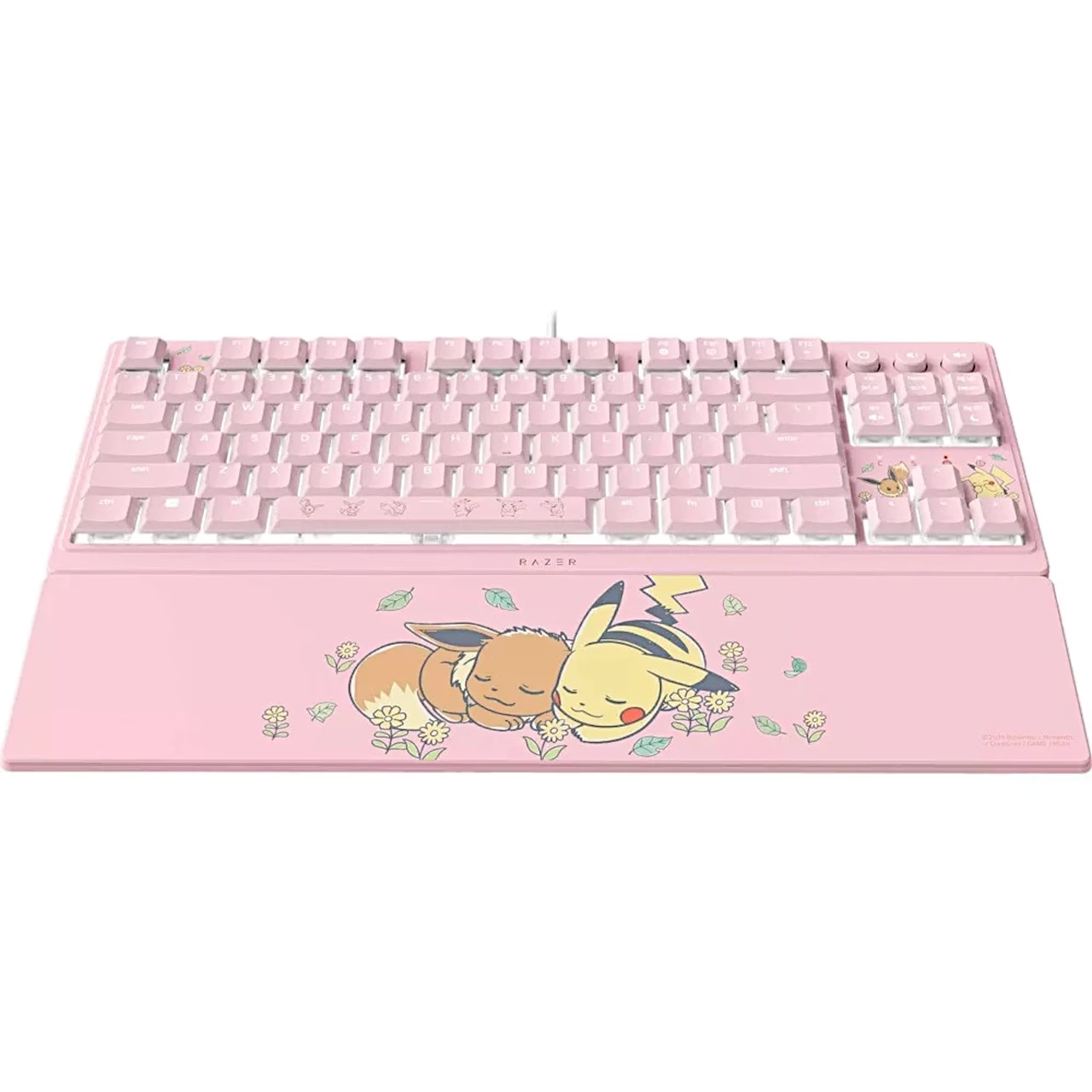
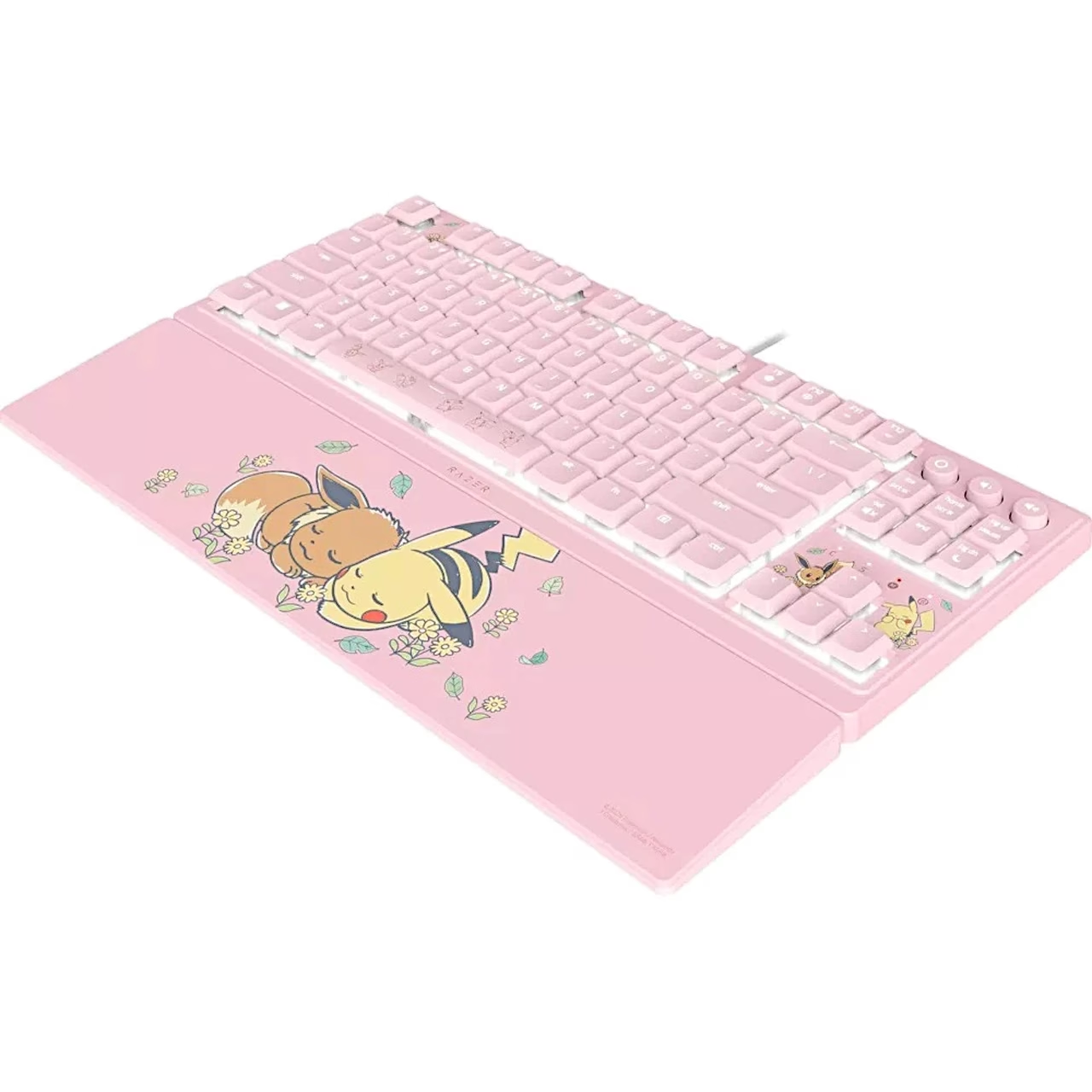
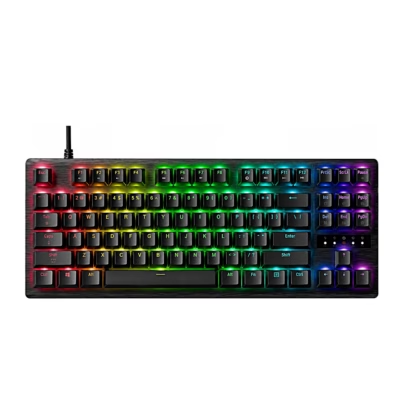
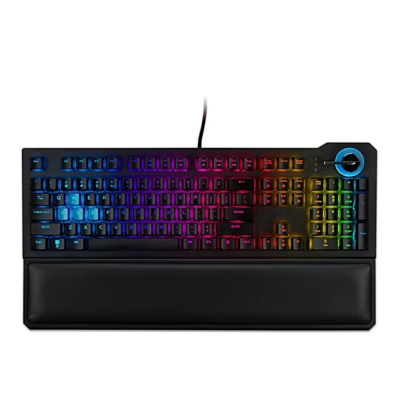
This wired gaming keyboard has low-profile keys with slimmer keycaps and shorter switches that keep your hands in a more natural position. The supplied magnetic wrist rest attaches to the front edge of the keyboard and supports your wrists during longer sessions.
Gaming keyboard with Mecha-Membrane switches
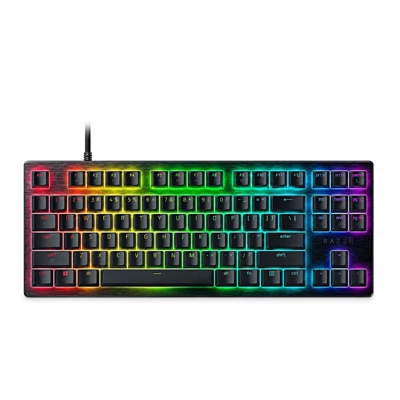
Razer Mecha-Membrane is a hybrid switch that combines the distinct click and tactile feedback of a mechanical switch with the soft press of a membrane keyboard. The keyboard is in a tenkeyless (TKL) format, and its UV-coated keycaps protect the legends from fading and wear.
RGB lighting and media buttons
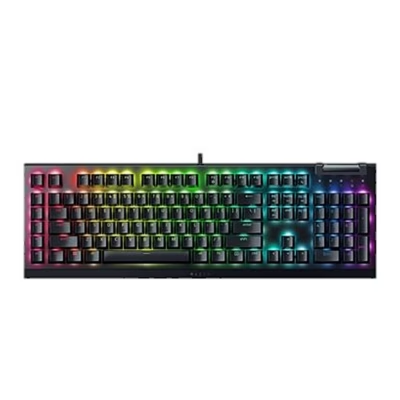
Razer Chroma RGB lighting has 8 zones and 16.8 million colours; you select the Static, Breathing, Spectrum cycling and Wave effects with fn + ctrl + 2–5 and adjust brightness with fn + F11 and F12. At the top right is a backlit media button that plays or pauses with one press, skips to the next track with two and returns to the previous track with three, next to two volume buttons. You mute audio with fn + del and put the computer to sleep with fn + PgDn.
Gaming mode, macros and Razer Synapse
Gaming mode (fn + F10) disables the Windows key, the Menu key and the Alt + Tab and Alt + F4 combinations while you play. With fn + F9 you record a macro directly on the keyboard while Razer Synapse is running on the computer. In Razer Synapse 4 you can remap keys, use Hypershift as a second key layer and enable Snap Tap, which prioritises the most recently pressed of two selected keys without releasing the first.
Use
Plug the keyboard’s USB-A connector into a USB-A port on the computer and attach the wrist rest magnetically to the front edge of the keyboard. You can install the Razer Synapse setup app from the prompt on your computer or from razer.com/synapse; this requires Windows 10 64-bit or later and an internet connection. The underside has two kickstand feet and cable routing channels.
Cleaning and care
Clean the keyboard once a month: unplug it from the computer and wipe it with a soft cloth or cotton swab without soap or harsh cleaning agents.
In the box
- Razer Ornata V3 TKL Pikachu & Eevee Edition keyboard
- Magnetic wrist rest
- Product information guide

















































Reviews
There are no reviews yet.