Mice
Choosing a computer mouse: connection, purpose and hand fit
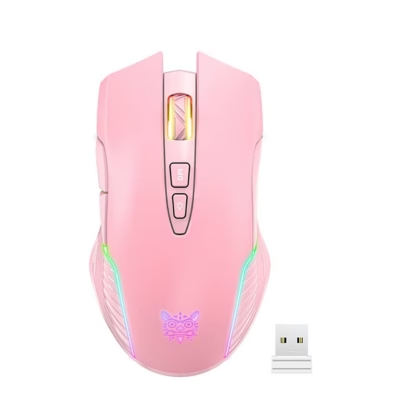
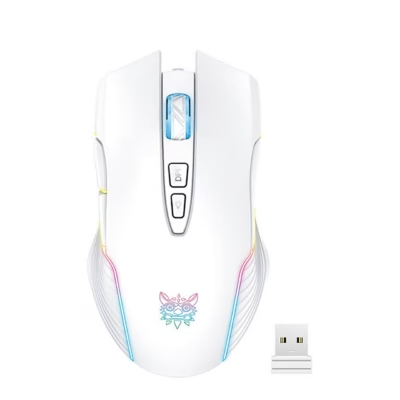
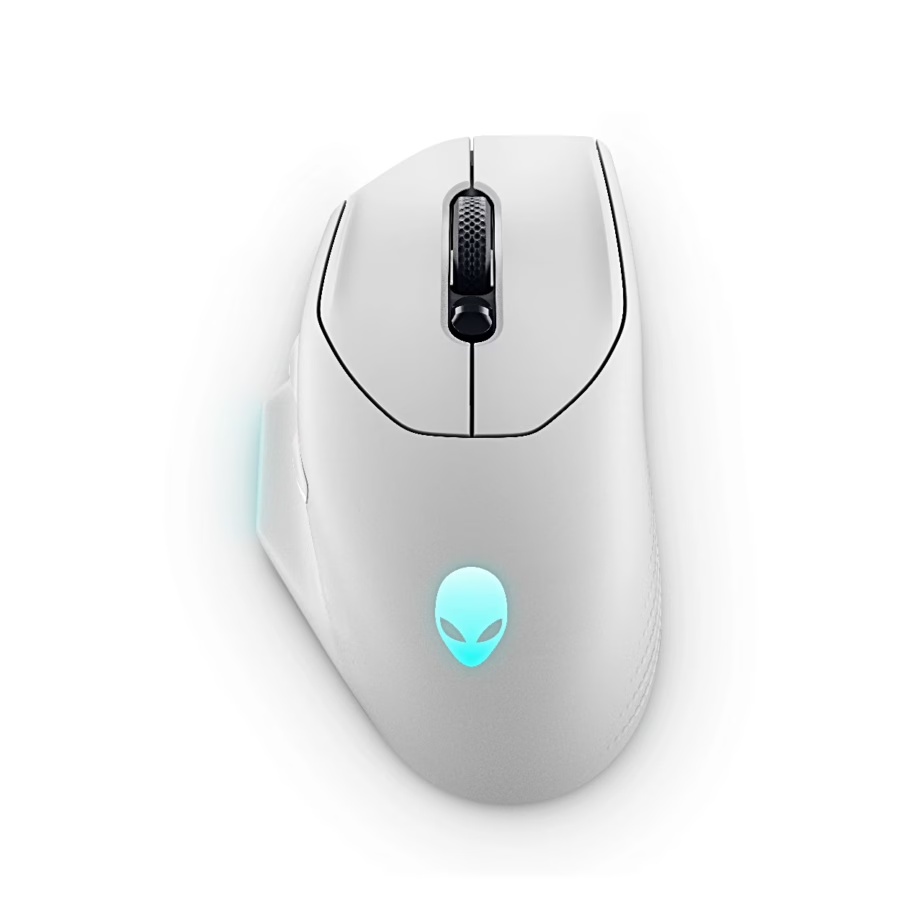
Here you will find mice for office work, home use and gaming, wired and wireless, from Logitech, Razer, ASUS, Lenovo, Dell, Gembird, Defender and ONIKUMA. Two things decide the purchase: how the mouse connects to the computer, and whether it is meant for work or gaming.
Connectivity: wired, 2.4 GHz wireless or Bluetooth
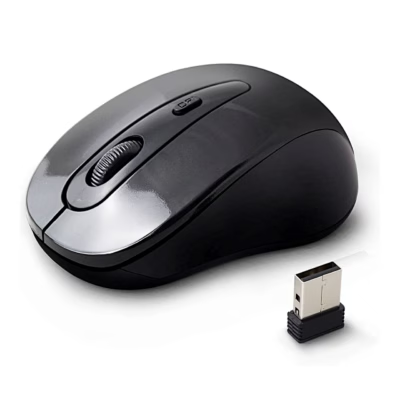
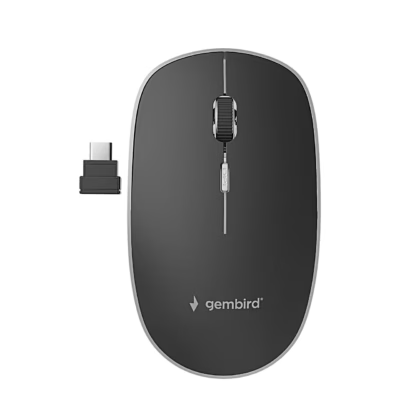
A wired mouse plugs into a USB port and works without a battery or batteries. A 2.4 GHz wireless mouse connects through a small USB receiver that stays in the computer, and it responds quickly enough for gaming. A Bluetooth mouse connects without a receiver and leaves the USB port free, which suits the MacBook, iPad and tablets. Some mice support both wireless connections. A wireless mouse runs on AA or AAA batteries or on a built-in battery charged with a USB-C or micro-USB cable.
Purpose: home and office or gaming
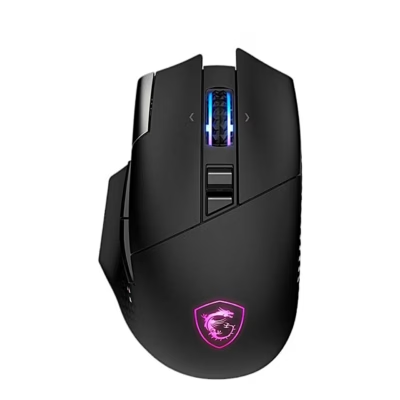
A home and office mouse usually has 3 to 6 buttons and a sensitivity of 800 to 1600 DPI, which is enough for documents, spreadsheets and the web. A quiet-click mouse suits the office and shared rooms. A gaming mouse has extra buttons, several DPI levels that you switch between with a button during play, and often RGB lighting, which you can select with the Lighting filter.
Hand fit and size
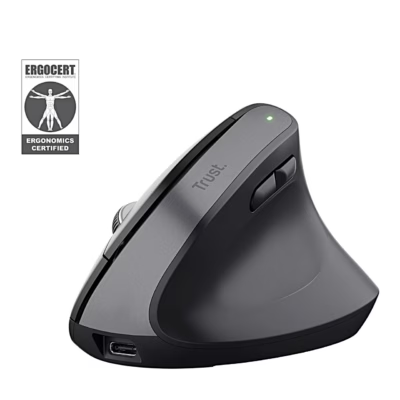
A right-handed mouse is shaped for the right palm and supports the hand over a long working day. A symmetrical mouse that suits either hand also works for left-handed users. You can find your hand size by measuring from the wrist to the tip of the middle finger: under 17 cm suits a compact mouse, over 19 cm suits a full-size mouse. You will find mouse mats and wrist rests on the Mouse mats and wrist rests page.
Frequently asked questions
For a 2.4 GHz mouse, plug the receiver into a USB port on the computer and switch the mouse on, and it starts working within a few seconds. For a Bluetooth mouse, press the mouse’s connect button and select the mouse from the list of Bluetooth devices in your computer’s settings.
Replace the batteries or charge the battery, and check that the switch on the underside of the mouse is on. Put the 2.4 GHz receiver in a different USB port, preferably on the front of the computer, or pair the Bluetooth mouse again.
Yes, a Bluetooth mouse works with macOS and iPadOS. The iPad supports a mouse from iPadOS 13.4 onwards. A mouse with a 2.4 GHz receiver works with a Mac through a USB-A port or a USB-C adapter.
For office work and a Full HD screen, 800 to 1600 DPI is enough. For a higher-resolution screen or several screens, a higher DPI moves the cursor faster. Gamers mostly use 400 to 3200 DPI and switch levels with a button.
You will find keyboards on the Keyboards page. A wireless set from the same manufacturer often uses one shared USB receiver.
-
85,99 €
- Connectivity
- 2.4 GHz wireless, Wired
- Intended use
- Gaming
- Movement resolution
- 26000 DPI
- Handedness
- Right-handed
-
28,99 €
- Connectivity
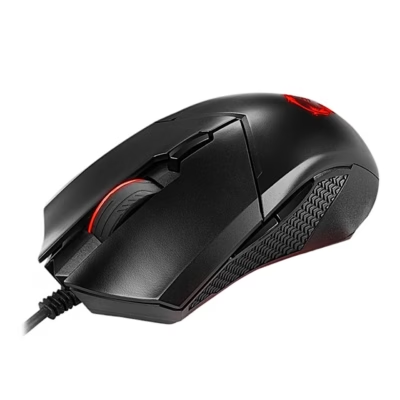
- Wired
- Intended use
- Gaming
- Movement resolution
- 4200 DPI
- Handedness
- Ambidextrous
-
31,95 €
- Connectivity
- 2.4 GHz wireless
- Intended use
- Gaming
- Movement resolution
- 24000 DPI
-
74,99 €
- Connectivity
- 2.4 GHz wireless, Bluetooth
- Intended use
- Gaming
- Movement resolution
- 26000 DPI
- Handedness
- Right-handed
-
121,99 €
- Connectivity
- 2.4 GHz wireless
- Intended use
- Gaming
- Movement resolution
- 44000 DPI
- Handedness
- Right-handed
-
28,95 €
- Connectivity
- 2.4 GHz wireless, Bluetooth, Wired
- Intended use
- Gaming
- Movement resolution
- 12800 DPI
-
28,95 €
- Connectivity
- 2.4 GHz wireless, Bluetooth, Wired
- Intended use
- Gaming
- Movement resolution
- 12800 DPI
-
74,99 €
- Connectivity
- 2.4 GHz wireless, Bluetooth, Wired
- Intended use
- Home and office
- Movement resolution
- 30000 DPI
- Handedness
- Right-handed
-
38,95 €
- Connectivity
- 2.4 GHz wireless
- Intended use
- Gaming
- Movement resolution
- 24000 DPI
-
38,95 €
- Connectivity
- 2.4 GHz wireless
- Intended use
- Gaming
- Movement resolution
- 24000 DPI
-
38,95 €
- Connectivity
- 2.4 GHz wireless
- Intended use
- Gaming
- Movement resolution
- 24000 DPI
-
38,95 €
- Connectivity
- 2.4 GHz wireless
- Intended use
- Gaming
- Movement resolution
- 24000 DPI
-
63,99 €
- Connectivity
- 2.4 GHz wireless, Bluetooth, Wired
- Intended use
- Home and office
- Movement resolution
- 26000 DPI
- Handedness
- Ambidextrous
-
110,99 €
- Connectivity
- 2.4 GHz wireless, Bluetooth, Wired
- Intended use
- Gaming
- Movement resolution
- 26000 DPI
- Handedness
- Right-handed
-
59,99 €
- Connectivity
- 2.4 GHz wireless, Bluetooth
- Intended use
- Gaming
-
102,99 €
- Connectivity
- 2.4 GHz wireless, Bluetooth
- Intended use
- Home and office
- Movement resolution
- 2048 DPI
- Handedness
- Right-handed
-
75,99 €
- Connectivity
- 2.4 GHz wireless, Bluetooth
- Intended use
- Gaming
-
61,99 €
- Connectivity
- 2.4 GHz wireless, Bluetooth
- Intended use
- Home and office
- Movement resolution
- 2400 DPI
- Handedness
- Right-handed
-
121,99 €
- Connectivity
- 2.4 GHz wireless, Bluetooth
- Intended use
- Gaming
- Movement resolution
- 6400 DPI
- Handedness
- Right-handed
-
14,99 €
- Connectivity
- 2.4 GHz wireless
- Movement resolution
- 1600 DPI
- Handedness
- Ambidextrous
-
130,99 €
- Connectivity
- 2.4 GHz wireless
- Intended use
- Gaming
- Movement resolution
- 32000 DPI
- Handedness
- Right-handed
-
96,99 €
- Connectivity
- 2.4 GHz wireless, Bluetooth, Wired
- Intended use
- Home and office
- Movement resolution
- 30000 DPI
- Handedness
- Ambidextrous
-
39,99 €
- Connectivity
- 2.4 GHz wireless, Wired
- Intended use
- Gaming
- Movement resolution
- 16000 DPI
-
36,99 €
- Connectivity
- Bluetooth
- Intended use
- Home and office
- Movement resolution
- 2400 DPI
- Handedness
- Ambidextrous

All products shown.
Popular right now
-
16,95 €
- Connectivity
- 2.4 GHz wireless
- Intended use
- Gaming
-
16,95 €
- Connectivity
- 2.4 GHz wireless
- Intended use
- Gaming
- Movement resolution
- 3600 DPI
-
8,49 €
- Connectivity
- 2.4 GHz wireless
- Intended use
- Home and office
- Movement resolution
- 1000 DPI
- Handedness
- Ambidextrous