



Description
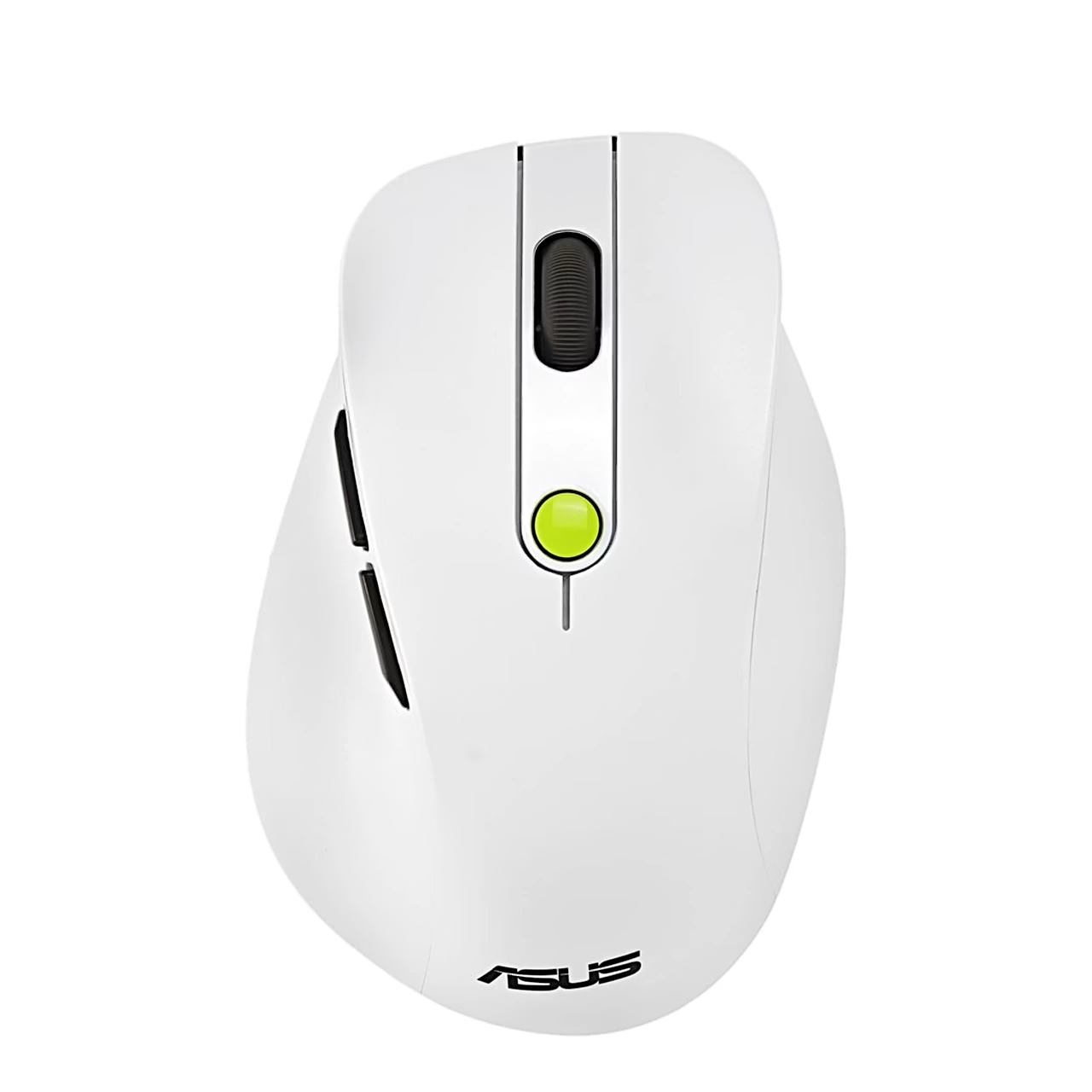
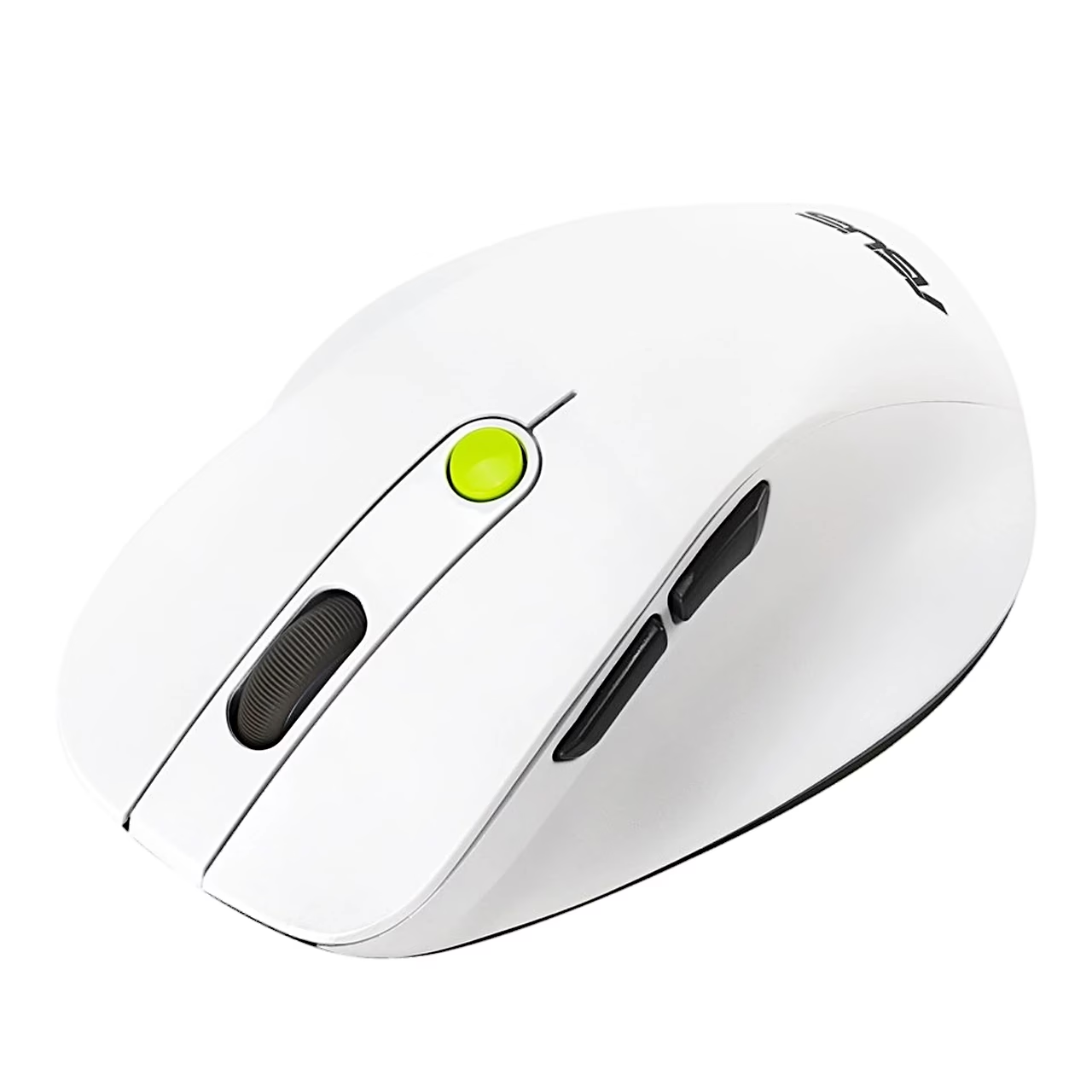
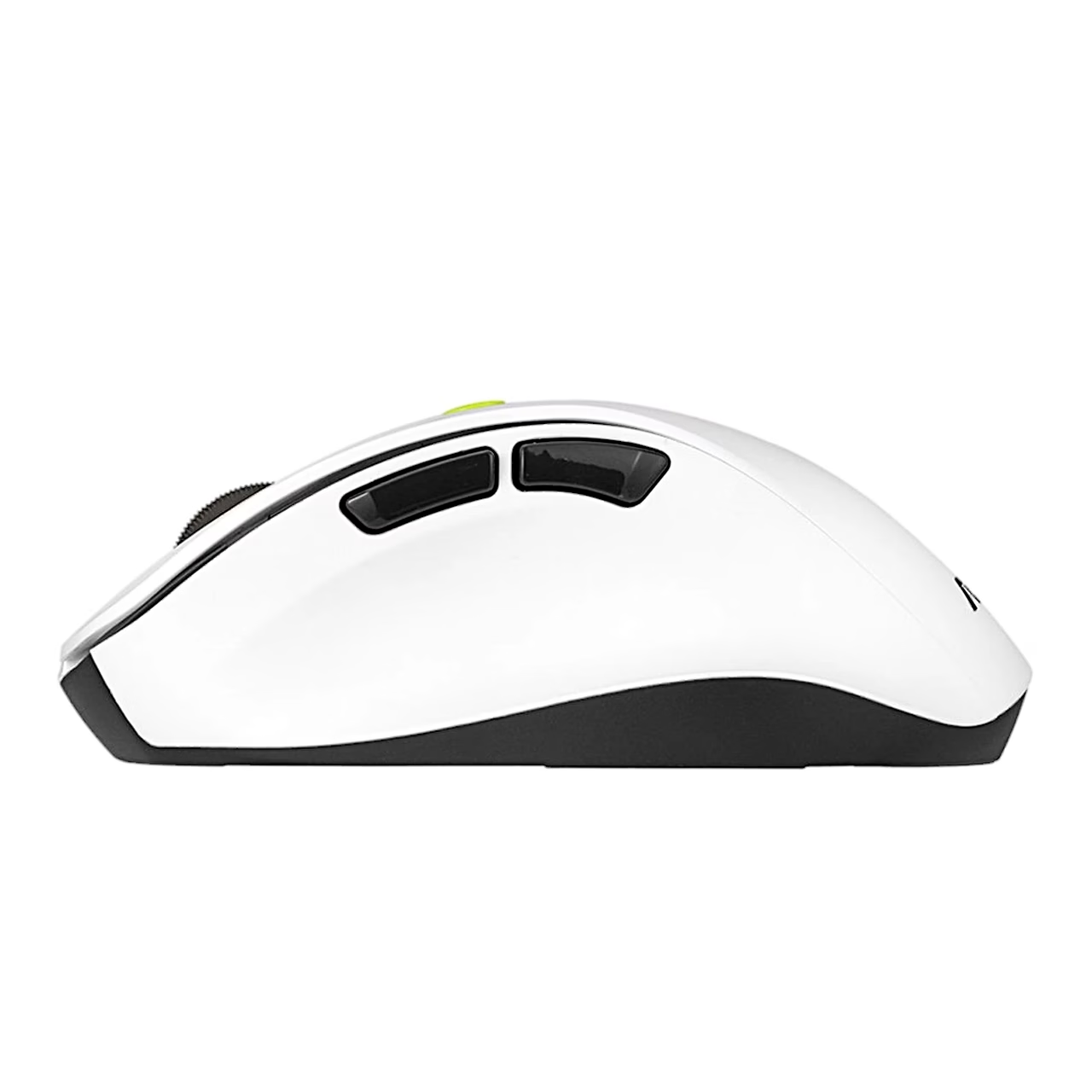
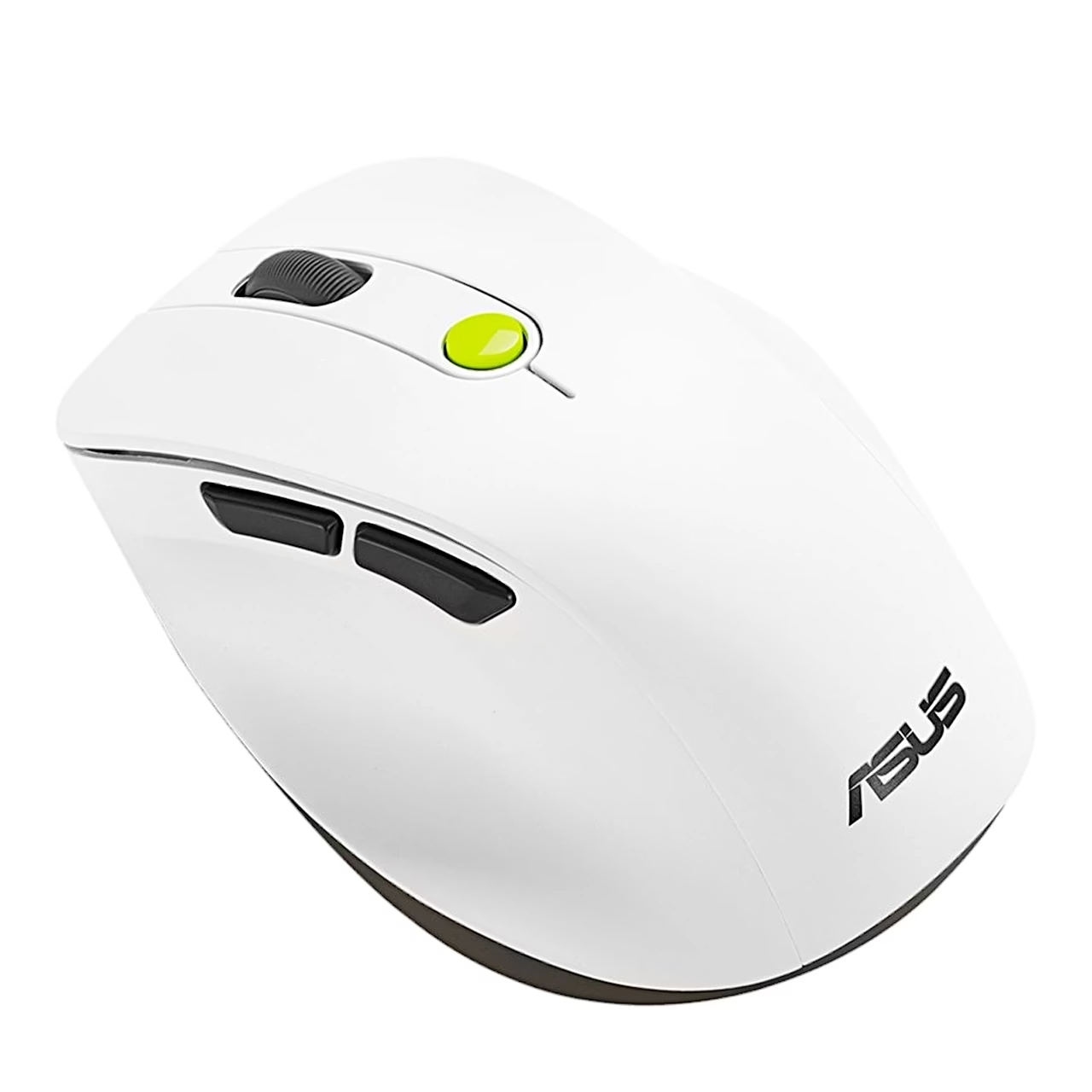
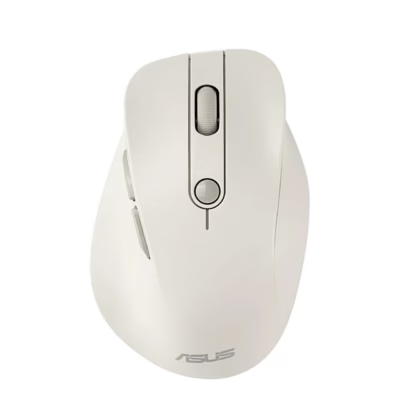
Right-handed mouse with thumb rest and side buttons
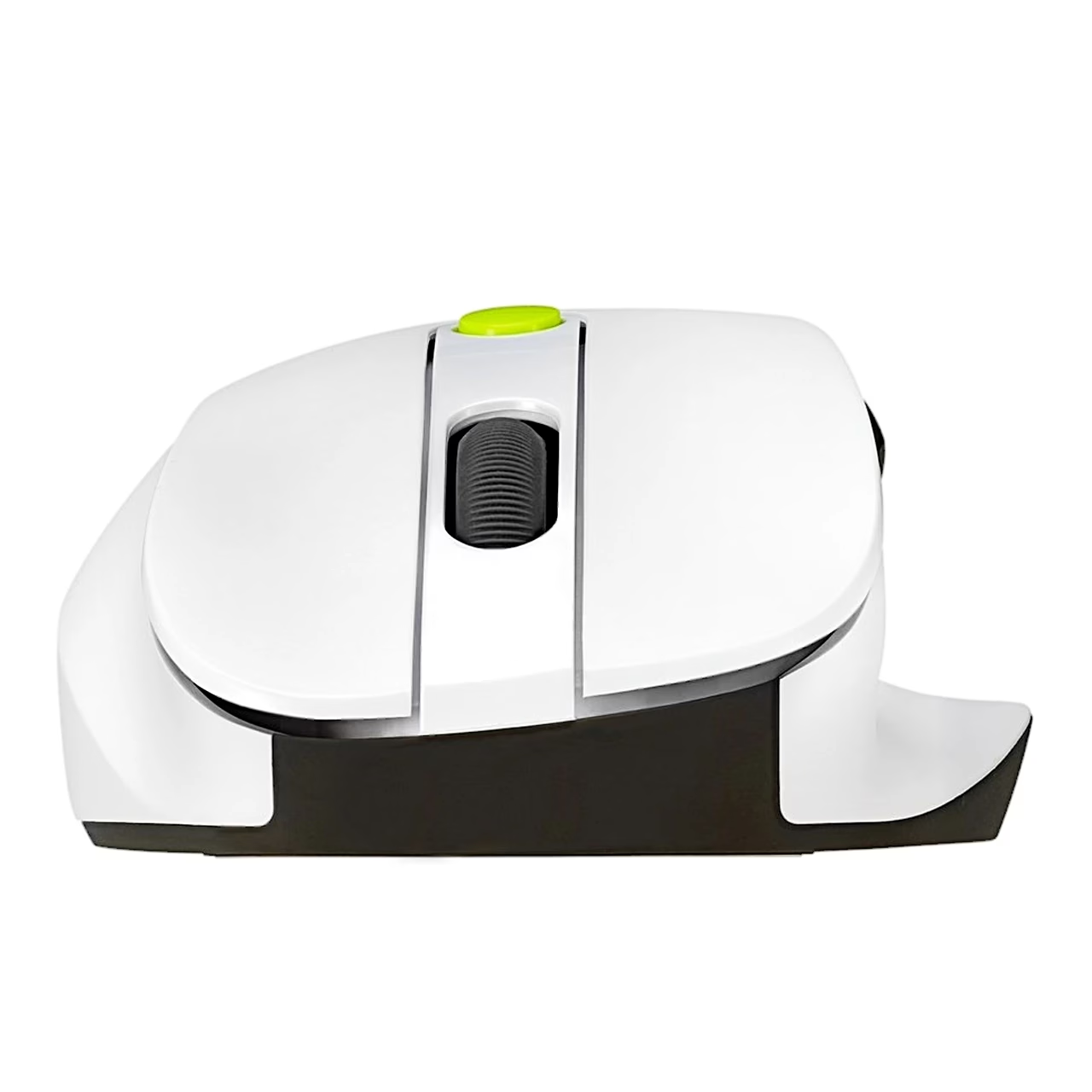
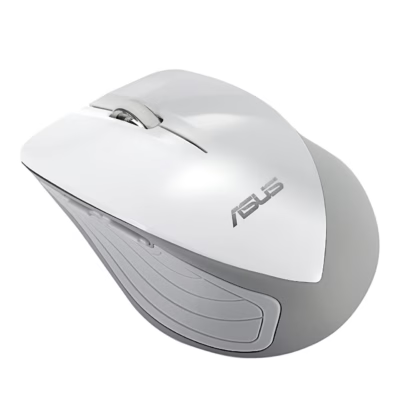
The wireless right-handed mouse ASUS MD105 is 110 mm long, 72 mm wide and 43 mm high and weighs 66 g without the battery. The left side of the body carries forward and back buttons, the top carries the scroll wheel and the DPI button. The Volt Green colour variant has a white body with green details.
DPI levels and indicator lights
Pressing the DPI button switches the resolution between 1200, 1600 and 2400 DPI. A slow white flash means the mouse is waiting for a connection, and a steady white light means the connection is made. When the low battery light flashes red, the battery level is below 20% and the battery should be replaced.
Connecting to a computer
For a 2.4 GHz connection, select 2.4 GHz mode with the mode button and plug the receiver into a free USB port; once connected, the 2.4G indicator lights up white. For Bluetooth, select BT1 or BT2 and hold the pairing button for more than 3 seconds until the indicator flashes rapidly. Then add the device ASUS MD105 BT1 or ASUS MD105 BT2 in the computer’s Bluetooth settings. After that the mouse reconnects by itself whenever you select Bluetooth mode.
The mouse works with Windows 10 and later, macOS and ChromeOS. Power comes from one AA battery.
In the box
- ASUS MD105 mouse
- MD105-D USB receiver
- AA battery (1 pc)
- Quick start guide
















































Reviews
There are no reviews yet.