

Description
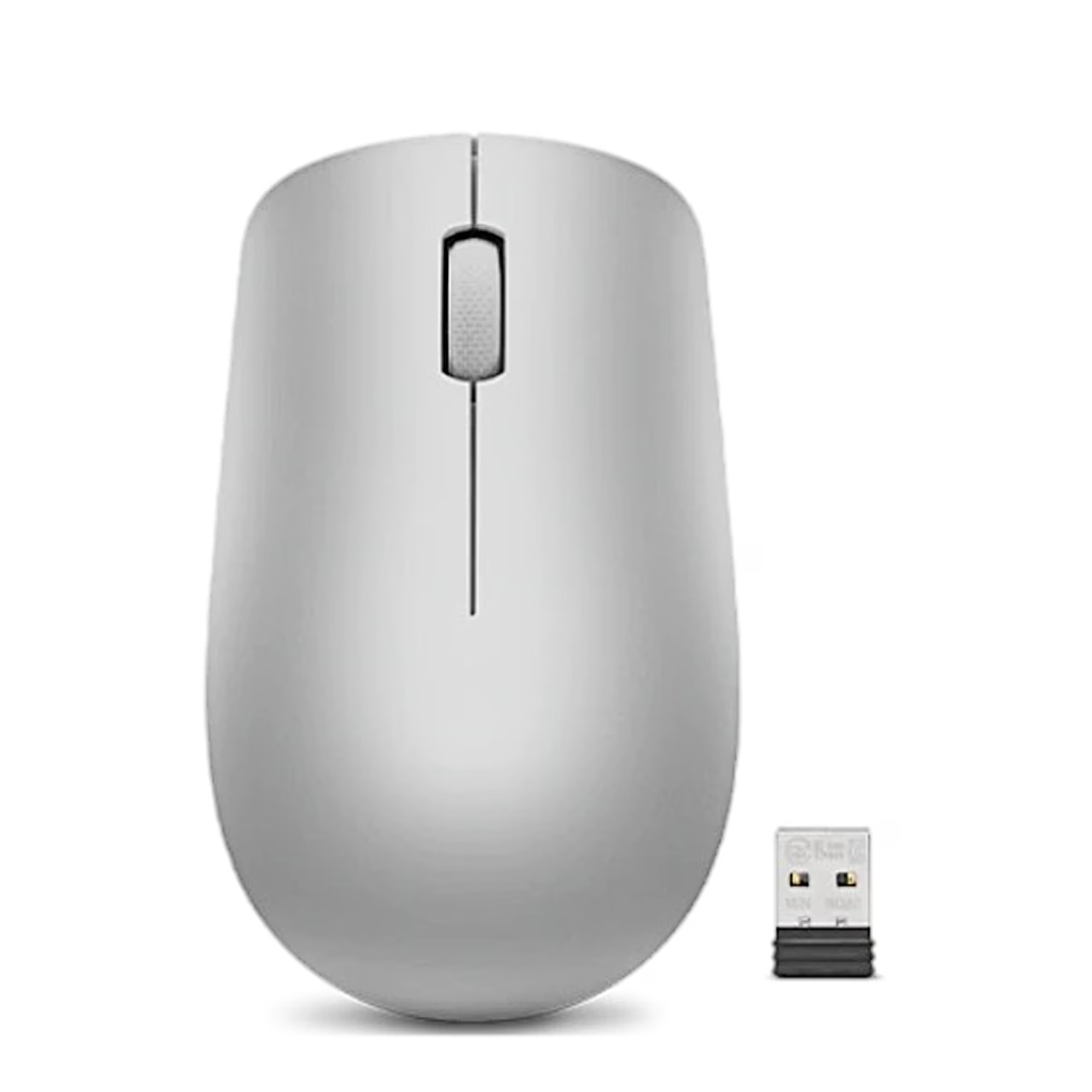
Wireless mouse with Nano USB receiver
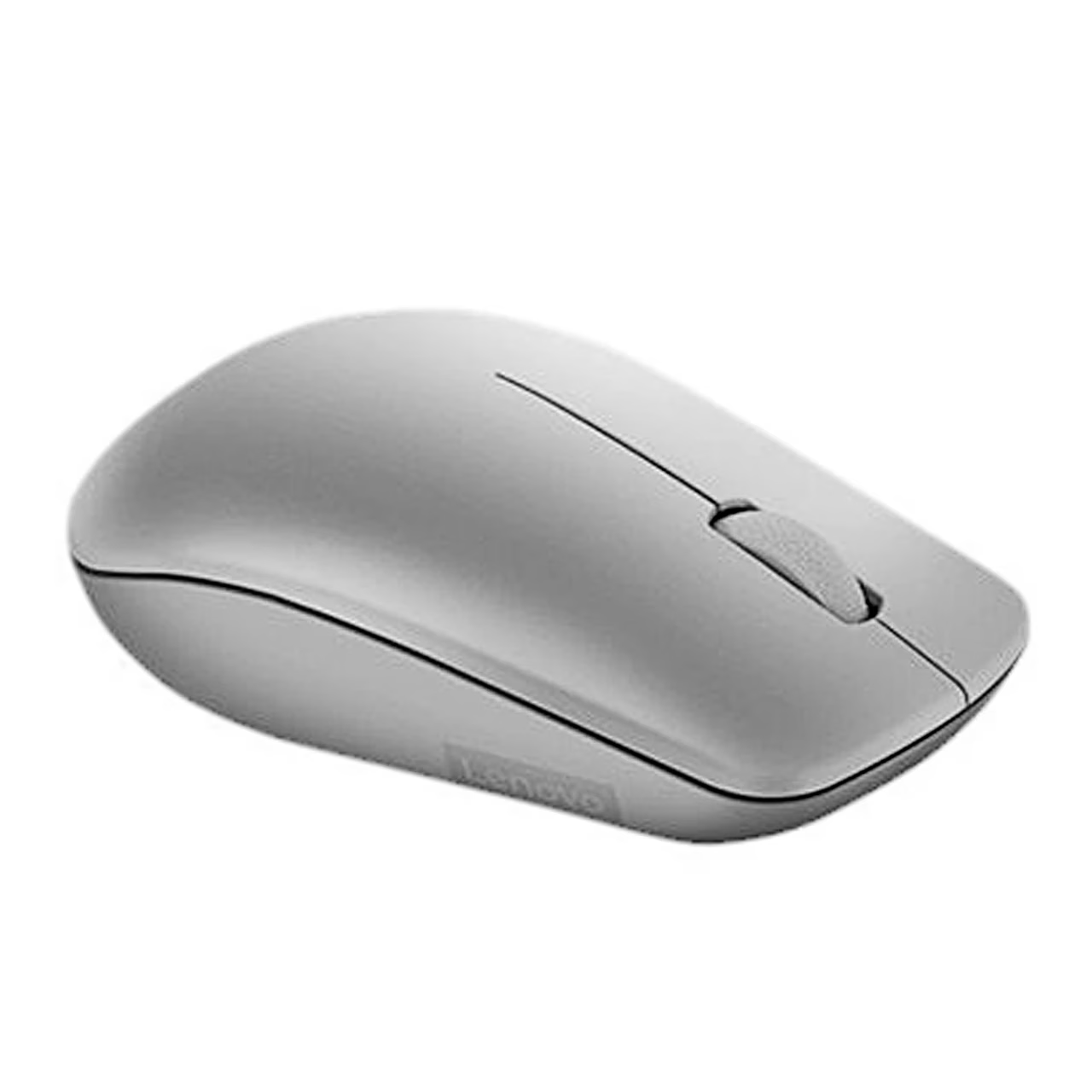
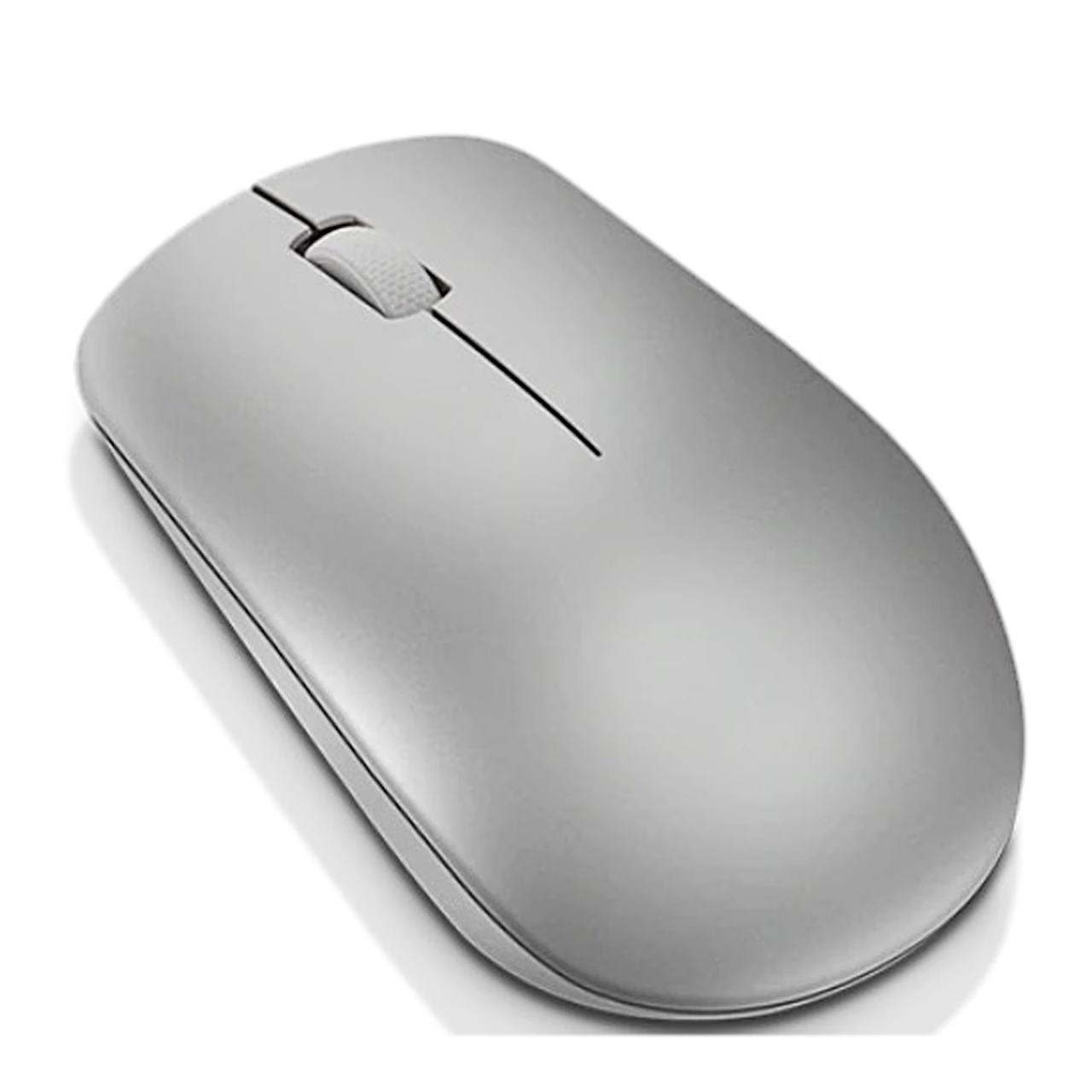
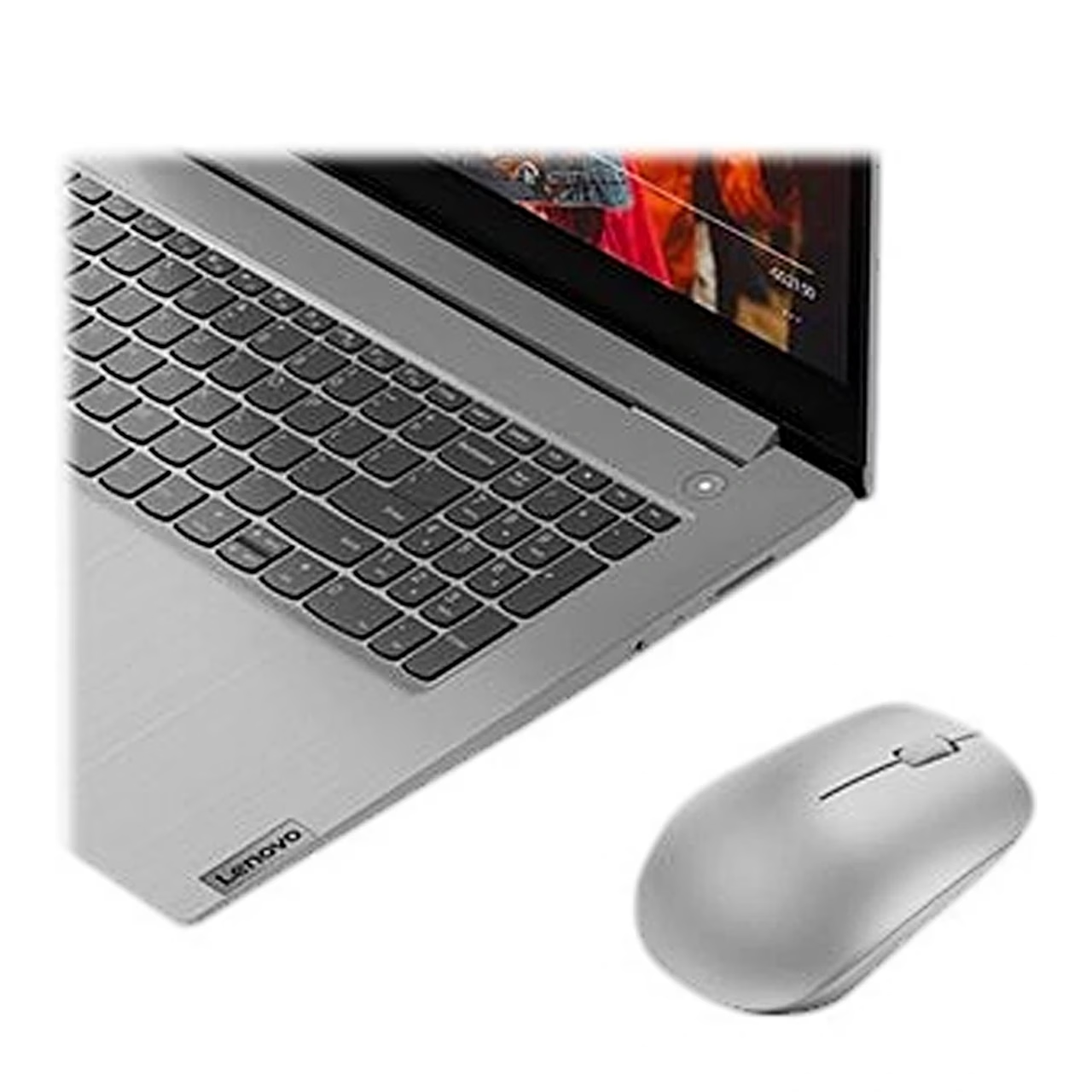
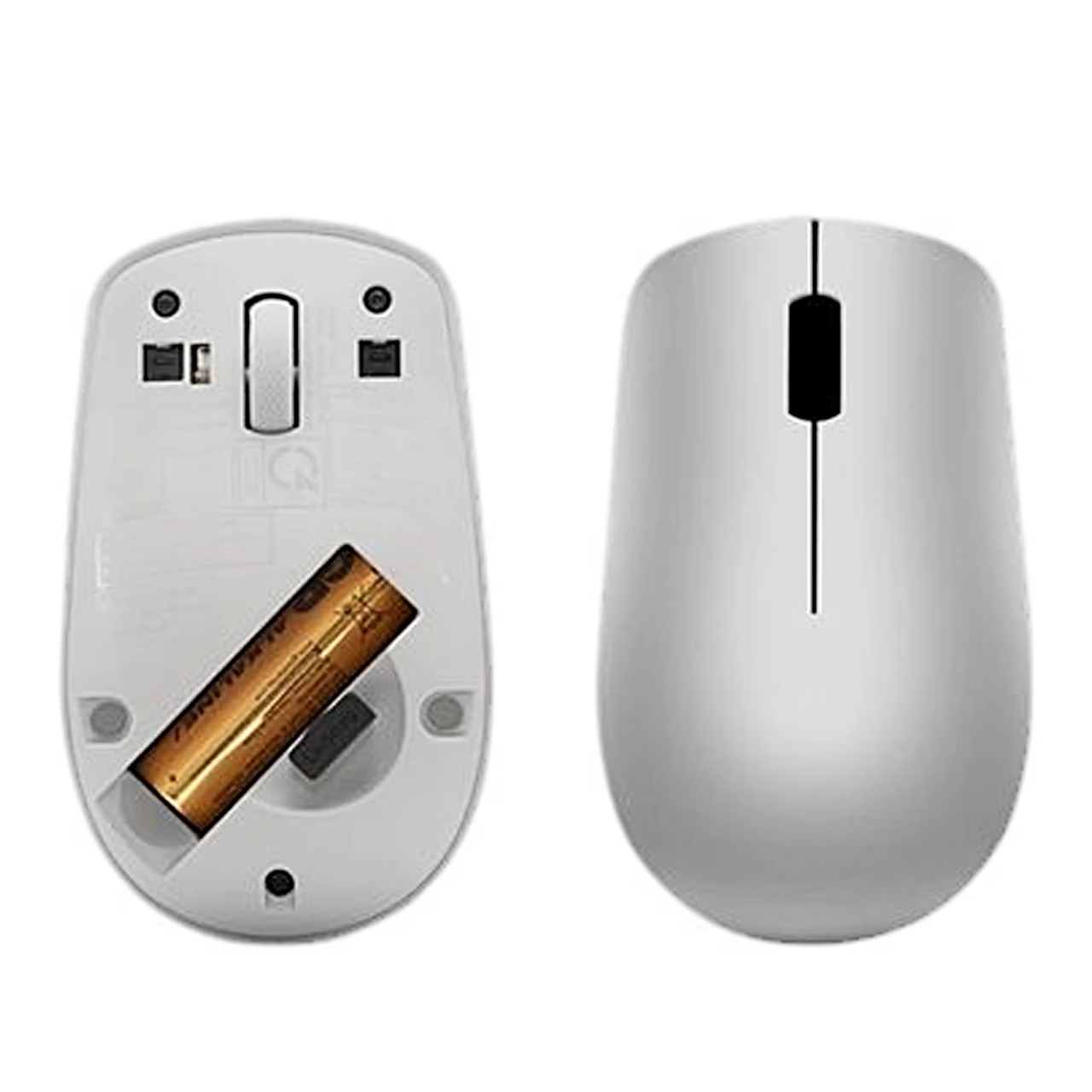
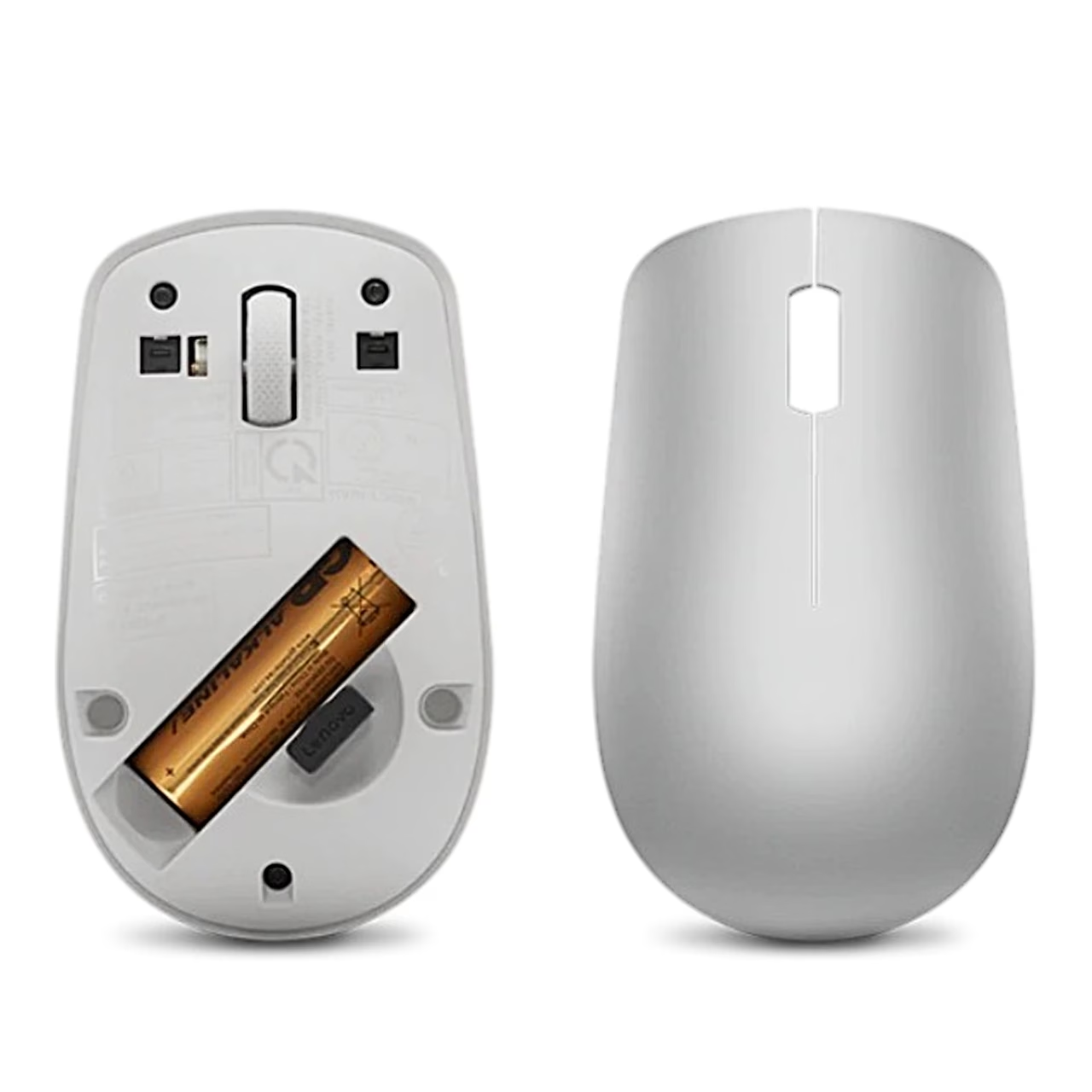
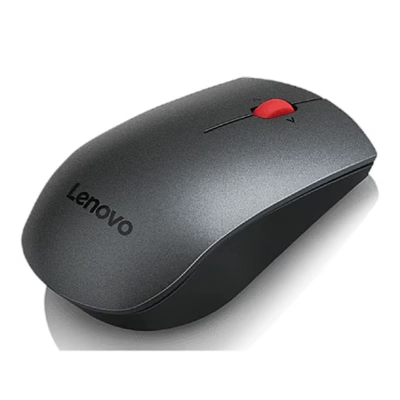
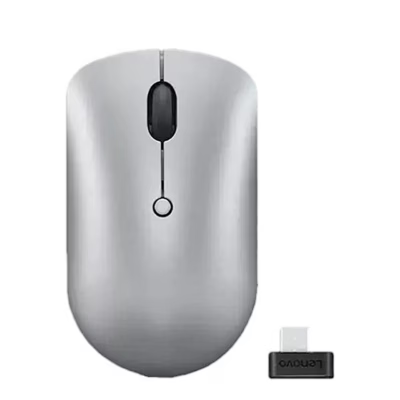
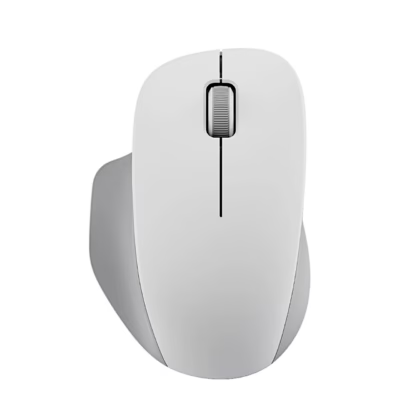
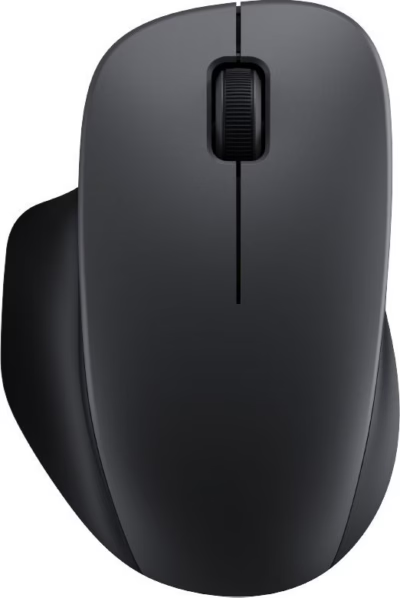
The wireless optical mouse Lenovo 530 receives its signal at 2.4 GHz through a Nano USB receiver plugged into the computer’s USB port. Power comes from one AA battery, housed in a compartment on the underside. The contoured body is grey (Platinum Grey) with a soft-touch finish.
Buttons and sensor
The computer mouse has 3 buttons and a scroll wheel that scrolls up and down. It has a 1200 DPI optical sensor: the cursor moves 1200 points on screen for every inch the mouse moves on the desk. According to the manufacturer, the buttons are rated for 8 million clicks and the scroll button for 100,000 clicks.
Getting started
Insert the AA battery into the compartment on the underside and plug the Nano USB receiver into a USB port on the computer. The mouse is then ready to use. The set-up and product information steps are on the poster in the box.
In the box
- Lenovo 530 wireless mouse
- Nano USB receiver
- 1 AA battery
- Set-up and product information poster















































Reviews
There are no reviews yet.