

Description
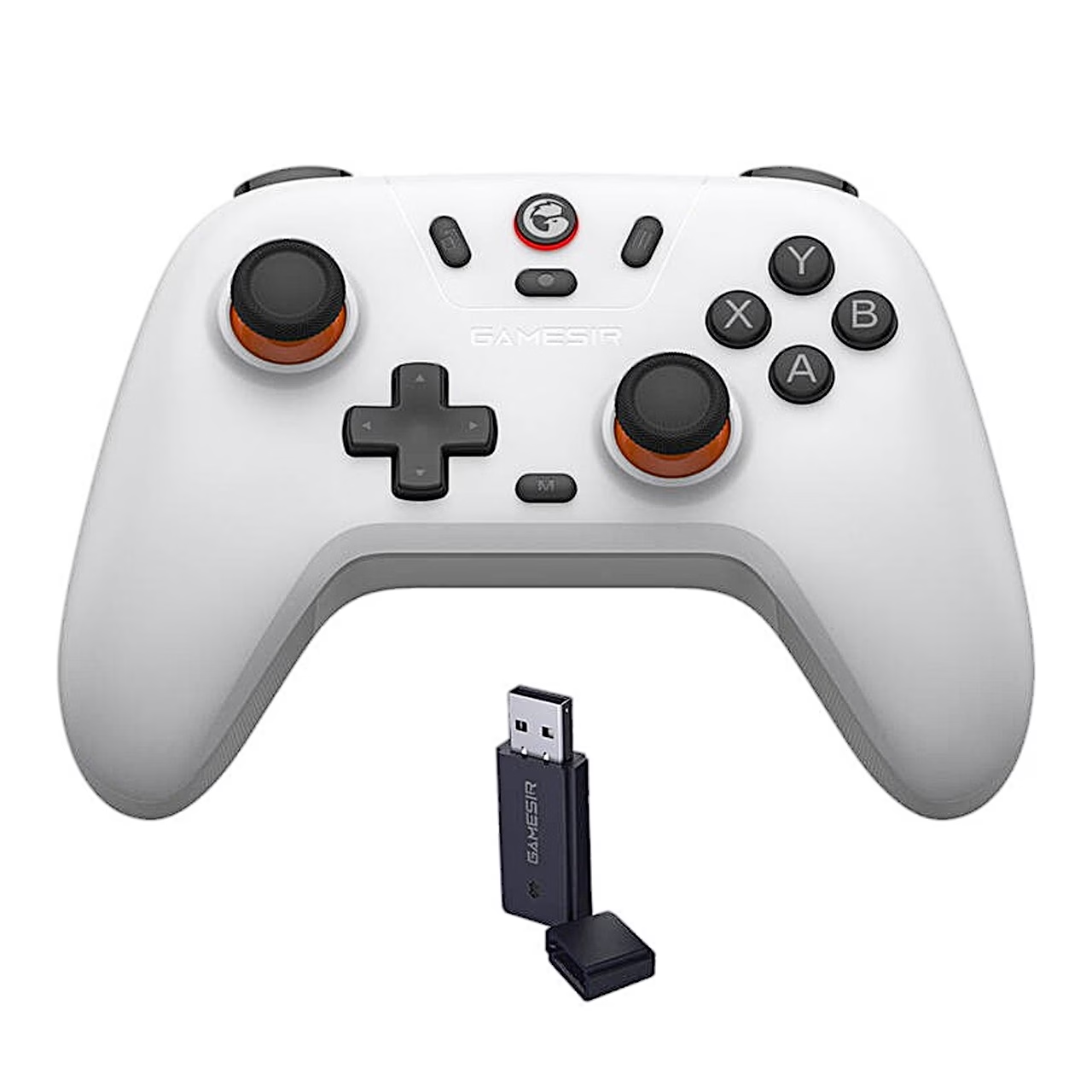
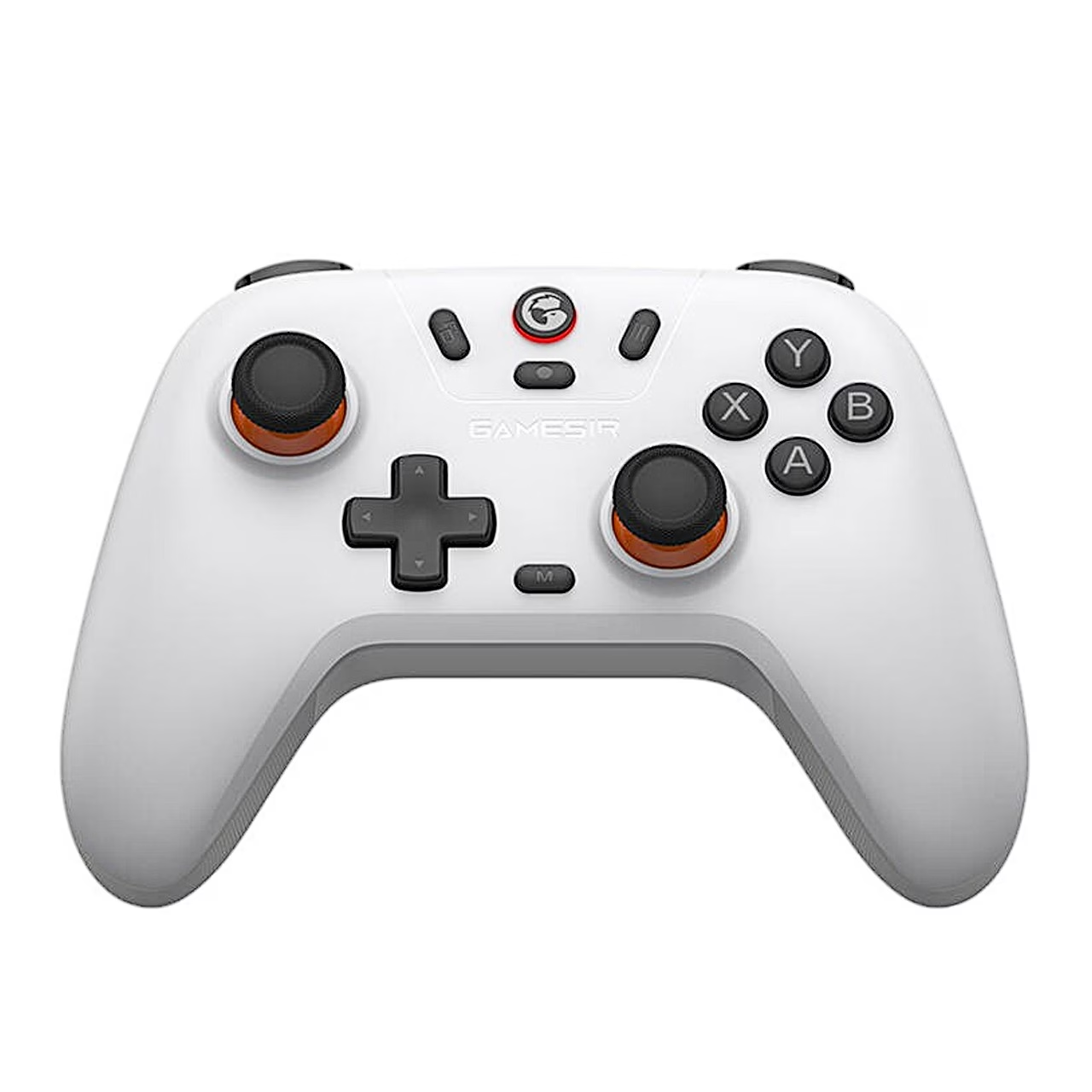
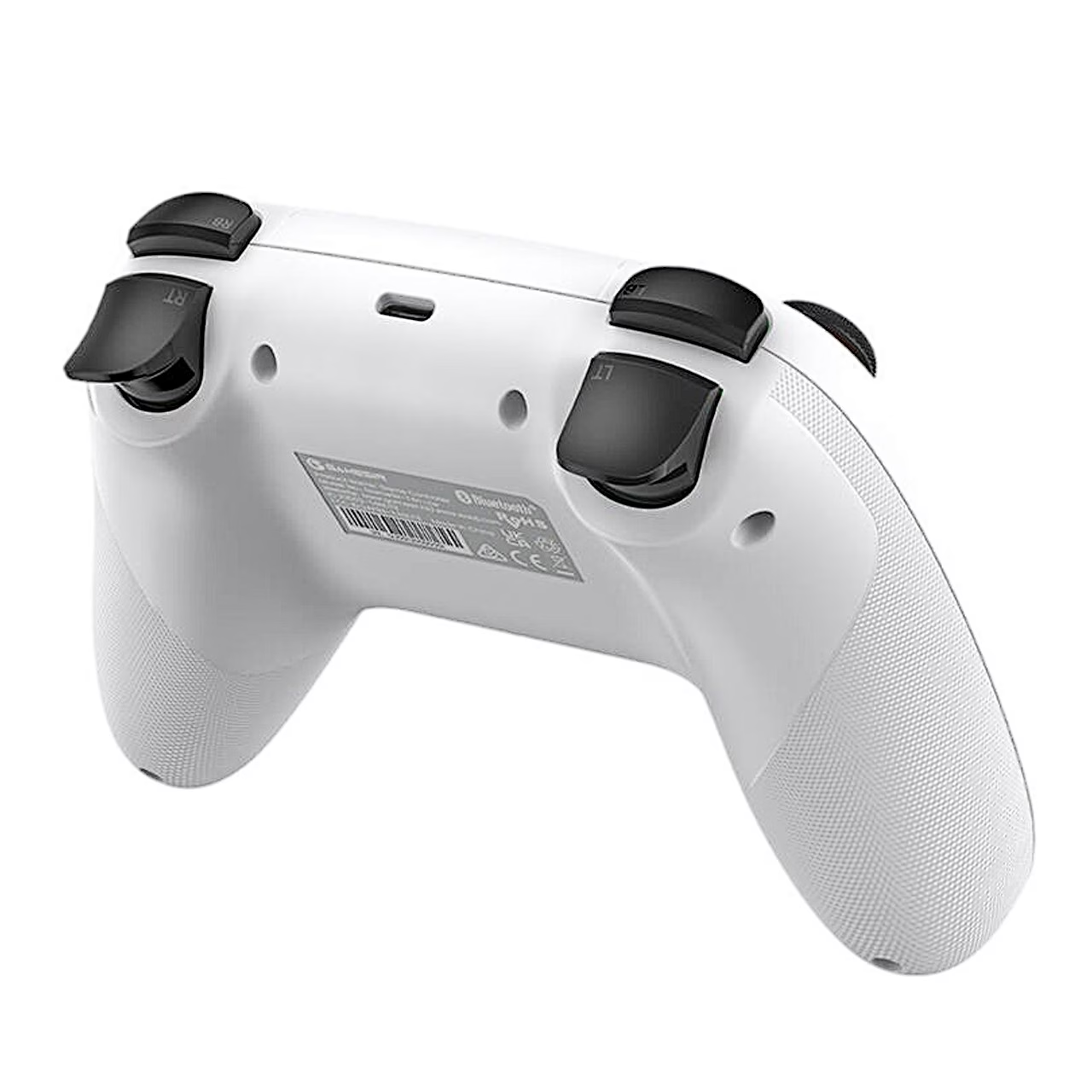
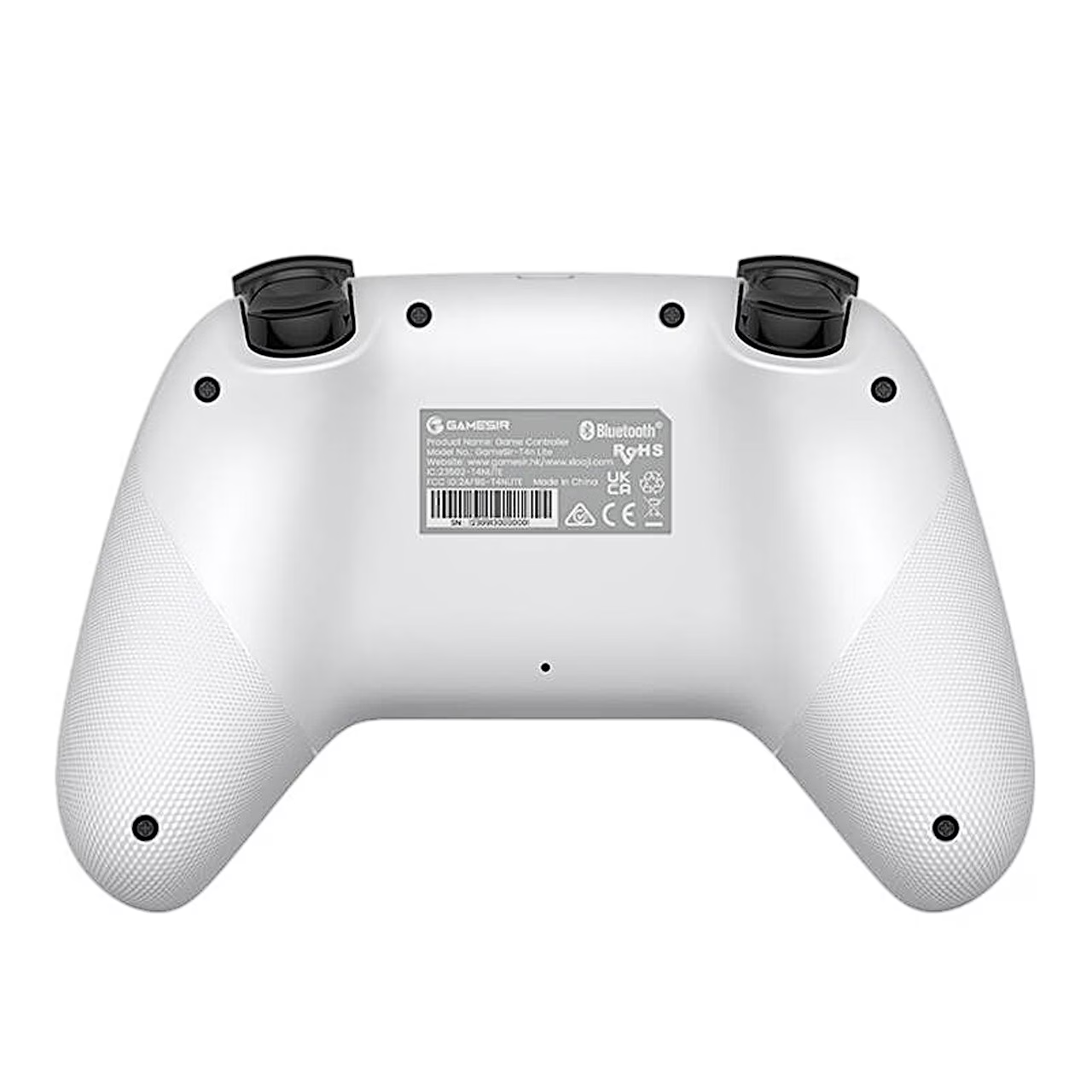
Game controller with three connection options for PC, Switch and phone
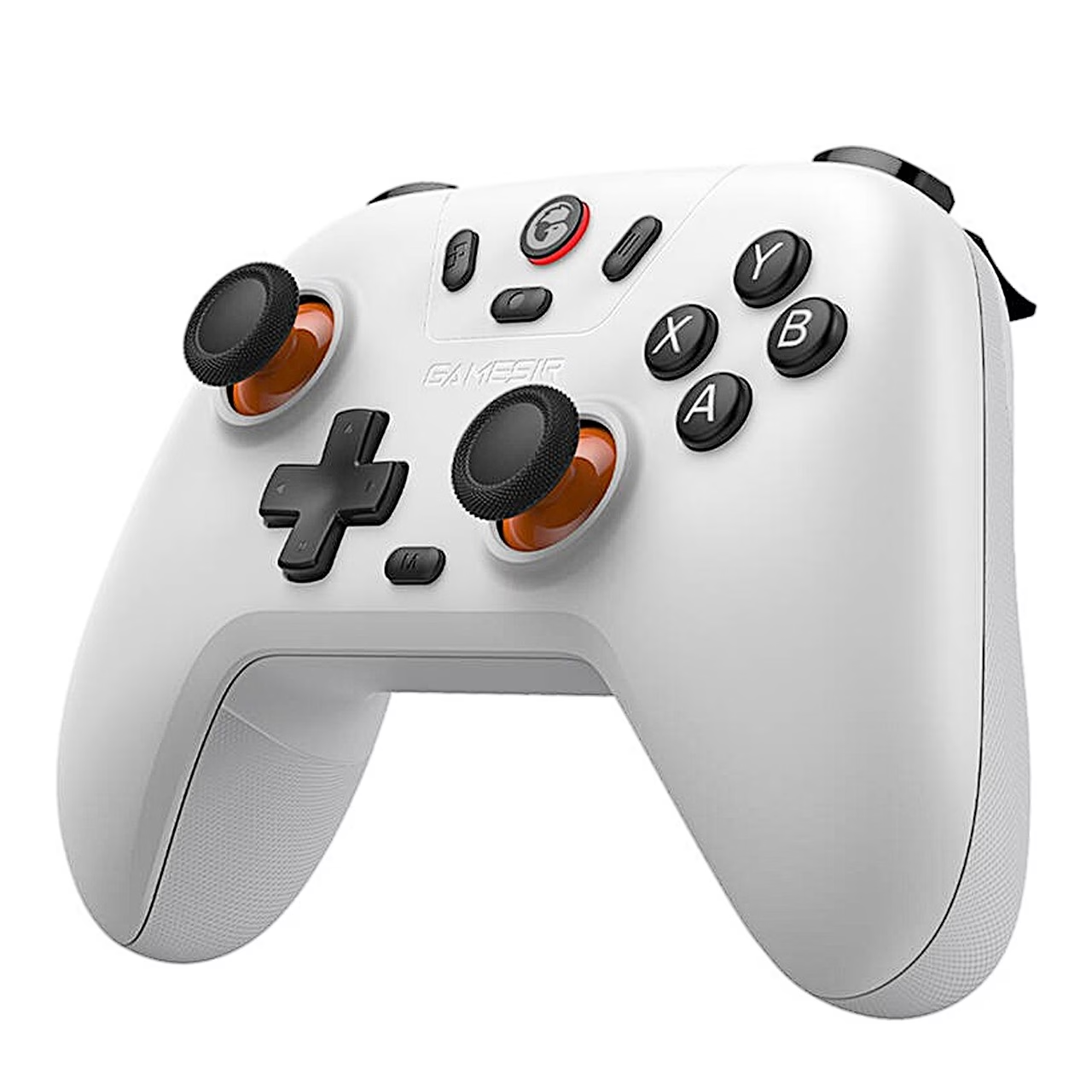
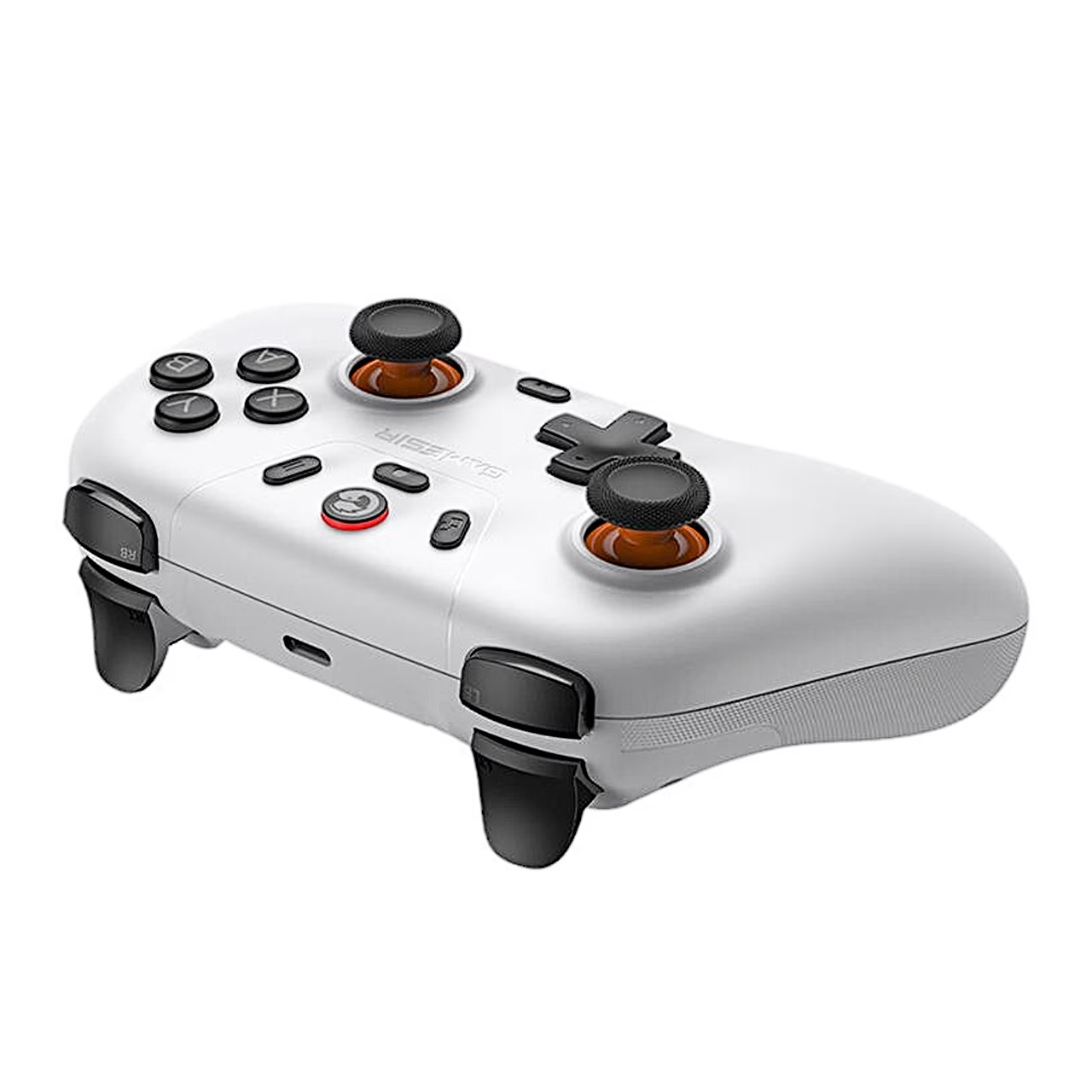
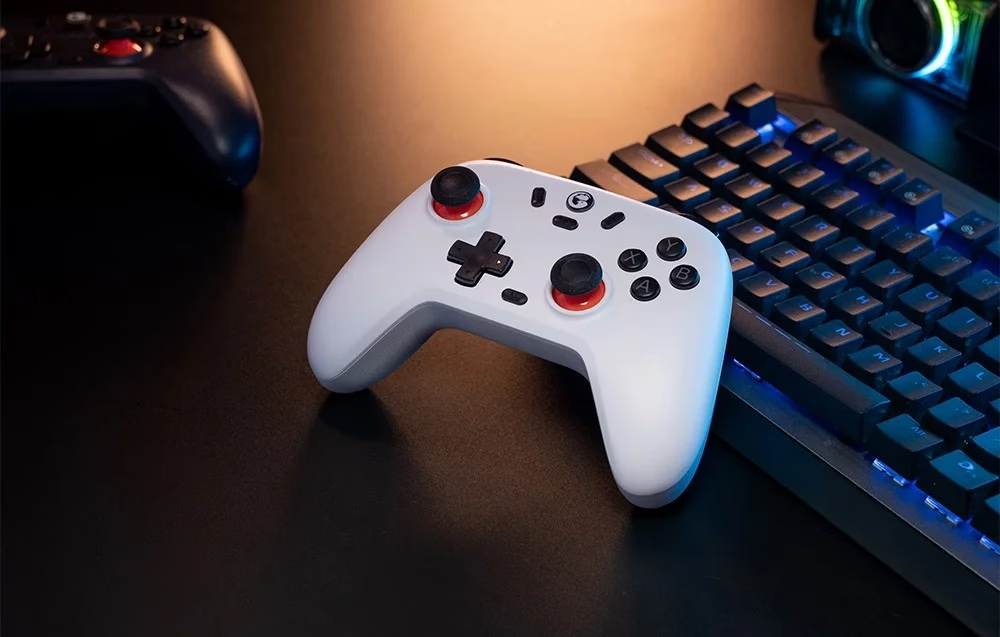
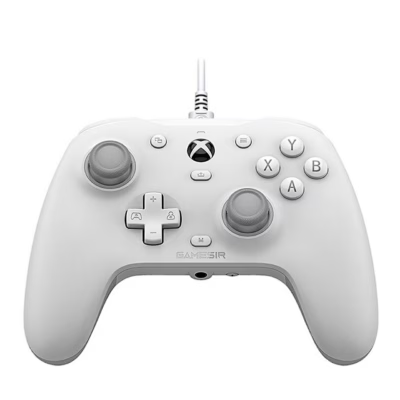
The wireless game controller GameSir T4n Lite works with a PC, Nintendo Switch, Android and iOS devices. The sticks use Hall effect sensors, which read the stick position from a magnetic field, and the analogue triggers pass on how far they are pressed.
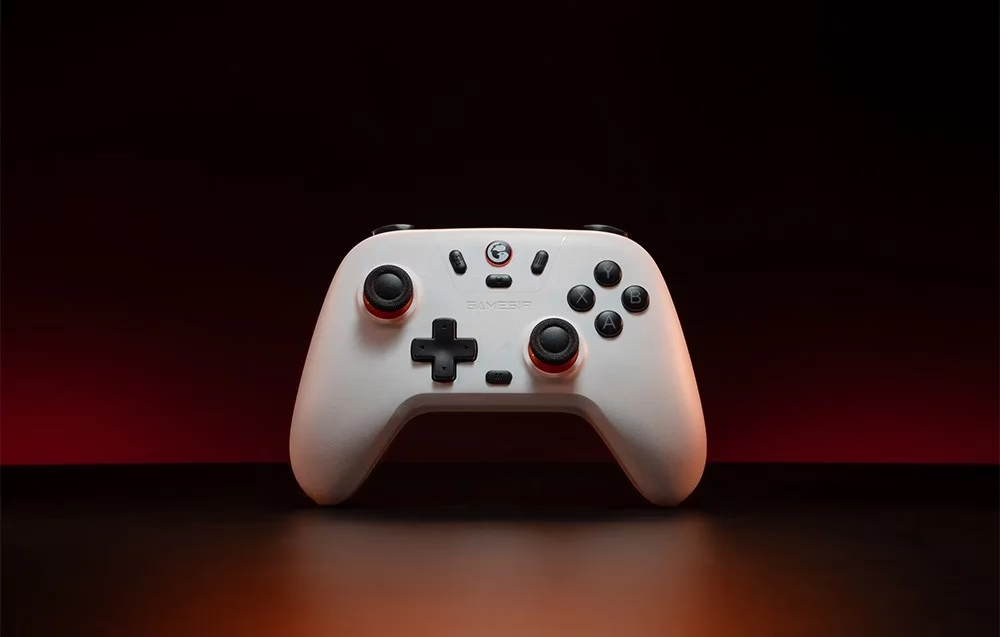
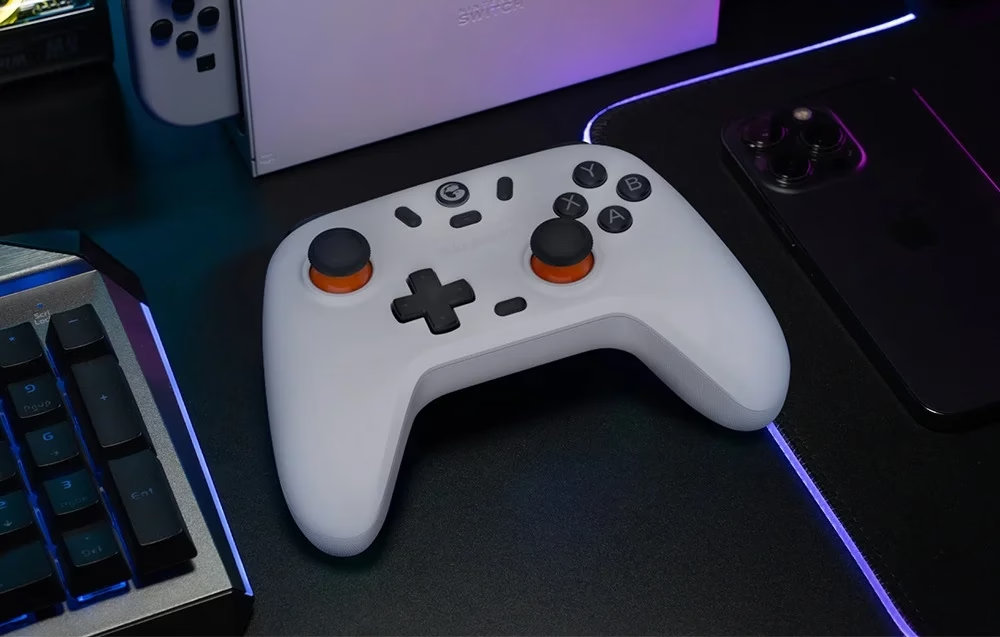
Four modes for Windows, Switch, Android and iOS
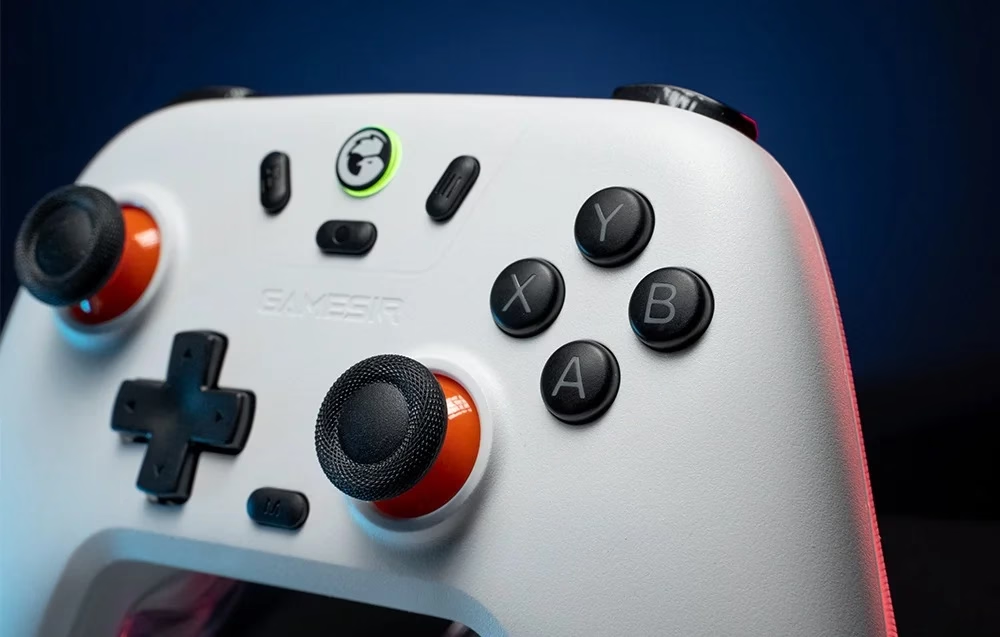
To choose a mode, press the Home button together with one letter button while the controller is off: B for Bluetooth with a PC or iOS, Y for Nintendo Switch, A for Android and X for the USB receiver. The Home button shows the selected mode in blue, red, yellow or green. Windows 7 or later, Android 8.0 or later and iOS 13 or later are supported.
Turbo, vibration and button settings
The 20 Hz turbo function can be assigned to A, B, X, Y, LB, LT, RB and RT. Each grip has a vibration motor whose strength can be set in five steps with the M button and the D-pad. M button combinations switch the stick dead zone, the insensitive area around the centre, on or off and swap A with B and X with Y.
Battery and charging
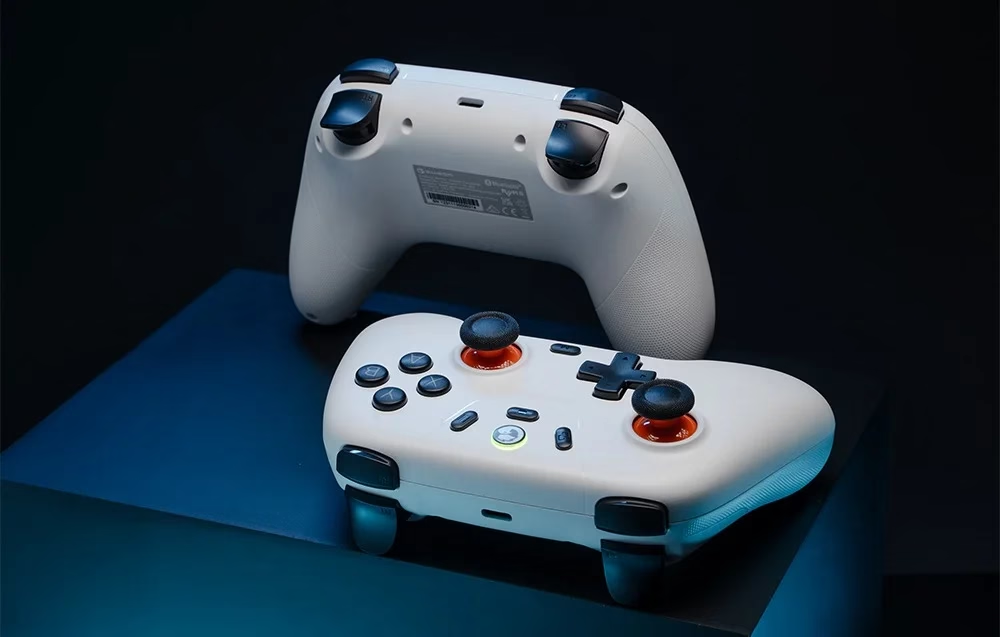
The built-in 600 mAh battery charges through the USB-C port from a 1–3 W power supply. While charging, the Home button shows the battery level by colour, and below 10% it flashes orange twice. The controller switches itself off after 10 minutes without use.
Cleaning and care
Clean the controller with a soft, dry cloth, without petrol or thinner. To calibrate the sticks and triggers, hold View, Home and Menu until the Home button flashes white slowly, press LT and RT fully three times, rotate each stick three times at full travel and press A.
In the box
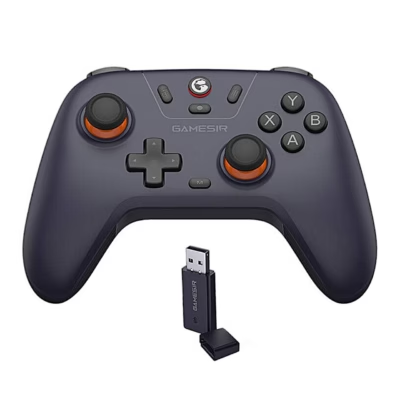
- Game controller GameSir T4n Lite, 1 pc
- 2.4 GHz USB receiver
- Charger not included










































Reviews
There are no reviews yet.