
Description
Dash cam with a screen for everyday driving and parking monitoring
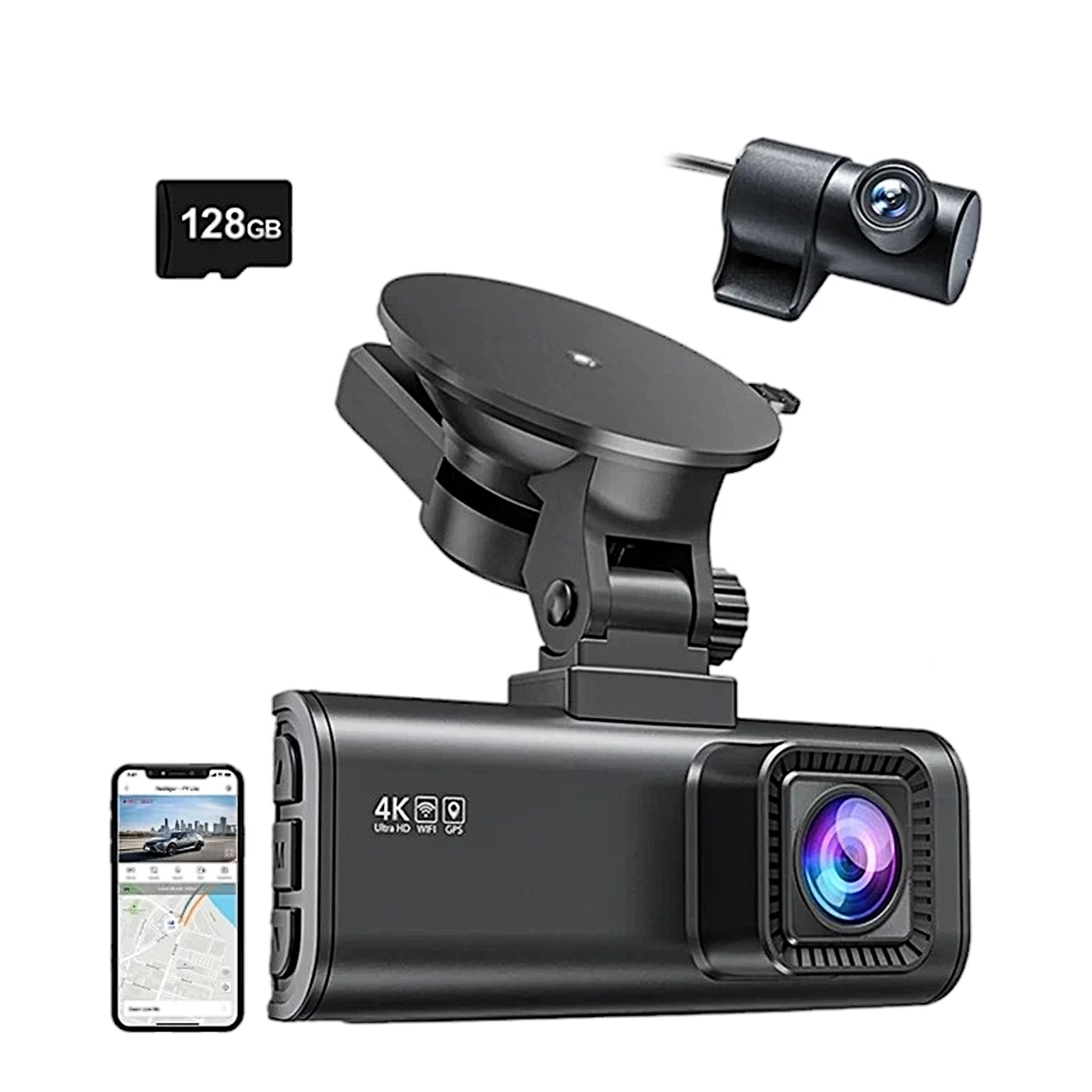
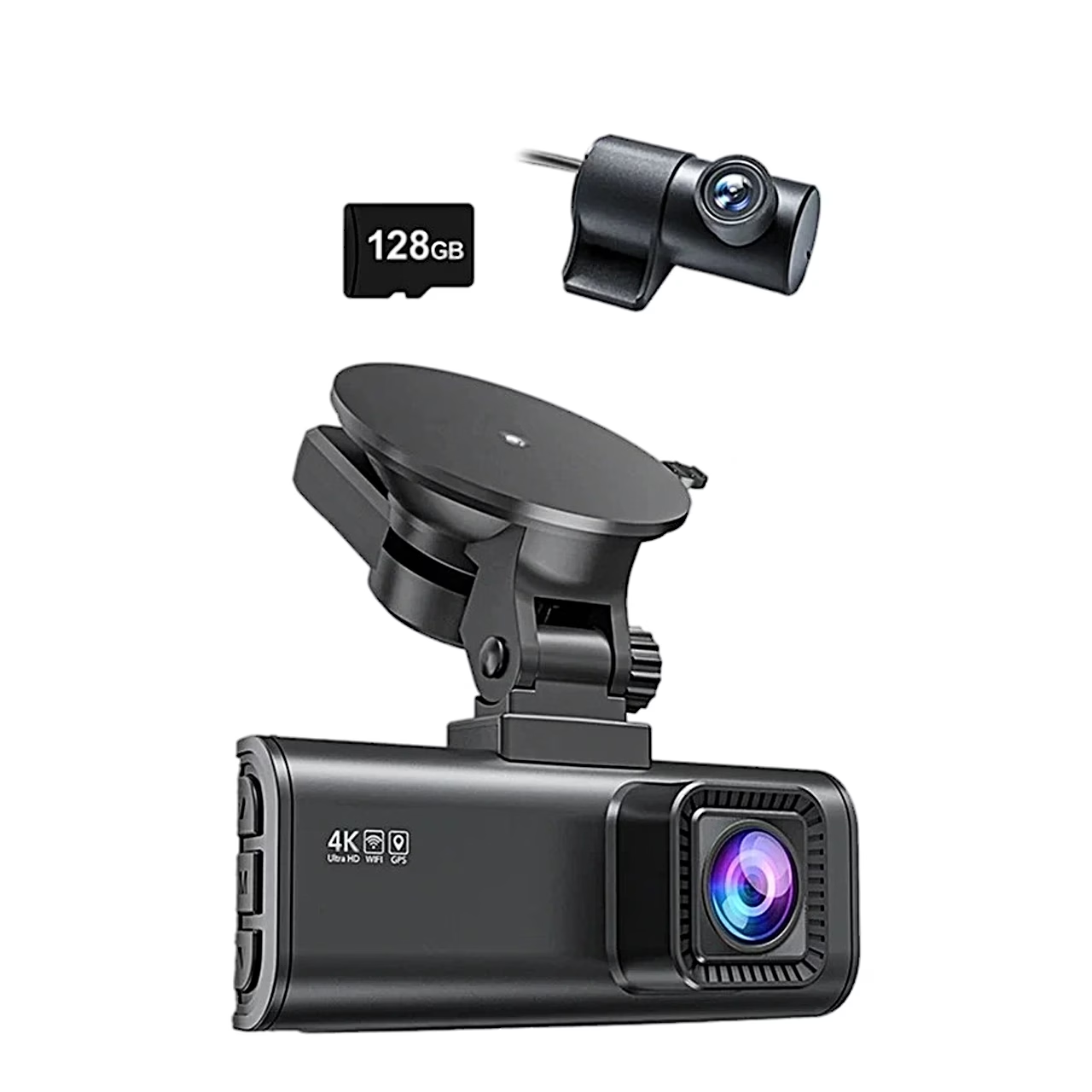
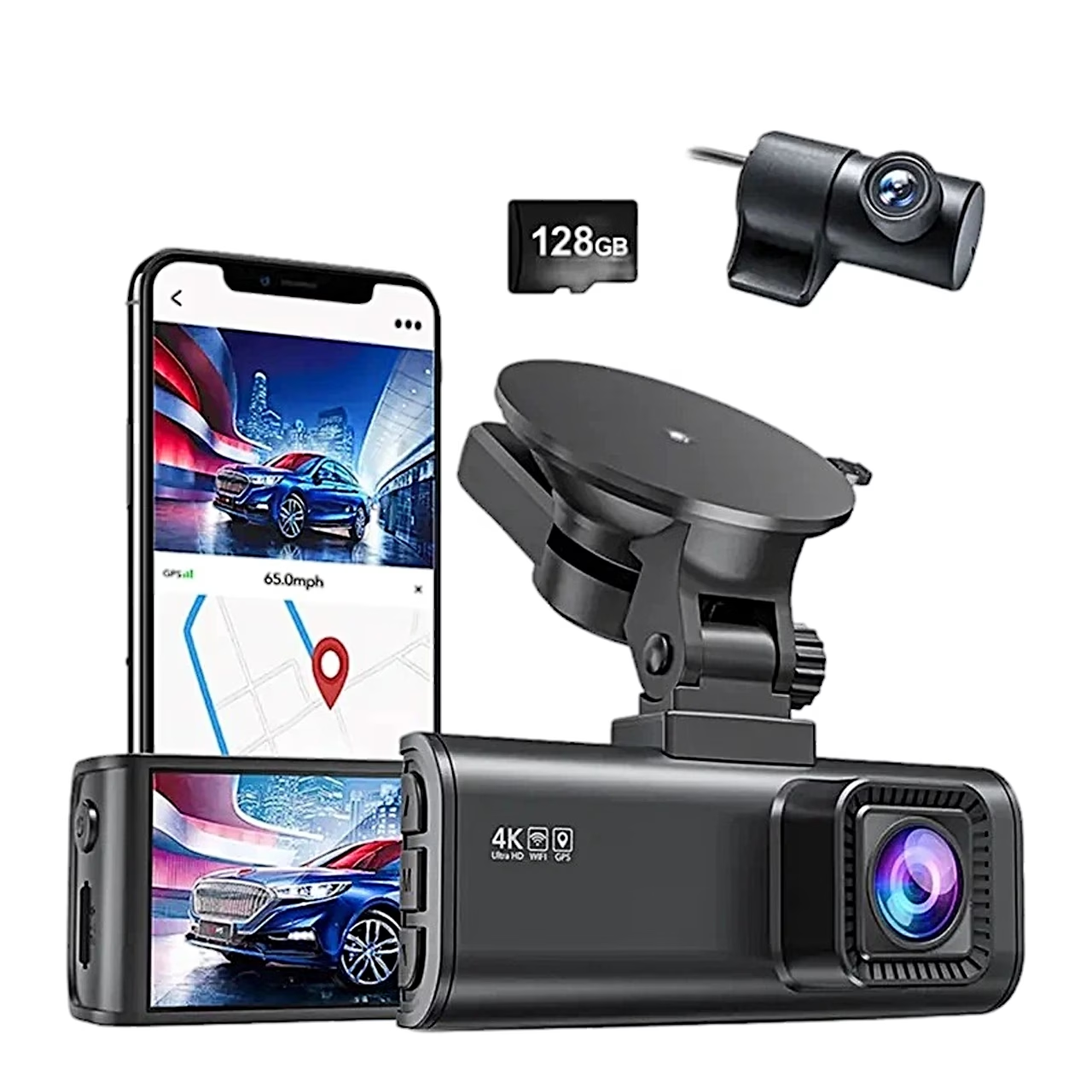
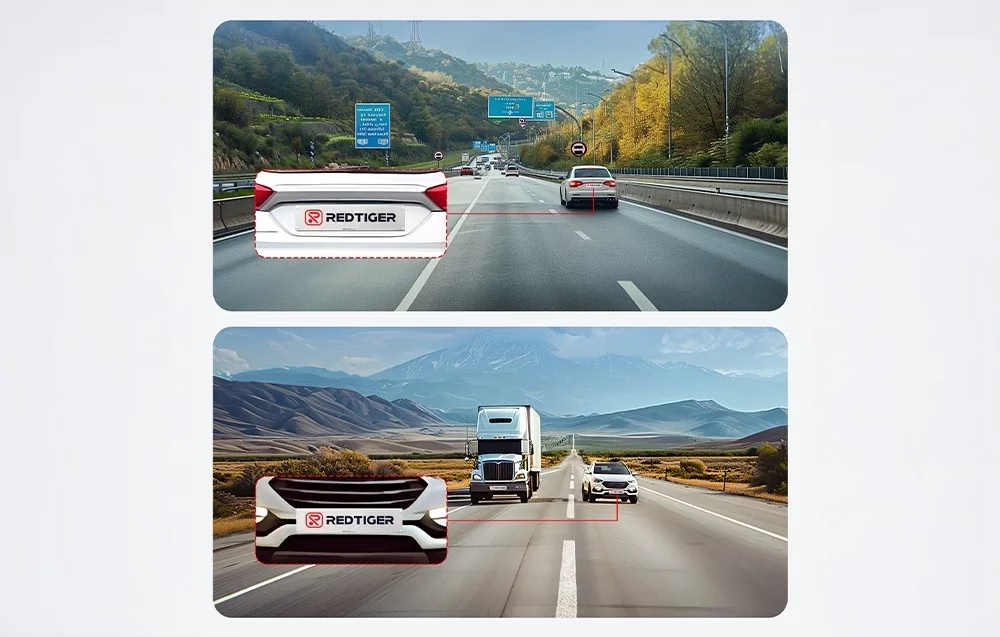
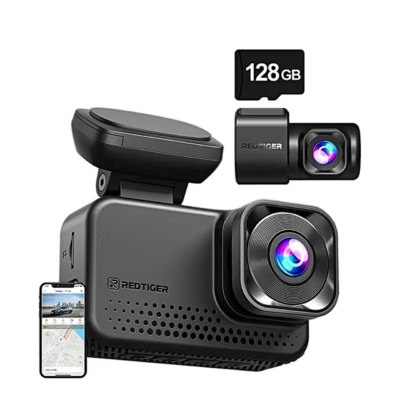
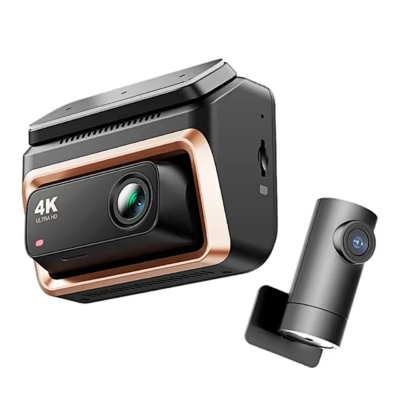
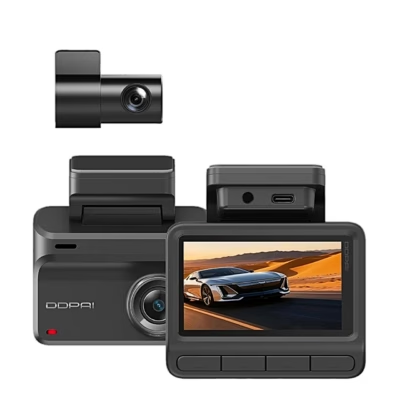
The Redtiger F7NP dual dash cam records the road ahead in 4K (2160p) at 30 frames per second with its front camera and the view behind the car in 1080p with its rear camera. Recordings and settings are shown on the camera’s 3.18-inch IPS screen.
Resolution and lenses
With the front camera alone it can also record 1440p at 60 frames per second or 1080p at 120 frames per second; with both cameras the front camera runs at 2160p or 1440p. The front lens has an f/1.8 aperture for recording in the dark, the rear lens f/2.0. The rear image can be mirrored horizontally and flipped vertically in the menu.
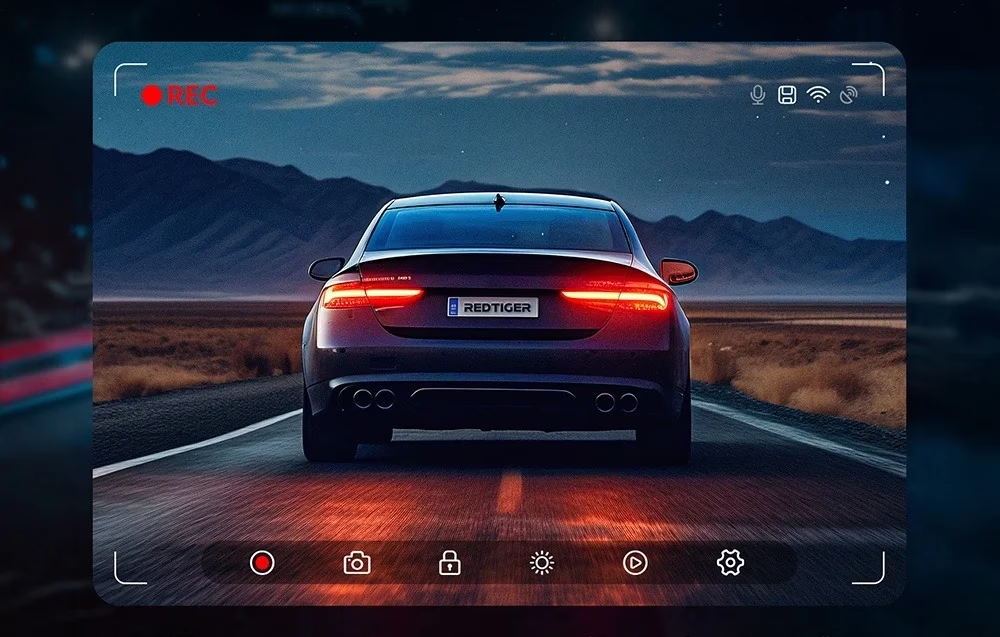
Wi-Fi, GPS and the Redtiger Cam app
Wi-Fi works at 2.4 or 5.8 GHz, and in the Redtiger Cam app you can view the live image, play and download recordings to the phone and change settings. The GPS mount records location, route and speed, and the camera sets the date and time from GPS. On a computer, REDTIGER Player plays front and rear video side by side with a map, and the firmware updates over the air through the app.

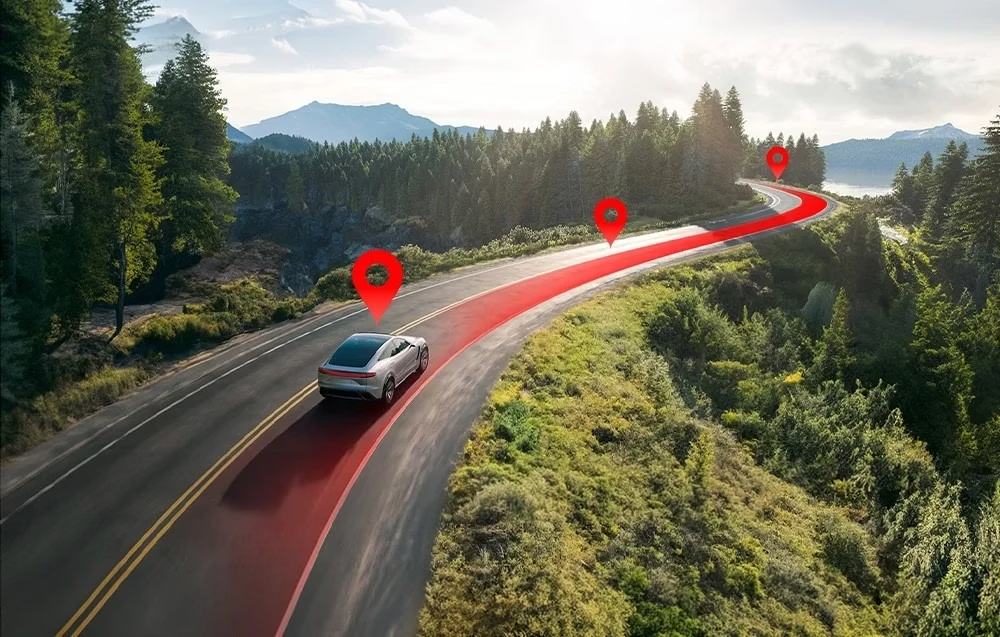
Loop recording, G-sensor and parking monitoring
Loop segments can be set to 1, 3 or 5 minutes and G-sensor sensitivity to low, medium or high. A short press of the up button locks the current recording and the down button takes a snapshot. The fatigue reminder can be set to 1, 2, 3 or 4 hours. Parking mode works with the separately sold ACC Hardwire Kit. Power is buffered by a supercapacitor instead of a battery, and the camera works at −20 to 70 °C.

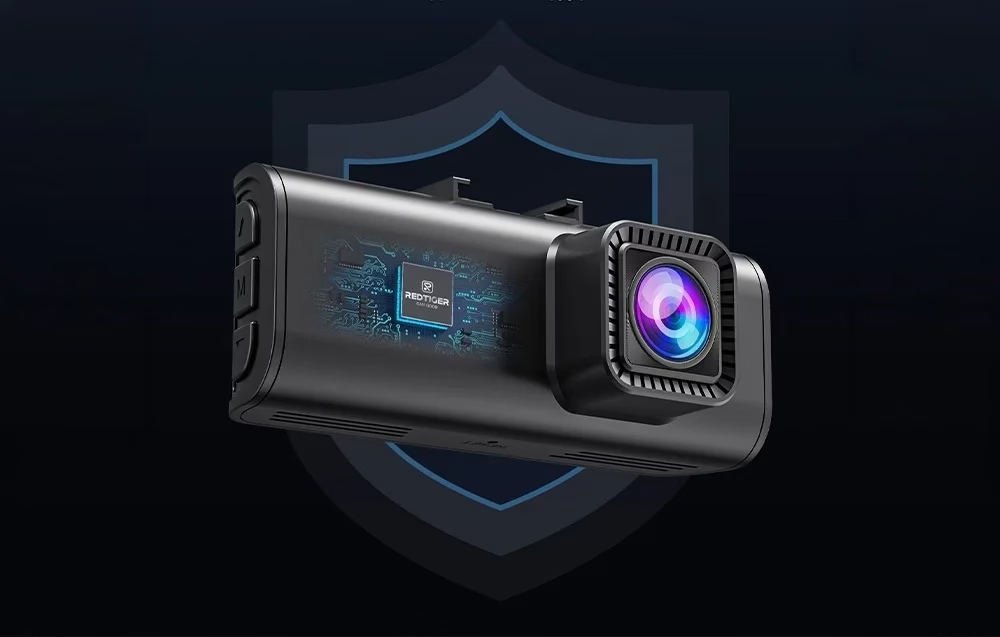
Installation
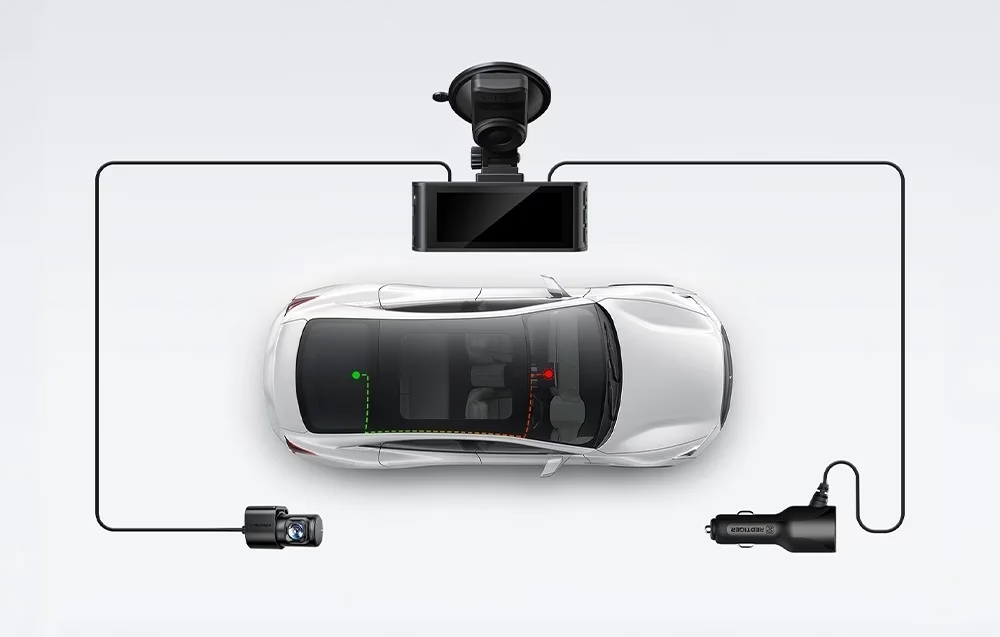
Insert the memory card until it clicks and test the camera with power before final installation. Clean the windscreen, fix the camera with the suction mount and lock the bracket by turning the GPS module anticlockwise. For the rear camera, stick the electrostatic film to the cleaned rear window, press out the air bubbles and stick the camera onto it. Plug the car charger into the cigarette lighter socket and hide the cables with the supplied tool under the headlining and behind the A-pillar.
Cleaning and care
Wipe the camera with a soft dry cloth, and for stubborn dirt apply a neutral detergent diluted with 5 to 6 parts water to the cloth. The maker recommends formatting the memory card once a month.
In the box
- Dash cam Redtiger F7NP, 1 pc
- 1080p rear camera
- 128 GB microSD memory card
- GPS suction mount
- Adhesive for the suction cup
- Power cable with car charger
- Rear camera cable
- Electrostatic film, 2 pcs
- Cable clips, 5 pcs
- Installation tool
- User manual






































Reviews
There are no reviews yet.