
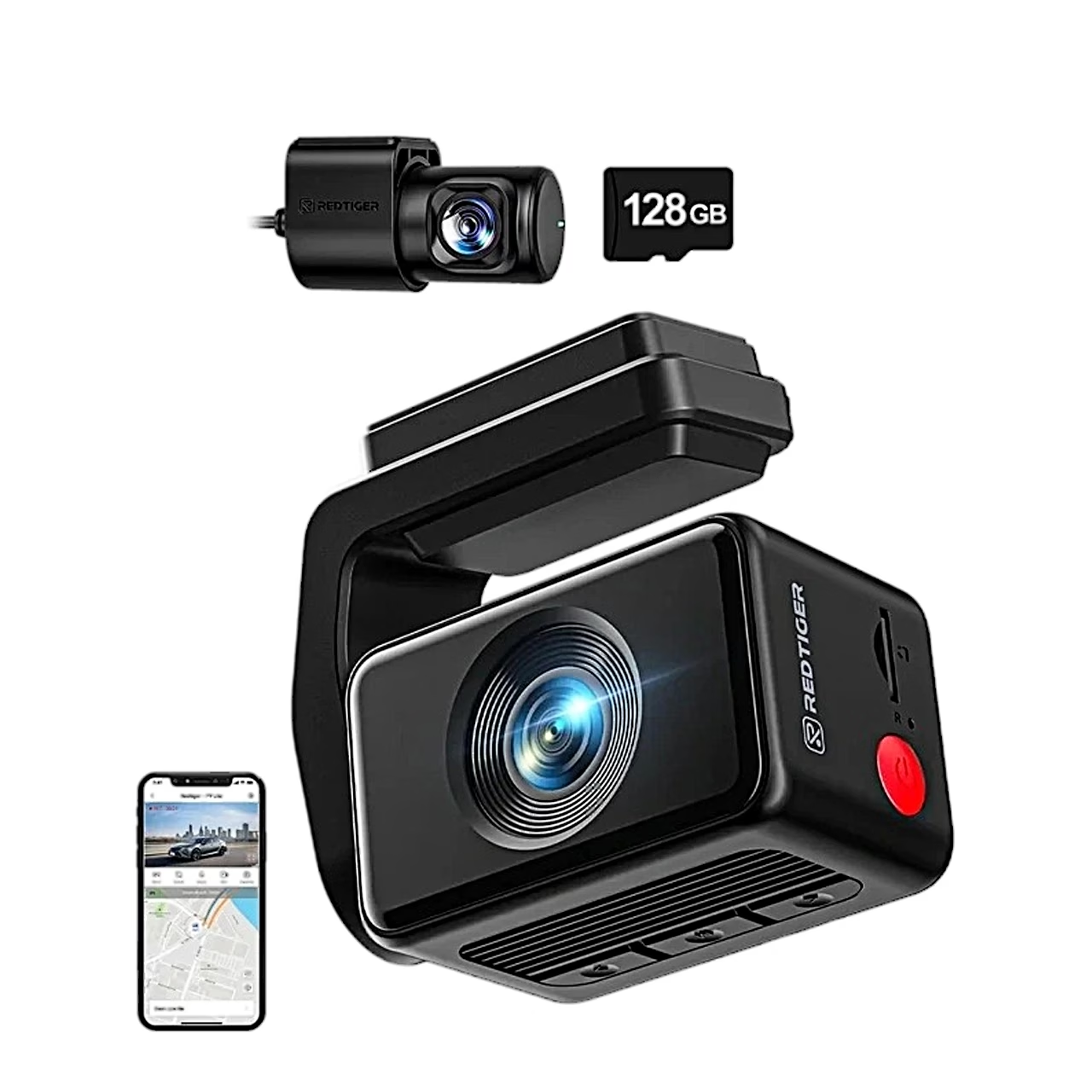
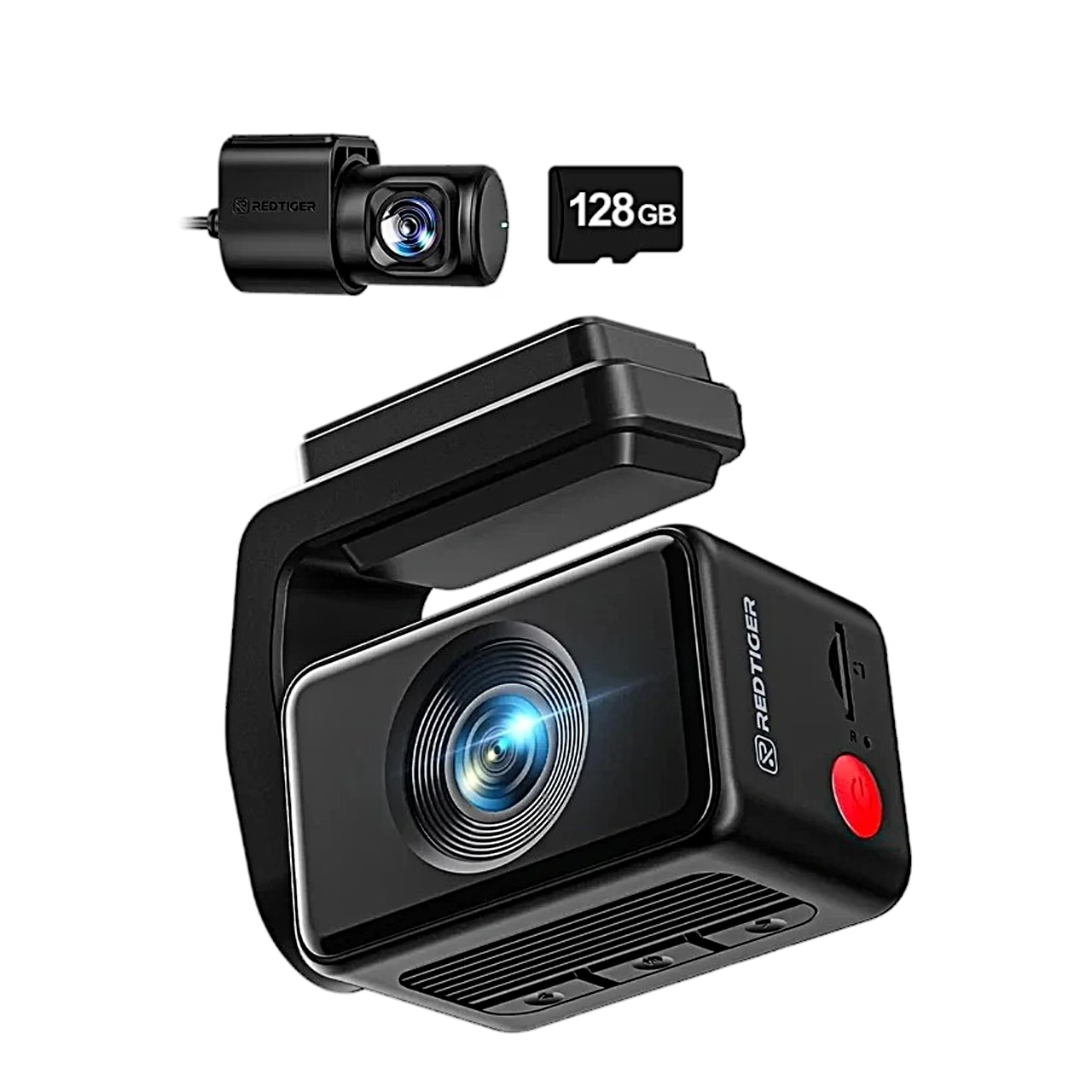
Description
Dash cam with a rotating mount and a touchscreen
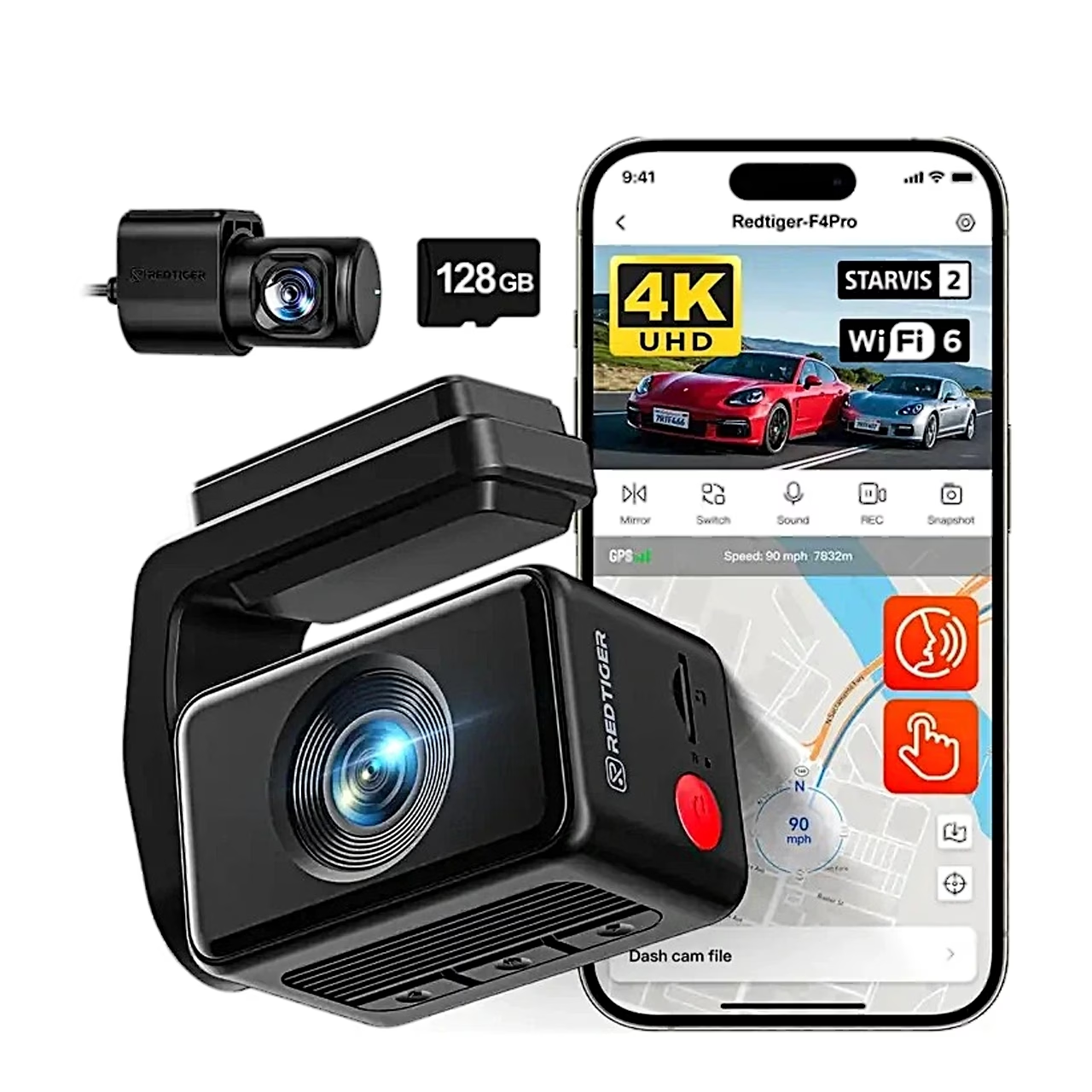
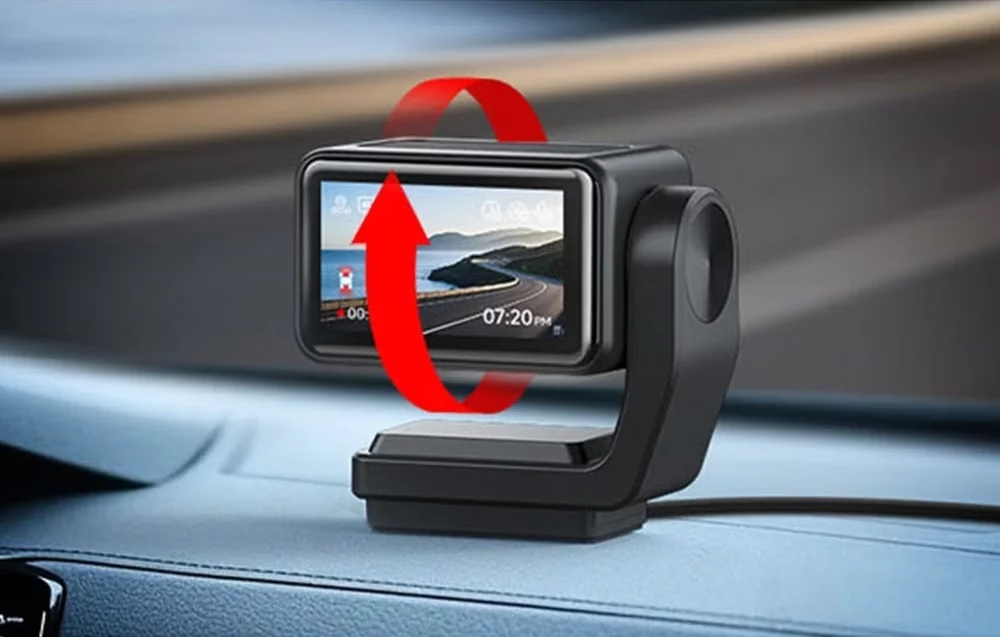
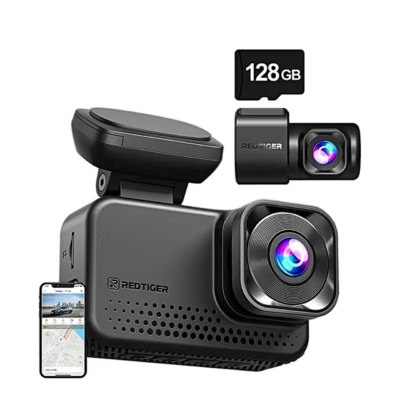
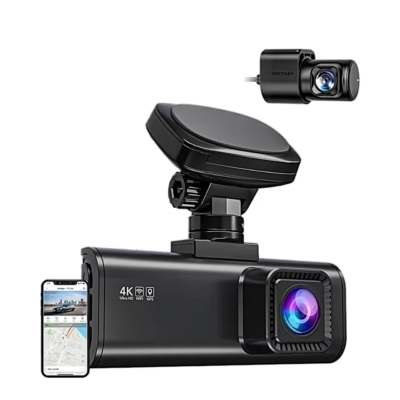
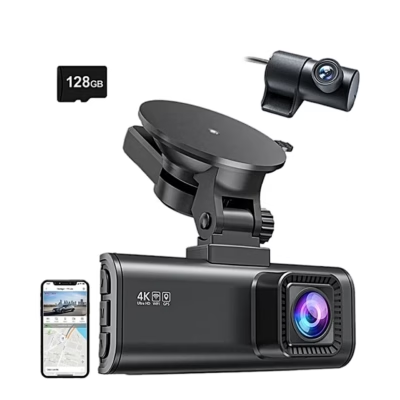
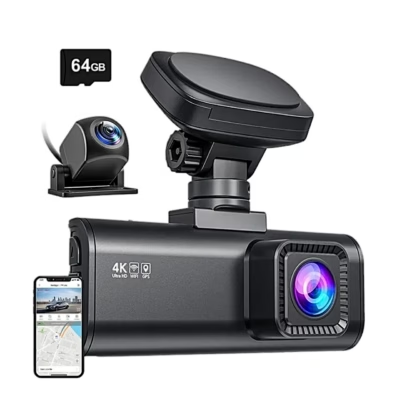
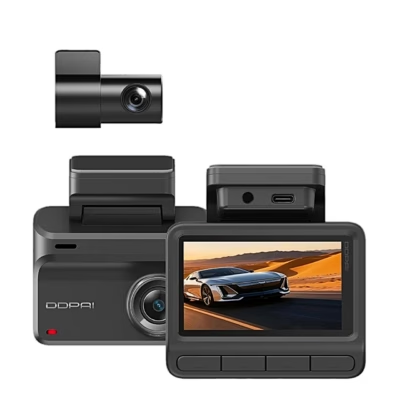
The rotating-mount dash cam REDTIGER F4 Pro records the front in 4K and the rear in Full HD 1080p at 25 frames per second at the same time, with an F/1.8 lens aperture. The camera sits behind the rear-view mirror, and the 240° rotating mount lets you mount it upside down and remove it at any time.
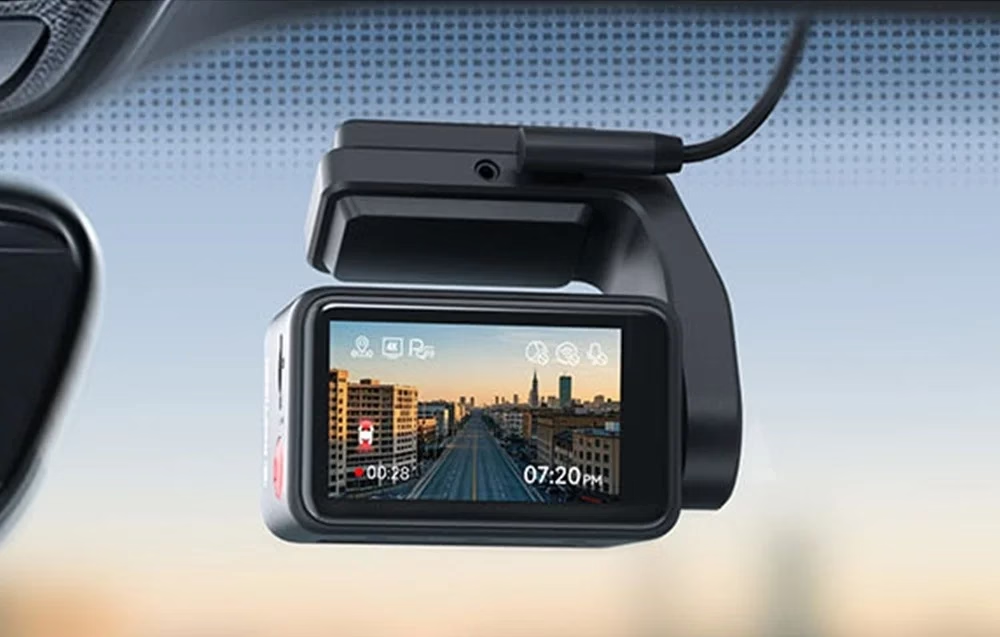
Night image with a Sony STARVIS 2 sensor
The front camera has a Sony STARVIS 2 sensor designed for recording in low light and at night. The sensor balances bright and dark areas and is also sensitive to near-infrared light (NIR), so details stay more visible on poorly lit roads and in rain.
Control by touchscreen, voice and app
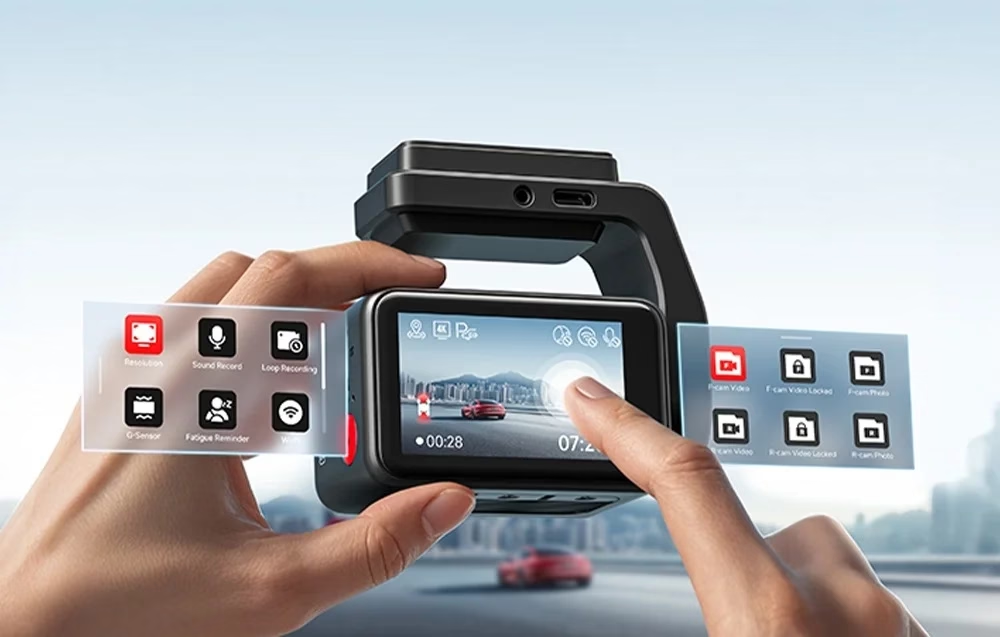
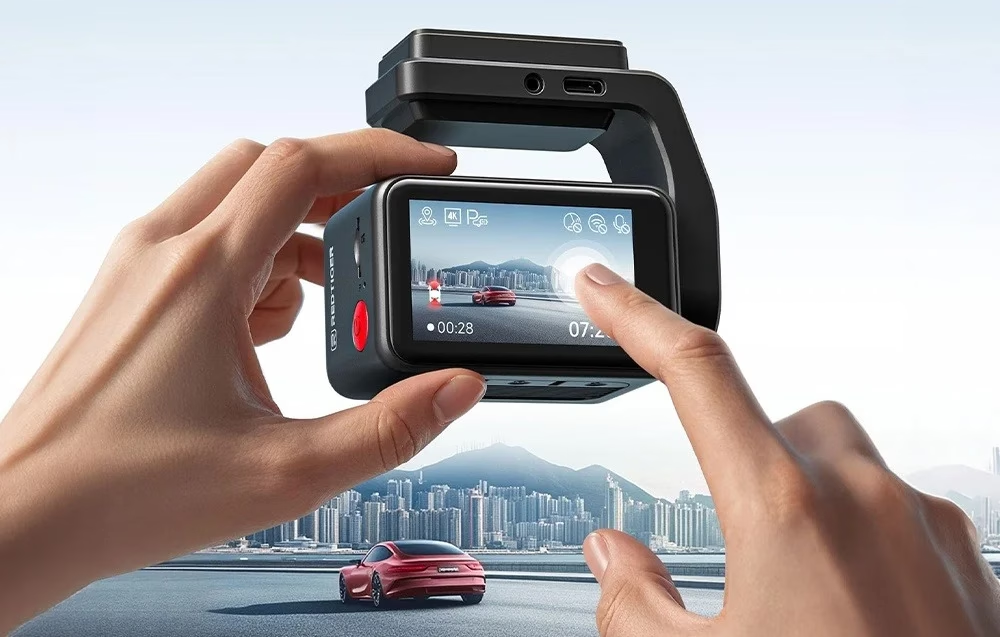
On the 2.2-inch IPS touchscreen a swipe changes the camera view and opens quick settings, playback or the settings menu. Voice control offers 12 commands, for example to lock a video, take a photo, switch on Wi-Fi or switch between front and rear view. Over Wi-Fi 6 (5.8 GHz) the REDTIGER Cam app shows live view, downloads recordings to the phone, displays GPS data and updates the camera firmware.
Recording, GPS and memory card
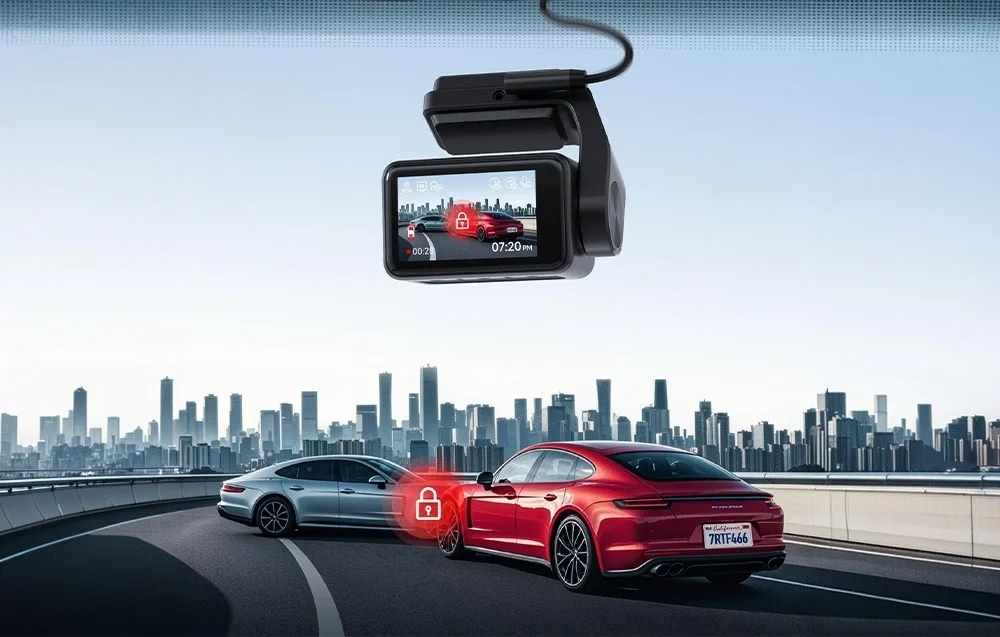
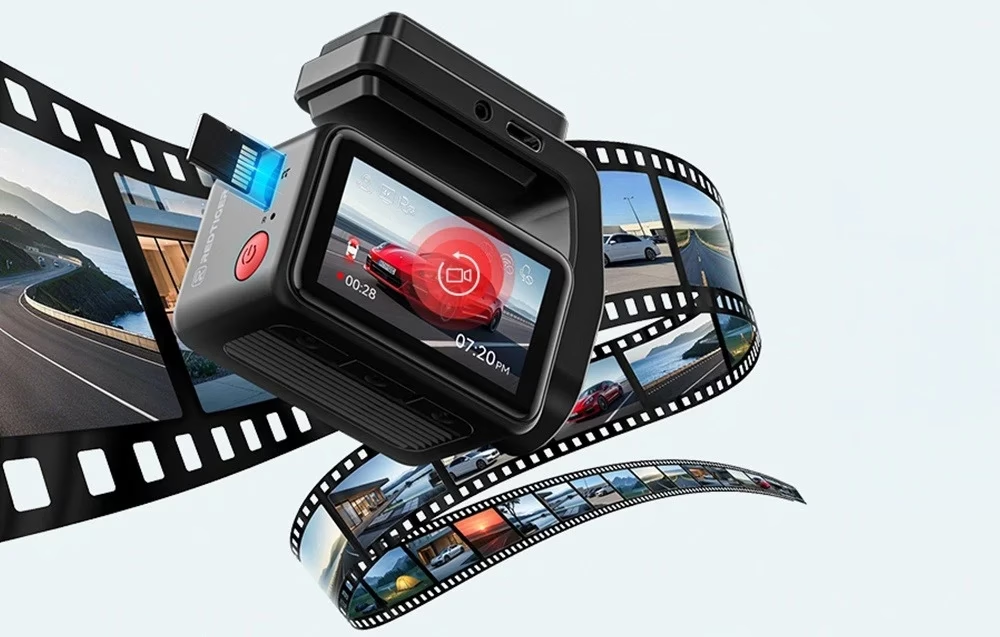
Resolution can be set to 4K + 1080p, 2.5K + 1080p or 1080p + 1080p, or front only in 4K, 2.5K or 1080p; video is saved as MP4 and photos as JPG. Loop recording splits video into 1, 3 or 5-minute files, and the G-sensor protects the recording from overwriting on impact. The GPS built into the mount records route and speed and sets the clock, and REDTIGER Player shows the video with the route on a map on a computer. The camera takes memory cards up to 256 GB, and a 128 GB card is included.
Parking monitoring
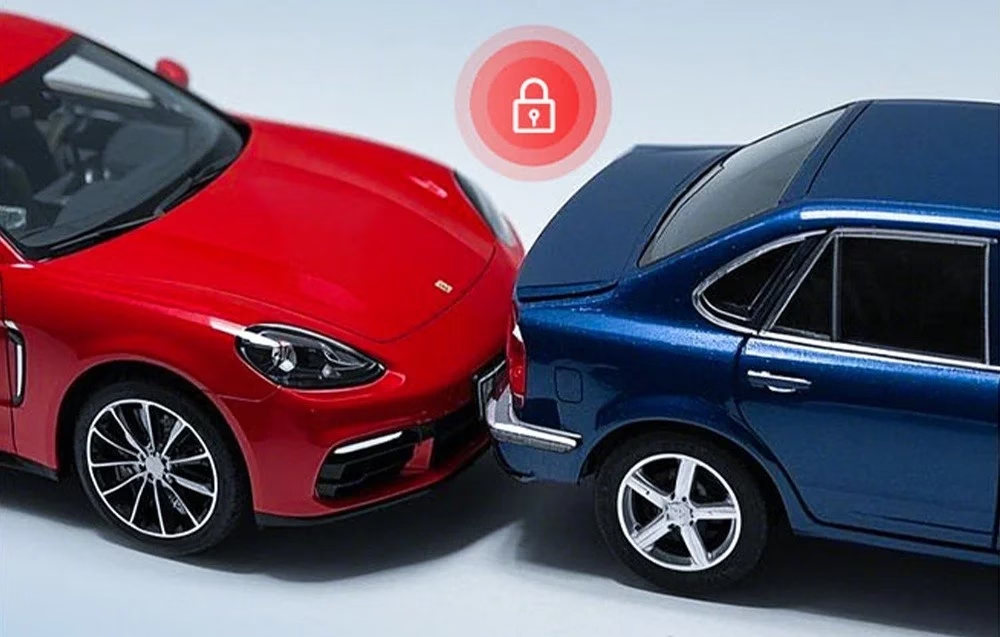
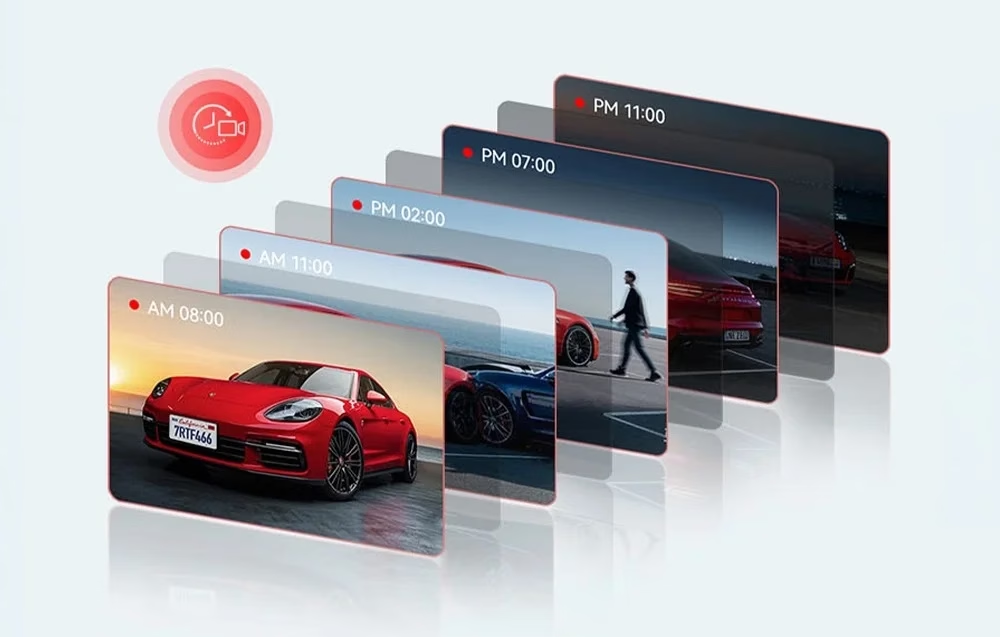
Parking monitoring has two modes: collision lock, which protects the recording with the G-sensor, and time-lapse, which records long periods with less memory use. Both need a separately sold ACC hardwire kit. The camera uses a supercapacitor instead of a battery.
Installation
Cars, SUVs and MPVs use the angled windscreen mount; for trucks and buses with an upright windscreen the box includes a right-angle glass mount. Apply the electrostatic sticker to the windscreen and stick the camera onto it; the rear camera attaches the same way to the cleaned rear window. Connect all cameras and wires before switching on, and tuck the power cable between the windscreen and the headliner and behind the A-pillar with the included tool. When mounted upside down the GPS signal may fluctuate, and the touchscreen is then easier to use than the buttons.
Cleaning and care
Wipe the camera with a soft dry cloth; for tougher dirt moisten the cloth with neutral detergent diluted with 5–6 parts water. Alcohol, thinner and benzene can damage paint or coatings; do not touch the lens surface. The maker recommends formatting the memory card once a month.
In the box
- Dash cam REDTIGER F4 Pro, 1 pc
- 1080p rear camera, 1 pc
- Power cable with car charger, 1 pc
- 128 GB memory card, 1 pc
- Right-angle glass mount, 1 pc
- Adhesive slipcover for the mount, 1 pc
- Electrostatic stickers, 2 pcs
- Cable clips, 5 pcs
- Installation tool, 1 pc
- User manual








































Reviews
There are no reviews yet.