
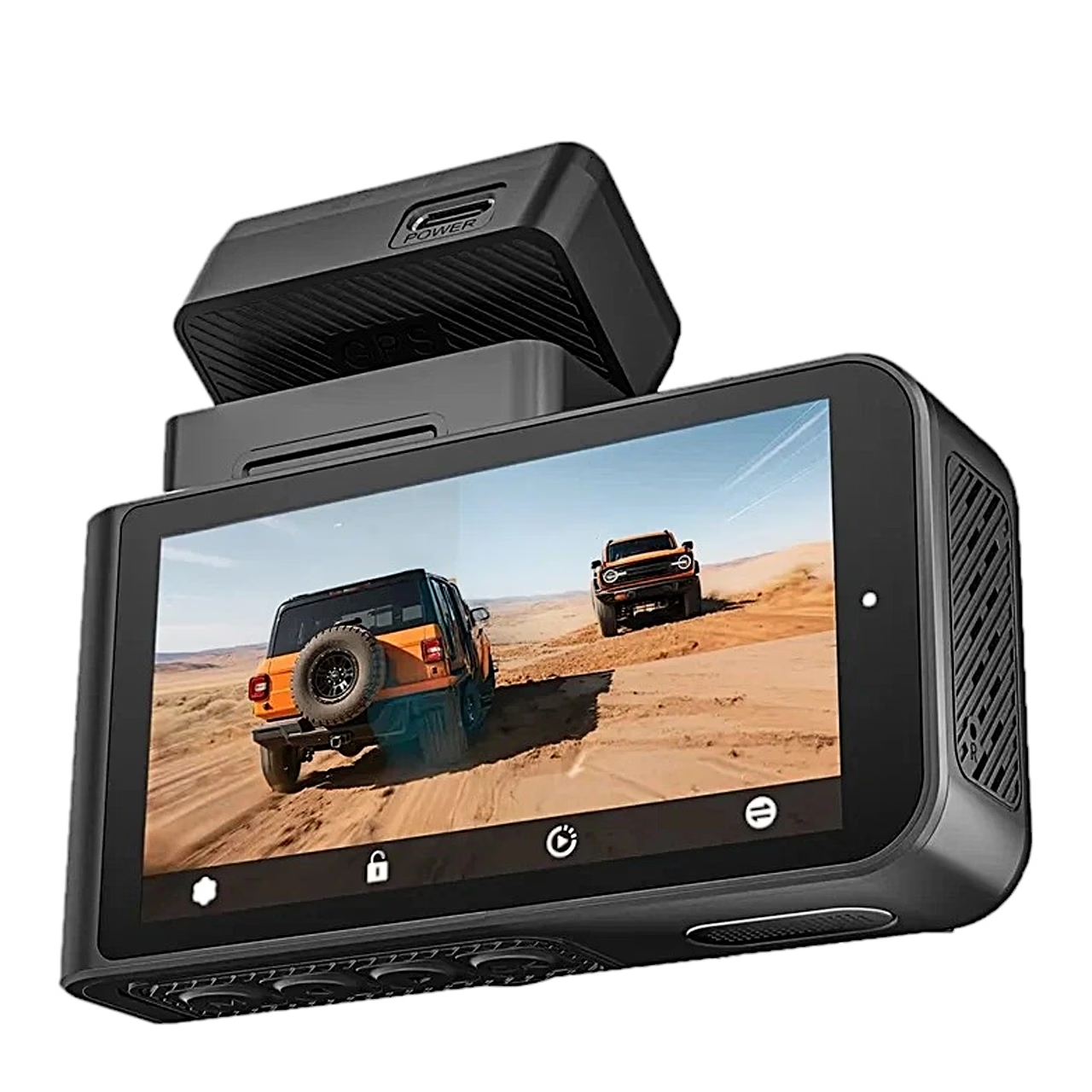
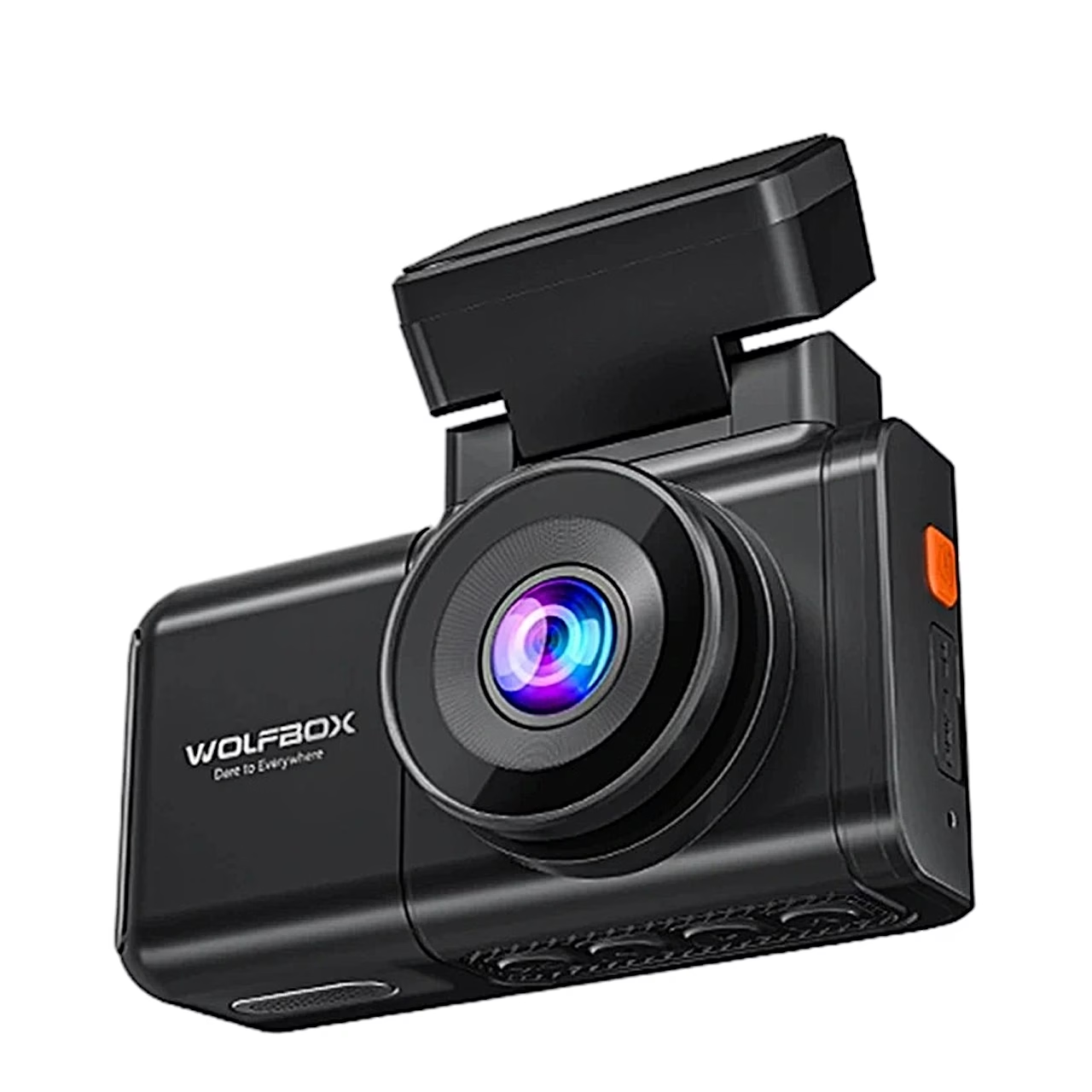
Description
Dash cam that records the road ahead and behind at the same time
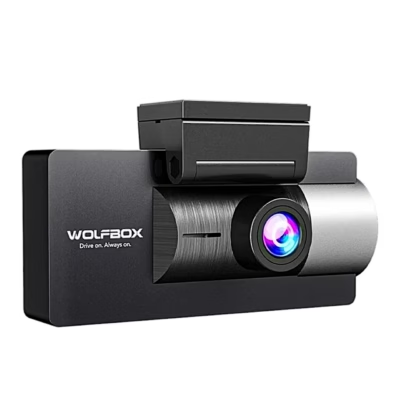
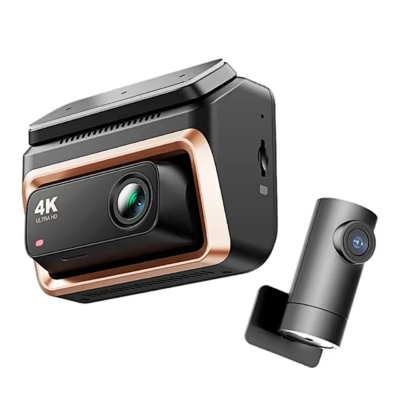
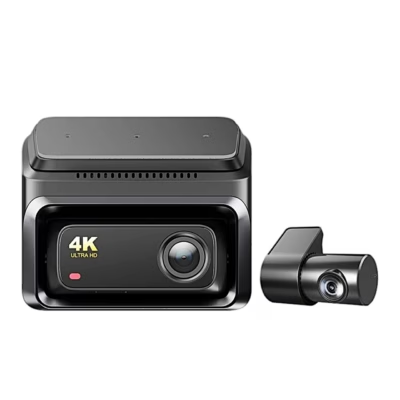
The WOLFBOX X3 dual dash cam records ahead and behind at once: the front camera records 2.5K video at 60 frames per second and the rear camera Full HD 1080p video at 30 frames per second. It is operated through a 3-inch IPS touchscreen.
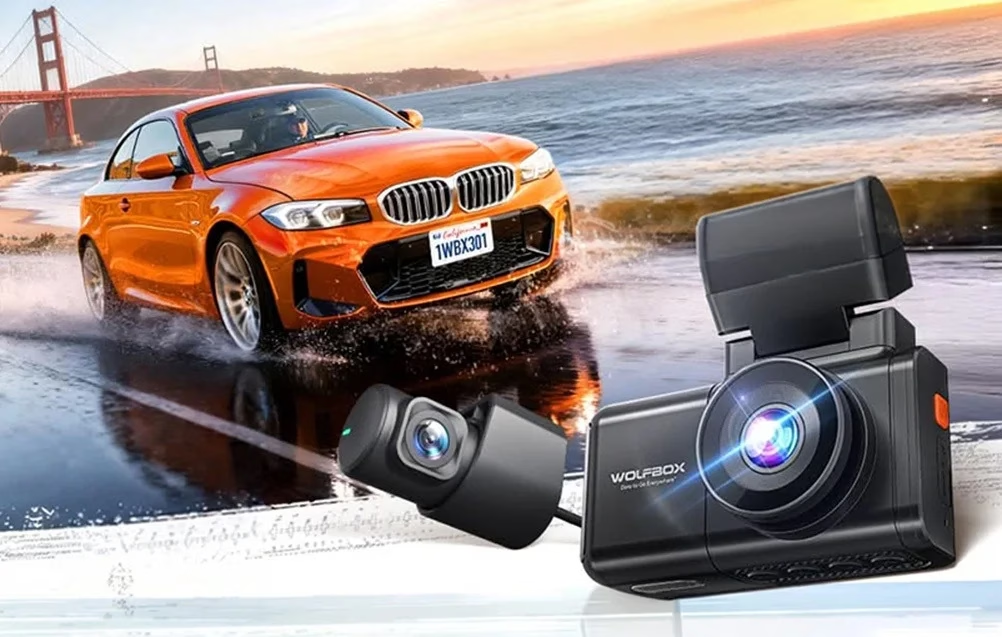
Sony STARVIS 2 sensor keeps detail in the dark
The front camera’s Sony STARVIS 2 IMX675 sensor, HDR and 3D DNR noise reduction keep more detail in bright and dark areas of the recording. The f/1.5 aperture lets more light reach the sensor when driving at night. The front camera frame rate can be set to 60 or 30 frames per second.
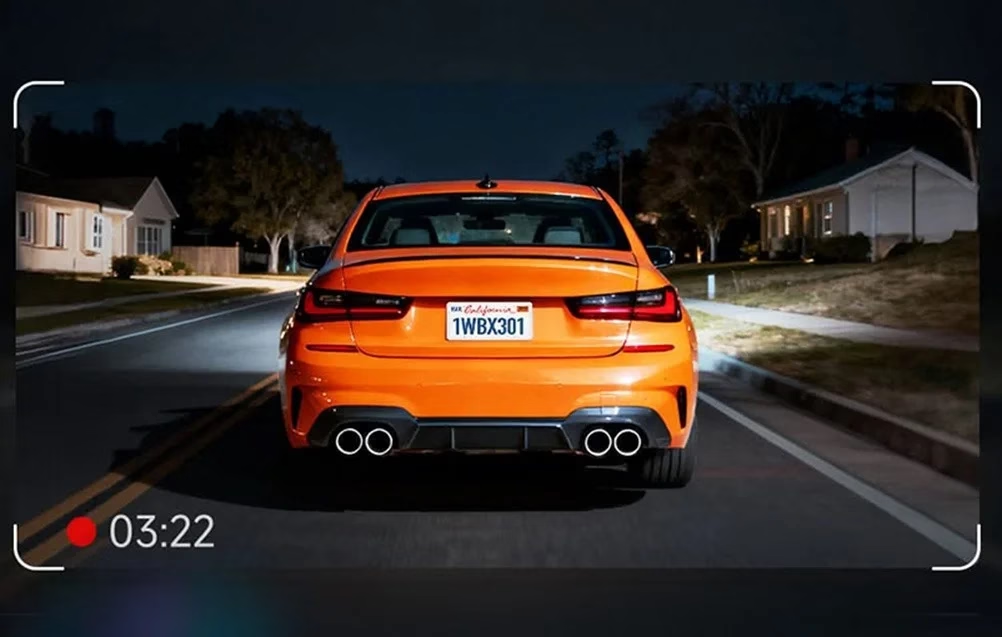
Driver assistance warns of lane departure and collision risk
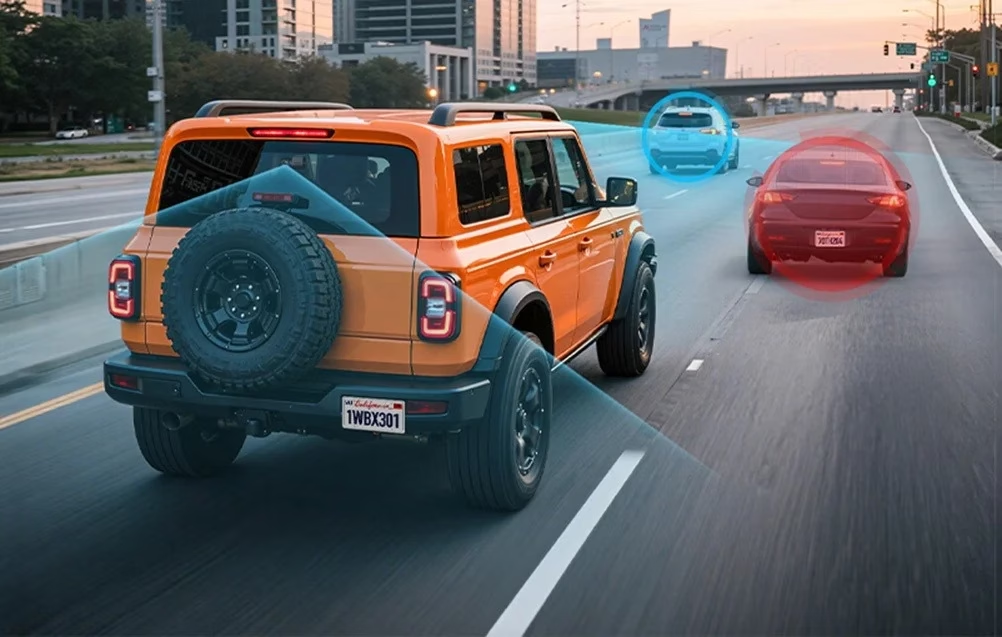
The driver assistance system (ADAS) follows the road markings and the vehicle ahead in the front camera image. Lane departure warning works above 60 km/h, forward collision warning above 30 km/h, and when stationary the camera signals when the vehicle ahead moves off. Each warning can be switched on or off in the menu, and the fatigue reminder set to 1, 2 or 3 hours. After start-up the camera calibrates the assistance itself once you drive at 20 km/h or more for 2–3 minutes.
Impact sensor locks the accident video
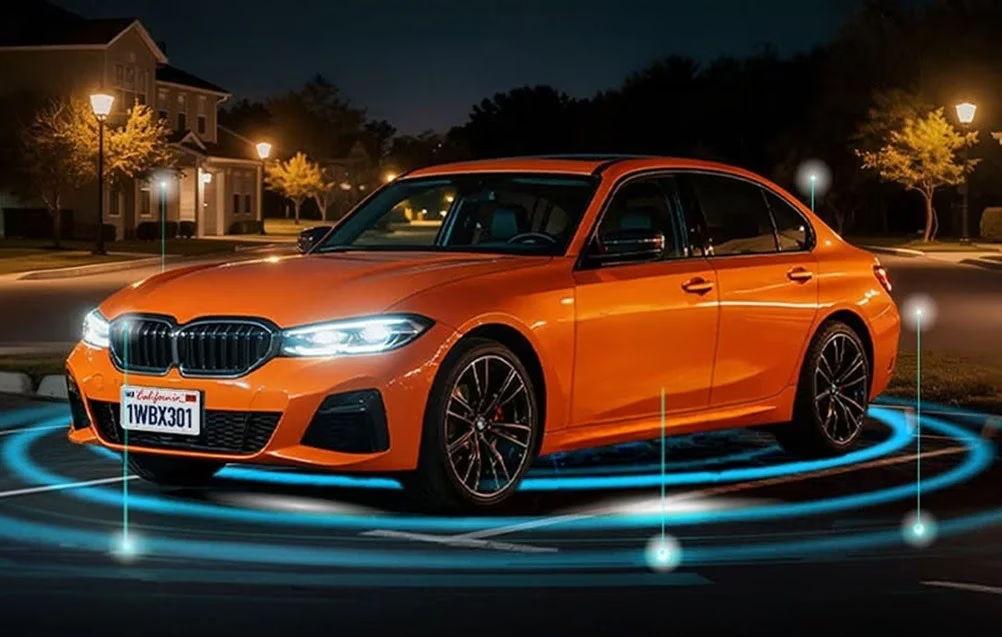
Loop recording file length can be set to 1, 3 or 5 minutes. G-sensor sensitivity has three levels, and when an impact is detected the camera locks the current video. Parking mode works with a hardwire kit sold separately: with the engine off the camera records on impact or as a time-lapse at 1 frame per second for 12, 24 or 48 hours, or until the battery voltage drops below 12 V. Recordings are stored on a microSD card of up to 512 GB, Class 10.
The WOLFBOX app brings videos to your phone
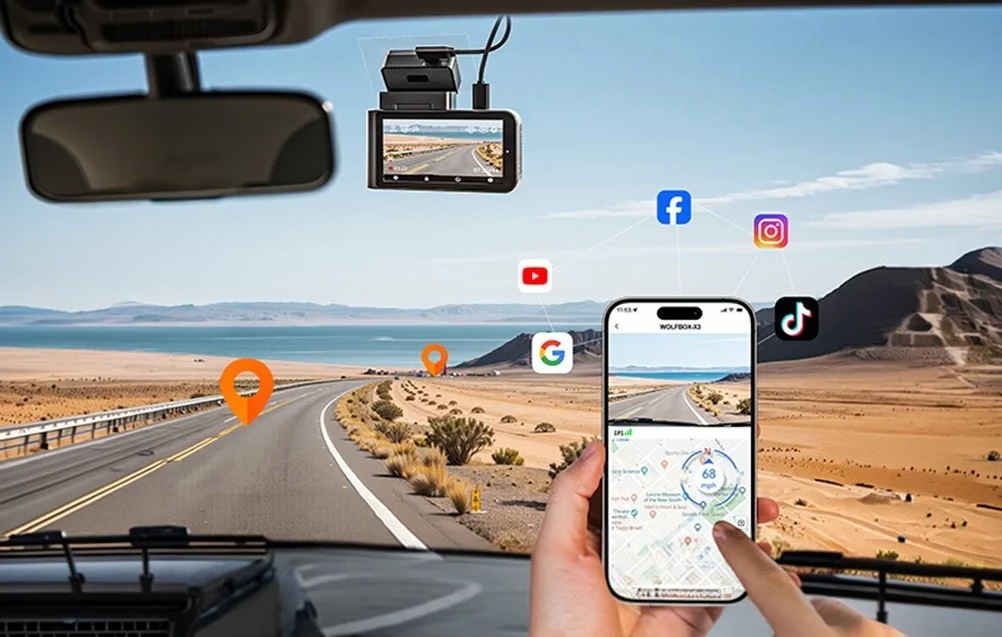
Over 5.8 GHz Wi-Fi the camera connects to the WOLFBOX app, where you can watch the live view and download videos without removing the memory card. Built-in GPS records location and speed and sets the clock by the time zone. Speed, location and date stamps can be switched on or off in the video. On a computer the free GPS Media Player shows front and rear video side by side with the route on a map.
Touchscreen icons switch the functions
Icons along the top of the screen switch driver assistance, Wi-Fi and audio recording on and off. The bottom bar opens settings, playback and video lock, and switches between front and rear camera views.
Mounting on the front and rear window
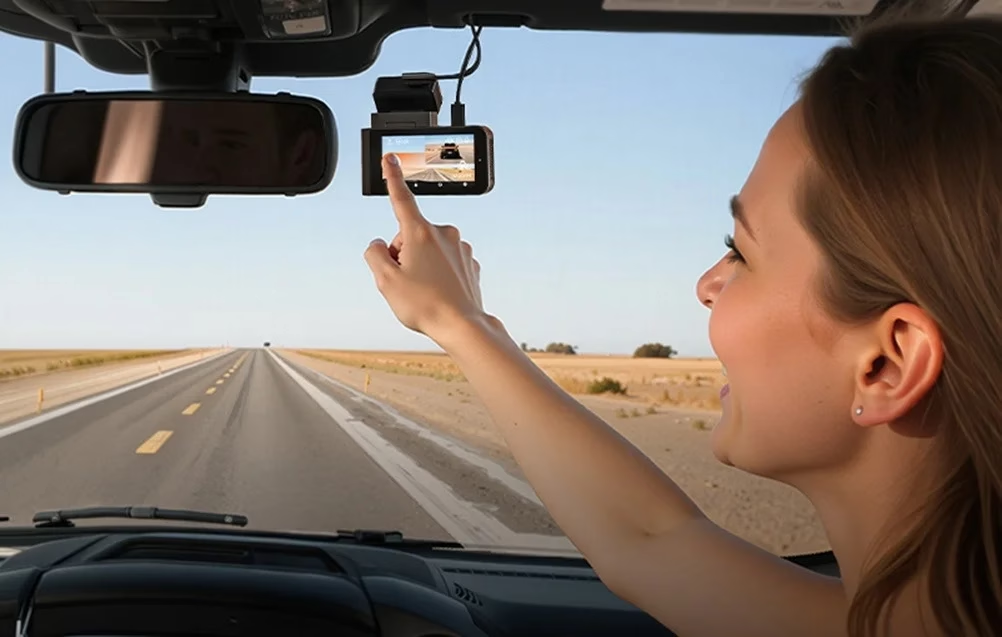
The front and rear cameras attach to the glass over an electrostatic sticker; wipe the rear window clean first. The power cable connects to the car’s 12 V or 24 V socket and the camera’s USB-C port. With the supplied tool you tuck the cable between the windscreen and the headliner and along the A-pillar so it does not block the driver’s view. The rear camera cable runs along the headliner on the passenger side to the rear seats.
In the box
- WOLFBOX X3 dash cam, 1 pc
- Full HD rear camera
- Power cable with car charger
- Rear camera cable
- Adhesive pad
- Electrostatic sticker, 2 pcs
- Installation tool
- Lens cleaning cloth
- User manual and quick guide
- Cable clips, 5 pcs


































Reviews
There are no reviews yet.