
Description
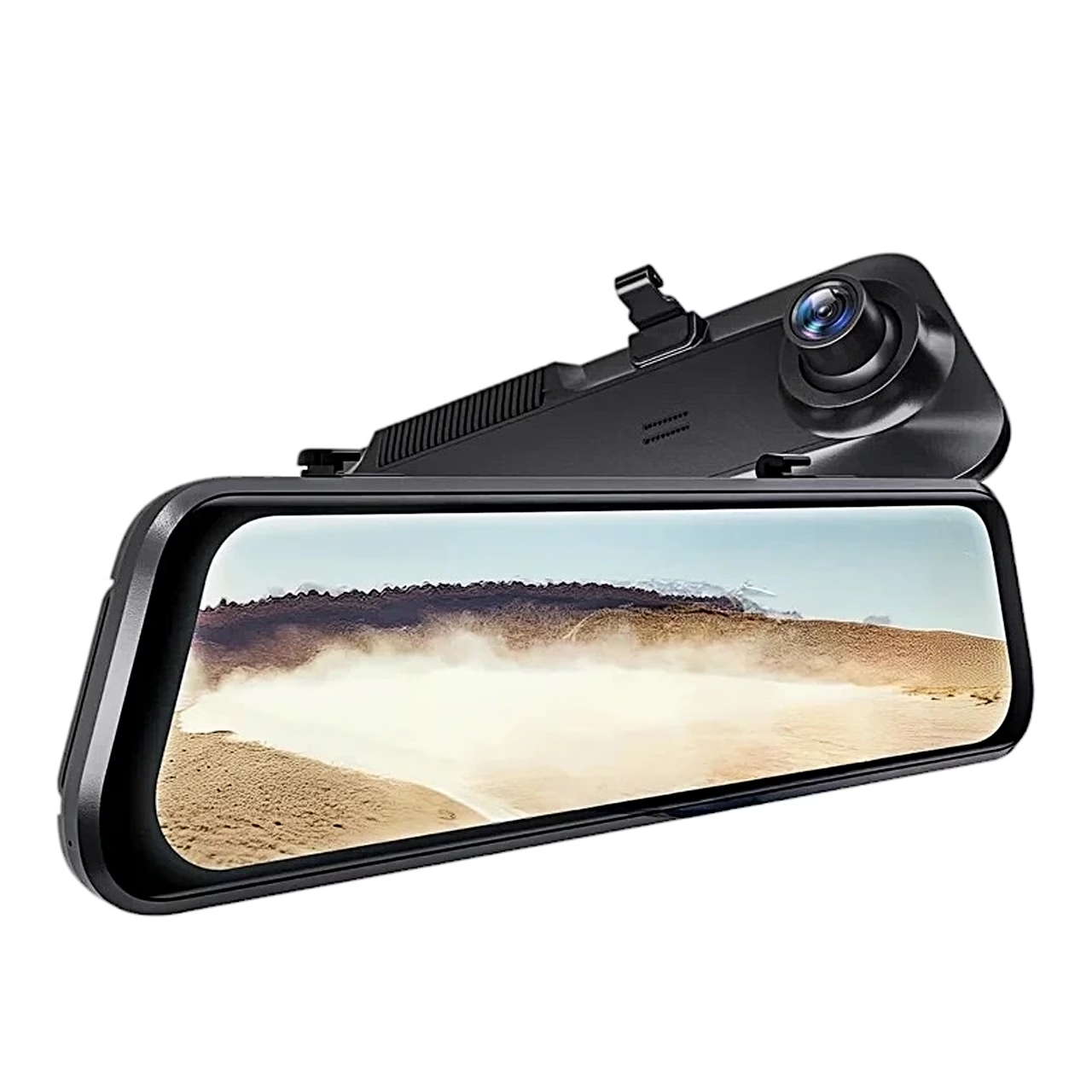
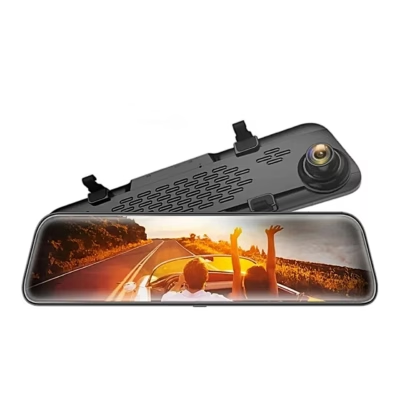
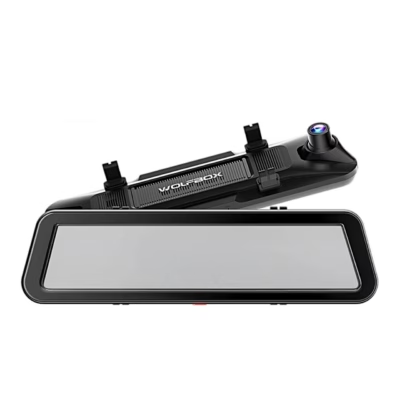
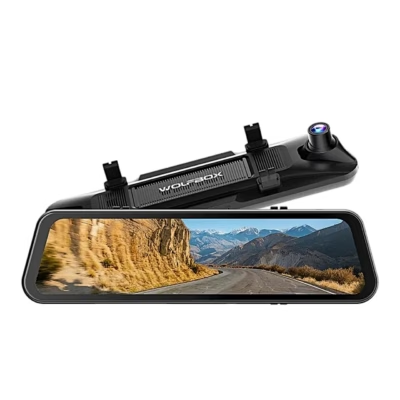
Mirror-style dash cam with a touchscreen
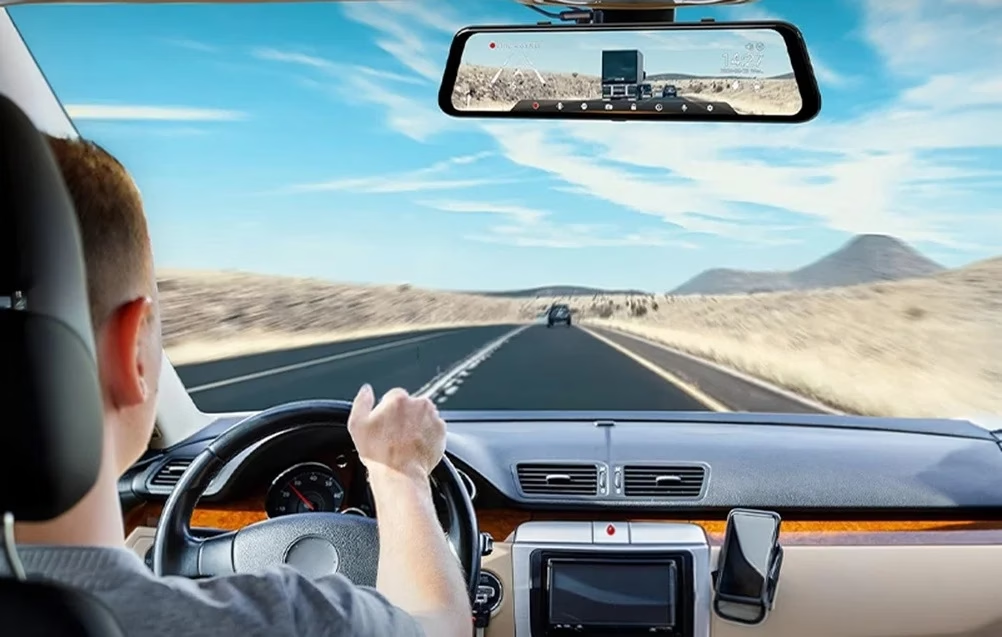
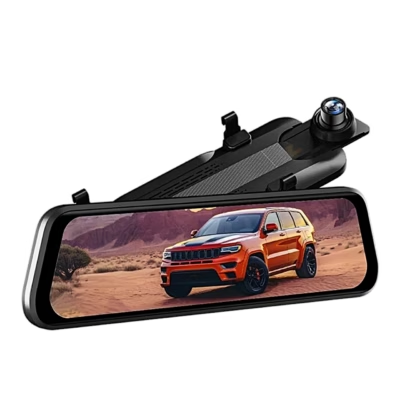
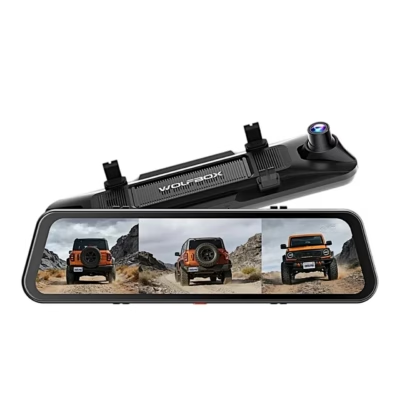
The mirror-style dash cam WOLFBOX G850 Pro records the front in 4K (2160p) and the rear in Full HD 1080p at the same time. It sits over the car’s original mirror and is held with rubber straps; the screen can show the front, rear or split view. The camera is designed for vehicles with a 12 V or 24 V electrical system.
Recording, GPS and Wi-Fi
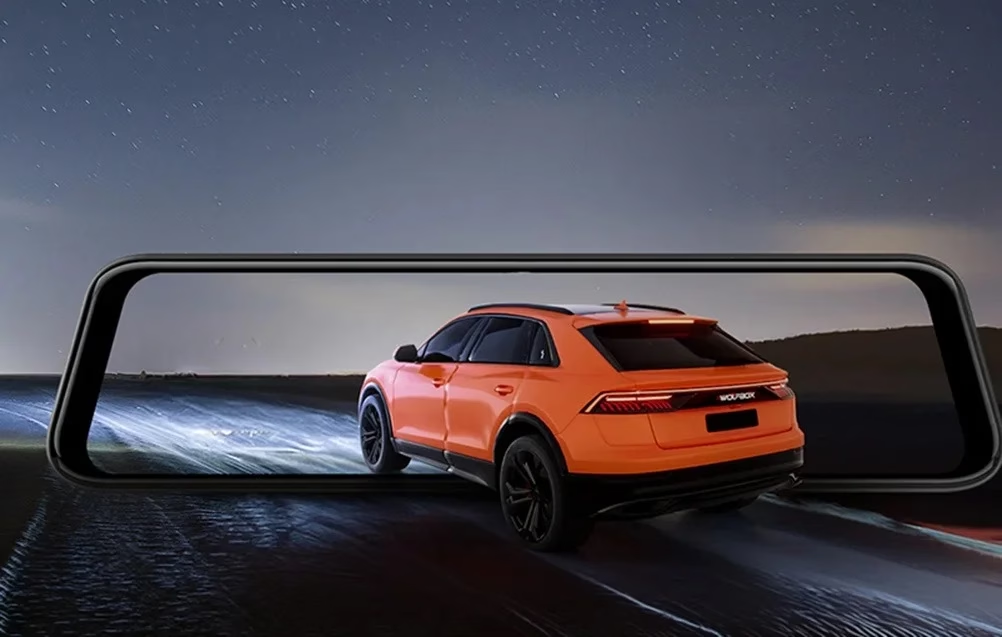
Recording resolution can be set to 4K + 1080p, 2.5K + 1080p or 1080p + 1080p; videos are saved as MP4 and photos as JPG. Loop recording files are 1, 2 or 3 minutes long, and locked videos are never overwritten by loop recording. The camera takes microSD cards up to 256 GB (Class 10); cards over 32 GB are formatted to FAT32 on a computer.
The external GPS module plugs into the 3.5 mm socket and adds speed and location to the video, which GPS Media Player shows on a map with the route on a computer. 5.8 GHz Wi-Fi connects the camera to the WOLFBOX app, where recordings can be viewed, downloaded and shared.
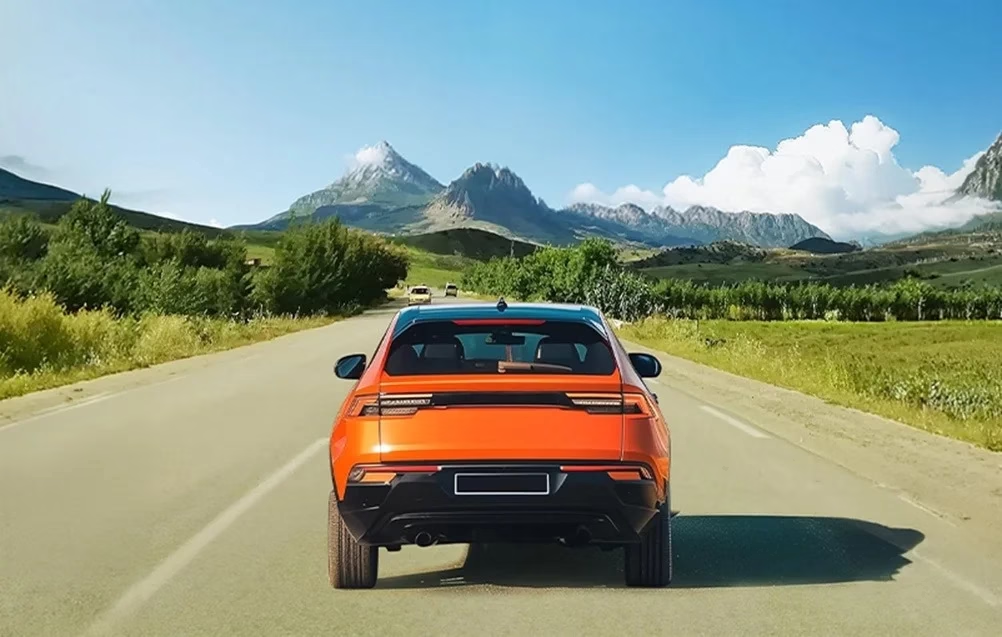
Image quality in the dark
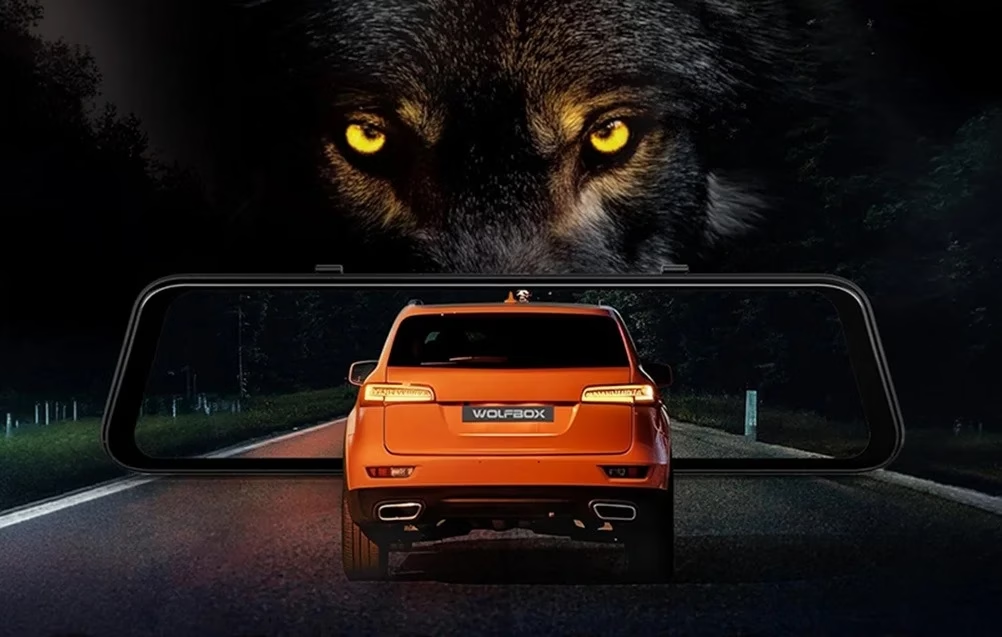
For night recording the camera has an F/1.8 aperture lens, and WDR and HDR processing with 3D DNR noise reduction reduces overexposure and image noise.
Driver assistance alerts front and rear
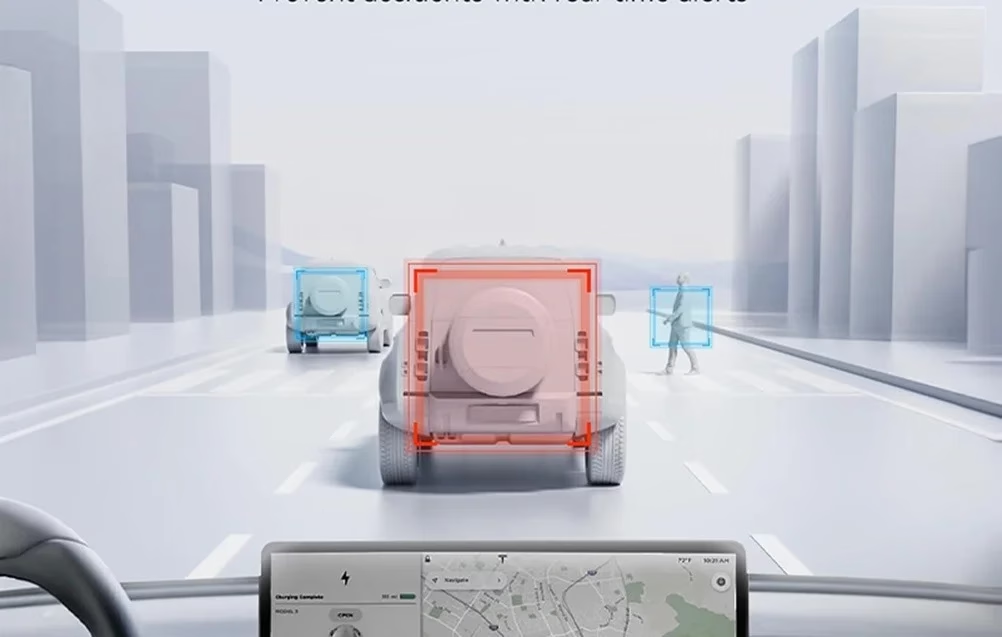
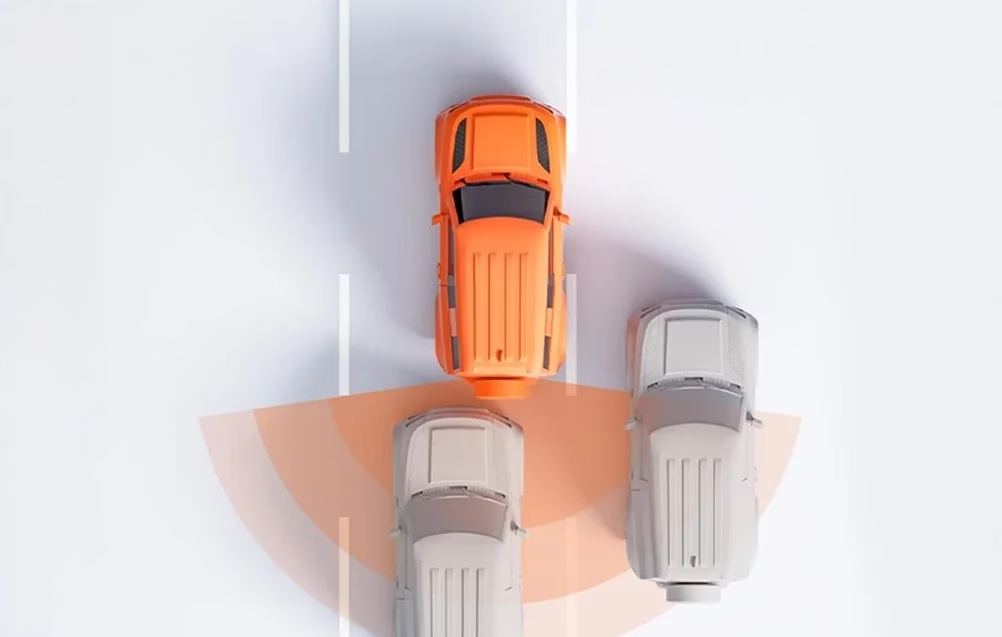
The front camera’s ADAS driver assistance warns of lane departure and of collision risk with a vehicle or pedestrian ahead, signals when the car ahead moves off and monitors the following distance. The rear camera’s BSD functions, blind spot and lane change alerts, signal vehicles approaching from behind. The functions calibrate at every start-up after 2–3 minutes of driving at 20 km/h or more.
Voice commands and parking mode
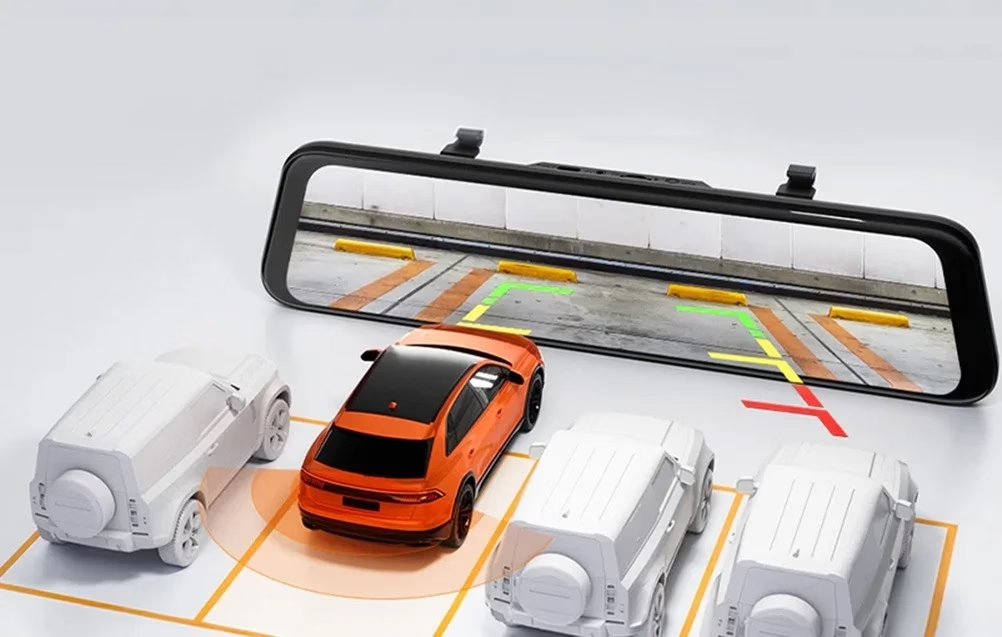
Voice commands can lock a video, take a photo, switch sound, screen, Wi-Fi and recording on or off, and select the front or rear view. In parking mode the camera records after the engine stops on a G-sensor trigger or as a 12, 24 or 48-hour time-lapse at 1 frame per second, until the battery voltage drops below 12 V. Parking mode works with a separately sold hardwire kit. With the rear camera’s red wire connected to the reversing light’s positive terminal, the screen shows the rear image with guide lines when reversing.
Installation
Place the main unit over the original mirror, fasten it with the rubber straps and aim the front lens at the desired angle. The rear camera can be fitted inside on the rear window or outside by the number plate light; route its cable along the top edge of the door with the included installation tool. Stick the GPS module in the right-hand corner of the dashboard, black side up.
In the box
- Dash cam WOLFBOX G850 Pro, 1 pc
- 1080p rear camera with cable, 1 pc
- External GPS module, 1 pc
- Power cable with car charger, 1 pc
- Cable clips, 5 pcs
- Adhesive pad, 1 pc
- Rubber straps, 4 pcs
- Installation tool, 1 pc
- User manual






































Reviews
There are no reviews yet.