

Description
Desktop PC with an Intel Core Ultra 7 processor for everyday office work
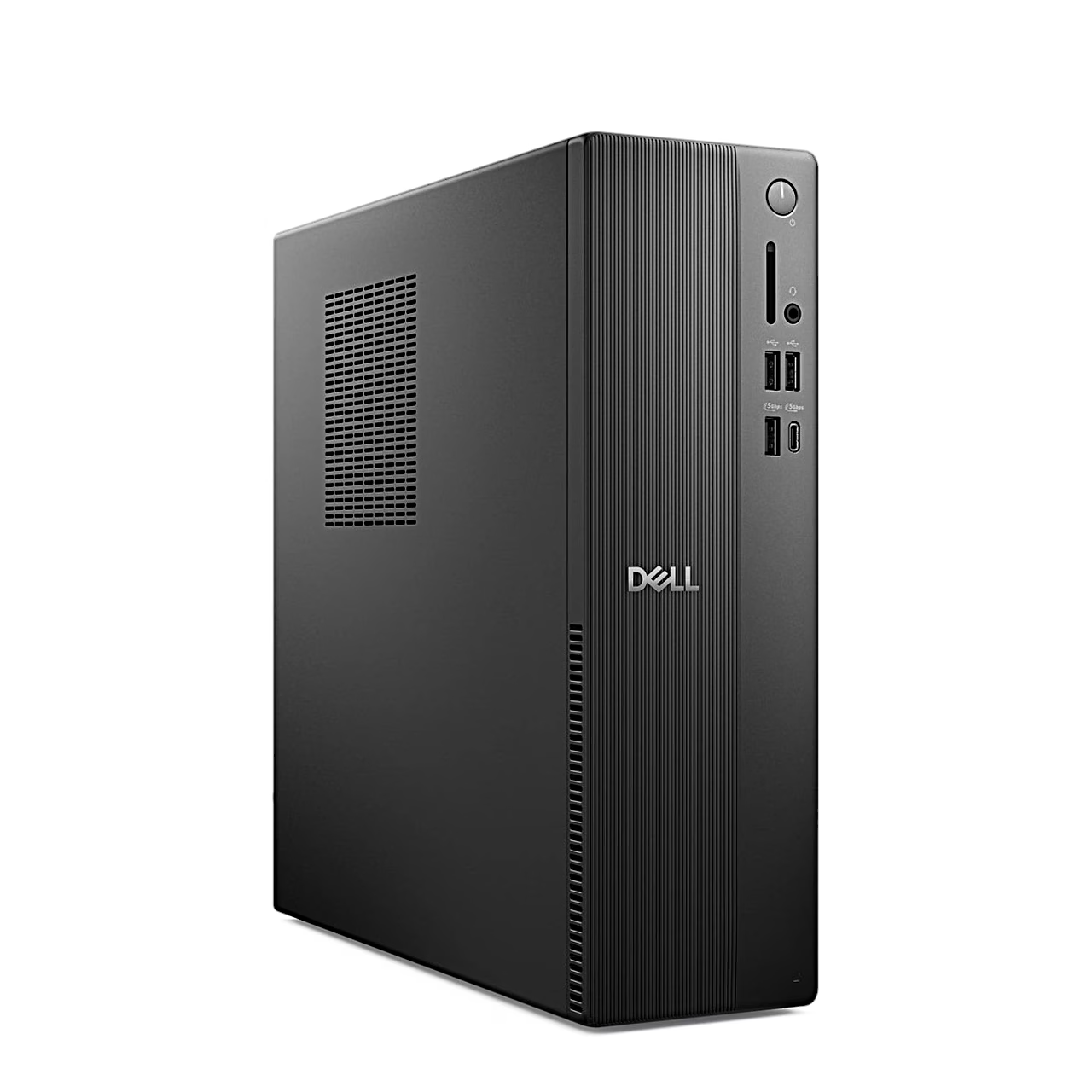
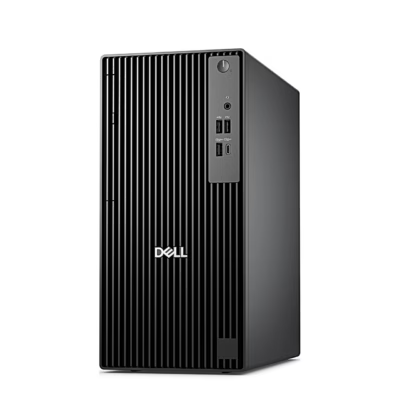
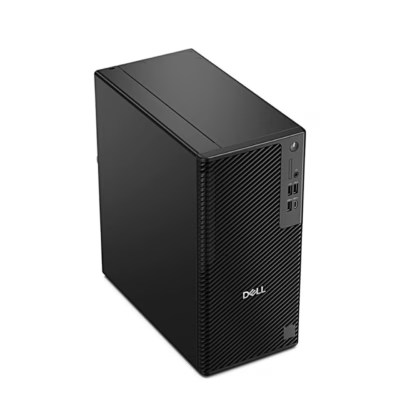
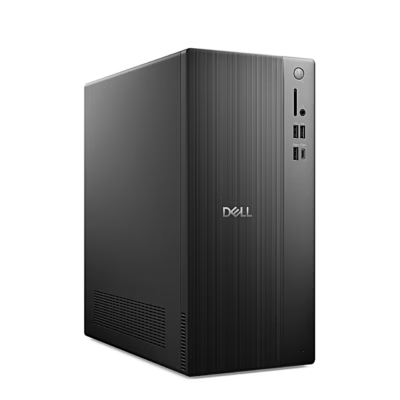
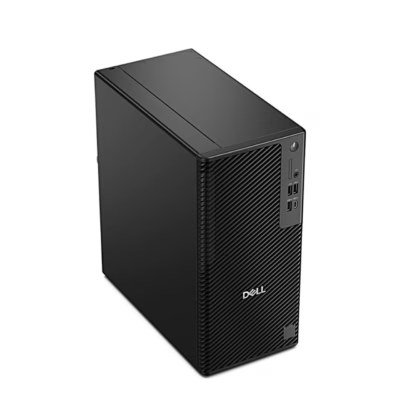
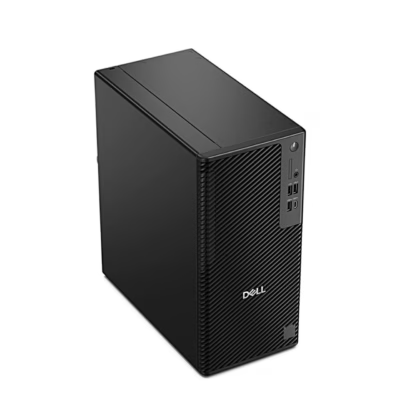
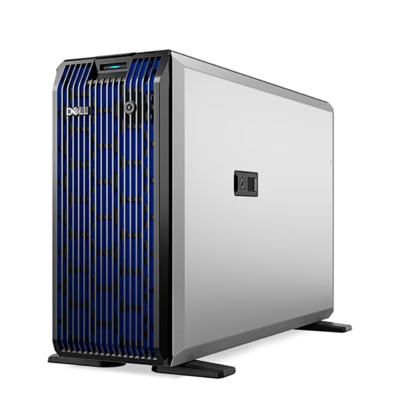
The Dell Pro Slim Essential QVS1260 is a compact desktop PC, 303.5 mm tall and 293 mm deep. Its 20-core Intel Core Ultra 7 265K processor has 8 performance and 12 efficient cores, up to 5.5 GHz and 30 MB of cache. Graphics are handled by the integrated Intel Graphics, which uses system memory.
DDR5 memory and free expansion slots
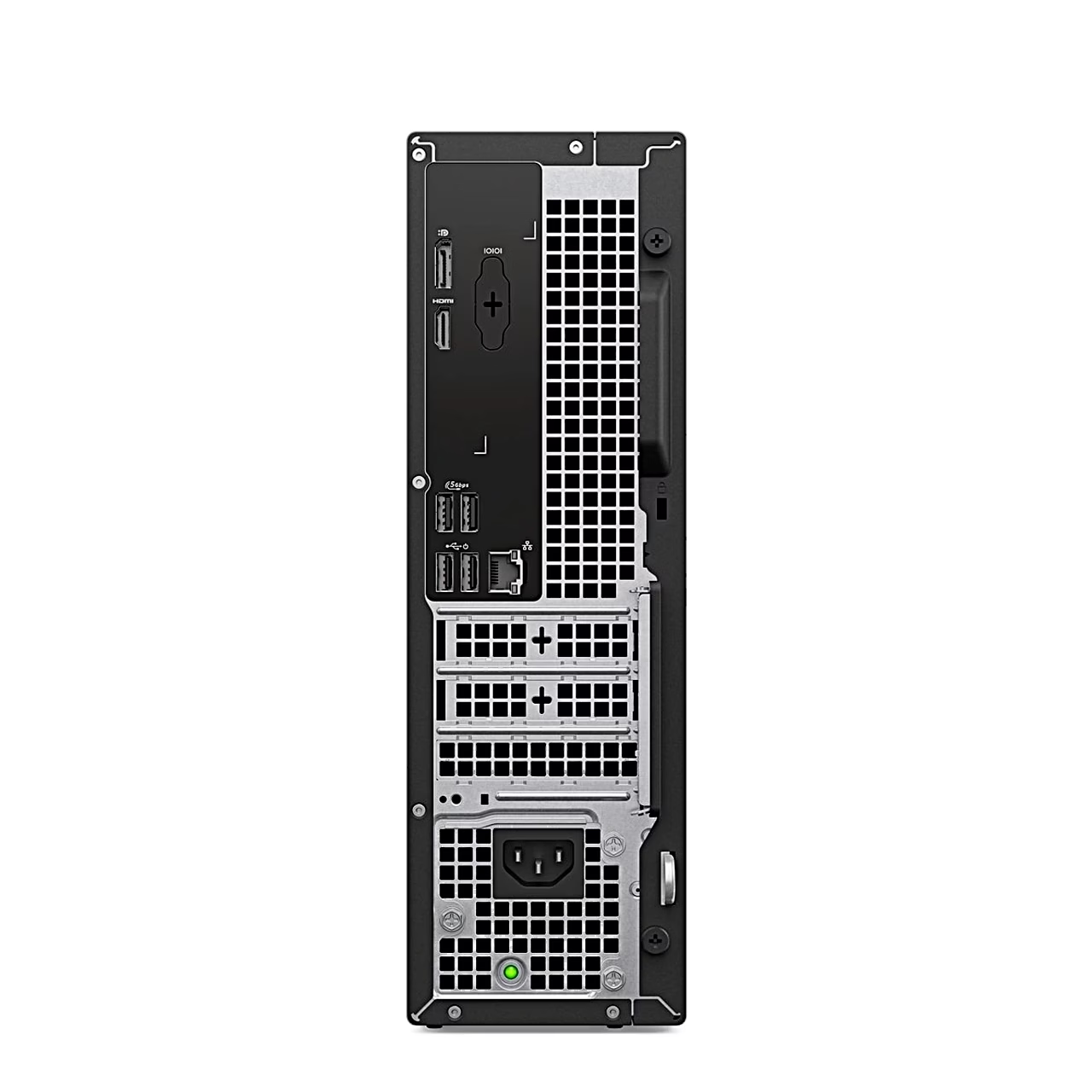
The memory is one 16 GB DDR5 module at 5600 MT/s; the system board has two UDIMM slots and memory can be expanded up to 64 GB. The system drive is an M.2 NVMe SSD. For add-in cards there is one PCIe x16 and two PCIe x1 slots for half-height cards, plus a SATA 3.0 connector for a 3.5-inch hard drive.
USB-C on the front and two display outputs
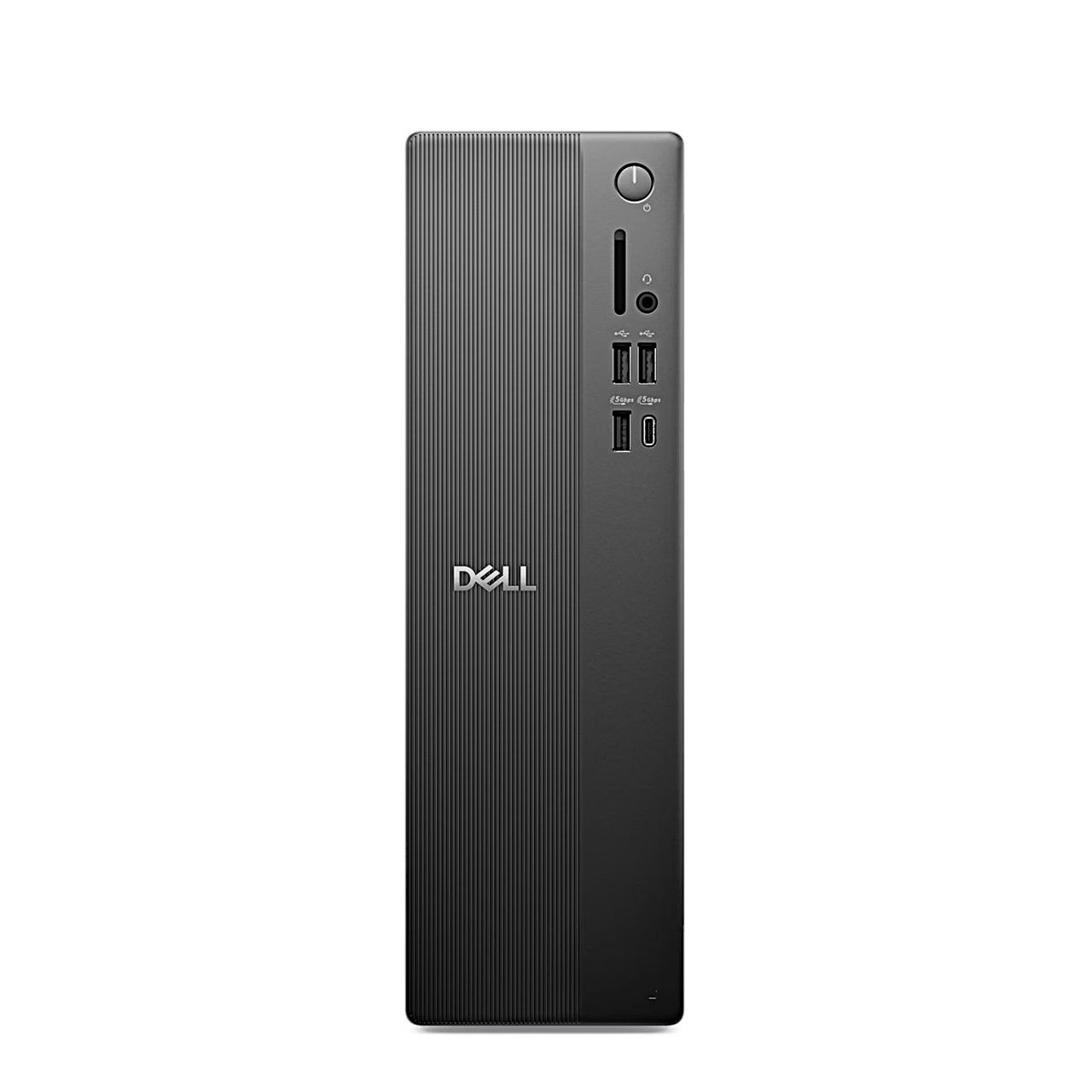
The front panel has 5 Gbps USB-C and USB-A ports, two USB 2.0 ports and a headset (headphone and microphone) combo jack. The rear has two more 5 Gbps and two USB 2.0 ports, 1 Gbps Ethernet, HDMI 2.1 up to 4096 × 2160 pixels and DisplayPort 1.4a up to 5120 × 3200 pixels, both at 60 Hz.
Power, thermal modes and security
The internal 180 W power supply runs at 85% efficiency. Dell Optimizer thermal modes let you tune performance, power consumption, cooling and fan noise. A TPM 2.0 chip protects data, a Kensington slot secures the computer and a padlock ring prevents the case being opened.
Getting started
- Connect the keyboard, mouse, display and, if needed, a network cable.
- Connect the power cable to the computer and then to the wall outlet.
- Turn the computer on with the power button and finish the Windows setup by following the on-screen instructions.
A short press of the power button puts a running computer to sleep; pressing and holding forces a shutdown.
In the box
- Dell Pro Slim Essential QVS1260 desktop PC
- Power cable







































Reviews
There are no reviews yet.