

Description
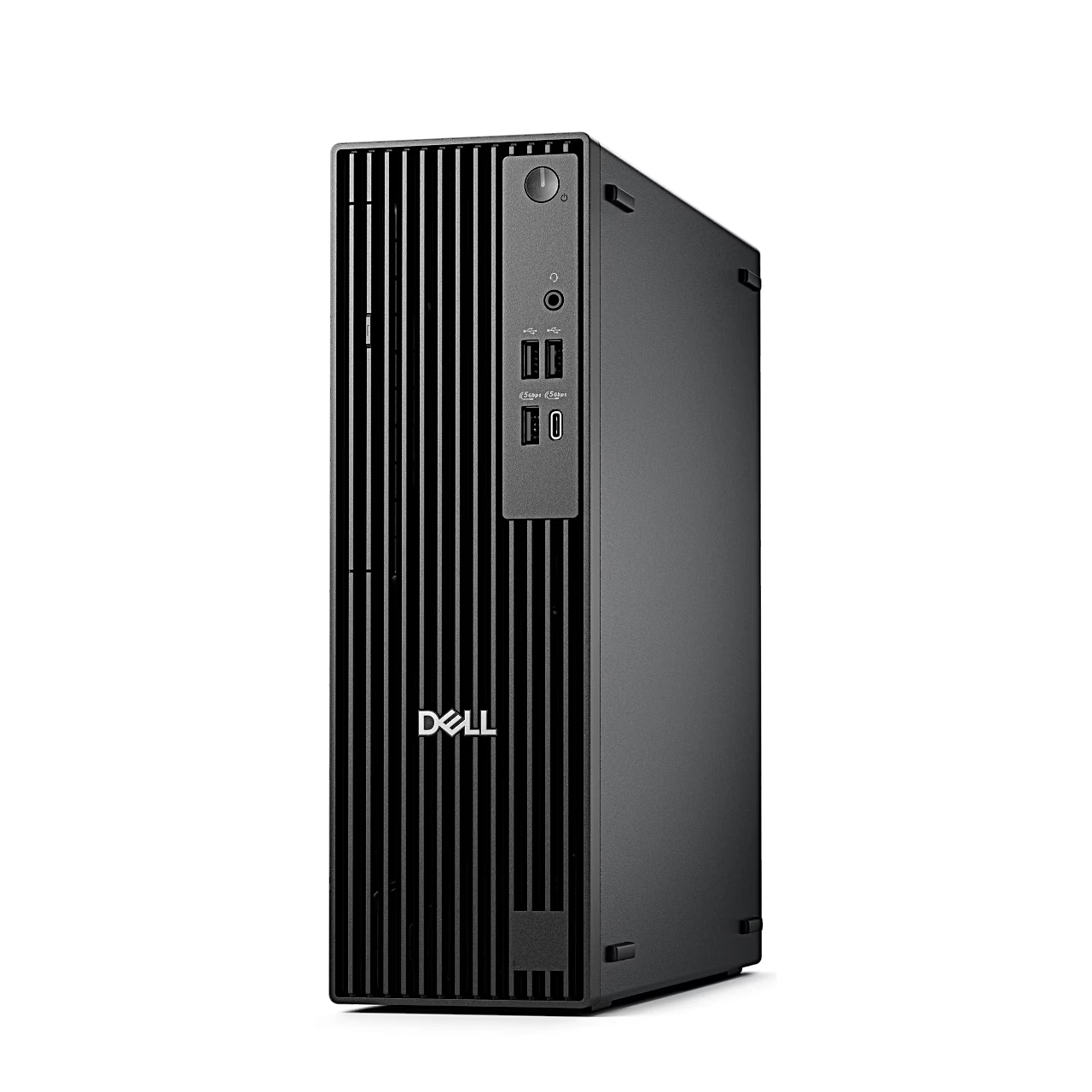
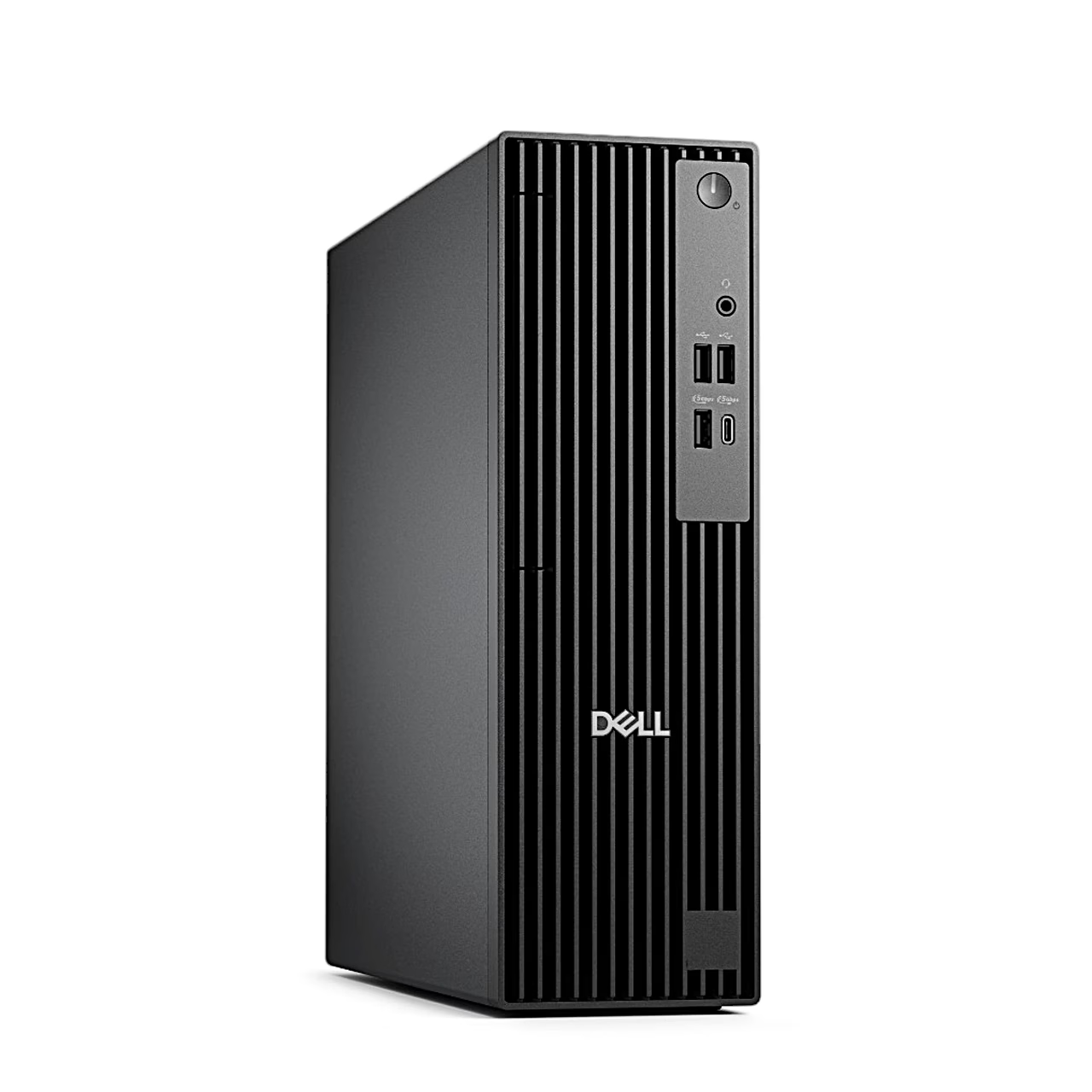
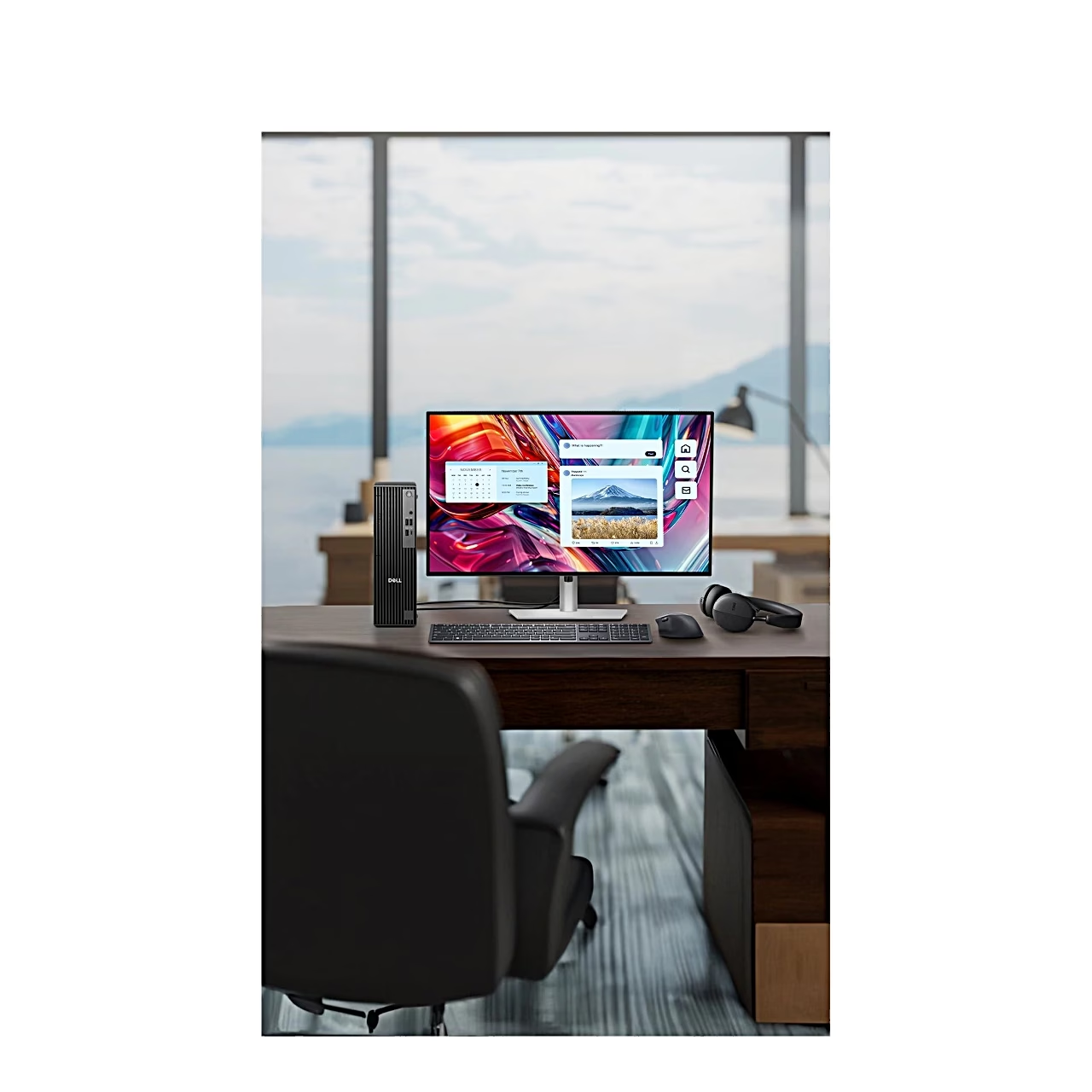
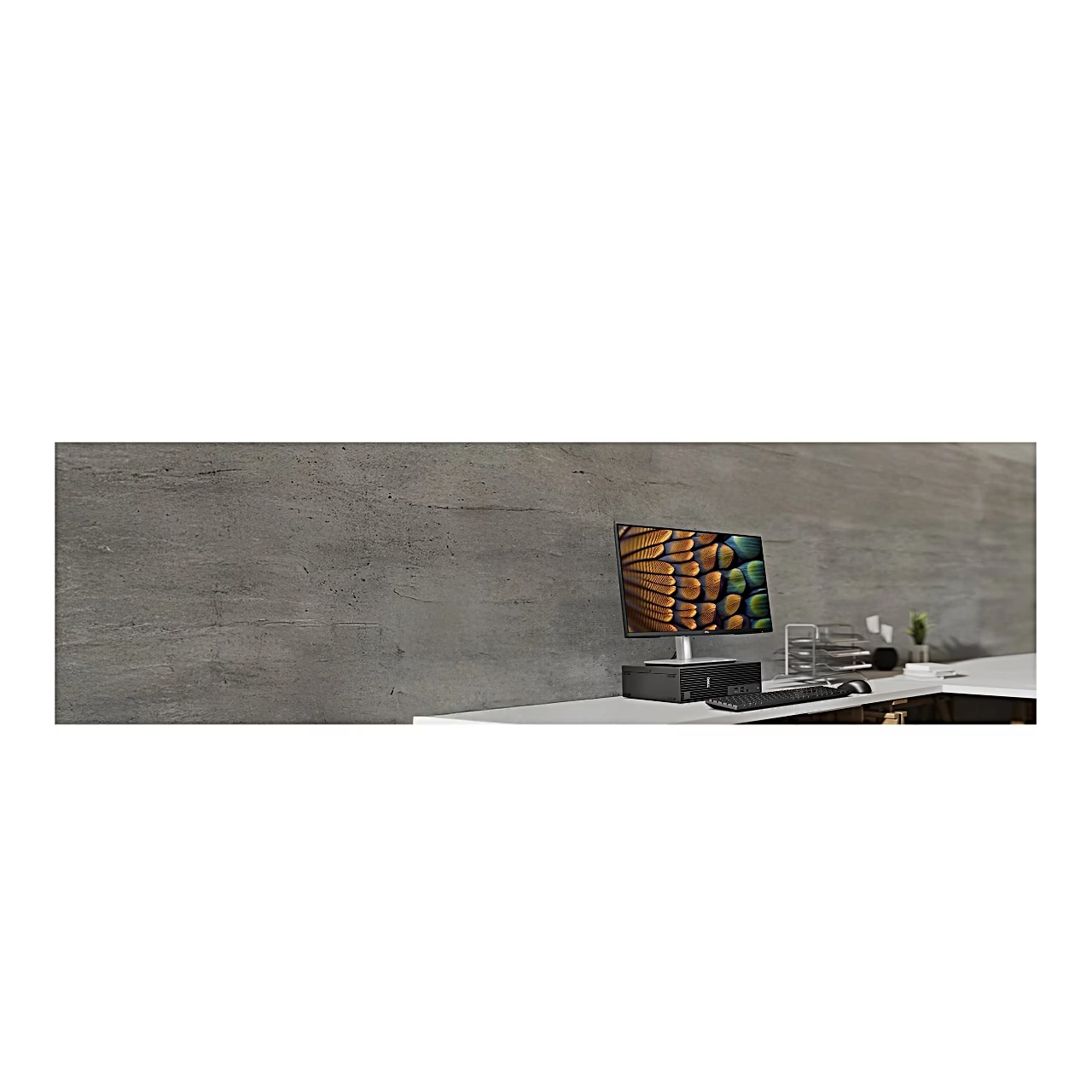
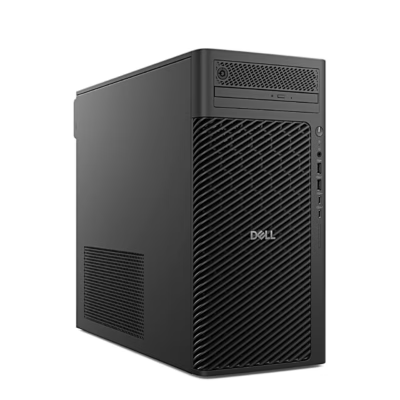
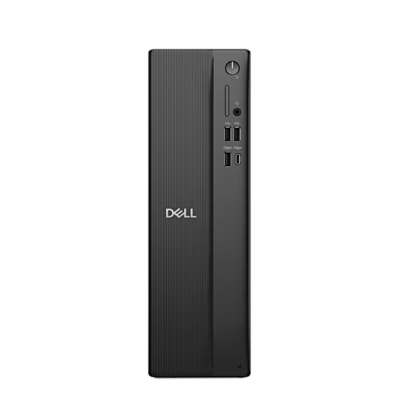
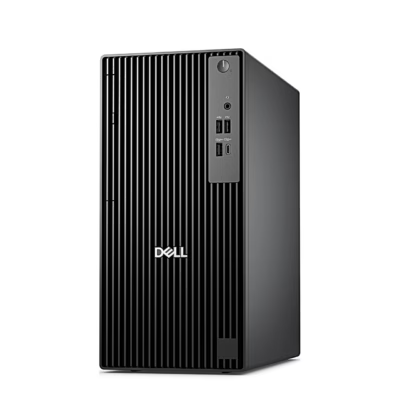
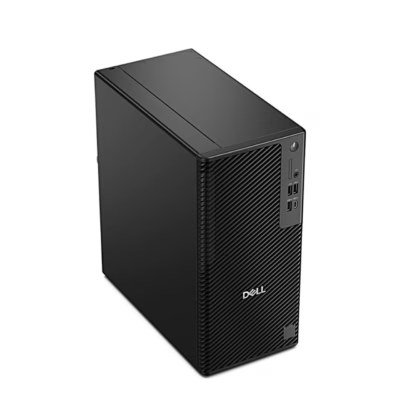
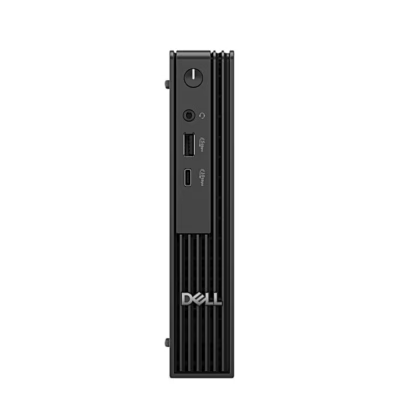
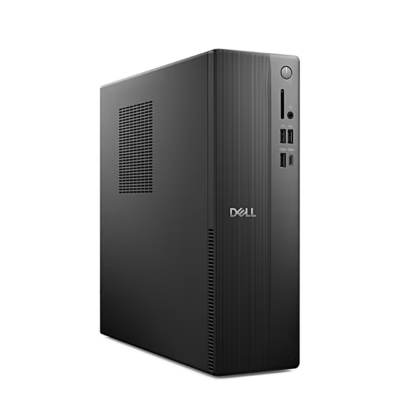
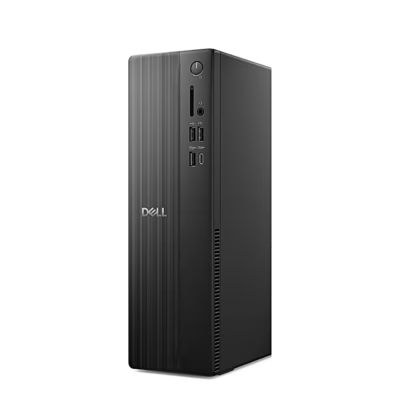
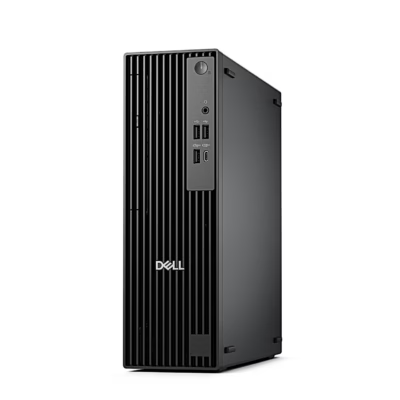
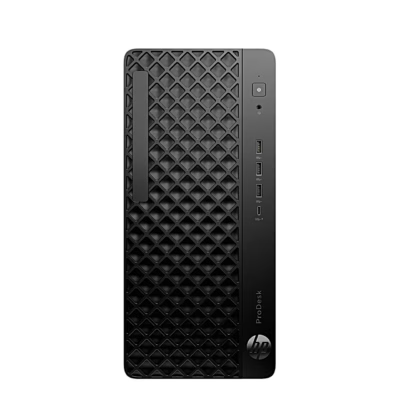
The Dell Pro Slim QCS1250 is a slim desktop PC measuring 303.5 × 95 × 293 mm (H × W × D). It connects to your local network and the internet through an RJ45 port backed by an Intel i219-LM controller at up to 1 Gbit/s.
Desktop PC processor with performance and efficient cores
The Intel Core Ultra 5 235 has 14 cores, 6 performance cores and 8 efficient cores, and 14 threads. The performance cores have a base frequency of 3.4 GHz and reach up to 5.0 GHz, the efficient cores run at up to 4.4 GHz, and the cache is 24 MB. Graphics are handled by the integrated Intel Graphics, which uses system memory as video memory.
Memory and storage
The PC has one 16 GB DDR5 memory module; the motherboard has two UDIMM slots and memory can be increased to 64 GB. Ubuntu and your files sit on a 512 GB NVMe SSD in the motherboard’s M.2 slot.
Ports
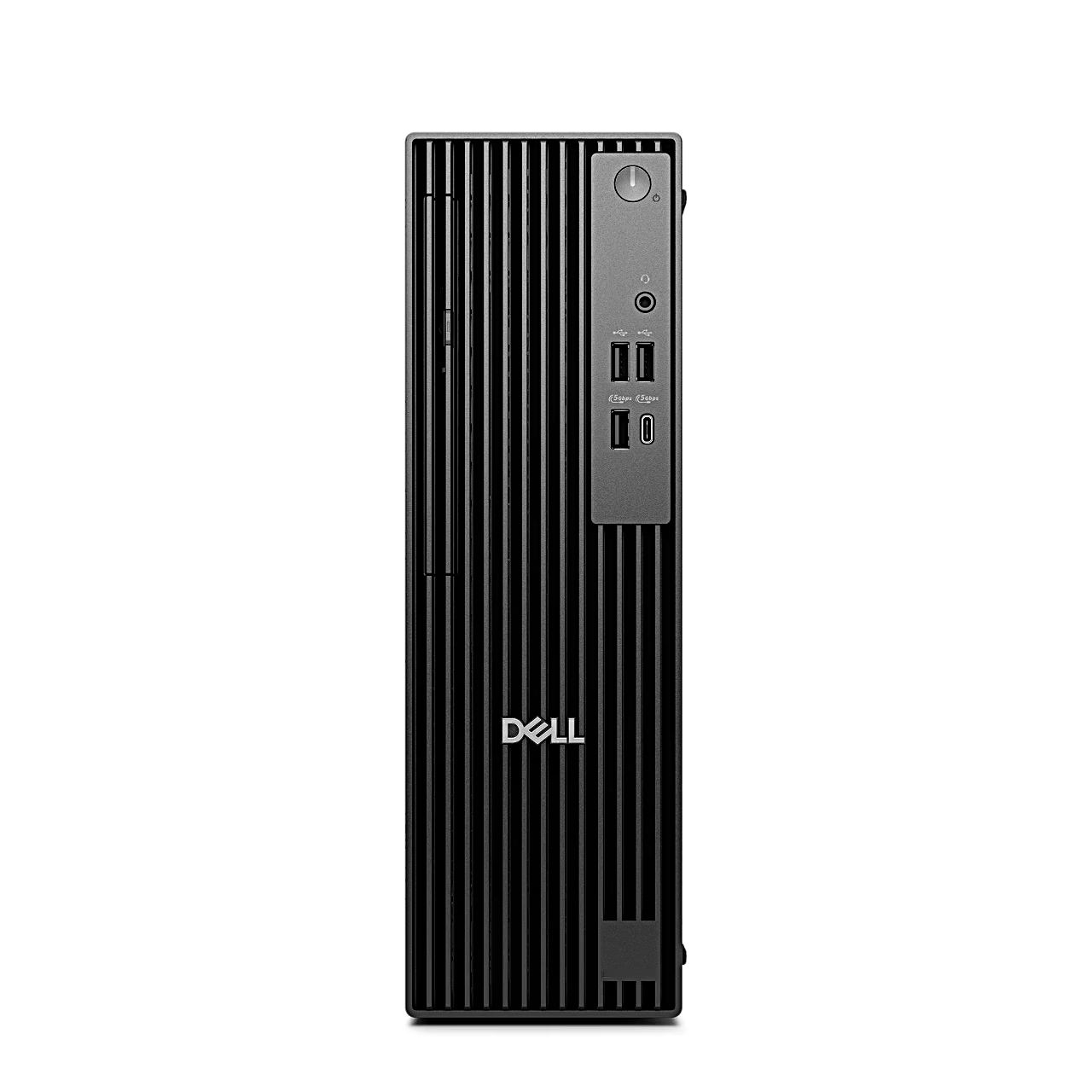
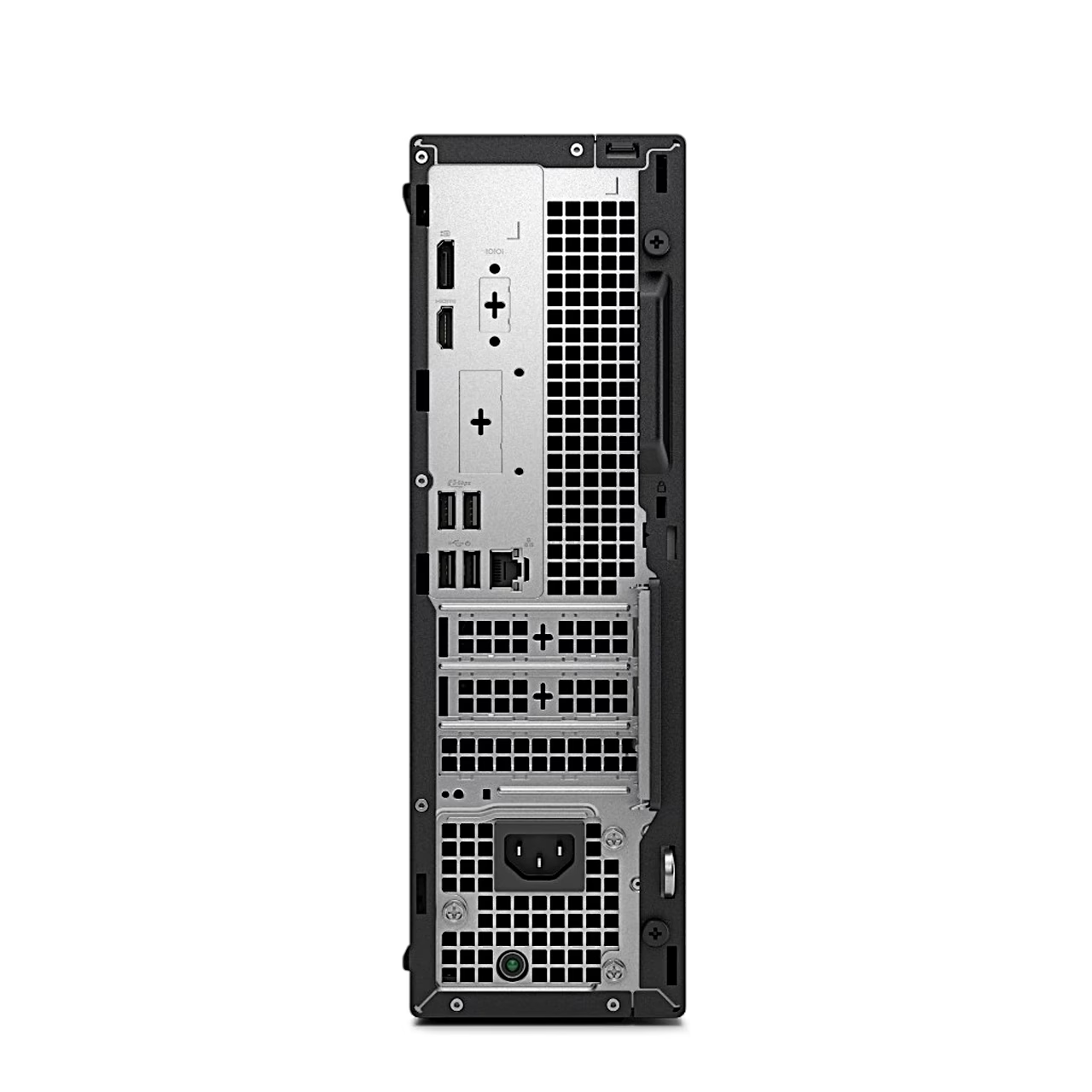
The front has two USB 2.0 ports, one USB 3.2 Gen 1 (5 Gbit/s) Type-C port, one USB 3.2 Gen 1 port and a headset jack. The rear has DisplayPort 1.4a, HDMI 2.1, two USB 3.2 Gen 1 and two USB 2.0 ports. DisplayPort drives a monitor at up to 5120 × 3200 and HDMI at up to 4096 × 2160, at 60 Hz.
Expansion and extra drives
For expansion cards the case has a low-profile PCIe x16 slot and two PCIe x1 slots, all third-generation PCIe; PCIe is the motherboard bus that takes cards such as a sound or network card. A SATA bay takes a second drive, a 3.5-inch hard drive of up to 4 TB, and another bay takes a slim optical drive.
Security
A Kensington security-cable slot lets you secure the PC to a desk, and a padlock ring locks the cover. A TPM security module on the motherboard stores encryption keys.
Getting started
- Connect the keyboard and mouse to the USB ports.
- Connect the network cable.
- Connect the monitor.
- Connect the power cable and press the power button.
- Finish the Ubuntu setup by following the on-screen instructions.






































Reviews
There are no reviews yet.