

Description
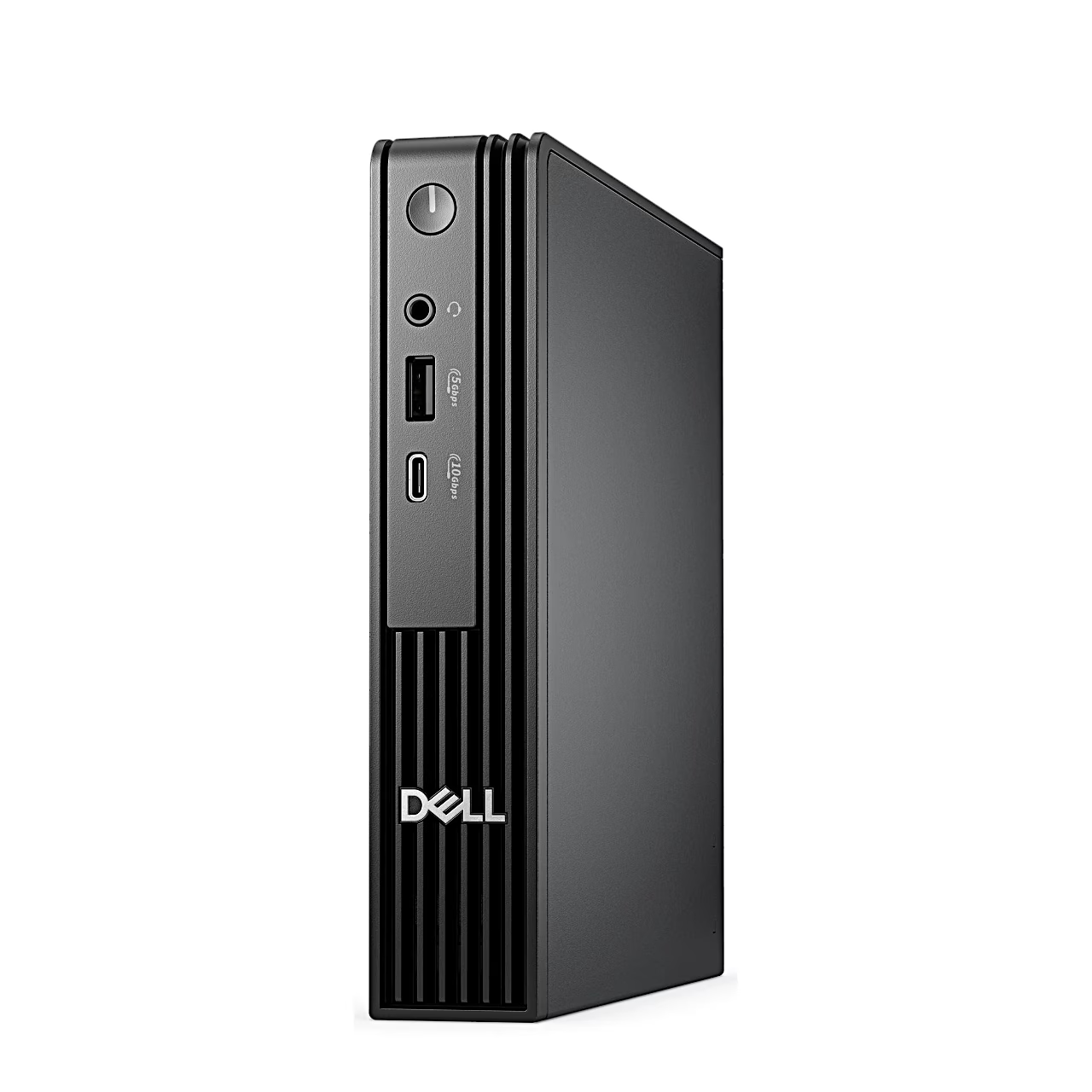
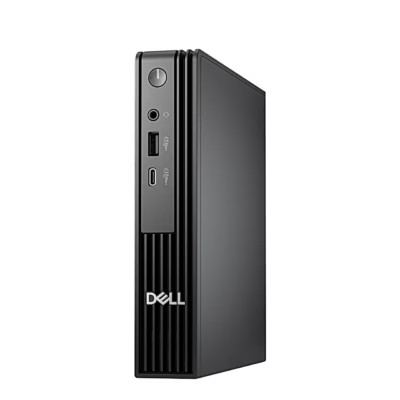
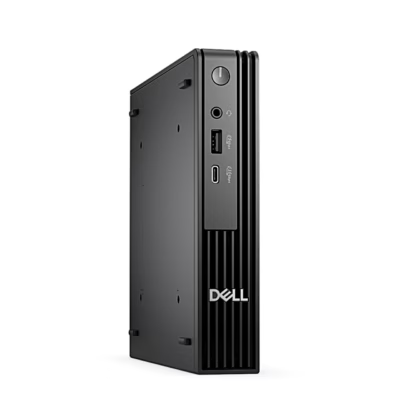
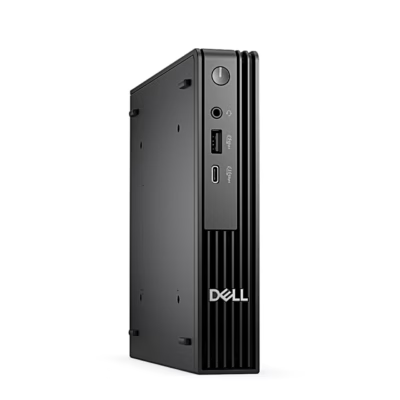
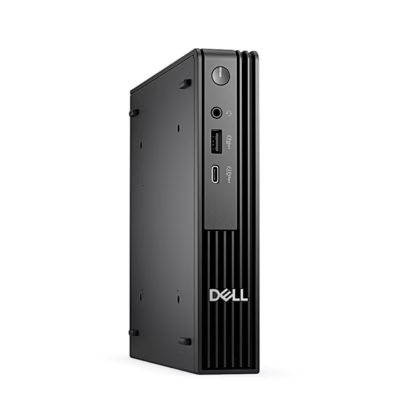
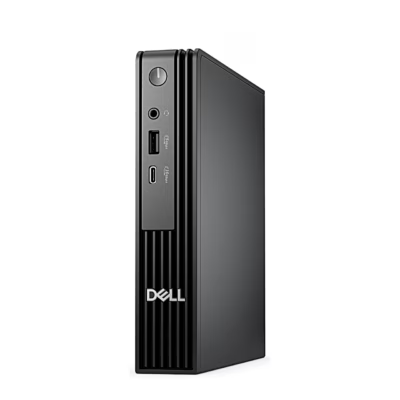
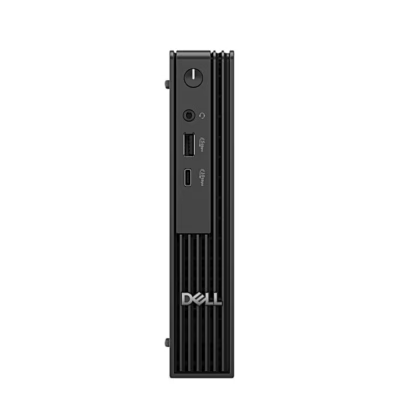
The Dell Pro Micro QCM1250 is an Ubuntu mini PC with an Intel Core Ultra 5 235T, 16 GB DDR5 memory and a 256 GB SSD. The case measures 182 × 36 × 178 mm.
Mini PC processor, graphics and memory
The processor has 14 cores, 6 performance and 8 efficient, 14 threads, Turbo up to 5.0 GHz and 24 MB cache, rated at 35 W. The Intel AI Boost NPU (neural processing unit) is a separate processor for AI tasks, rated at up to 13 TOPS. Graphics come from the integrated Intel Graphics, which uses system memory. Memory is one 16 GB SODIMM at 5600 MT/s and the second SODIMM slot is free: adding a second 16 GB module runs the memory in dual channel, and the computer takes up to 64 GB in total. There are two M.2 2230/2280 slots for SSDs.
Ports and display connections
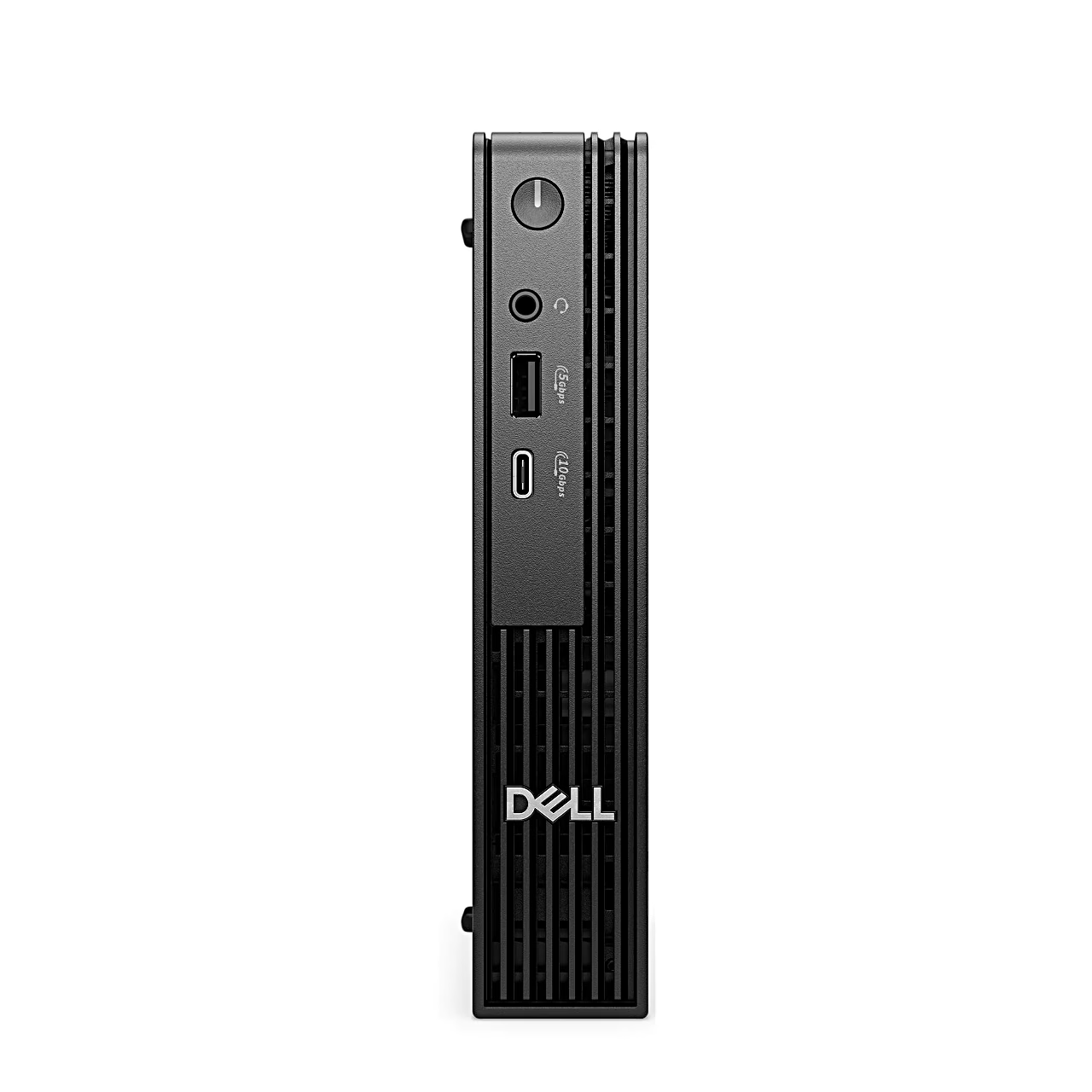
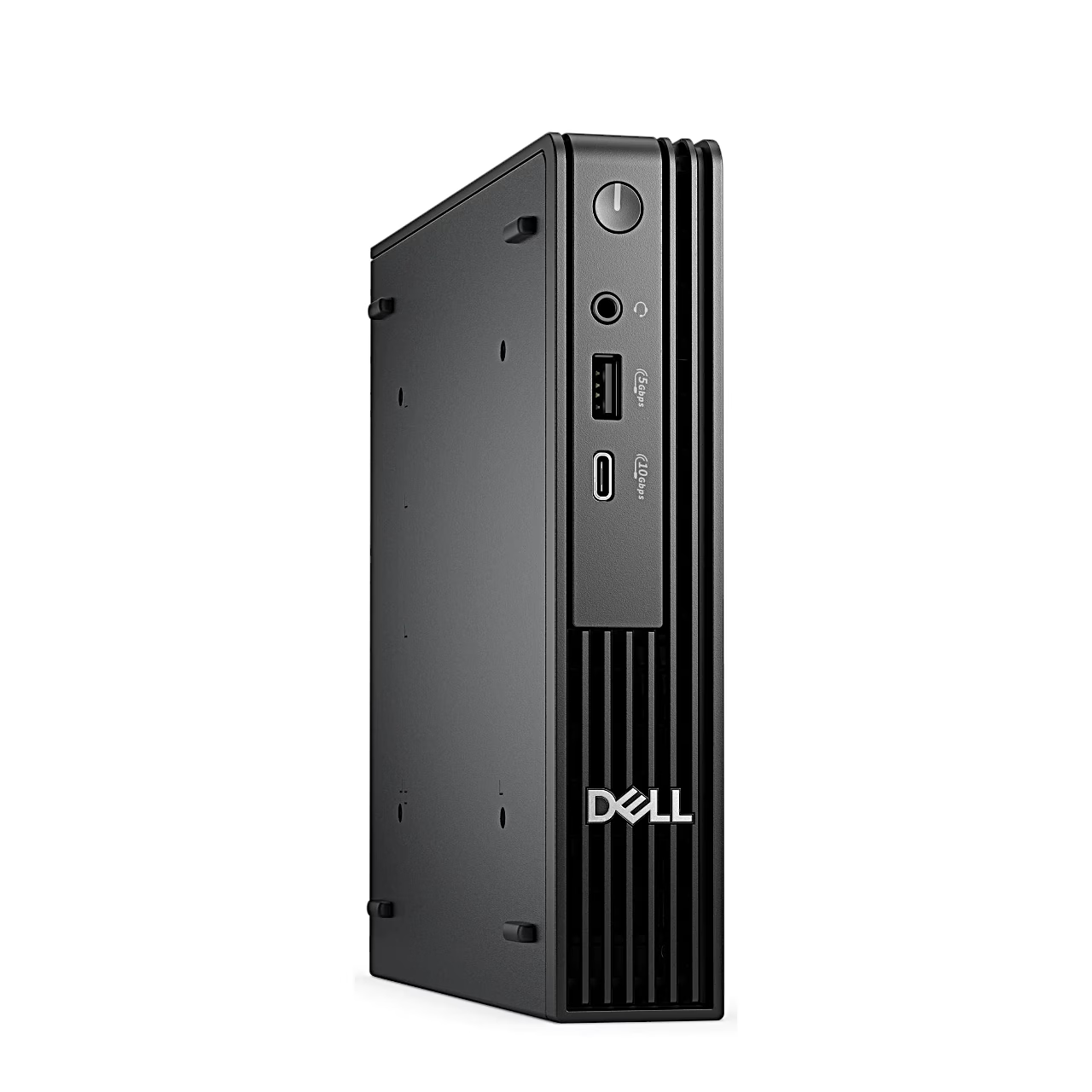
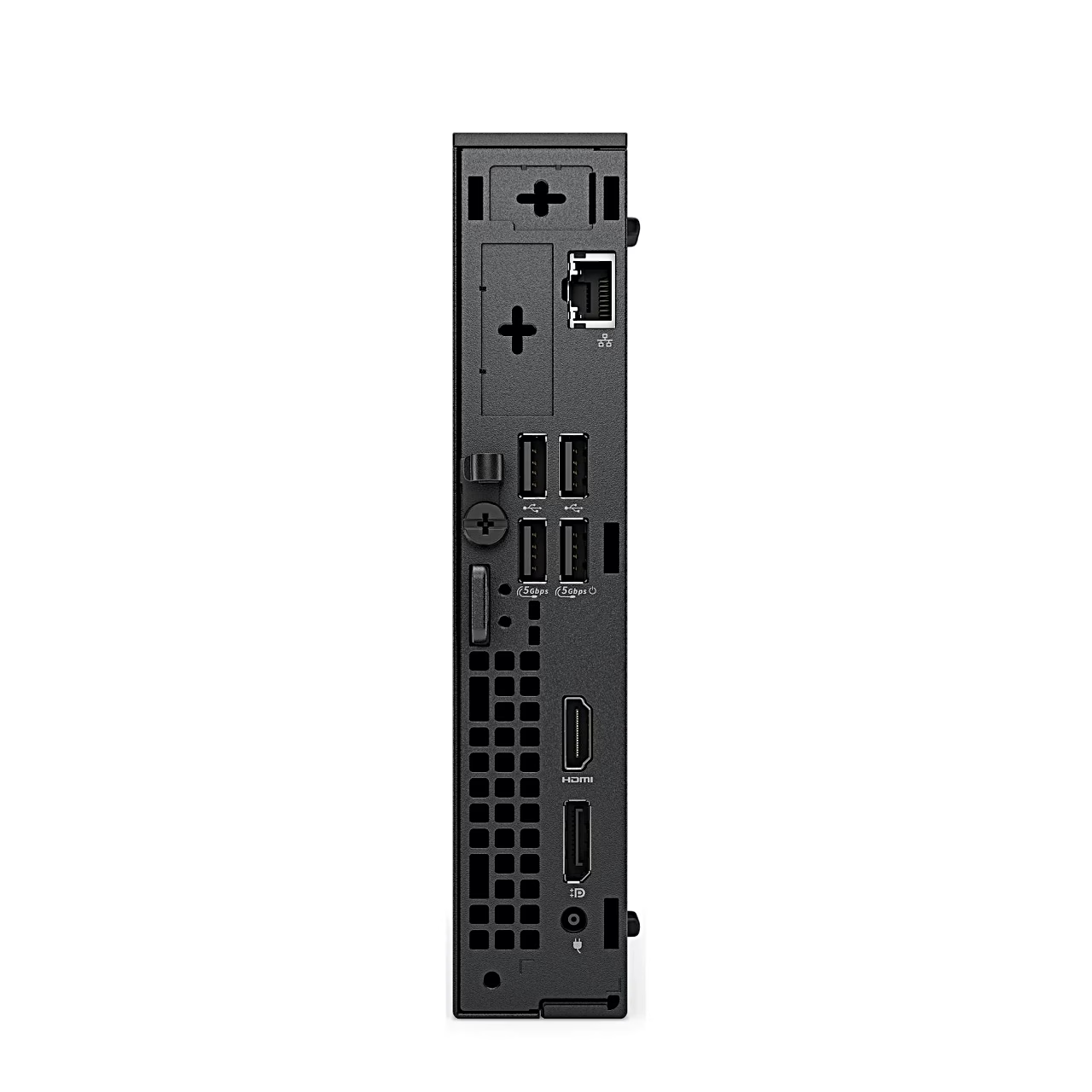
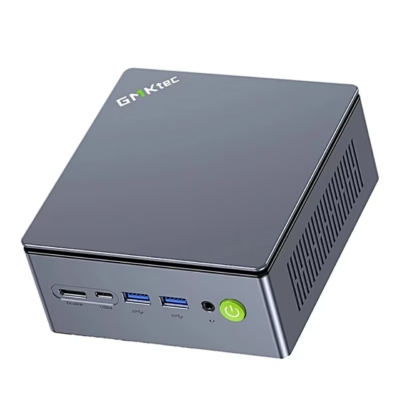
The front has a headset combo jack, USB 3.2 Gen 1 (5 Gbps) and USB-C 3.2 Gen 2 (10 Gbps). The rear has two USB 3.2 Gen 1 ports, two USB 2.0 ports, DisplayPort 1.4a, HDMI 2.1 and a 1 Gbps RJ45 network port. DisplayPort gives up to 5120 × 3200 at 60 Hz and HDMI up to 4096 × 2160 at 60 Hz. Two displays connect directly, and up to four with DisplayPort MST daisy-chaining. The rear module bay takes one optional port module, such as DisplayPort 2.1 up to 7680 × 4320 at 60 Hz, HDMI 2.1, VGA or USB-C.
Wireless and security slot
Wi-Fi 6 (802.11ax) handles the wireless network and Bluetooth the accessories. The rear has a Kensington security slot and a padlock ring that also locks the cover.
Getting started
Connect the keyboard and mouse to USB ports, the network cable to the RJ45 port and the display to DisplayPort or HDMI. Then connect the power adapter to the 4.5 mm power port and the wall outlet, and press the power button. Follow the on-screen instructions to finish the Ubuntu setup.
In the box
- Mini PC Dell Pro Micro QCM1250
- Power adapter with 4.5 mm connector









































Reviews
There are no reviews yet.