

Description
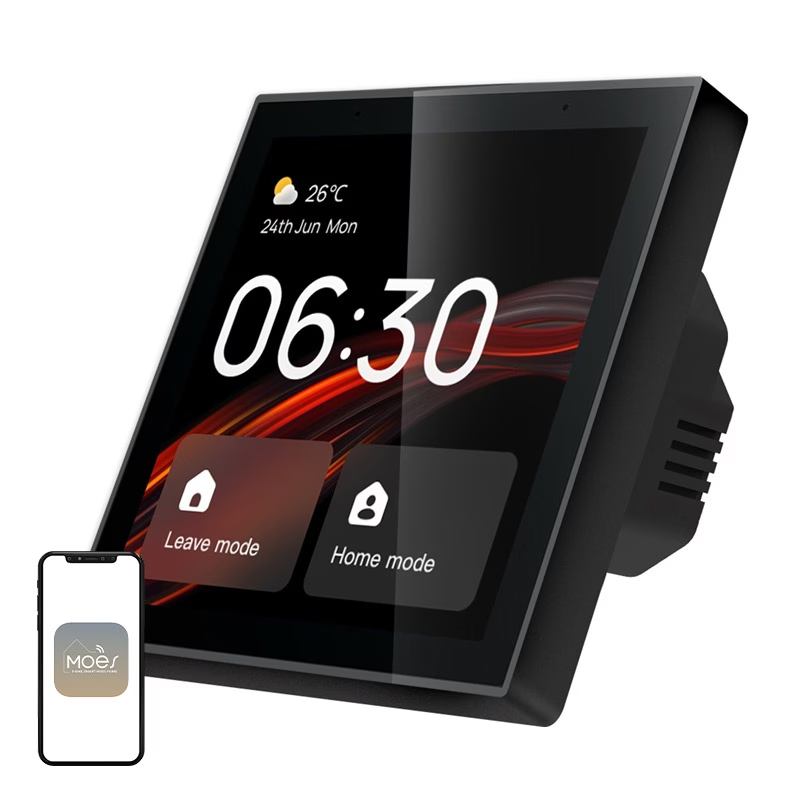
Smart home control panel with voice control and touchscreen
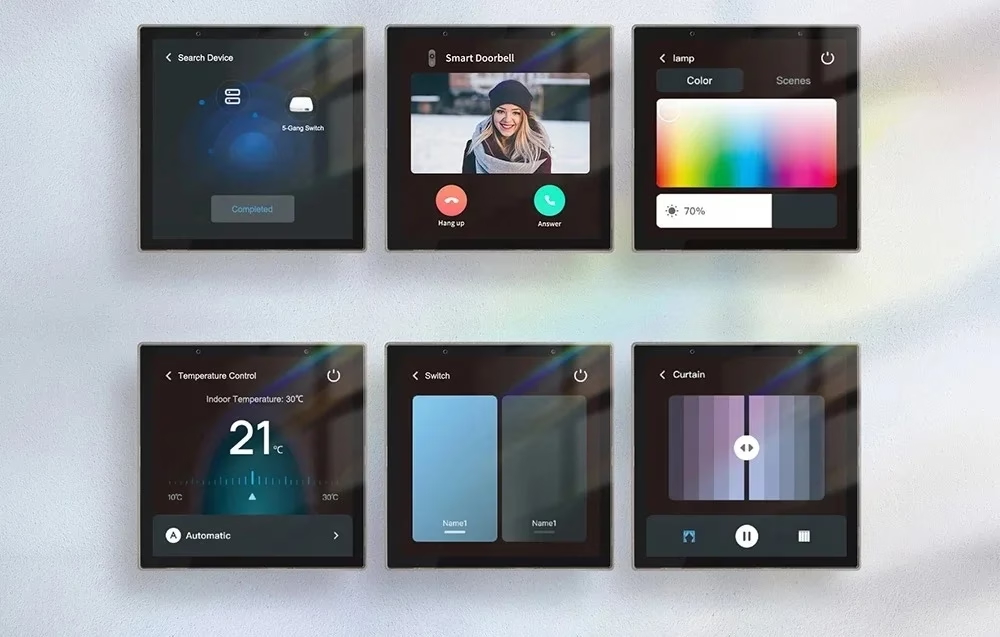
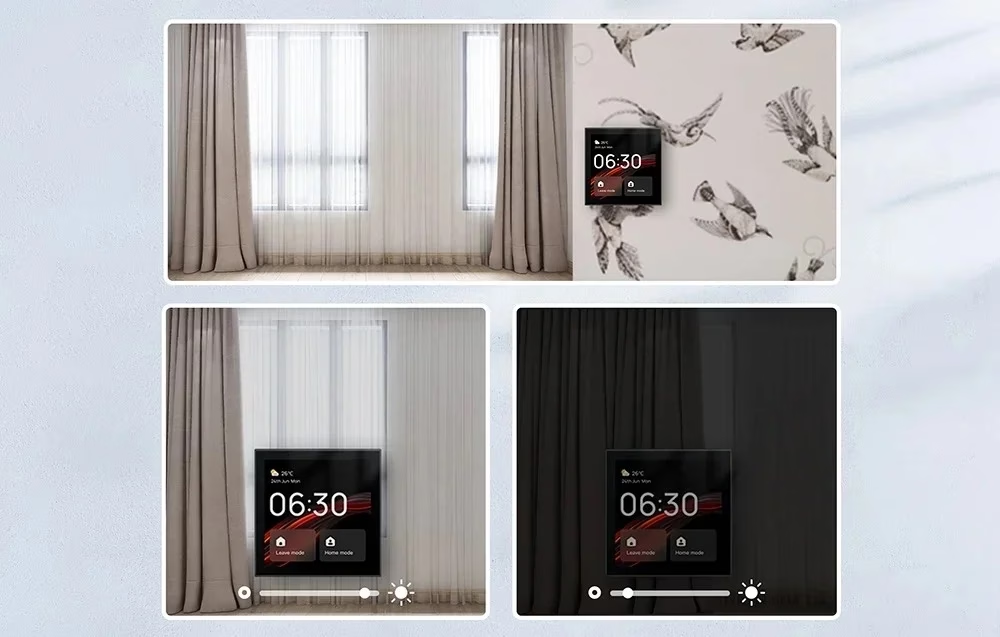
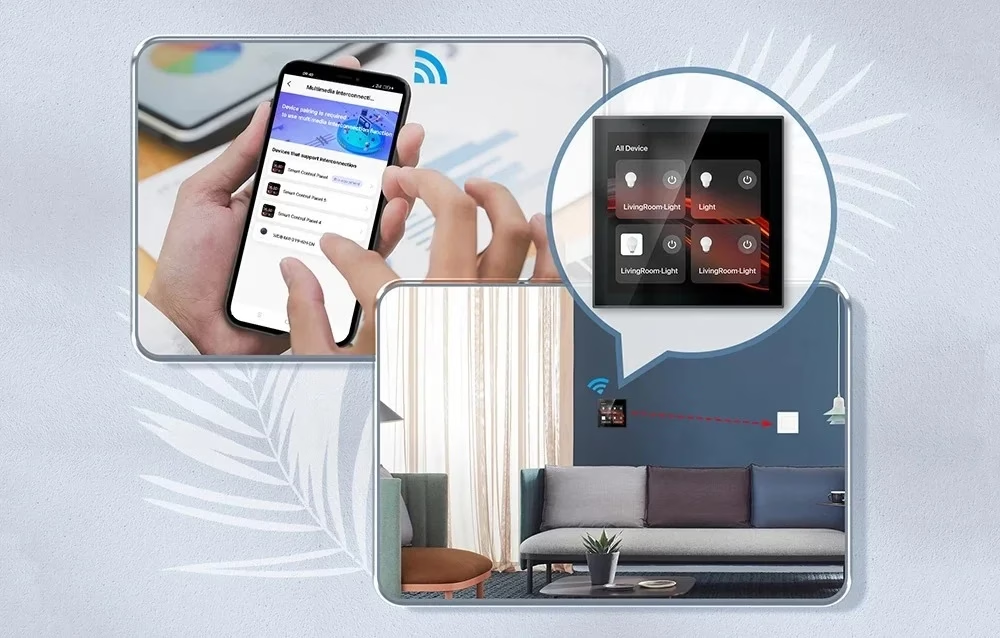
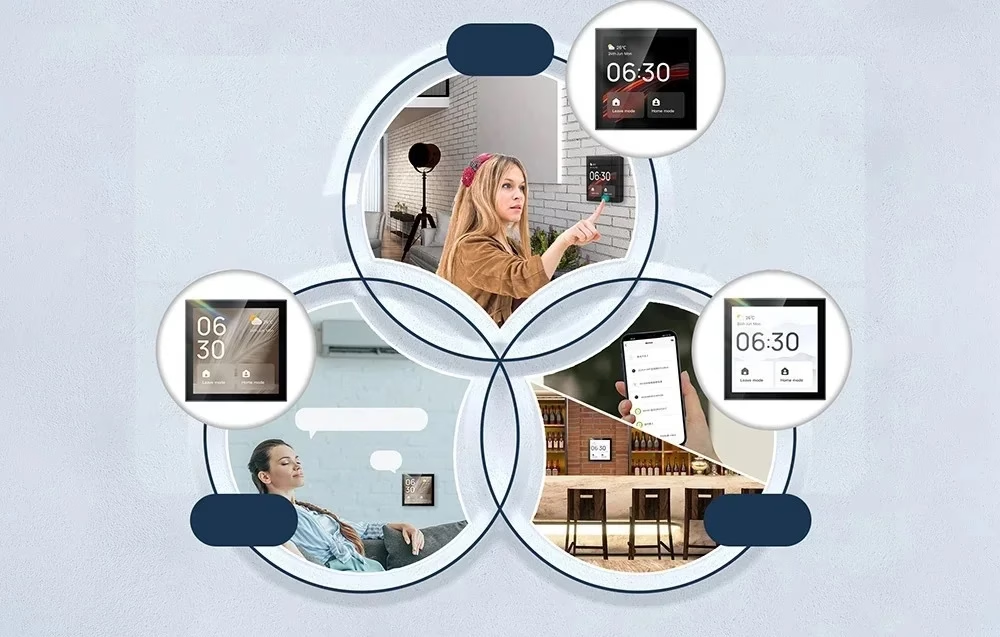
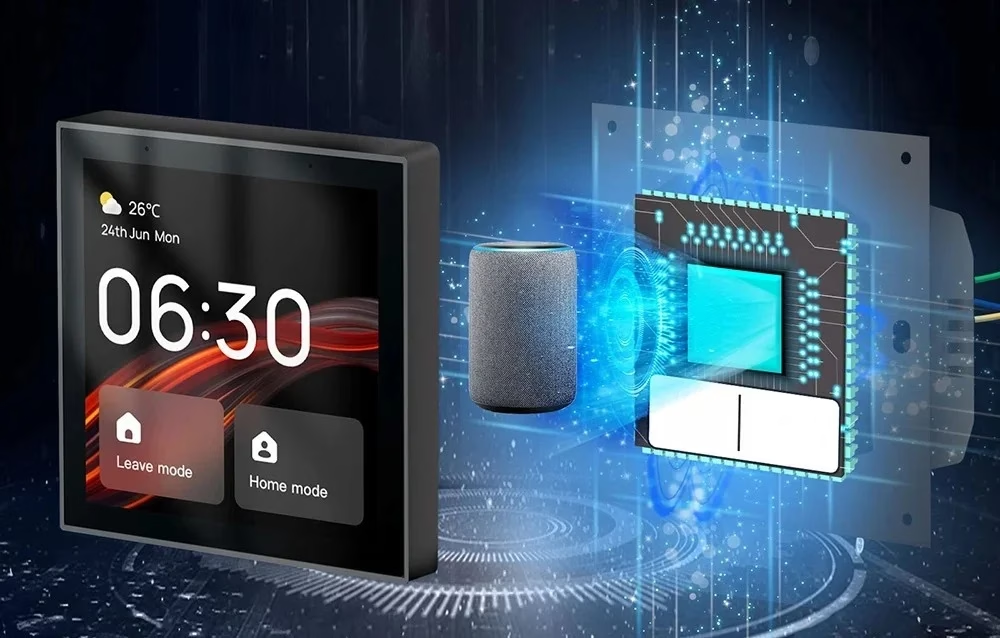
The smart home control panel with Zigbee hub replaces ordinary wall switches with a single touch-sensitive LCD screen. From the screen you control lighting, temperature and curtains, up to 20 types of devices in total, and you run scenes such as a leaving home and coming home mode. In standby the screen shows the date, time, temperature and weather information. The panel runs on the Linux operating system.
Zigbee hub and the MOES app
The built-in Zigbee hub pairs Zigbee devices directly with the panel, so no separate hub is needed. Zigbee devices are added on the panel page in the MOES app, and that is also where you choose which devices and scenes are shown on the screen. The panel works within the Tuya ecosystem, so instead of the MOES app you can also use the Tuya Smart or Smart Life app.
Voice control with Alexa and video doorbell
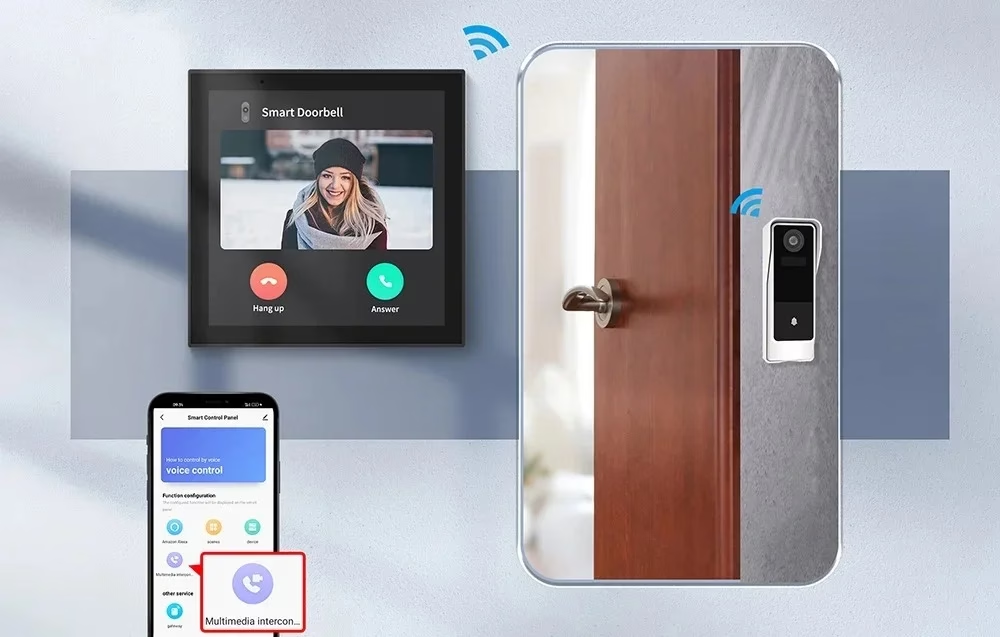
The panel has built-in Amazon Alexa and a microphone, so you can control devices and scenes with voice commands without a separate smart speaker. Voice scenes are set up in the MOES app. If a smart camera or video doorbell is linked to the panel, the screen shows the picture from outside the door when someone rings.
Installation in a wall box
The panel requires a neutral wire and a Wi-Fi network. The fixing hole spacing of the wall box must be 60 ± 0.5 mm and the box depth at least 40 mm. Installation is carried out by a qualified electrician: the circuit breaker is switched off and the absence of voltage is checked with a tester, the phase wire is connected to terminal L and the neutral wire to terminal N, with the ends stripped of insulation for 10 mm, and the frame is fixed with the arrow pointing upwards. Do not overtighten the screws, as the screen and the device may deform. After switching on the power, connect the panel to the network following the instructions shown on the screen, and scan the QR code on the panel screen with the MOES app. The settings page opens when you swipe down from the top edge of the screen.
In the box
- MOES CCP-TY-EU-LN control panel, 1 pc
- User manual, 1 pc
- Fixing screws, 2 pcs





































Reviews
There are no reviews yet.