


Description
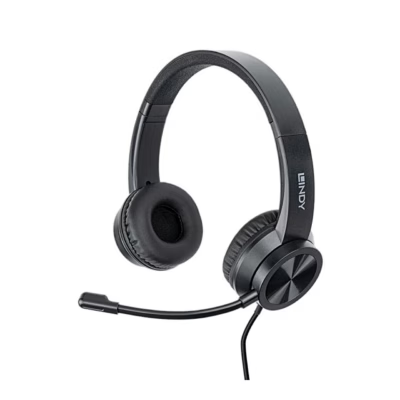
Headset for internet calls, music and games
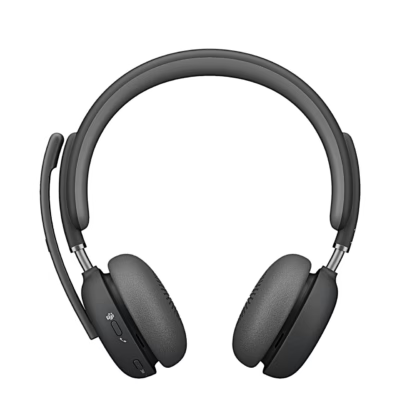
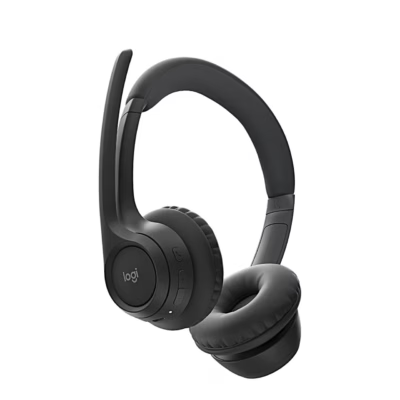
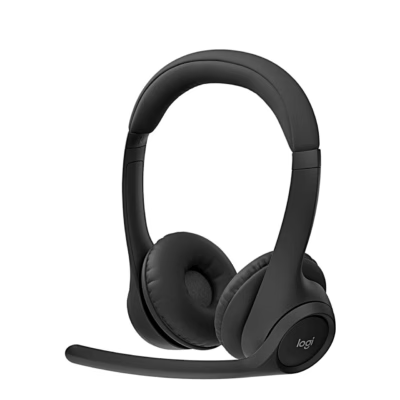
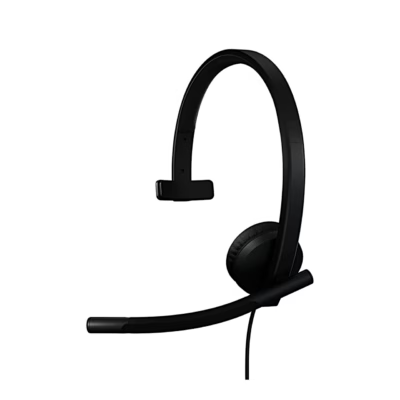
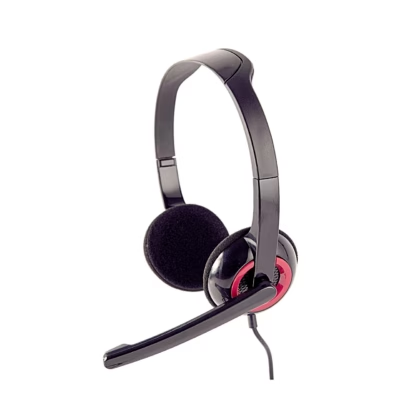
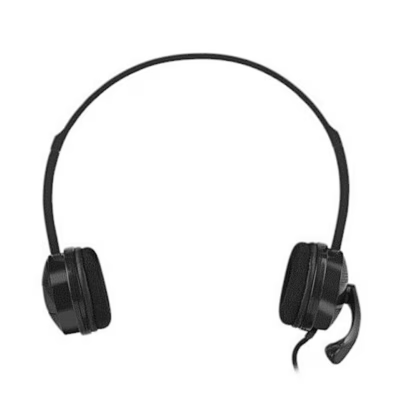
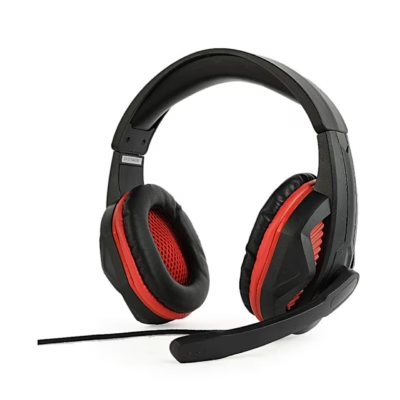
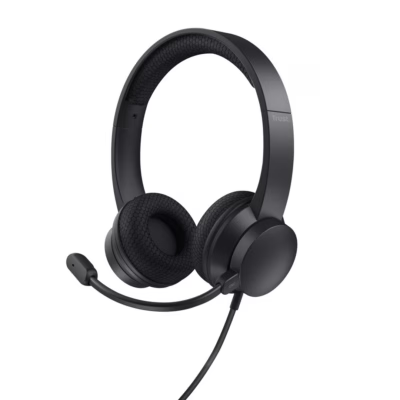
The Logitech H110 connects to a computer’s sound card and works with internet calling applications, media players and games. The binaural headphones cover a frequency range of 20–20,000 Hz.
Adjustable microphone and headband
The microphone boom pivots up and down and swings sideways to place the microphone in front of your mouth. The microphone frequency range is 100–16,000 Hz and its sensitivity is −38 dB. The headband length is adjustable so the ear cushions sit on your ears.
Connecting and use
- Plug the headphone plug into the headphone jack of the computer’s sound card and the microphone plug into the microphone jack.
- Adjust the headband length.
- Move the microphone in front of your mouth.
If there is no sound, increase the input and output volume in the operating system and the application, and unplug USB audio devices from the computer. Then set the computer’s sound card as the default audio device in the Sound control panel and restart the application.
Compatibility
The computer’s sound card needs separate headphone and microphone jacks.
In the box
- Logitech H110 headset with attached cable
- User guide








































Reviews
There are no reviews yet.