

Description
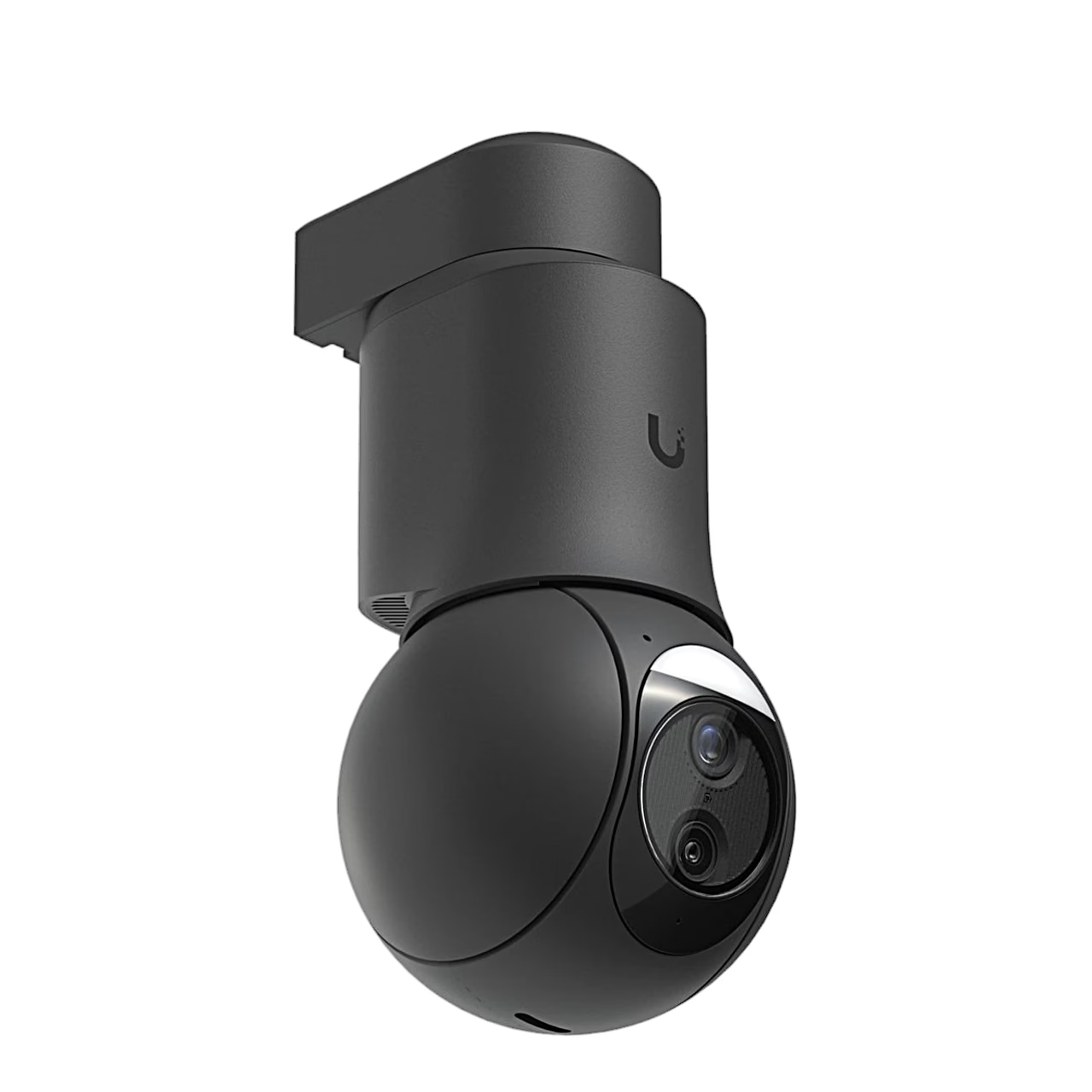
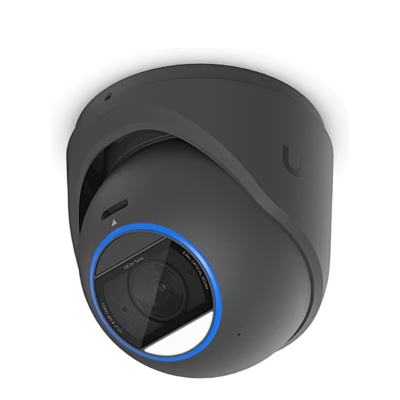
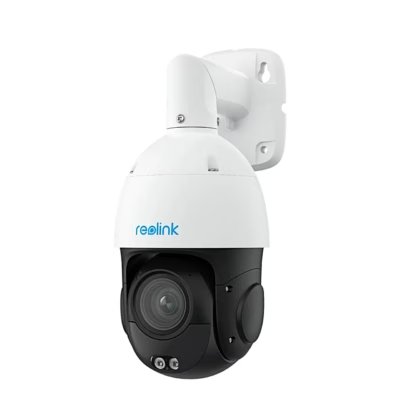
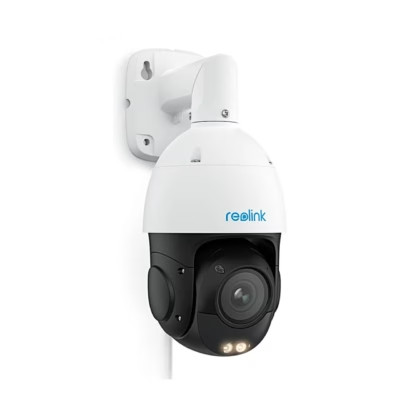
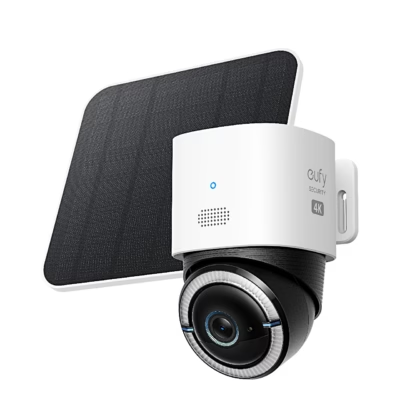
Security camera with a rotating, zooming head
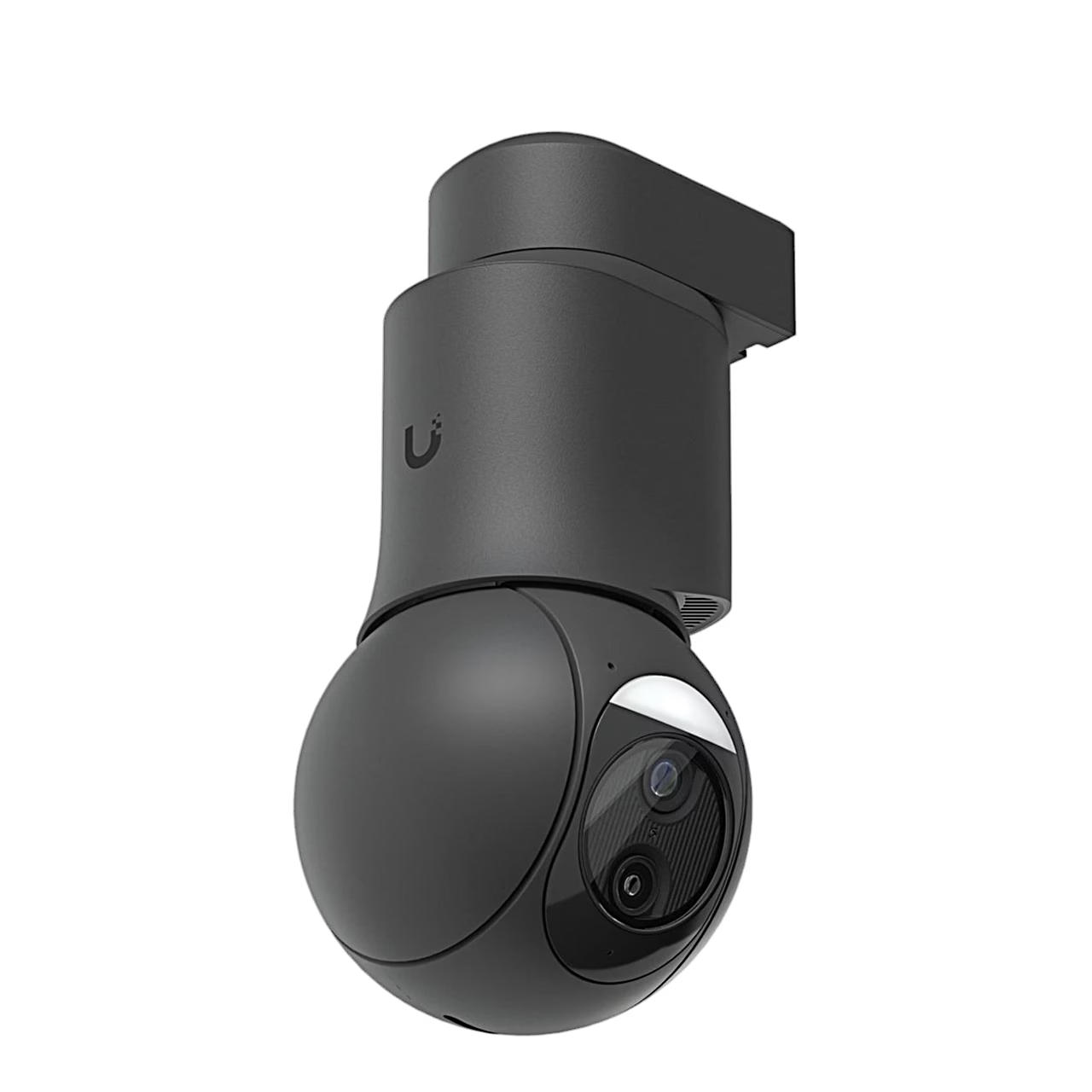
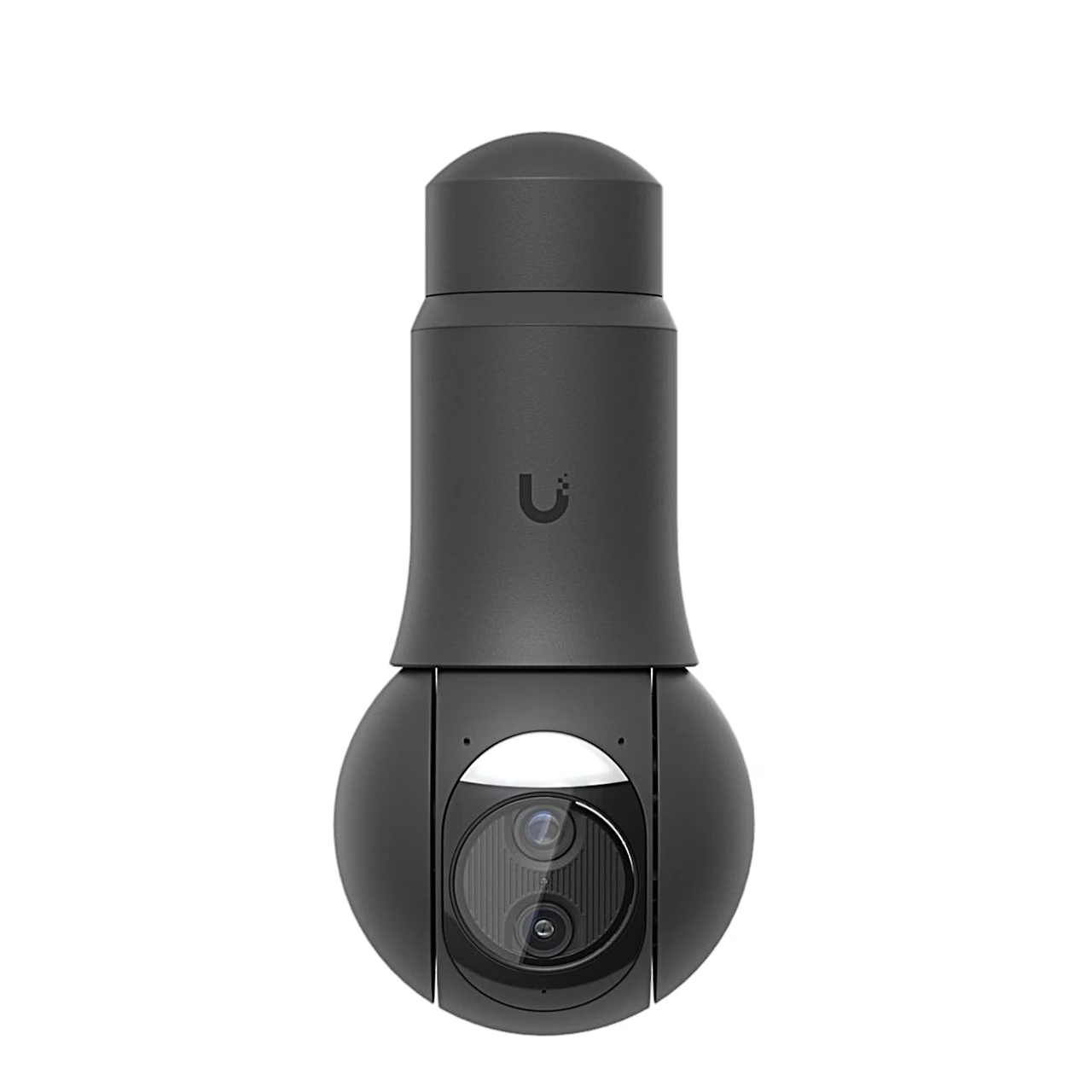
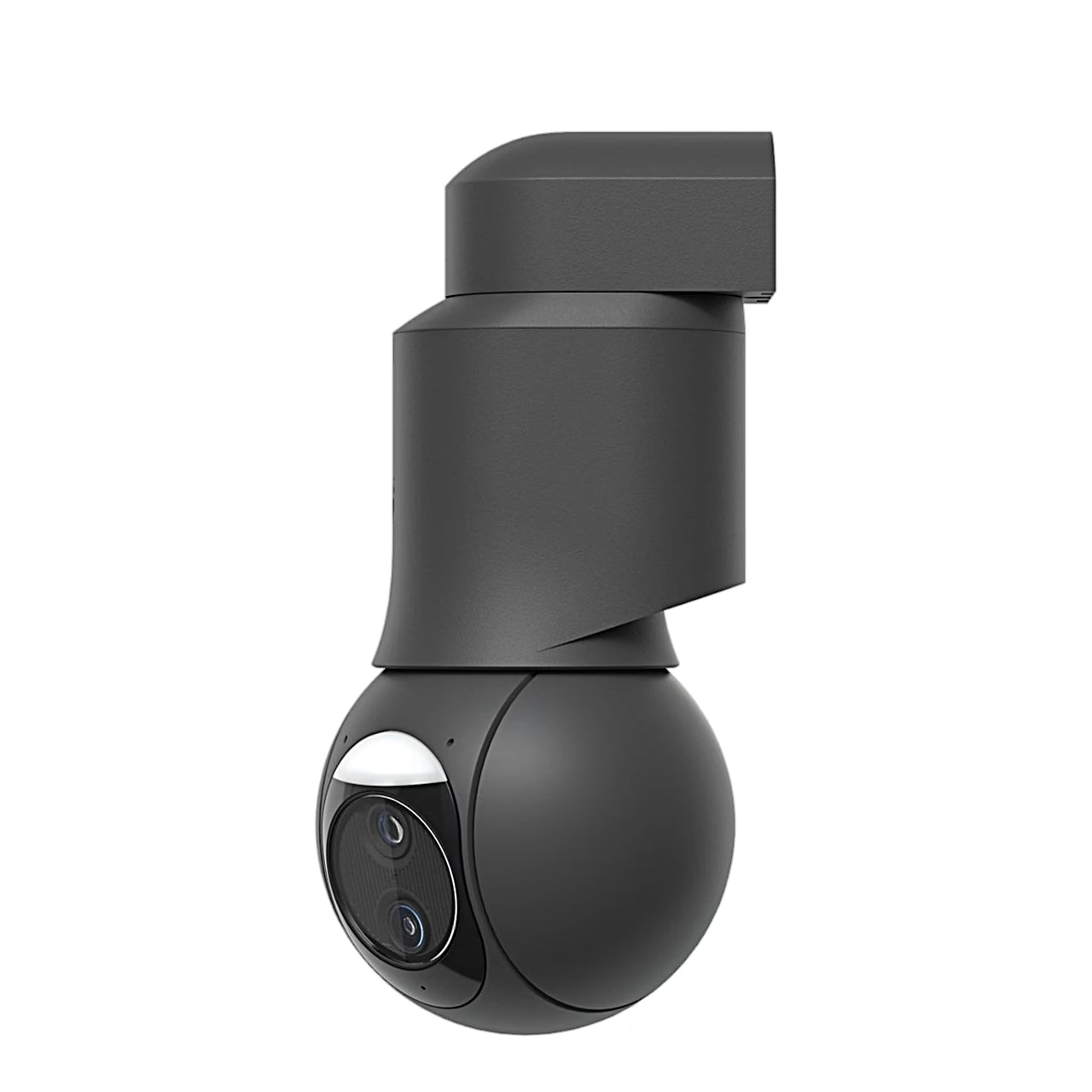
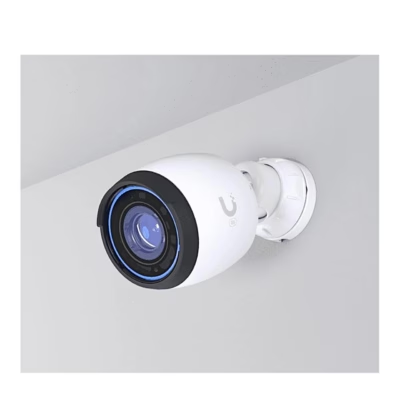
The rotating PoE security camera Ubiquiti G6 PTZ is a spherical PTZ camera: its head can be panned, tilted and zoomed remotely. The image comes from a 1/1.8″ image sensor with a horizontal field of view of 109.9°. The camera detects people, vehicles, faces and pets and recognises licence plates.
Night vision and two-way audio
In night mode infrared light illuminates the scene up to 30 m. The built-in microphone and speaker allow two-way conversation with a person at the camera. Contrast, brightness, sharpness and HDR can be adjusted.
Connection and management in UniFi Protect
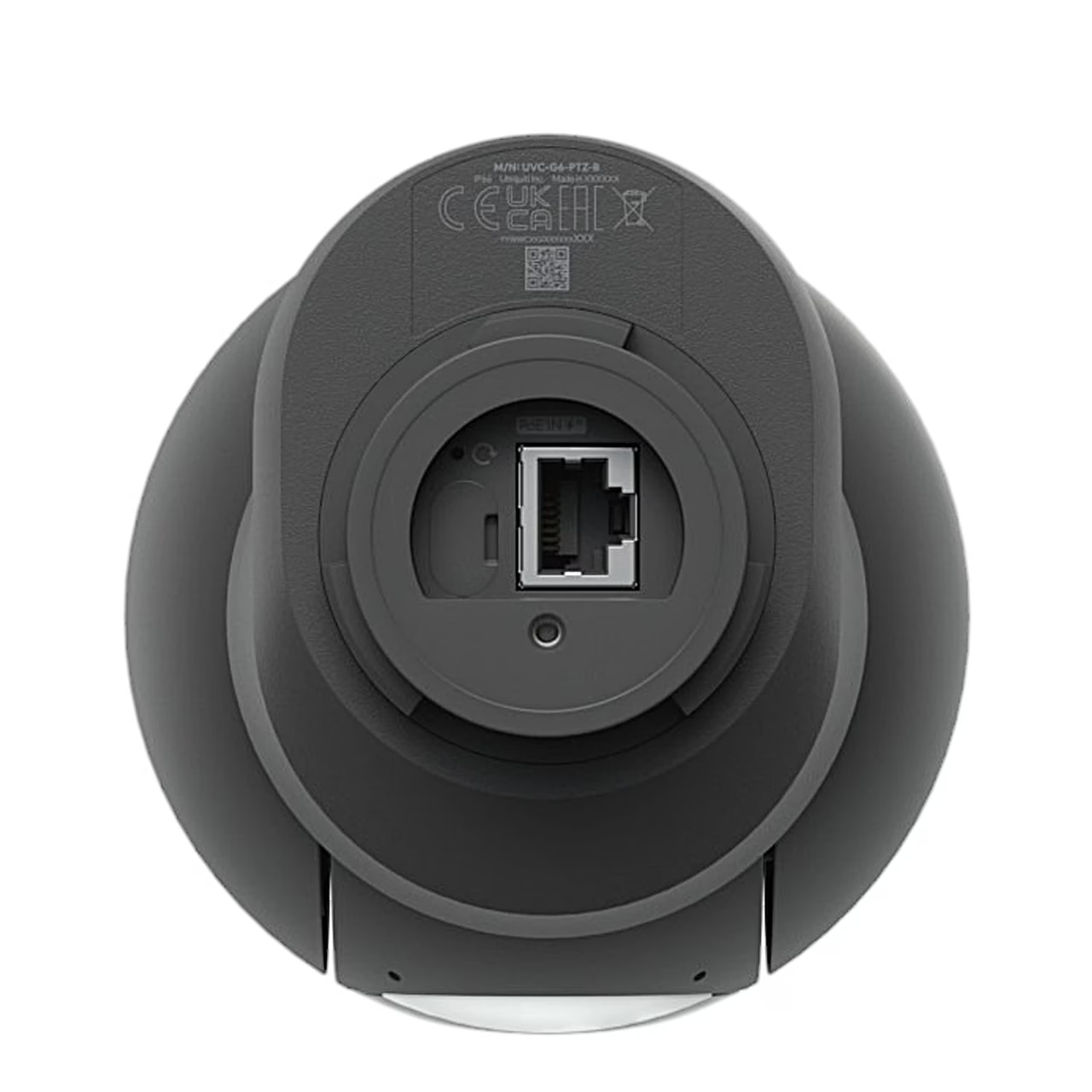
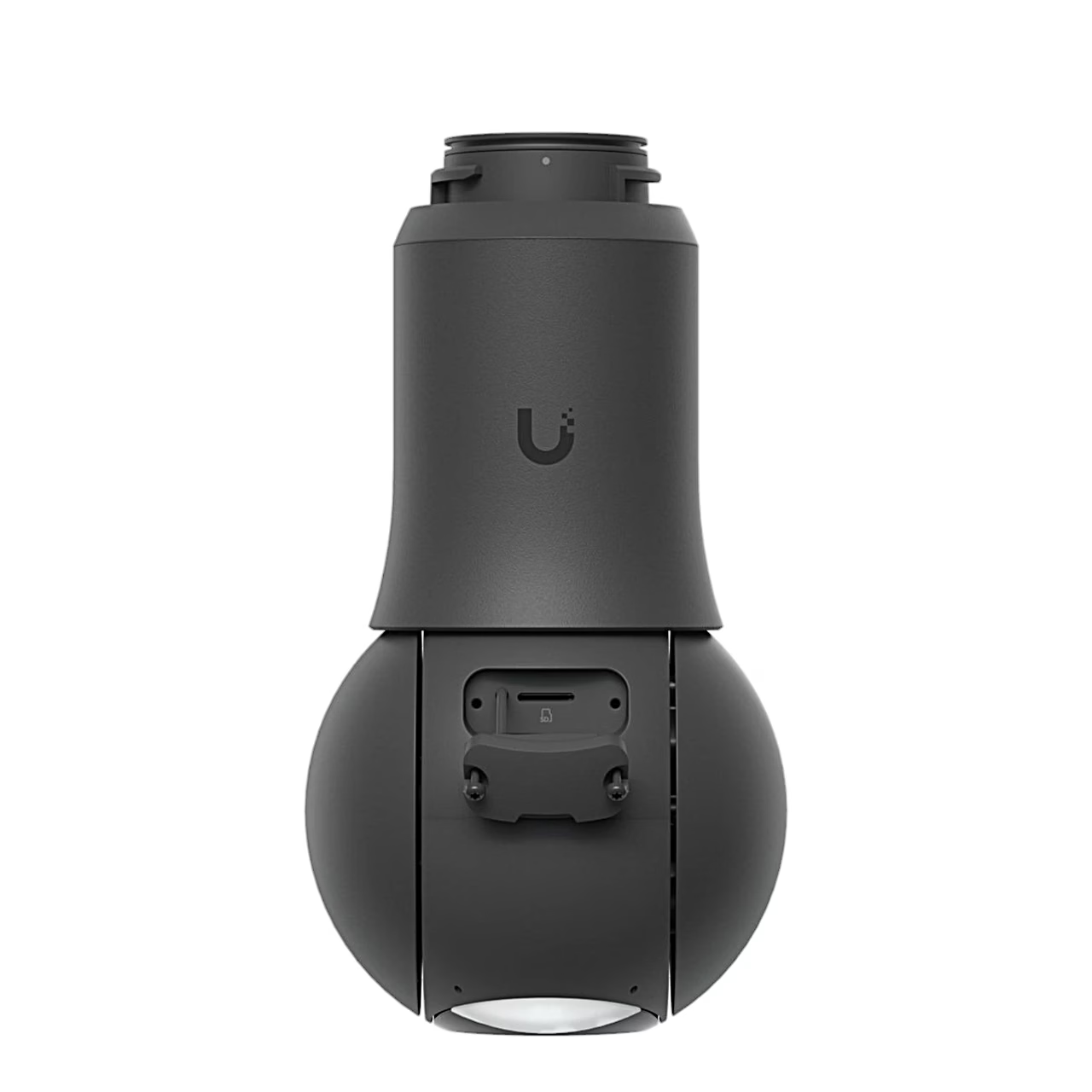
The camera connects with one Ethernet cable to a PoE+ network switch, which also powers it; maximum power consumption is 24.5 W. It is managed in UniFi Protect running on a UniFi Cloud Gateway, UNVR or CloudKey, and on a phone with the UniFi Protect app from the App Store or Google Play. A microSD card slot behind the rotating cover provides local storage.
Security camera installation
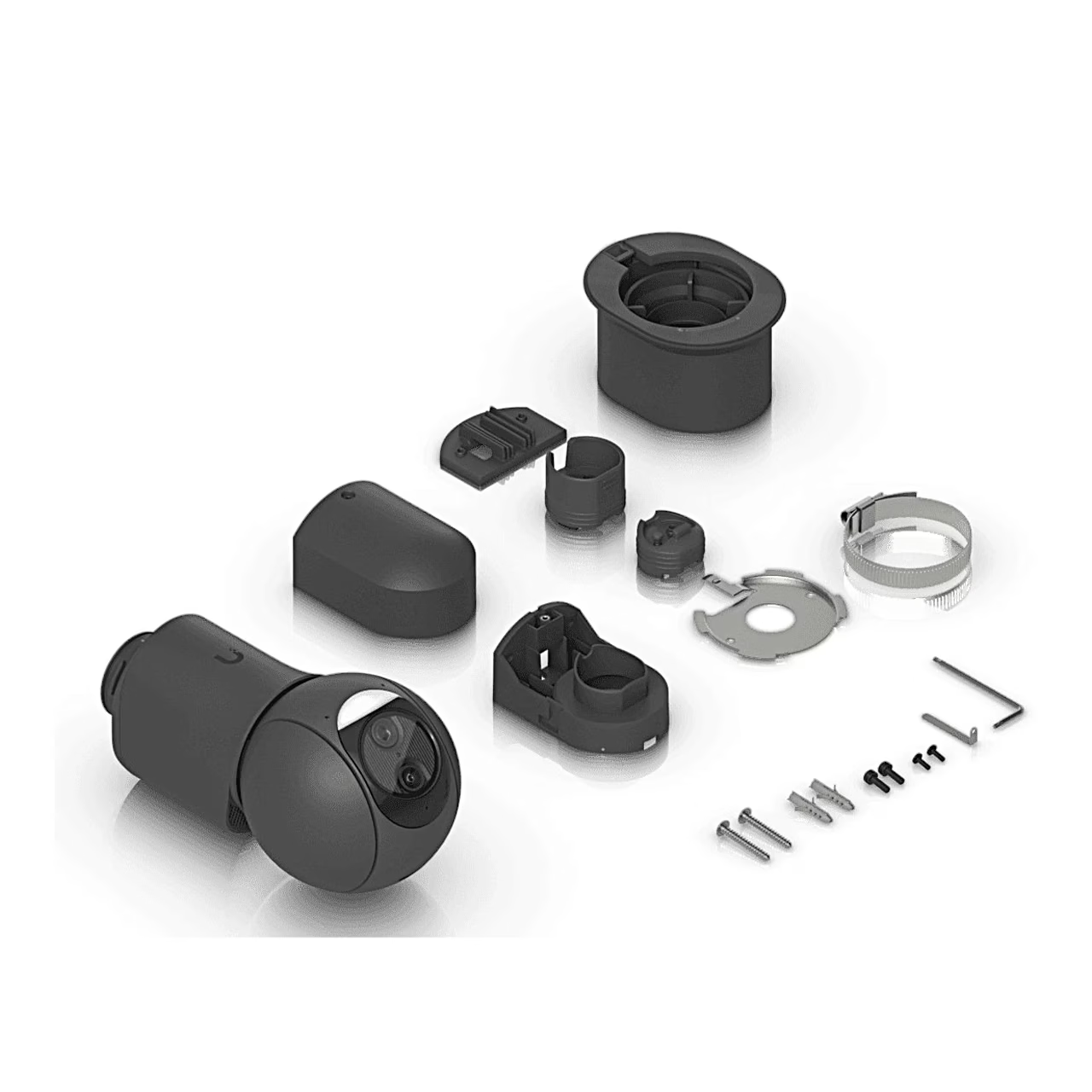
The camera mounts on a ceiling, wall or pole, and its housing is rated IP66 and IK04. For wall mounting, mark the holes with the template, drill two 6 mm fixing holes and an 18 mm cable hole, and fix the base with two anchors and M4 screws. Route the network cable through the base, push the camera onto the base, turn it into place and secure it with an M2.5 screw, then fit the cover and secure it with the second M2.5 screw. Leave at least 25 cm of free space above the camera and 60 cm to the side.
In the box
- G6 PTZ security camera
- mounting base
- cover
- mounting template
- 2 wall anchors
- 2 M4 screws
- 2 M2.5 screws





































Reviews
There are no reviews yet.