
Description
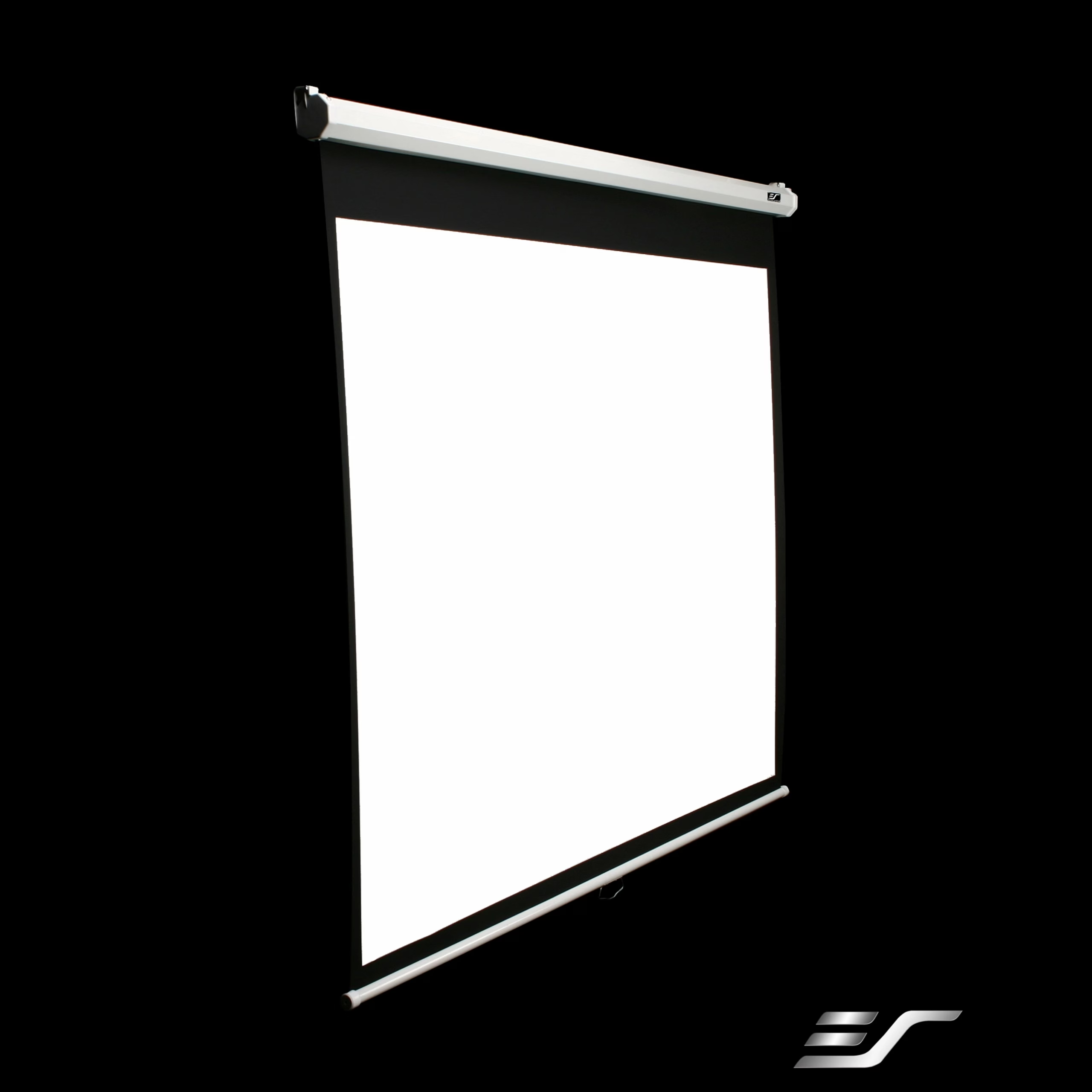
Wall-mounted projection screen with manual pull-down
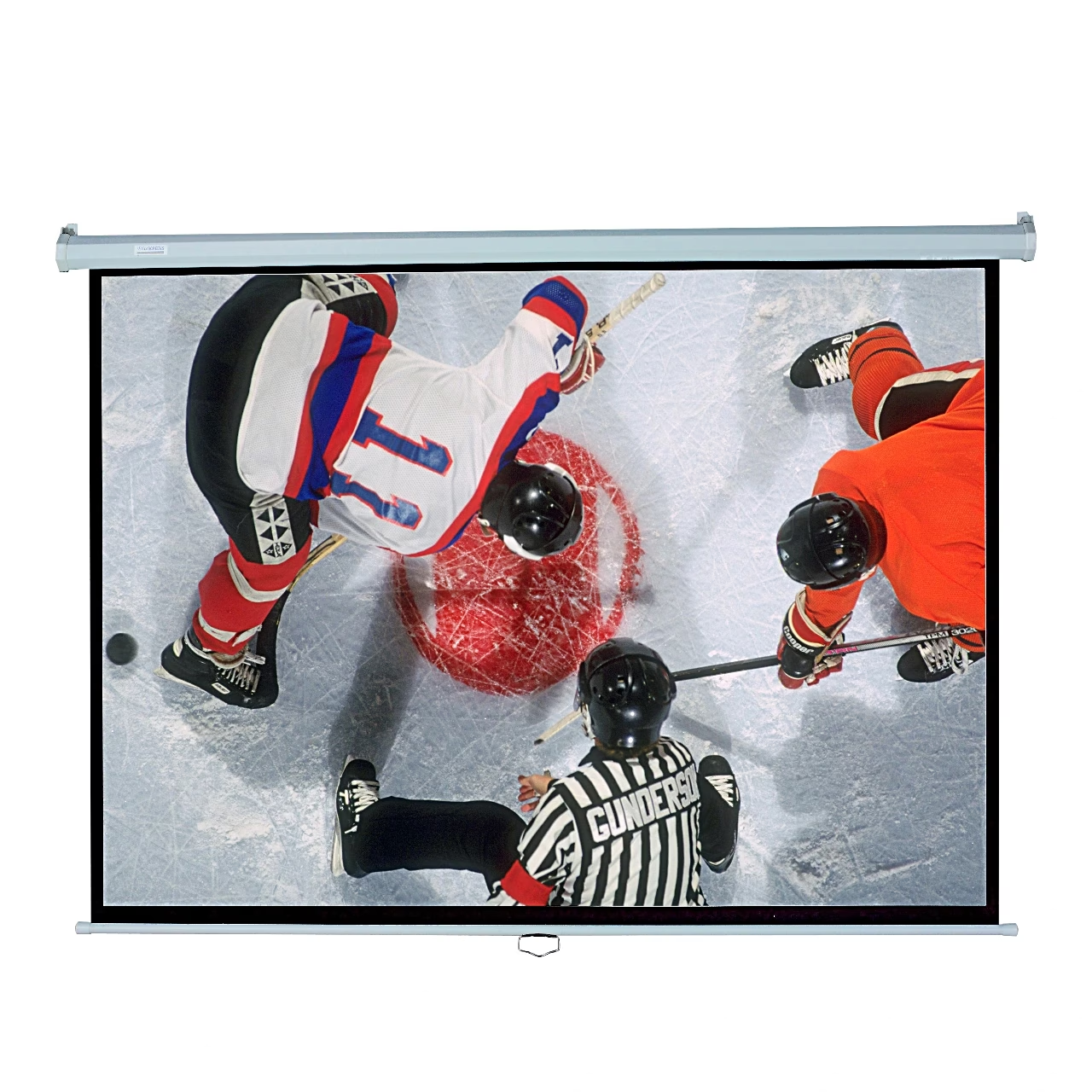
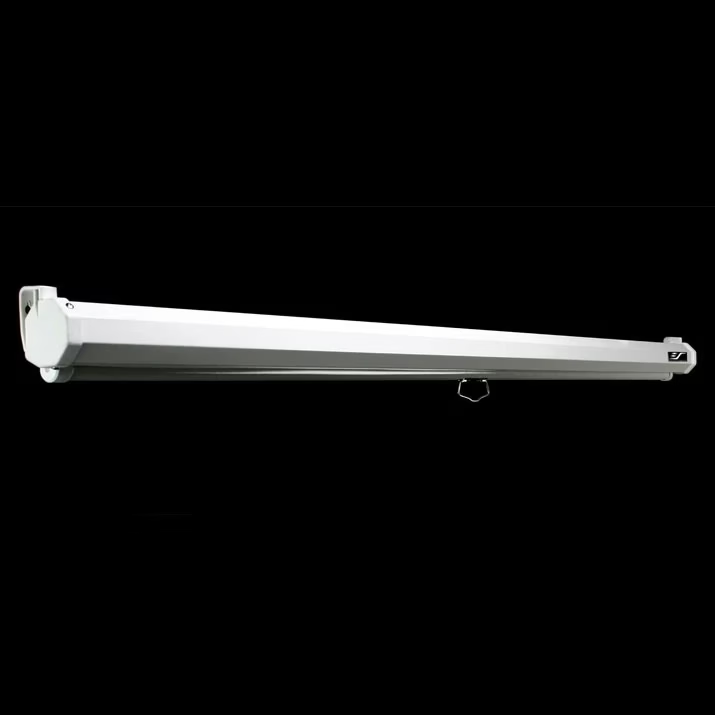
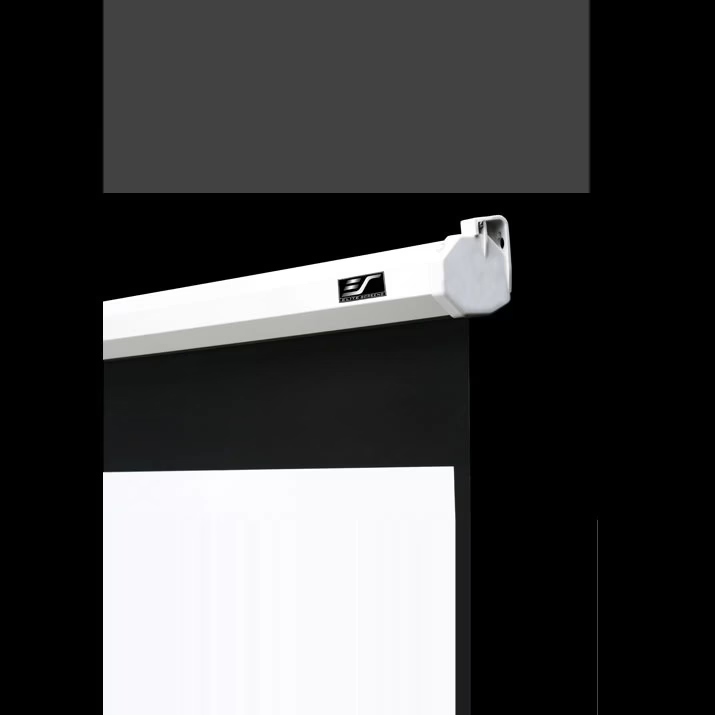
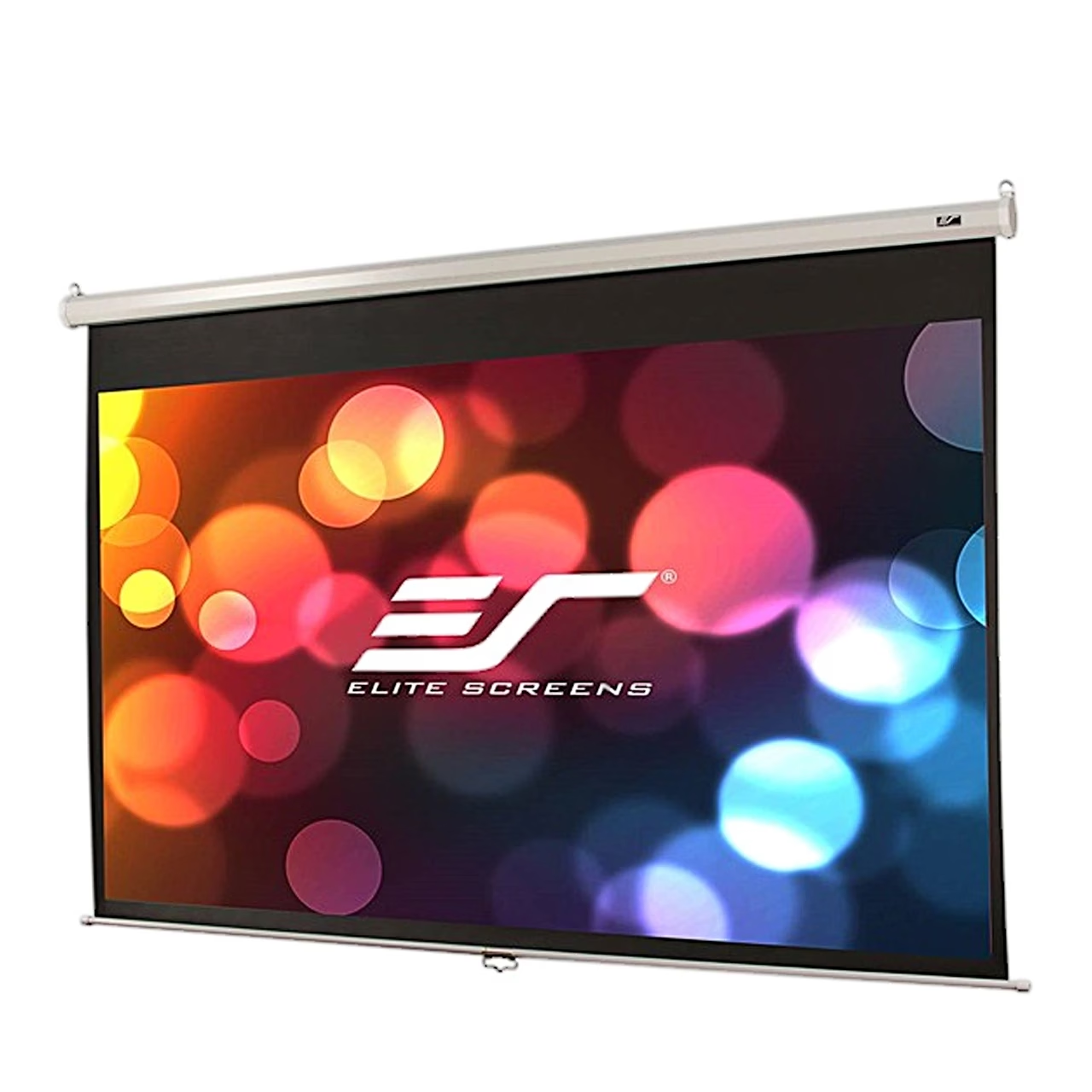
The manual pull-down wall-mounted projection screen Elite M139NWX gives a 16:10 picture with a 297.9 × 186.2 cm viewable area. The white aluminium case fixes to a wall or ceiling. An automatic lock holds the screen at the chosen height and the slow retract system guides it gently back into the case.
MaxWhite material and black borders
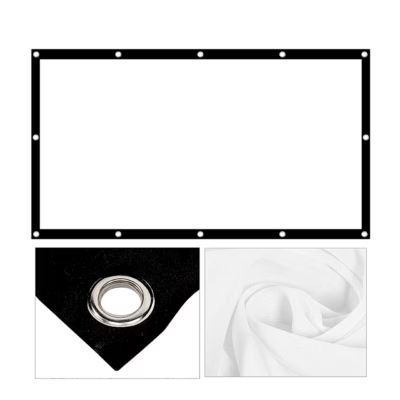
The MaxWhite screen material has a gain of 1.1 and a 180° viewing angle. The black backing stops light passing through and the black borders raise picture contrast. The material suits active 3D and 4K Ultra HD projection.
Wall or ceiling installation
For wall mounting, mark and drill the holes, drive the screws in so that they stand out about 3 mm, and hang the case on the screws. The screen can hang from a ceiling on a chain fixed to the holes in the case end caps. The overall height of the unrolled screen is 213.9 cm with an 11.4 cm black drop above the picture.
Use and cleaning
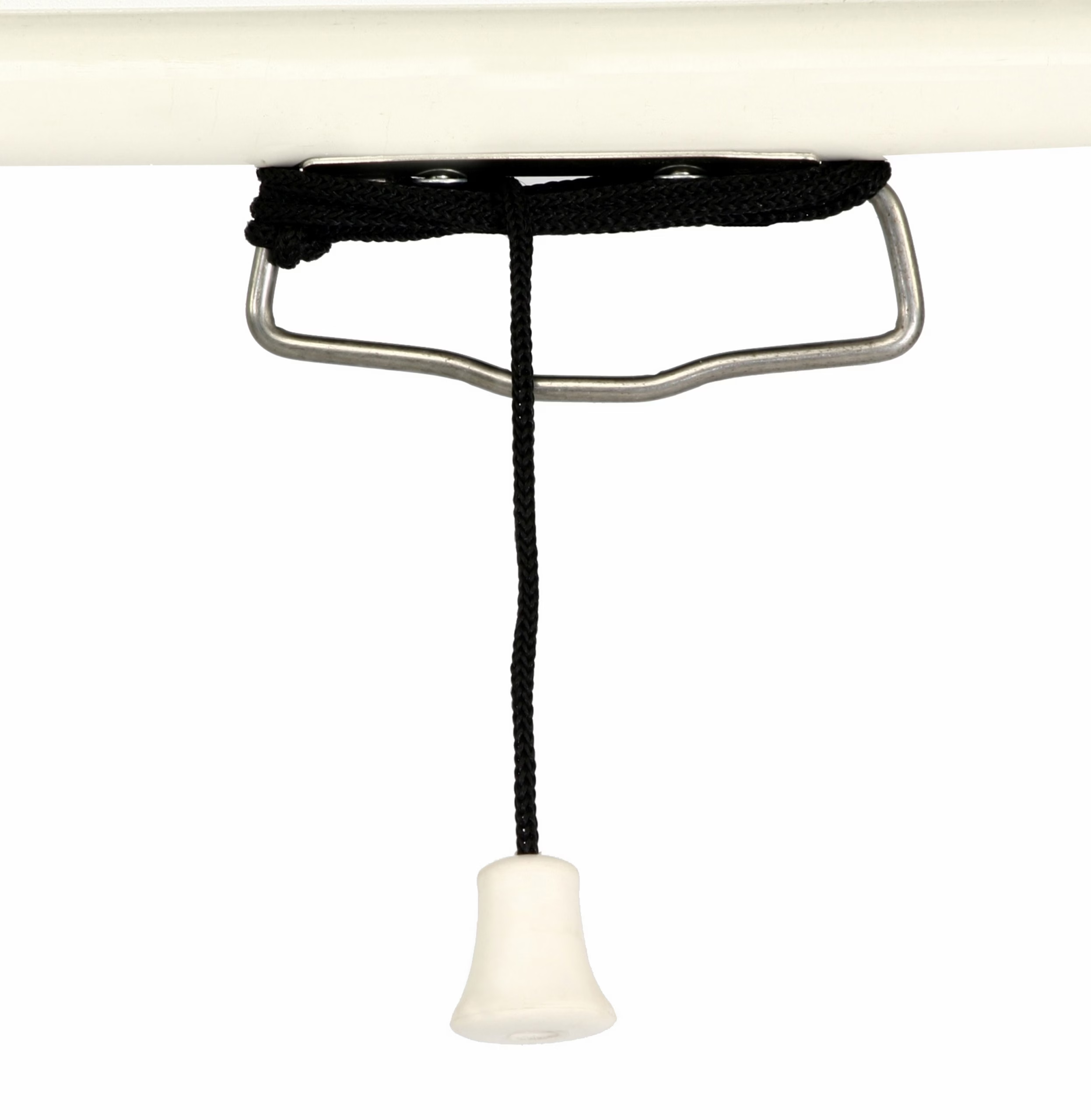
Pull the screen down by the handle at a 90° angle. To roll it up, pull the screen about 5 cm down and guide it gently into the case. Clean the surface with a soft damp cloth and, if needed, mild soap.
In the box
- Projection screen Elite M139NWX, 1 pc
- Pull cord, 1 pc
- Mounting kit with screws and wall plugs






































Reviews
There are no reviews yet.