

Description
Keyboard and mouse combo with USB receiver and Bluetooth for two devices
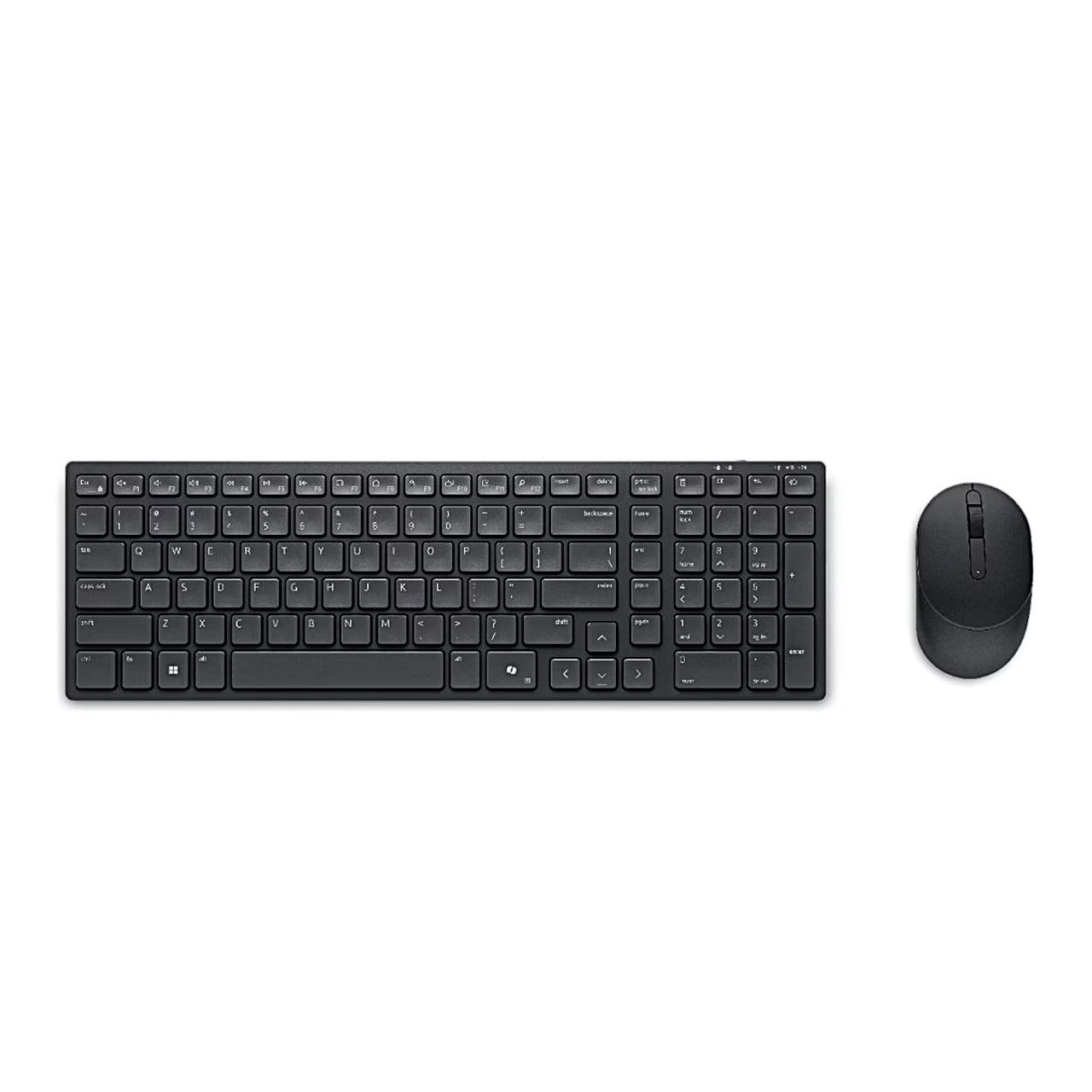
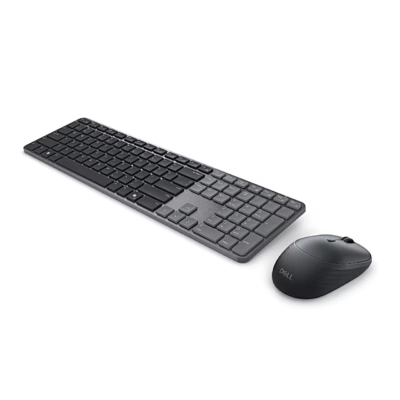
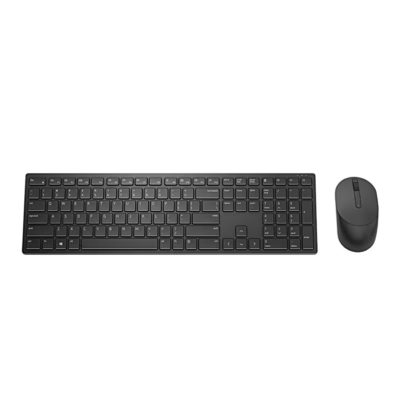
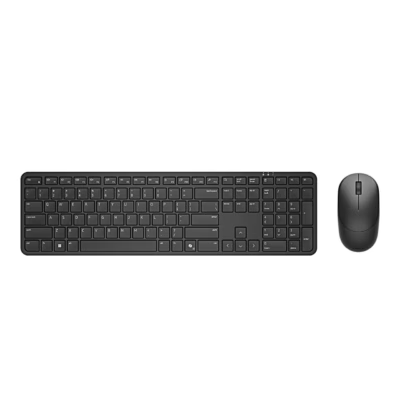
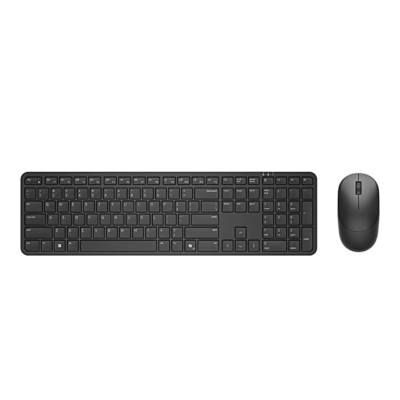
The Dell Pro 5 Silent Compact KM555 keyboard and mouse combo connects to a computer through a 2.4 GHz USB receiver or Bluetooth 5.1, and the keyboard has a Ukrainian (QWERTY) layout. Both devices run on batteries: the keyboard on two AAA and the mouse on one AA battery.
Two connection modes and device switching at the press of a button
The USB receiver is factory-paired with the keyboard and mouse, so the set works once the receiver is plugged into a USB-A port. Pair a second device, such as a laptop or a compatible mobile device, over Bluetooth and switch between them with the connection-mode key on the keyboard and the connection-mode button under the mouse. The radio range is up to 10 m.
Keyboard with numeric keypad and Copilot key
The compact keyboard has full-size arrow keys, a numeric keypad and a Copilot key for Windows 11. Adjustable feet underneath set the typing angle, and the keyboard is spill-resistant.
Ambidextrous mouse with up to 4020 DPI
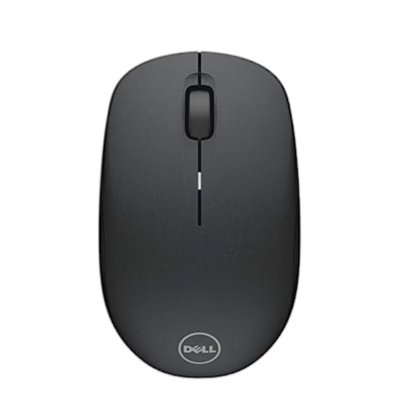
The symmetrical optical mouse suits right- and left-handed use and has three buttons and a scroll wheel. In the Dell Display and Peripheral Manager app you can set the sensitivity (DPI) up to 4020, choose the primary mouse button and assign up to 18 shortcuts to keys and buttons.
Using the set
- Lift the mouse cover at the side slot with your fingertip, take the USB receiver out of its compartment and insert the AA battery.
- Remove the keyboard battery cover and insert the two AAA batteries.
- Switch the keyboard and mouse on with their power switches and plug the USB receiver into a USB port of the computer.
- For Bluetooth, select Bluetooth mode with the connection-mode key or button and hold it for 3 seconds until the light blinks white.
A battery light on the keyboard and mouse shows when the batteries run low, and the keyboard also has a storage slot for the USB receiver underneath.
In the box
- Dell KB555 keyboard
- Dell MS355 mouse
- Dell Secure Link USB receiver WR3
- 2 AAA batteries for the keyboard
- 1 AA battery for the mouse
- documentation


















































Reviews
There are no reviews yet.