

Description
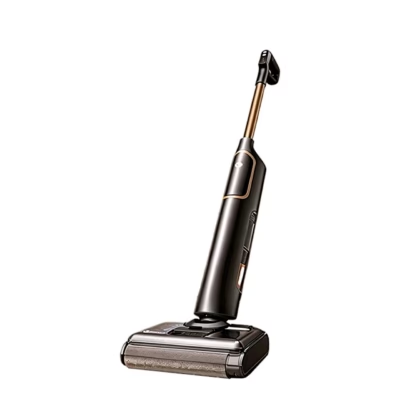
Stick vacuum cleaner automatic emptying station for MOVA G70
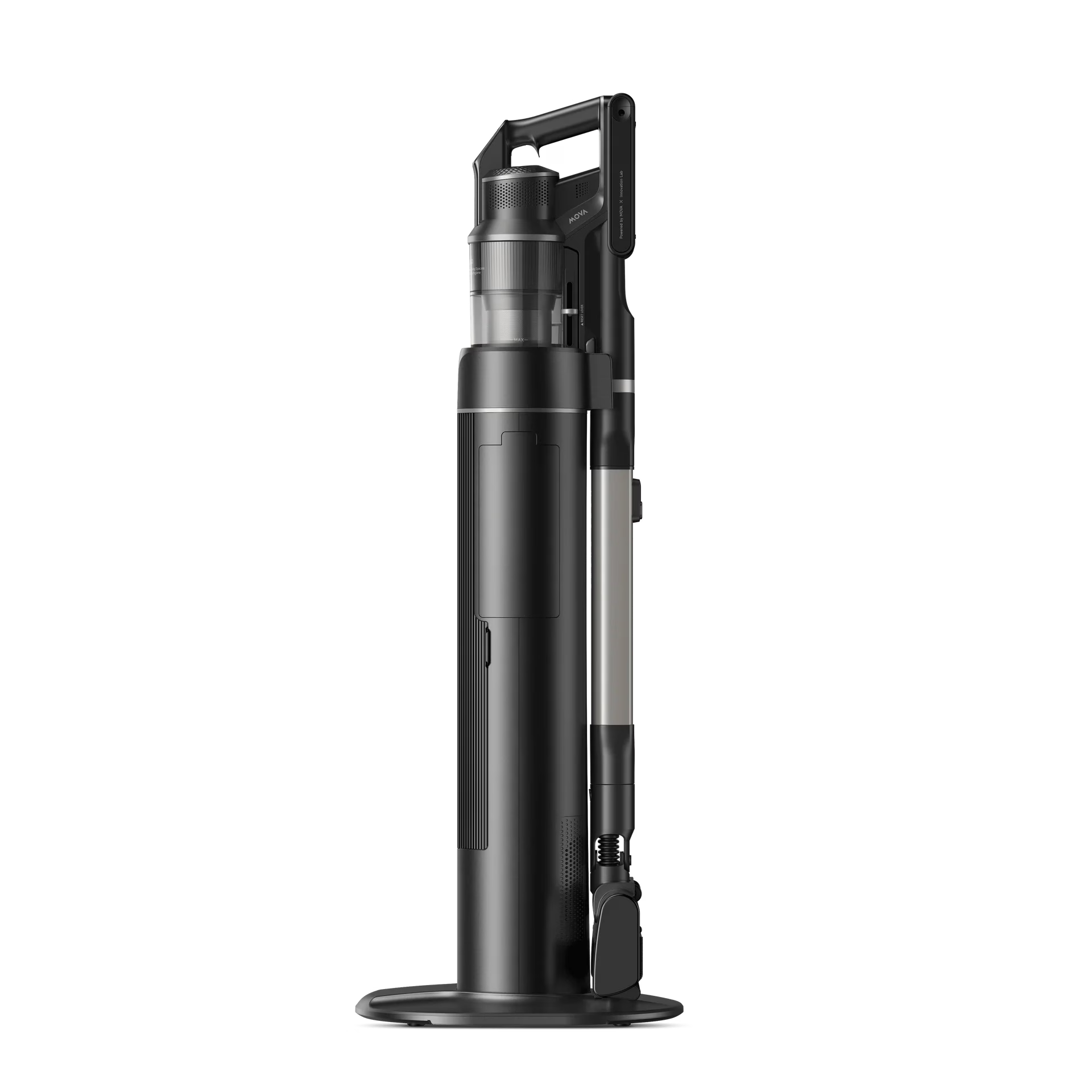
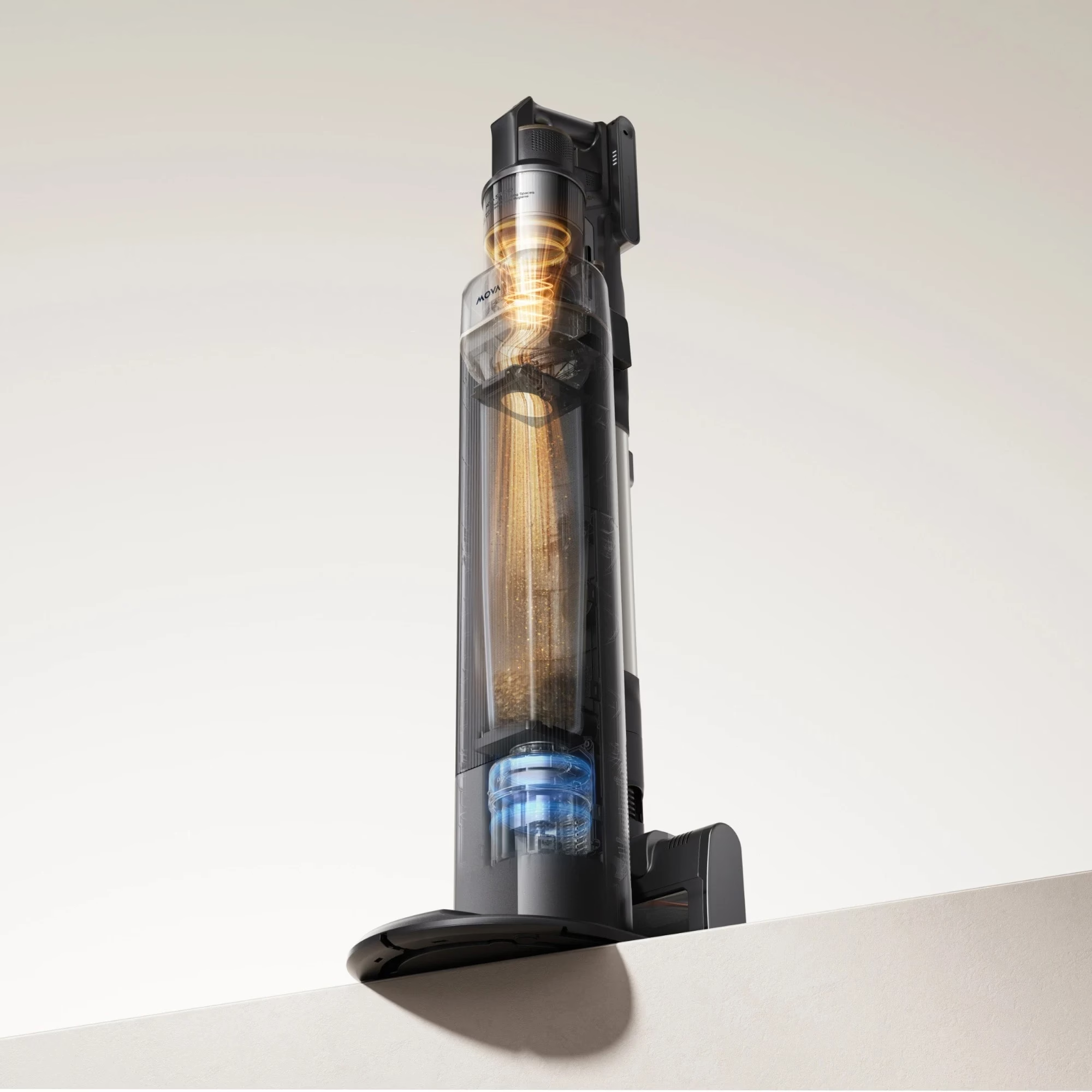
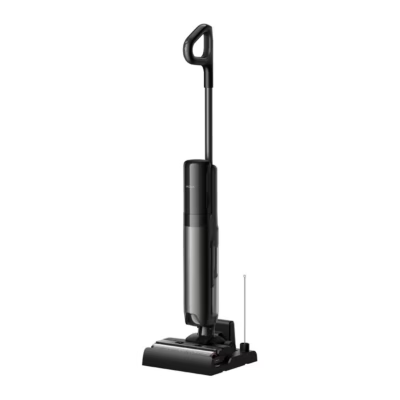
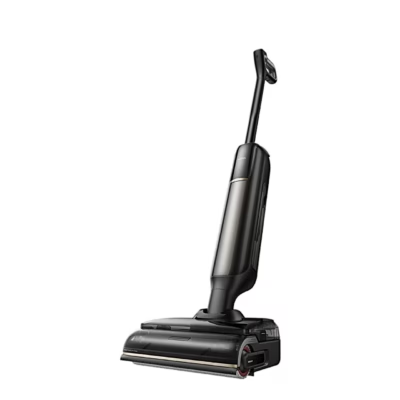
This stick vacuum cleaner automatic emptying station is designed for the cordless stick vacuum cleaner MOVA G70 (model V2584/V2583) and may only be used with this vacuum cleaner. To place it on the station, align the dust chamber inlet with the station inlet. If the dust collector is very dirty, run the collection cycle several times in a row.
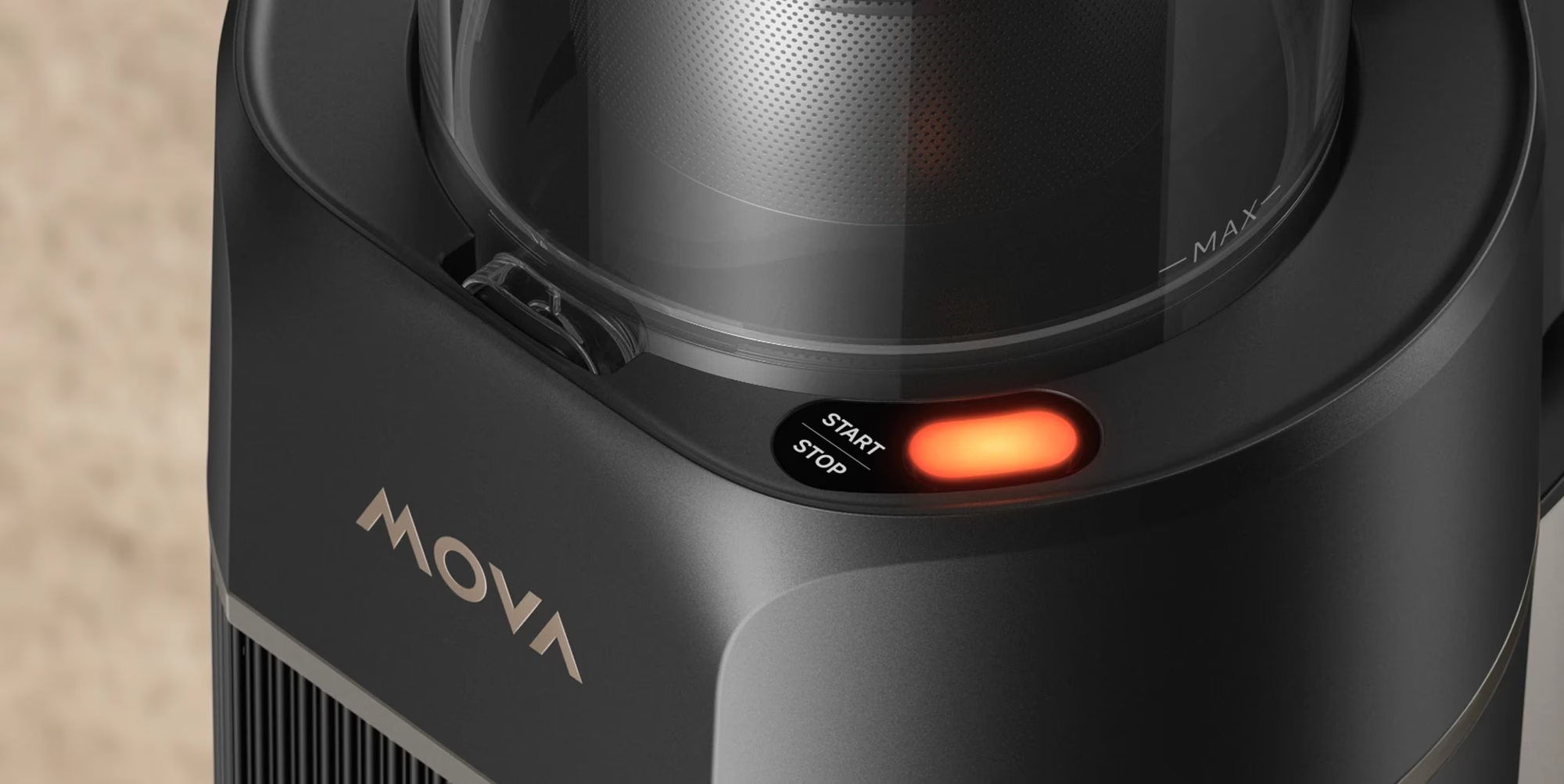
Indicator light and stopping operation
The button indicator light shows the station status: a white light means dust is being collected, a flashing red light means the dust bag is full or the air channel is blocked, and yellow means a wireless connection fault. If the dust bag is full or the air channel is blocked, the station stops operating after the ongoing collection cycle.
Installation
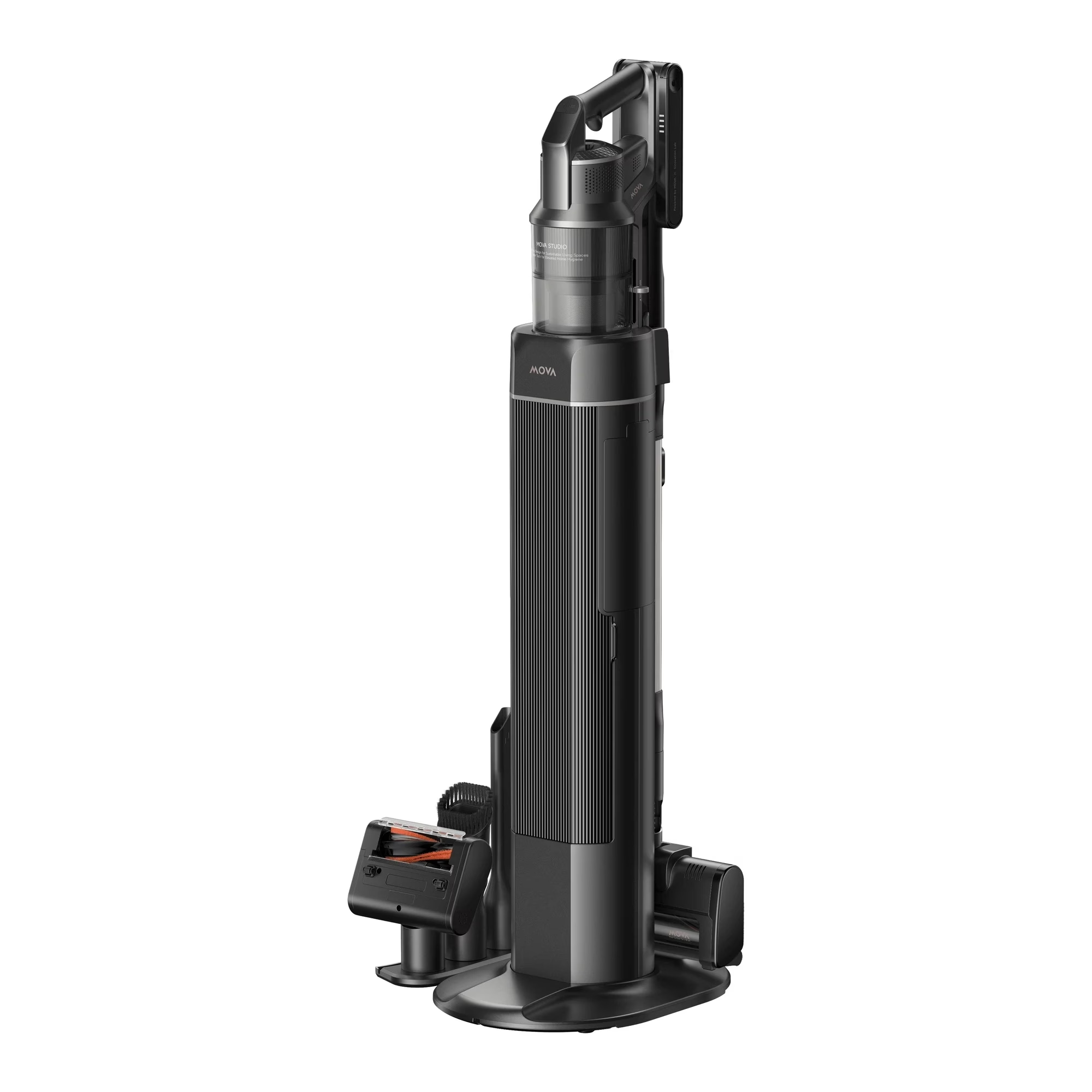
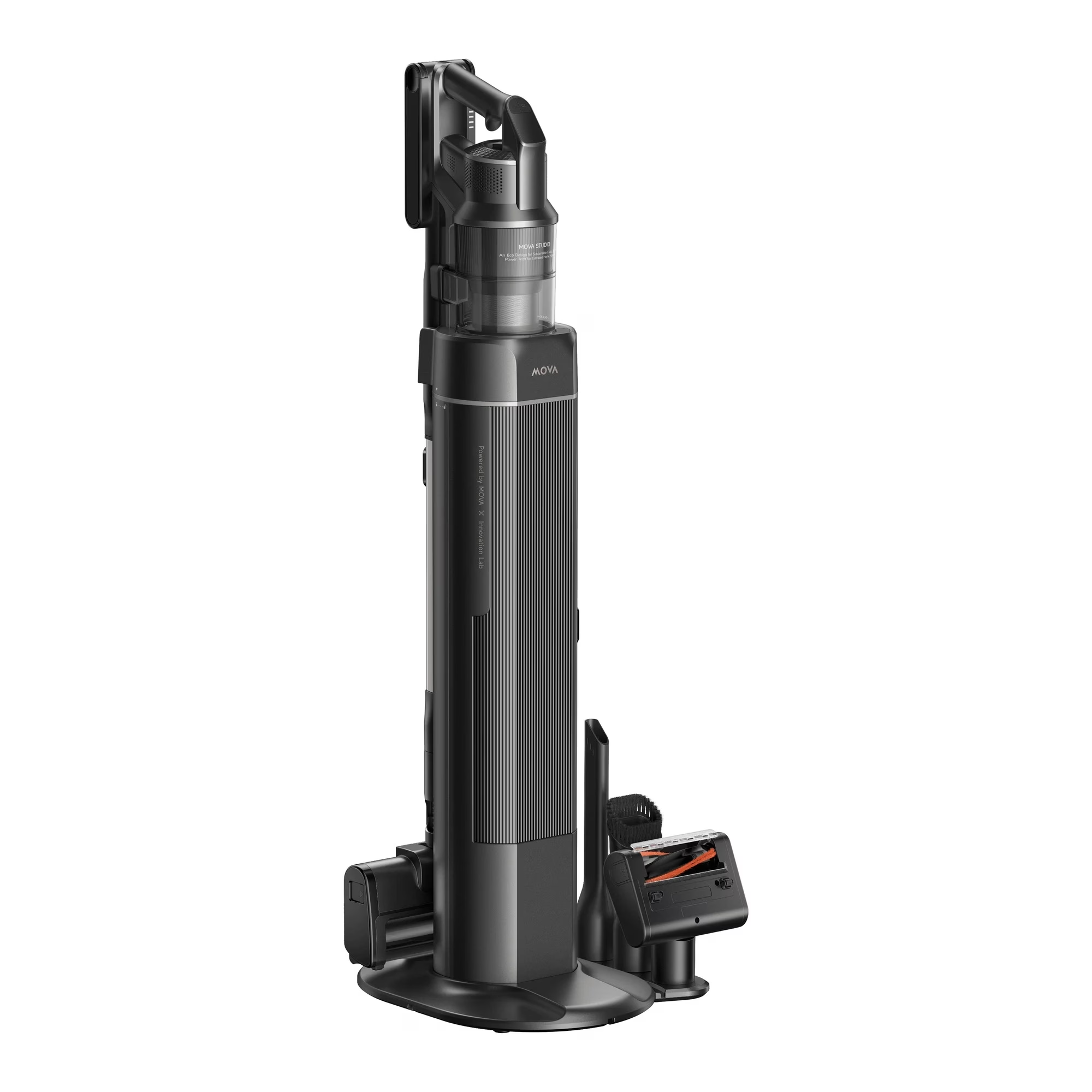
- Attach the accessory holders to the base.
- Guide the power cable through the base socket.
- Place the dust container on the base from above.
- Connect the suction connection to the dust container.
Cleaning and maintenance of the emptying station
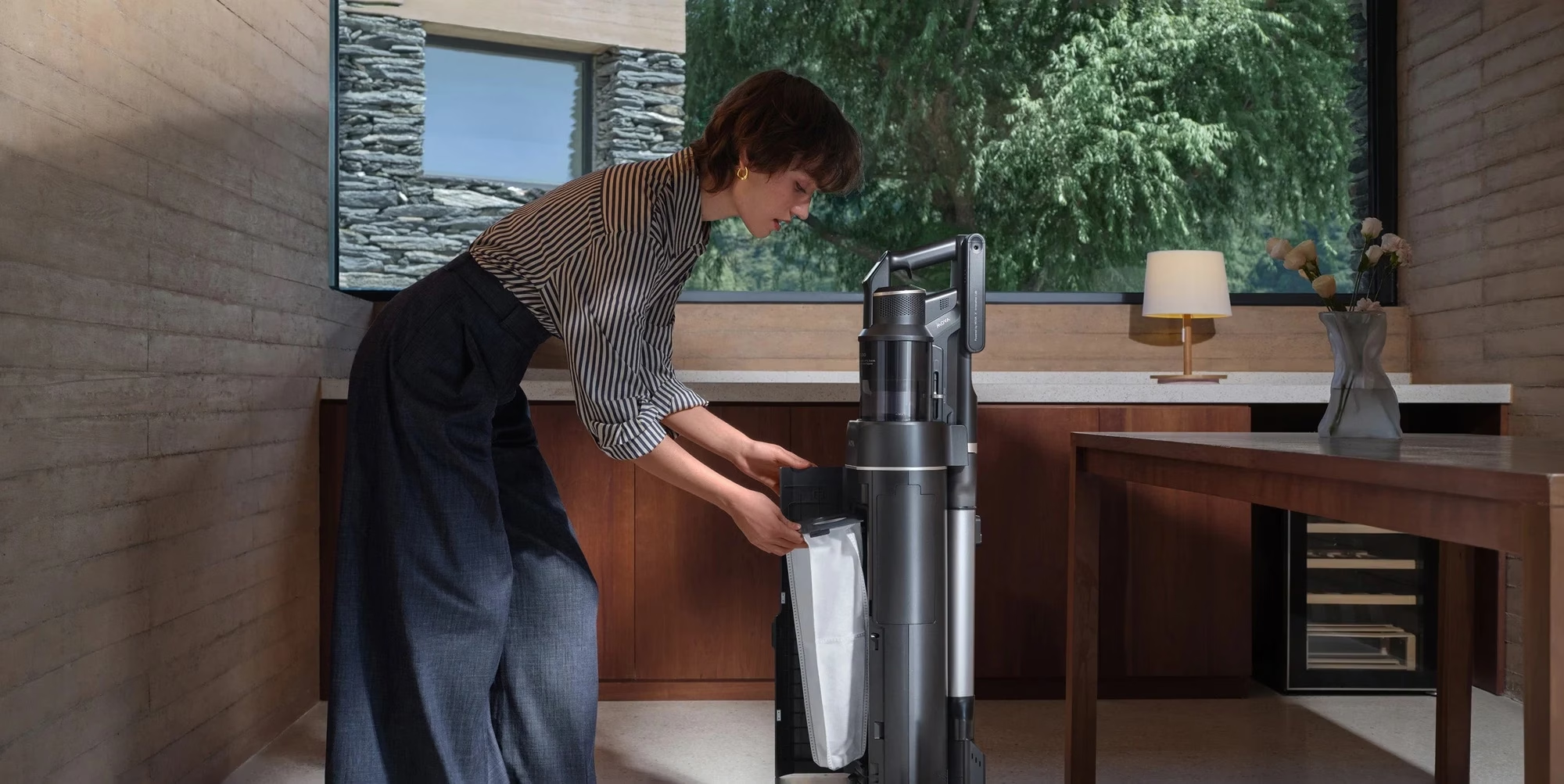
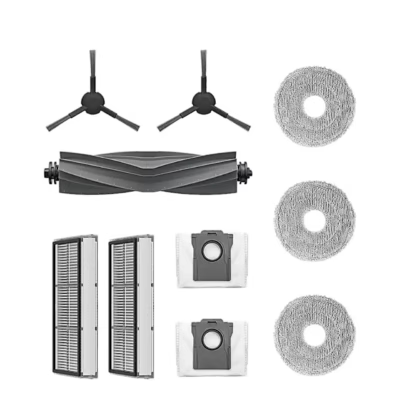
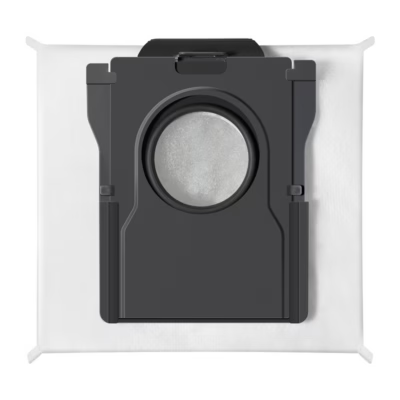
Replace the dust bag every 2–3 months or when the indicator light flashes red. To do this, open the dust collector hatch, pull out the bag handle, insert a new bag so that the handle sits correctly in the socket, and close the hatch tightly. Remove the black filter and rinse it with water, then let it dry completely for at least 24 hours in a place with good air circulation.
Included in the package
- dust container
- suction connection
- accessory holder
- base
The MOVA G70 stick vacuum cleaner and its nozzles are not included in the package.






































Reviews
There are no reviews yet.