

Description
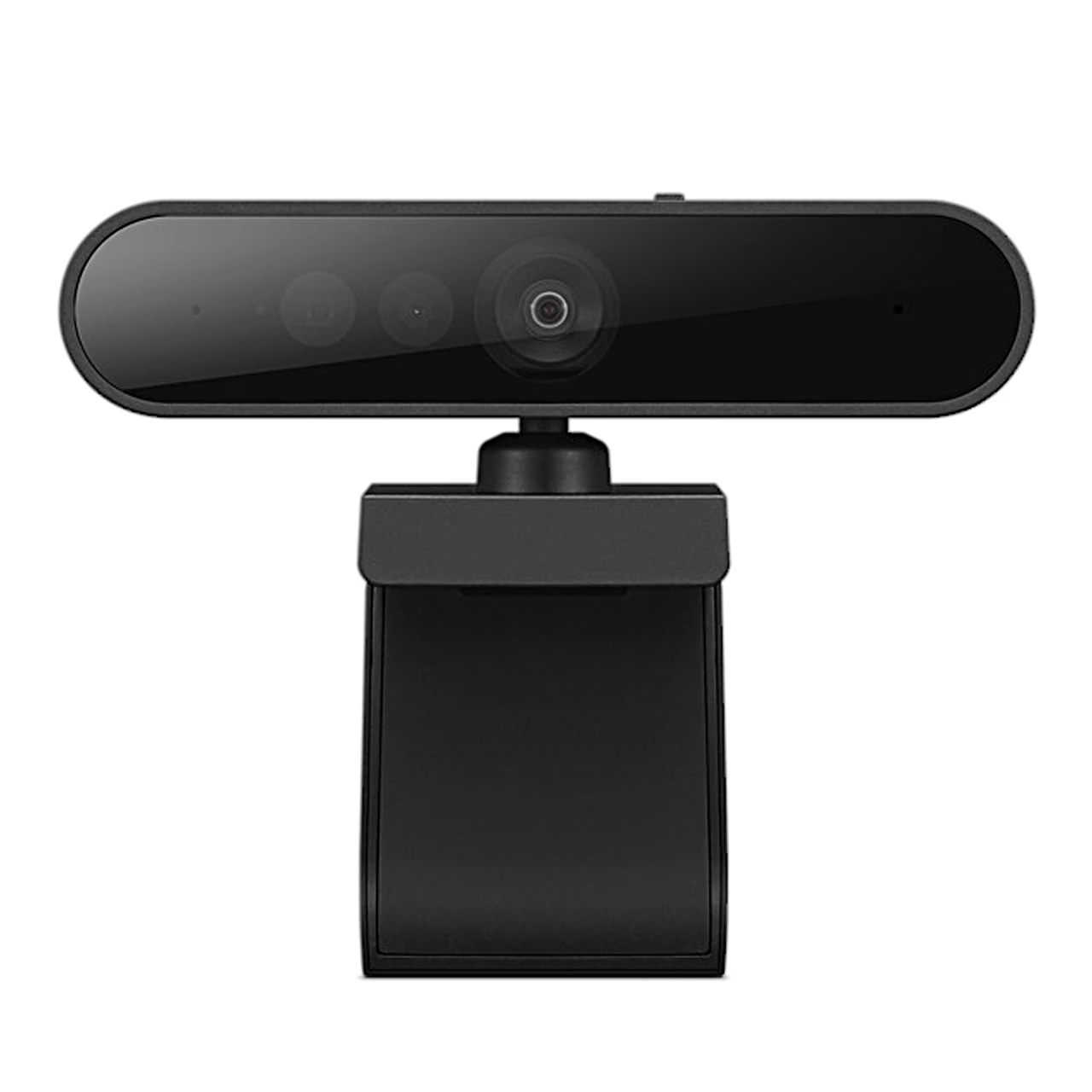
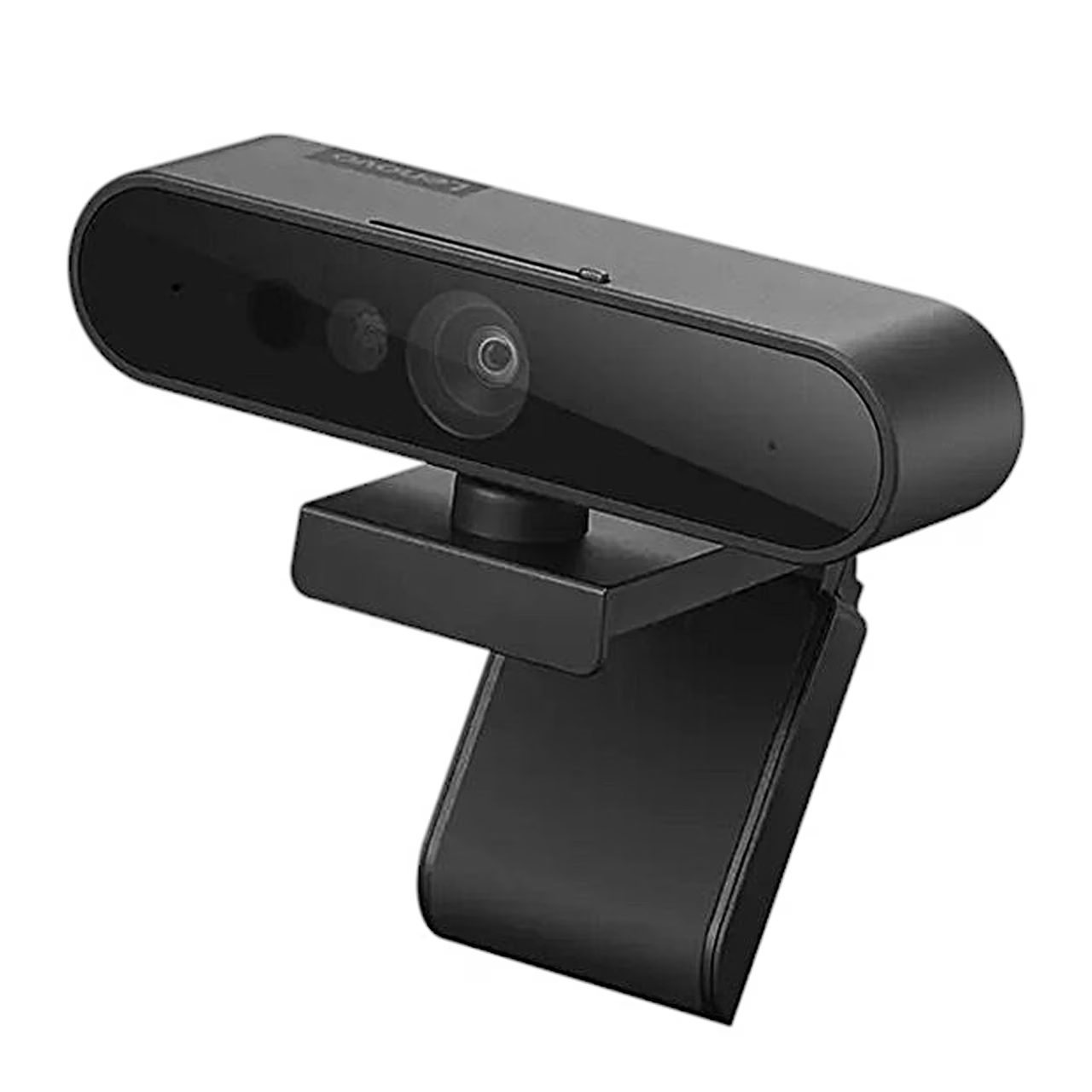
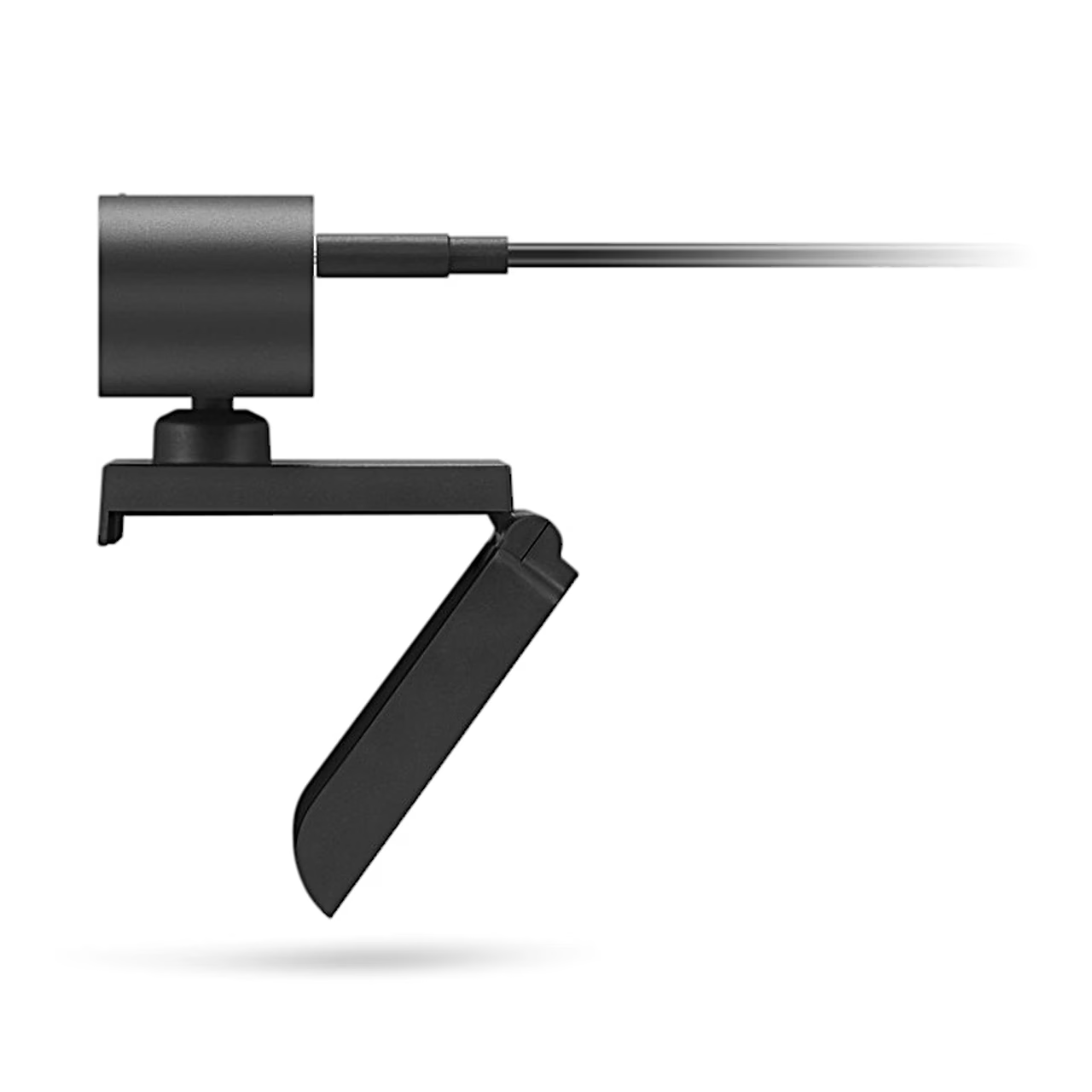
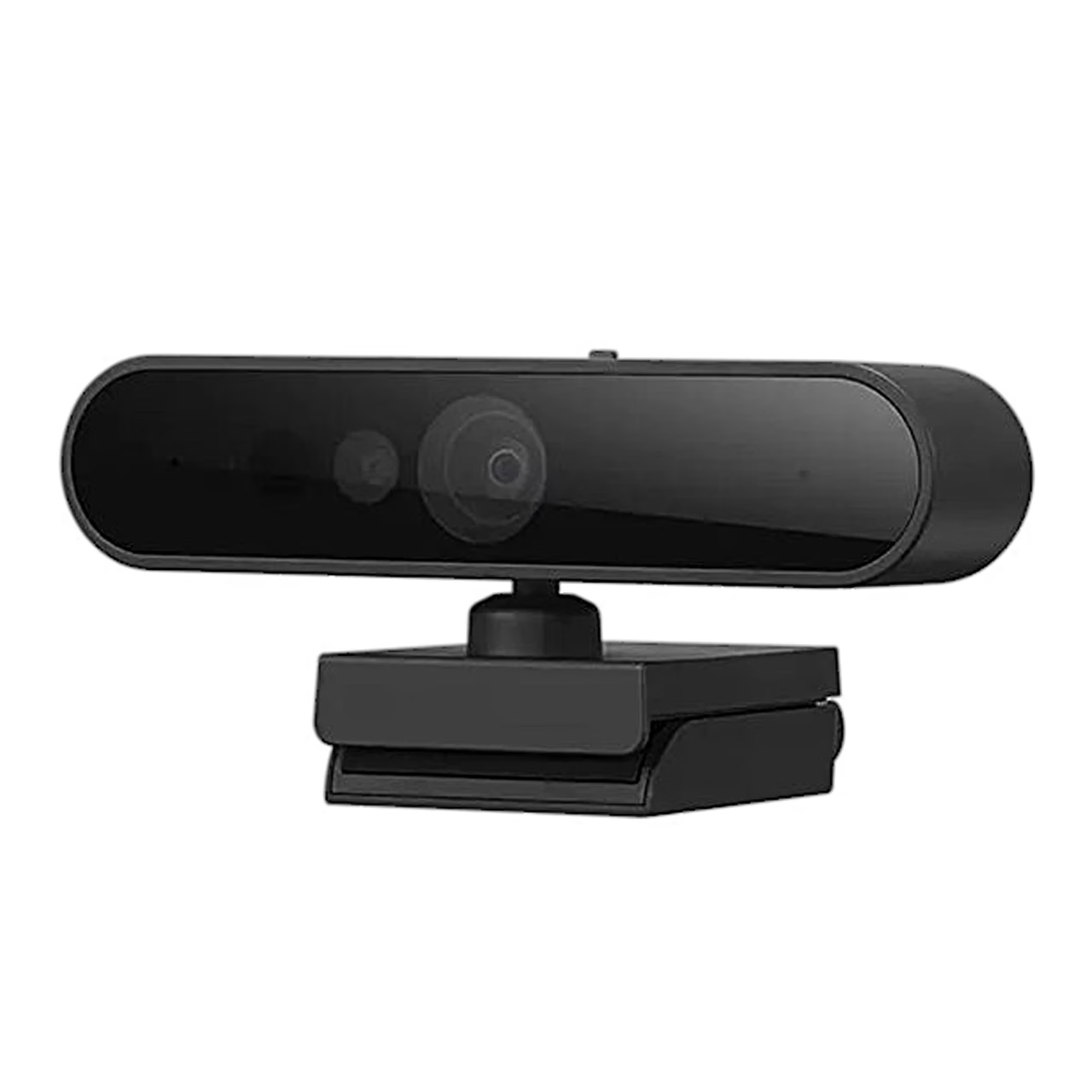
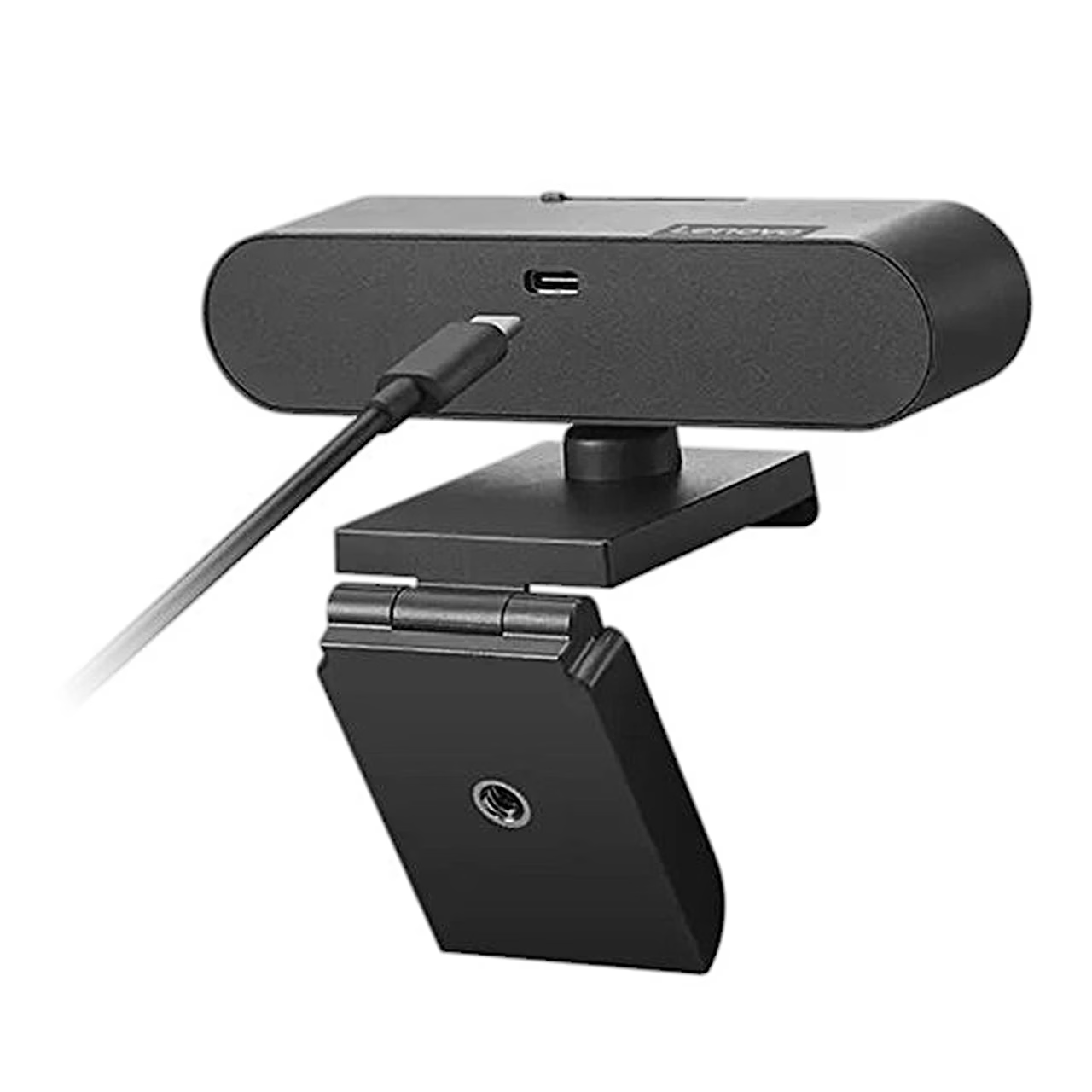
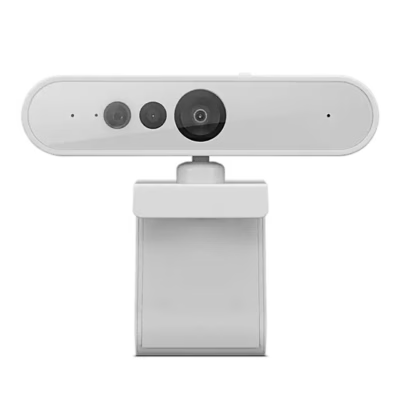
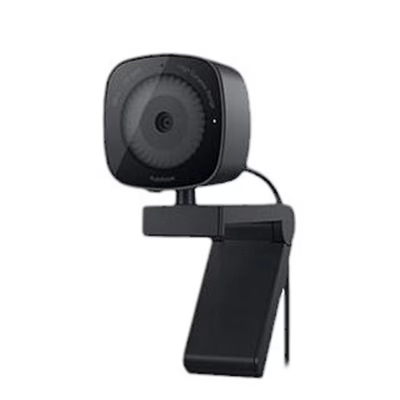
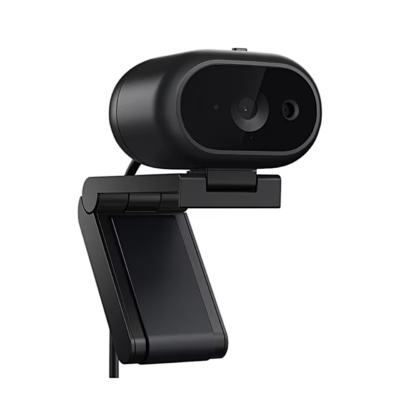
The Windows Hello webcam Lenovo 500 FHD (model WHWC500) clips onto the edge of a laptop, desktop monitor or other LCD monitor. The clip has a tripod thread underneath, so the camera can also sit on a tripod.
Webcam field of view, zoom and position
The field of view is 95° and the image can be enlarged with 4x digital zoom. The lens rotates 360° and the camera tilts and pans to put the frame in the right place.
Windows Hello facial recognition
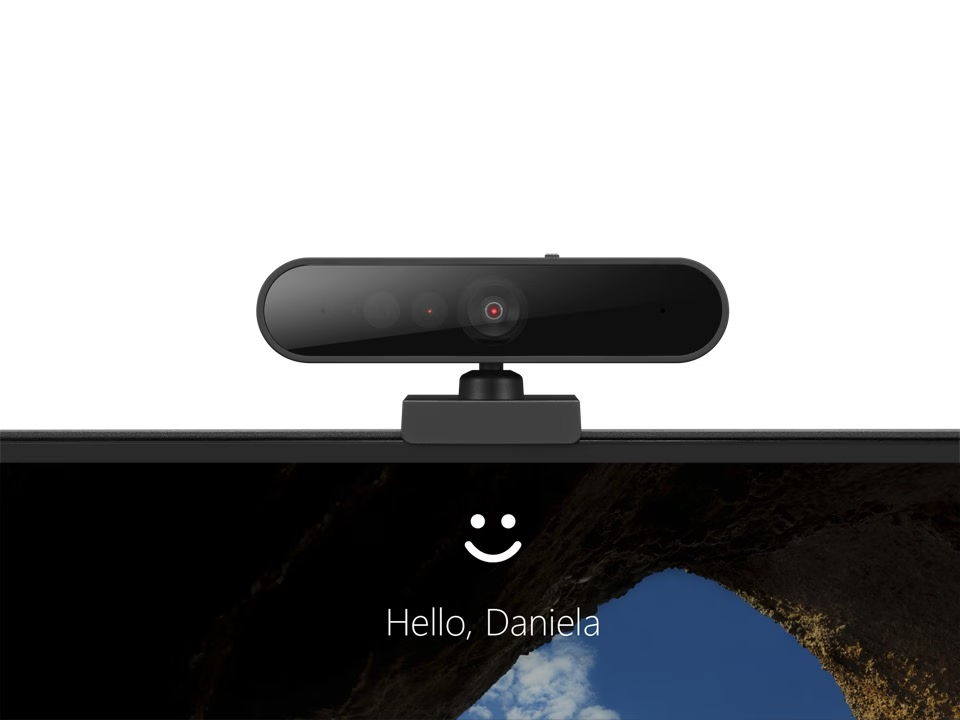
For facial recognition the camera has an infrared sensor and a red infrared LED, working at 352 × 352 and 15 fps. During facial recognition keep the infrared LED uncovered and the sliding privacy cover open. If your computer has a built-in infrared camera, disable it.
Installation
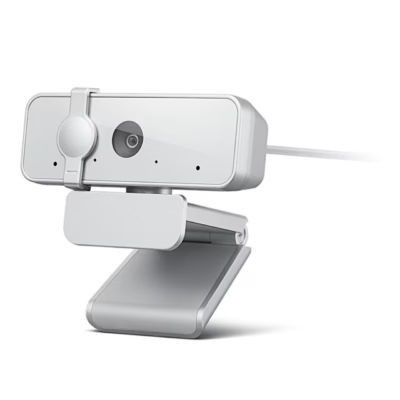
Clip the mount onto the monitor edge, connect the USB-C end of the cable to the camera and the USB-A end to the computer. When the camera is not in use, slide the privacy cover over the lens.
Cleaning
Do not clean the camera while it is operating. Do not use a wet cloth, foaming cleaners or a wet sponge.
In the box
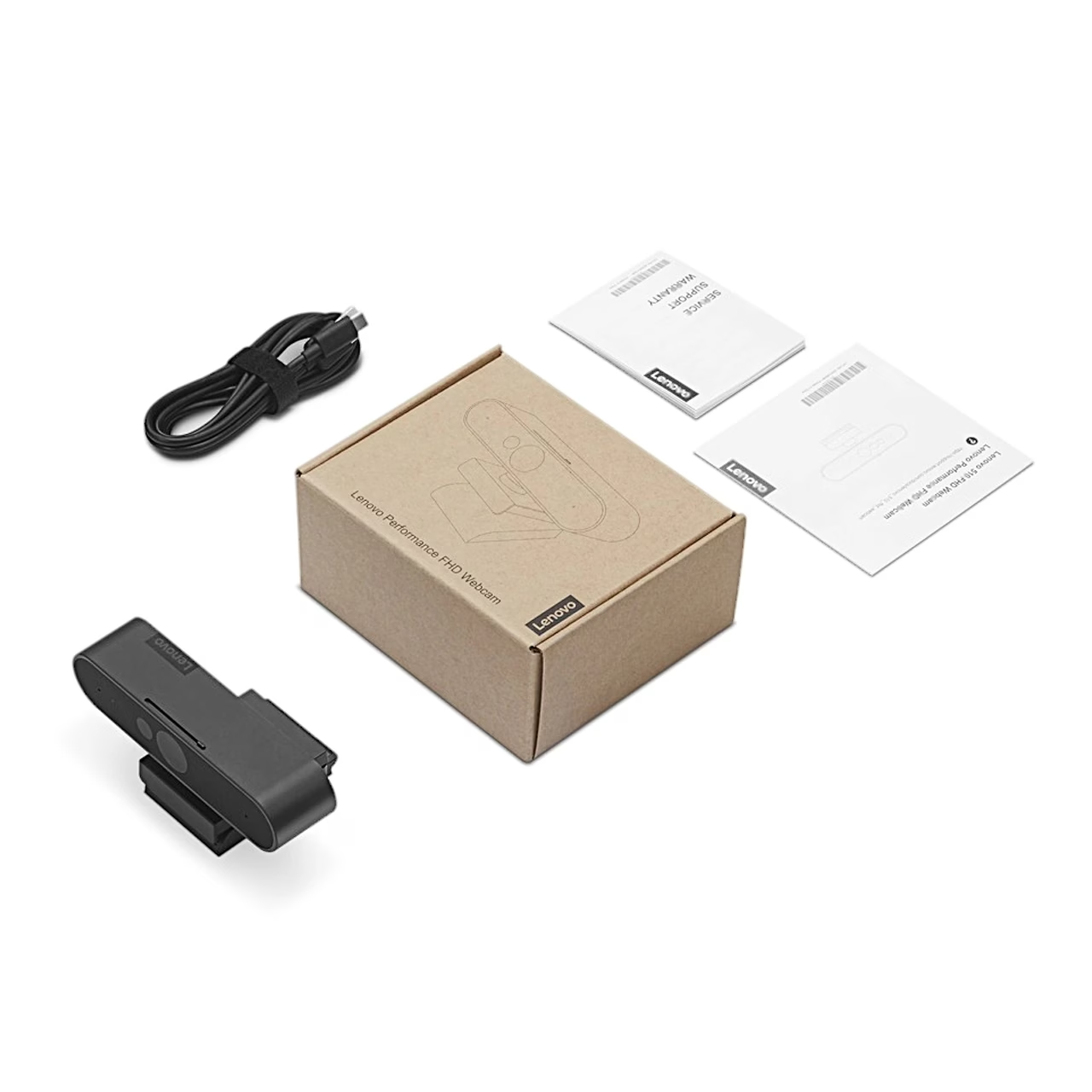
- Webcam Lenovo 500 FHD
- USB-C to USB-A cable (1.8 m)
- Quick start guide and documentation











































Reviews
There are no reviews yet.