


Description
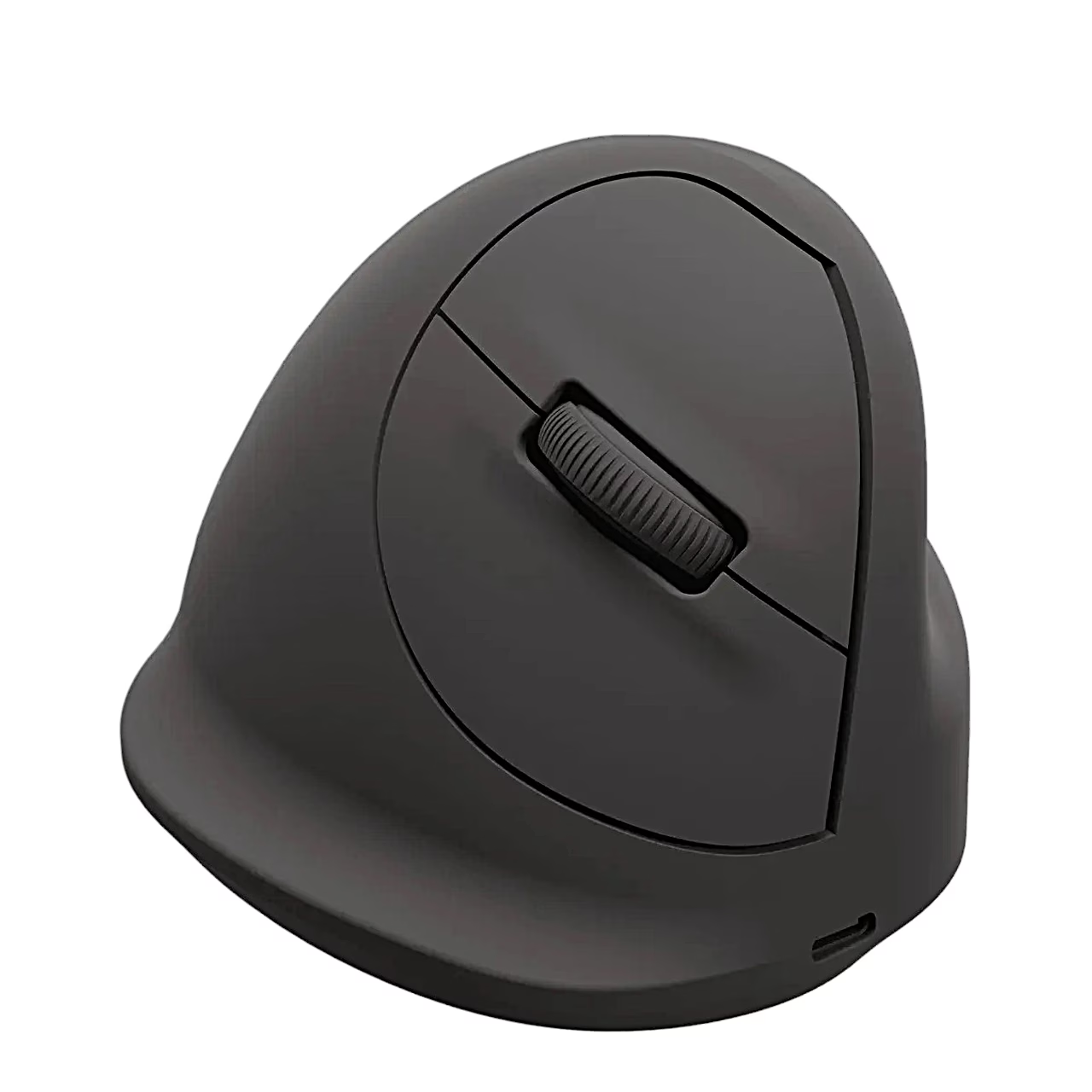
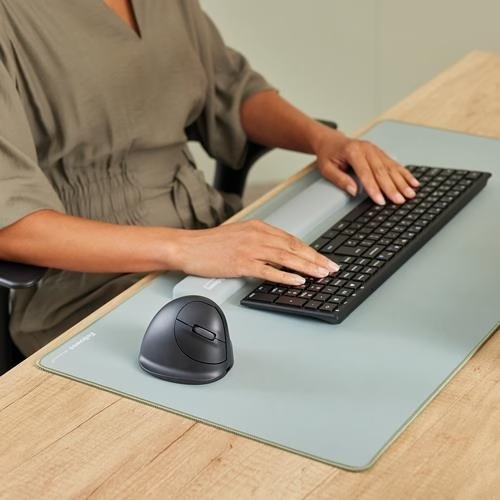
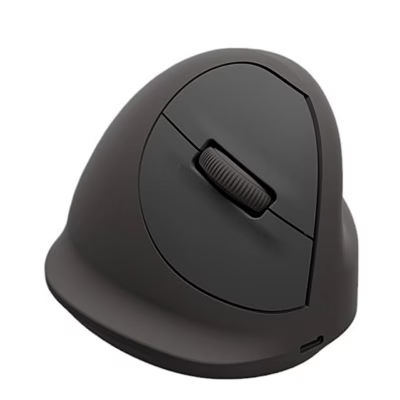
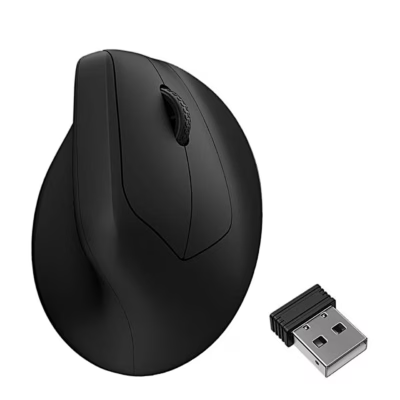
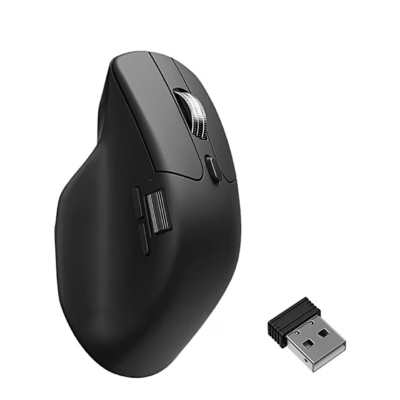
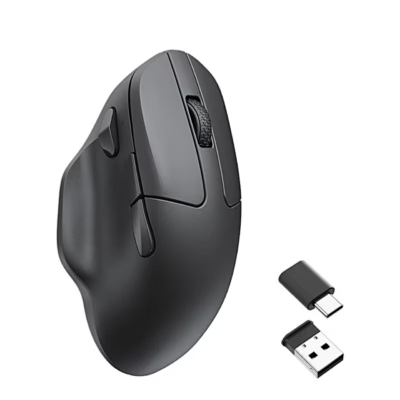
Vertical mouse with an angled body and rechargeable battery
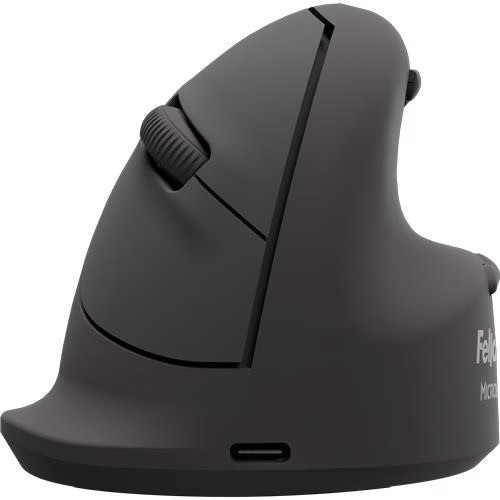
The Fellowes Breyta Plus L vertical wireless mouse connects to the computer in three ways: over Bluetooth 5.4, through the supplied receiver in a USB-A port or by cable as a wired mouse. The body is angled at 60°.
Five-step DPI button and auto scroll
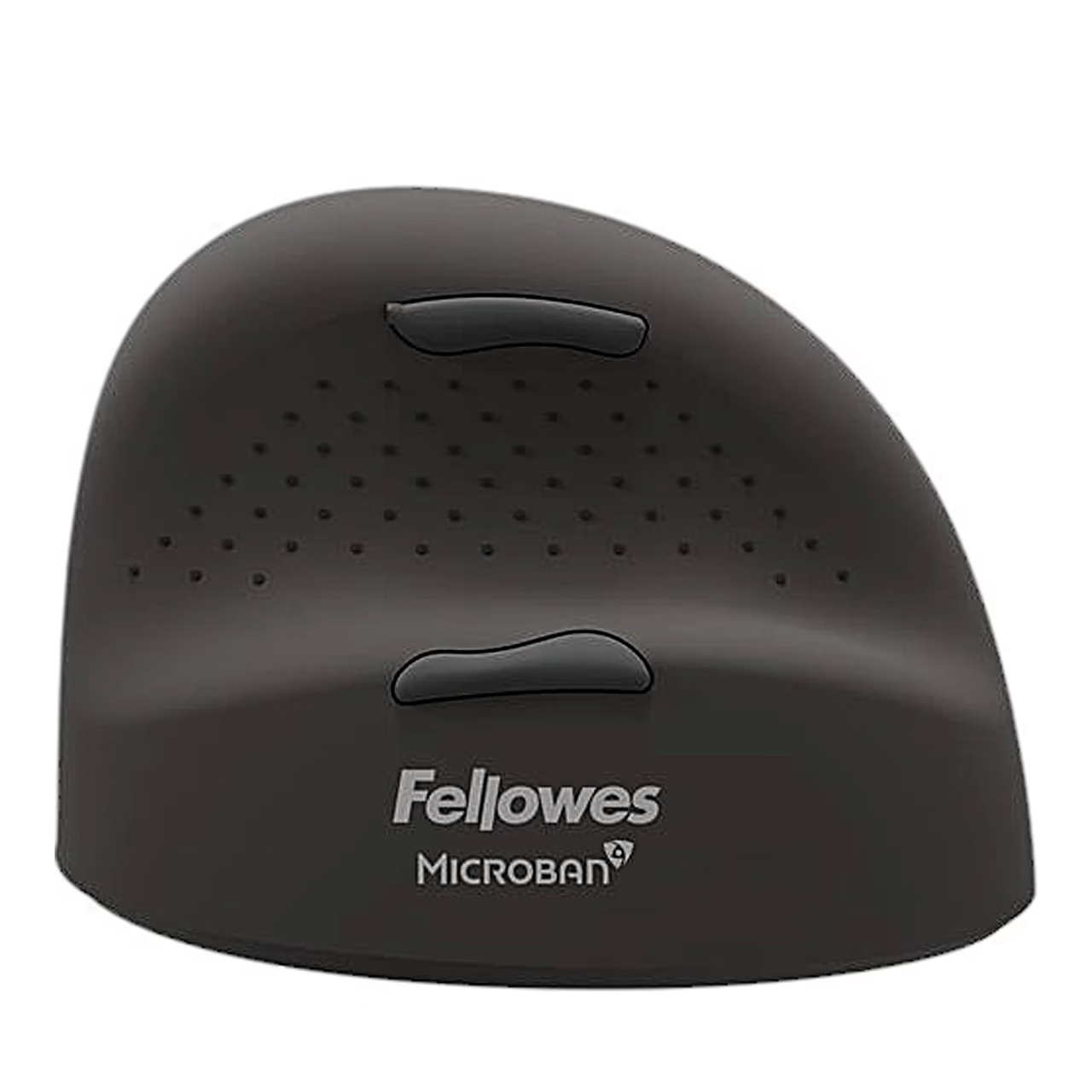
A DPI button on the base changes the cursor speed in steps of 400, 800, 1200, 1600 and 2400 DPI, and the number of flashes of the base light shows the selected step. In Windows, pressing the scroll wheel turns on auto scroll, whose speed changes as you move the mouse forwards or backwards. The forward and back thumb buttons for browsing web pages and folders also work in Windows. To save power, the mouse enters deep sleep after about 30 minutes and wakes with any button press.
Connecting and charging
For Bluetooth, slide the switch on the base to ON, hold the pair button for more than 3 seconds until a blue light flashes, and select Breyta Plus Mouse in the computer’s Bluetooth settings. For the receiver, switch the mouse on and plug the receiver into a free USB-A port. To charge, plug the cable into the USB-C port at the front of the mouse and into a USB-C port on the computer, or a USB-A port with the supplied adapter: a full charge takes about 2 hours.
Cleaning and care
Clean the mouse with a dry cloth and regularly remove dust and dirt from the base so it glides evenly. Keep the mouse dry and away from high temperatures.
In the box
- Vertical mouse Fellowes Breyta Plus L, 1 pc
- USB cable for charging and wired use
- USB receiver
- USB-A adapter
Charger not included.

















































Reviews
There are no reviews yet.