


Description
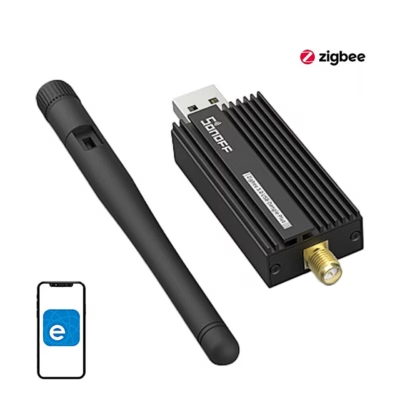
SONOFF Dongle Max Zigbee gateway with PoE for Home Assistant and Zigbee2MQTT
If you want to bring different smart home devices together into one system, the SONOFF Dongle Max Zigbee gateway is a practical solution. The device connects Zigbee 3.0 devices smoothly to Home Assistant or Zigbee2MQTT, offers three connection options and suits both home and office use. The result is stable operation, flexible installation and simple management from one place.
Main features
- PoE support lets you power and connect the device with a single Ethernet cable, which simplifies cabling and installation.
- Works as a Zigbee coordinator or router and supports Thread RCP, which gives flexibility in network design and extends compatibility.
- The two-chip solution EFR32MG24 + ESP32 ensures stability, fast data transfer and low energy consumption for a growing number of devices.
- The local web console lets you monitor device status, update firmware, change settings and configure a webhook without additional software.
- Power via USB-C at 5 V 1 A or via 48 V PoE, giving you the freedom to choose a suitable installation location.
- A durable aluminium housing and external antennas help maintain good signal strength and reduce interference.
- Easy setup thanks to automatic detection in Home Assistant and Zigbee2MQTT, which saves time.
- Operates within a range of −10 to 60 °C, suiting a variety of conditions.
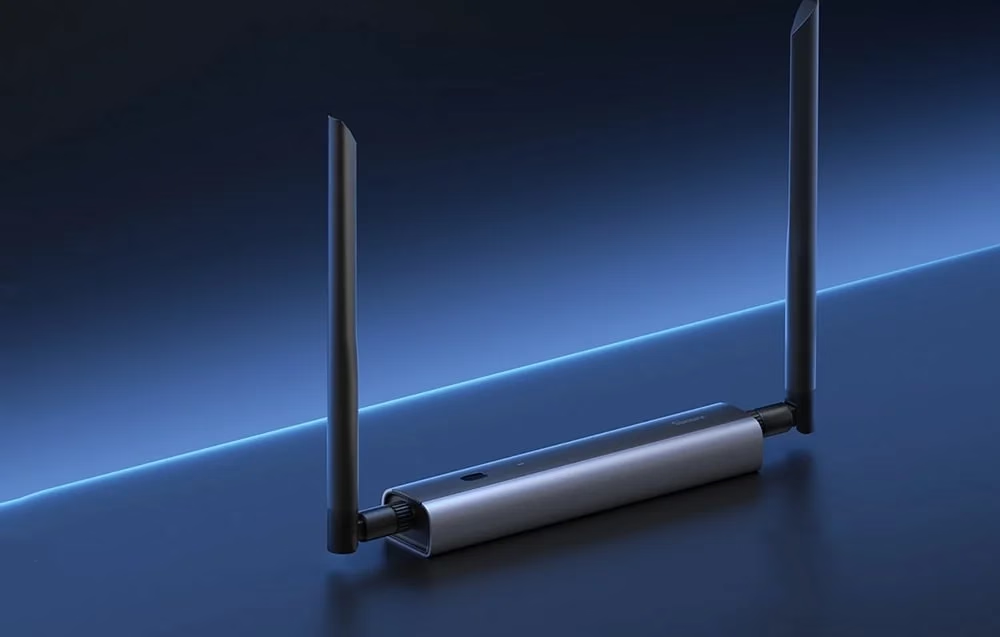
SONOFF Dongle Max Zigbee gateway with Home Assistant and Zigbee2MQTT
The SONOFF Dongle Max is a capable Zigbee gateway that allows easy and stable connection of Zigbee 3.0 devices to Home Assistant or Zigbee2MQTT. Thanks to PoE support and three connection options, Ethernet, Wi‑Fi or USB, the device suits a variety of installation conditions.
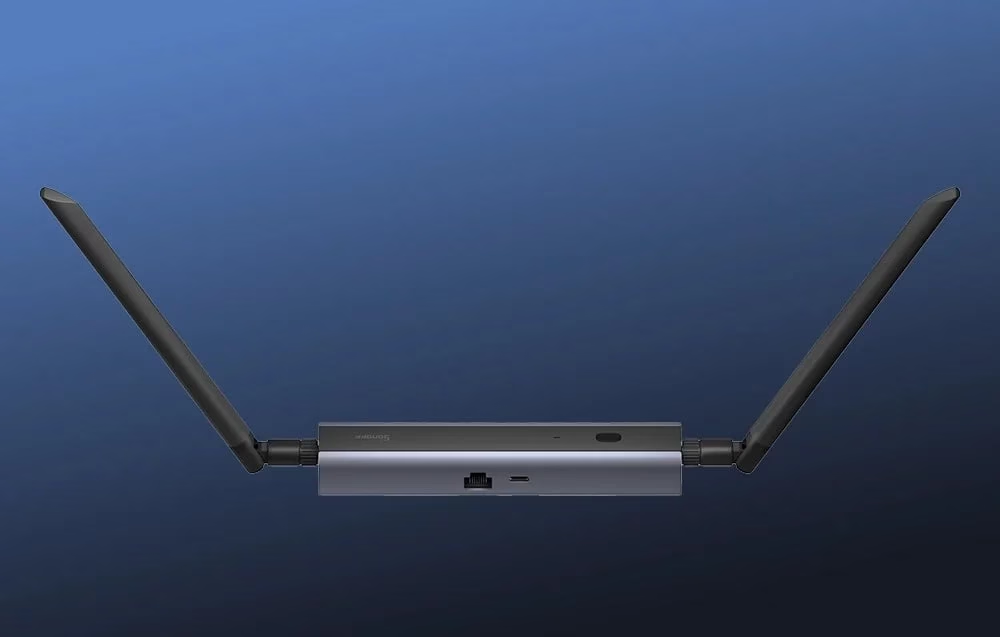
Versatile connection options
The Dongle Max offers connection via Ethernet with PoE support, via Wi‑Fi, or via the classic USB. This way you can place the device where signal and cabling make the most sense. Compatibility with popular open platforms and automatic detection make setup quick. The device can act as a Zigbee coordinator or router and supports Thread RCP. MultiPAN is planned for the future, which would allow simultaneous Zigbee and Thread support.
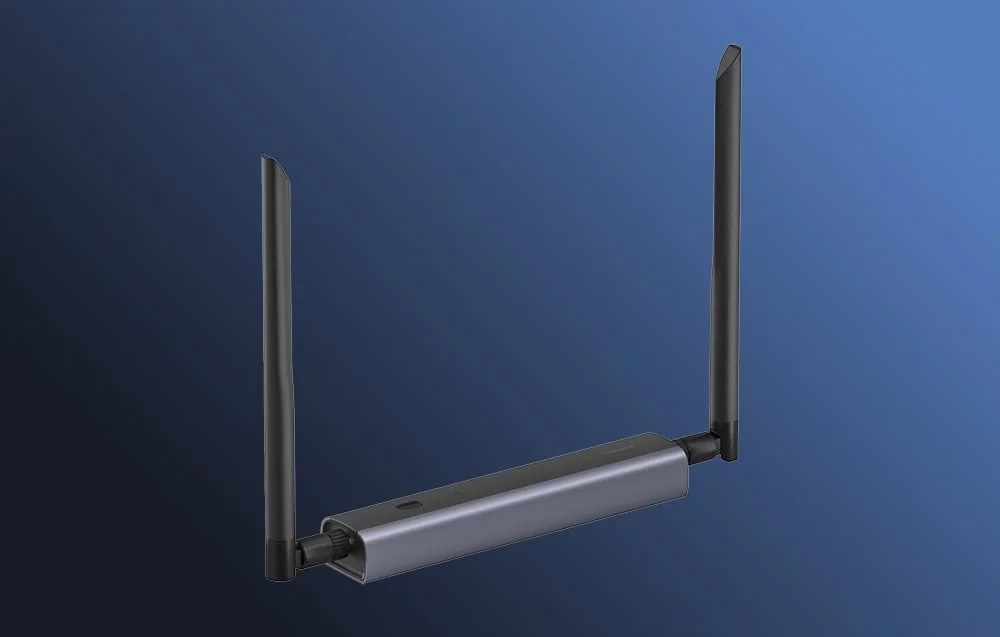
Capable components
The gateway uses two reliable chips: the EFR32MG24 for Zigbee and Thread, and the ESP32 for Wi‑Fi communication. This solution supports stable operation, fast data exchange and low power consumption, which matters when there are many devices.
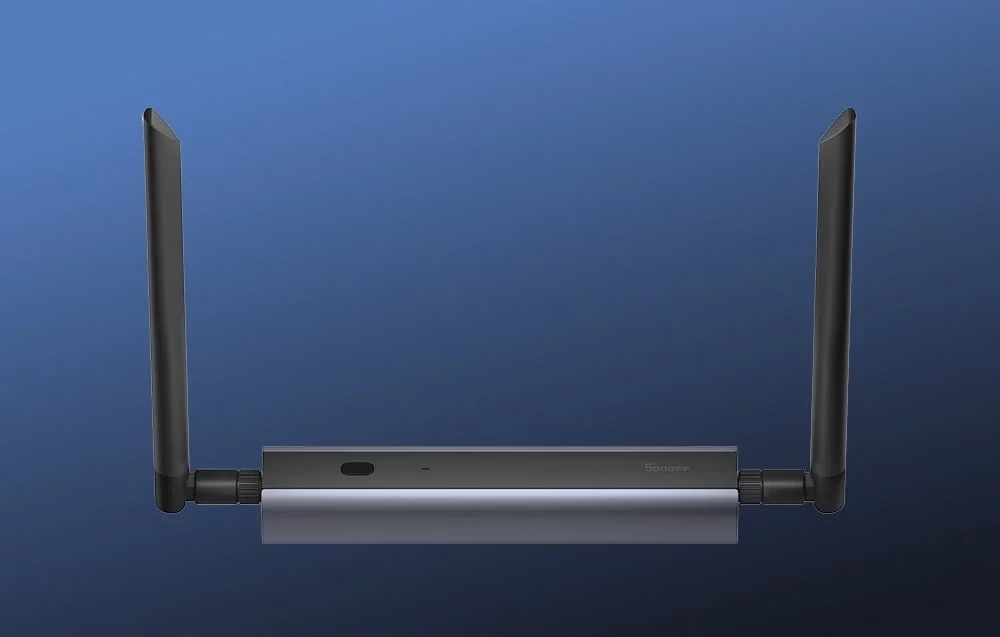
Thoughtful solutions
Through the local web console you can see statuses, update the firmware, change settings and set up webhook notifications and backups. It is possible to switch firmware versions, manage several Dongle Max devices and adjust the colour and brightness of the LED indicators.
Compatibility, power and management in one place
The device is compatible with Home Assistant and Zigbee2MQTT and supports Zigbee 3.0 devices. It can be used as a coordinator or router, and there is also Thread RCP support, which helps build modern networks. The local web console simplifies maintenance, firmware updates and configuration without using a cloud service.
There are three connection options. Ethernet with PoE support reduces the number of cables and lets you place the device in a suitable spot. Wi‑Fi 2.4 GHz is convenient when the network socket is far away. A USB connection suits a device running directly next to a server or mini PC. Using PoE requires a PoE switch or injector, which is not included.
Regular firmware updates keep security and reliability at a good level.
Installation and usage tips
Choose an installation location with good Zigbee signal and minimal sources of interference, and avoid placing it directly next to USB 3.0 devices. For Ethernet, connect the device with an RJ45 cable and if needed use a PoE switch or injector. For Wi‑Fi, make the initial network and access point settings in the web console. For USB, connect it to the host device with the supplied cable. Add the device to Home Assistant or Zigbee2MQTT and follow the platform’s automatic detection instructions, then update the firmware from the web console. For greater coverage, place the gateway centrally and choose a suitable channel to reduce overlap with a 2.4 GHz Wi‑Fi network.
In the box
- Zigbee gateway
- USB-A to USB-C cable
- Mounting clamp
- 2 adhesive tapes
- Fixing materials 4 wall plugs and 4 screws
- User manual
Take control of your smart home with confidence
The SONOFF Dongle Max helps you build a stable Zigbee network and bring devices together under one environment. PoE and support for several connection methods make installation flexible, the web console simplifies management, and you save time both during initial setup and in everyday use. By ordering, you get a ready solution that grows together with your smart home.











































Reviews
There are no reviews yet.