

Description
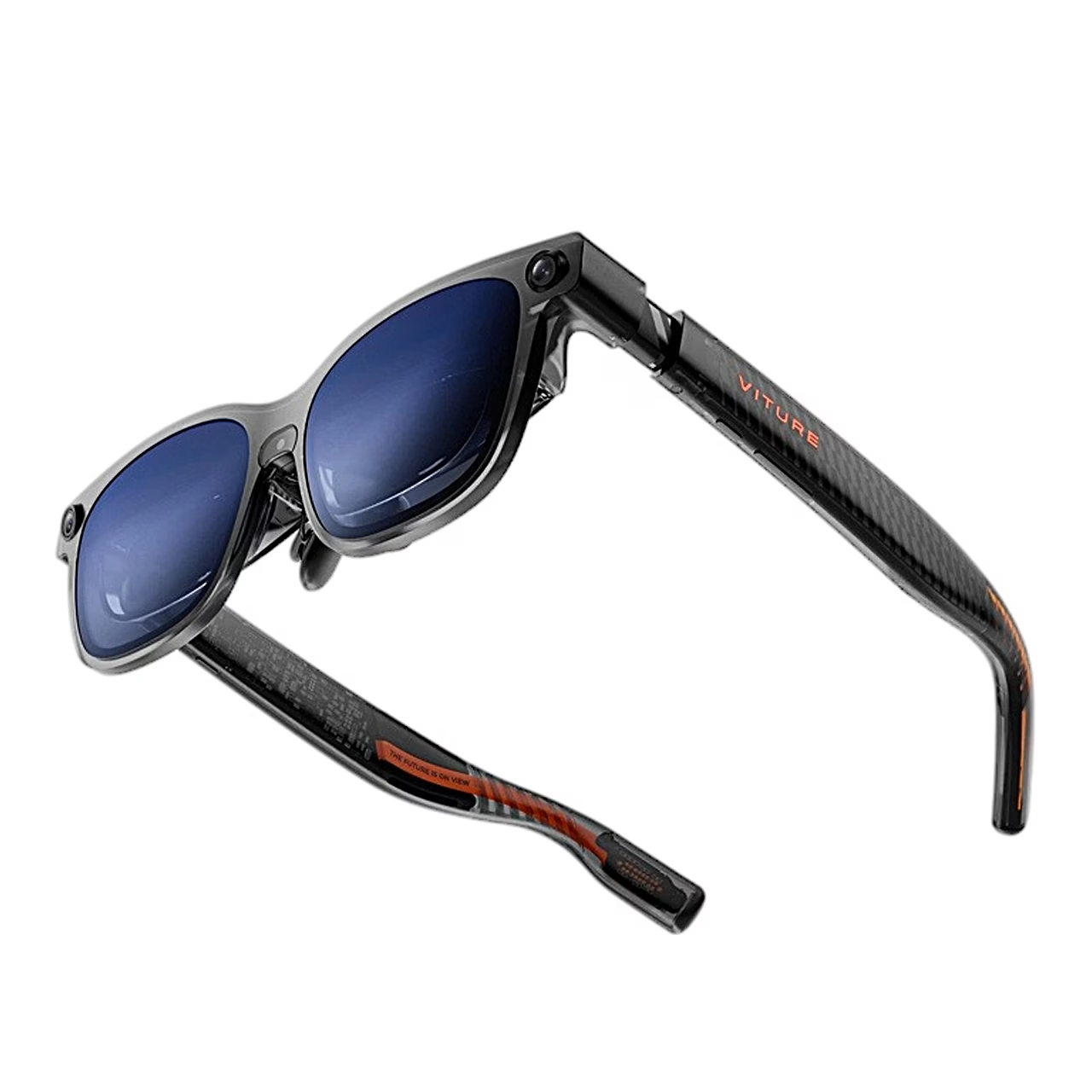
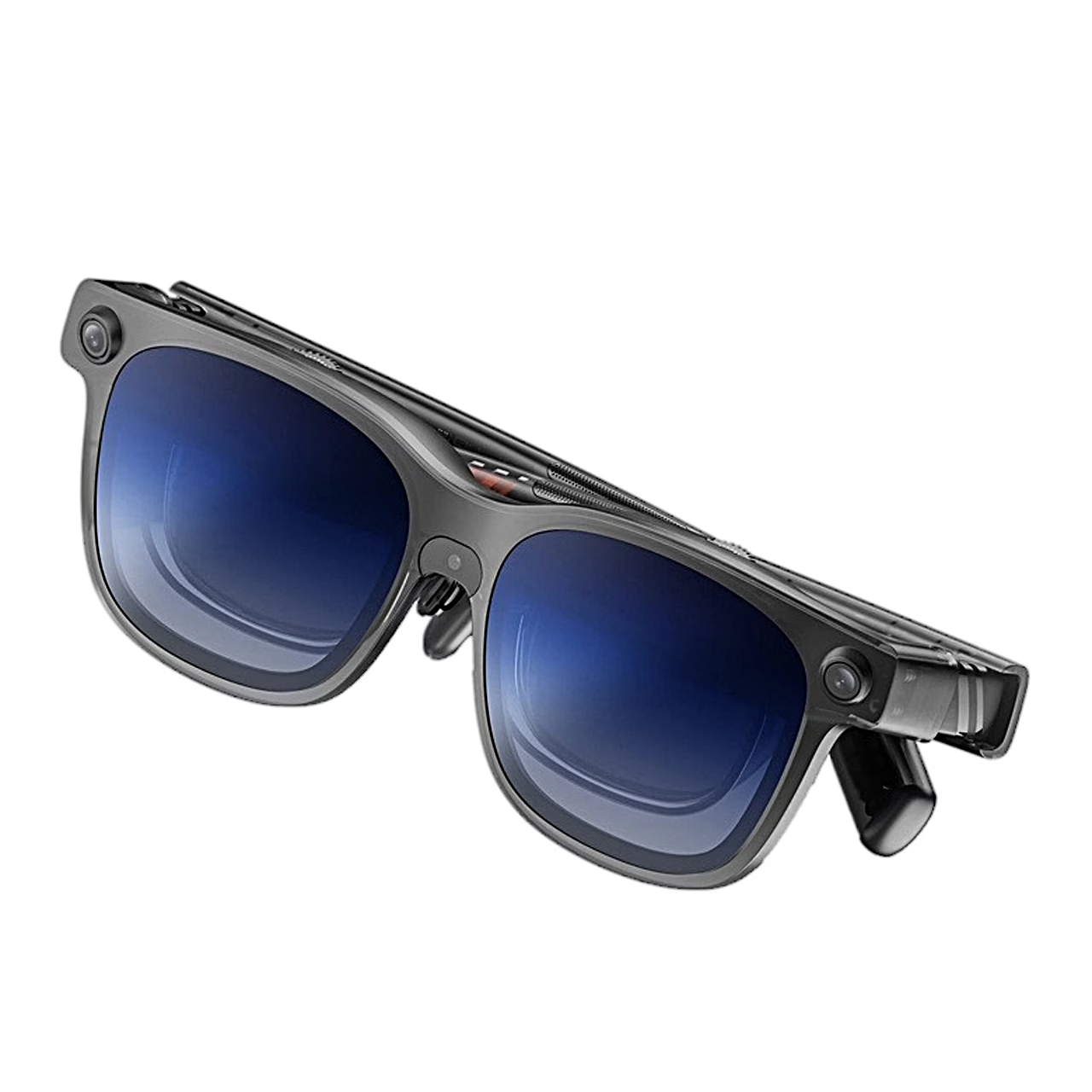
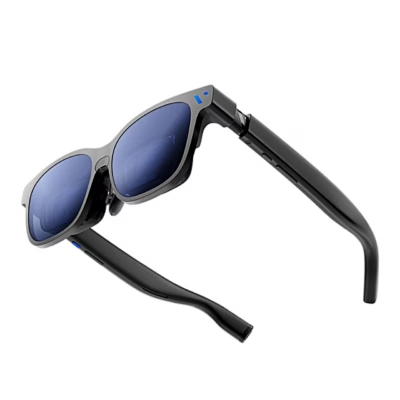
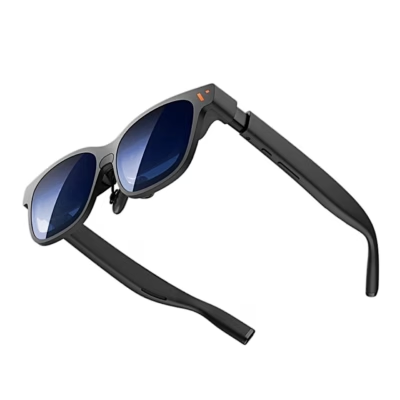
AR glasses with a 152-inch virtual screen and dioptre adjustment
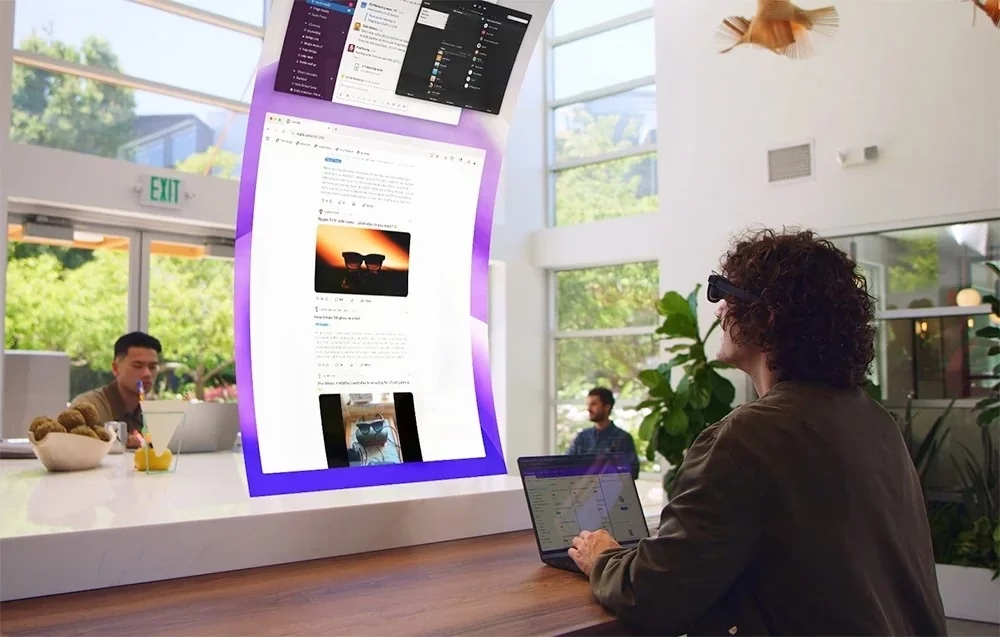
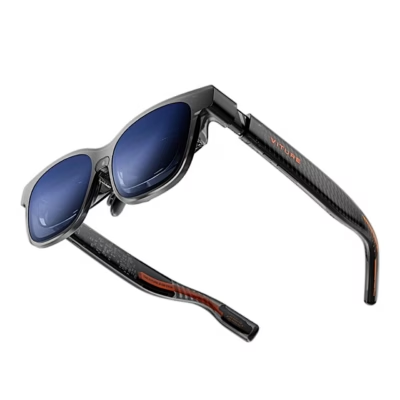
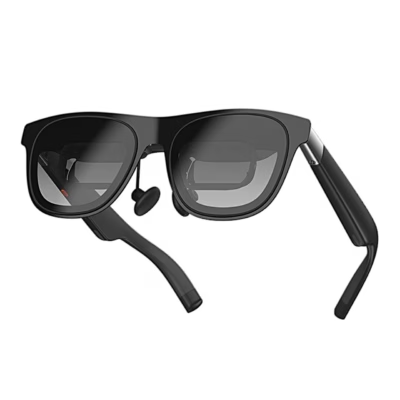
The magnetically connected VITURE Luma Ultra AR glasses show a 152-inch virtual screen at a distance of 4 metres, with a resolution of 1920 × 1200 pixels per eye and a 120 Hz refresh rate. Picture and power come over a USB-C cable from a computer, phone or games console.
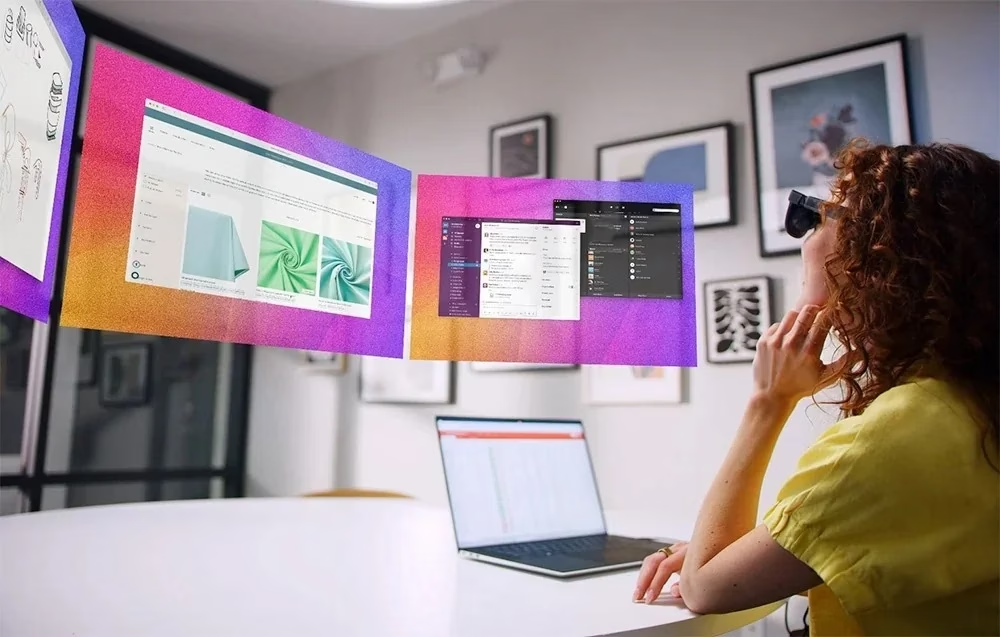
AR glasses show the virtual screen and the room together
AR glasses are glasses that show the picture from a video output device on transparent lenses, so the room stays visible. The electrochromic lenses of the Luma Ultra darken to almost opaque with one press: light transmission ranges from 0.5 to 40% and the tint changes in 0.1 seconds. VR headsets close off the view completely and show only a virtual picture.
Picture from Sony Micro-OLED panels
Perceived brightness is up to 1500 cd/m², contrast 100,000:1 or higher, colour gamut 108% sRGB and field of view 52°. You can choose between 5 colour modes, and brightness and volume adjust in 9 steps. Films, photos and games gain depth through real-time 2D to 3D conversion.
HARMAN AudioEFX spatial sound from built-in speakers
The built-in speakers use the HARMAN AudioEFX audio system and deliver spatial sound without headphones.
Fit for your face and eyesight
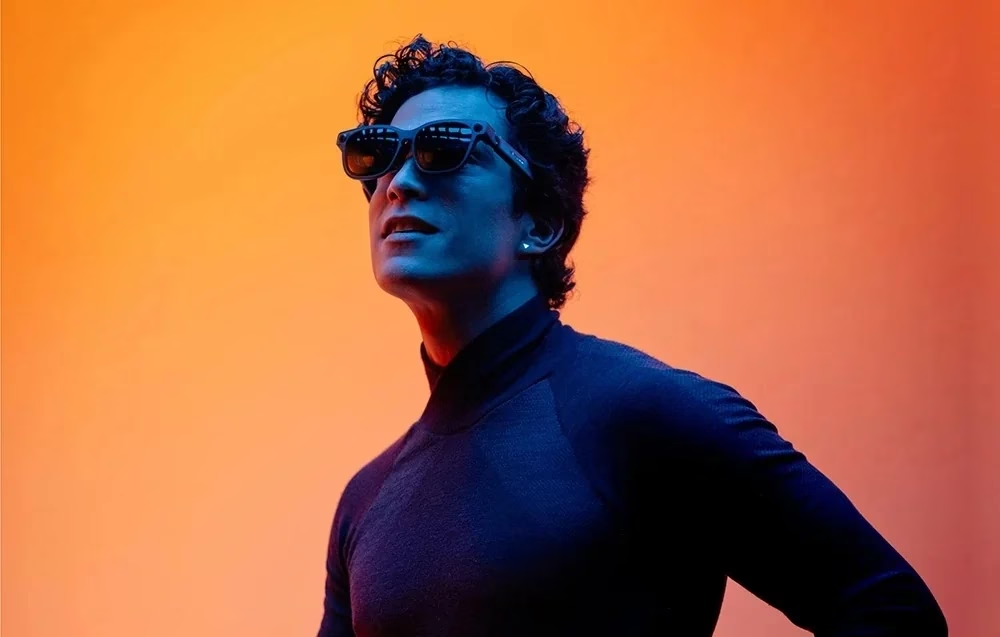
The glasses suit an interpupillary distance of 58–70 mm, and for short-sightedness the dioptre setting adjusts down to −4.0 D. The angle of the flexible temples is adjustable and the nose pads come in three sizes.
6DoF tracking and hand gestures with cameras
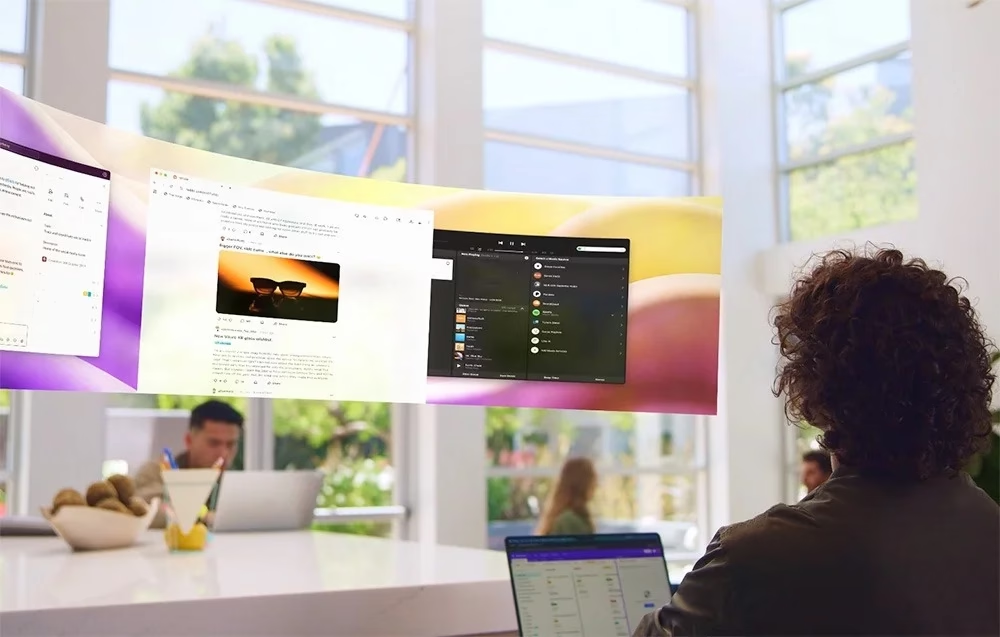
An RGB front camera and two depth cameras enable 6DoF tracking and hand gesture control: six degrees of freedom means the glasses register both head rotation and movement through the room. These functions work with macOS and Windows together with the VITURE Pro Neckband, sold separately.

Games consoles and the SpaceWalker app
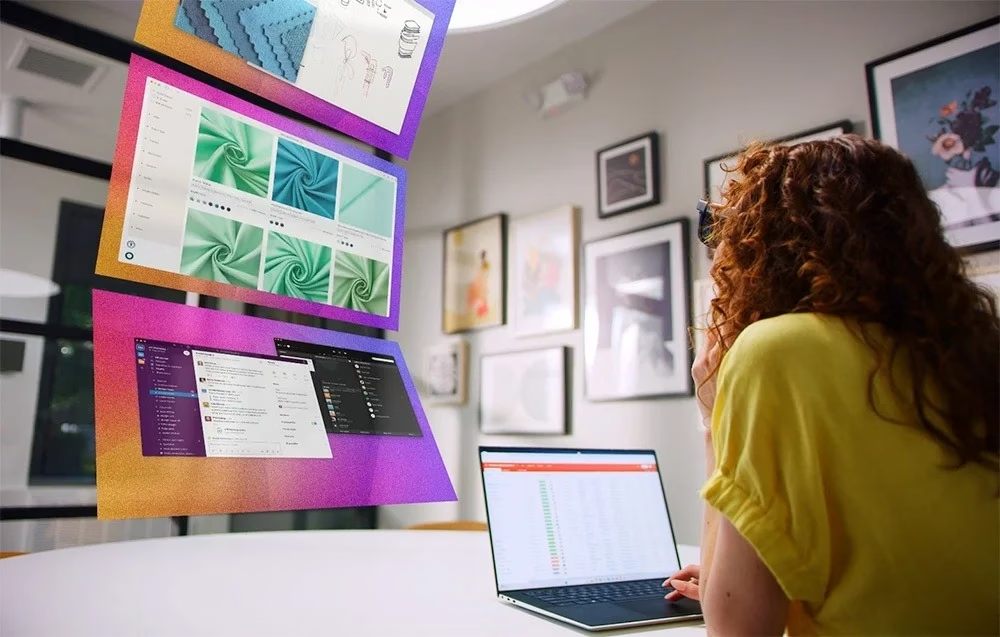
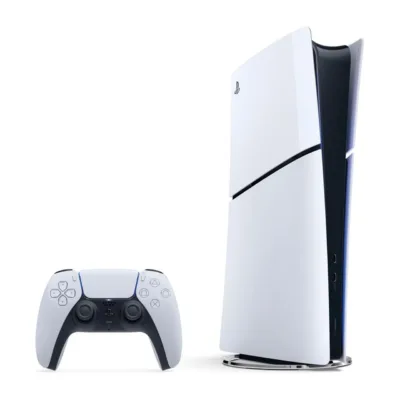
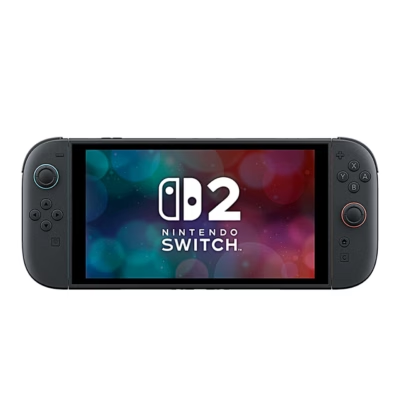
The glasses work with PlayStation and Xbox consoles, and with Nintendo Switch 2 they offer a shared screen mode for two-player co-op. The SpaceWalker app is available for macOS, Windows, Android and iOS and shows several screens at once.
Setup and use
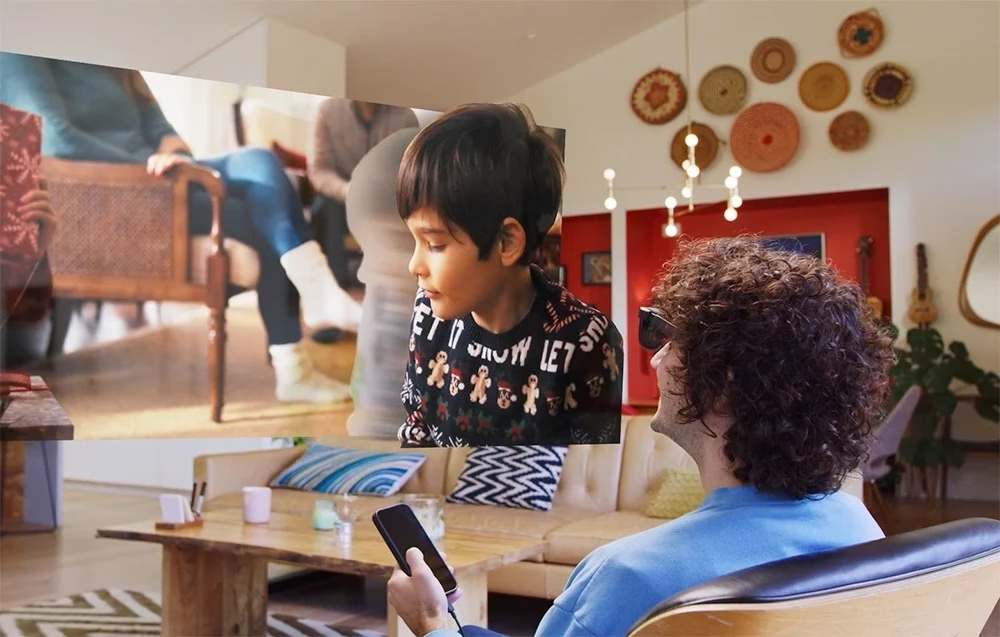
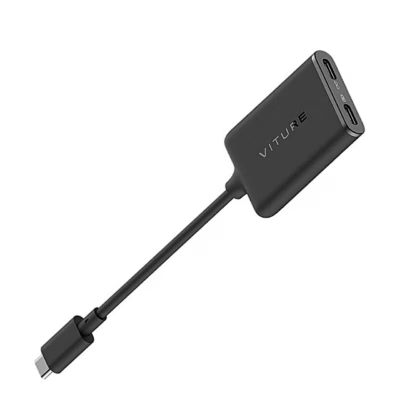
Clip the magnetic connector of the included cable to the magnetic port of the glasses and connect the USB-C end to your device. Find the right viewing angle by adjusting the temples and nose pads. Wear detection senses when the glasses are on, and the maker’s suggested wear time is 3–4 hours.
In the box
- AR glasses VITURE Luma Ultra, 1 pc
- USB-C to magnetic connector cable, 1.2 m
- nose pads in sizes 1, 2 and 3
- glasses case
- camera privacy sticker
- cleaning cloth
- quick start guide
- safety guidelines








































Reviews
There are no reviews yet.