

Description
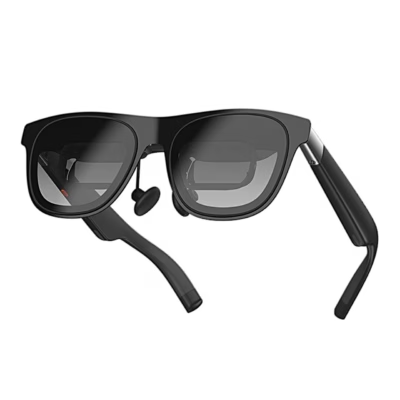
AR glasses with a 174-inch virtual screen for work and entertainment
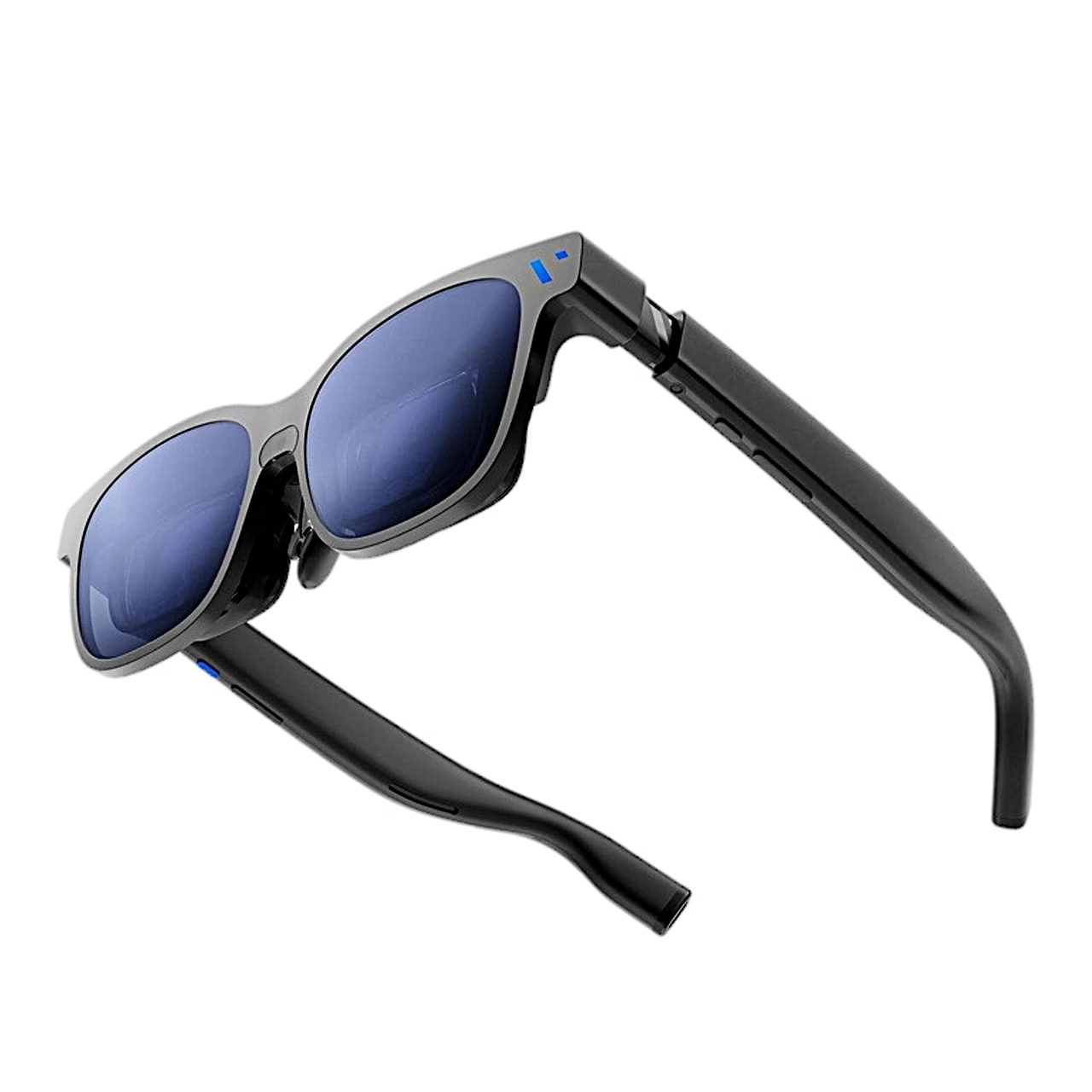
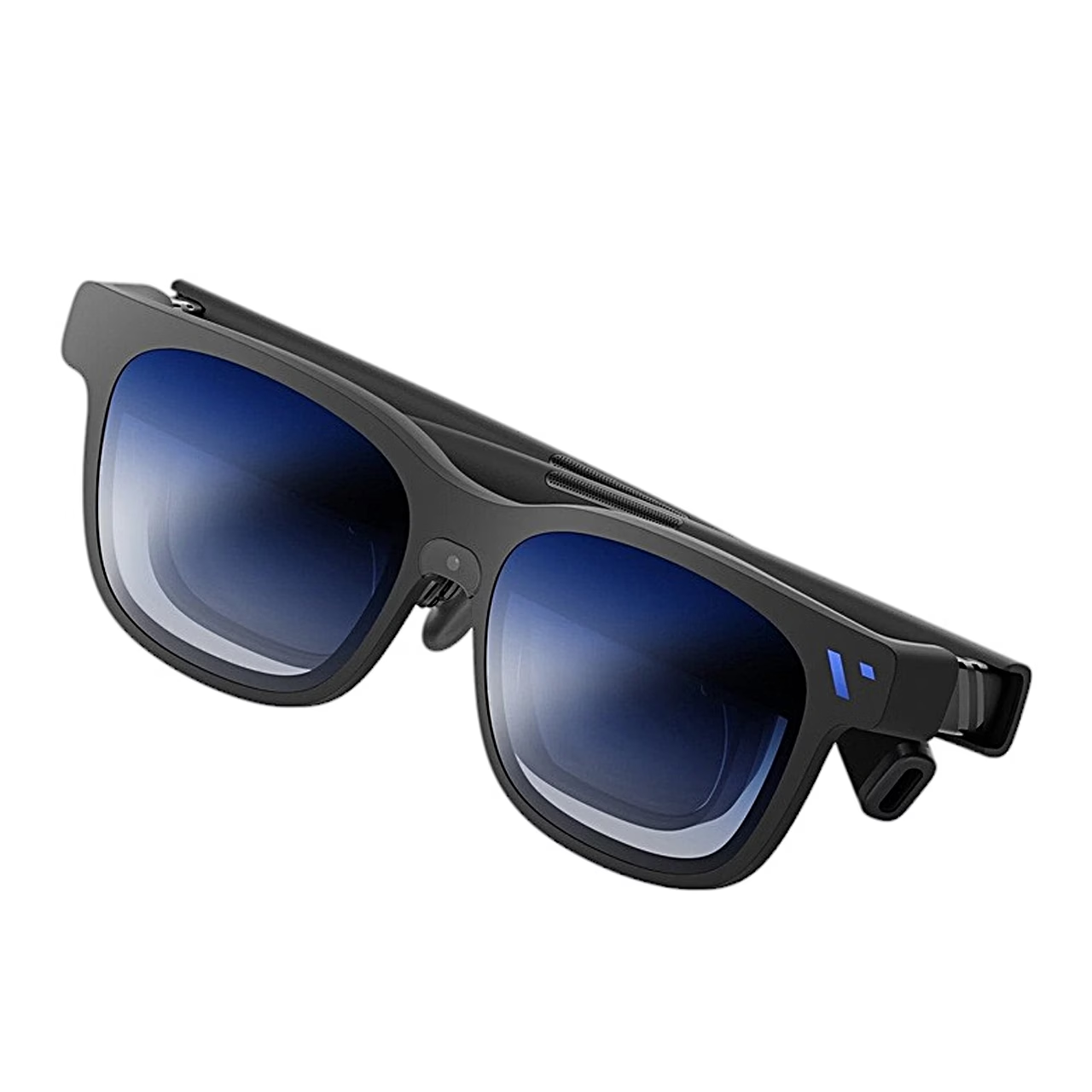
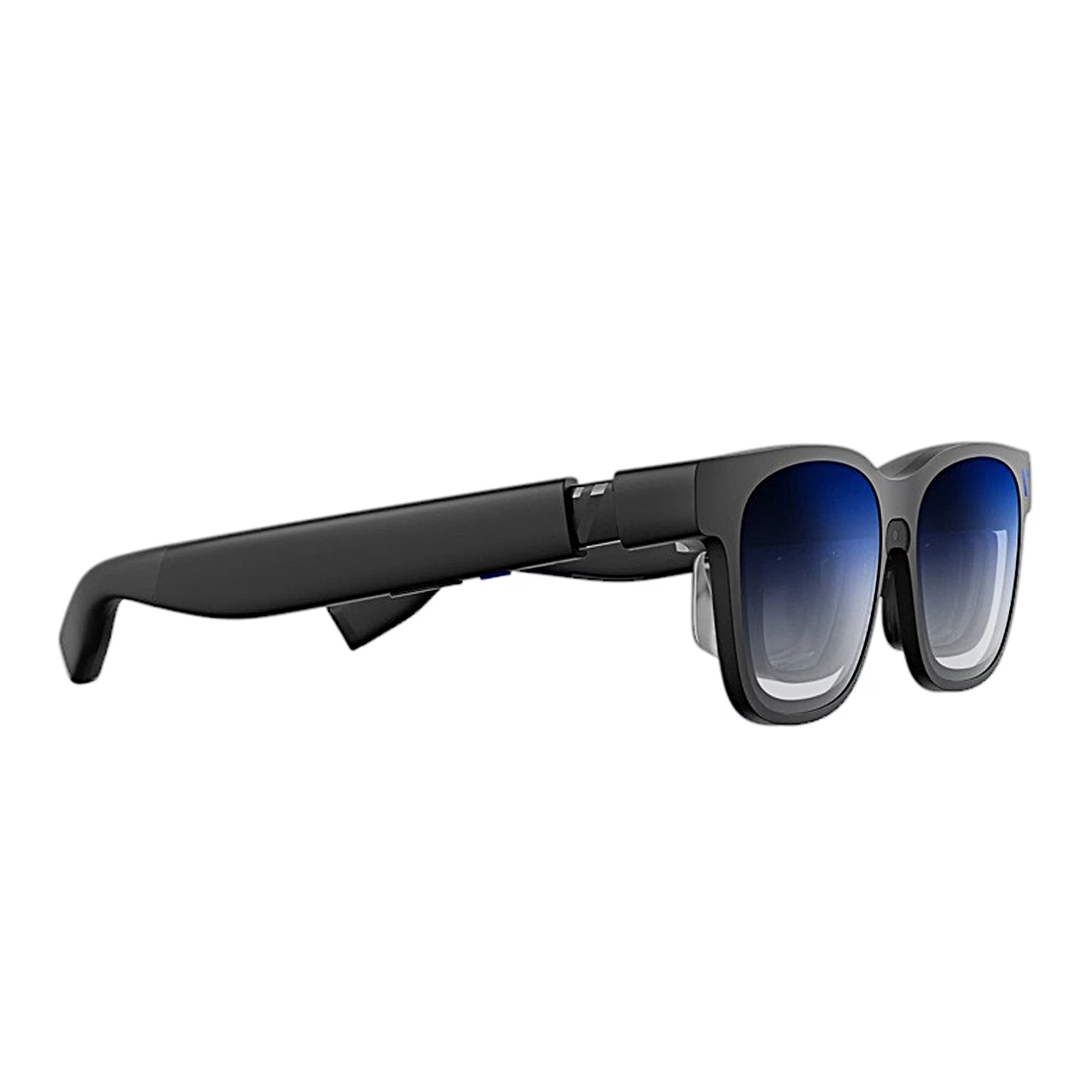
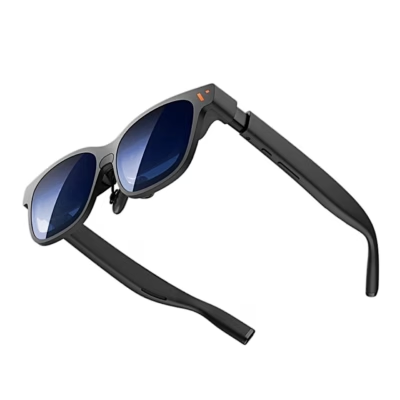
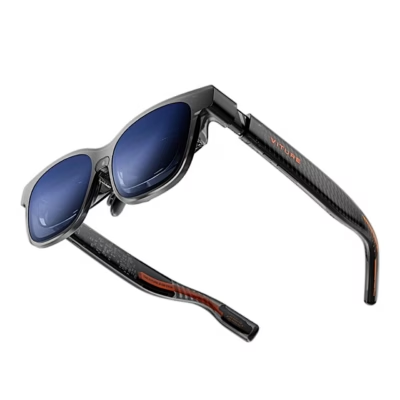
The VITURE XR Beast AR glasses show a 174-inch virtual screen at a distance of 4 metres, with a resolution of 1920 × 1200 pixels per eye and a 120 Hz refresh rate. The picture comes over USB-C from a device whose port carries video.
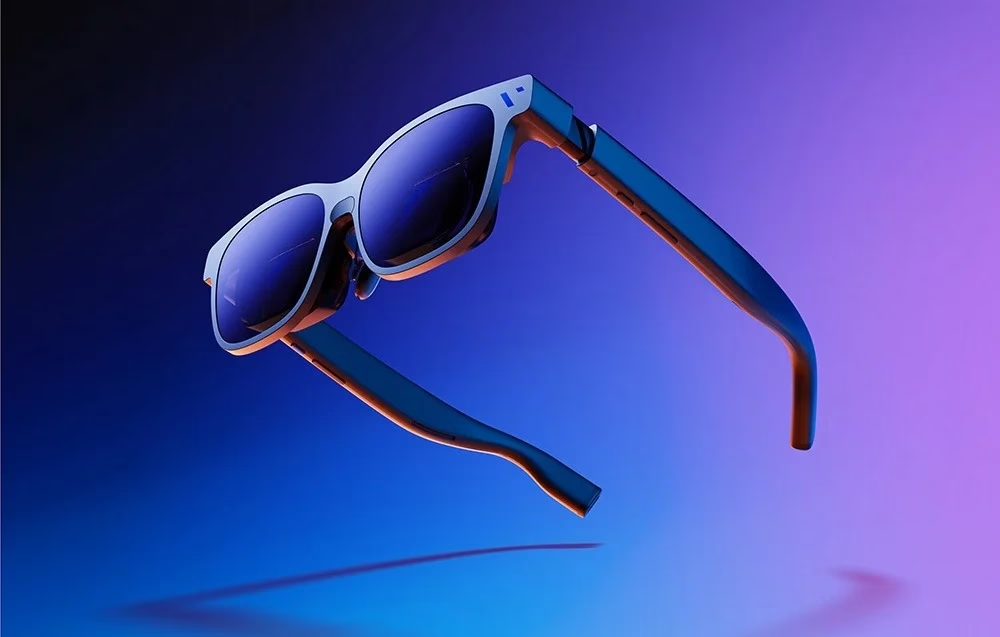
AR glasses keep your surroundings visible beside the virtual screen
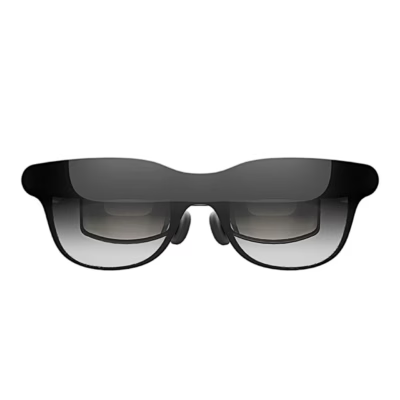
AR glasses are glasses connected to a device by cable that show the picture on transparent lenses, so your surroundings stay in view. The XR Beast lenses can be darkened in 9 steps at the press of a button using an electrochromic film: light transmission ranges from 0.5 to 40% and the tint changes in 0.1 seconds. VR headsets cover the eyes completely and show only a virtual picture, while AR glasses let you see the screen and the room at the same time.
Sony panels and VisionPair 3DoF tracking
Perceived brightness is up to 1250 cd/m², contrast 100,000:1 or higher, colour gamut 108% sRGB and field of view 58°. Built-in VisionPair 3DoF tracking follows head rotation on three axes, so the screen can stay fixed in the room (Anchor Mode) or follow your head smoothly (Smooth Follow). Five colour modes are available.

Spatial sound with HARMAN AudioEFX
The built-in speakers, developed with HARMAN, deliver spatial sound that follows head movement. Volume adjusts in 16 steps and screen brightness in 9 steps.

Aluminium and magnesium frame in two sizes
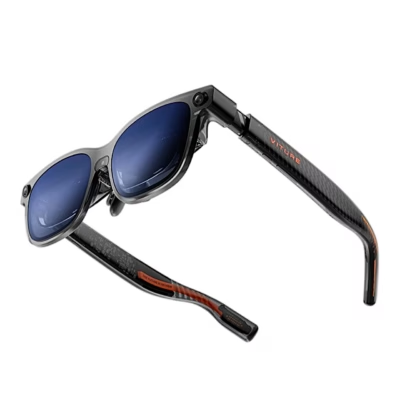
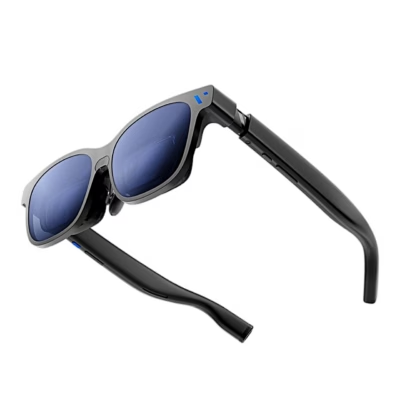
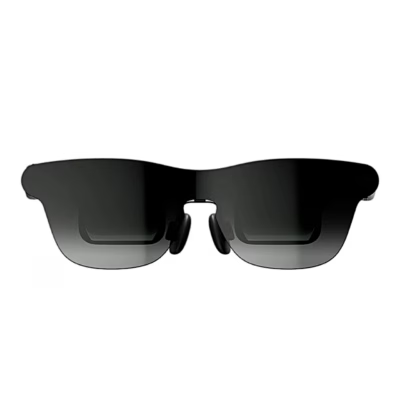
The frame is made of aluminium and magnesium and the glasses weigh 88 g. The regular size is designed for an interpupillary distance of 64.0 ± 6.0 mm and the large size for 68.0 ± 6.0 mm, and swappable nose pads in three sizes help fit the glasses to your face. For short-sightedness or astigmatism you can use the included prescription lens frame.
Using the buttons
A single press of R1 switches the screen anchoring mode, a double press toggles 2D and 3D, and a long press recentres the screen. R+ and R− change the lens tint, and with a long press the screen size and distance. A long press of L1 opens the menu, L+ changes the display mode (Default, UltraWide, 3D and Side Mode) and L− turns the screen off. Wear detection senses when the glasses are on, and the maker’s suggested wear time is 3–4 hours.


The SpaceWalker app converts 2D to 3D
The SpaceWalker app is available for Windows, macOS, Android and iOS; it shows several screens at once and an ultra-wide view, and converts 2D content to 3D in real time.

Compatibility with USB-C video output devices
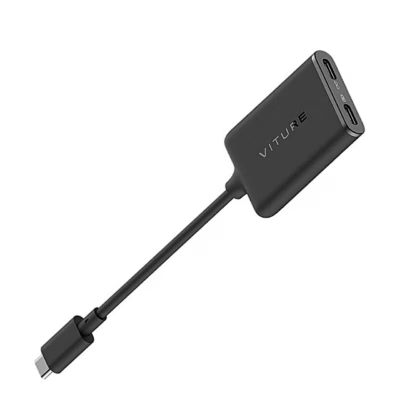
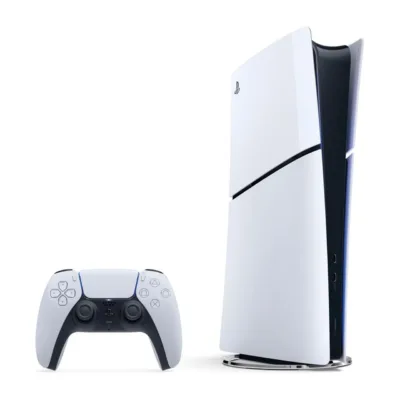
The glasses work with USB-C devices whose port carries video (DisplayPort over USB-C, DP Alt Mode or Thunderbolt 4) and draw power from the connected device. iPhone 15 and later connect directly, devices with HDMI output through an adapter.

In the box
- AR glasses VITURE XR Beast, 1 pc
- prescription lens frame
- swappable nose pads, 3 sizes
- USB-C to USB-C cable, 1.2 m
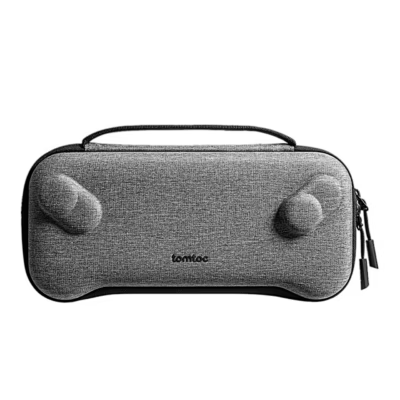
- glasses case
- cleaning cloth
- quick start guide
- safety guidelines









































Reviews
There are no reviews yet.