

Description
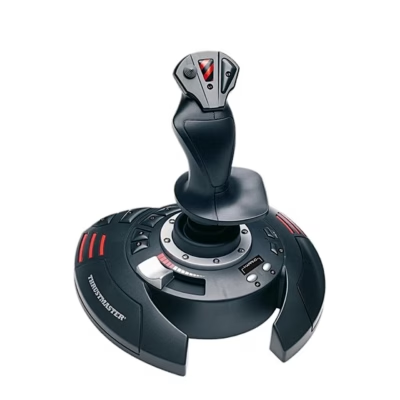
Flight simulator joystick for the left or right hand
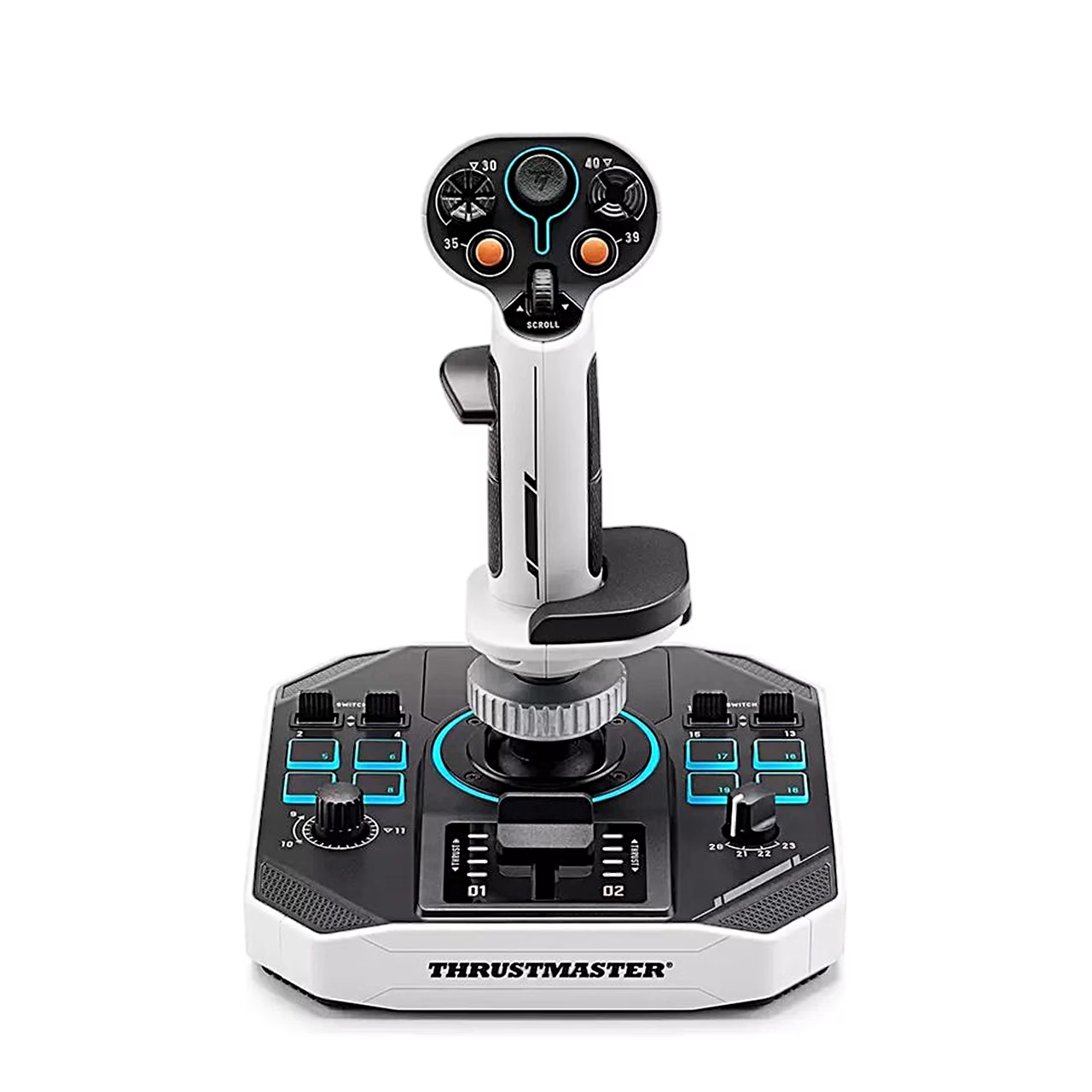
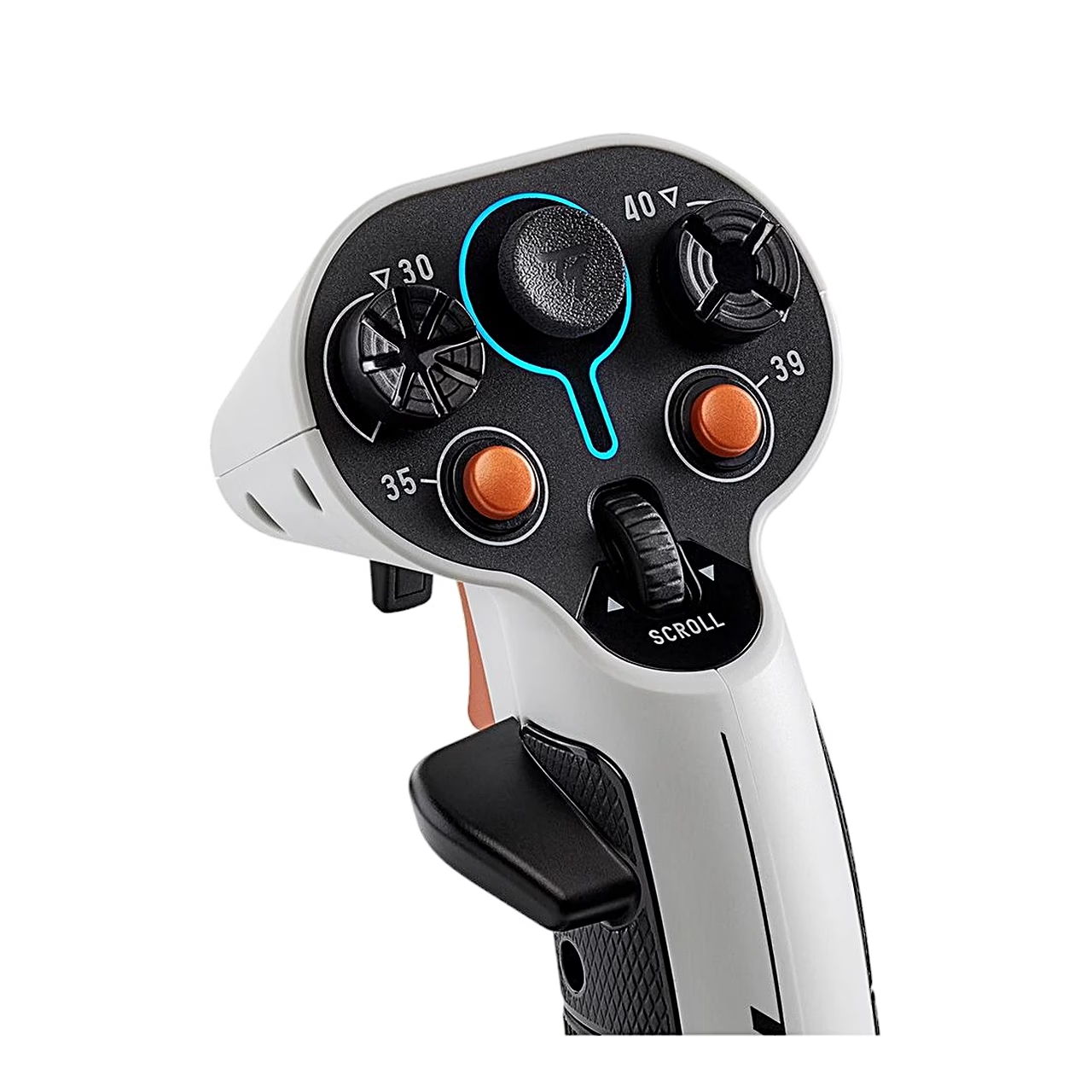
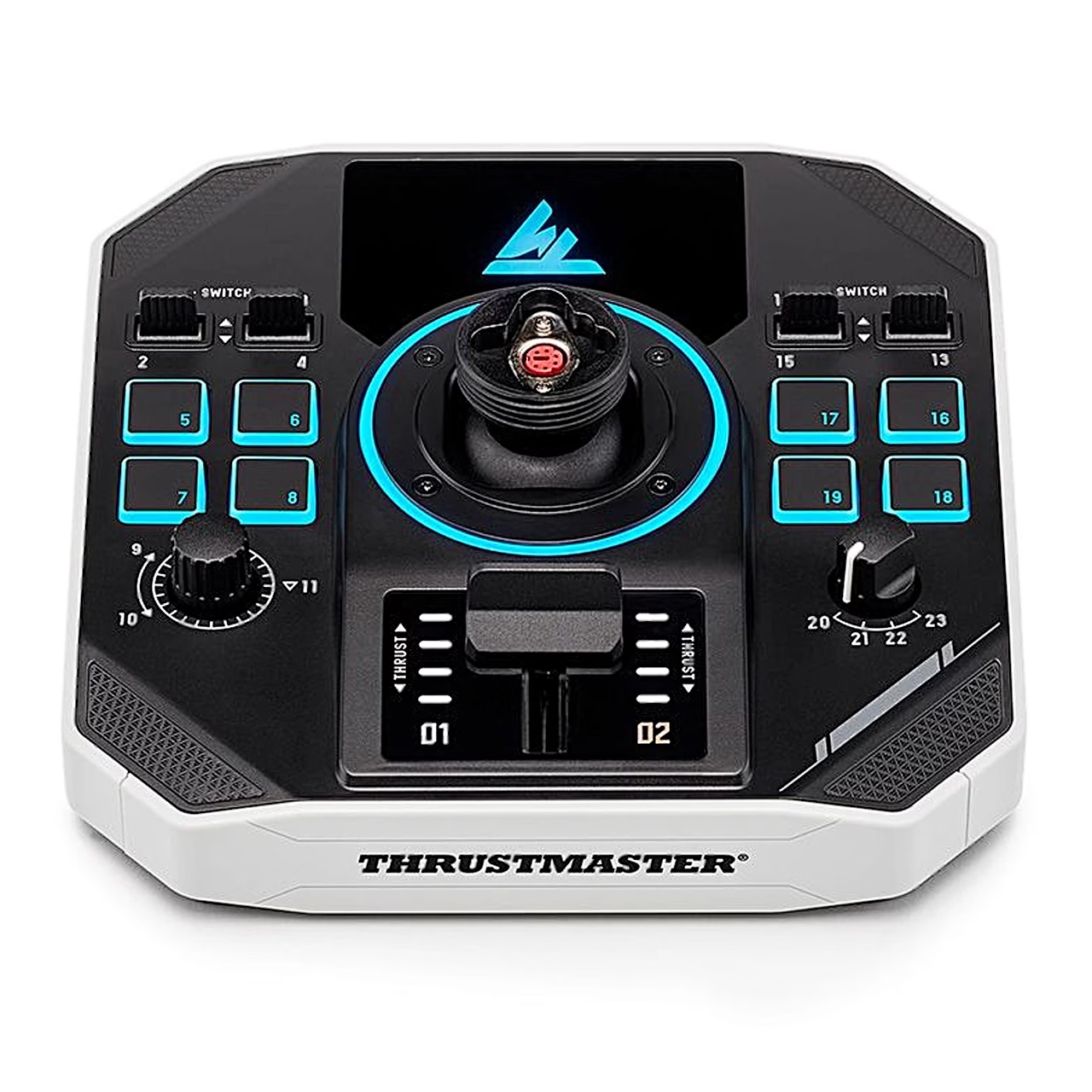
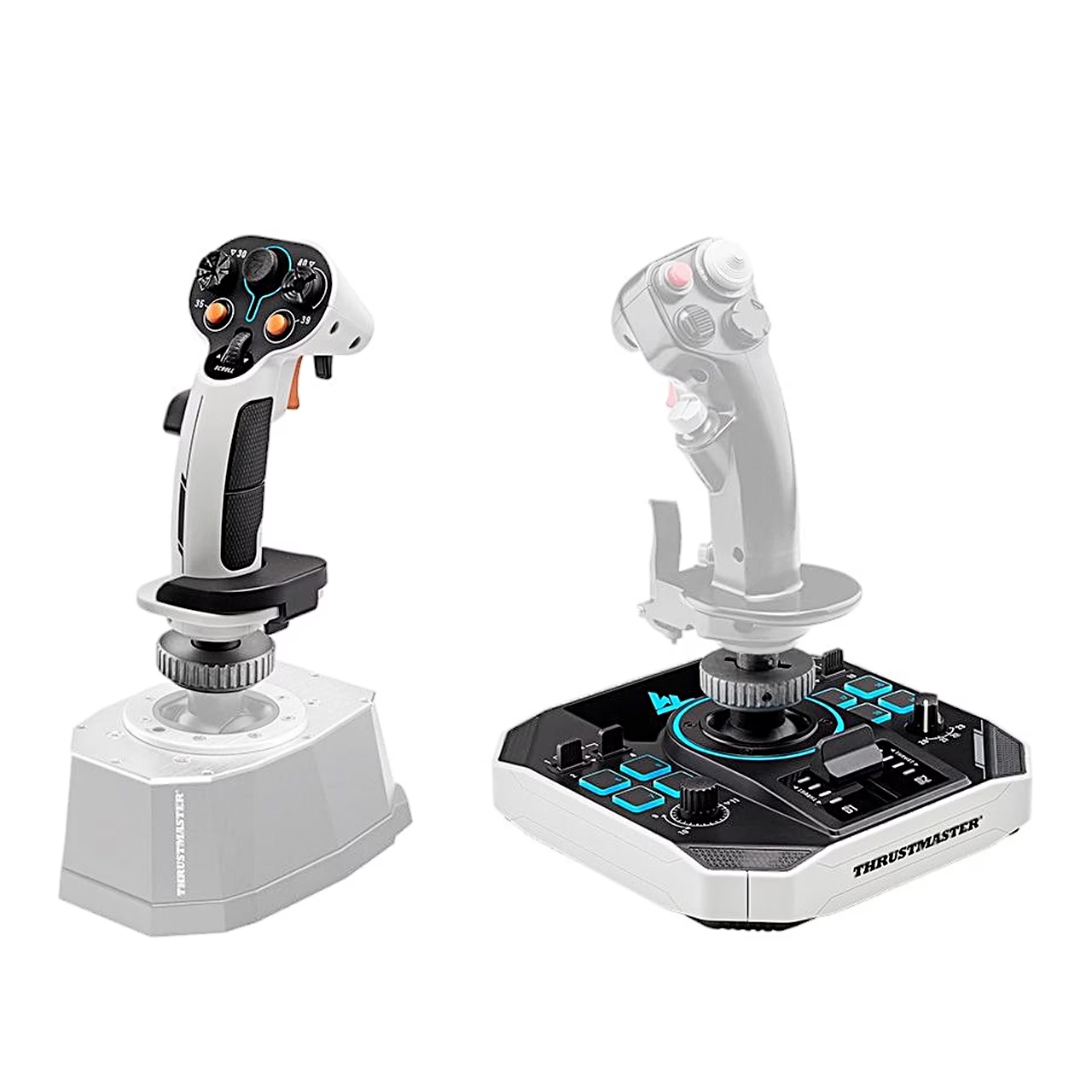
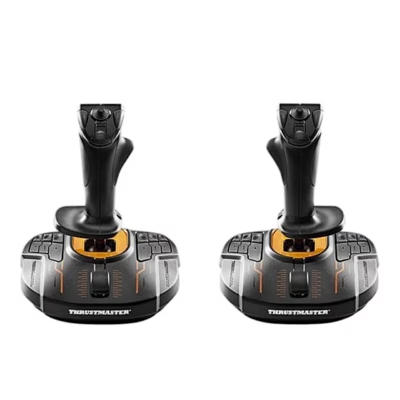
The PC flight simulator joystick Thrustmaster Sol-R 1 Flightstick is made for space games and works with Windows 10 and 11. The grip fixes to the base with a threaded ring, and the base also takes the Thrustmaster F/A-18C Hornet HOTAS Add-On Grip and Viper Grip.
Setting up for the left or right hand
On the front of the base is a LEFT HANDED and RIGHT HANDED switch to choose the hand. Side parts A and B of the grip are swapped with a screwdriver so the grip fits the chosen hand.
Axes and twist lock
The joystick has four axes: X and Y, grip twist and a slider on the base. The grip twist can be locked with a screw when a game does not use that axis.
Fitting and connecting
Place the grip on the base in the right position and tighten the mounting ring. Download the Sol-R driver and firmware package from the Thrustmaster support site, install it and restart the PC. Then connect the USB-C to USB-A cable to the base and the PC.
In the box
- Flight simulator joystick Thrustmaster Sol-R 1 Flightstick (grip and base), 1 pc
- Interchangeable grip parts A, B, C and D, 1 set
- USB-C to USB-A cable, 1 pc








































Reviews
There are no reviews yet.