

Description
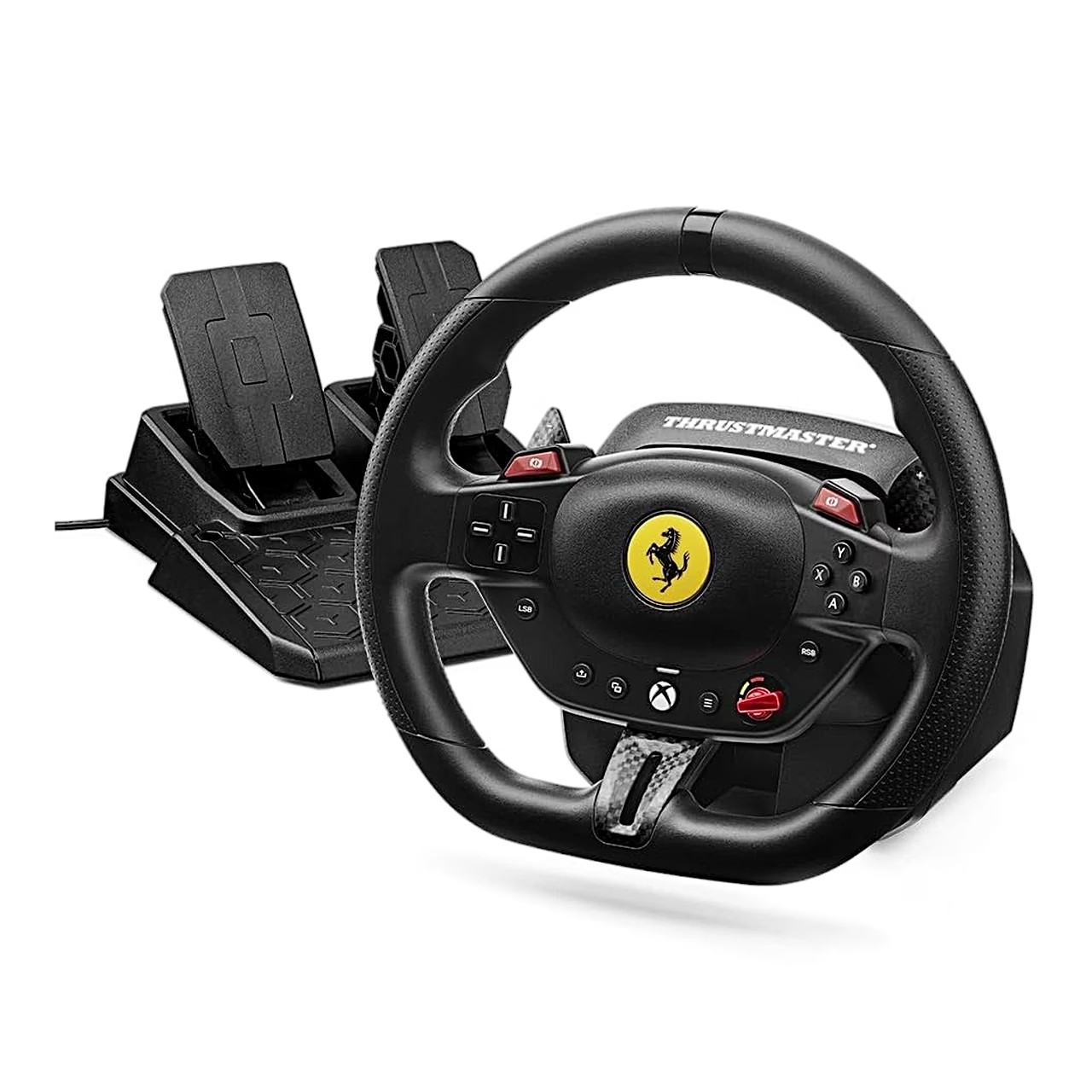
Racing wheel with pedals and three driving support profiles
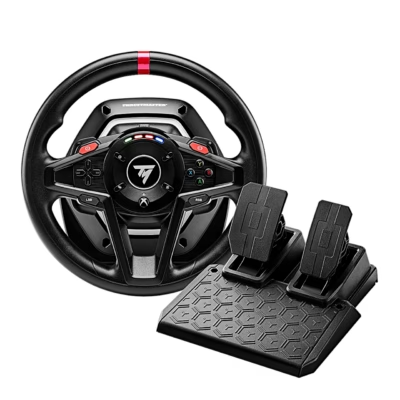
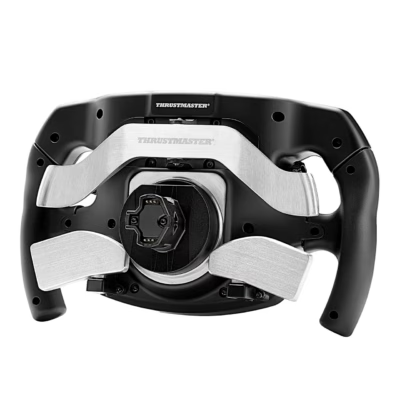
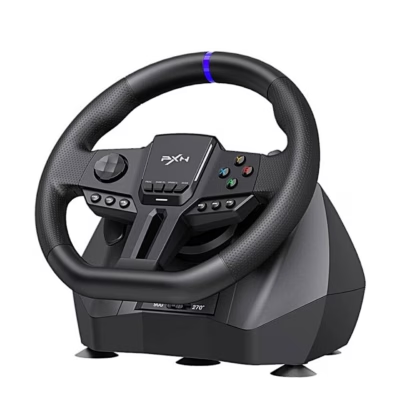
The set contains the racing wheel with pedals Thrustmaster T98 Ferrari 296 GTS, which works with Xbox Series X|S, Xbox One and Windows 10/11 PCs. The rotation angle is 240° and the wheel returns to centre by itself; a little mechanical play between rim and base is part of that design.
Manettino dial and driving support profiles
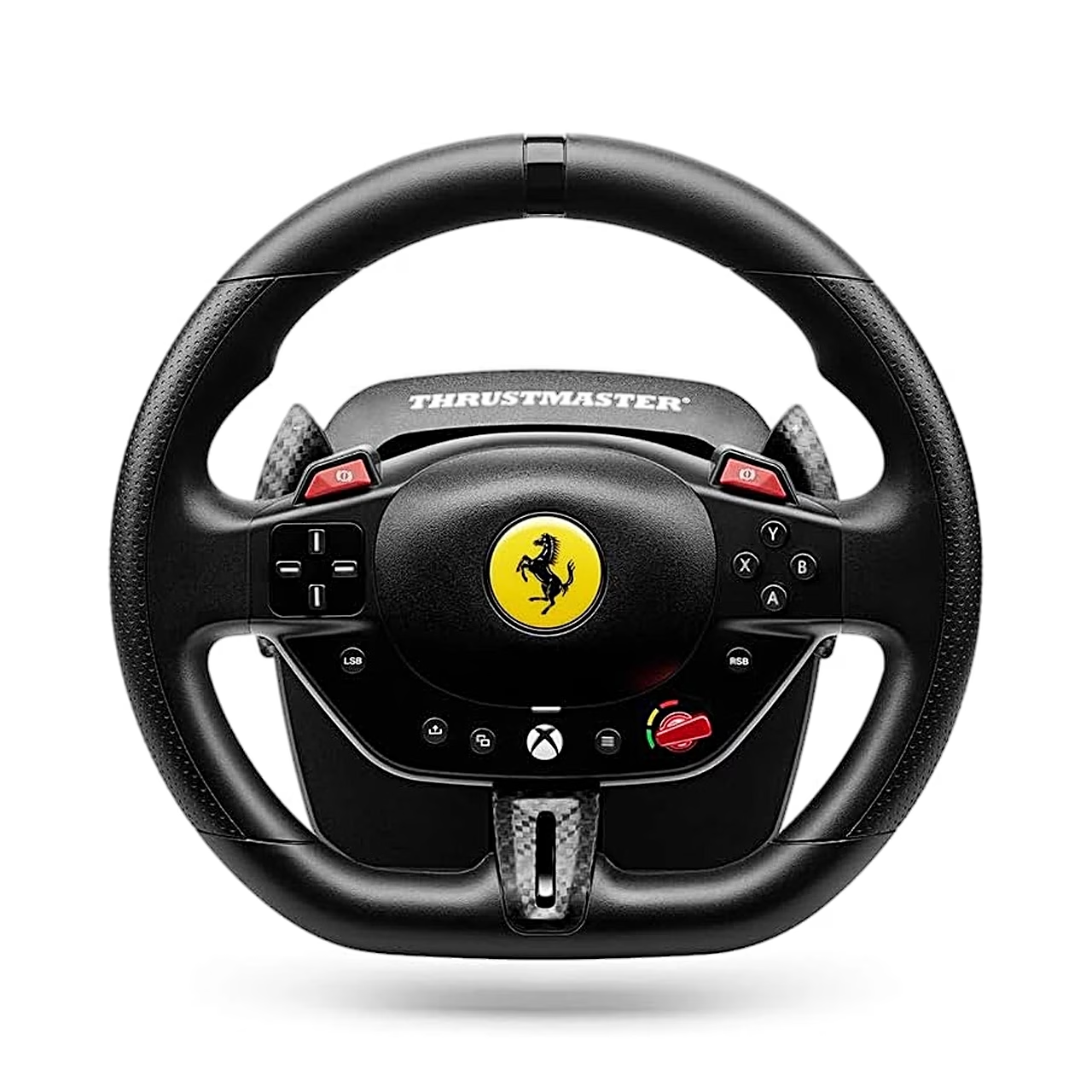
The three-position manettino at the lower right of the wheel sets how much the wheel assists your steering, and the profile can be changed while driving. With no assistance every wheel movement reaches the game. In the default medium profile the wheel is quite sensitive at the start of a turn; the high profile ignores small movements at the start of a turn.
Buttons and paddle shifters
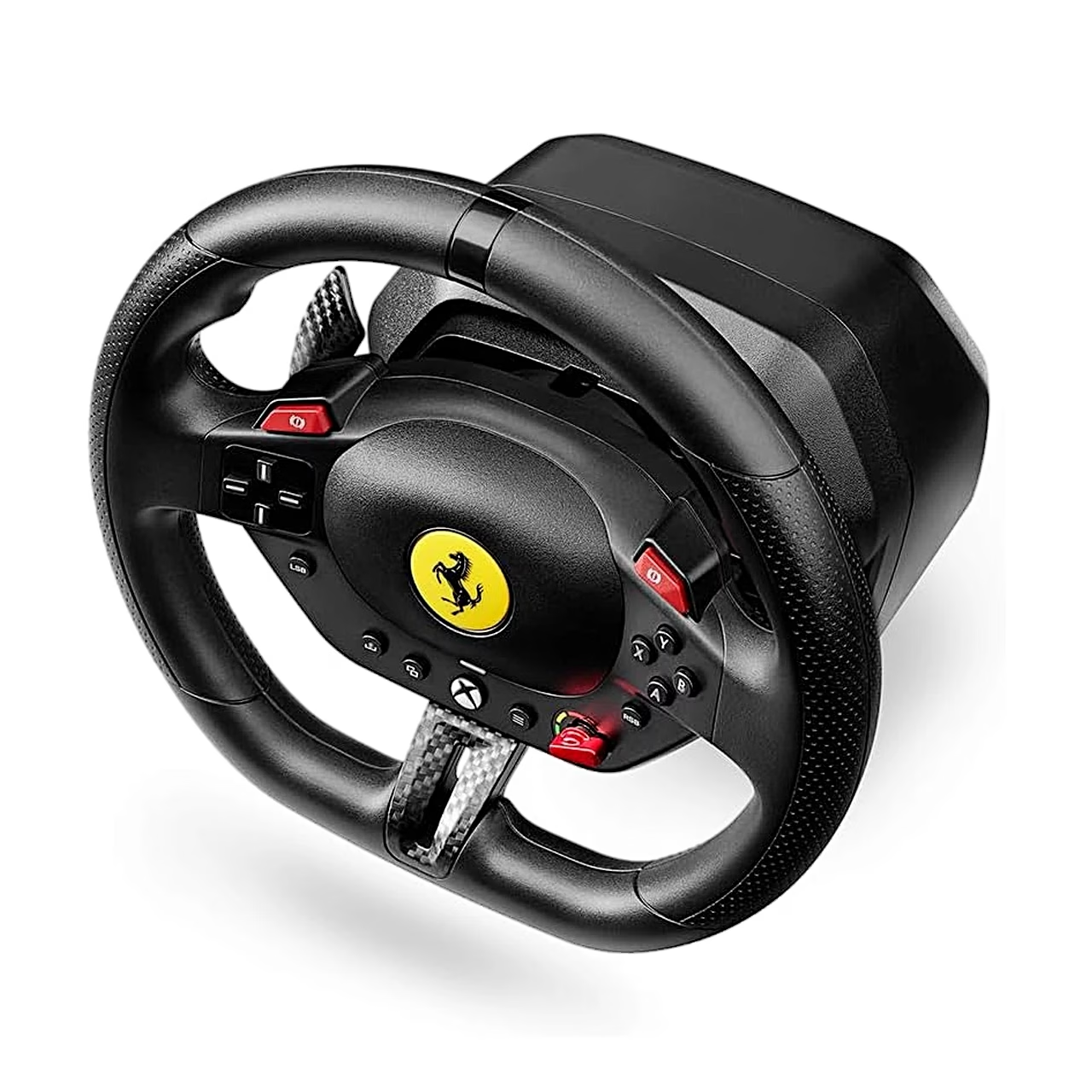
The wheel has paddle shifters on both sides, two handbrake buttons, directional buttons, action buttons, LSB and RSB buttons and the Xbox SHARE, VIEW and MENU buttons. In Xbox games the T98 is recognised as a real wheel named Ferrari 458 Spider, not as a gamepad.
Mounting on a desk and in a cockpit
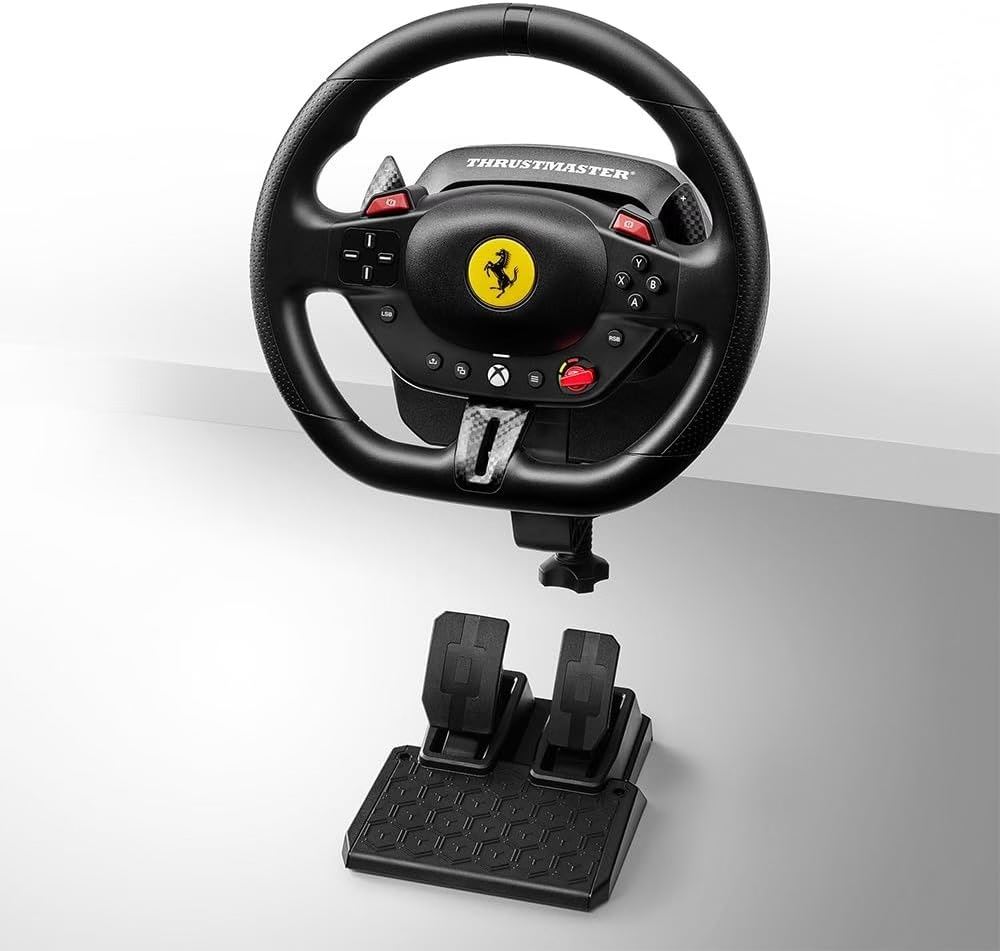
Place the wheel on the desk and hold it so it does not tip forward. Slide the mounting bracket into the slot inside the base so the notch sits inside the base, and tighten the clamping screw until the wheel is stable. The pedal set has a mounting hole on each side for a stand or cockpit.
Connecting to Xbox and PC
Plug the pedals into the wheel’s RJ12 port, centre the wheel and connect the USB-C to USB-A cable to the console or PC. On PC, hold the Xbox button for 5 seconds until the LED flashes and select the green PC mode with the directional buttons; the choice is stored in the wheel’s memory. The pedals calibrate themselves after a few presses in game.
In the box
- Racing wheel Thrustmaster T98 Ferrari 296 GTS, 1 pc
- Two-pedal set with RJ12 plug, 1 pc
- Desk mounting bracket, 1 pc
- USB-C to USB-A cable, 1 pc








































Reviews
There are no reviews yet.