

Description
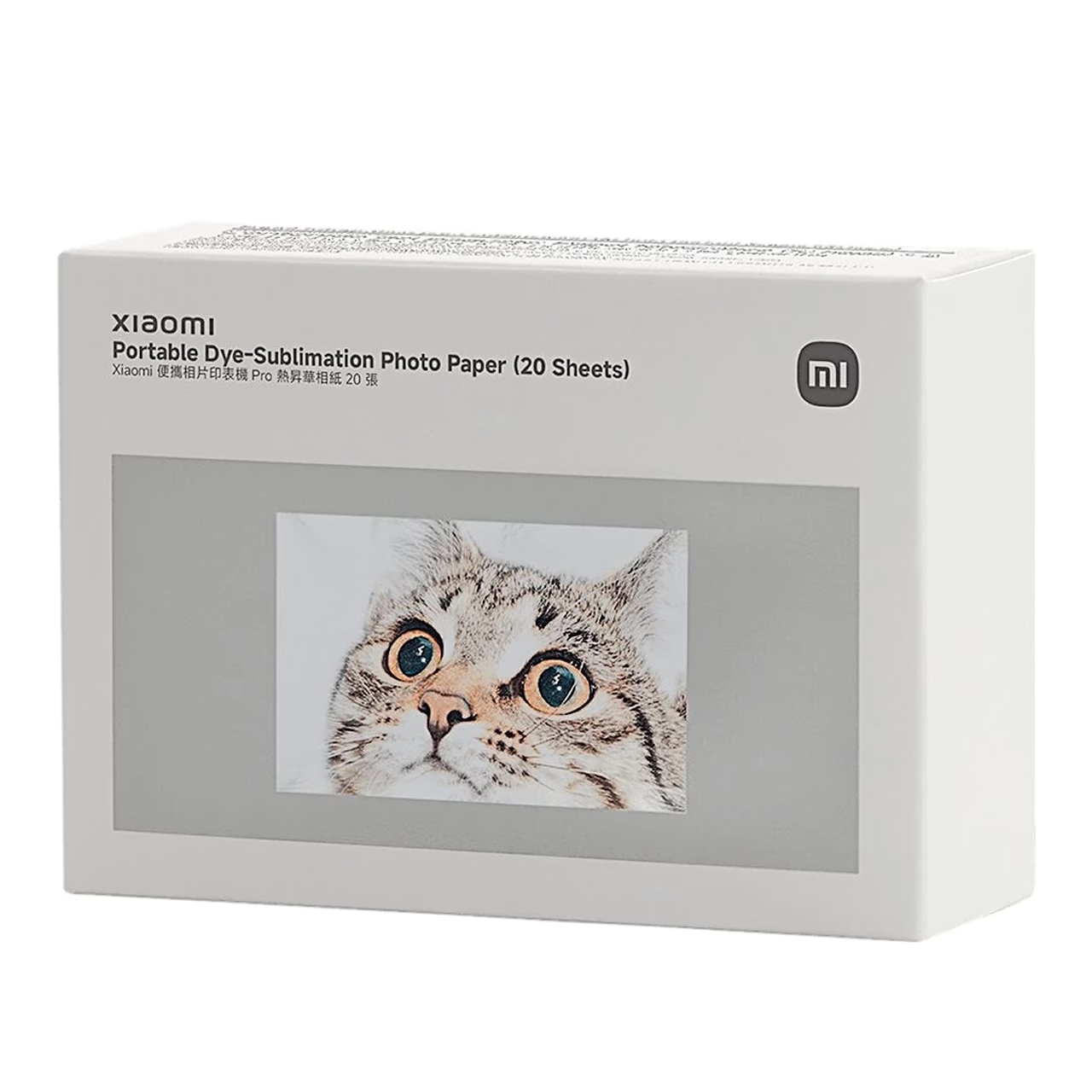
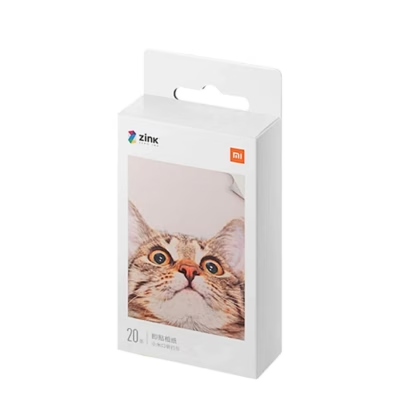
Photo paper for printing photos on a pocket printer
The printer automatically laminates photos printed on the dye-sublimation photo paper Xiaomi BHR082NGL during printing. The lamination protects photos from moisture and fading.
Using the paper in the printer
Open the printer’s paper tray cover, remove the wrapping and place the stack in the tray with the perforated line facing the output slot. Load the paper text side up and glossy side down; the tray holds up to 10 sheets at a time. Do not touch the glossy side, to keep print quality. After printing, fold and tear off the white edge along the perforated line.
In the box
- Photo paper Xiaomi BHR082NGL, 20 sheets








































Reviews
There are no reviews yet.