

Description
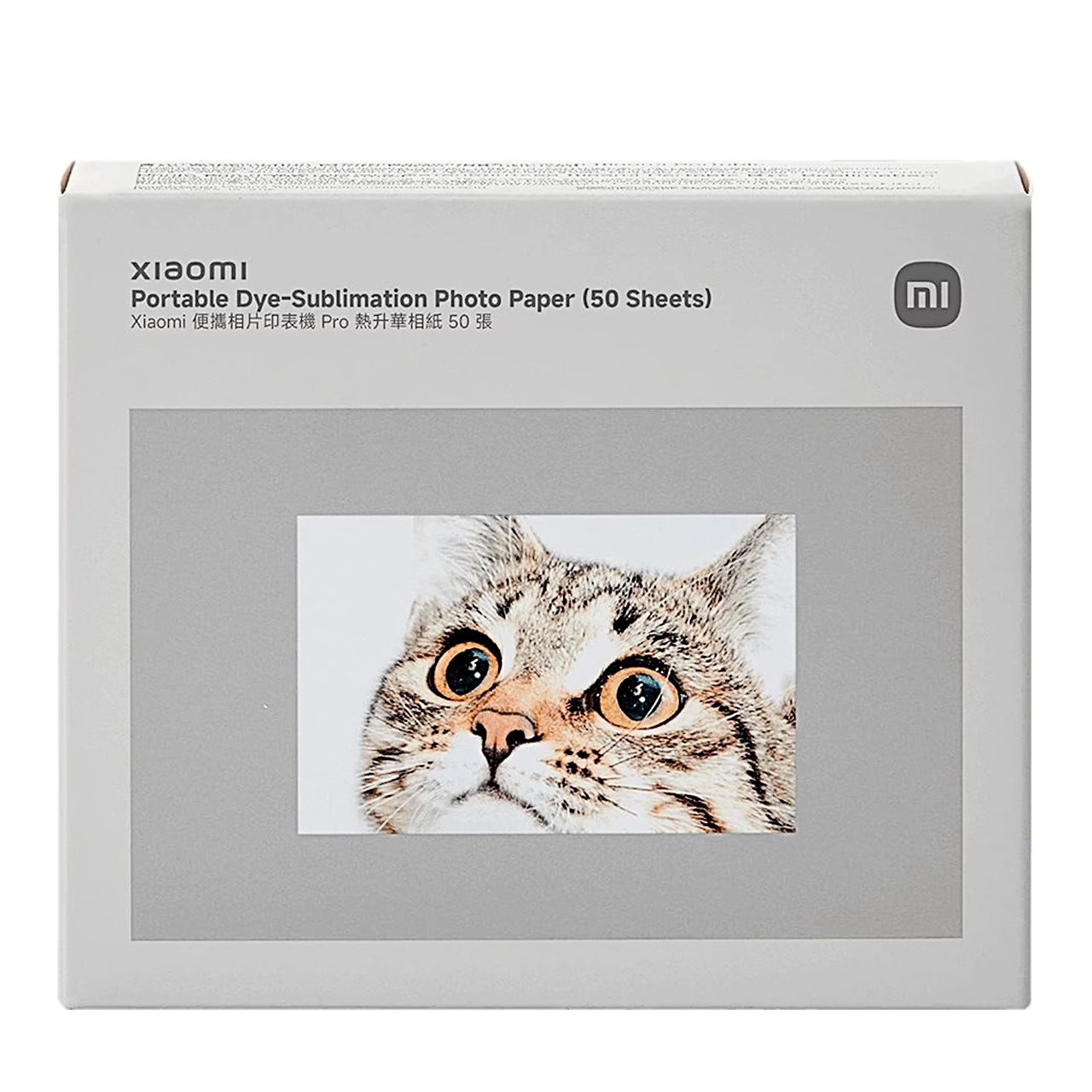
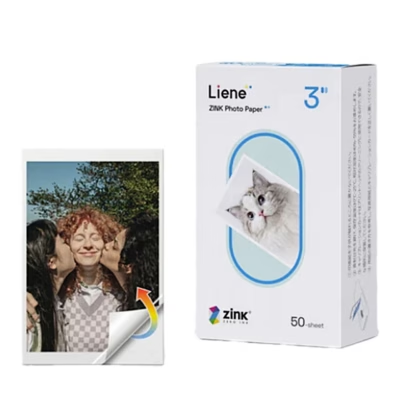
Photo paper for dye-sublimation printers for small photo prints
Xiaomi BHR082PGL is a photo paper for dye-sublimation printers; the white edge of every sheet is separated by a perforated line. After printing, fold the white edge along the line and tear it off.
Loading the paper into the printer
Open the printer’s paper tray cover, remove the wrapping from the paper stack and place the whole stack in the tray text side up and glossy side down, with the perforated line towards the output slot. Then put the tray cover back and press it into place. To keep print quality, avoid touching the glossy side of the paper.
In the box
- Photo paper Xiaomi BHR082PGL, 50 sheets








































Reviews
There are no reviews yet.