
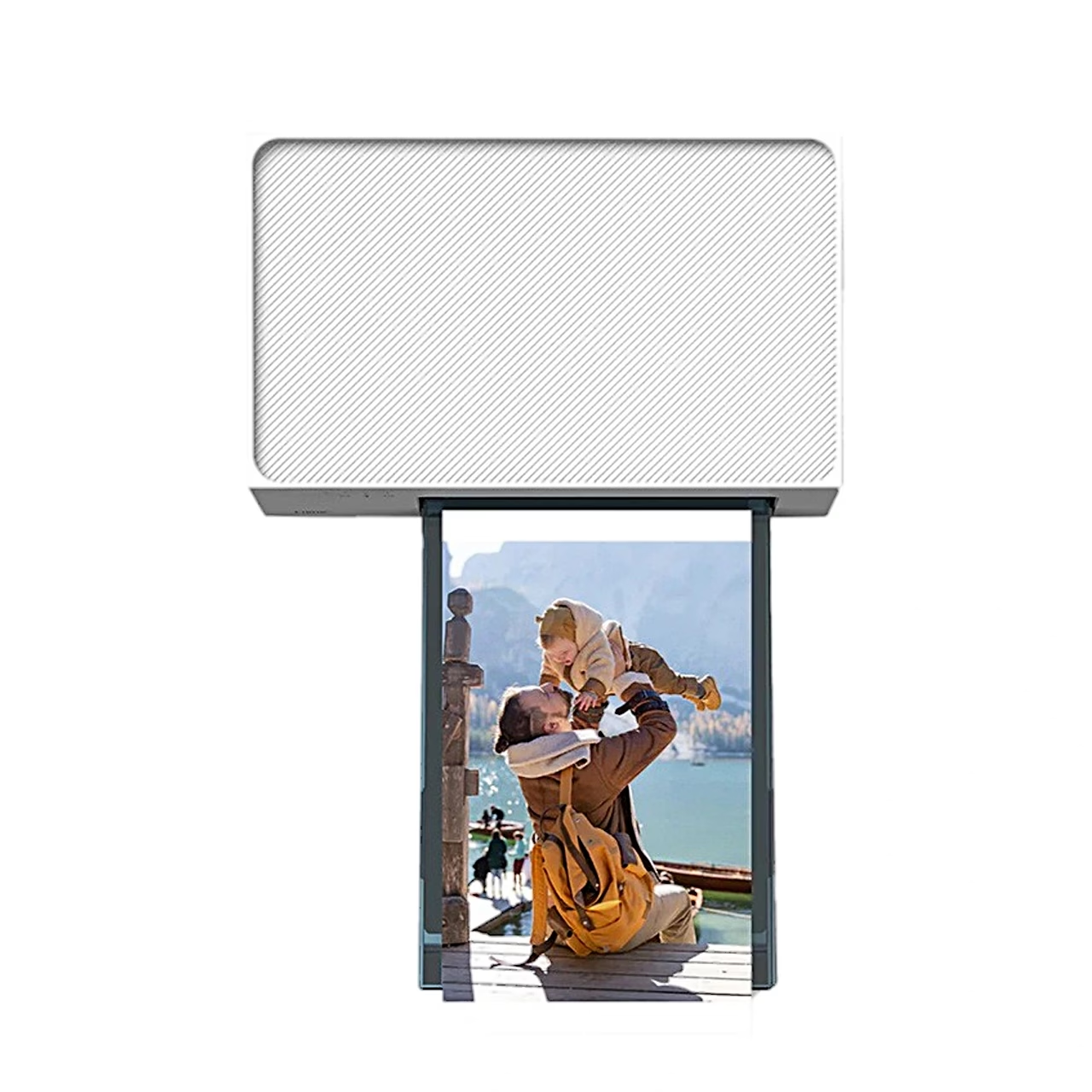
Description
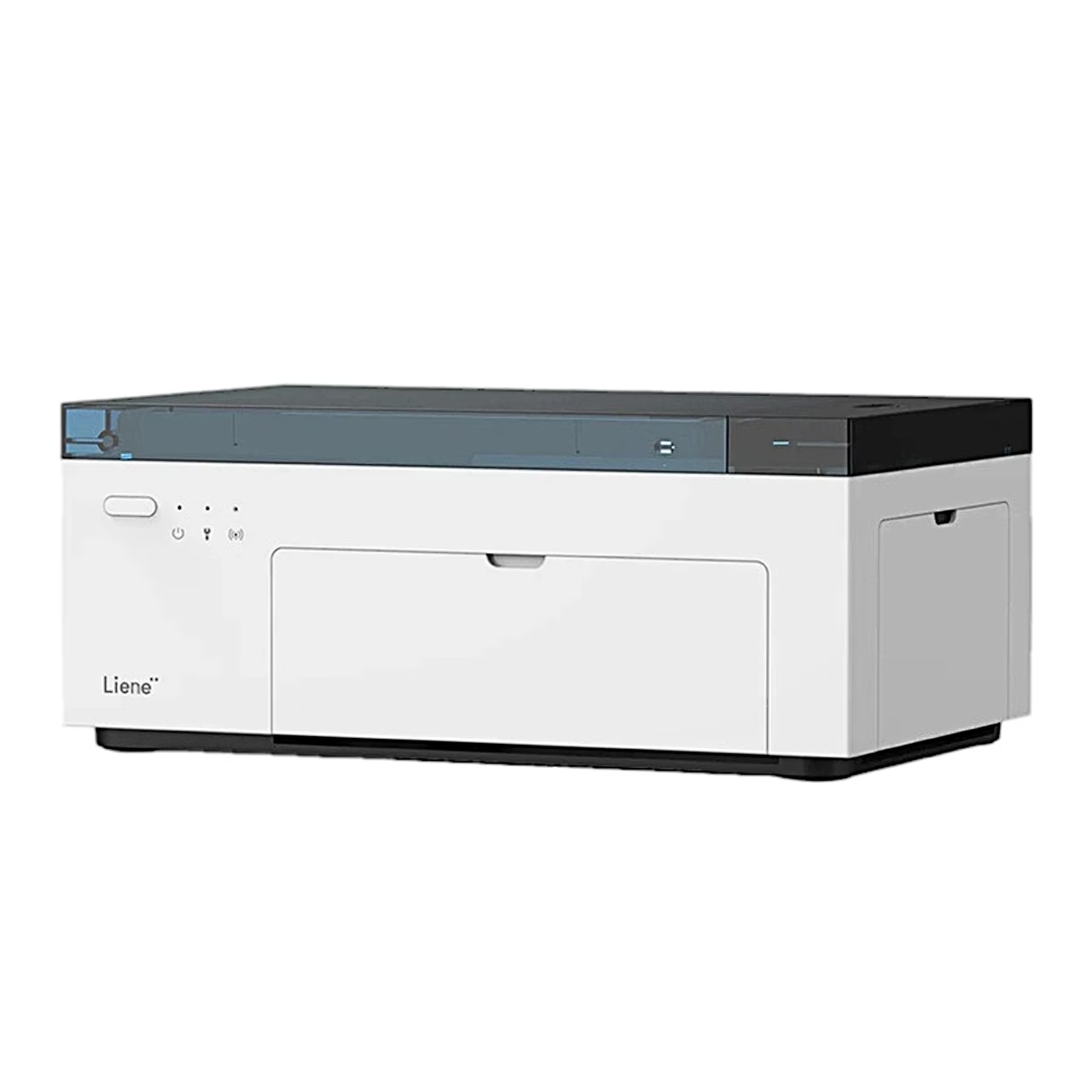
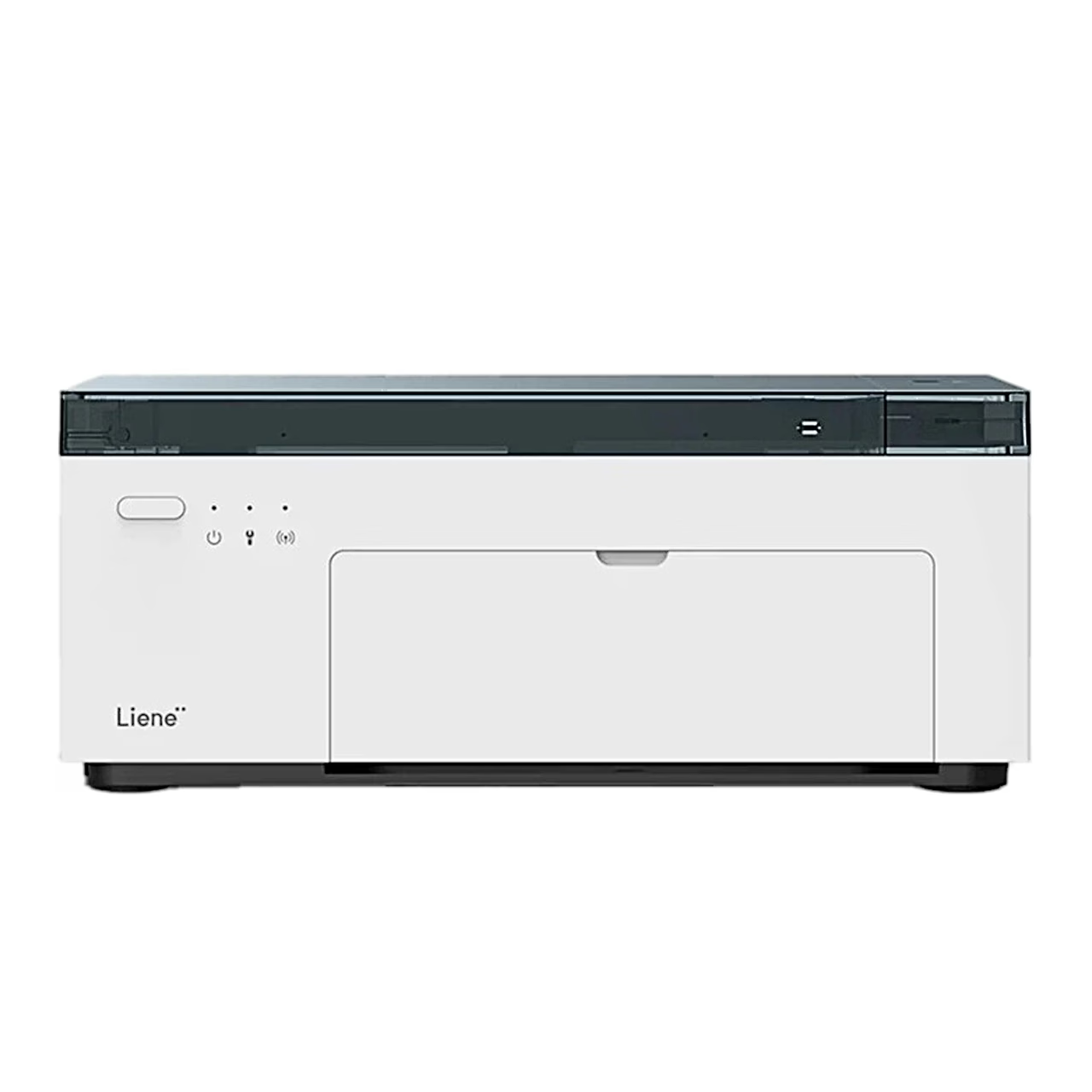
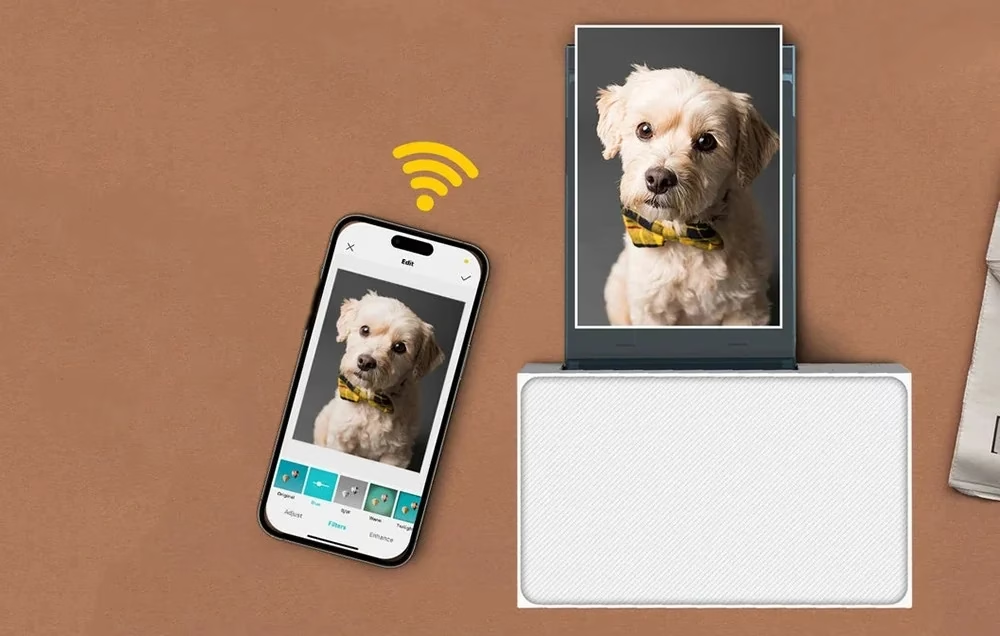
Photo printer that creates its own Wi-Fi network for your phone
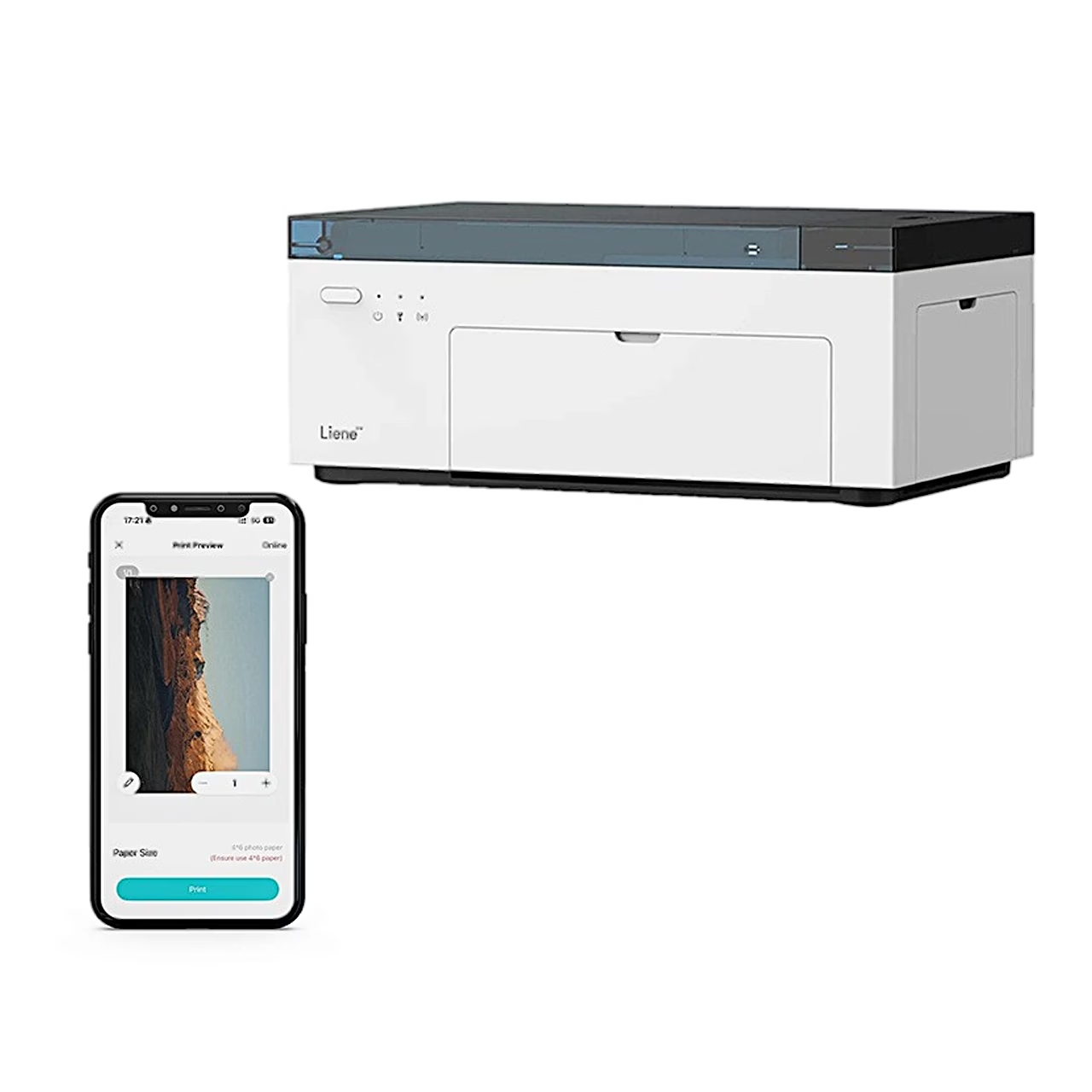
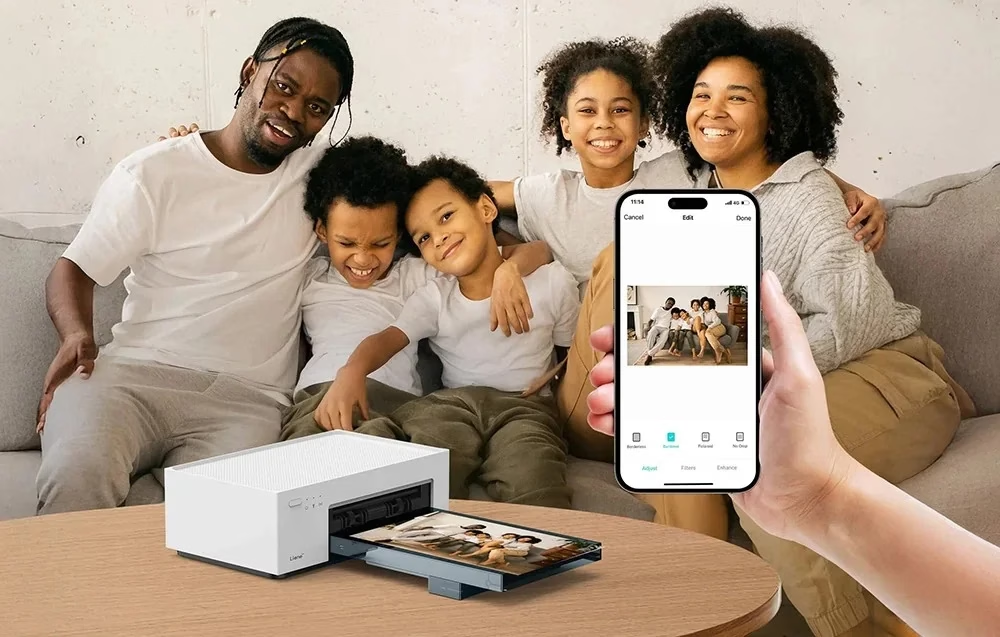
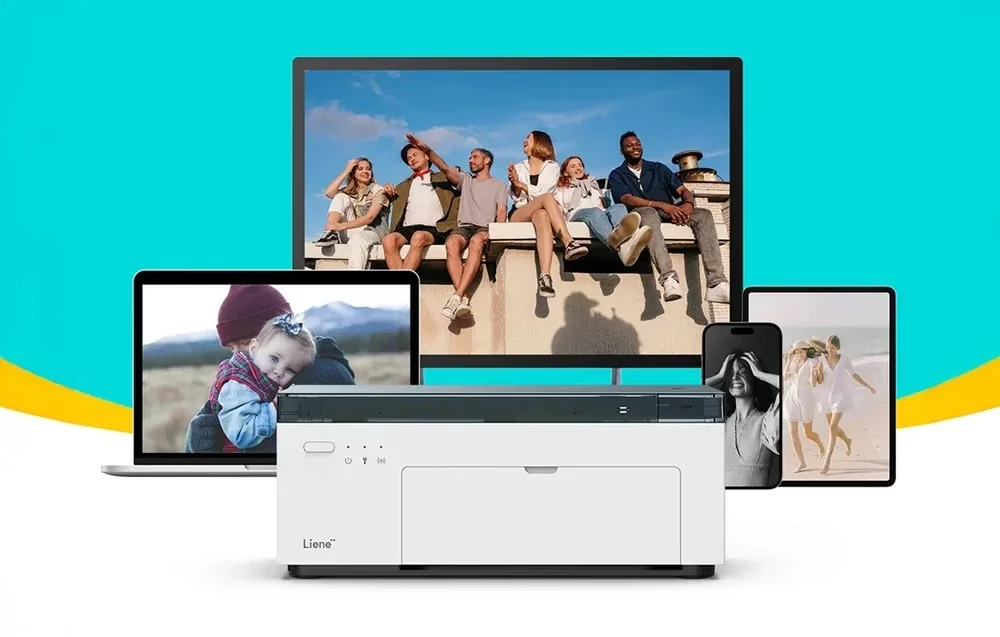
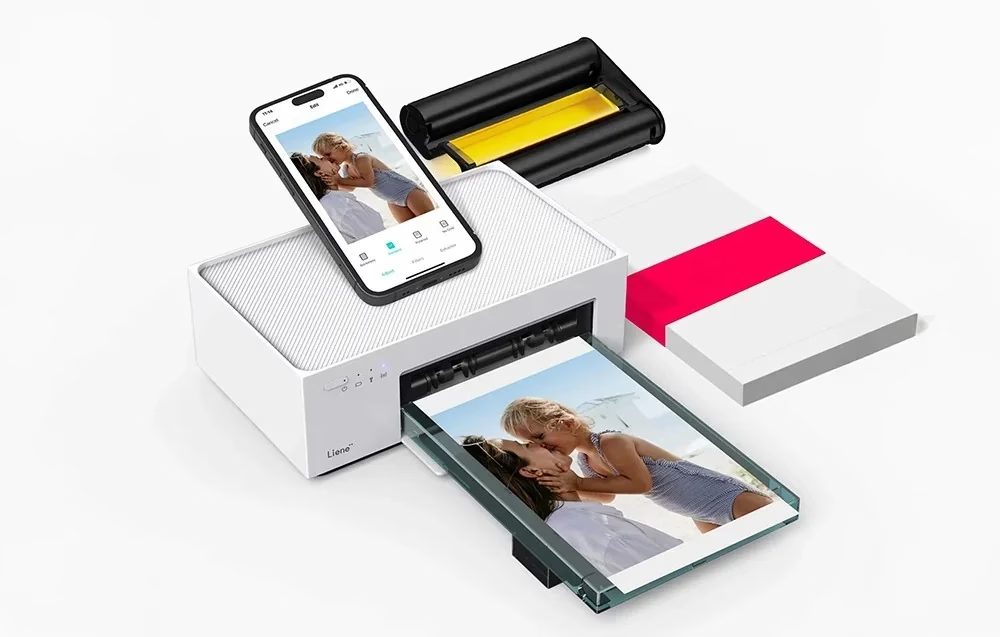
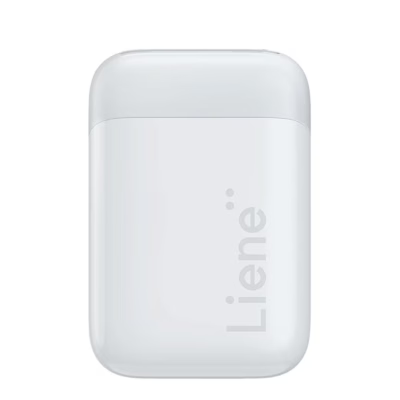
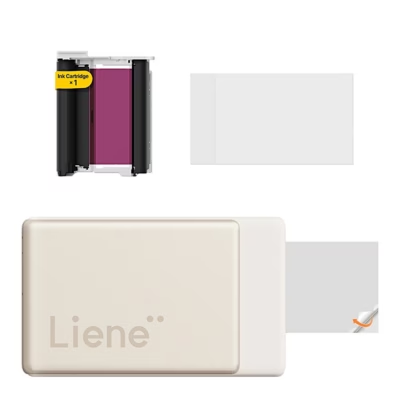
The photo printer Liene Amber M100 uses dye-sublimation to print 10 × 15 cm photos at 300 × 300 dpi. It has its own Wi-Fi hotspot, to which up to 5 devices can connect at once.
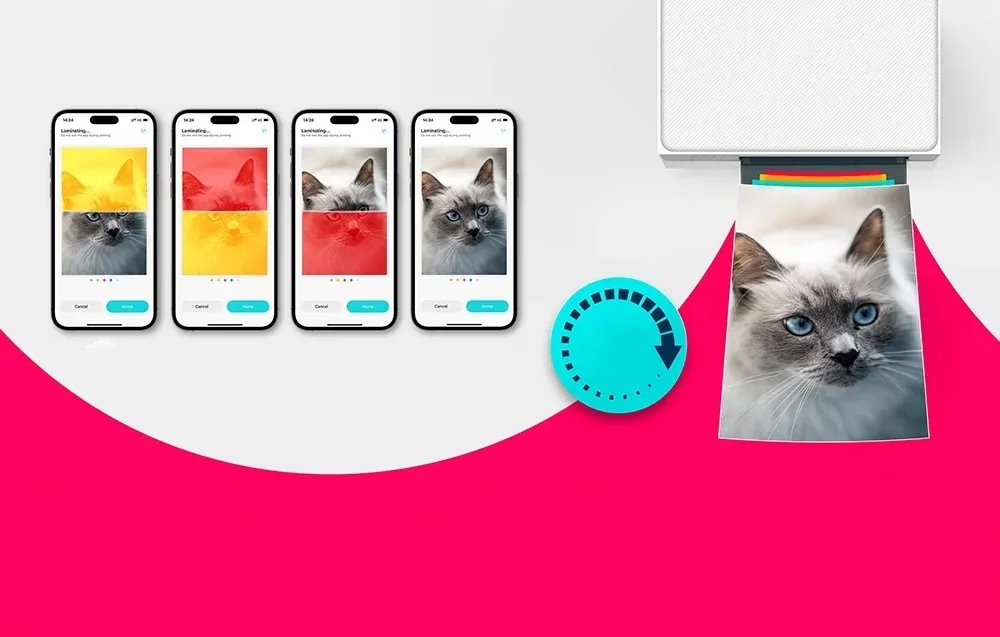
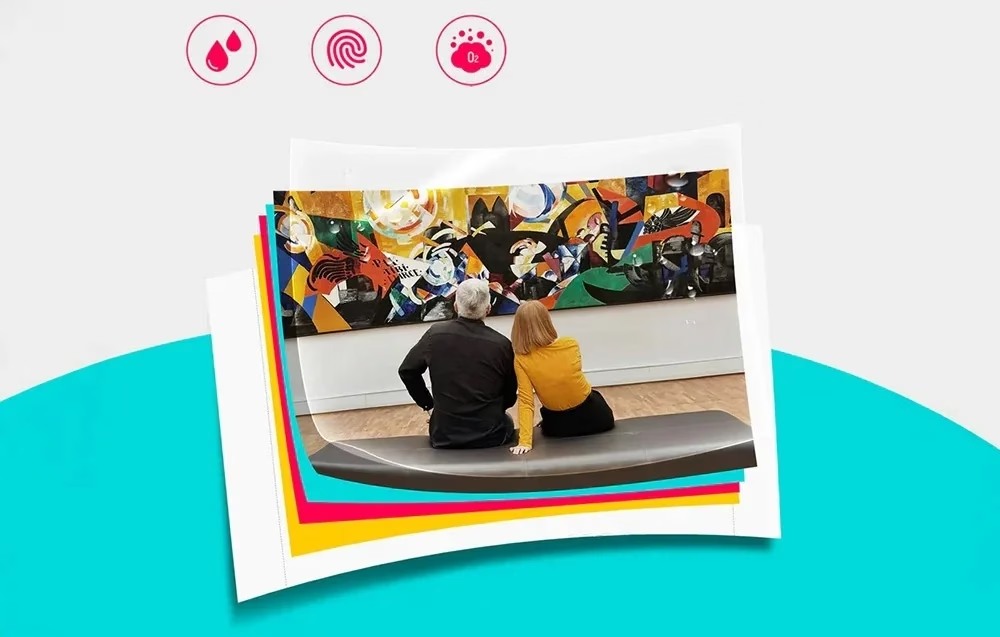
Three colour layers and a protective coat
The print head lays the colours on the paper in three layers, with 256 shades per colour, and finally coats the photo with a protective layer. For this the paper moves back and forth four times.
Printing from the app, the phone gallery and a computer
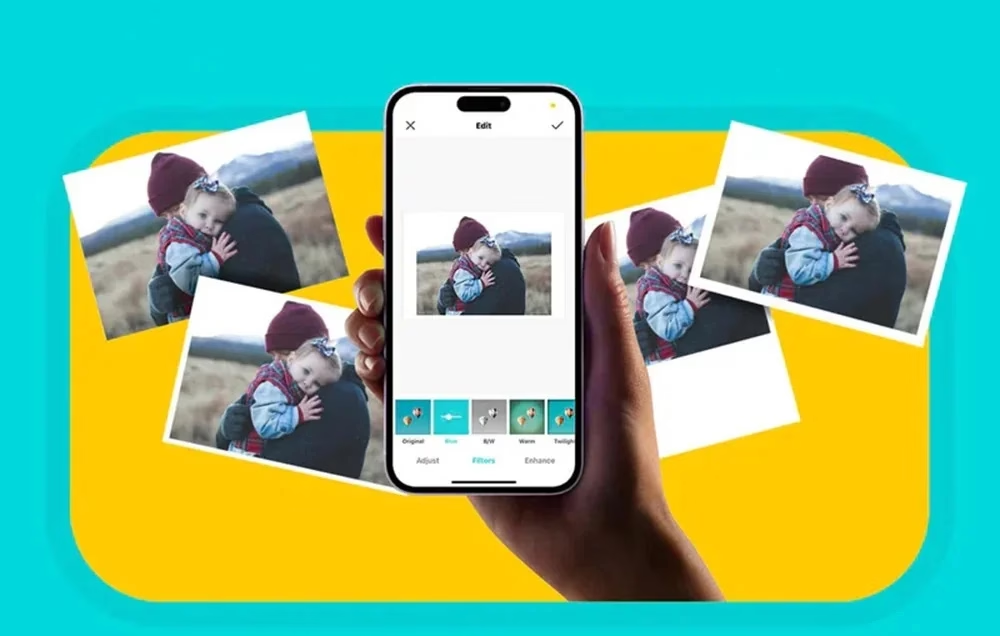
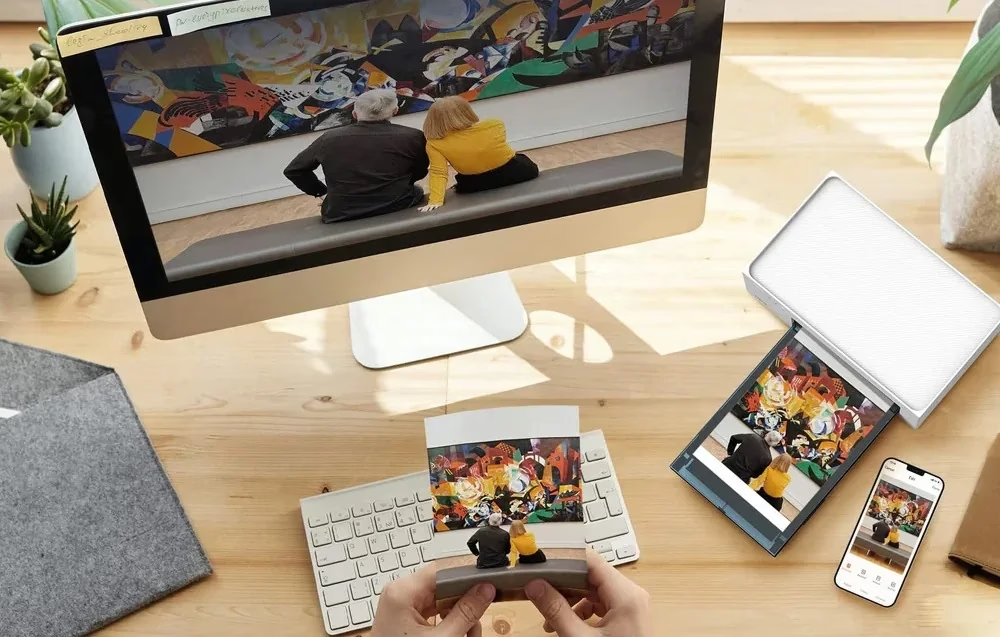
In the Liene Photo app you add filters, frames and effects and prepare an ID photo in ID photo mode. An Android phone can also print straight from the gallery through the default print service, and an iPhone from its album. From a computer you print over USB or Wi-Fi after installing the Liene driver; the USB-C port is for data.
Use
Open the side door, push the ribbon cartridge in until the lock clicks and close the door. Open the paper cassette cover, load the paper glossy side up and close the cover, then turn the cassette holder 180° down and push the cassette into the printer. Connect the power adapter, switch the printer on with a 1-second press of the power button and select the network “Liene Photo Printer” in your phone’s WLAN settings. Leave at least 10 cm of free space behind the printer.
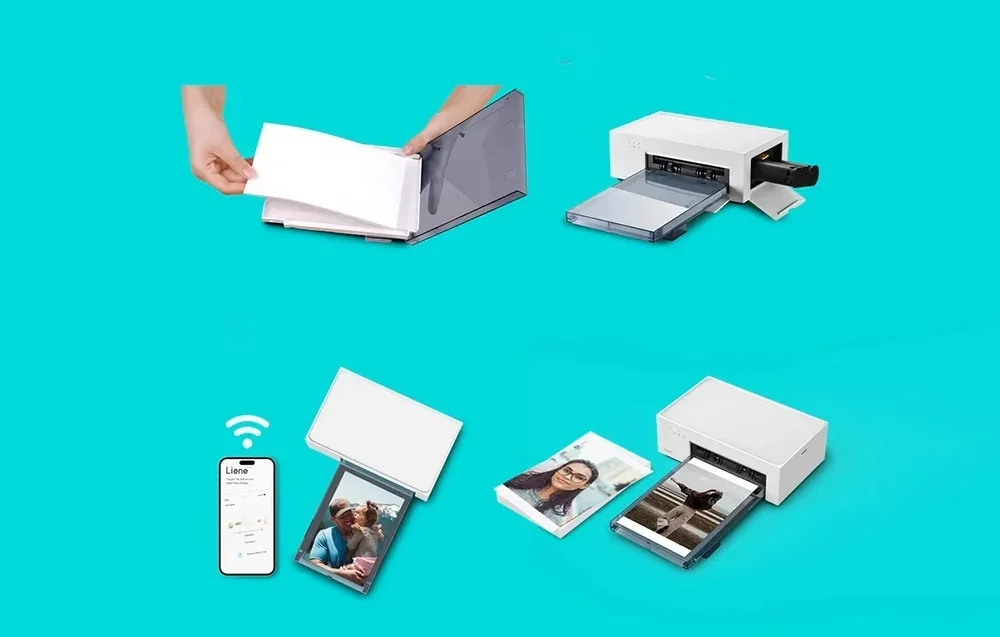
Storage and power saving
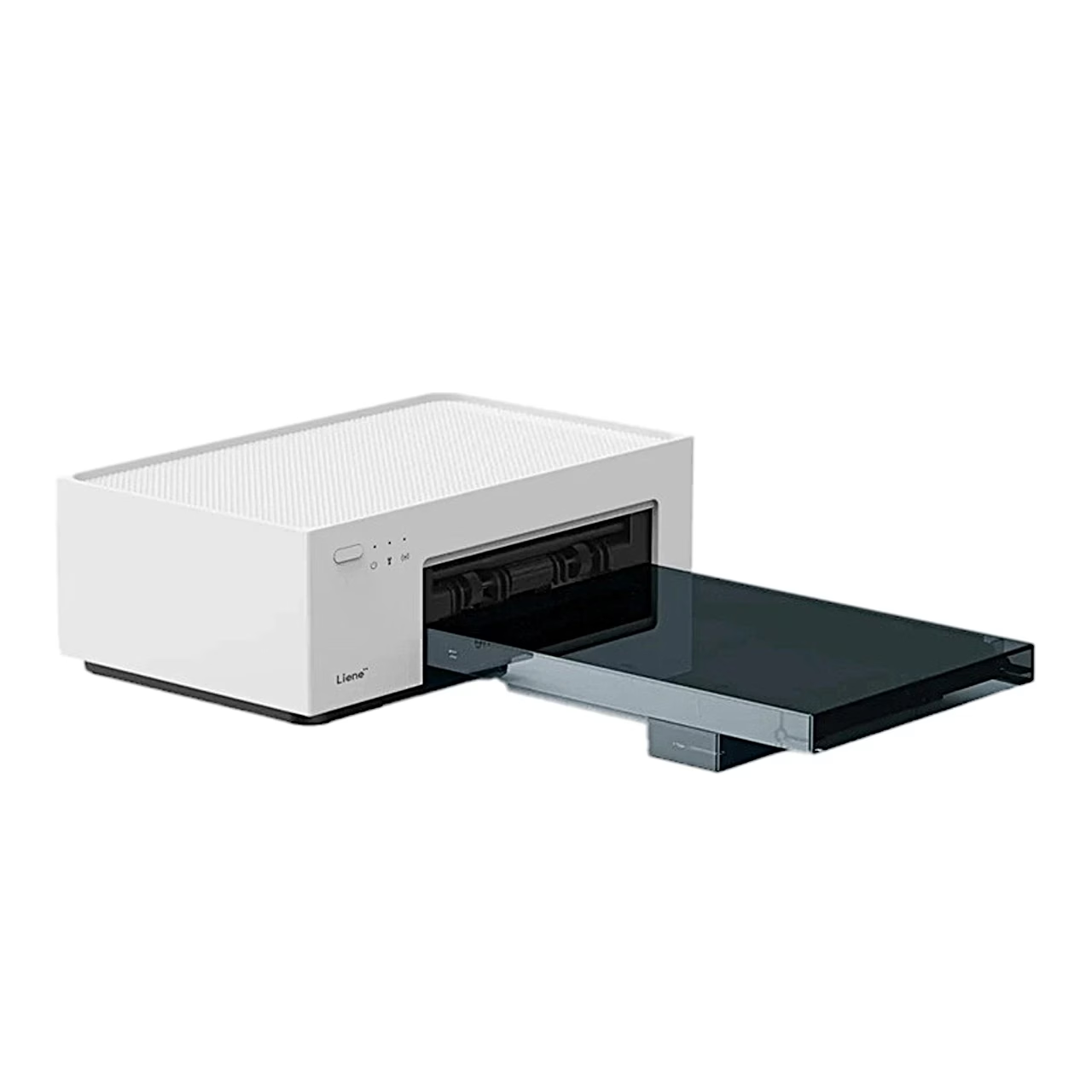
For a short break, the paper cassette can be stored on top of the printer. For longer periods, take the cassette out and close its cover to keep the paper path free of dust. When idle, the printer goes to sleep after 5 minutes and switches off by itself after 20 minutes.
In the box
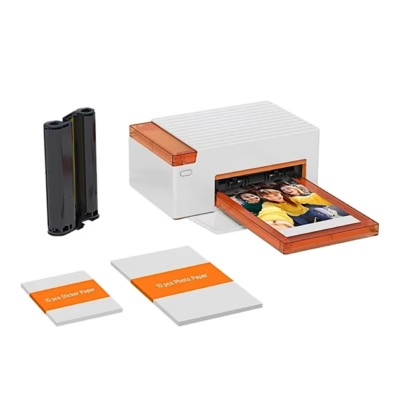
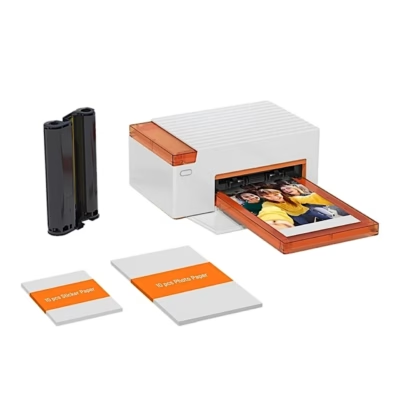
- Photo printer Liene Amber M100, 1 pc
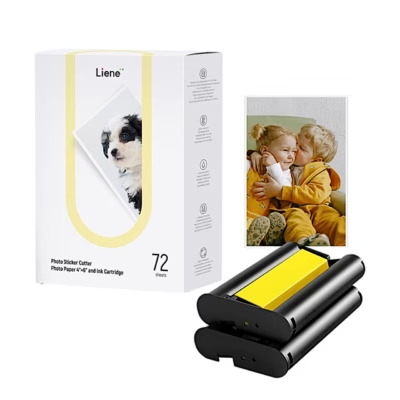
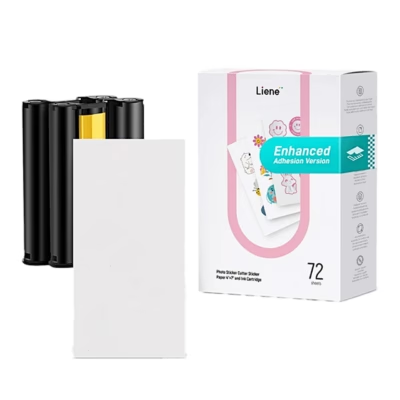
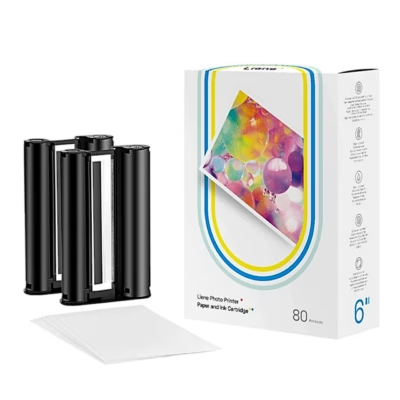
- Ribbon cartridge, 1 pc
- Photo paper, 20 sheets
- Paper cassette with holder and cover, 1 pc
- Power adapter, 1 pc
- User manual







































Reviews
There are no reviews yet.