
Description
Photo printer for pocket-sized sticker photos
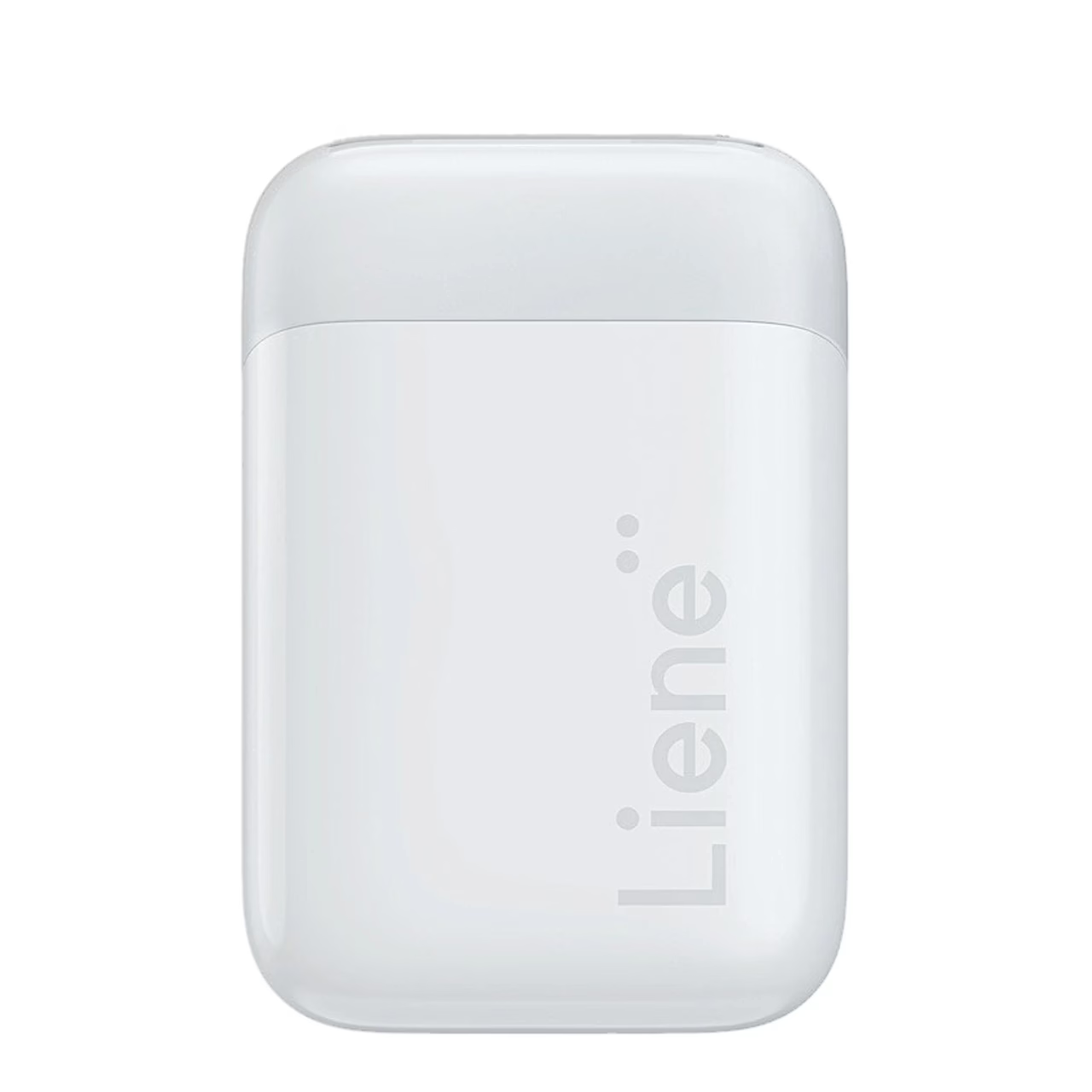
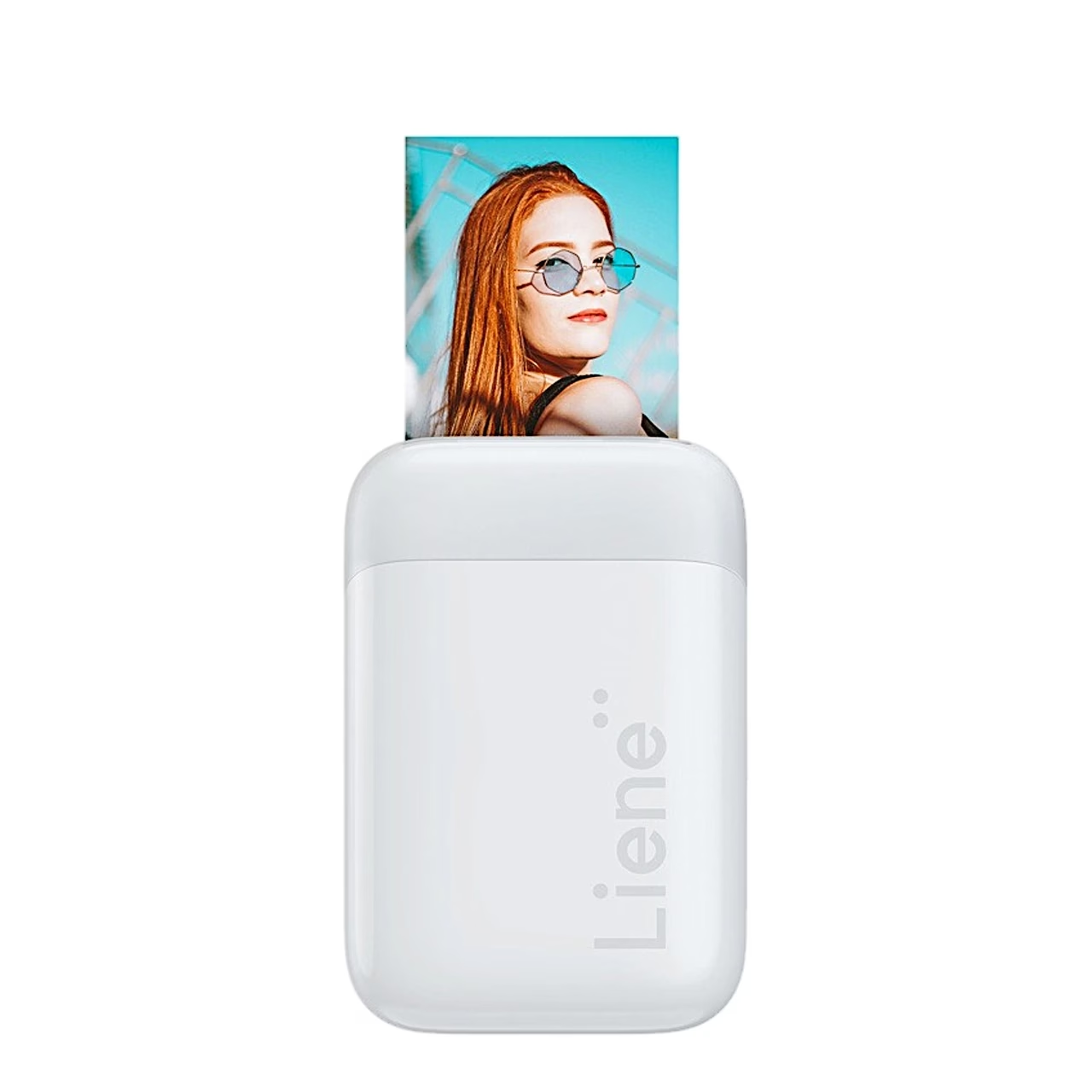
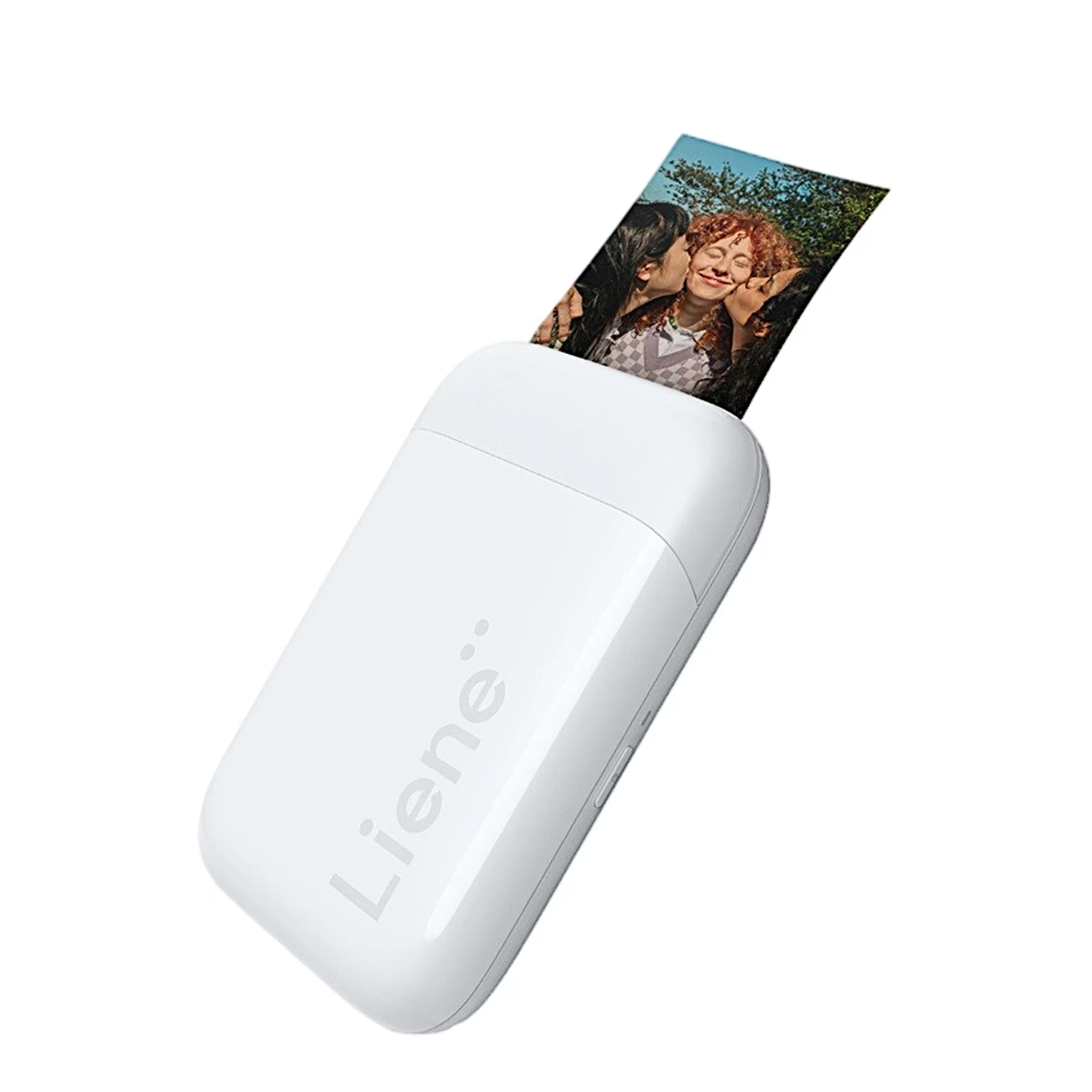
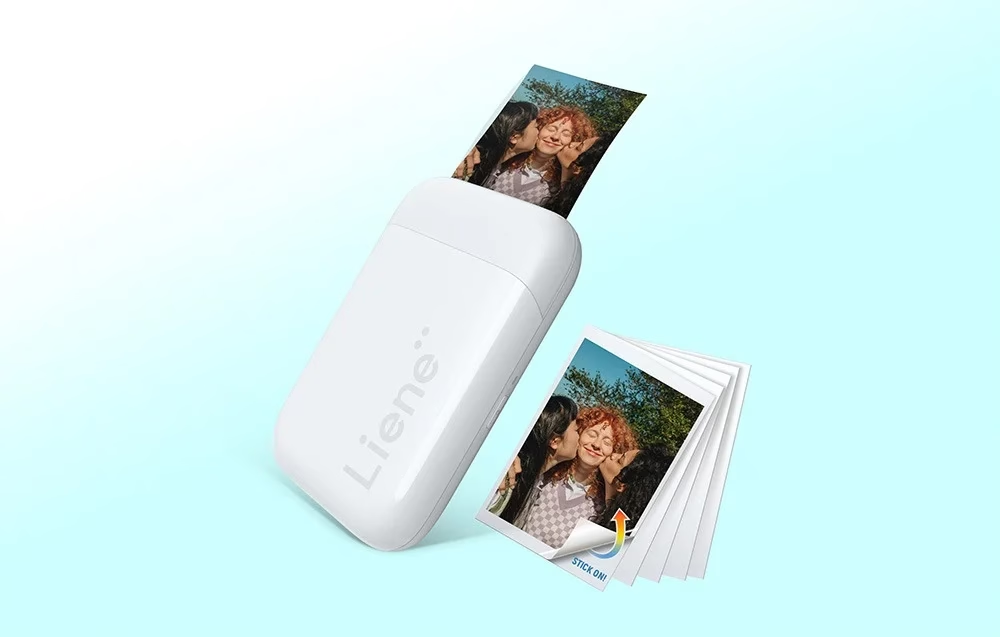
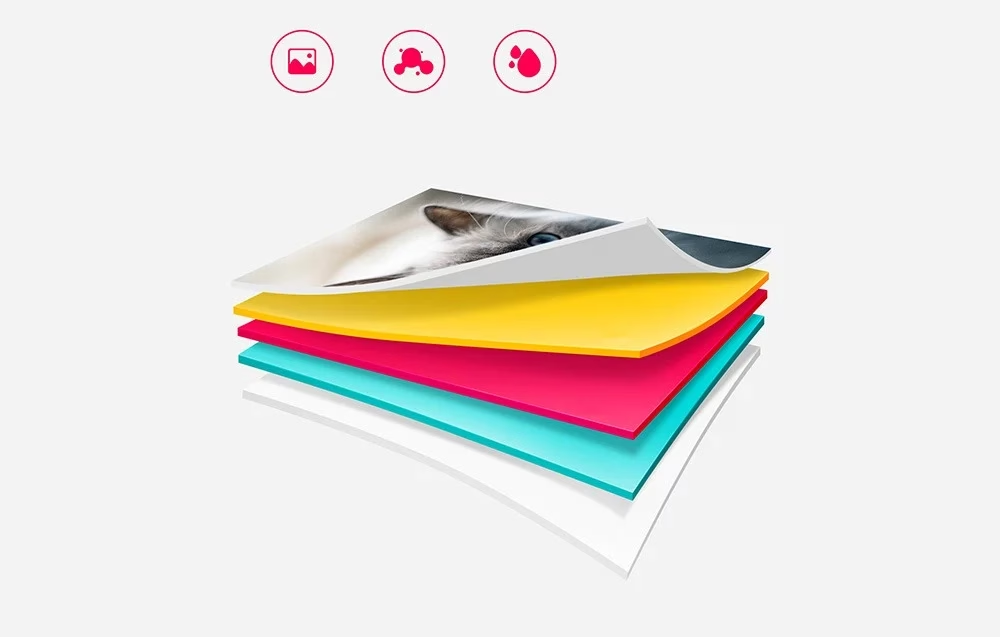
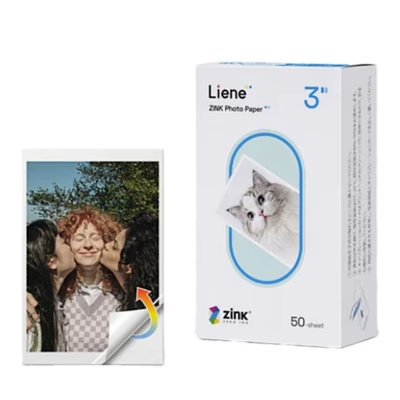
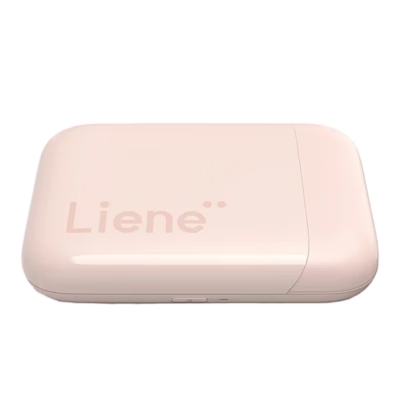
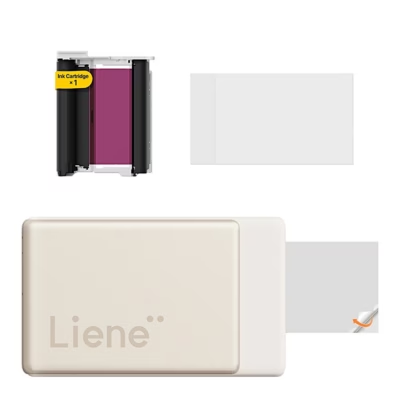
The portable sticker photo printer Liene Pearl uses ZINK technology to print 5 × 7.6 cm photos. Each photo is made on self-adhesive ZINK paper whose dye layers are inside the paper, so the printer uses no ink or ribbon.
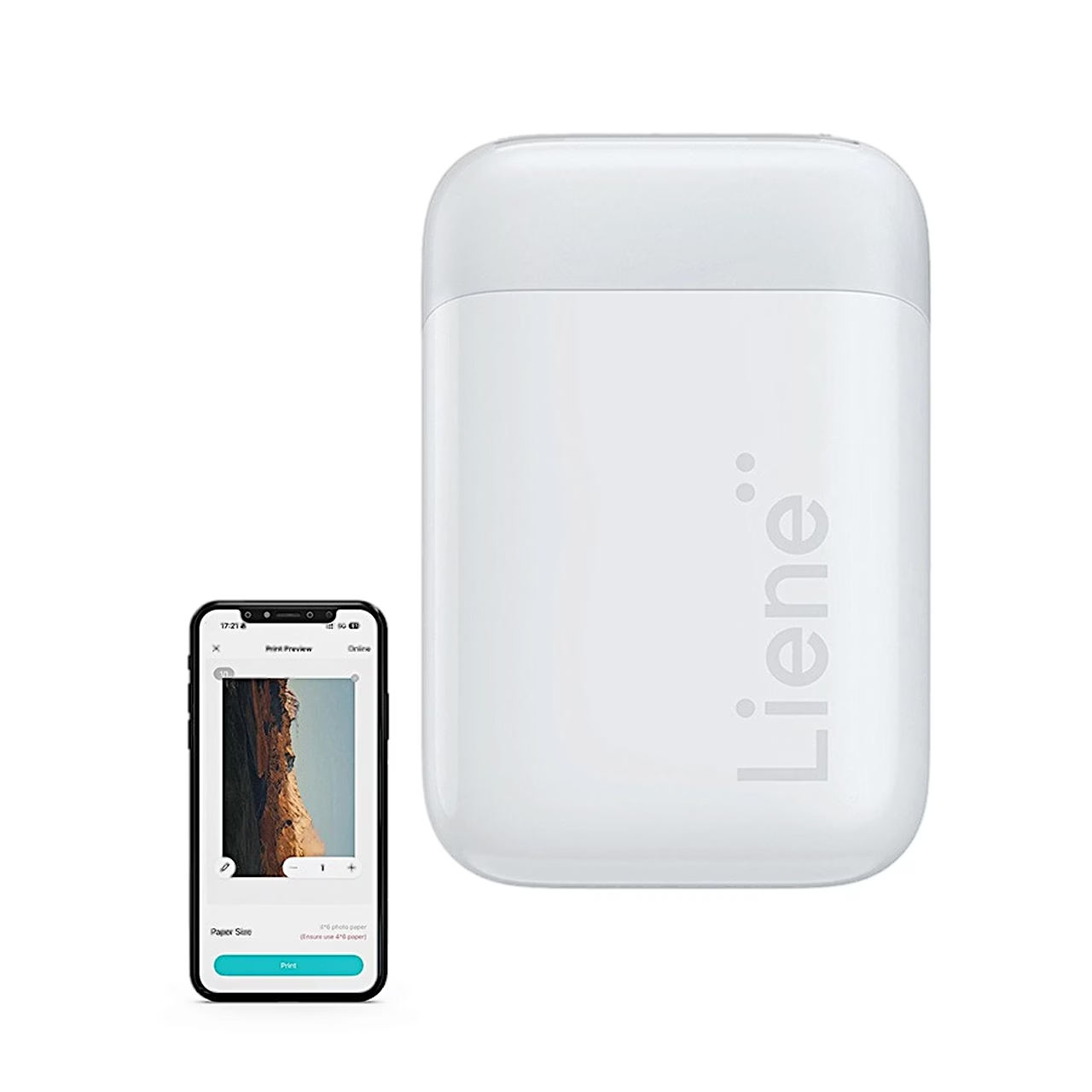
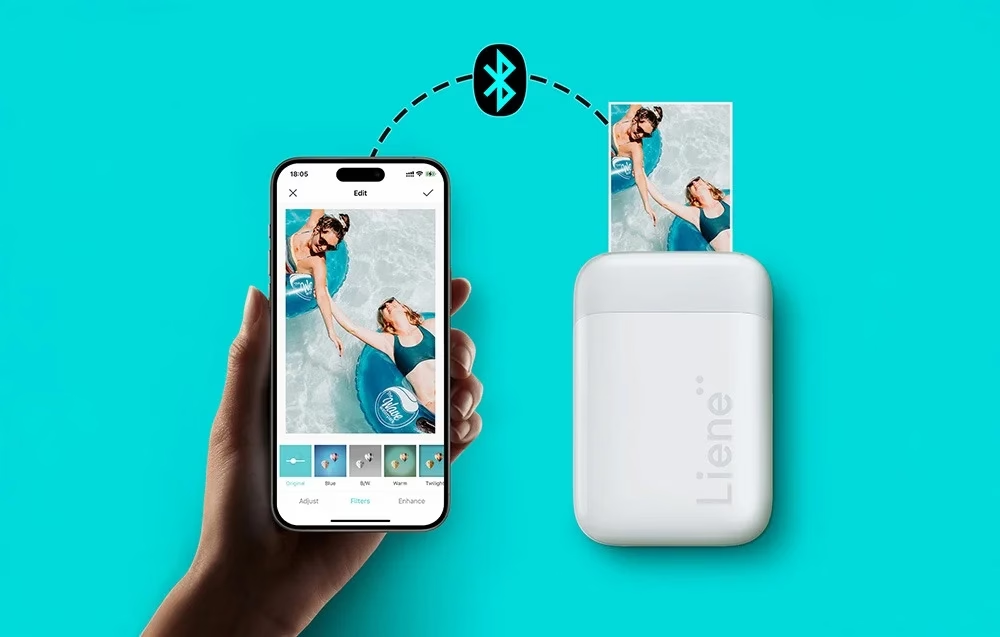
Bluetooth 5.0 and the Liene Photo app
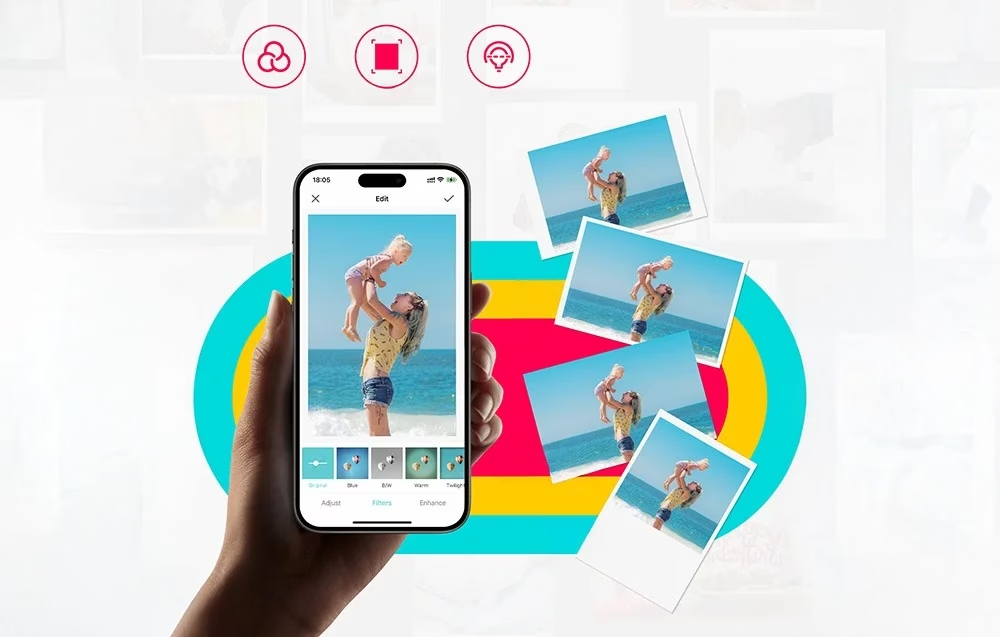
The printer connects to the phone via Bluetooth 5.0, and the app runs on iOS 9.0 and Android 7.0 or later. In the Liene Photo app you add filters, effects and frames and choose full format with or without a border, or a square picture.
Built-in battery and USB-C charging
The built-in 500 mAh battery charges through the USB-C port. The printer weighs 183 g and measures 126 × 85 × 25 mm.
Use
Open the paper tray cover and load the whole ZINK paper pack glossy side up, with the blue Smart Sheet calibration sheet at the bottom, barcode down. The tray takes up to 10 sheets including the calibration sheet. Press the cover shut until it clicks, hold the power button for 3 seconds and add the printer in the Liene Photo app with the “+” button. The Smart Sheet goes through first and cleans and calibrates the printer for the new pack.
Cleaning and care
Wipe the printer with a soft dry cloth and keep the paper tray cover closed to keep the inside free of dust. To save the battery, the printer switches off after 10 minutes in standby. Charge the lithium battery at least once every 3 months.
In the box
- Photo printer Liene Pearl, 1 pc
- USB-C cable, 1 pc




































Reviews
There are no reviews yet.