

Description
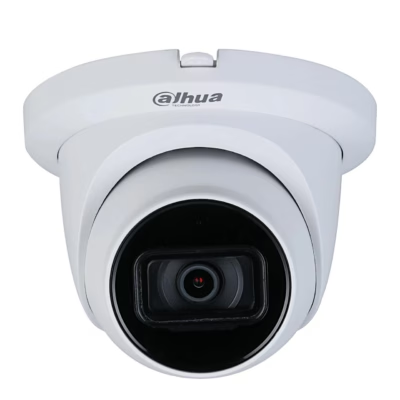
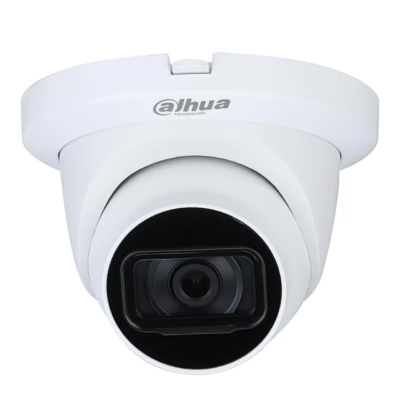
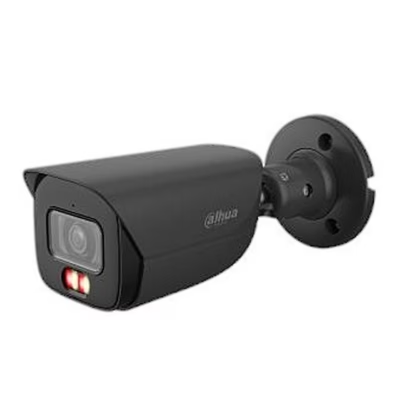
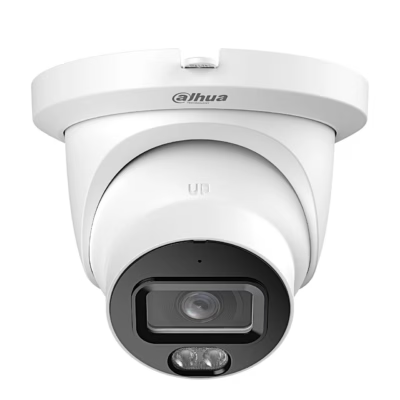
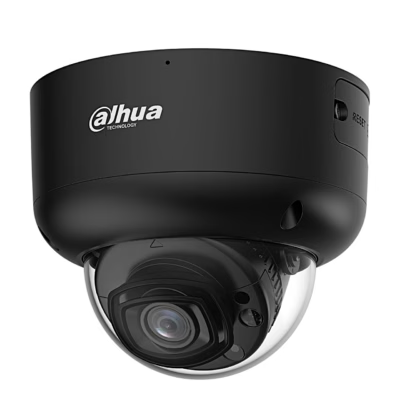
PoE security camera with colour night vision for outdoor use
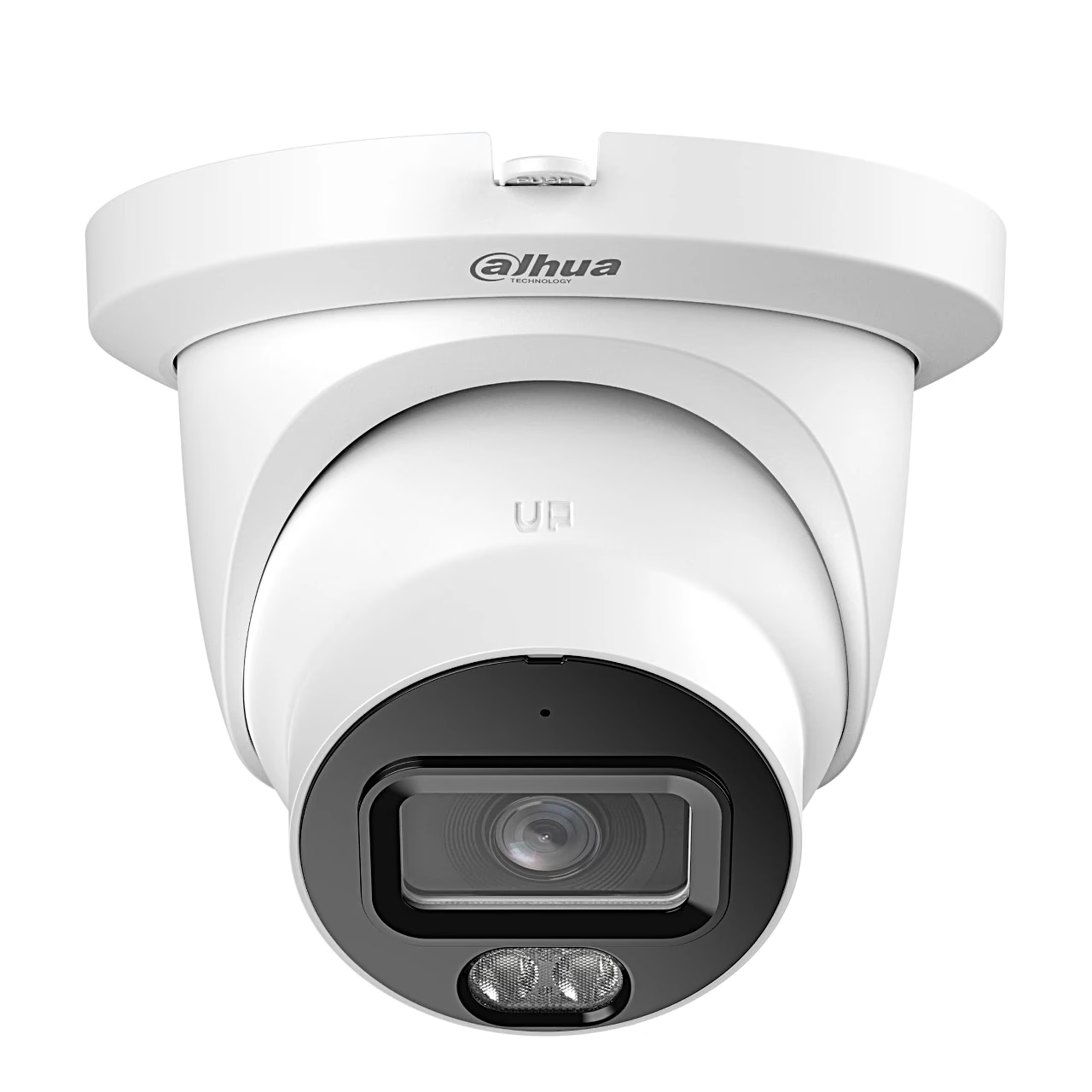
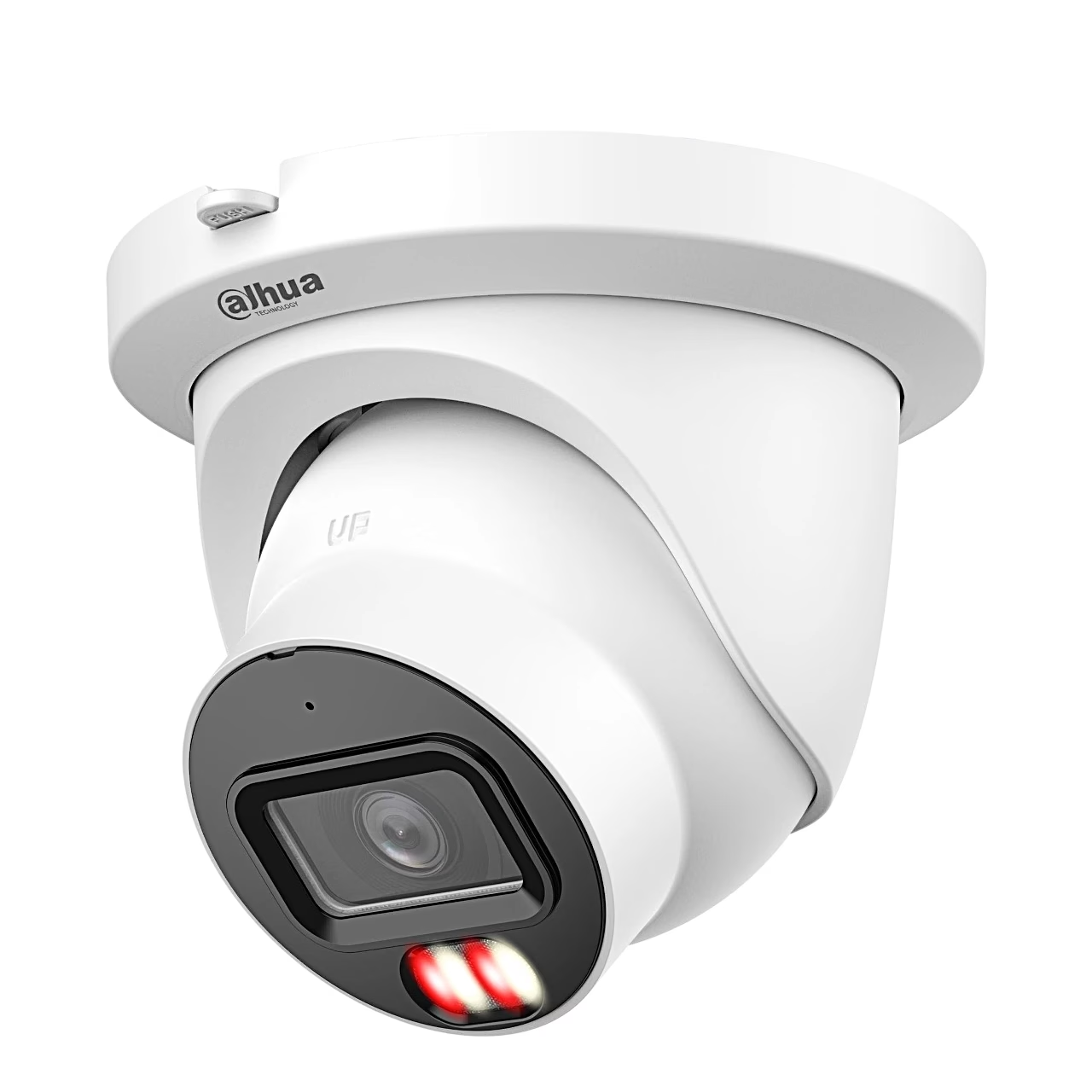
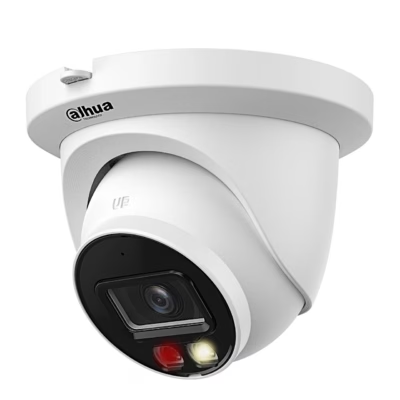
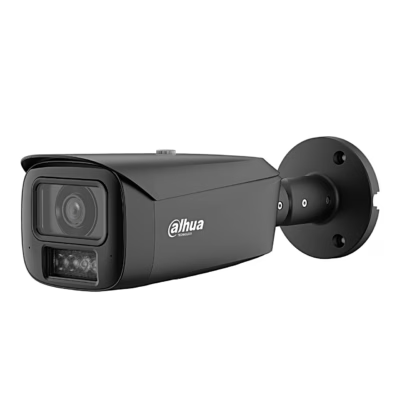
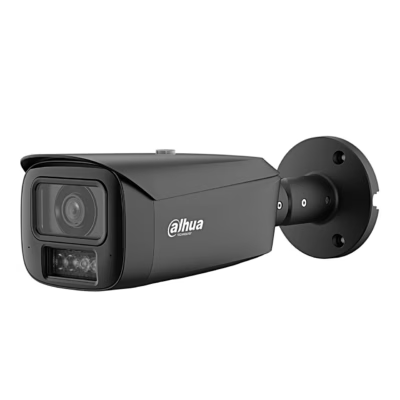
Suited to yards and building surroundings, the PoE security camera with colour night vision Dahua IPC-HDW5559TM-ASE-IL-0280B has an IP67 metal housing, connects to a wired network and works from −40 to +60 °C. The picture is up to 2960 × 1668 pixels, and under EN 62676-4 the detection distance is 61.6 m and the identification distance 6.2 m.
Power and network reach a PoE-powered security camera over one cable
A PoE-powered security camera is a camera that receives both power and its network connection over the same Ethernet cable, so no socket is needed at the camera. This model is powered by a PoE+ (IEEE 802.3at) switch, a network switch that powers connected devices over the cable, or by a PoE injector that adds power to the cable between an ordinary switch and the camera. A 12 V DC adapter is the other power option. A PoE camera suits a fixed installation where a cable can be run to it, and a Wi-Fi camera suits a spot within wireless range and near a socket.
Smart dual light with intrusion and tripwire detection
At night the camera works with infrared light and switches on warm light when a target appears, so the event is recorded in colour; both lights reach up to 50 m. Perimeter protection detects intrusion, tripwire crossing and fast movement and tells people, vehicles and animals apart, and a self-learning filter reduces false alarms. The camera also counts people, detects faces and builds a motion heat map.
Recording, audio and integration with a security system
Video is recorded to a microSD card of up to 1 TB, a NAS or an FTP server, and with ONVIF Profile S, G, T and M support the camera connects to a network video recorder (NVR), which records and manages several cameras in one place. The built-in microphone records sound, the RCA ports take an external microphone and speaker, and the alarm input and output link the camera to alarm devices. The picture can be viewed in a browser on the local network; for remote viewing on a phone there is the DMSS app with internet access.
Installation and setup
The camera mounts on a ceiling or wall: drill 5 mm holes using the template, fix the base with the screws using a PH2 screwdriver and twist the camera onto the base. The lens pans 0–360°, tilts 0–80° and rotates 0–360° on its axis, and the chosen position is locked with a PH1 screw. Outdoors, seal the cable joints with insulating and waterproof tape. The camera’s default IP address is 192.168.1.108: on first use, initialise it with ConfigTool or in the web interface and set your own password.
Cleaning and care
Clean the housing with a soft dry cloth; remove stubborn dirt with a cloth dampened with a neutral detergent, then dry the surface. Blow dust off the lens with an air blower and use only cleaners free of solvents and abrasives on the housing.
In the box
- PoE security camera Dahua IPC-HDW5559TM-ASE-IL-0280B, 1 pc
- Screw pack, 1 pc
- Drilling template, 1 pc
- Quick start guide and legal information







































Reviews
There are no reviews yet.