

Description
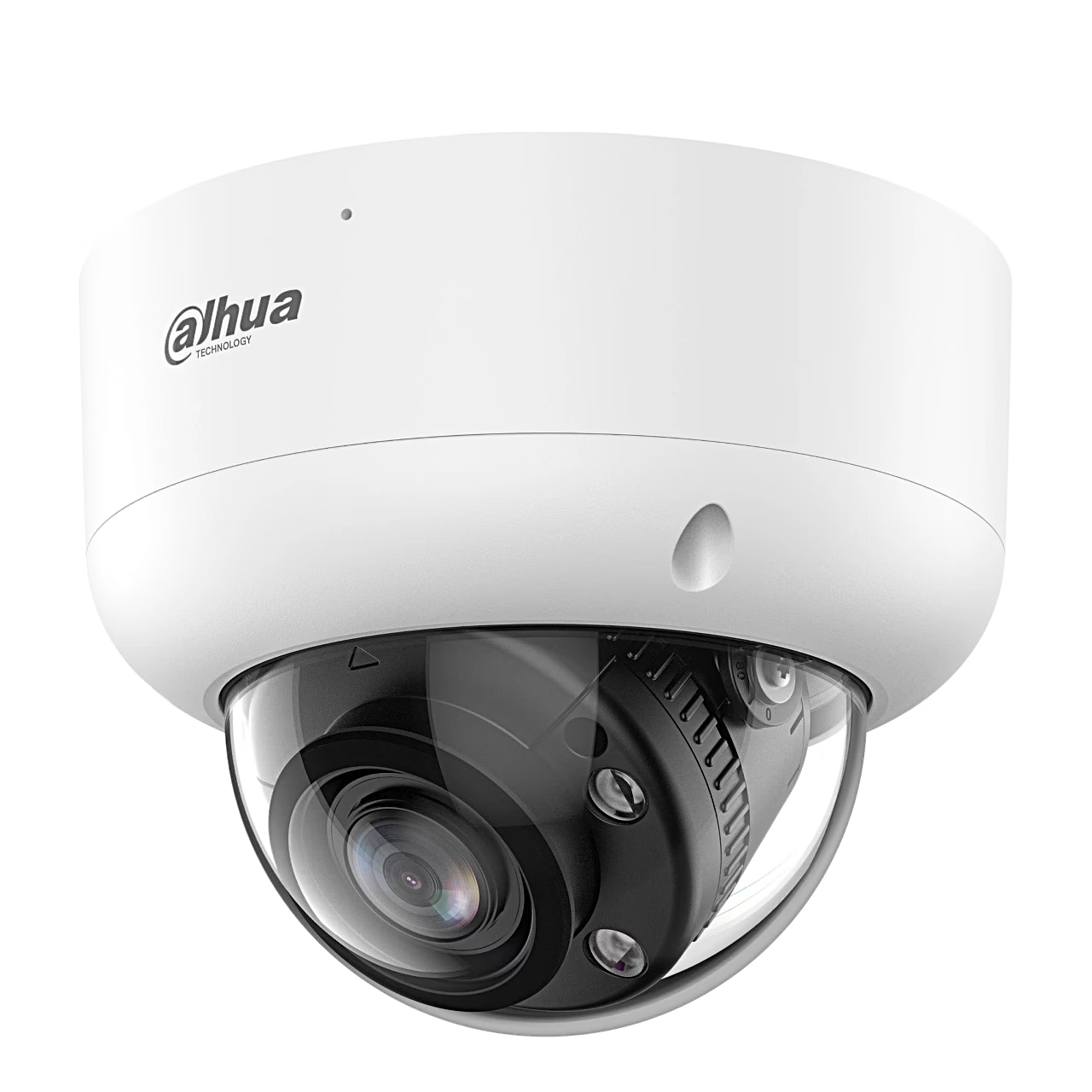
Security camera for HDCVI recorders with a remotely controlled zoom lens
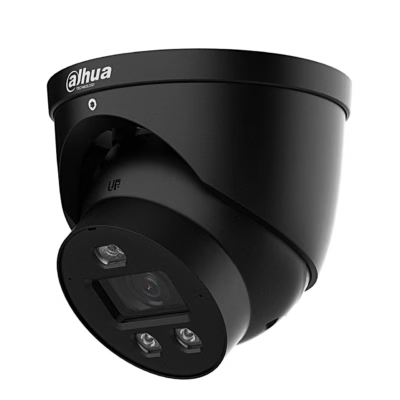
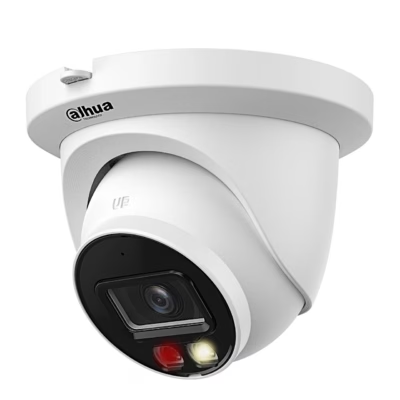
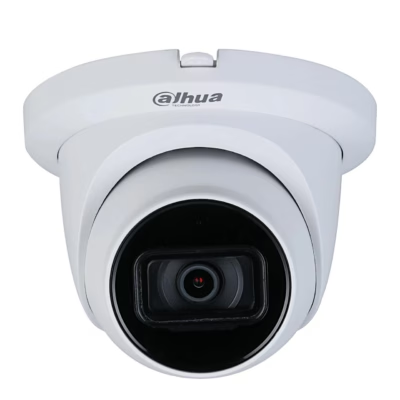
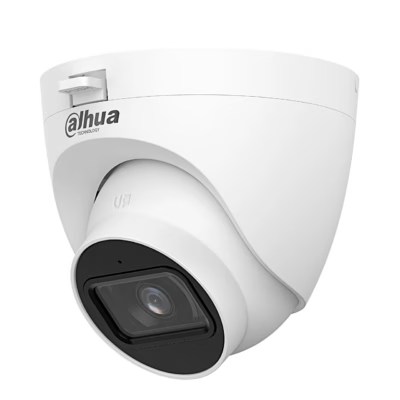
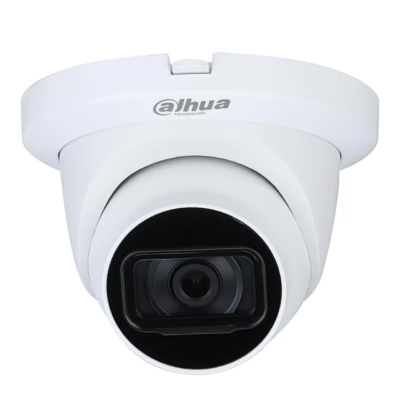
The outdoor dome security camera Dahua Lite HAC-HDBW1200RA-Z-IL-A is powered by a 12 V adapter and sends a Full HD picture (1920 × 1080) over coaxial cable to a recorder (XVR). The metal housing is dust- and waterproof to IP67 and impact-rated IK10, meaning it withstands a 20 J impact.
Coaxial connection and four video formats
HDCVI is a technology that sends high-definition video and control signals over the same coaxial cable. The camera’s BNC output can be switched to CVI, TVI, AHD or CVBS mode, so it also suits recorders of those formats. The Full HD picture travels up to 500 m on RG59 cable and up to 800 m on RG6.
Remote zoom sets the view after installation
You change the focal length of the motorised varifocal lens, 2.7–13.5 mm, from the recorder’s control panel, so the view can be changed after installation. The horizontal field of view is 30–99° and the aperture F1.6. On the DORI scale (EN 62676-4), the detect distance is 48.9 m and the identify distance 4.9 m at wide angle, and 151.1 m and 15.1 m at full zoom.
Smart Dual Light switches on white light for events
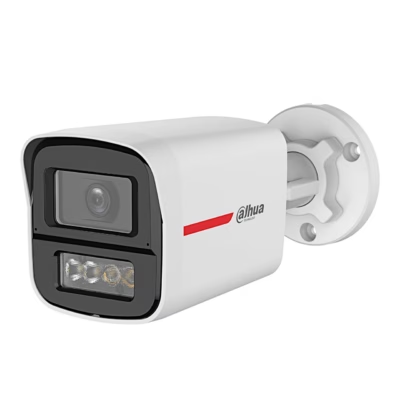
In the dark, the camera lights the scene with infrared up to 80 m. When an AI-capable XVR detects a target in a rule area, a warm white light reaching up to 60 m comes on and the camera shows the event as a colour picture. You can choose smart IR and white light, white light only or infrared only, and Smart Zoom Lighting matches the illuminator brightness to the zoom.
Microphone and image processing
The built-in microphone picks up sound up to 8 m away and sends it in the same cable as the video in CVI or TVI mode. DWDR, BLC and HLC help against backlight, and 3D noise reduction cleans up the picture in low light.
Installation
The camera mounts on a ceiling or wall: drill the holes, insert the anchors and fix the base with screws. Then turn the camera to the required direction; it pans 0–355° and tilts 0–80°. Fix the dome with the T15 screws, remove the protective film and wrap the cable joints with insulating or waterproof tape.
Cleaning and care
Remove dust from the lens with an air blower or wipe it gently with a soft cloth moistened with alcohol. Clean the housing with a soft dry cloth, and for heavier dirt with a cloth dampened with a mild detergent.









































Reviews
There are no reviews yet.