

Description
Wireless CarPlay adapter for Apple CarPlay and Android Auto cars
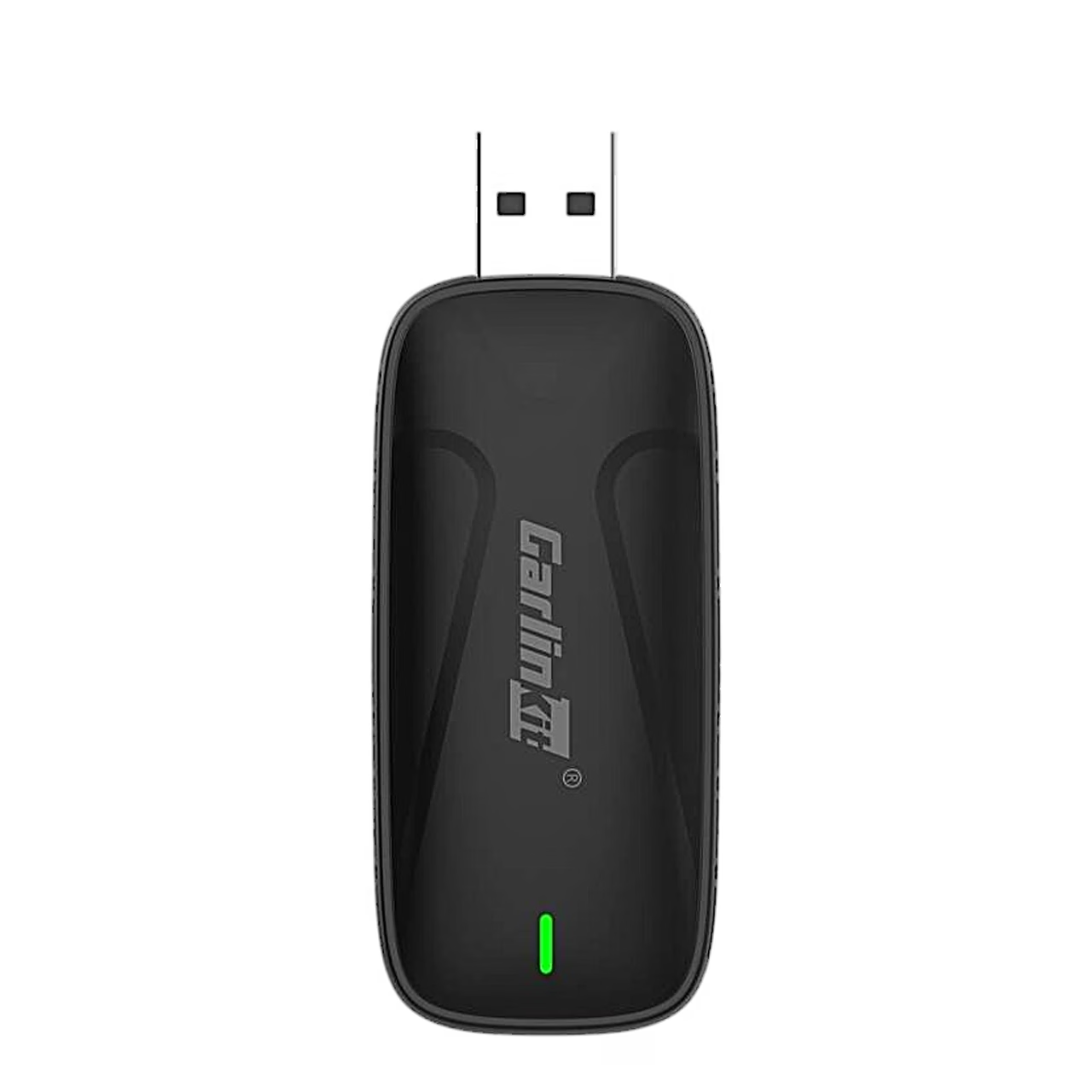
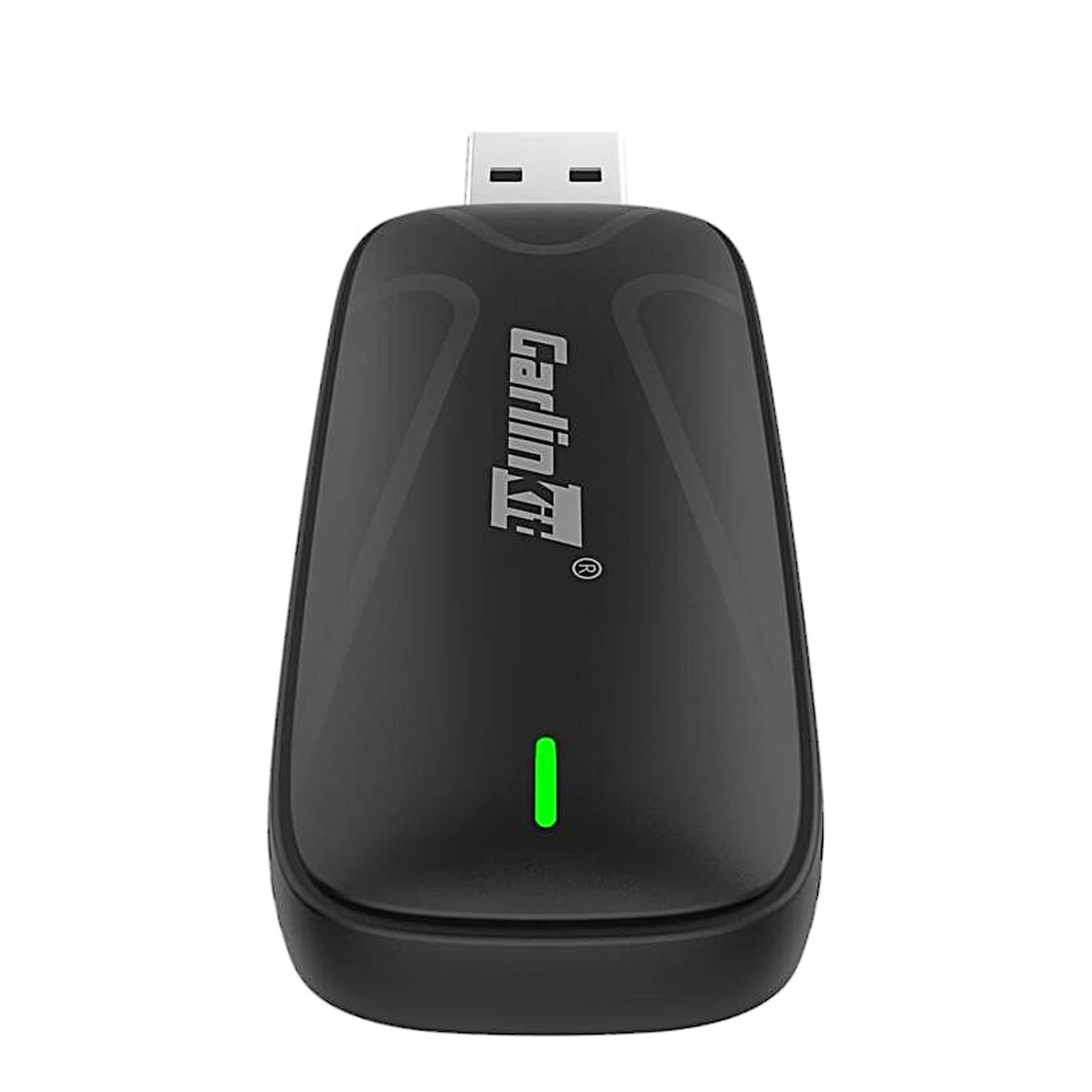
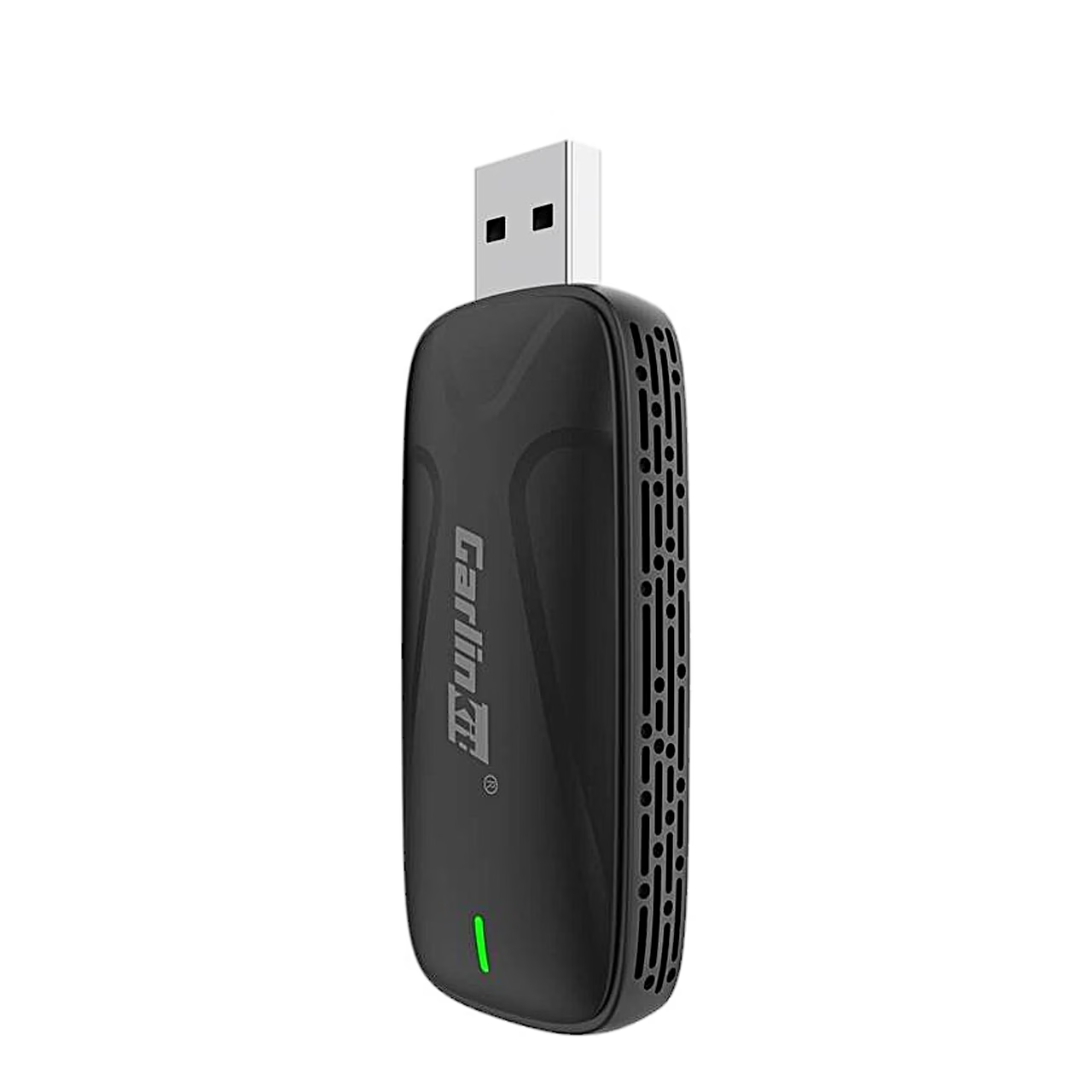
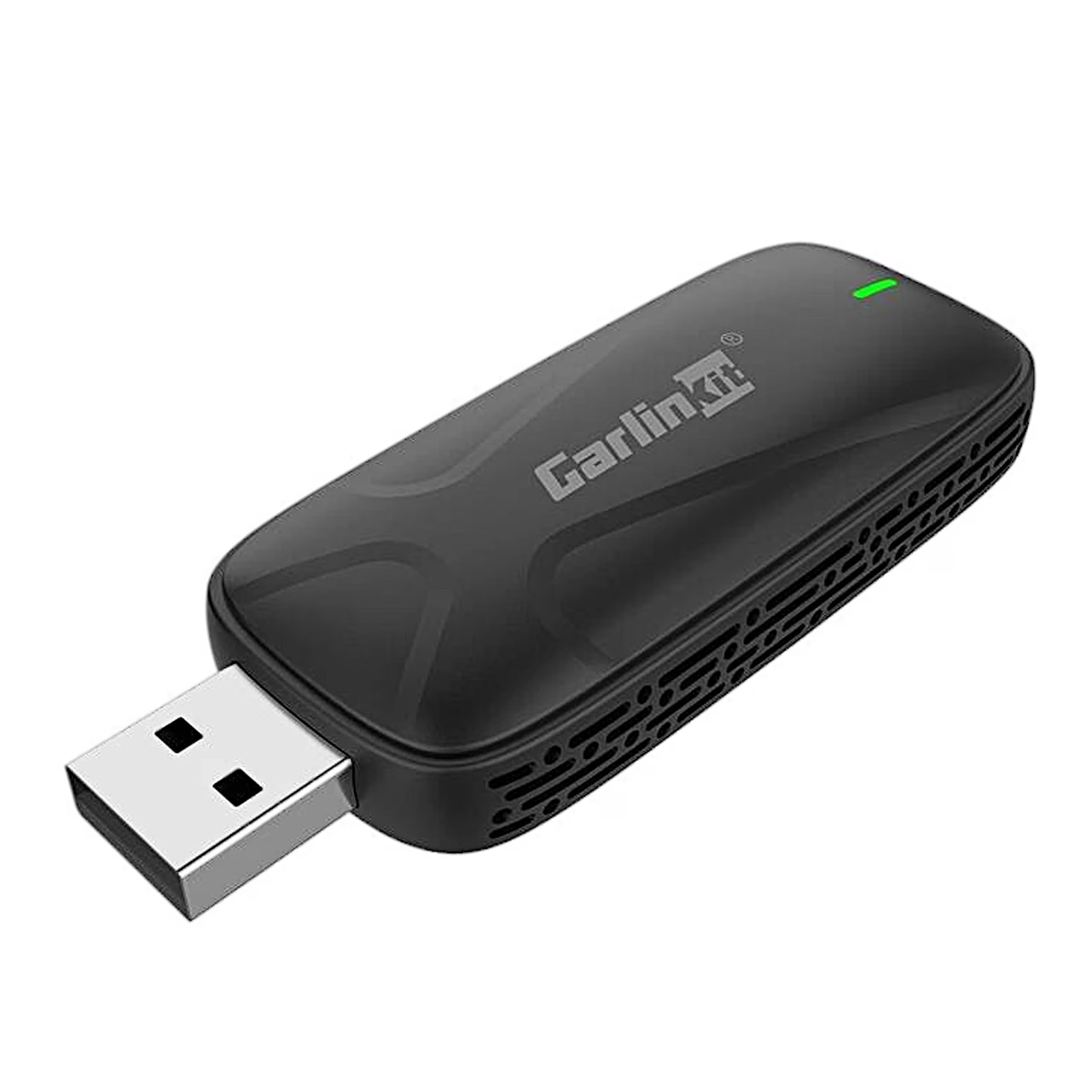
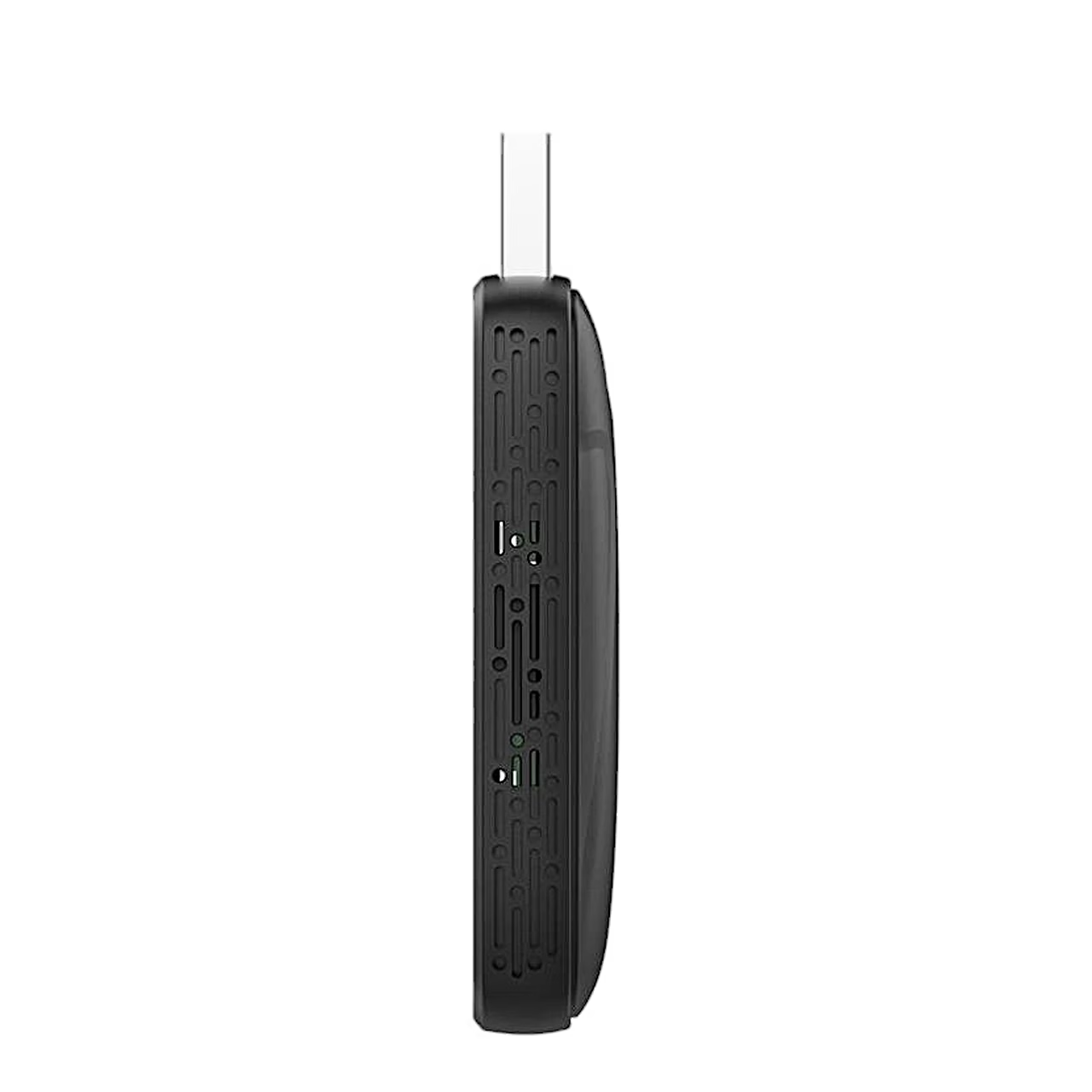
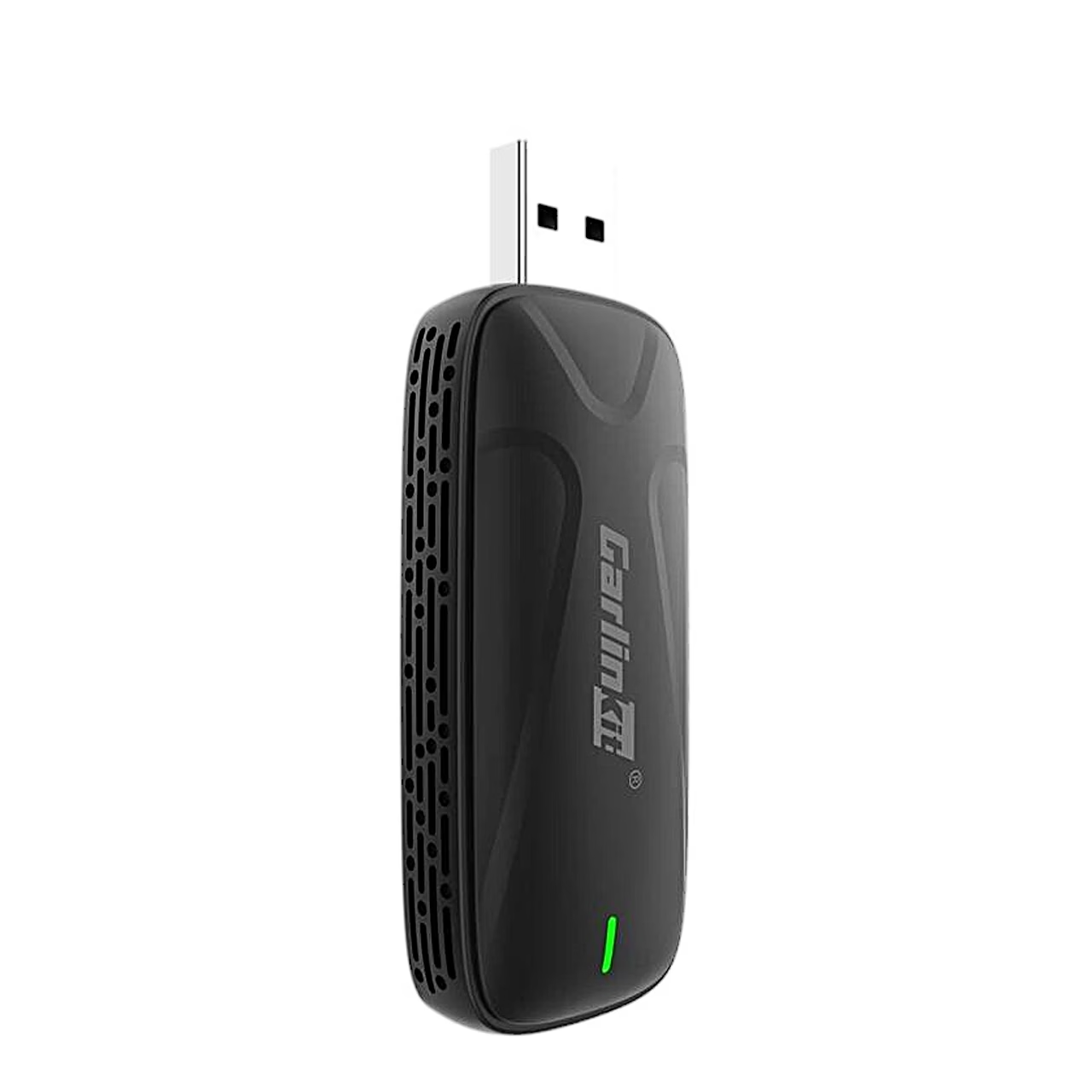
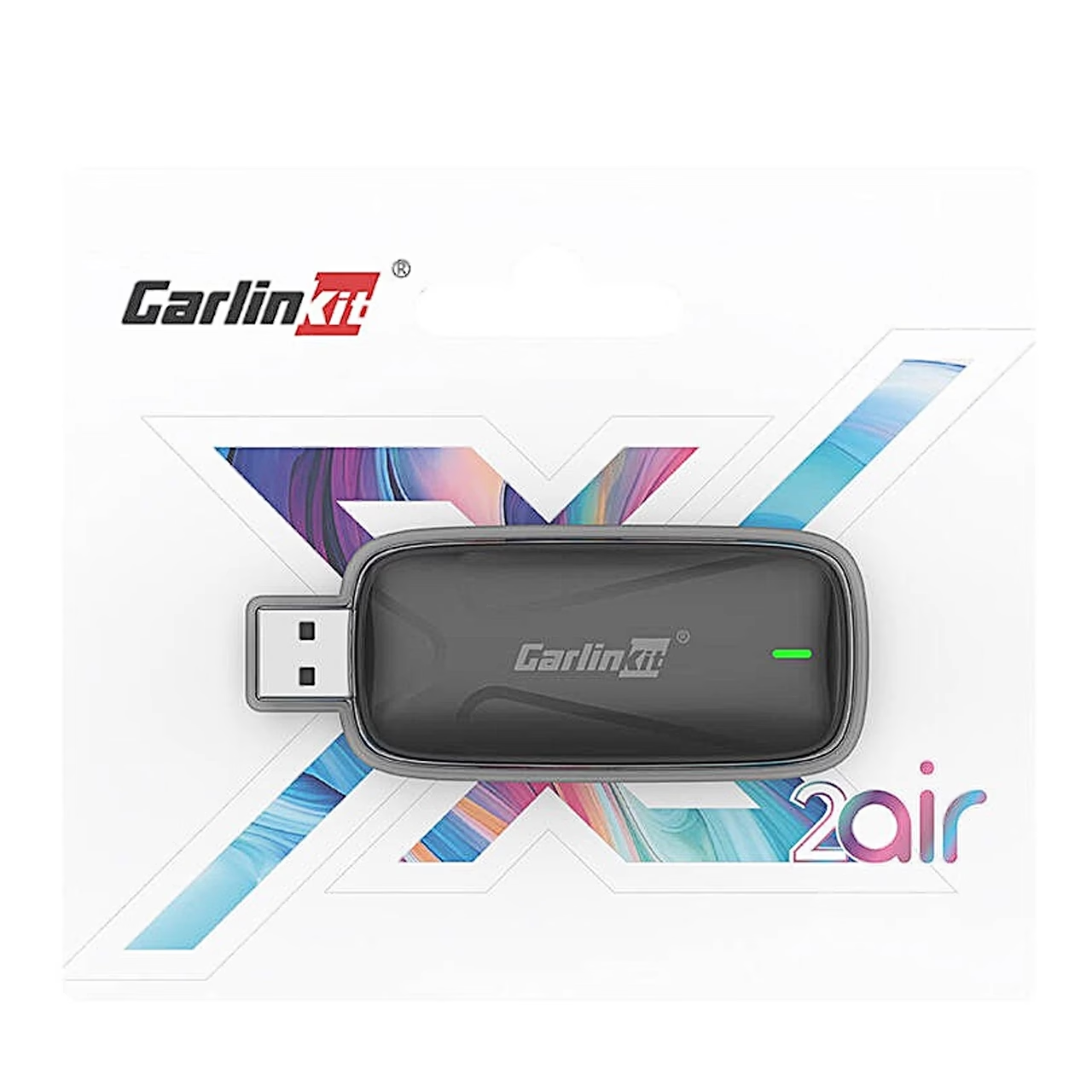
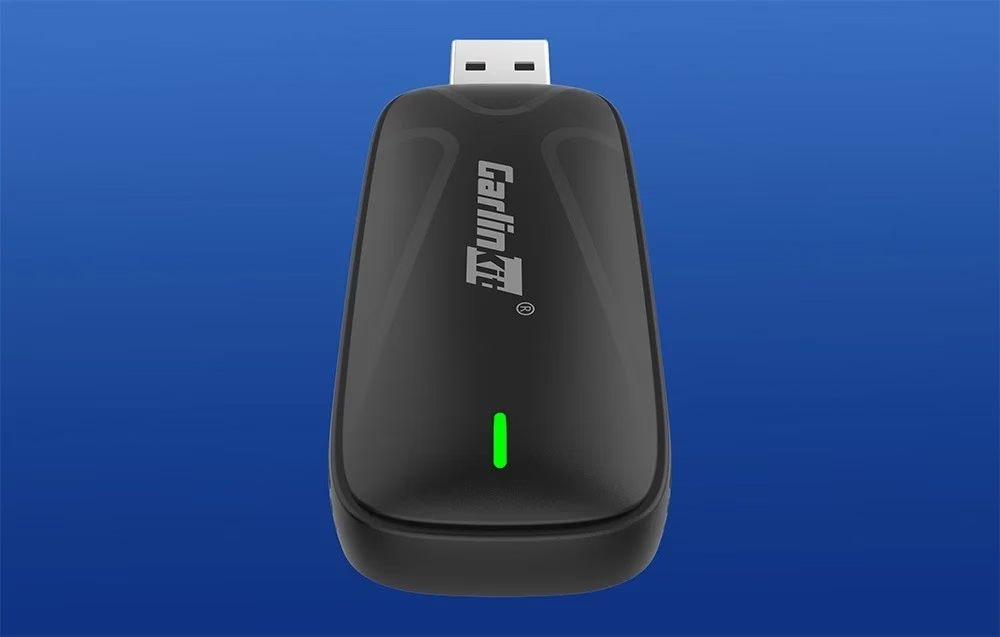
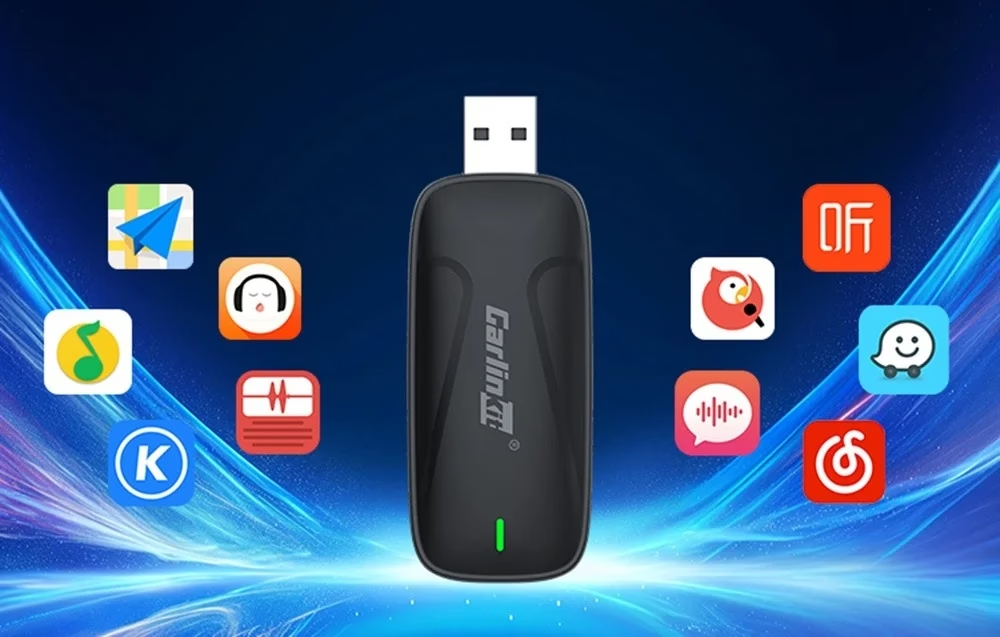
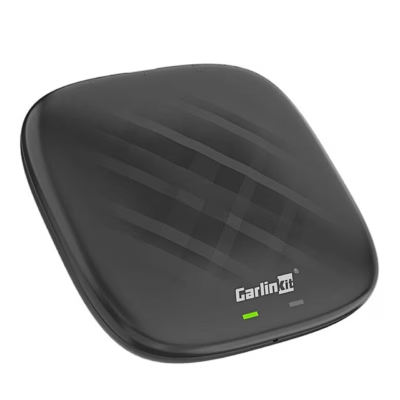
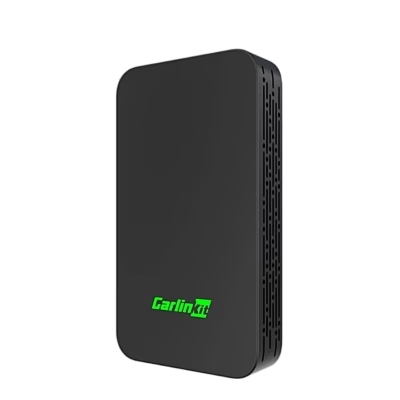
The Carlinkit AIR X2 wireless CarPlay adapter connects your phone to the car screen without a cable. It works with Apple CarPlay and Android Auto and plugs into the car’s USB-A port.
A wireless CarPlay adapter uses the car’s factory CarPlay connection
A wireless CarPlay adapter is a small device plugged into the car’s USB port that turns the factory wired CarPlay or Android Auto connection into a wireless one. The AIR X2 first pairs with the phone over Bluetooth, then the connection runs over Wi-Fi in two bands, 2.4 GHz and 5 GHz. For Android apps and video on the car screen there is a separate Android adapter; the AIR X2 brings the phone’s CarPlay or Android Auto view to the car screen.
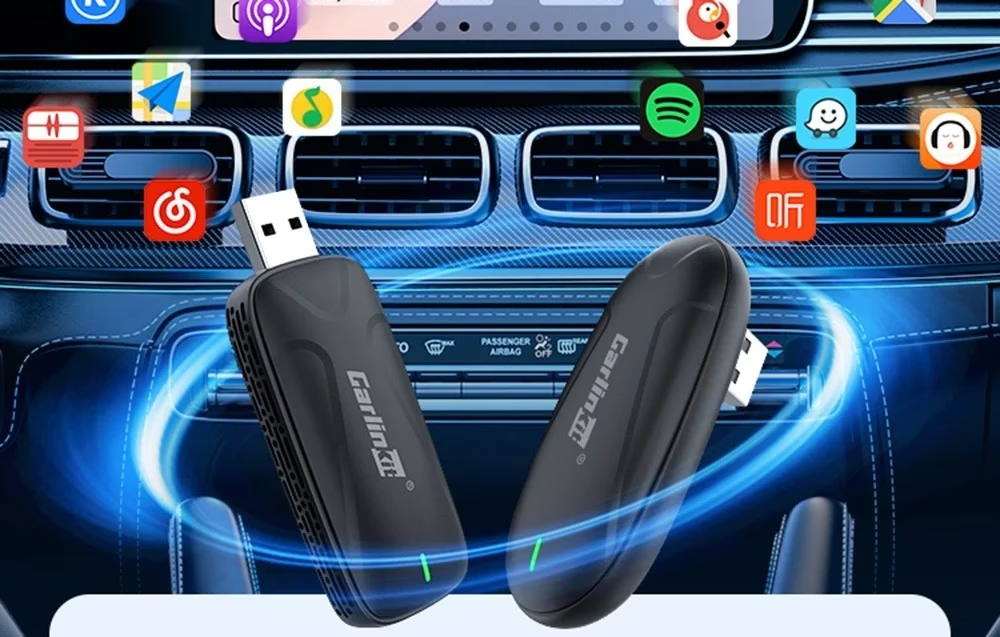
The car’s steering wheel buttons and touchscreen stay in use
You control CarPlay and Android Auto with the steering wheel buttons, touchscreen or rotary controller. On the car screen you can use the phone’s navigation, music and call apps and the voice assistant. After the first pairing the adapter connects by itself when the car starts. The adapter follows the car’s language settings, and the language can also be changed manually.
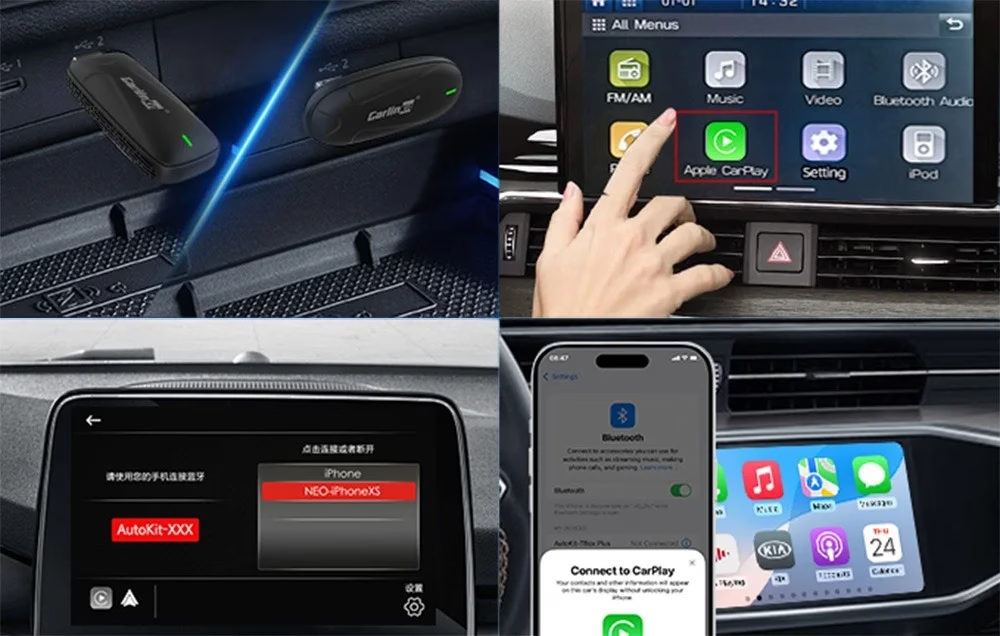
Connecting to the car’s USB port and the phone
Plug the adapter into the car’s USB port, open CarPlay or Android Auto on the car screen and pair the phone with the adapter over Bluetooth. To update the software, open the maker’s update address in the phone’s browser.
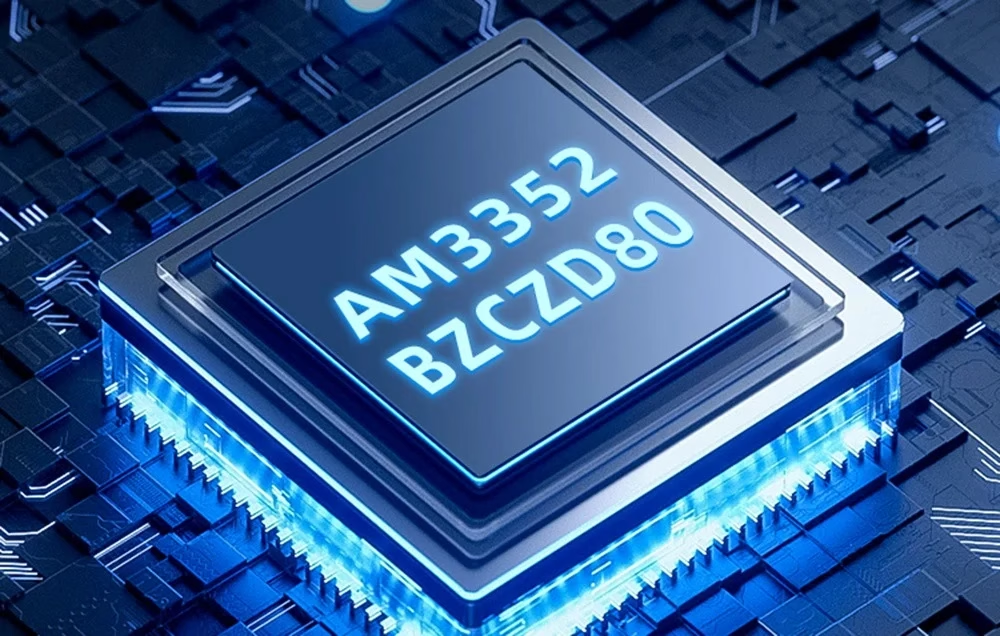
Processor and power from the car’s USB port
The adapter runs on an automotive-grade processor, the AM3352BZCZD80. It draws power from the car’s USB port: input 5 V and 1.0 A, power 1.5 W.
In the box
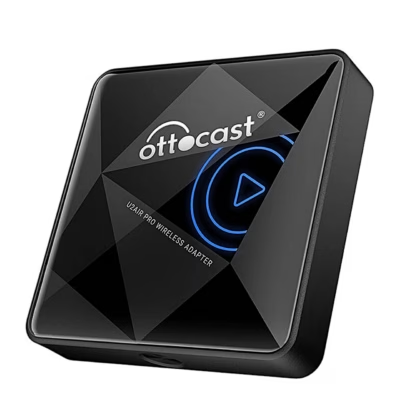
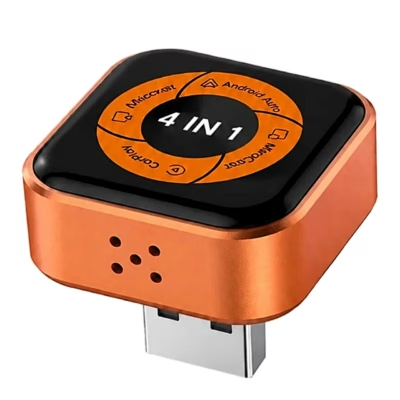
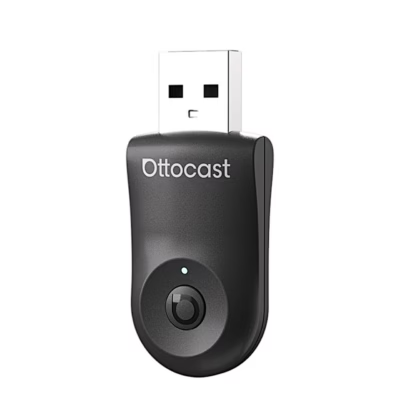
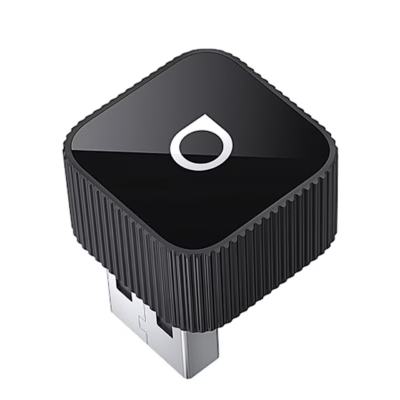
- CarPlay adapter Carlinkit AIR X2, 1 pc









































Reviews
There are no reviews yet.