

Description
Wireless CarPlay adapter for connecting an iPhone or Android phone
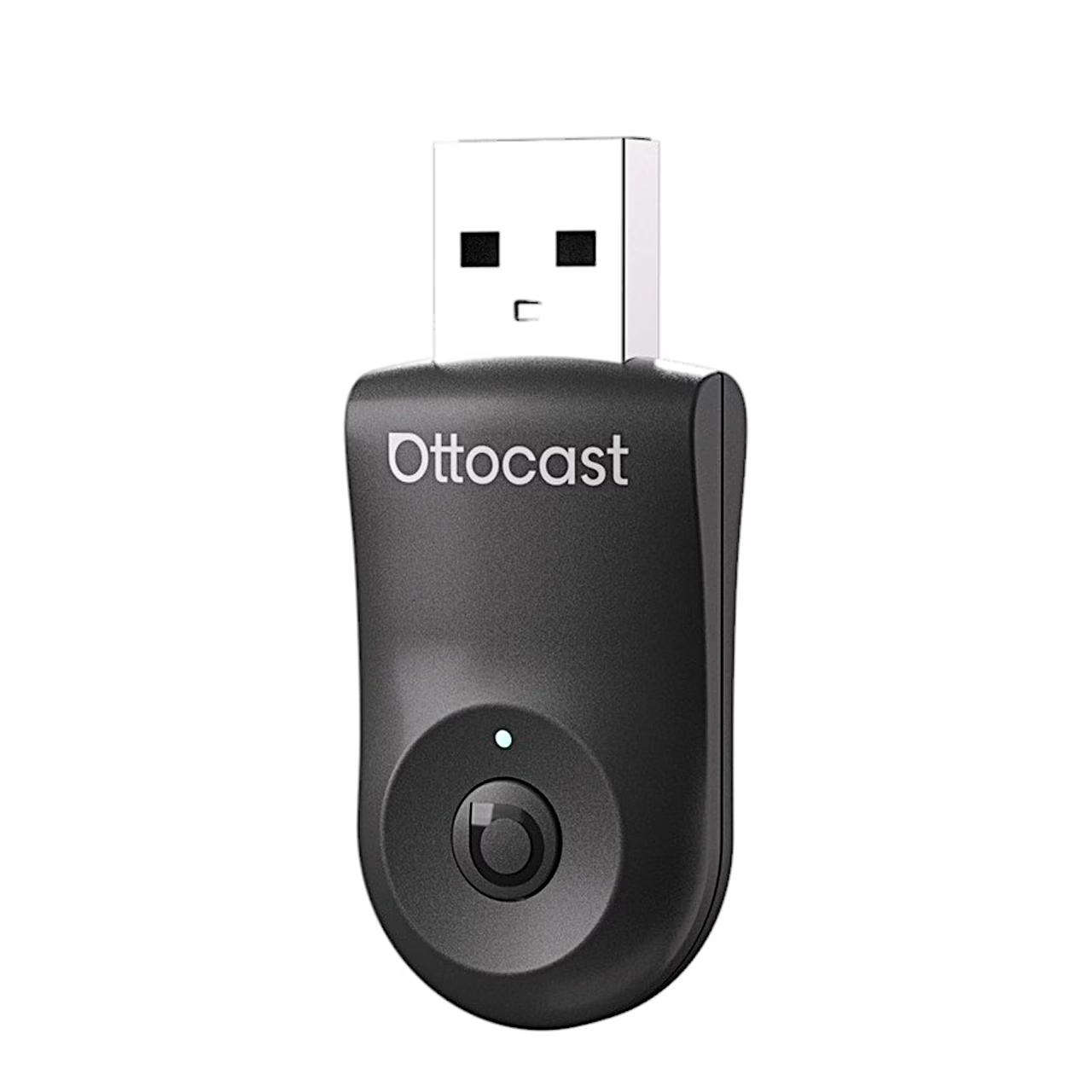
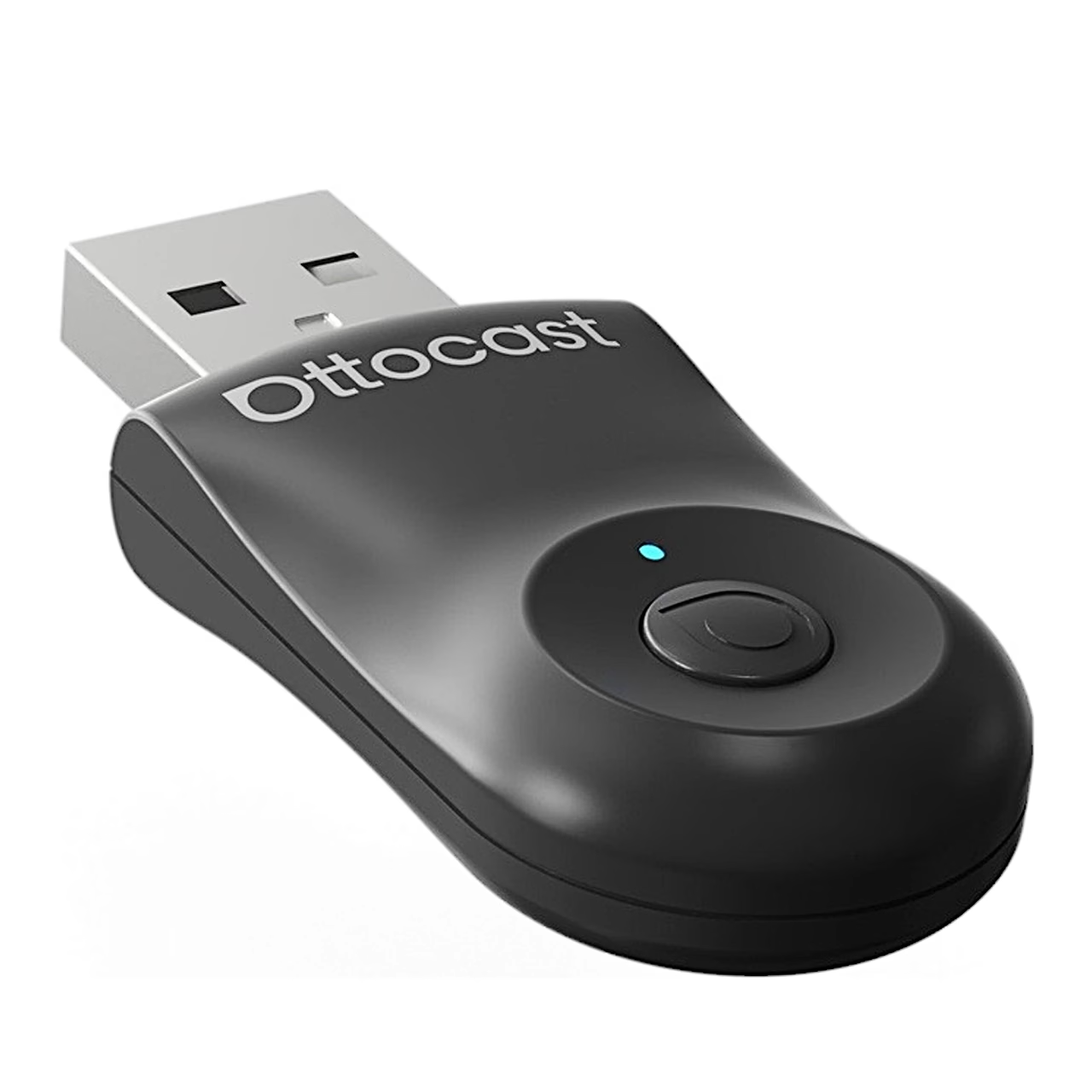
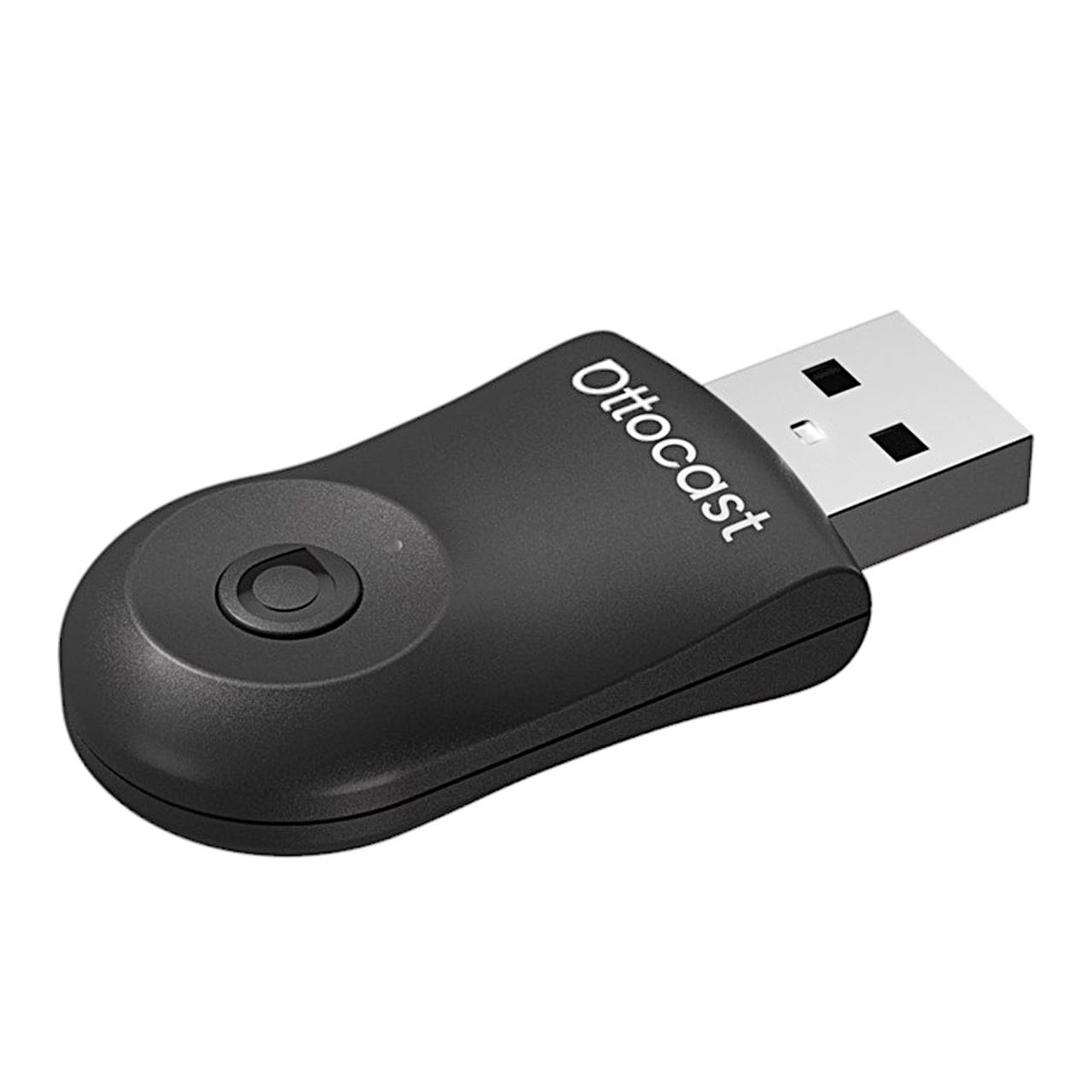
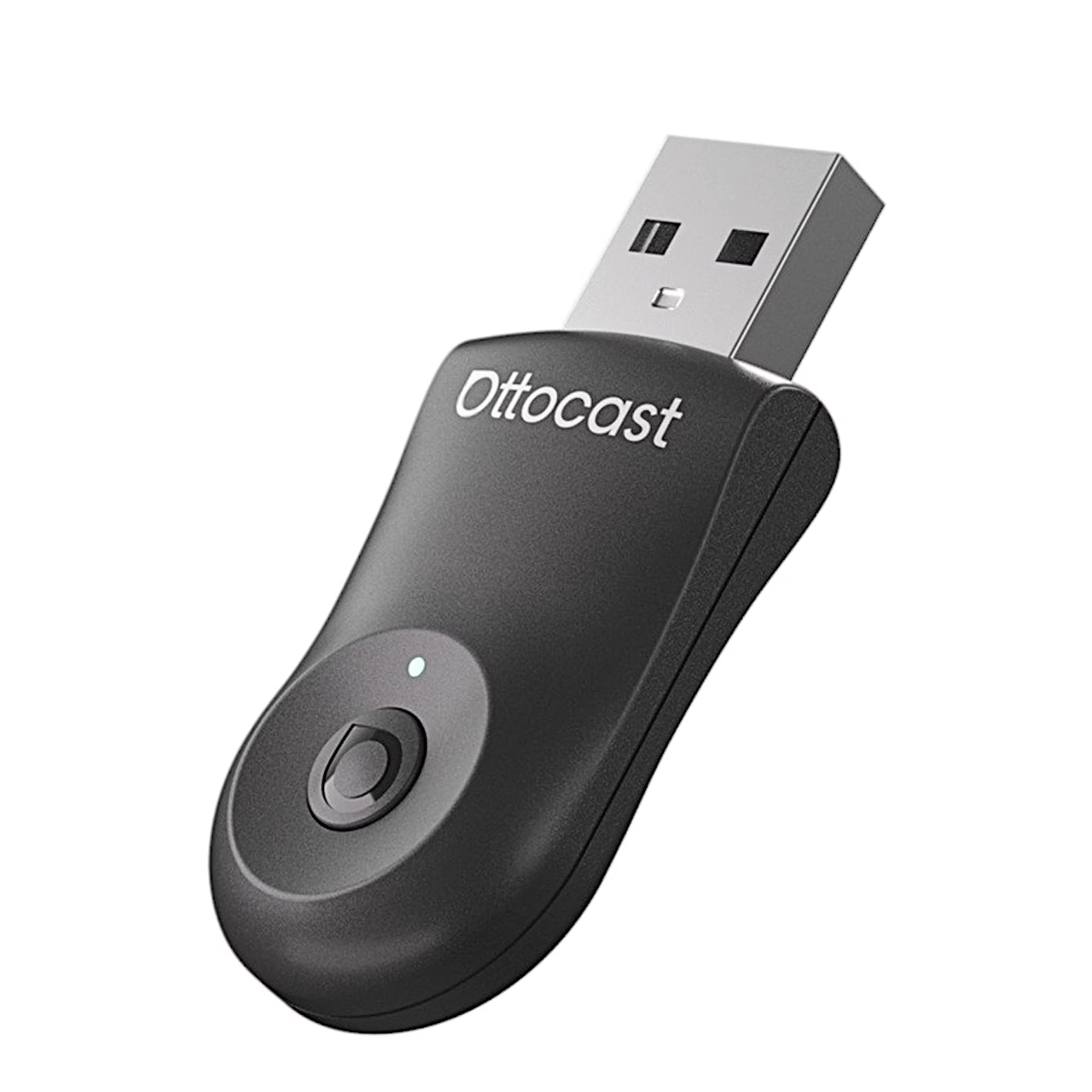
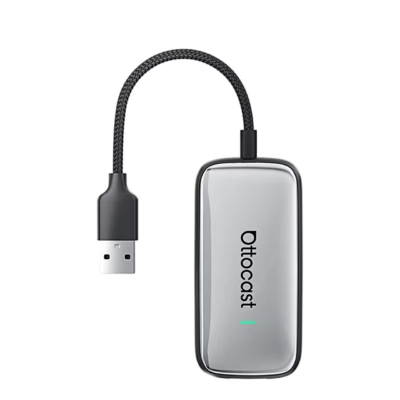
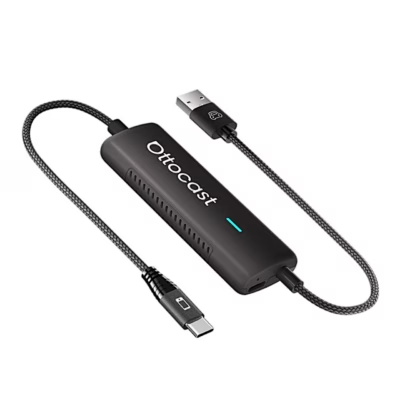
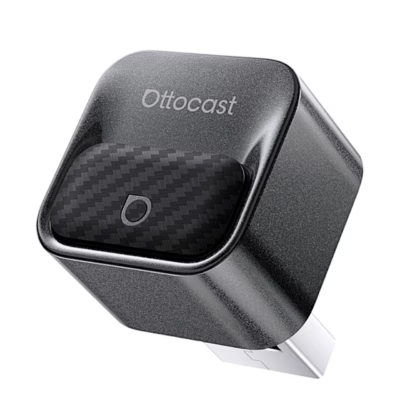
The car’s factory wired CarPlay and Android Auto become wireless when you plug the wireless CarPlay adapter Ottocast CA505-T MINI into the USB port. The adapter works in cars where factory CarPlay or Android Auto works with a cable. Music, maps and phone apps reach the car screen without plugging the phone in.
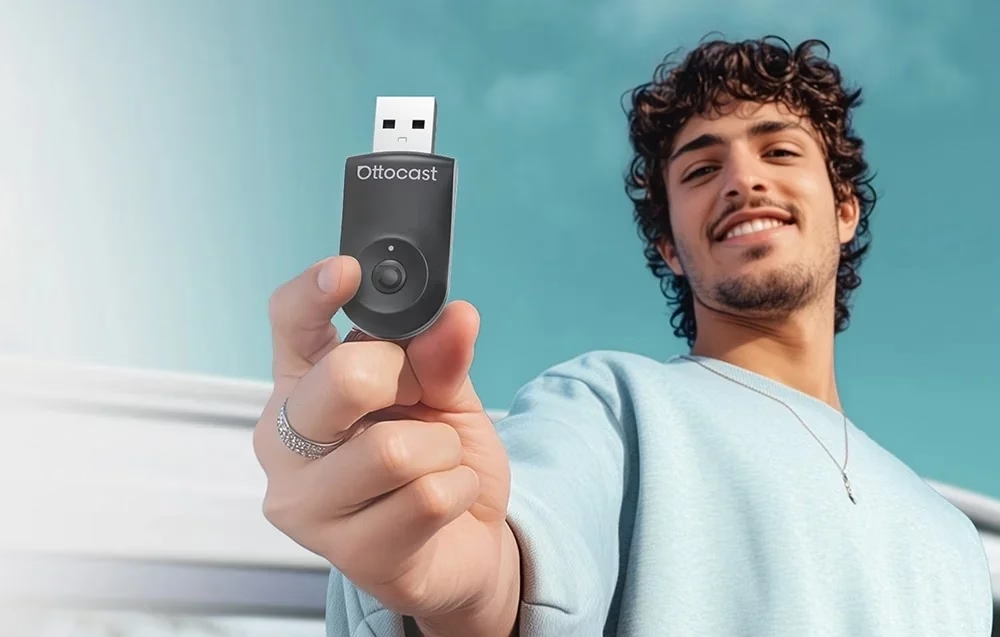
The phone connects to a wireless CarPlay adapter by radio
A wireless CarPlay adapter is a small device plugged into the car’s USB port that replaces the cable between phone and car with a radio link. The CA505-T MINI connects to the phone without a cable over Bluetooth and 5 GHz Wi-Fi, with Bluetooth version 5.0. The adapter supports iPhones from iOS 10 and Android phones from Android 11. For separate Android apps and video on the car screen, an Android adapter with its own Android system is the device to choose.
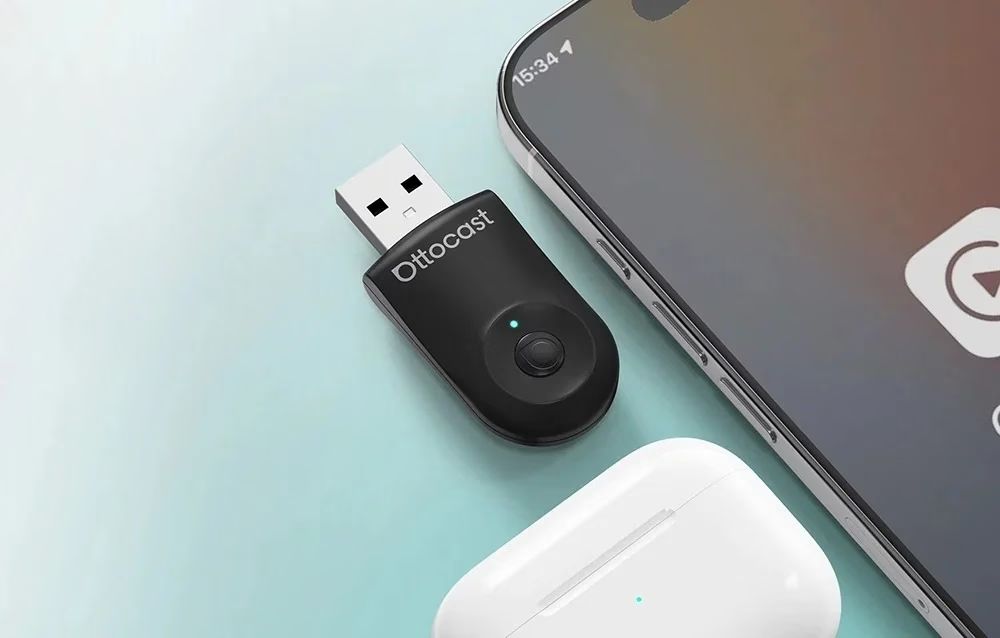
Connecting to the car’s USB port and the phone
Plug the adapter into the car’s USB port, turn on Wi-Fi and Bluetooth on the phone, pair the phone with the adapter and confirm the connection. In a car with a USB-C port you use the included USB-A to USB-C adapter; a 90° USB-A to USB-A angle adapter is also supplied.
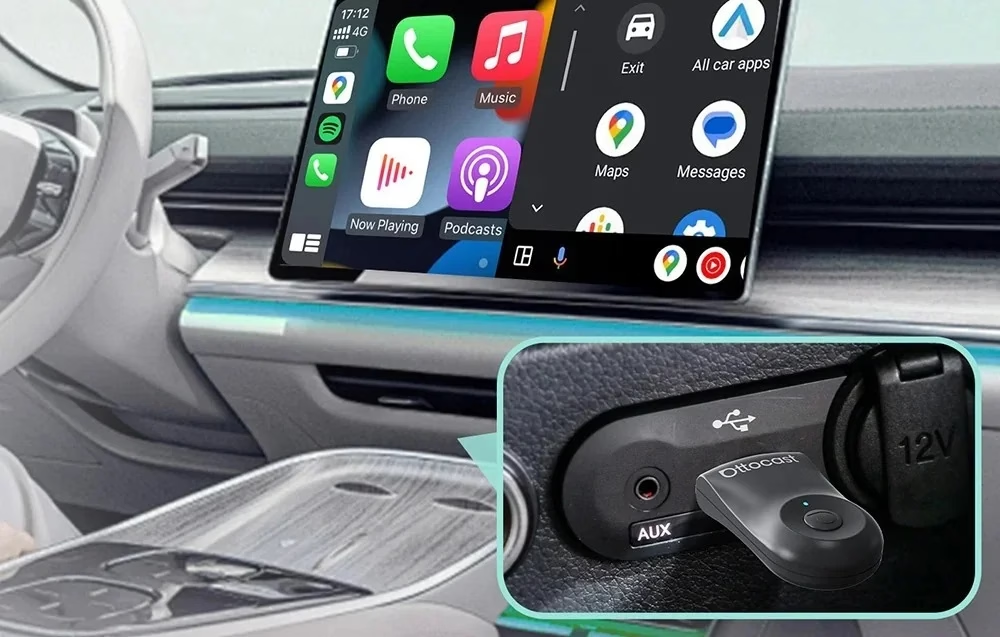
Touchscreen, steering wheel buttons and voice commands keep working
The adapter supports touchscreen and steering wheel control of the car’s multimedia system and voice commands through the car’s microphone. With Siri or Google Assistant you can make calls, play music and navigate without taking your hands off the wheel.
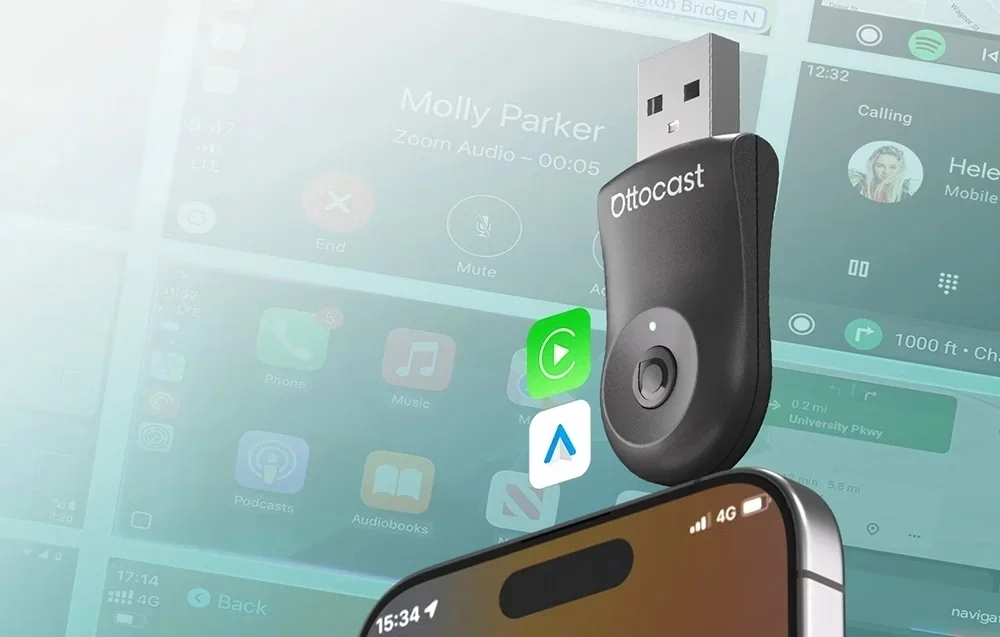
Switching phones and software updates
To connect another phone, you end the current connection with one press and pair the new phone. The adapter’s software can be updated over the internet.
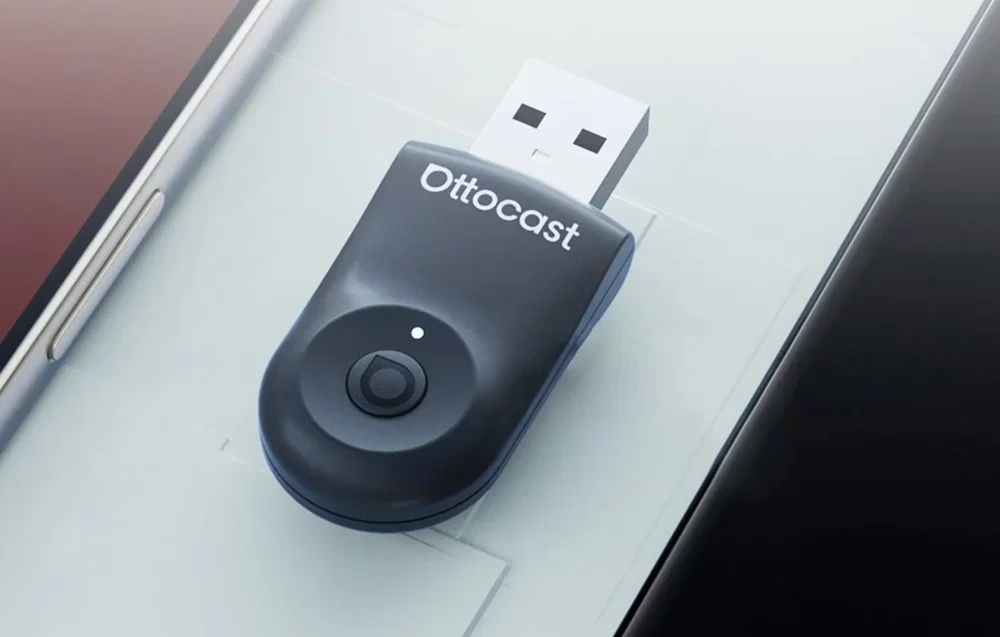
In the box
- Wireless CarPlay adapter Ottocast CA505-T MINI, 1 pc
- USB-A to USB-C adapter, 1 pc
- 90° USB-A to USB-A angle adapter, 1 pc
- User manual








































Reviews
There are no reviews yet.