

Description
Wireless mechanical keyboard with three connection modes
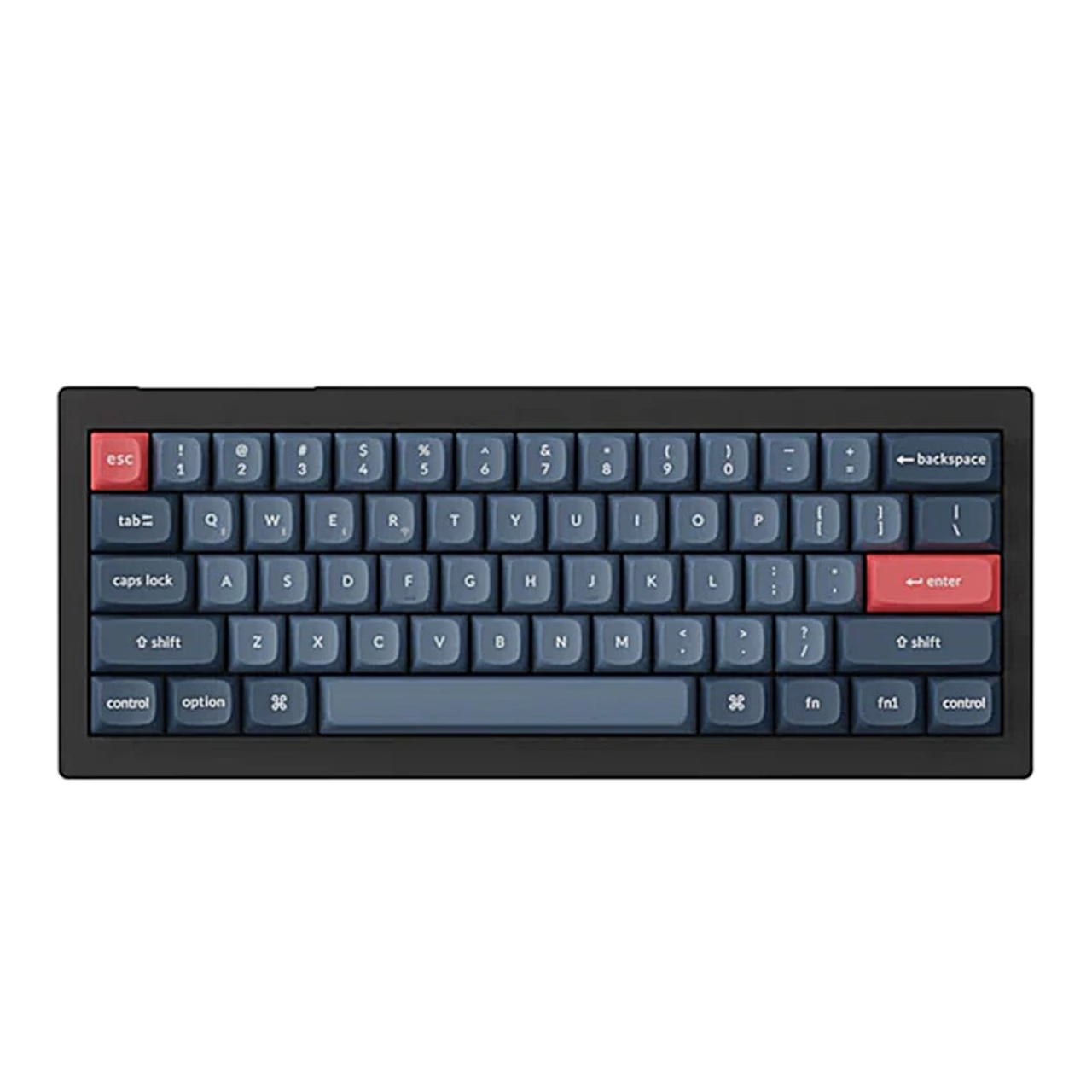
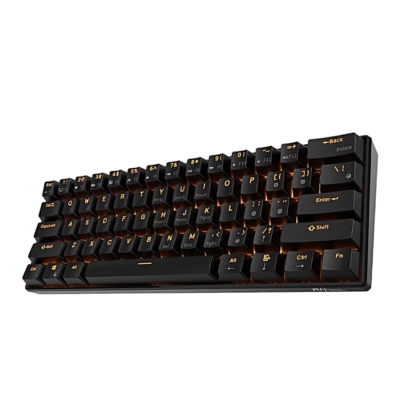
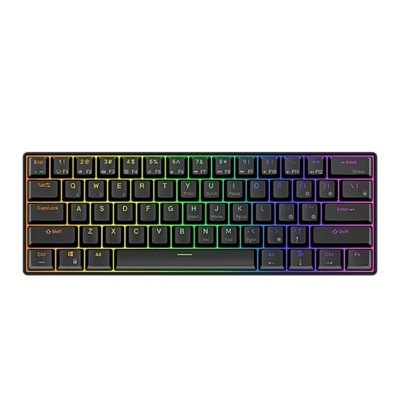
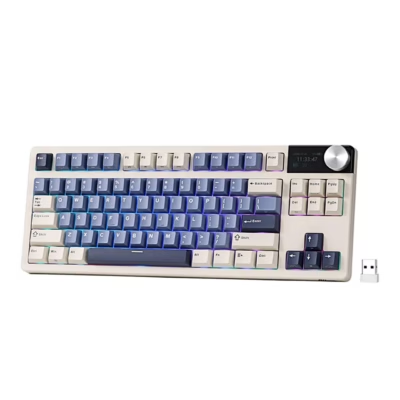
The black wireless mechanical keyboard Keychron V4 Max connects to the computer via a 2.4 GHz receiver, Bluetooth or cable. The keycaps are double-shot PBT, and the tilt can be set to 3.5, 8 or 11 degrees.
Connecting and use
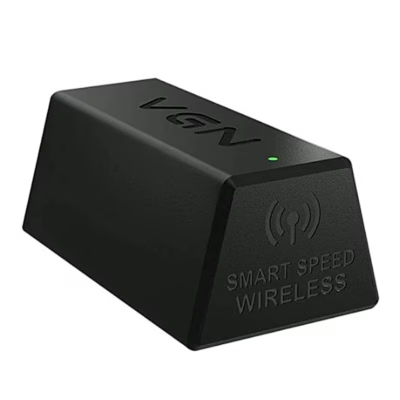
Before connecting, set the system toggle in the top left corner to match the computer’s operating system. For 2.4 GHz, plug the receiver into a USB port on the computer and slide the mode toggle to 2.4G; for low latency, place the receiver near the keyboard with the extension adapter. To pair via Bluetooth, hold Fn + Q for 4 seconds and select the device Keychron V4 Max on the computer. For wired use, connect the USB-C cable and slide the toggle to Cable.
Key remapping and backlight
Keys can be remapped in the web-based VIA software, which runs in Chrome, Edge and Opera with the keyboard connected by cable. The keyboard has five key layers: Mac, Windows, multimedia keys for each, and function keys. Fn + A changes the lighting effect, Fn + Caps Lock turns the backlight on and off, and Fn + S and Fn + X adjust the brightness. To restore factory settings, hold Fn1 + J + Z for 4 seconds.
In the box
- Keyboard Keychron V4 Max, 1 pc
- USB-C to USB-C cable, 1 pc
- USB-A to USB-C adapter, 1 pc
- Receiver extension adapter, 1 pc
- 2.4 GHz receiver with USB-A plug, 1 pc
- 2.4 GHz receiver with USB-C plug, 1 pc
- Keycap and switch puller, 1 pc
- Screwdriver, 1 pc
- Hex key, 1 pc
- Windows keycaps (Win and 2 × Alt), 3 pcs
A charger is not included.










































Reviews
There are no reviews yet.