

Description
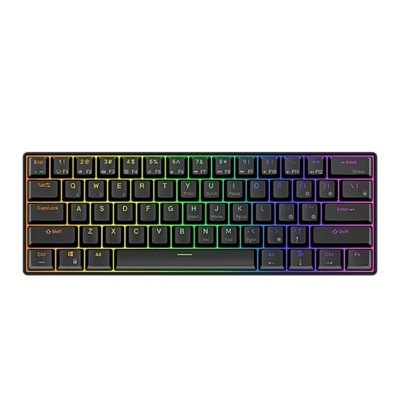
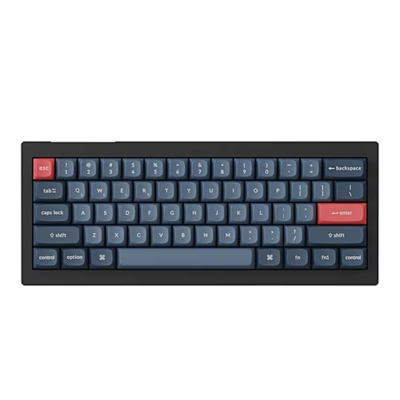
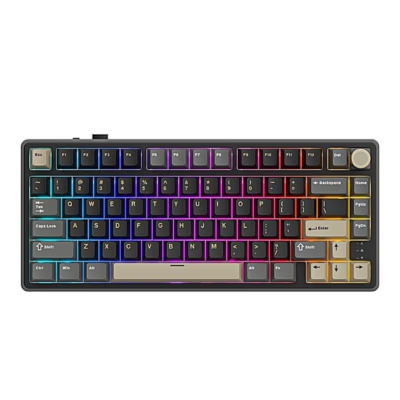
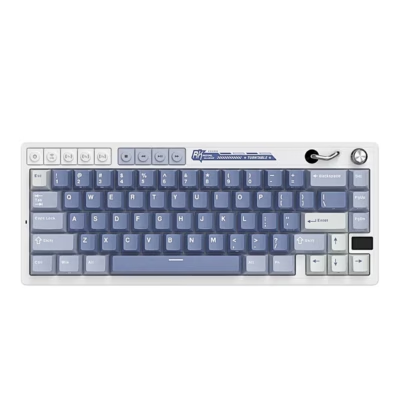
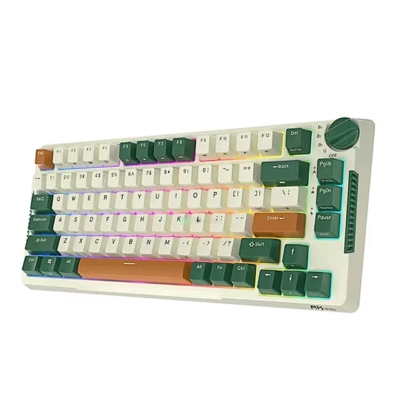
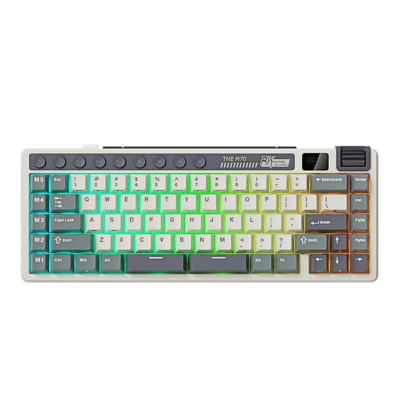
Compact keyboard with 61 keys and Red switches
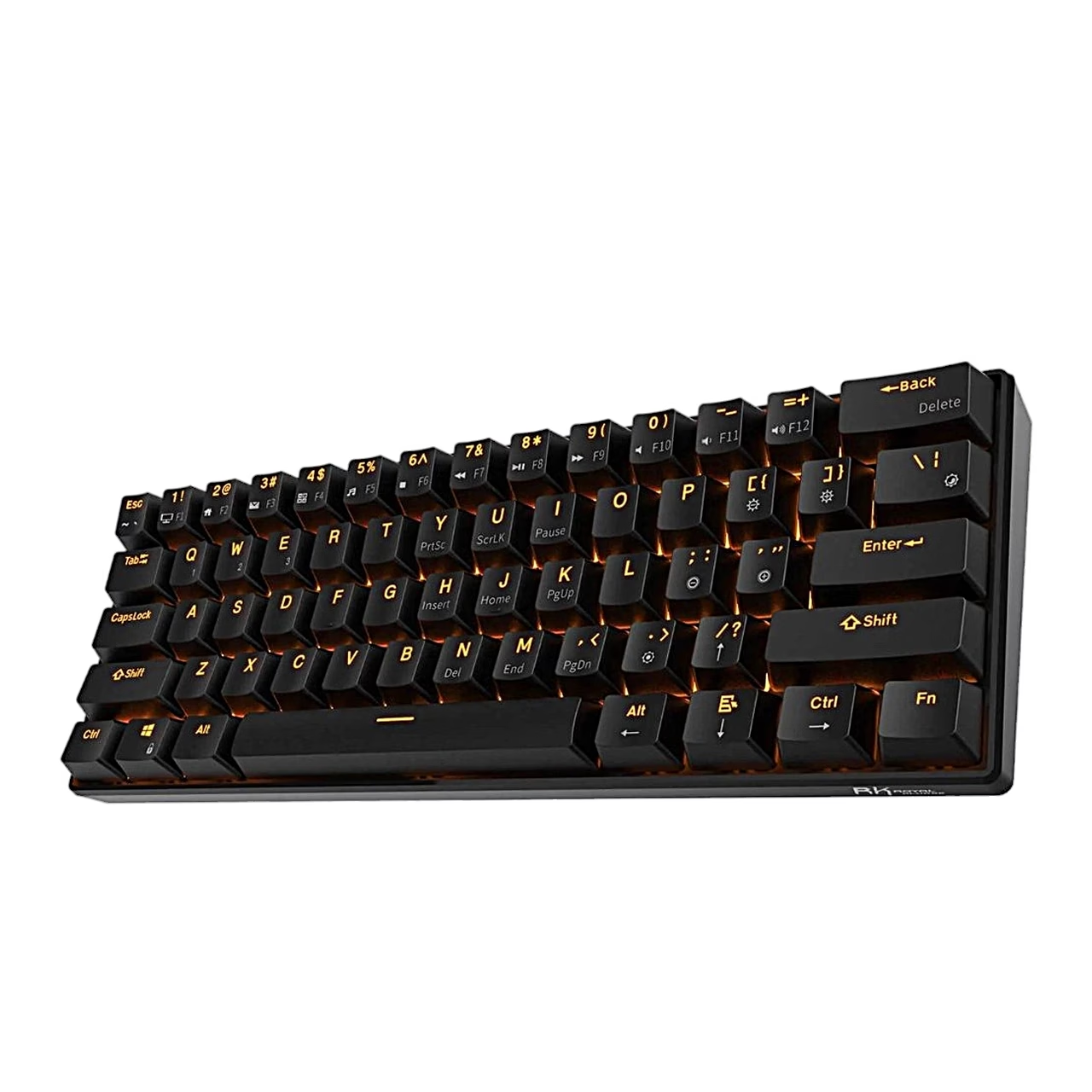
The wireless keyboard ROYAL KLUDGE RK61 has a 60% format and a US layout, with mechanical Red switches under the keys. It connects to a computer over 2.4 GHz wireless, Bluetooth or a USB cable. The keyboard remembers three Bluetooth devices; switch between them with Fn+Q, Fn+W and Fn+E.
Function keys and system modes on the Fn layer
The number row carries F1–F12 as a second function: Fn and 1 gives F1. The Fn layer also holds Insert, Home, PgUp, Del, End, PgDn, PrtSc, ScrLk and Pause, and Fn+Shift toggles the arrow key function. Fn+A selects Windows mode, Fn+S Mac mode, and Fn+Win locks the Windows key.
LED backlighting with 17 lighting modes
Change the lighting mode with Fn+\; brightness has four levels plus off. The effect speed also has four levels.
Pairing over Bluetooth
- Switch the keyboard on with the switch on the back.
- Press Fn+Tab to select Bluetooth mode.
- Hold Fn+P for 3 seconds; the P key light flashes until the connection is made.
In the device’s Bluetooth list the keyboard appears as MantisTek Keyboard.
Charging and standby
The battery charges from a computer USB port or a 5 V 1 A charger, and a full charge takes about 3 hours. While charging, the space bar lights red and turns off when the battery is full. In Bluetooth mode the light turns off after 1 minute, the keyboard enters standby after 5 minutes and deep sleep after 10 minutes; any key wakes it.
In the box
- Keyboard ROYAL KLUDGE RK61, 1 pc
- User manual
- Quality certificate
- Charger not included













































Reviews
There are no reviews yet.