

Description
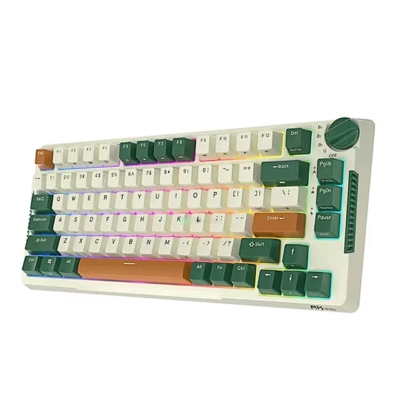
Keyboard with three connection modes and a volume knob
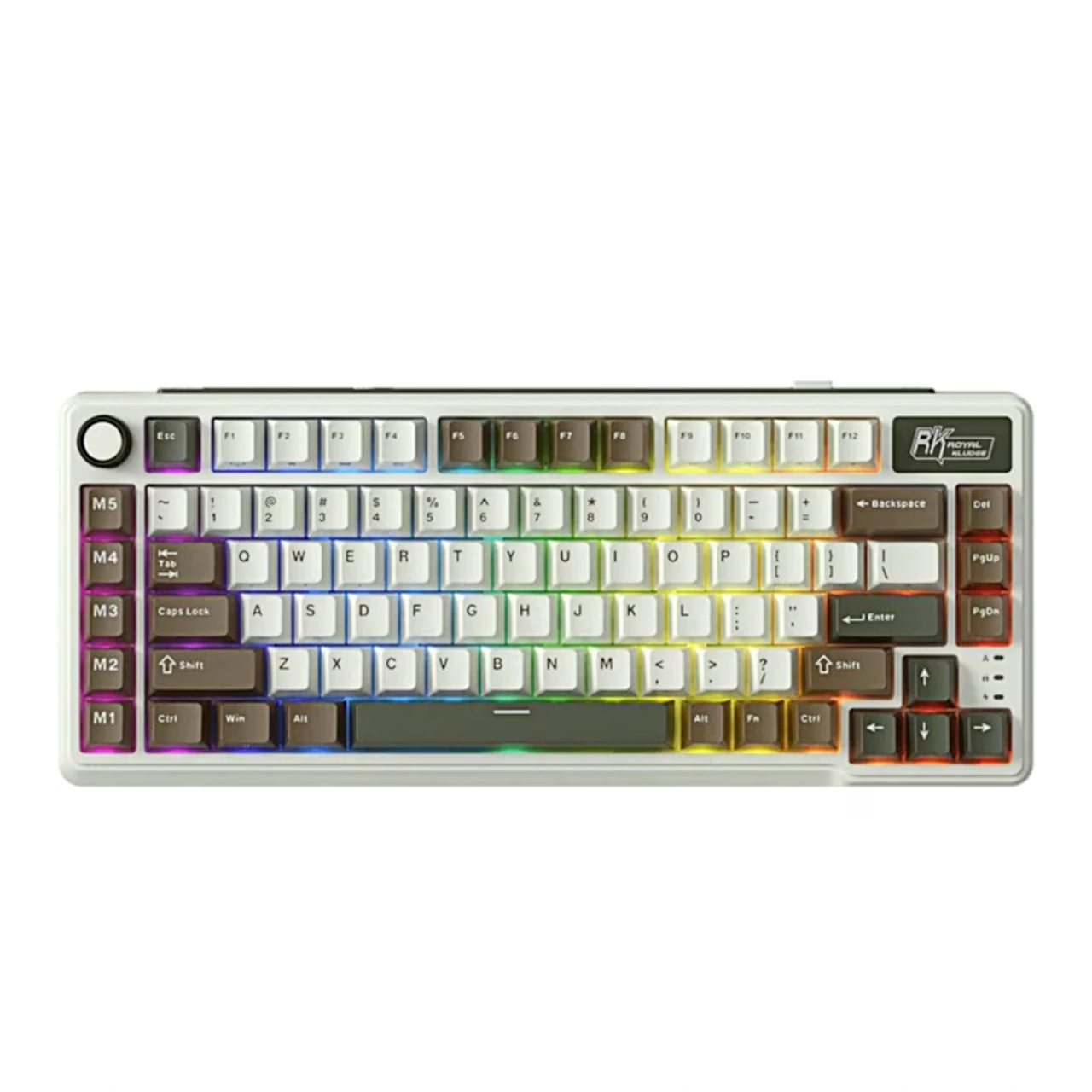
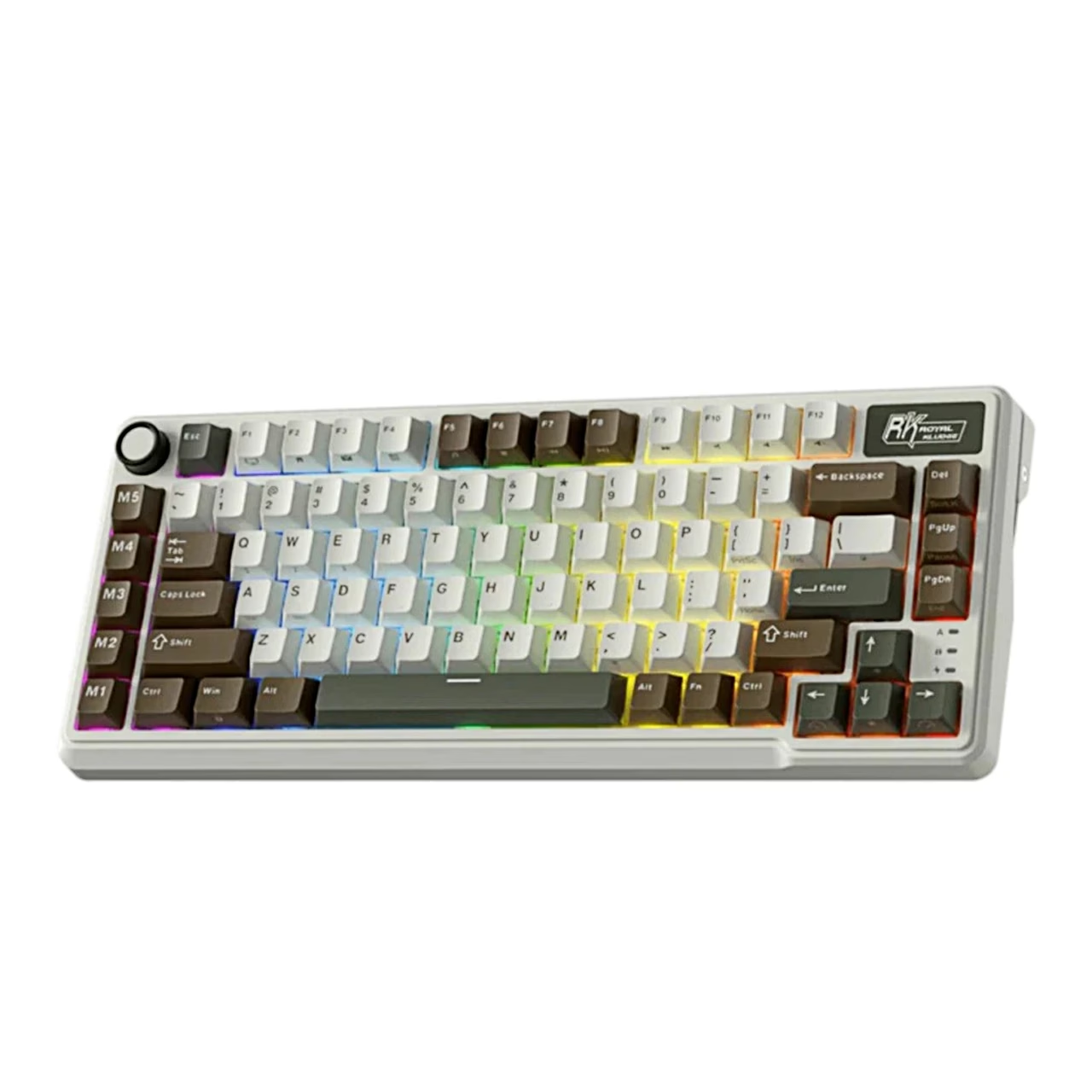
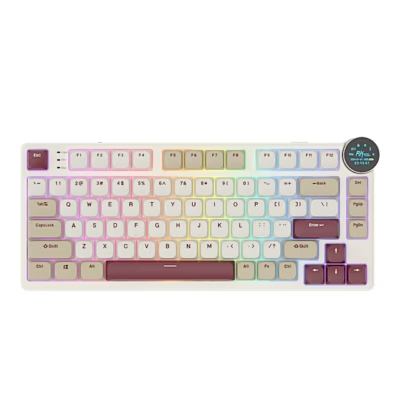
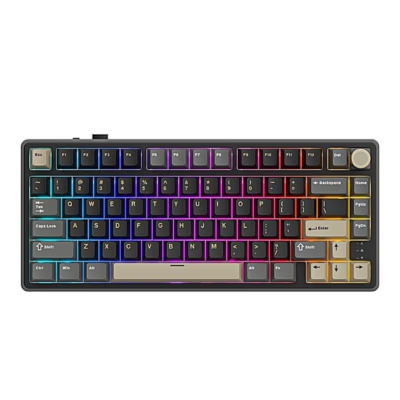
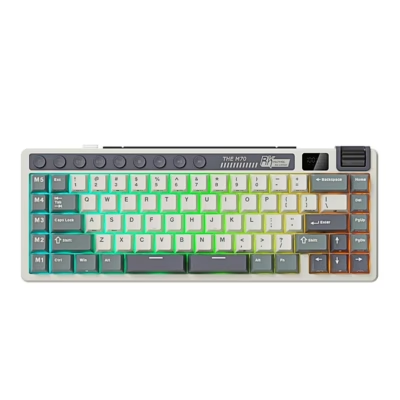
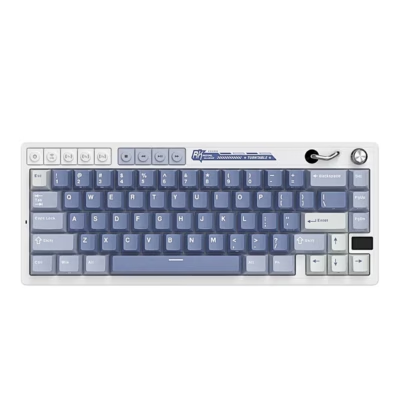
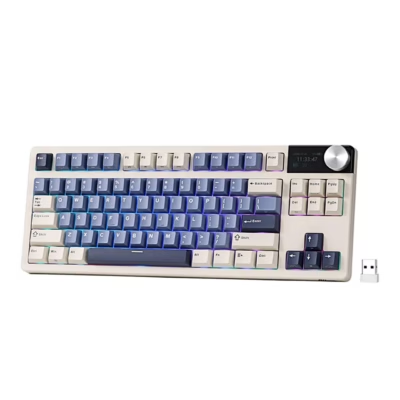
The ROYAL KLUDGE L75 wireless mechanical keyboard connects by USB cable, 2.4 GHz receiver or Bluetooth, and its battery charges over the USB cable. The rotary knob in the top left corner adjusts the volume and mutes when pressed.
Connecting by cable, receiver or Bluetooth
A switch on the keyboard selects the mode: the middle position works with the USB cable, G with the receiver and B with Bluetooth. The receiver is paired at the factory; a long press of Fn+P pairs it again. The Bluetooth channels sit on Fn+Q, Fn+W and Fn+E, so a short press switches between three devices and a long press opens pairing mode. Fn+A sets the keyboard for Windows and Fn+S for Mac.
Beige switches, RGB lighting and M keys
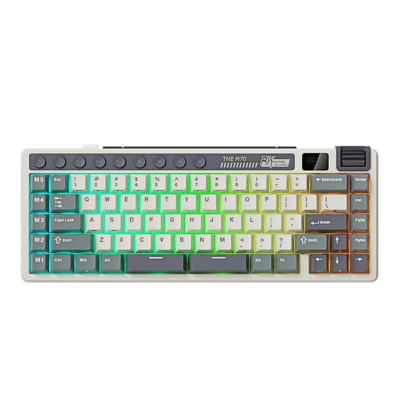
The 85 keys sit on mechanical Beige switches. Fn with the arrow keys sets the RGB brightness and speed, Fn+< the colour and Fn+\ the mode. M1 to M5 in the left-hand column handle copy, paste and undo with one key, and Fn+F1 to F12 control media.
Battery level and charging
Fn+Enter shows the battery level on the number keys: a lit 1 means 10% and all keys 1 to 0 a full battery. A red indicator lights while charging, goes out when full and flashes when the battery is low. The keyboard charges from a 5 V 1 A power supply; holding Fn+Space for 3 seconds restores the factory settings.
In the box
- ROYAL KLUDGE L75 keyboard, 1 pc
- USB-C cable
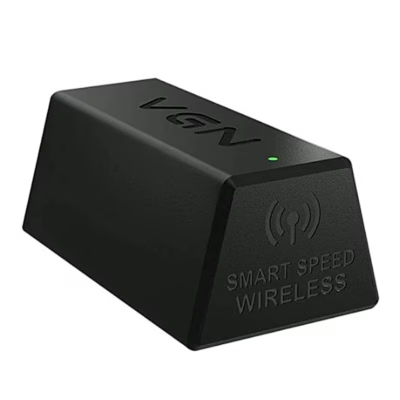
- 2.4 GHz USB receiver
- Switch and keycap puller
- User manual
- Charger not included









































Reviews
There are no reviews yet.