
Memory card readers
Choosing a memory card reader: card, connector and speed
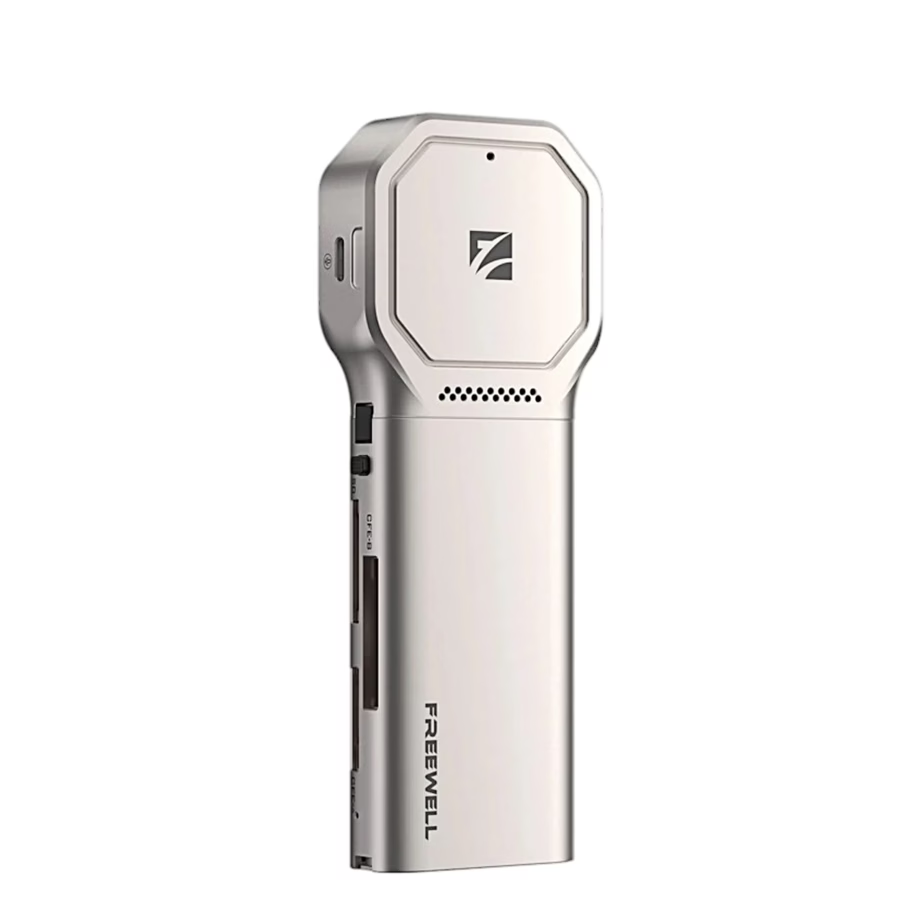
With a memory card reader you copy photos and videos from a camera, drone or phone memory card to your computer. The range includes readers from UGREEN, Unitek, Vention, TP-Link, Esperanza and other manufacturers. Two things decide the purchase: which card the reader reads and which connector fits your device.
Which card you read: SD, microSD, CF or Memory Stick
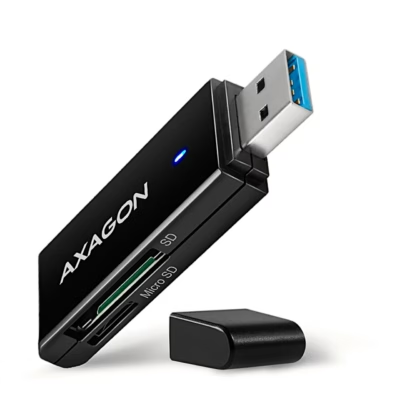
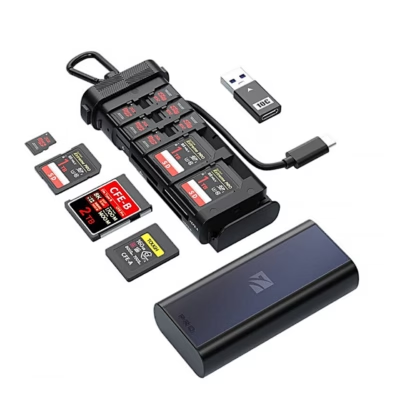
An SD card is the usual card for photo cameras, and a microSD card is used in phones, action cameras and drones. Most readers take both, often from two separate slots. CompactFlash cards are found in older and professional DSLR cameras, Memory Stick cards in older Sony devices, and xD cards in older Olympus and Fujifilm cameras: for these, choose a universal reader. You can filter by card under Supported memory cards.
USB-A or USB-C: check your computer’s port
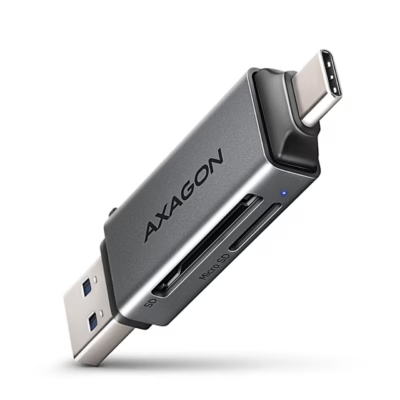
USB-A is the usual wide rectangular port on desktop computers and older laptops. USB-C is the small oval port on newer laptops, MacBooks, tablets and phones. A Micro-USB reader suits older Android phones. Filter by connector under Interface.
Speed: USB 2.0 or USB 3.2
USB 2.0 transfers data at up to 480 Mbit/s and is suitable for copying documents and individual photos. A USB 3.2 Gen 1 (5 Gbit/s) or Gen 2 (10 Gbit/s) reader makes use of a fast UHS-I card, whose bus speed is up to 104 MB/s, and copies 4K video and RAW photo folders to your computer several times faster.
Cable or stick-shaped reader
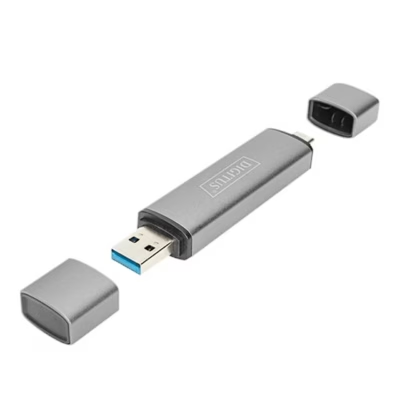
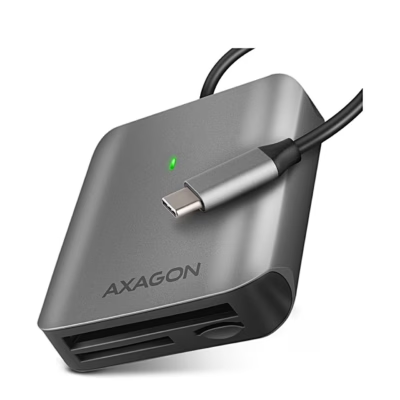
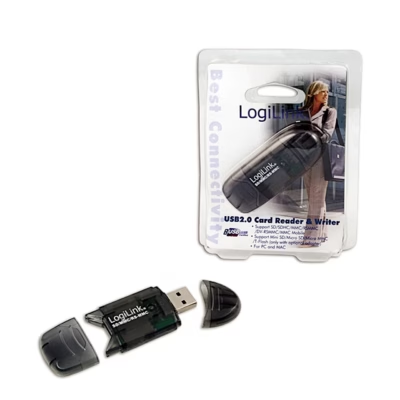
A stick-shaped reader plugs directly into a USB port and fits in a pocket. A reader with a short cable leaves neighbouring ports free and also suits a laptop whose ports are close together. The cards themselves are listed on the Memory cards page.
Frequently asked questions
A reader with a USB-C connector works with an Android phone with a USB-C port and with an iPhone from the iPhone 15 onwards, and files open in the phone’s file manager. An iPhone with a Lightning port needs a reader with a Lightning connector.
For an ID card you need a separate smart card reader, which reads the chip on the card. A memory card reader reads SD, microSD and other memory cards.
Yes, a microSD card fits an SD slot using an SD adapter, which is often included with the card. In a reader with two slots, the microSD card has its own slot.
A UHS-II card also works in a UHS-I reader, but then runs at UHS-I speed. Full speed of up to 312 MB/s is only achieved with a UHS-II reader, which uses the card’s second row of contacts.
Yes, a reader with a card inserted works on a computer like a USB memory stick, and you can also write to the card. You can find standalone USB memory sticks on the USB memory sticks page.
-
125,95 €
- Supported memory cards
- SD
- Interface
- USB-C
-
97,95 €
- Supported memory cards
- SD
- Interface
- USB-C
-
13,99 €
- Supported memory cards
- microSD, SD
- Interface
- USB-A, USB-C
-
10,99 €
- Supported memory cards
- microSD, SD
- Interface
- USB-A
-
13,99 €
- Supported memory cards
- microSD, SD
- Interface
- USB-A, USB-C
-
26,99 €
- Supported memory cards
- CompactFlash, microSD, SD
- Interface
- USB-C
-
4,99 €
- Supported memory cards
- SD
- Interface
- USB-A
-
13,99 €
- Supported memory cards
- microSD, SD
- Interface
- USB-A, USB-C
-
15,99 €
- Supported memory cards
- microSD, SD
- Interface
- USB 3.2 Gen 1 (3.1 Gen 1)
-
21,99 €
- Supported memory cards
- microSD, SD
- Interface
- Micro-USB, USB-A, USB-C
-
11,49 €
- Supported memory cards
- microSD, SD
- Interface
- USB-A
-
20,99 €
- Supported memory cards
- microSD, SD
- Interface
- USB-C
-
15,99 €
- Supported memory cards
- microSD, SD
- Interface
- USB-A
-
21,99 €
- Supported memory cards
- CompactFlash, microSD, SD
-
8,69 €
- Supported memory cards
- CF, Memory Stick (MS), MicroDrive, MMC, MS Duo, MS PRO Duo, RS-MMC, SD, SDHC, SDXC, xD
- Interface
- USB-A
-
13,99 €
- Supported memory cards
- microSD, SD
- Interface
- USB-A
-
15,49 €
- Supported memory cards
- microSD, SD
-
128,95 €
- Supported memory cards
- microSD, SD
- Interface
- USB-C



All products shown.
Best sellers
-
20,99 €
- Supported memory cards
- microSD, SD
- Interface
- USB-C




































