
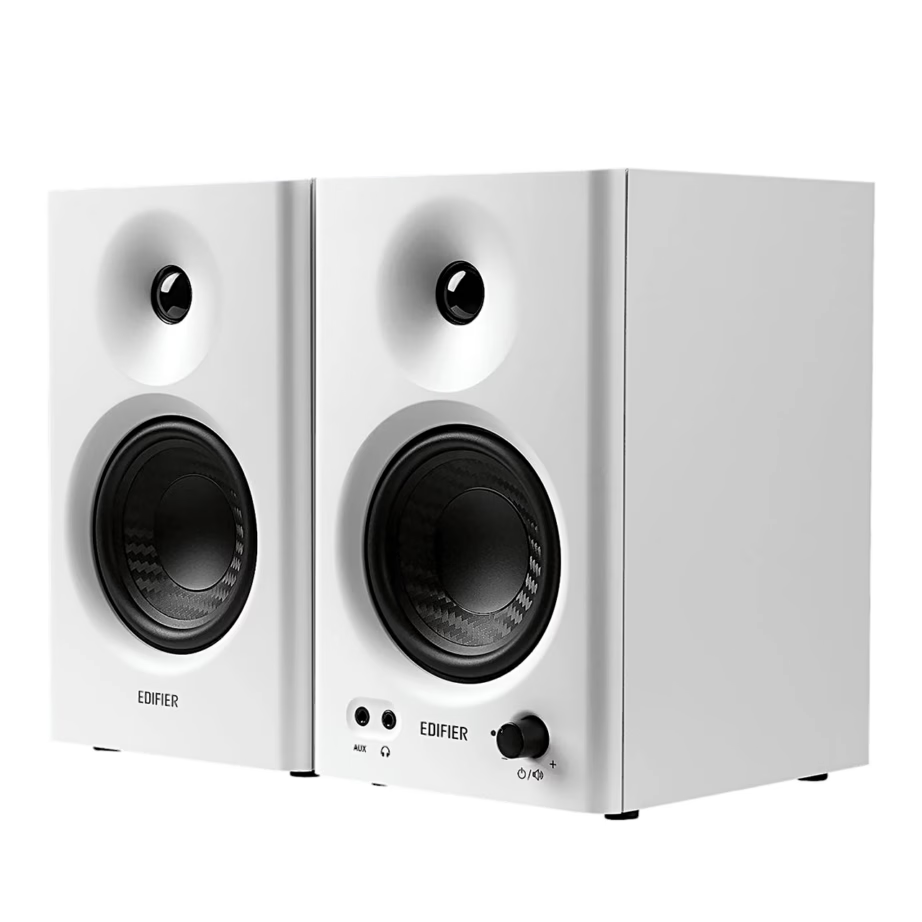
Computer speakers
Choosing computer speakers: 2.0 or 2.1, connection and power
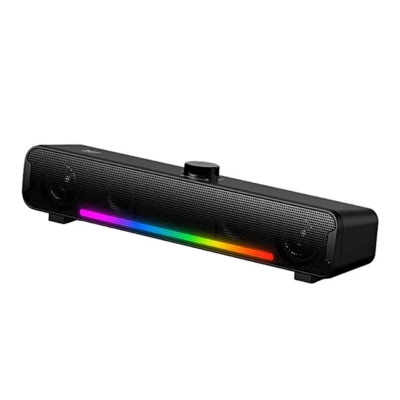
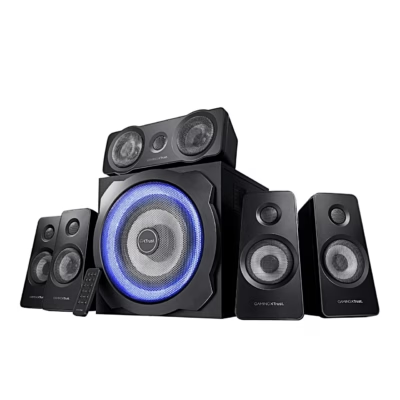
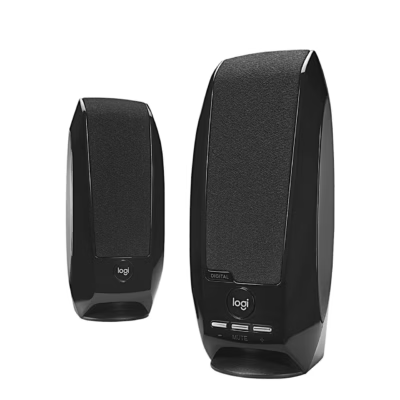
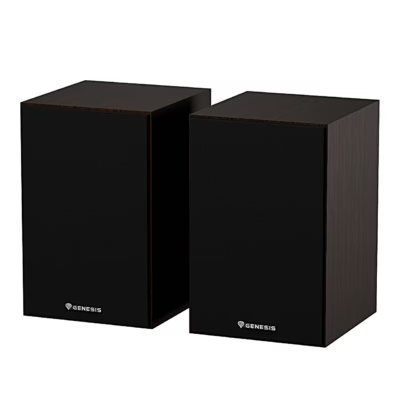
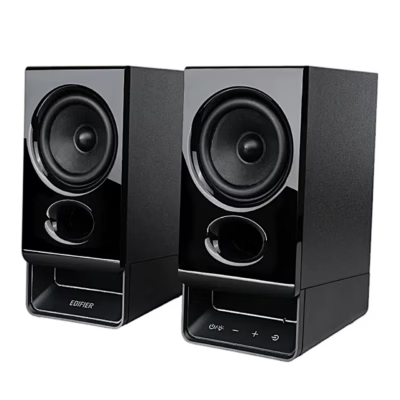
Computer speakers stand on the desk beside the monitor and make the sound of a computer, laptop or monitor louder and clearer than built-in speakers. The range includes Defender and ONIKUMA computer speakers. Three things decide the purchase: how many channels you need, how the speakers connect to the computer, and where they get their power.
2.0 or 2.1: do you need a subwoofer
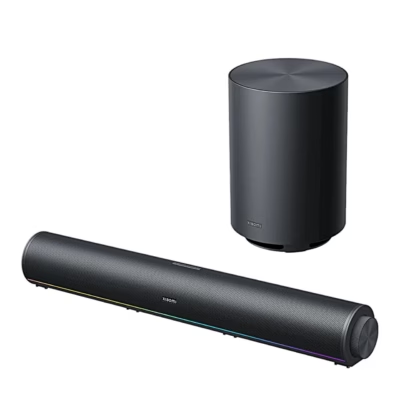
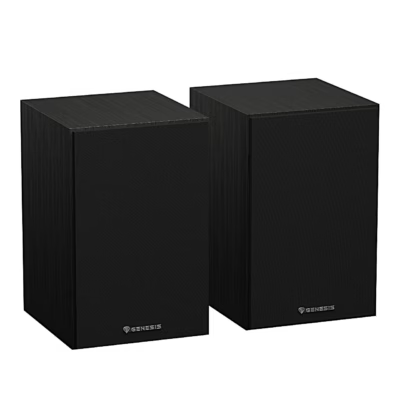
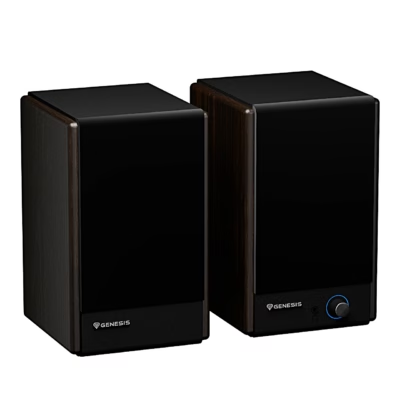
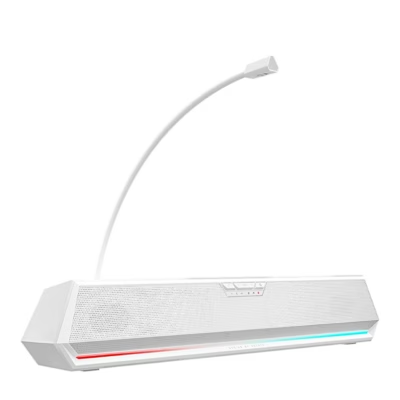
The first number shows the number of channels, the second a separate subwoofer. A 2.0 set has two stereo speakers that fit beside the monitor and suit work, video calls and music in a small room. A 2.1 set adds a subwoofer, a bass speaker that stands under the desk and gives films and games deeper low tones. The number of channels is in the filter Number of audio channels.
Connection: 3.5 mm cable or Bluetooth
A 3.5 mm cable plugs into the green audio output of a desktop computer or the headphone jack of a laptop and works without any setup. Bluetooth speakers connect wirelessly to a computer, phone or tablet. The connection type is in the filter Connectivity.
Power: USB or mains socket
Smaller computer speakers get their power from the computer’s USB port, so no separate socket is needed and the speakers also suit a laptop. Larger speakers and sets with a subwoofer work from a mains socket and give more power. The power type is on the product page.
Power output and room size
For a desk a few watts is enough, because you listen to the speakers from about one metre away. Compare the RMS power, meaning the continuous power, not the peak power. If the sound has to fill a living room, Hi-fi speakers are a better fit, and for a TV, Soundbars and home cinemas.
Frequently asked questions
2.0 means two stereo speakers without a separate subwoofer. A 2.1 set has two speakers and one subwoofer, which plays the low tones.
Most often the computer’s sound settings have another device selected as the output, for example the monitor or headphones. Choose the speakers as the output in the sound settings, check that the cable is in the audio output and that the speakers have power and the volume turned up.
Yes, Bluetooth speakers connect to a phone wirelessly. Speakers with a 3.5 mm cable work with phones that have a headphone jack, or with a USB-C and 3.5 mm adapter.
Yes, USB-powered speakers get their power from the laptop’s USB port. If the laptop has only USB-C ports, you need a USB-C to USB-A adapter.
Speakers with a 3.5 mm cable can be connected to the TV’s headphone or audio output, if it has one. For TV sound, soundbars are designed to connect with an HDMI or optical cable.
-
120,99 €
- Number of audio channels
- 2.0
- Power
- 21 W
- Connectivity
- 3.5 mm cable
-
33,95 €
- Number of audio channels
- 2.0
- Power
- 5 W
- Connectivity
- Bluetooth
-
14,95 €
- Number of audio channels
- 2.0
- Power
- 10 W
- Connectivity
- Bluetooth, USB cable
-
16,95 €
- Number of audio channels
- 2.0
- Power
- 10 W
- Connectivity
- Bluetooth
-
177,99 €
- Number of audio channels
- 5.1
- Power
- 90 W
- Connectivity
- 3.5 mm cable
-
21,99 €
- Number of audio channels
- 2.0
- Power
- 1.2 W
- Connectivity
- USB cable
-
92,99 €
- Number of audio channels
- 2.0
- Power
- 20 W
- Connectivity
- 3.5 mm cable, Bluetooth
-
115,99 €
- Number of audio channels
- 2.1
- Connectivity
- Bluetooth, USB cable
-
92,99 €
- Number of audio channels
- 2.0
- Power
- 20 W
- Connectivity
- 3.5 mm cable, Bluetooth
-
86,99 €
- Number of audio channels
- 2.0
- Power
- 60 W
- Connectivity
- 3.5 mm cable, Bluetooth
-
47,99 €
- Number of audio channels
- 2.0
- Power
- 5 W
- Connectivity
- Bluetooth, USB cable
-
57,99 €
- Number of audio channels
- 2.0
- Power
- 5 W
- Connectivity
- Bluetooth, USB cable
-
16,95 €
- Number of audio channels
- 2.0
- Power
- 10 W
- Connectivity
- 3.5 mm cable, Bluetooth
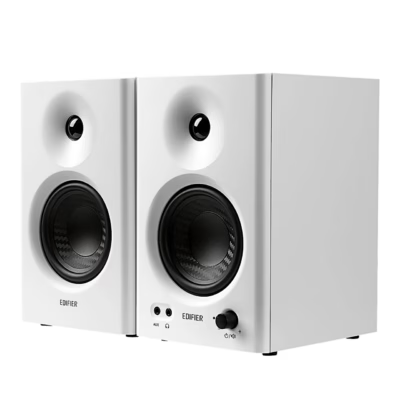
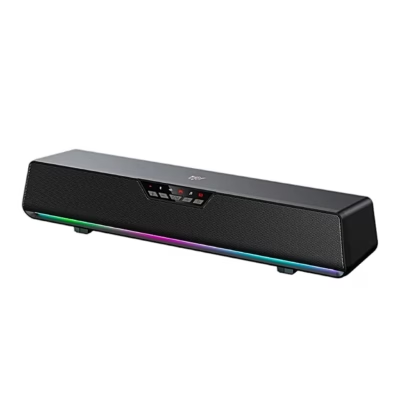
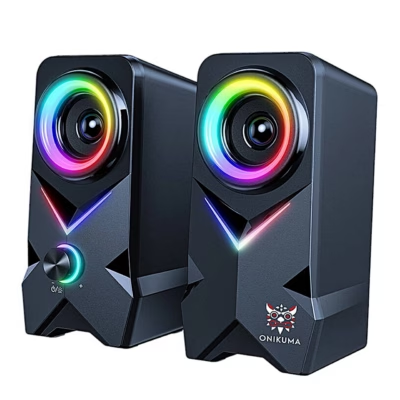

All products shown.
Popular right now
-
16,95 €
- Number of audio channels
- 2.0
- Power
- 10 W
- Connectivity
- 3.5 mm cable, Bluetooth





































