
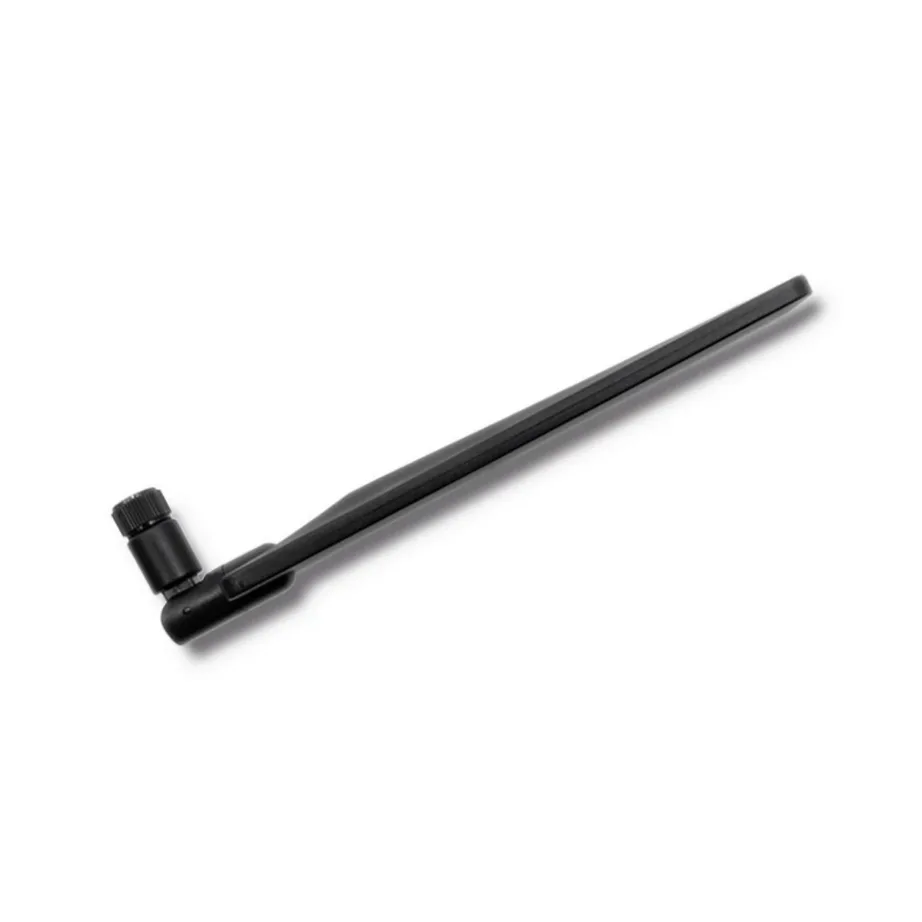
4G, 5G and WiFi antennas
Outdoor antenna for a router: 4G or 5G, mounting place and connector
A 4G or 5G antenna connects to the antenna socket of a router or modem and helps where mobile signal is weak indoors: a country house, a summer cottage or the basement floor of a block of flats. The range includes Qoltec indoor antennas and outdoor antennas. Three things decide the purchase: whether the antenna covers the frequencies of your network, whether the router has a suitable socket, and where you will mount the antenna.
Mounting place: indoor antenna or outdoor antenna
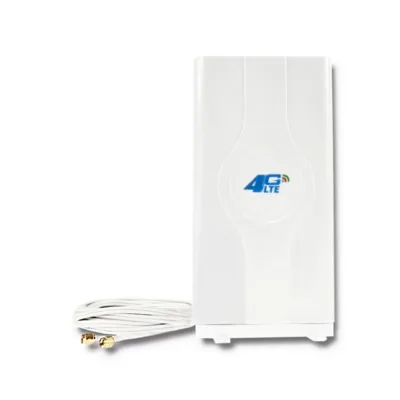
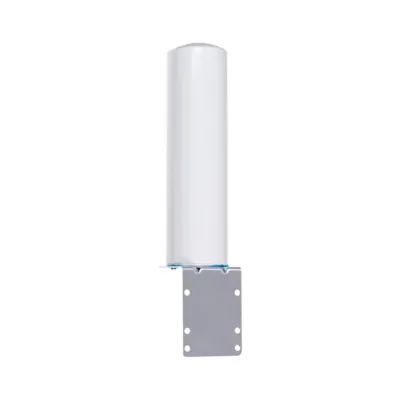
An indoor antenna stands on a windowsill or shelf and suits you if the signal is better by the window than in the middle of the room. An outdoor antenna is fixed to a wall, under a roof eave or to a mast, and has a weather-resistant housing, so it suits a summer cottage or country house where the mast is far away. The higher and more open the antenna’s position, the stronger the signal.
Mobile network: 4G (LTE) or 5G
A 4G antenna usually covers the 600-2700 MHz frequencies used by mobile operators’ LTE networks. A 5G antenna also covers the 3.5 GHz band (n78), which a 5G router needs for higher speed. A 4G router is enough with a 4G antenna; for a 5G router, choose a 5G antenna.
Antenna gain and direction
Gain is measured in dBi. An omnidirectional antenna picks up the signal from every direction and suits indoor use, 5-7 dBi is typical. A directional antenna gives 10 dBi and more, but must be pointed precisely towards the mast.
Connector and cable: what to check before buying
Look at the back of your router to see which socket it has: SMA, TS-9 or CRC9. Wi-Fi routers and network cards mostly use an RP-SMA socket. A MIMO router has two antenna sockets, and a two-cable antenna gives it better speed. Keep the cable as short as possible, as every extra metre reduces the signal. You can find routers with an antenna socket at 4G and 5G routers and modems.
Frequently asked questions
Yes, if the antenna is in a place where the signal is better than at the router, for example outdoors or on the roof. Before installing, measure the speed with your phone indoors and outdoors: if the difference outdoors is large, an outdoor antenna will add the most.
Antenna sockets are on the back or side of the router, often under a rubber cap, and are marked ANT or LTE. The socket type is written in the router’s user manual and on the product page.
SMA is a threaded connector used by desktop routers and outdoor antennas. TS-9 and CRC9 are small push-on connectors found in pocket routers and USB modems. If the socket is different, an adapter cable is suitable.
It works on the 4G network, because a 5G router also uses LTE frequencies. For 5G speed the router needs an antenna that covers the 3.5 GHz band.
A directional antenna is turned towards the nearest mobile mast. The mast’s location is shown on the operator’s coverage map. You can find the exact direction by turning the antenna slowly and watching the signal strength on the router’s admin page.
-
9,49 €
- Antenna gain
- 7 dBi
- Installation location
- Indoor
- Mobile network
- 4G (LTE)
-
20,49 €
- Antenna gain
- 30 dBi
-
24,99 €
- Antenna gain
- 30 dBi
-
32,99 €
- Antenna gain
- 18 dBi
- Installation location
- Outdoor
- Mobile network
- 4G (LTE)
-
35,99 €
- Antenna gain
- 14 dBi
- Installation location
- Outdoor
- Mobile network
- 5G
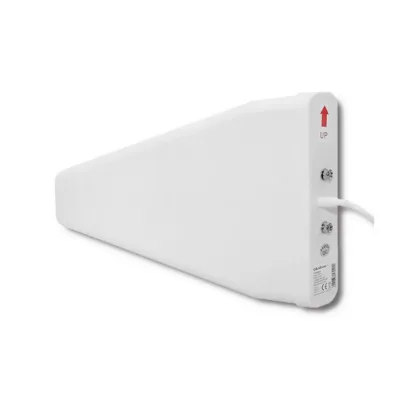
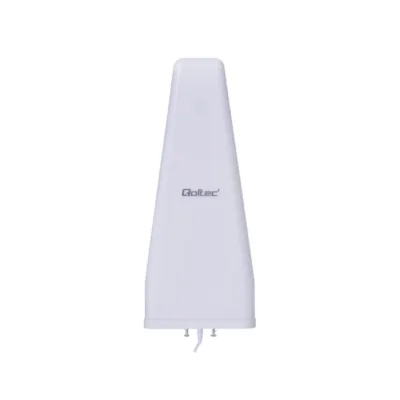
All products shown.
Popular right now
-
9,49 €
- Antenna gain
- 7 dBi
- Installation location
- Indoor
- Mobile network
- 4G (LTE)