


Description
AVATTO WSM16-DC-1 1‑channel Wi‑Fi dry contact switch with DC power for smart control with Tuya Smart Life
If you want to control the control input of a gate, garage door or other device from a distance, the AVATTO WSM16-DC-1 is a practical solution. This 1‑channel Wi‑Fi dry contact switch runs on DC power and switches a potential-free circuit, so you can automate existing systems without changing their logic. Control, schedules and notifications are handled conveniently in the Tuya Smart Life app, which suits both home and small business use.
Main features
- Dry contact, i.e. potential-free switching, suits opening and closing control inputs safely in existing systems.
- Tuya Smart Life app allows remote control, schedules and creating scenes from your smartphone.
- DC-powered module integrates easily into low-voltage solutions according to the manufacturer’s instructions.
- Wi‑Fi connection means that a separate central unit is usually not needed.
- Compact housing simplifies hidden installation and reduces space requirements.
- Gates and garage doors and other devices with a relay input are typical use cases.
Visual overview
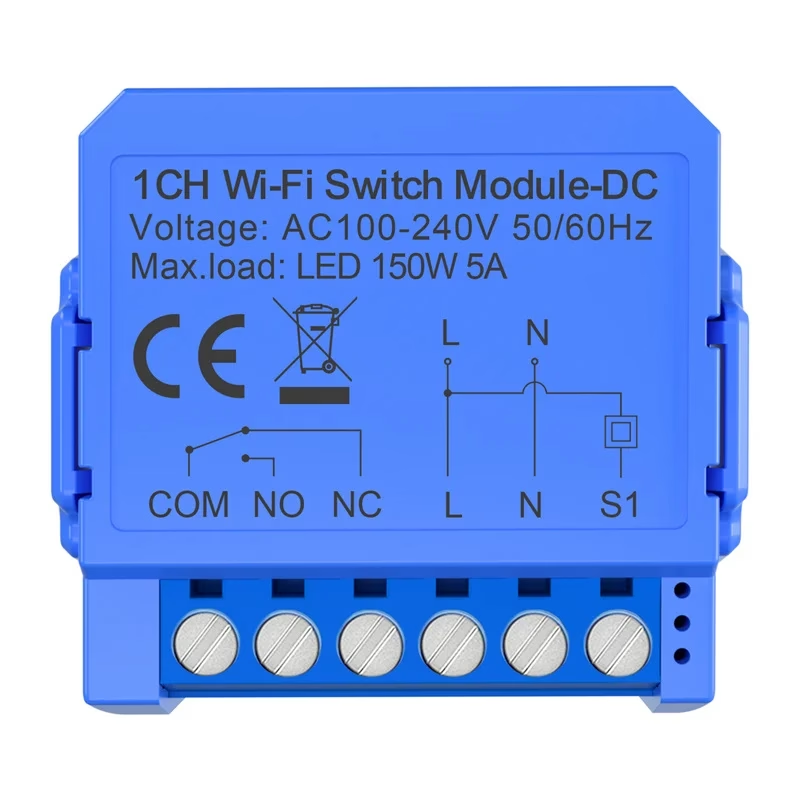
Compact 1‑channel module
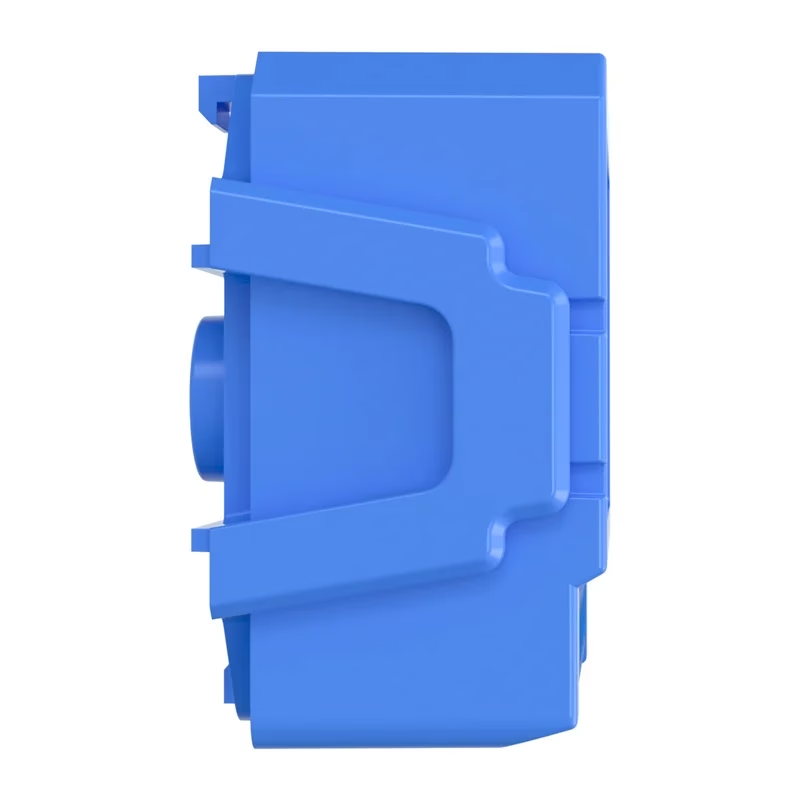
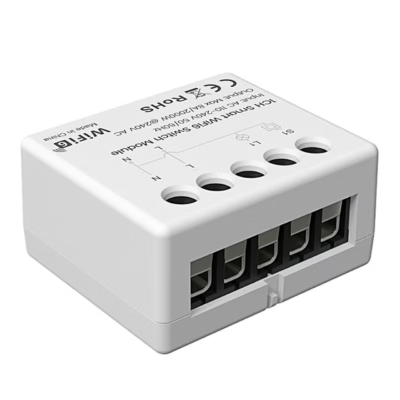
With its small housing, the 1‑channel switch can be installed next to the device or close to the electrical panel. The dry contact only switches the circuit, which makes it suitable for devices with control inputs. Control is done from your smartphone via the Tuya Smart Life app.
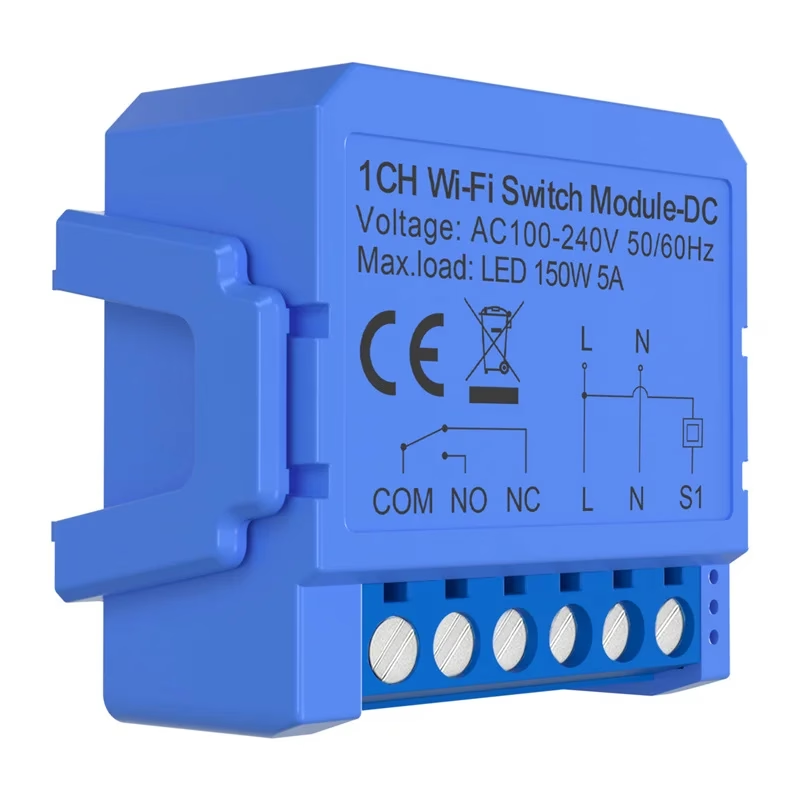
Complete terminals for clear wiring
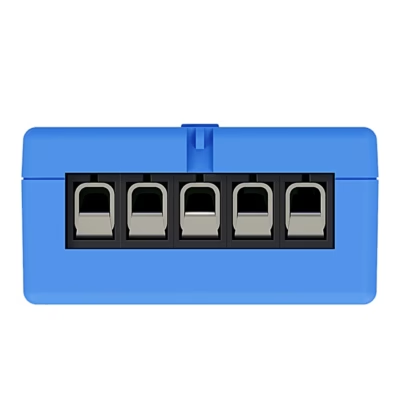
The terminals are clearly marked to make it easier to connect the right wires according to the diagram. The potential-free contact does not carry power into the switched circuit, which helps keep the manufacturer’s system logic intact. Schedules and switching behaviour can be set up in the app.
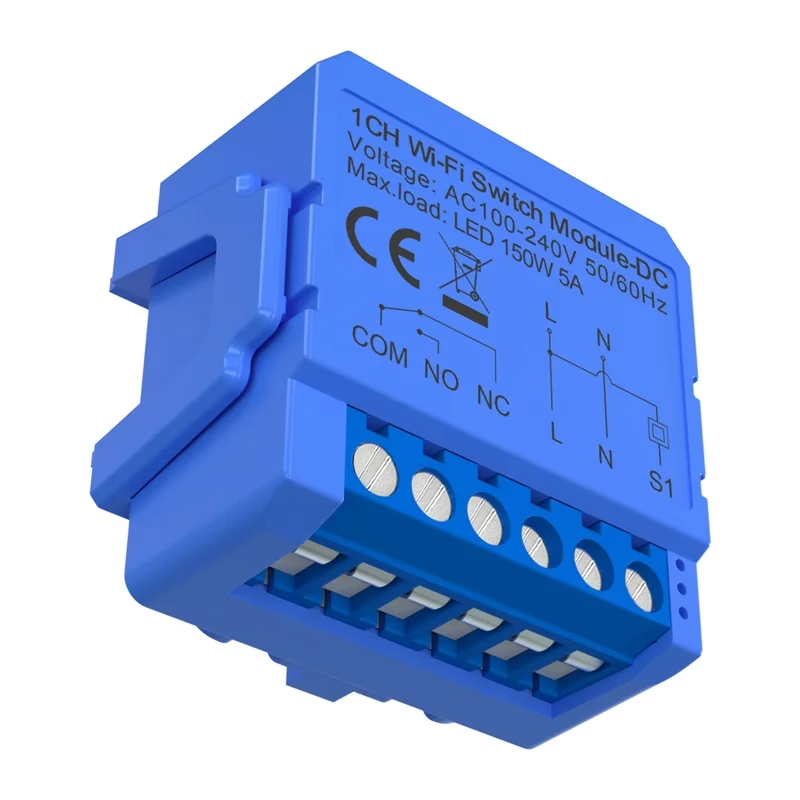
Common usage scenarios
The switch suits various situations where a dry contact needs to be opened or closed, for example activating the control input of a gate or door. The Wi‑Fi connection allows control even when you are away from home, as long as the device is connected to the internet. If needed, create scenes in the app to automate everyday tasks.
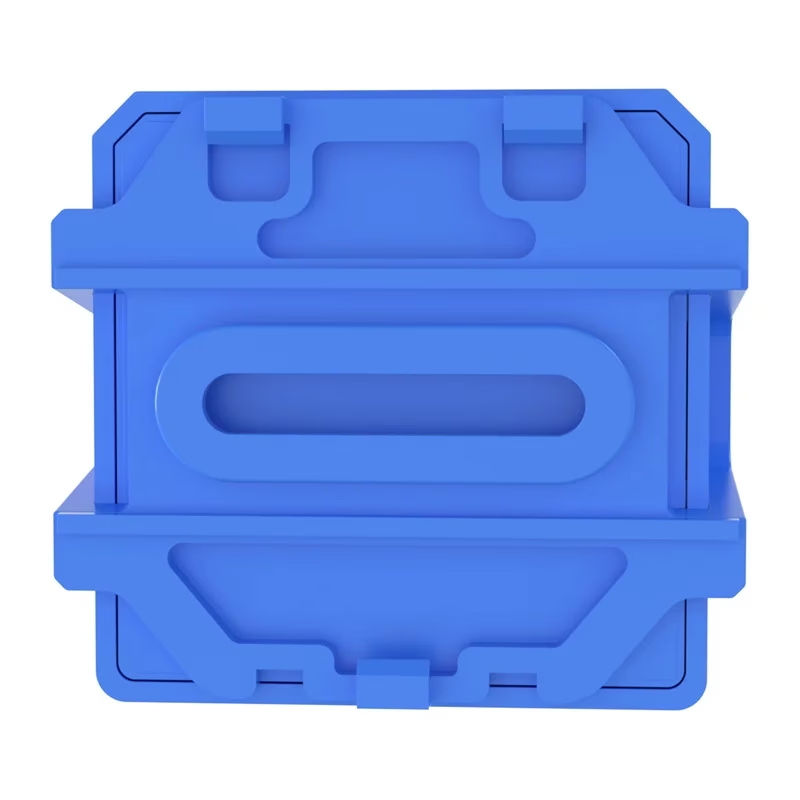
Control from the Tuya Smart Life app
Tuya Smart Life brings control into one app, where you can switch the module on and off, create schedules and view its status. Pairing takes place by following the app’s instructions and requires Wi‑Fi conditions. This way the switch can be used both at home and in a small business, keeping control simple and clear.
Practical and flexible solution
The module suits places where a potential-free contact needs to be switched reliably. The compact design simplifies installation, and app-based control makes it convenient to use. Running on DC power, the module integrates with existing systems in line with requirements.
Compatibility, accessories and maintenance
The device works with the Tuya Smart Life app and needs an existing Wi‑Fi network and internet connection to operate. The switch is intended for switching a dry contact, so it suits controlling devices with a potential-free input. Before installation, read the manufacturer’s instructions to make sure it is compatible with your device.
The power supply and connecting cables are chosen according to the manufacturer’s documentation. If you use an existing control circuit, check the diagram and make sure the contact is in the correct circuit. Installation should be carried out by a qualified person, especially if the system is linked to security or gate automation.
For maintenance, keep the app and device firmware up to date, monitor network stability and check the terminal connections from time to time. If needed, restart the device from the app or with a short power cycle, following the manufacturer’s instructions.
Installation and usage tips
Switch off the system power and prepare for connection according to the manufacturer’s diagram. Connect the DC power and the dry contact terminals to the device’s control input, then restore power. Add the module in the Tuya Smart Life app and follow the on-screen instructions to pair it. Test the switching from the app and set up any required schedules or scenes. When installing, use good-quality wires and secure the cables so they are not under mechanical strain.
Included in the package
- AVATTO WSM16-DC-1 1‑channel Wi‑Fi dry contact switch
- User manual from the manufacturer
Make your control input smart and convenient
The AVATTO WSM16-DC-1 helps bring smartness into existing systems without major changes. The dry contact enables potential-free control, the Wi‑Fi connection brings flexible remote control, and the Tuya Smart Life app adds schedules and scenes so that operation runs automatically. If you need a simple and affordable way to automate a control input, this module is a reliable choice.










































Reviews
There are no reviews yet.