
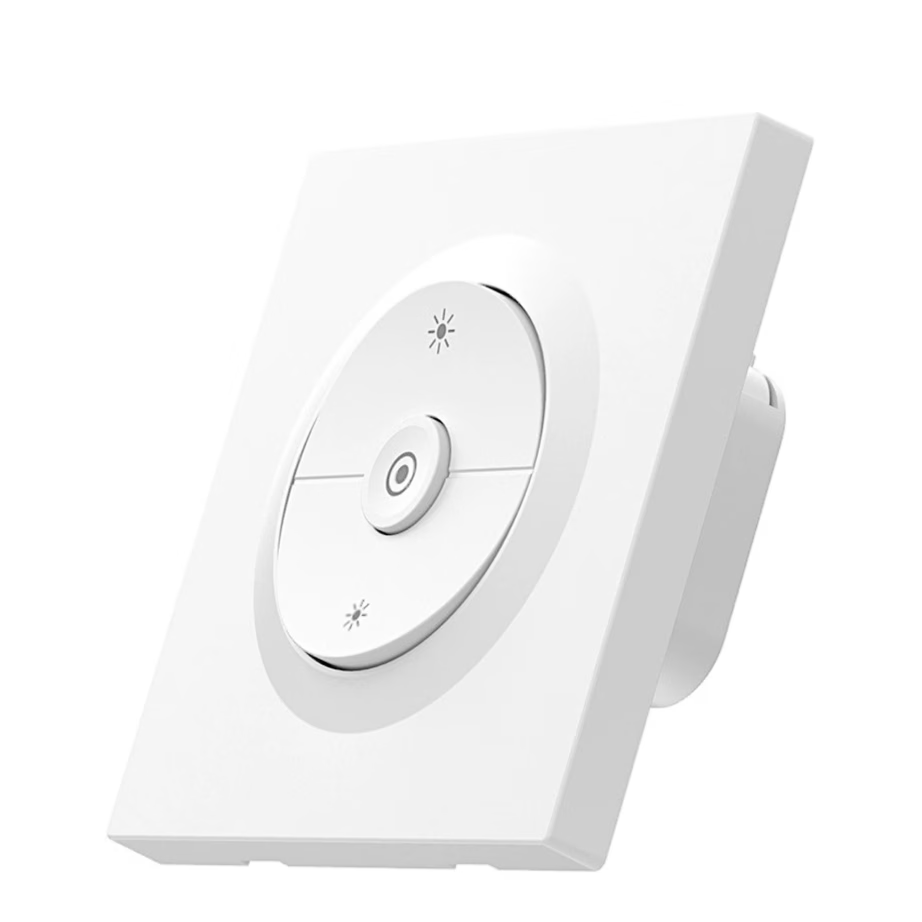
Smart dimmers and LED controllers
Smart dimmer: installation, neutral wire and connection
A smart dimmer changes the brightness of an ordinary light from your phone, by voice or on a schedule, and your existing wall switch keeps working. The range includes Shelly, Sonoff and Avatto dimmers for wall boxes and consumer units, and LED controllers. The purchase is decided by where it will be installed, the type of light, and whether the switch box has a neutral wire.
Installation type: wall box or DIN rail
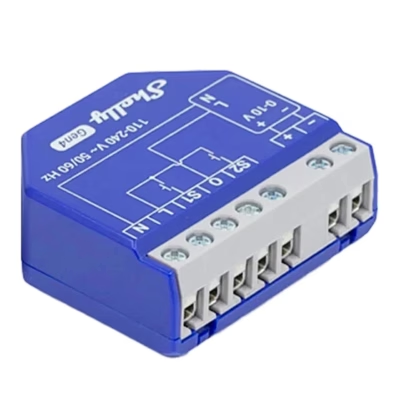
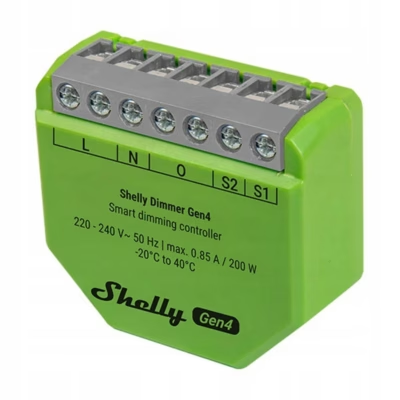
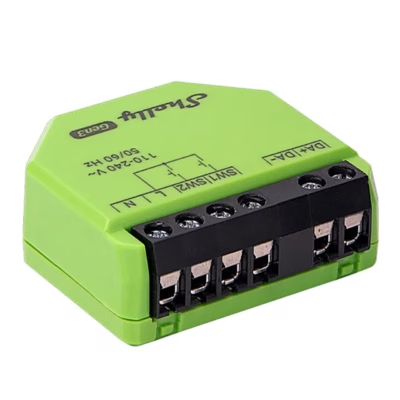
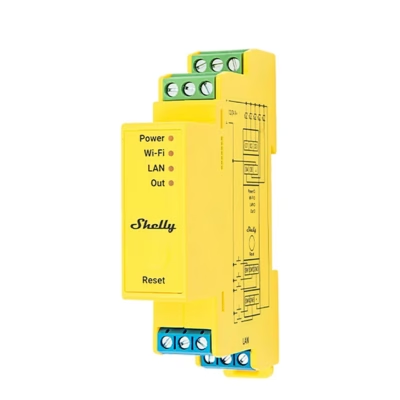
A flush-mounted dimmer fits in a wall box behind the switch and controls the light that the switch operates. A DIN rail dimmer goes in the consumer unit. It suits cases where the light circuit’s wires run to the consumer unit, or where the wall box is too small for a dimmer.
Neutral wire: check the switch box before buying
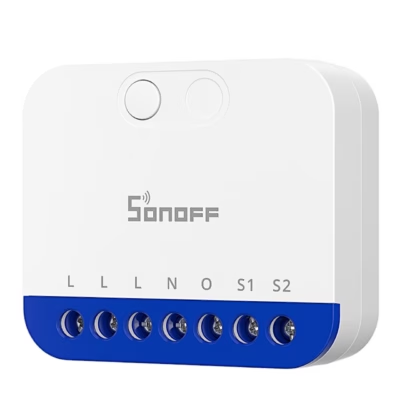
In older houses the switch box often contains only the live wire and the lamp wire, with no neutral wire (blue wire). In that case, choose a dimmer that works without a neutral wire and takes its power through the light. With a small LED load, such a dimmer may flicker, which is why some models list their minimum load in watts. If the box has a neutral wire, any dimmer will suit.
Light: 230 V LED, 0/1-10 V or LED strip
A 230 V dimmer controls dimmable LED bulbs and incandescent or halogen lamps. The bulb packaging must say “dimmable”. A 0/1-10 V dimmer controls LED power supplies and panel lights with a control input. An LED controller sits between a 12 V or 24 V LED strip and its power supply. The maximum load of a dimmer in watts is in the product name. The letters PM in a name mean energy consumption measurement.
Connection: Wi-Fi, Zigbee, Matter
A Wi-Fi dimmer connects directly to your home network, with Bluetooth for setup and local control. A Zigbee dimmer needs a Zigbee hub. A Matter dimmer can be added to Apple Home, Google Home and Alexa without the manufacturer’s own app.
Frequently asked questions
The dimmer is connected in the wall box to the live wire, the lamp wire and the switch input, and on models with a neutral wire also to the neutral. The wiring diagram is in the product’s user manual. Wall box and consumer unit work should be done by an electrician.
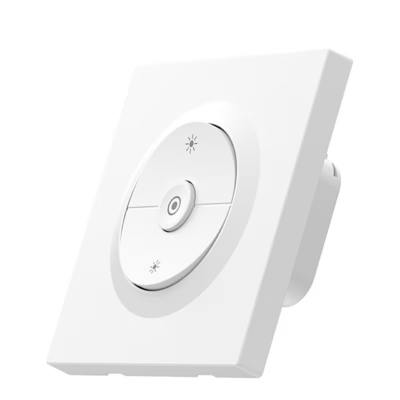
Yes. An ordinary switch or push button can be connected to the dimmer’s switch input, and a long press changes the brightness. You will find wireless buttons on the Smart buttons and remotes page.
Flickering is caused by a bulb that is not dimmable, or by too small a load on a dimmer that works without a neutral wire. A dimmable bulb and the correct minimum brightness setting on the dimmer usually fix it.
Yes, if the dimmer has two switch inputs, or if the second location uses a wireless smart button. The number of switch inputs is on the product page.
A smart relay only switches the light on and off, while a dimmer also changes its brightness. You will find relays on the Smart relays and switch modules page.
-
28,95 €
- Product type
- Dimmer
- Connectivity
- Wi-Fi
- Installation method
- Recessed (wall box)
- Neutral wire
- Requires neutral wire
-
30,95 €
- Product type
- Dimmer
- Connectivity
- Zigbee
- Installation method
- Recessed (wall box)
- Neutral wire
- Requires neutral wire
-
63,95 €
- Product type
- LED strip controller
- Connectivity
- Bluetooth, Wi-Fi
- Installation method
- Recessed (wall box)
-
36,95 €
- Product type
- 0-10 V or DALI dimmer
- Connectivity
- Wi-Fi, Zigbee
- Installation method
- Recessed (wall box)
- Neutral wire
- Requires neutral wire
-
45,95 €
- Connectivity
- Bluetooth, Matter, Wi-Fi, Zigbee
- Neutral wire
- Works without neutral wire
-
26,95 €
- Product type
- Dimmer
- Connectivity
- Matter, Wi-Fi
- Installation method
- Recessed (wall box)
- Neutral wire
- Requires neutral wire
-
31,95 €
- Product type
- Dimmer
- Connectivity
- Zigbee
- Installation method
- Recessed (wall box)
- Neutral wire
- Requires neutral wire
-
58,95 €
- Product type
- 0-10 V or DALI dimmer
- Connectivity
- Bluetooth, Wi-Fi
- Installation method
- Recessed (wall box)
-
72,95 €
- Product type
- LED strip controller
- Connectivity
- Bluetooth, Ethernet (LAN), Wi-Fi
- Installation method
- DIN rail
-
45,95 €
- Connectivity
- Bluetooth, Wi-Fi
-
26,95 €
- Connectivity
- Bluetooth, Wi-Fi
-
41,95 €
- Connectivity
- Bluetooth, Wi-Fi
-
71,95 €
- Connectivity
- Bluetooth, Wi-Fi
- Installation method
- DIN rail
-
19,95 €
- Connectivity
- Bluetooth, Wi-Fi
-
11,95 €
- Connectivity
- Zigbee


All products shown.
Popular right now
-
11,95 €
- Connectivity
- Zigbee
-
71,95 €
- Connectivity
- Bluetooth, Wi-Fi
- Installation method
- DIN rail
-
41,95 €
- Connectivity
- Bluetooth, Wi-Fi
-
45,95 €
- Connectivity
- Bluetooth, Wi-Fi


































