

Description
5G and 4G router sharing internet with up to 128 devices
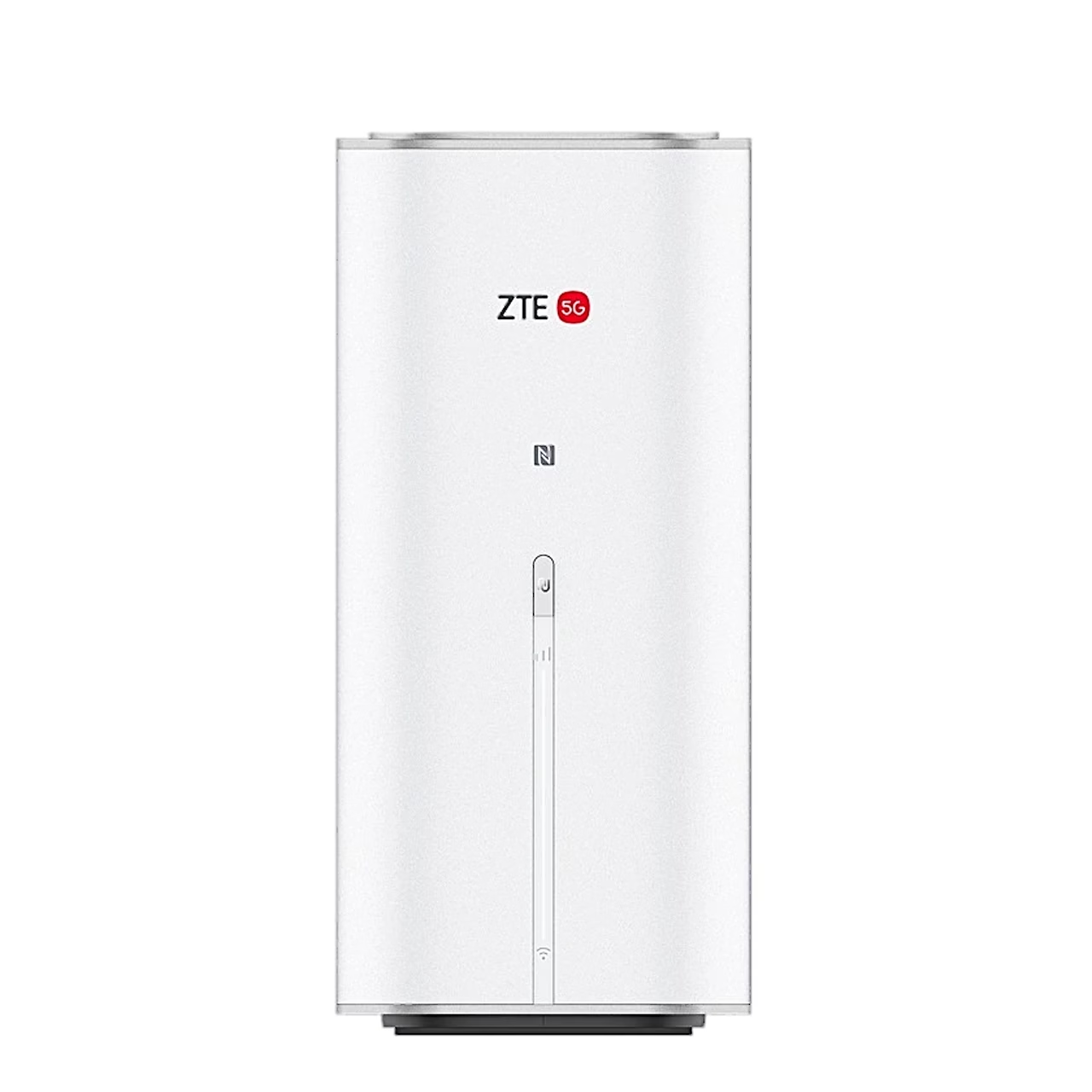
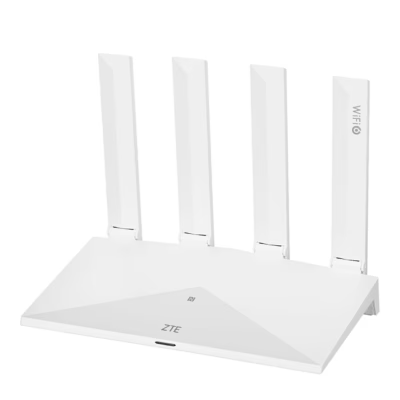
The white ZTE G50 MC8520B is a 5G and 4G router with a nano-SIM slot that works on 5G SA and NSA networks. On 5G SA it downloads at up to 2.26 Gbit/s and uploads at up to 160 Mbit/s.
Mobile network bands and external antenna
On 5G the router uses bands n1, n2, n3, n5, n7, n8, n18, n20, n26, n28, n38, n40, n41, n48, n66, n75, n77 and n78. On 4G it supports bands B1, B2, B3, B4, B5, B7, B8, B18, B19, B20, B26, B28, B32, B34, B38, B39, B40, B41, B42, B43, B48, B66 and B71, at LTE Cat 20 speeds of up to 2.0 Gbit/s. Two TS-9 connectors take an external antenna to boost 4G and 5G reception.
Mesh network extends Wi-Fi coverage
The wireless network runs at up to 688 Mbit/s on 2.4 GHz and up to 2880 Mbit/s on 5 GHz. With EasyMesh the router forms one mesh network with other nodes to cover a larger area with Wi-Fi.
Ports, USB and phone socket
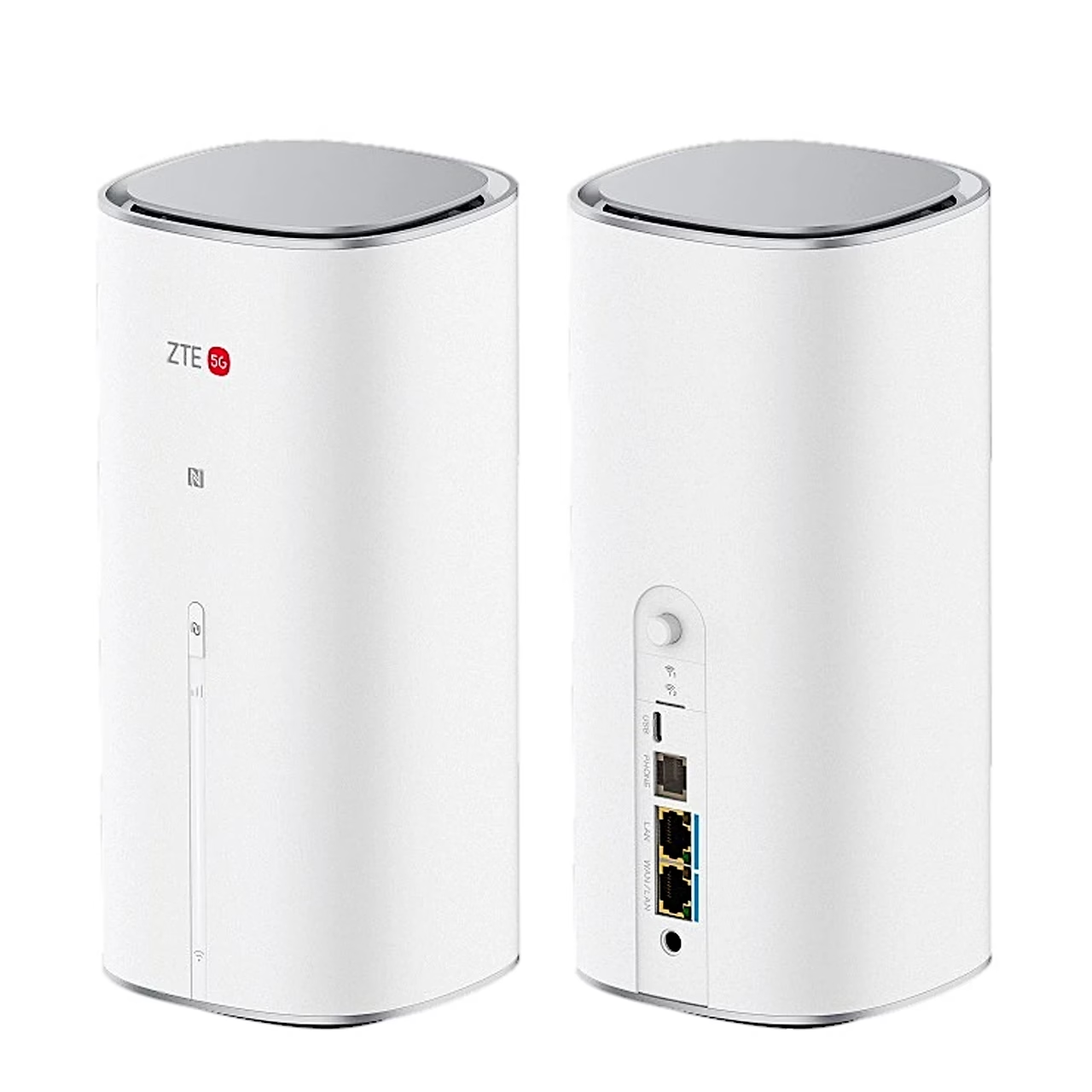
Wired devices get two 2.5 Gbit/s ports: one LAN port and one WAN/LAN port. A storage device on the USB-C port is shared with the ZTE Smart Life app, and a landline phone plugs into the RJ11 socket. An Android phone placed on the NFC area joins the Wi-Fi without entering a password.
Cable broadband and backup connection
In wired broadband mode the router takes the internet from a line connected to the WAN/LAN port. In automatic mode the connection continues over the other network when the primary one drops, and in aggregation mode the router uses the cable and mobile networks at once. In bridge mode the router passes the public IP address to the wired device.
Use
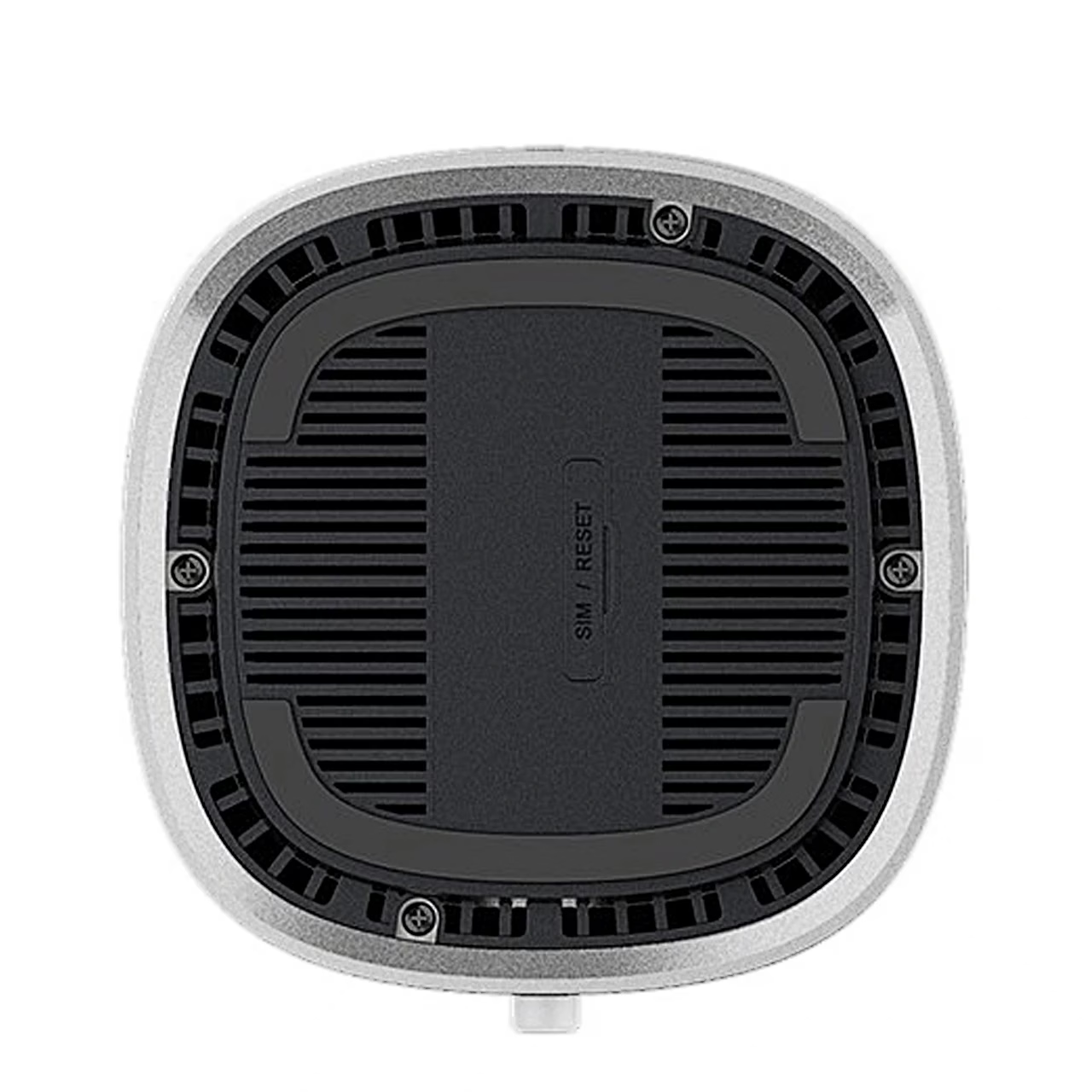
The nano-SIM card goes into the slot under the cover on the base. After you connect the power adapter and press the power button, the router connects to the internet by itself. The Wi-Fi name, password and admin page IP address are on the device label.
Cleaning and care
Switch the router off before cleaning and wipe the housing with an antistatic cloth.
In the box
- 5G and 4G router ZTE G50 MC8520B, 1 pc
- Power adapter 12 V, 2 A
- LAN cable RJ45, 1.5 m
- Quick start guide

























































Reviews
There are no reviews yet.