

Description
Mouse with Bluetooth connection to three devices
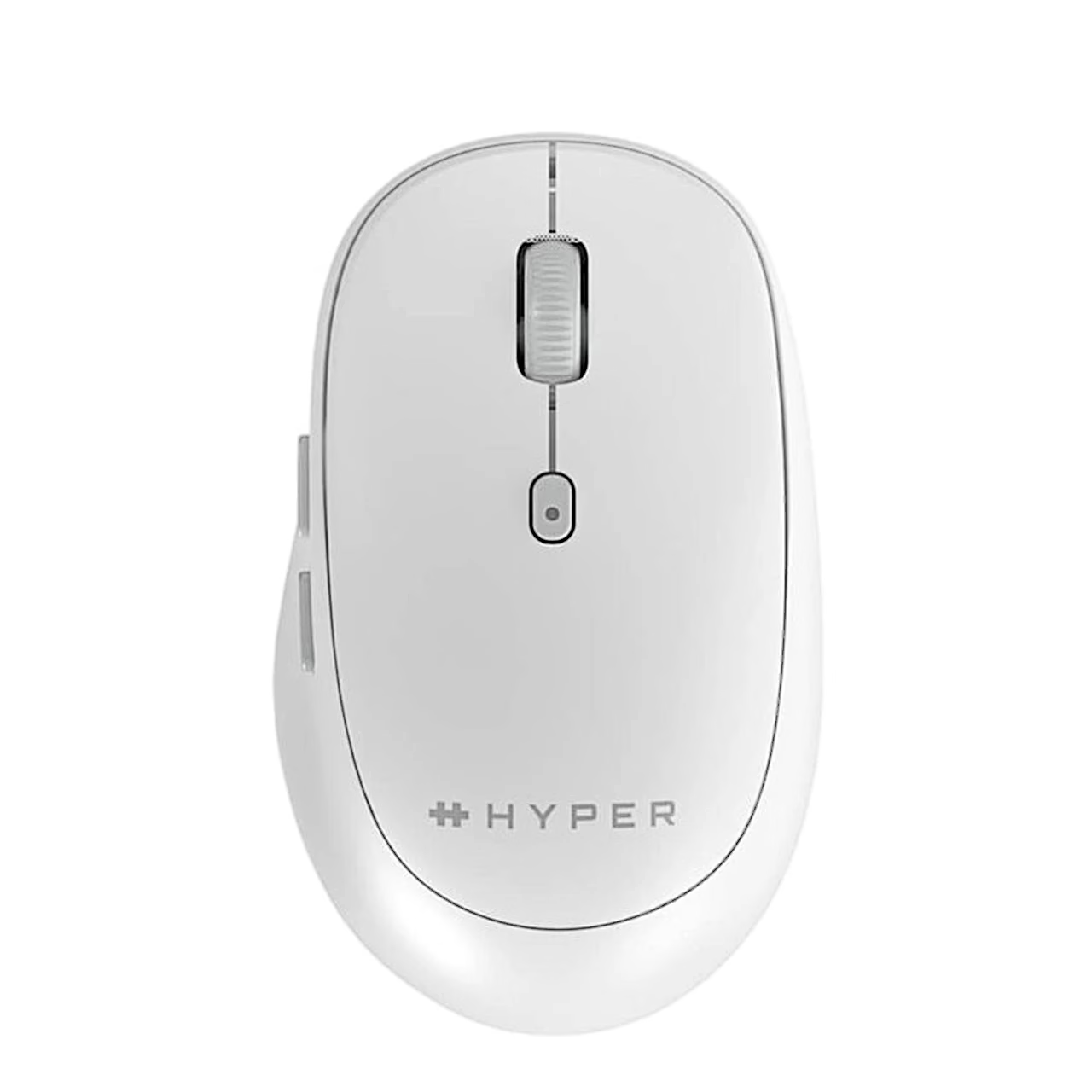
The wireless Bluetooth mouse Hyper HS2100GL (HyperSpace Bluetooth Mouse) connects over Bluetooth 5.0 and leaves the computer’s USB ports free. The channel button on the base switches between up to three paired devices, and an indicator light shows the active channel.
Computer mouse buttons and shape
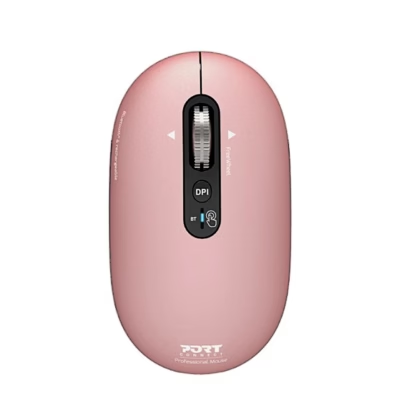
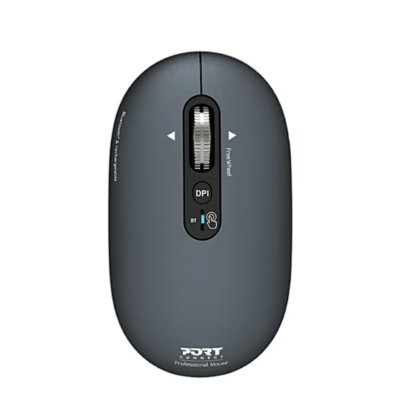
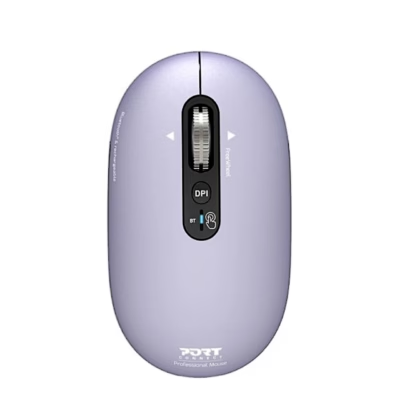
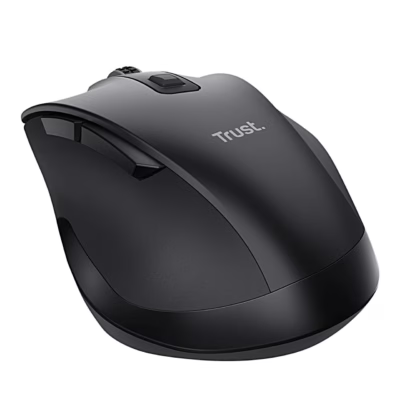
Besides the scroll wheel, the mouse has forward and back buttons on the left side and a DPI switch for changing sensitivity on top. The mouse is mid-sized with a contoured shape.
Use
- Switch the mouse on with the power switch on the base.
- Hold the pairing button until the indicator light starts flashing.
- Open the Bluetooth settings of your device and select “HyperSpace Mouse” from the list.
When switched on, the mouse reconnects to the last used device if it is within range.
Battery and material
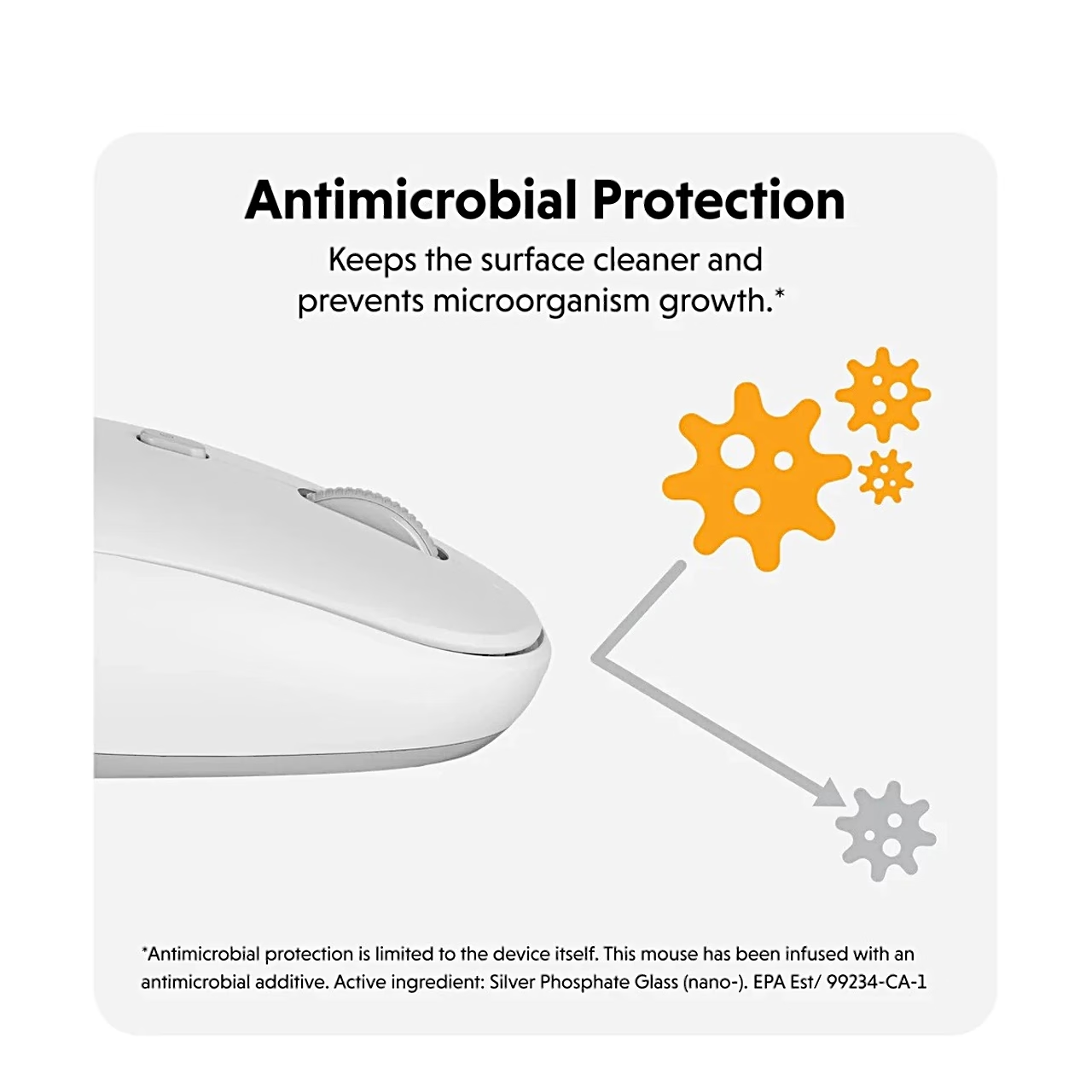
According to the manufacturer, the AA battery lasts up to 3 months depending on use, and the indicator light flashes red when the battery is low. The mouse surface contains the DefenseGuard antimicrobial additive, which prevents the growth of microorganisms; its active ingredient is silver phosphate glass (nano). The antimicrobial protection is limited to the mouse itself. The mouse is made with 85% recycled plastic.
Compatibility
The mouse works with these operating systems:
- Windows
- macOS
- iPadOS
- ChromeOS
- Android
In the box
- Bluetooth mouse Hyper HS2100GL
- AA battery

















































Reviews
There are no reviews yet.