
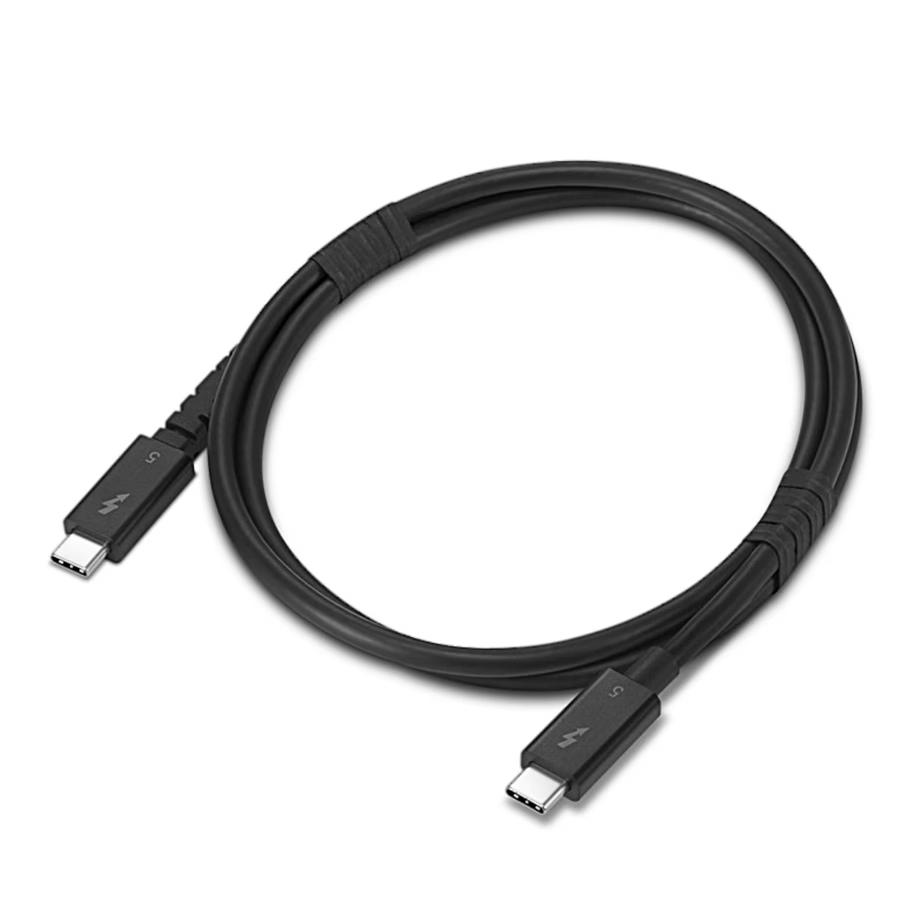
USB cables
Choosing a USB cable: connectors, length and charging power
A USB cable charges your phone, tablet, headphones or laptop and transfers data between a device and a computer. The range includes USB-C, Lightning and micro-USB cables from Apple, Baseus, UNITEK, Lanberg, Havit and other manufacturers. The purchase depends on whether both ends of the cable fit your device and charger, and whether the cable carries the power you need.
Connectors: check the port on your device and charger
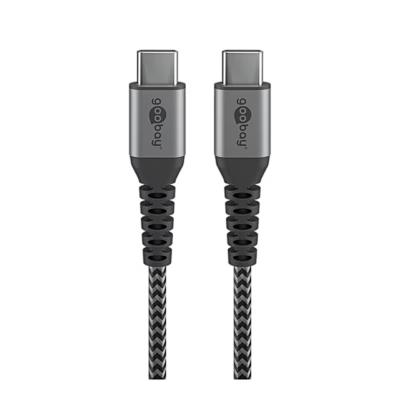
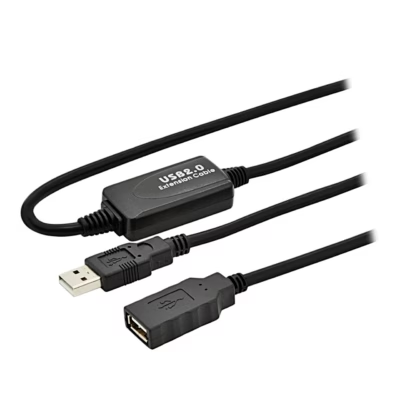
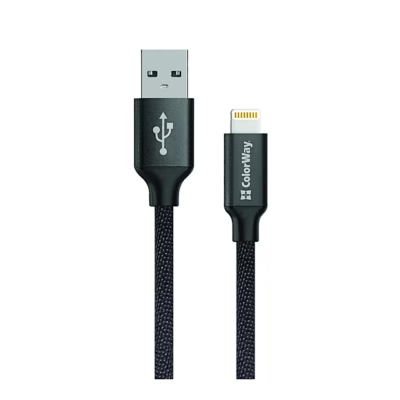
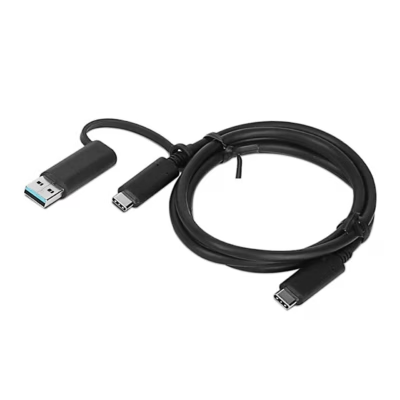
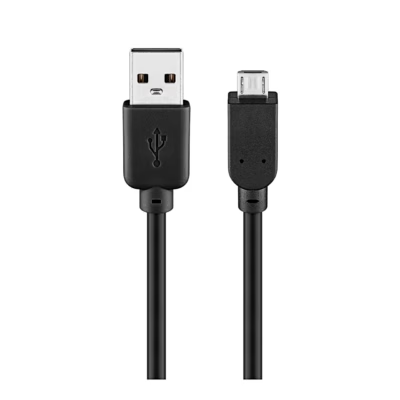
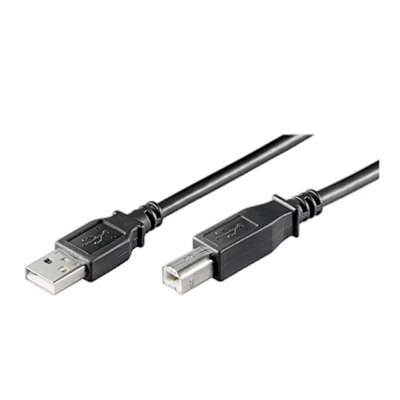
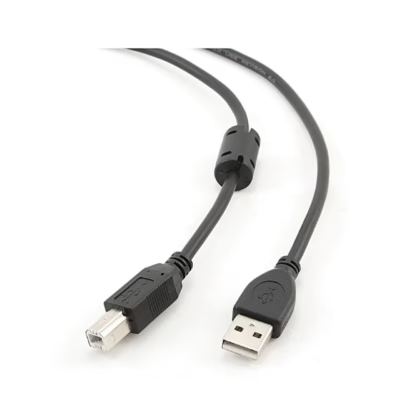
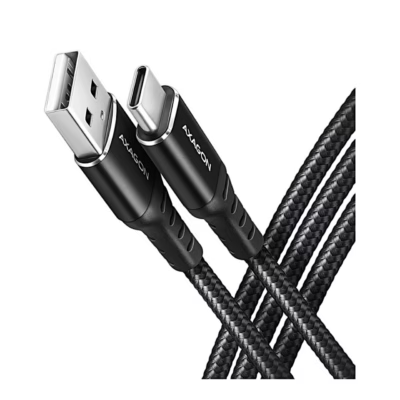
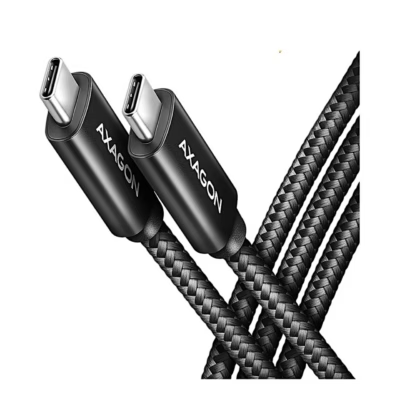
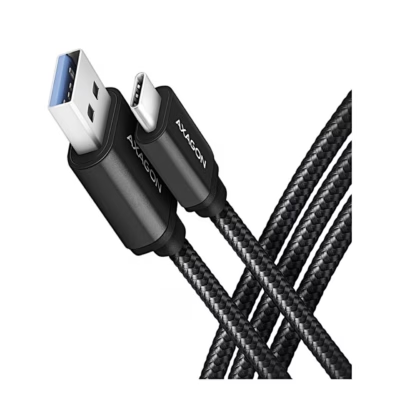
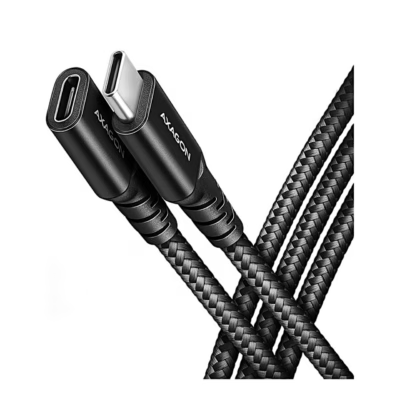
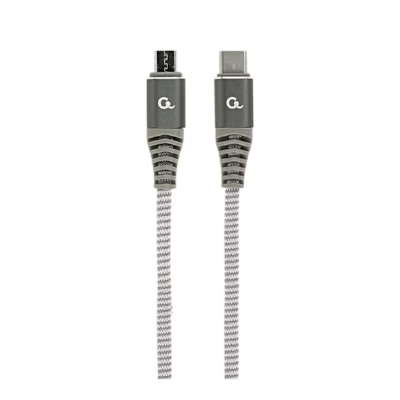
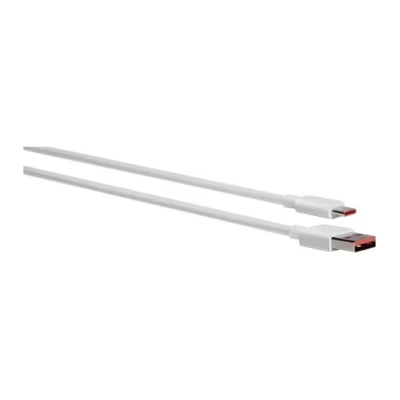
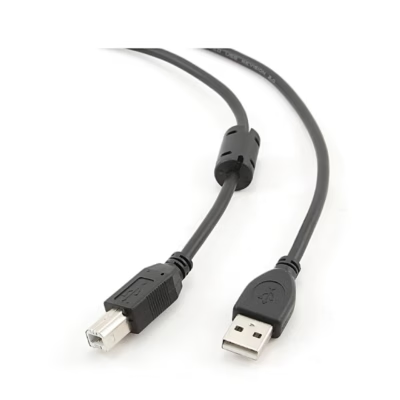
USB-C is an oval connector that fits into the port either way round. It is found on newer Android phones, iPhone 15 and newer, laptops and power banks. Lightning is the port on iPhone 5 to iPhone 14, micro-USB is found on older phones, speakers and headphones. The other end depends on your charger or computer: USB-A is a flat rectangular port, and newer chargers use USB-C. For connector pairs, select the Connectors filter.
Cable length
A 1 m cable suits a computer or power bank nearby, 2 m suits a bedside table or sofa. If the socket is far from the bed, choose a 3 m cable. The standard upper limit for a USB 2.0 cable is 5 m, while a fast USB 3.2 cable is usually 1-2 m long.
Charging power and fast charging
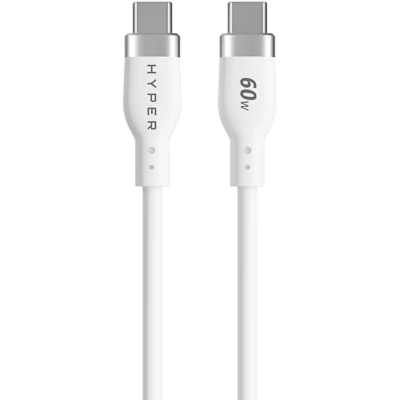
A standard USB-C to USB-C cable carries up to 60 W, which is enough for a phone, tablet and smaller laptop. For a more powerful laptop, choose a 100 W or 240 W cable with an e-marker chip in the connector. To fast-charge an iPhone you need a USB-C to Lightning or USB-C to USB-C cable and a USB-C charger of at least 20 W.
Data transfer and display output
A USB 2.0 cable transfers up to 480 Mbit/s, which is enough for charging and copying photos and music. For an external SSD or hard drive, choose a USB 3.2 Gen 1 (5 Gbit/s) or Gen 2 (10 Gbit/s) cable. To send the picture from a laptop’s USB-C port to a monitor, use a cable with USB-C at one end and DisplayPort at the other. HDMI cables are on the Video cables page, and multi-port hubs are on the USB hubs and docking stations page.
Frequently asked questions
iPhone 15 and newer models charge with a USB-C cable, iPhone 5 to iPhone 14 with a Lightning cable. For fast charging, a USB-C to Lightning cable works with a USB-C charger.
Yes, the device and charger negotiate the power between them, and the phone takes only as much as it needs. A high-power cable charges a phone just as well as a laptop.
The standard upper limit for a USB 2.0 cable is 5 m, and a fast USB 3.2 cable works reliably up to about 2 m. For longer distances, there are active cables with a booster.
Yes, if the laptop’s USB-C port supports DisplayPort Alt Mode or Thunderbolt, which is often shown by a DisplayPort or lightning symbol next to the port. Then a cable with USB-C and DisplayPort ends connects the monitor directly.
Every USB cable carries power and data at the same time, and the cables differ in data speed. A USB 2.0 cable suits charging and smaller files, a USB 3.2 cable suits copying large files to an external drive.
-
6,99 €
- Cable length
- 1 m
- Power
- 60 W
- USB standard
- USB 2.0
-
19,99 €
- Cable length
- 10 m
- USB standard
- USB 2.0
-
7,99 €
- Cable length
- 1 m
- USB standard
- USB 2.0
-
26,99 €
- Cable length
- 1 m
- Power
- 100 W
- USB standard
- USB 3.2 Gen 2 (10 Gbit/s)
-
3,99 €
- Cable length
- 1.8 m
- Power
- 2.5 W
- USB standard
- USB 2.0
-
4,99 €
- Cable length
- 3 m
- Power
- 2.5 W
- USB standard
- USB 2.0
-
3,99 €
- Cable length
- 3 m
- USB standard
- USB 2.0
-
5,99 €
- Cable length
- 1.5 m
- USB standard
- USB 2.0
-
21,99 €
- Cable length
- 1 m
- Power
- 240 W
- USB standard
- USB4 (40 Gbit/s)
-
8,99 €
- Cable length
- 1.5 m
- USB standard
- USB 3.2 Gen 1 (5 Gbit/s)
-
11,99 €
- Cable length
- 0.5 m
- Power
- 240 W
- USB standard
- USB 3.2 Gen 2x2 (20 Gbit/s)
-
17,99 €
- Cable length
- 10 m
- USB standard
- USB 2.0
-
15,99 €
- Cable length
- 2 m
- Power
- 100 W
- USB standard
- USB 3.2 Gen 2x2 (20 Gbit/s)
-
12,99 €
- Cable length
- 5 m
- USB standard
- USB 2.0
-
3,99 €
- Cable length
- 3 m
- Power
- 2.5 W
- USB standard
- USB 2.0
-
4,99 €
- Cable length
- 1.5 m
- USB standard
- USB 2.0
-
-
3,99 €
- Cable length
- 1.5 m
- USB standard
- USB 2.0
-
29,49 €
- Cable length
- 1.2 m
- Power
- 240 W
- USB standard
- USB 2.0
-
8,99 €
- Cable length
- 2 m
- USB standard
- USB 3.2 Gen 1 (5 Gbit/s)
-
3,99 €
- Cable length
- 0.5 m
- Power
- 36 W
- USB standard
- USB 3.2 Gen 1 (5 Gbit/s)
-
14,99 €
- Cable length
- 0.14 m
- Power
- 240 W
- USB standard
- USB 3.2 Gen 2 (10 Gbit/s)
-
9,99 €
- Cable length
- 1.8 m
-
12,99 €
- Cable length
- 1.5 m
- Power
- 60 W
- USB standard
- USB 2.0
All products shown.





































