Skip to content

Shipping country

Clearance -15%

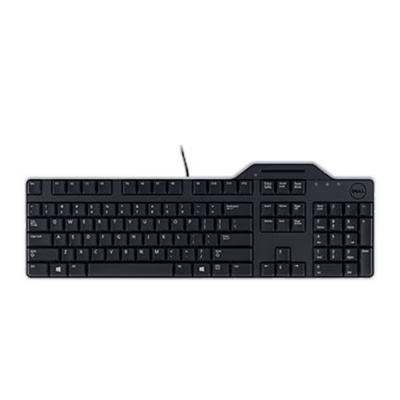
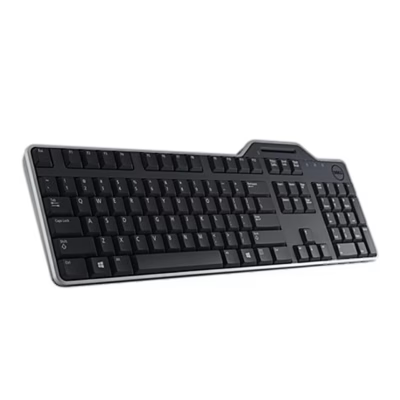
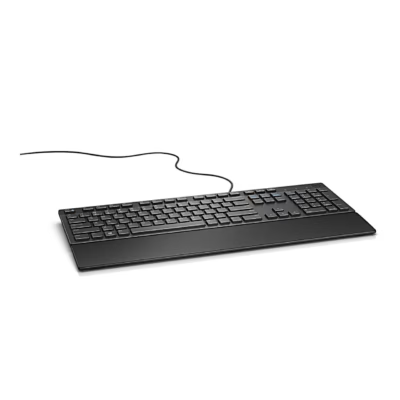
Wired keyboard Dell KB525C, black

  • Brand:
  • Product code: GRP-dell-dell-kb525c-black
  • EAN: 5397184922071

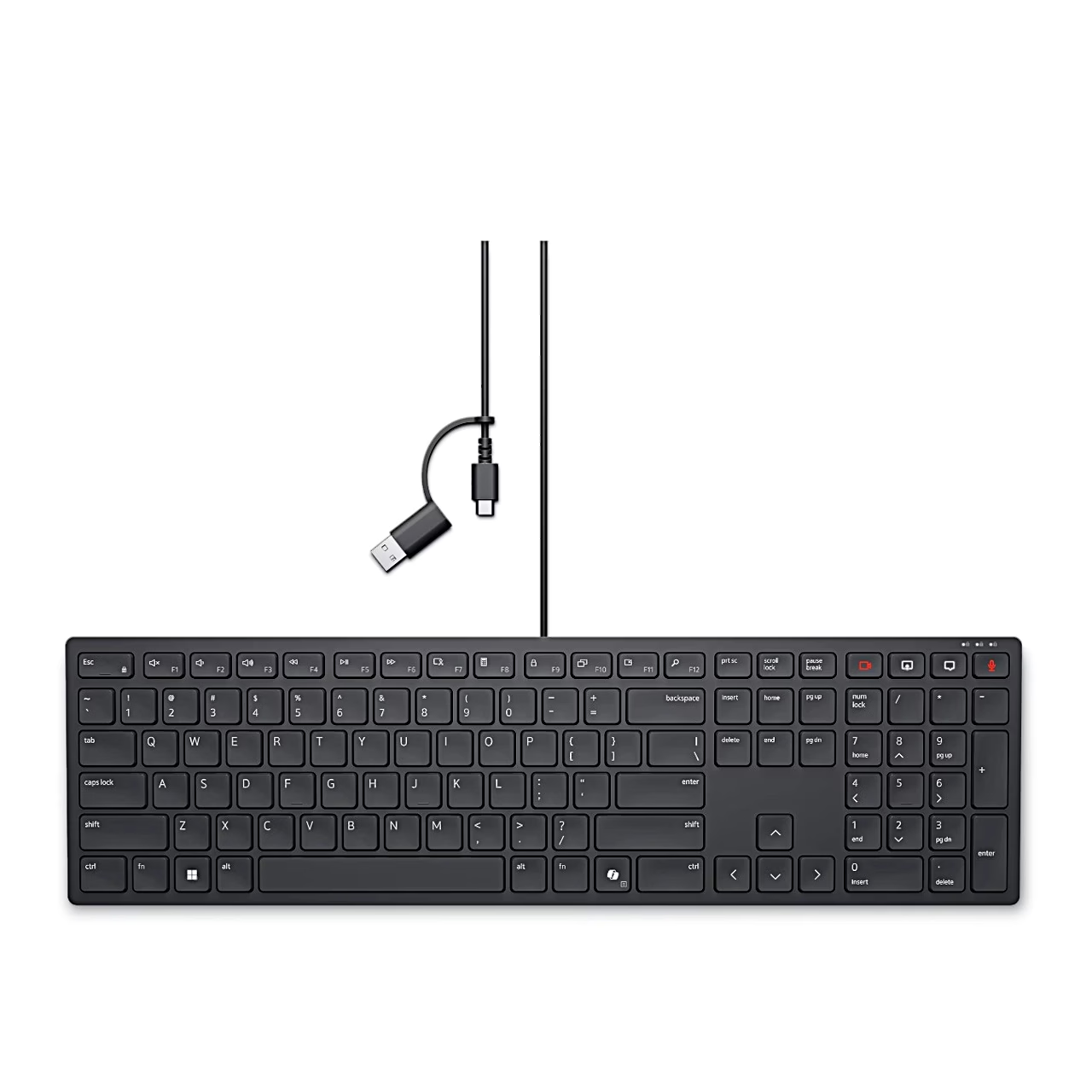
Full-size keyboard with low-profile keys, the Dell KB525C connects to a computer with a USB-C cable or with the included USB-A adapter. Four illuminated keys control the camera, screen sharing, chat window and microphone in a Zoom meeting.

-7%

from 38,99 €

Out of stock This product is out of stock or sold out.
Category:

Description

Keyboard with Zoom meeting keys

The meeting keys in the upper right corner of this wired keyboard light up white during a call, and the camera-off and mute key lights up red, so you can see the status of your camera and microphone directly from the keyboard.

Programmable keys and Copilot key

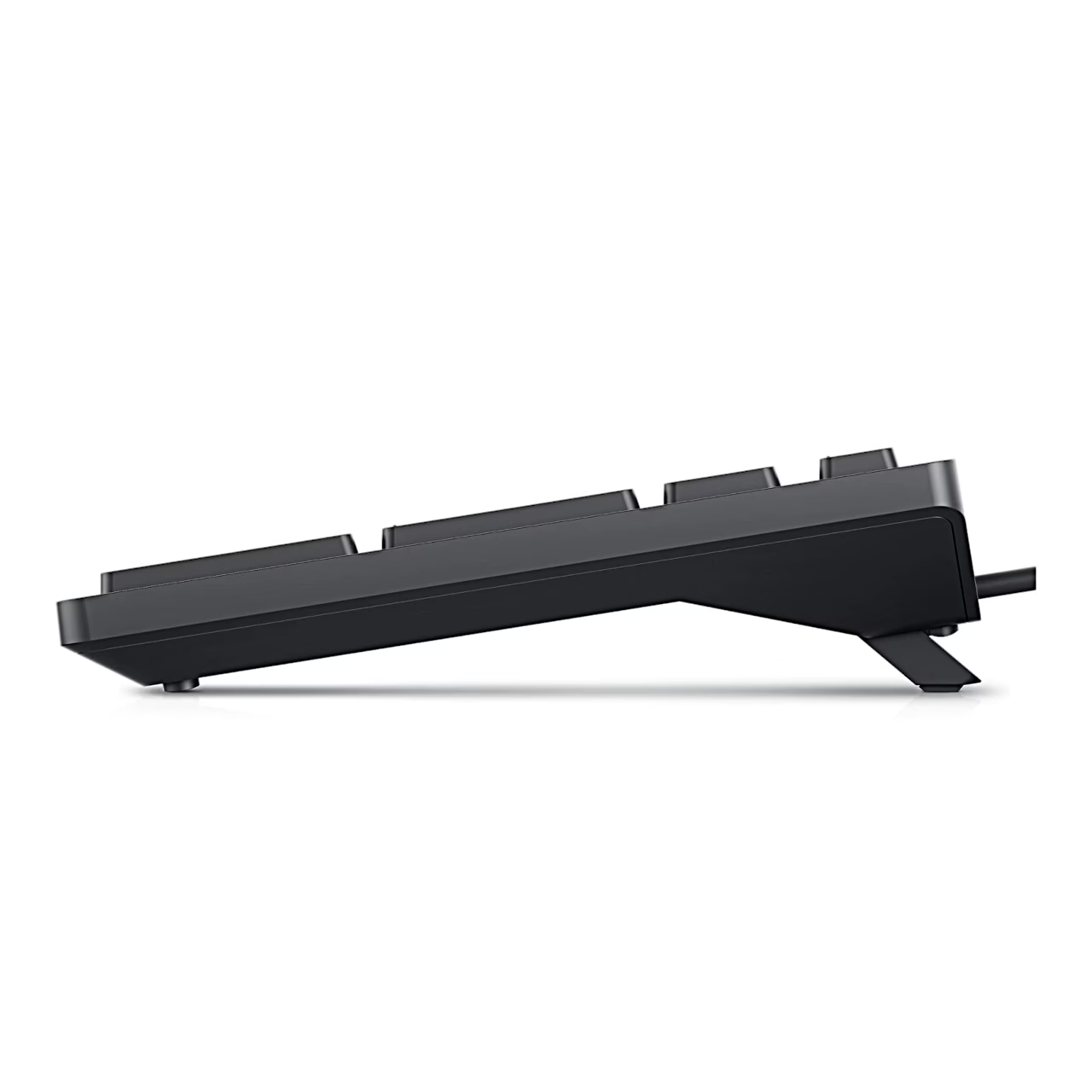
The top row has 15 programmable keys, to which you can assign shortcuts in the Key Customization tab of the Dell Display and Peripheral Manager application, for example next track, play and pause, or mute volume. The Copilot key launches Copilot on supported Windows 11 devices. Indicator lights show the status of Caps Lock, Scroll Lock and Num Lock, and you can adjust the keyboard’s tilt with the two rear feet.

Connecting with a USB-C or USB-A port

The cable ends in a USB-C plug, to which a detachable USB-A adapter is fitted: to connect the keyboard to a computer with a USB-A port, use it with the adapter, and to connect to a computer with a USB-C port, use it without the adapter. The computer detects the keyboard automatically, and the meeting key lights come on for a few seconds when connected. The first time you connect, a prompt to download the Dell Display and Peripheral Manager may appear; you can install it manually from Dell.com/support/DDPM.

Use in a Zoom meeting

After joining a meeting, pressing a key switches the corresponding function on, and pressing it again switches it off. The meeting keys work with Zoom desktop app version 5.9.3 or later, when Dell Display and Peripheral Manager is installed and running on the computer.

In the box

  • Dell KB525C keyboard with USB-C cable
  • USB-A adapter
  • Documentation

Additional information

Weight 459,0 kg
Keyboard layout

Lithuanian (LT), Estonian (EST), Russian (RUS)

Intended use

Colour

Black

Supported operating systems

Windows 10, Windows 11, macOS 11 or later, Linux, Ubuntu, ChromeOS, iPadOS 14 or later, Android 9.0 or later

Quantity per pack

1 pcs

Plug

USB-C, with USB-A adapter

Programmable keys

15

Special function keys

Zoom camera, screen sharing, chat, microphone, Copilot

Key height

Low keys

Adjustable tilt

Yes

Material

Plastic, rubber

Dimensions

433 × 122.1 × 26.1 mm

Operating temperature

0–40 °C

Connectivity

Wired

Keyboard size

Full size (100%)

  • Only a customer who bought the product from us can review it: signed in, or through the link in the e-mail we send after the order. We check the purchase against the order.
  • We read every review before it is published (rules below).
  • The average rating is the plain average of all published ratings.
  • The buyer receives loyalty points for an approved review, whatever its rating or content. Text and a photo earn extra points. Reviews that earned points are marked.

  1. Write about the product and your own experience with it.
  2. A review may not contain personal data, links or advertising.
  3. Offensive or unlawful content is not allowed.
  4. Whether a review is published never depends on its rating.
  5. A photo must be taken by you, and the product must be clearly visible on it.
  6. A photo may not show people who can be recognised, or personal data such as documents, addresses or number plates.
  7. If we do not publish a photo, we send the reviewer the reason by e-mail.

Reviews

There are no reviews yet.

Bought this product from us? Sign in, or open the link in the e-mail we send after the order.

Similar products available

Suitable accessories

Goes well together

More from the same brand

See all Dell products (315)

See also:

Newsletter

New collections first

Only useful and necessary news: new products, items back in stock and member offers. No spam.

Create account

A link for setting your password will be sent to your e-mail address.

We send only useful and necessary information, and you can unsubscribe with one click. You confirm by e-mail before the first letter.

Your personal data will be used to support your experience throughout this website, to manage access to your account, and for other purposes described in our privacy policy.

Menu

Shipping country

AssistantBETA

AI helper

Hi!

I am your AI assistant! Ask me freely, in your own words, what you would like to find or what more information you need, and I will gladly help you!

You can also choose one of these:

    Cart

    Your cart is empty.