

Description
Wired gaming keyboard with Mecha-Membrane switches
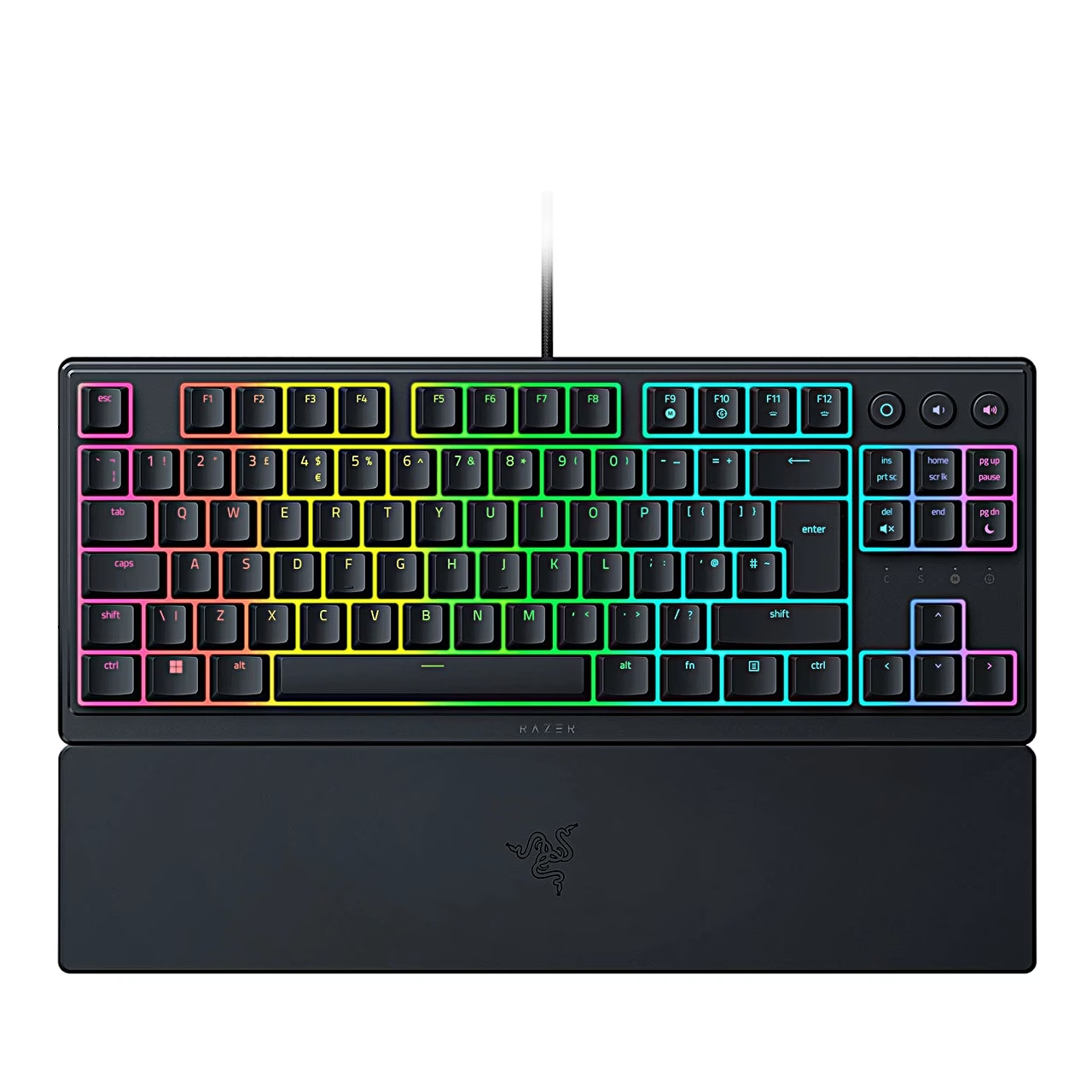
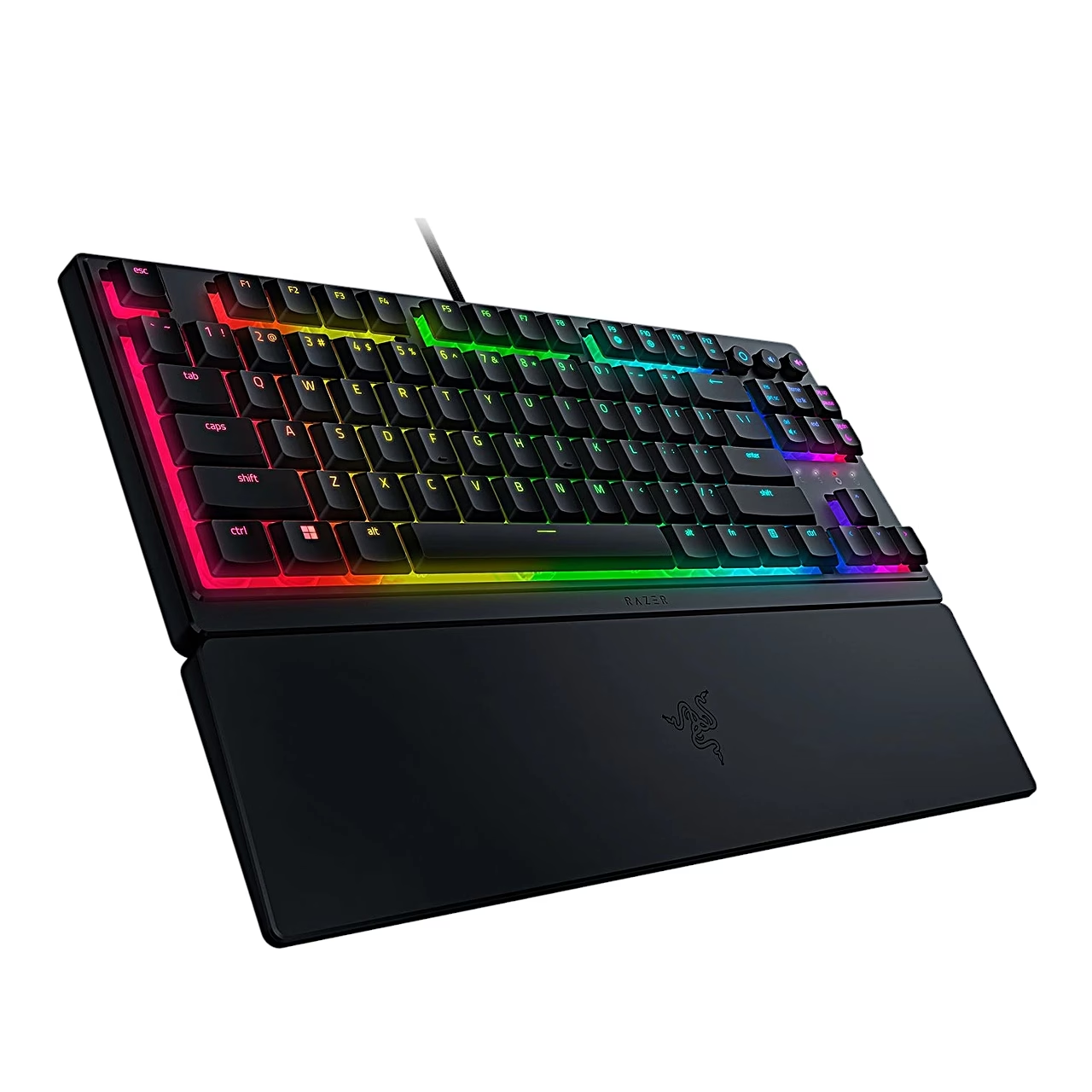
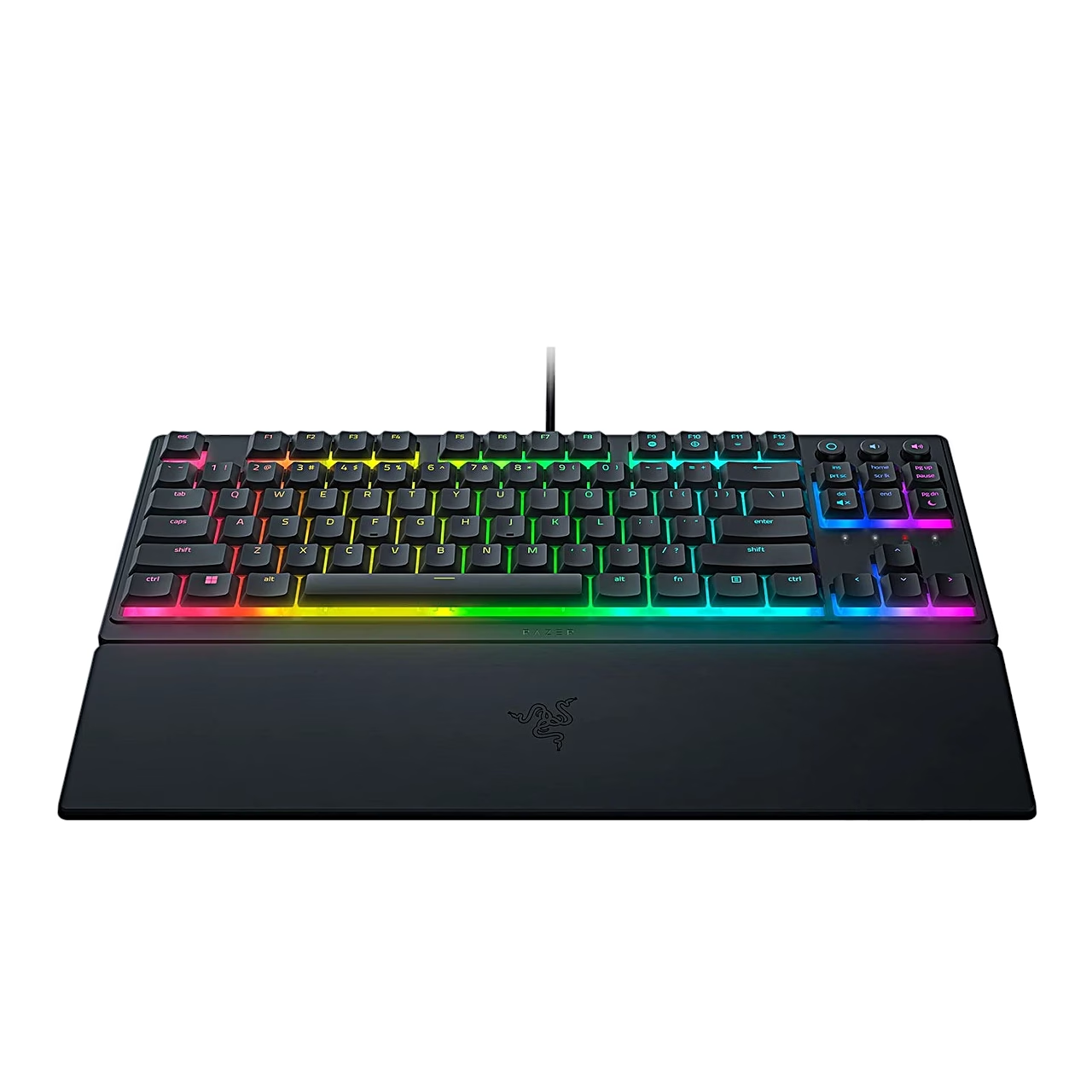
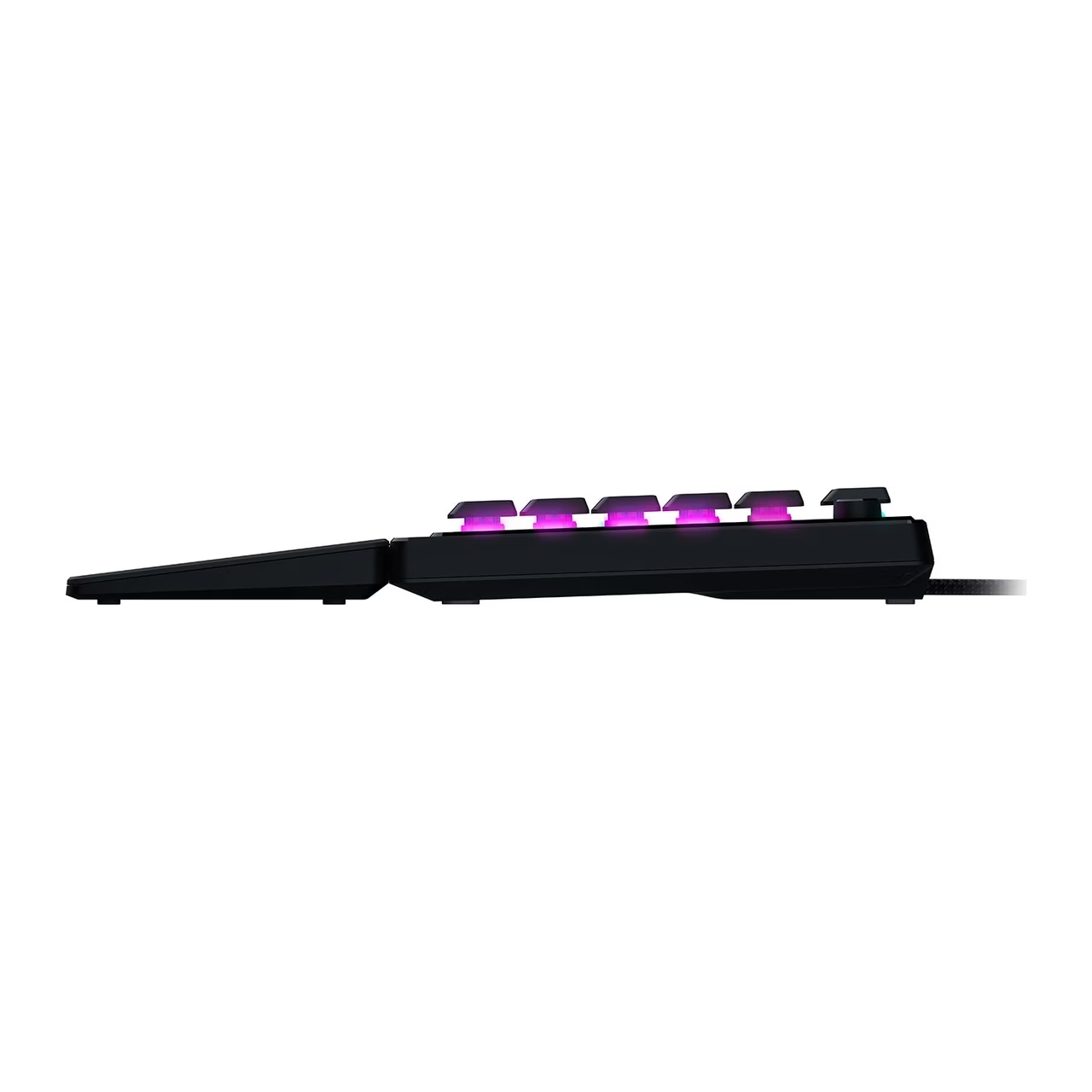
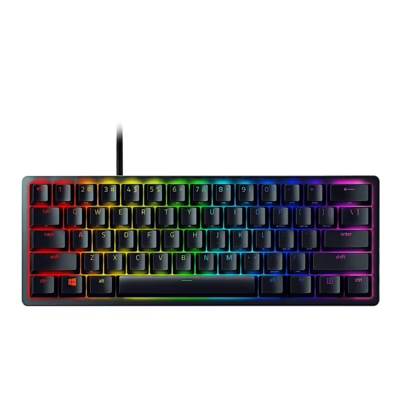
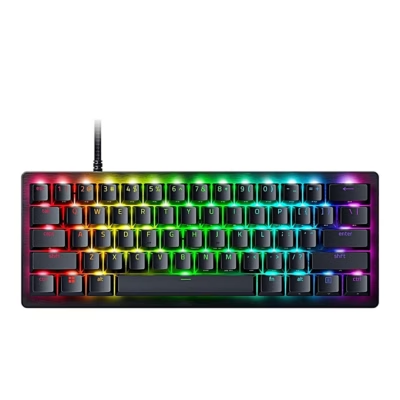
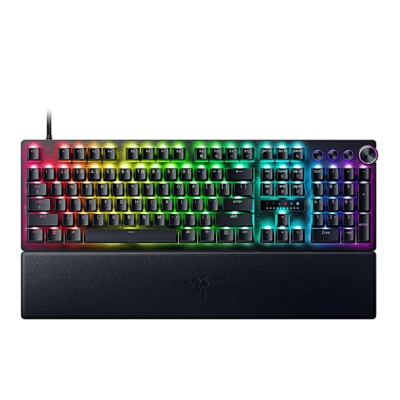
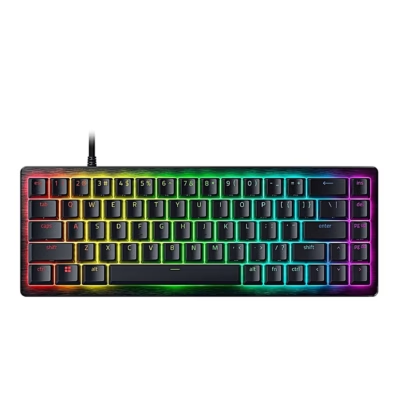
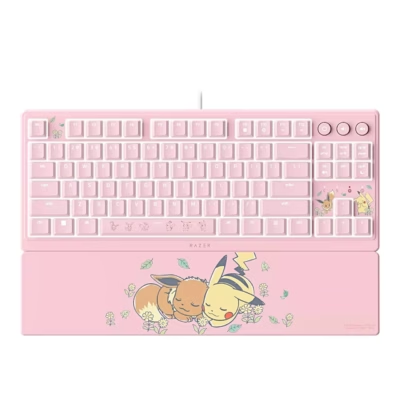
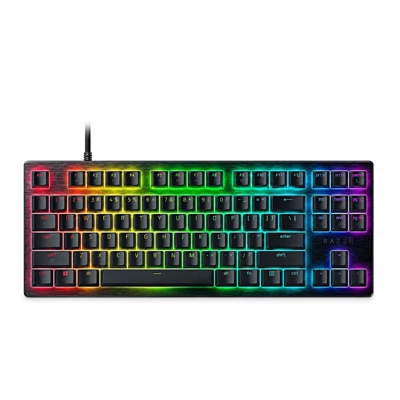
The wired gaming keyboard Ornata V3 TKL has low-profile keys and UV-coated keycaps. The Razer Mecha-Membrane switch combines the clicky, tactile feedback of a mechanical switch with the cushioned press of a membrane switch.
Media and gaming keys
One press of the media button pauses or resumes playback, two presses skip to the next track and three to the previous one. Separate buttons change the volume, and FN + DEL mutes and unmutes the sound. Gaming mode (FN + F10) disables the Windows key, the menu key and the Alt + Tab and Alt + F4 combinations. Macros can be recorded directly on the keyboard with FN + F9 while Razer Synapse is running.
Lighting settings
The hotkeys FN + CTRL + 1–5 select the lighting effect: off, static, breathing, spectrum cycling or wave. Brightness is changed with FN + F11 and FN + F12. In the Razer Synapse app you can reassign keys and choose from 16.8 million colours.
Getting started
Plug the keyboard’s USB connector into a USB-A port on the computer and attach the wrist rest magnetically to the front edge. The computer needs Windows 10 64-bit or later. The keyboard has two kickstands underneath, and the cable can be routed through channels in the base.
Cleaning and care
Once a month, unplug the keyboard and clean it with a soft cloth or a cotton swab. Do not use soap or harsh cleaning agents.
In the box
- Razer Ornata V3 TKL gaming keyboard
- Magnetic wrist rest
- Important Product Information Guide



















































Reviews
There are no reviews yet.